

Struggling with Bit.ai’s workflow limitations?
If you’re dealing with Bit.ai’s high prices, limited formatting, or frustrating workflow automation gaps, the search for something better probably feels urgent.
These limitations can slow your document processes and restrict productivity when your team needs greater speed and flexibility.
Over time, sticking with Bit.ai wastes resources and energy. You end up battling restricted exports, awkward team adoption, and workarounds for integrations just to get basic tasks done.

That’s why making a switch can’t wait—especially when staying with Bit.ai keeps holding your business back.
In this article, I’ll walk you through the best Bit.ai alternatives for document workflow software in 2025, including top picks like FileCenter, Nintex, DocuWare, PandaDoc, Avokaado, DocuSign, Jotform, Wrike, and AirSlate.
By picking the right tool, you’ll gain better workflow automation, richer customization, and integrations that finally fit your needs.
Let’s upgrade your workflows.
Quick Summary:
| # | Alternative | Rating | Best For |
|---|---|---|---|
| 1 | FileCenter → | Users wanting modern interfaces | |
| 2 | Nintex → | Teams needing better collaboration | |
| 3 | DocuWare → | Companies requiring better support | |
| 4 | PandaDoc → | Small teams seeking simplicity | |
| 5 | Avokaado → | Budget-conscious growing businesses |
1. FileCenter

Struggling with Bit.ai’s limited formatting and automation?
FileCenter offers cabinet-drawer filing built on familiar Windows folder structures, direct scanning with OCR, and a PDF editor—addressing Bit.ai’s biggest gaps for real document workflows.
With FileCenter, you get local control and traditional file handling with zero database complexity, something that’s missing from Bit.ai’s collaboration-first, web-based design. This means switching won’t leave you stuck with rigid systems or wrestling for file ownership in the cloud.
Here’s the smarter path forward for your document management.
Switching to FileCenter gives you desktop-first document organization, letting your team easily migrate files and start working without sacrificing the comfort of Windows-like structure.
You’ll instantly see value with the cabinet-drawer filing approach, since your documents organize just like your existing folders—no retraining, no steep learning curves. If direct digitization matters to you, FileCenter’s integrated scanning and OCR makes it painless to import paper documents and automate final naming, something Bit.ai can’t match.
There’s more: you also get built-in PDF creation, editing, and annotation, so finalizing documents never sends you scrambling for another tool. You’ll keep key workflows in one place, boosting team adoption and minimizing integration headaches.
Now your files are really in your hands.
Key features:
- Cabinet-drawer file organization with Windows structure gives you direct, folder-based filing that feels familiar, eliminating Bit.ai’s complex web interface and cloud dependencies for day-to-day document management.
- Integrated scanning and automatic OCR lets you convert and smartly route paper documents, streamlining digitization processes that Bit.ai simply doesn’t offer for physical records.
- Full-featured PDF editing built-in means you can create, merge, annotate, and finalize important PDFs straight from FileCenter, consolidating key workflow steps without requiring third-party editors.
Verdict: FileCenter makes a compelling Bit.ai alternative if you need straightforward Windows-based workflows, fast digitization, and robust PDF handling. If your priority is local document control and smooth adoption, FileCenter replaces Bit.ai’s limitations with simplicity where it matters for your document management.
2. Nintex

Feel like Bit.ai just can’t automate enough?
Nintex gives you advanced workflow automation that goes way beyond Bit.ai’s basic content collaboration. You get drag-and-drop workflow design, document generation, and even robotic process automation built in.
This means you’re not stuck with limited approval options or rigid templates like Bit.ai. Instead, you have the flexibility to automate multi-step processes, manage complex routing, and standardize document creation.
You actually get real automation power here.
Nintex solves the true workflow automation problem if Bit.ai’s simple content tools aren’t enough for your business.
With Nintex, your team can design and automate custom workflows with a visual designer instead of traditional coding. You can automate approvals, document routing, and even kick off processes between multiple systems—all features you wish came standard in Bit.ai.
Plus, you can automatically generate documents from templates and live data to keep everything consistent and error-free. Imagine setting up a contract or HR offer letter template once, then letting Nintex personalize and deliver it in seconds—no more manual work.
You’ll also love that Nintex brings in robotic process automation. Bots can connect and move documents between legacy systems, internal apps, or external cloud services. So if you’re trying to bridge gaps that Bit.ai can’t, Nintex actually gets it done.
You finally achieve automation that actually saves you time.
Key features:
- No-code drag-and-drop workflow designer lets you automate even complex document processes, providing more flexibility and control compared to Bit.ai’s basic approval options.
- Automated document generation from templates and data ensures every document is consistent, so you avoid repeated manual edits that Bit.ai’s content-focused editor can’t eliminate.
- Integrated robotic process automation (RPA) capabilities let you use bots to handle repetitive document tasks, connecting different systems much more deeply than Bit.ai’s integrations.
Verdict: Nintex is a strong Bit.ai alternative for businesses seeking serious document workflow automation. With ROI figures of 213% and payback in just 9 months, you actually see major efficiency gains for complex multi-step routing, automation, and document creation—all pain points Bit.ai misses for your workflow needs.
3. DocuWare

Feeling boxed in by Bit.ai’s workflow limits?
DocuWare addresses those constraints with intelligent indexing, automated data capture, and comprehensive compliance tools that go far beyond Bit.ai’s manual document handling and workflow features.
You get all the foundational automation you want, plus superior version control, regulatory-ready audit trails, and truly customizable workflows that aren’t restricted by rigid templates or limited integrations.
Here’s why DocuWare is worth your attention.
Unlike Bit.ai, DocuWare doesn’t just digitize your documents—it transforms your document management with powerful automation and enterprise-grade workflow controls designed for regulatory and high-volume environments.
With intelligent indexing, DocuWare uses AI to capture and classify documents automatically for rapid retrieval, so your team never wastes time tagging files by hand. Automated retention policies and in-depth audit trails mean you’re always prepared for compliance or audits without manual tracking that Bit.ai can’t match.
Additionally, you can tailor routing, approval chains, and process steps to suit each department’s unique needs rather than getting stuck with rigid workflows. When you add up all these advanced automations, the result is a system that keeps your data secure, your workflows fast, and your team empowered to handle even mission-critical document tasks with confidence.
Get more workflow power with DocuWare.
Key features:
- AI-powered intelligent indexing and retrieval lets your team automate document tagging and organization for huge volumes—outpacing Bit.ai’s manual entry and improving search speed across your archive.
- Enterprise-grade compliance and auditing controls automate document versioning, retention, and full audit logs that are critical for regulatory needs beyond the basics Bit.ai provides.
- Configurable rules-based workflow automation allows you to customize routing and approvals, adapting to your team’s real-life process complexity that Bit.ai’s simple templates can’t handle.
Verdict: DocuWare is a robust Bit.ai alternative when you need advanced document workflow software with serious automation, compliance, and lifecycle controls. Customers have reduced processing times by 60% and cut costs by 40% after switching—especially for regulated industries and high-volume workflows.
4. PandaDoc

Frustrated by Bit.ai’s limited flexibility and workflow gaps?
PandaDoc steps up with advanced document workflows: proposal generation, legally binding e-signatures, and deep automation for your entire sales and contract process.
The power to design, send, and manage business documents in one platform means you get native e-signature capabilities without requiring third-party add-ons like Bit.ai. Higher visibility over approvals and versioning lets you handle compliance with ease.
Streamlining your workflow just got easier.
PandaDoc transforms the way you handle business documents, especially if Bit.ai’s free plan limits and automation gaps are slowing you down.
You’ll find robust tools for creating interactive, trackable proposals and contracts that go far beyond static text. Plus, you can integrate legally binding e-signatures directly into any document, making formal approvals faster and less error-prone. The platform’s multi-step approval flows, complete with conditional logic, ensure that nothing slips through the cracks.
Additionally, PandaDoc automates approval chains and route documents to the right stakeholders without manual tracking. All these features combine so you can confidently upgrade your workflow, improve turnaround times, and free up hours each week formerly spent managing clunky processes.
Switch with less hassle, more control.
Key features:
- Interactive proposal and contract builder lets you assemble media-rich, branded business documents with analytics, tracking, and external client engagement tools not offered by Bit.ai’s internal-focused framework.
- Integrated, legally binding e-signatures save you from relying on third-party tools or unsecured workarounds, streamlining formal document execution compared to Bit.ai.
- Automated approval workflows with audit trails ensure documents get routed correctly through your process, with detailed tracking supporting strict compliance requirements lacking in Bit.ai.
Verdict: PandaDoc is an ideal Bit.ai alternative if your document workflows demand automation, compliance, and formal approvals. Users report a 28% faster deal close rate and saving 12 hours per week after switching, making PandaDoc a smart upgrade for business-critical sales or contract processes.
5. Avokaado

Frustrated by limitations in Bit.ai’s document workflows?
Avokaado brings advanced, AI-powered automation to your document creation, with smart templates, contract management, and built-in legal workflow support that go far beyond Bit.ai’s offerings.
If you need more than basic document editing, Avokaado gives you contract lifecycle automation, integrated e-signatures, and intelligent template logic. This level of end-to-end workflow control is exactly what Bit.ai lacks, especially for advanced agreements or legal paperwork.
Add to that, Avokaado puts your whole process on autopilot.
Here’s how Avokaado really solves the pain.
With Avokaado, your team can create legal documents and contracts in minutes, not hours. The platform’s template engine uses conditional logic and input fields so your docs are accurate, compliant, and tailored to each scenario.
Unlike Bit.ai, you can manage every contract from drafting to signing without leaving one central system. The automated alerts, audit trails, and e-signature capabilities remove manual steps and let you handle renewal cycles or formal sign-offs smoothly.
Plus, batch signing and audit-ready trails don’t just speed things up—they also cut risk and save you from costly errors. These features work together to make switching from Bit.ai feel like a major upgrade for your team.
It’s everything you wanted Bit.ai to do—only better.
Key features:
- Smart document generation with advanced template logic automates creation of complex legal documents, delivering customizable workflows far beyond the basic formatting options in Bit.ai’s editor.
- Contract lifecycle management and workflow automation covers drafting, collaboration, signing, and renewal with audit trails and alerts—ensuring full control and compliance lacking in Bit.ai.
- Integrated e-signatures and batch processing mean contracts can be executed securely within the platform, handling formal approvals and large volumes without needing third-party tools.
Verdict: Avokaado stands out as an alternative to Bit.ai for legal, compliance, and high-stakes document workflows. You can speed up drafting by up to 78%, minimize human errors, and centralize contract management—making it a perfect upgrade if you’re frustrated with Bit.ai’s limitations.
6. DocuSign

Need more control over your document workflows lately?
DocuSign steps in with robust e-signature and workflow automation features that Bit.ai simply can’t match for formal document management.
If collecting legally binding signatures or managing approval cycles is critical, DocuSign lets you automate routing, reminders, and archival effortlessly across your agreements. This is a huge leap beyond Bit.ai’s limited content collaboration, especially when you need rigorous compliance and traceability.
The result is truly faster, simpler document execution.
Here’s how DocuSign gives you that edge.
Unlike Bit.ai, DocuSign puts secure, compliant e-signatures at the heart of your workflow. You can finalize contracts, legal agreements, and HR documents electronically—with full audit trails and regulatory compliance.
For even deeper control, you get AI-powered agreement analysis that finds key terms and risks. Your team can instantly surface hidden obligations or renewal dates, which Bit.ai’s basic content tracking just can’t do.
Plus, DocuSign’s workflow automation means no more manual chasing for signatures or approvals. You set up custom reminders and routing, so deals close faster and version chaos disappears once and for all.
You get rock-solid assurance at every step.
Key features:
- Legally binding, compliant e-signature capabilities give you the industry standard for contracts and approvals, a critical area where Bit.ai simply does not compete for trust and scale.
- Advanced agreement workflow automation tools remove manual email follow-ups, handling document routing, reminders, and archiving with compliance in mind every step of the process.
- AI-driven agreement analytics and search extract terms, renewals, and risks instantly, providing actionable insights Bit.ai’s limited tracking features can’t match for high-stakes business agreements.
Verdict: DocuSign is your go-to Bit.ai alternative if formal signatures and workflow automation matter. Users cut turnaround times by over 75% and save about $36 per agreement compared to manual processes. For contracts, HR, or vendor management, you stay compliant and close deals faster—all while reducing hassle.
7. Jotform
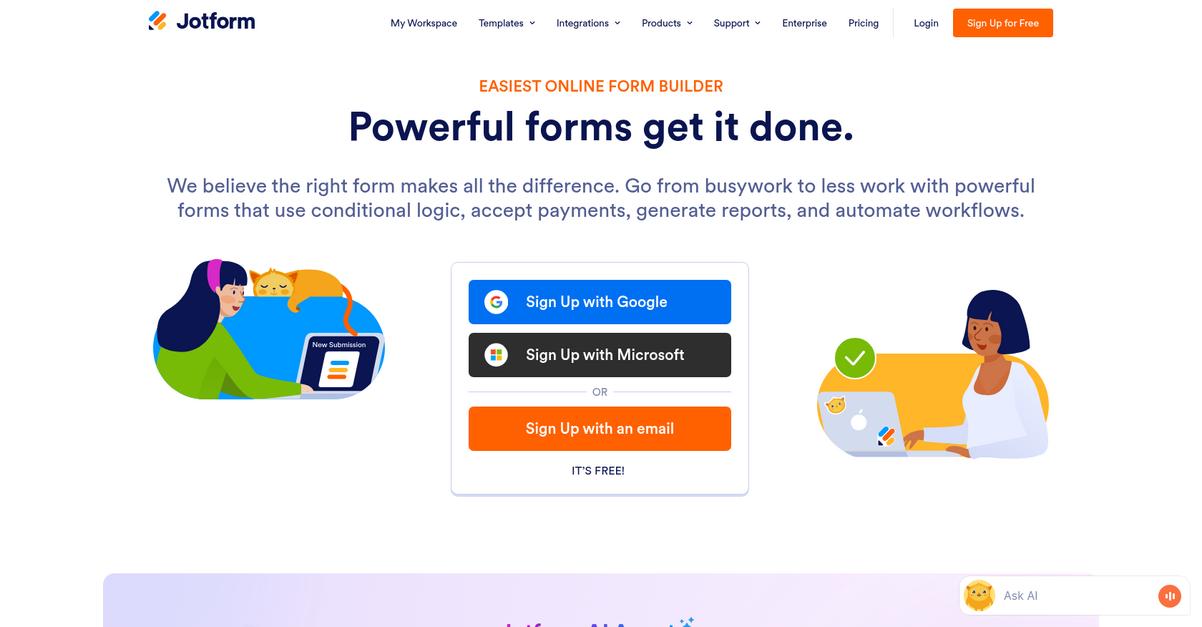
Looking for less frustration than Bit.ai offers?
Jotform tackles more than just document creation with its drag-and-drop form builder, powerful workflow automation, and automated PDF generation to target pain points Bit.ai misses.
This means you get structured data input via forms, instead of juggling Bit.ai’s limited document formats and cumbersome manual data collection. Automating everything from client intakes to approvals in one tool, Jotform offers automation Bit.ai simply doesn’t provide out of the box for document-driven workflows.
The result is a much more streamlined process.
Jotform is your answer if you’re tired of hitting Bit.ai’s workflow limits.
Instead of flattened collaboration, Jotform lets your team kick off tasks right from validated form submissions—no more free-form chaos. You capture precise data first, then generate or fill out PDFs in seconds, all while approval emails and assignments flow automatically. That’s a game-changer if efficiency and document reliability are your top priorities.
You’ll also love Jotform’s PDF Editor and template automation—great for invoices, applications, or any workflow that depends on structured documents. It removes the manual steps Bit.ai forces you to take and replaces them with a push-button experience.
Plus, workflow automations keep everyone in the loop, so submitted data instantly dispatches tasks and updates—helping your team move faster with far fewer errors.
Jotform delivers everything you need and then some.
Key features:
- Drag-and-drop online forms for structured intake empowering you to collect and validate data up front, streamlining processes like onboarding, order management, and approvals versus Bit.ai’s unstructured docs.
- Automated PDF document generation and editing turns submissions into polished invoices, contracts, or custom forms, removing the manual grunt work Bit.ai users struggle to automate.
- Workflow automation with approvals and notifications routes submissions, assigns tasks, and triggers alerts automatically, so your team never has to chase down action items or updates again.
Verdict: If you need more automated, accurate document workflows than Bit.ai delivers, Jotform is a proven switch. Most users report reducing manual data entry by 80% and approval times by 50%. You’ll see the biggest gains if you want structure, automation, and real workflow value.
8. Wrike
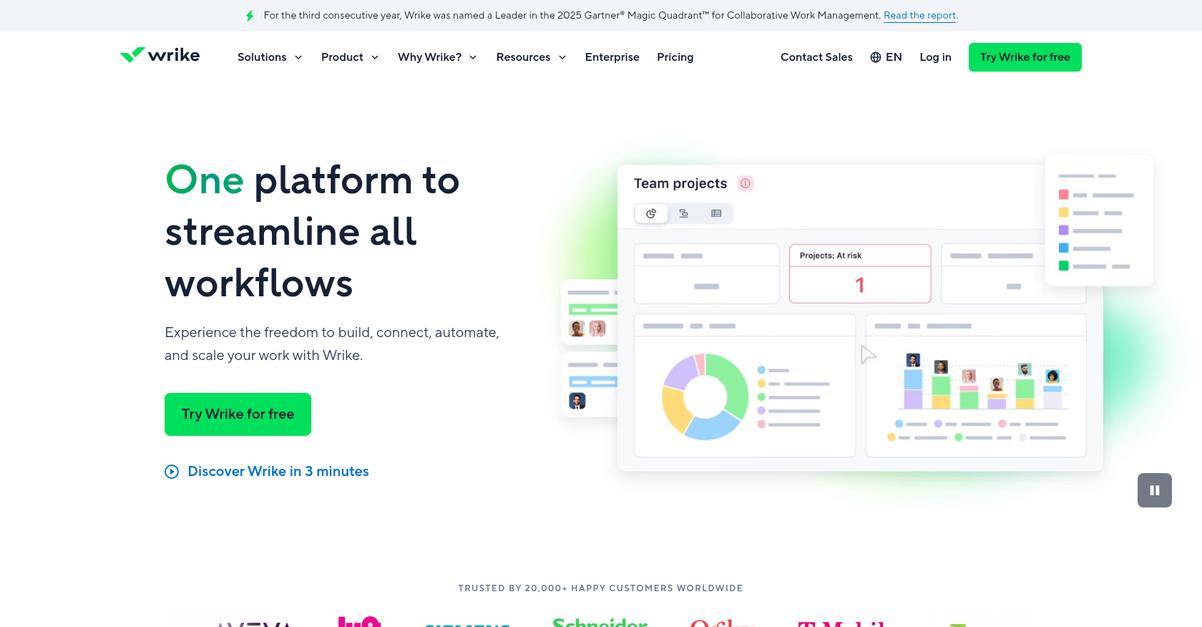
Tired of Bit.ai’s limits on your document flows?
Wrike brings together robust project management and document workflow automation features, directly tackling the pain points users face with Bit.ai’s restricted formatting and basic content flows.
The real difference with Wrike lies in its project-centric task and document integration. You’re not just storing documents. You’re tying every file, proof, and approval directly to actionable tasks and deadlines within your projects and workflows.
Here’s how you get more control over your process.
Wrike solves document bottlenecks Bit.ai just can’t touch.
Where Bit.ai focuses on content creation, Wrike gives you task management, project timelines, and document approvals all in one place, addressing the workflow automation you’ve been craving.
Instead of isolated documents, every file in Wrike links to a live task or project, with updates tracked through customizable workflows. The built-in proofing tools let your team leave feedback and approvals right on the document, which eliminates guesswork and wasted follow-up.
You also get project-level controls for defining complex approval paths and keeping status updates consistent. Plus, Wrike’s flexibility in customizing workflows makes onboarding smooth if you’re migrating off Bit.ai.
The result is a much clearer path from document creation all the way to delivery.
Key features:
- All-in-one task and document management attaches files directly to tasks and projects, unlike Bit.ai’s focus on standalone documents, giving you end-to-end traceability across your work.
- Integrated proofing and approvals platform lets team members annotate, comment, and approve documents inside Wrike, streamlining what are slower, disjointed feedback loops in Bit.ai.
- Custom workflow automation for projects enables you to tailor approval routes and status updates at every stage, making document handling far more structured than Bit.ai can offer.
Verdict: Wrike is a top Bit.ai alternative for document workflow software, especially if you want project and task management tightly coupled with approvals, proofing, and real workflow automation. You get control, accountability, and integration Bit.ai just can’t match for growing document demands.
9. airSlate
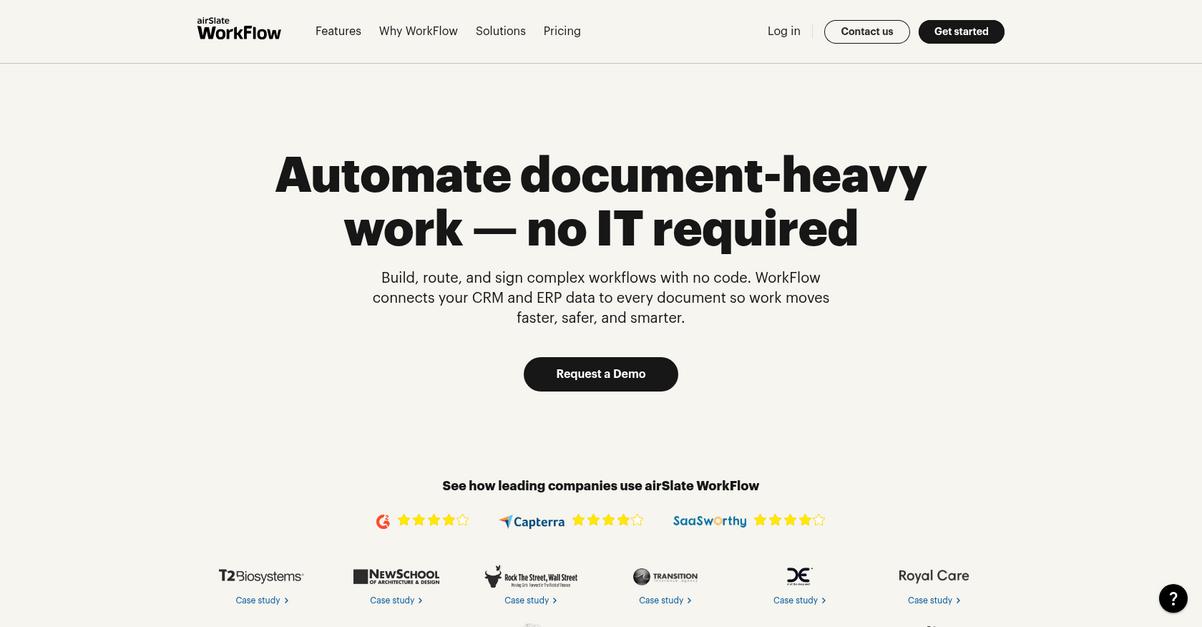
Is Bit.ai holding your workflows back?
airSlate goes way beyond content collaboration by letting your team visually build automated document workflows, create fillable forms, and integrate e-signatures—all in one place.
What really stands out is how airSlate’s intuitive no-code workflow builder removes the complexity and technical roadblocks common with Bit.ai. You get drag-and-drop tools that automate document lifecycles end to end without writing any code, making custom routing and approvals almost effortless.
Here’s where that difference can truly change your day.
airSlate gives you a smarter way to automate.
Instead of just creating and sharing documents like Bit.ai, airSlate lets your team automate routing, approvals, and even data transfers from start to finish. Its workflow builder makes it easy to map out each step, while you also get access to dynamic fillable templates for structured data collection—perfect if collecting consistent input has been a challenge.
Plus, integrated e-signatures are built right in, so you can execute contracts or agreements instantly as part of your workflow. These features, taken together, can help your team see a 60% faster turnaround and up to 90% fewer process errors than before.
You really get more control and reliability.
Key features:
- No-code workflow builder for automation lets your team design custom document lifecycles, approvals, and routing visually, which is much more flexible than Bit.ai’s primarily collaborative features.
- Fillable forms and dynamic templates support smarter, structured data collection and generation, so collecting and managing input is easier than with Bit.ai’s limited formatting.
- Integrated e-signature within workflows enables you to execute formal documents and contracts within the automated process itself, going beyond Bit.ai’s lack of native signature tools.
Verdict: airSlate is a standout Bit.ai alternative when you need real document workflow automation. You get more robust control, dynamic forms, and built-in signatures—helping your team process documents 60% faster and slash error rates by up to 90%. It’s a true upgrade for digital document workflows.
Conclusion
Frustrated with Bit.ai’s constant workflow bottlenecks?
When you’re stuck battling high pricing and limited automation, every document feels like a chore instead of a solution. Bit.ai’s free plan and export restrictions just slow your team down further.
Deciding to move on is the right call—switching frees you from daily frustrations faster than staying mired in the same workflow headaches. Your team deserves tools that actually boost productivity, not limit it.
Let’s talk about your best next step.
FileCenter is built for straightforward, powerful document management that breaks you free from Bit.ai’s constraints. You get desktop-first control, flexible organization, and no more fighting with awkward automations.
In my experience, FileCenter stands out as a Bit.ai alternative because it’s all about making document workflows effortless—especially when you’re tired of workarounds and endless limitations.
Ready to upgrade? Start your free FileCenter trial and see the difference.
Get time and sanity back in your workflow.