
Still wasting time on clunky software?
If you’re struggling with CCH Axcess Document’s outdated interface, slow automation, or difficult workflow collaboration, you’re not alone in your frustration.
The truth is, inefficient document tools drag down team efficiency and make even simple tasks a chore, impacting your client service.
Wasted staff hours, frustrated teams, and error-prone manual processes are the real cost of relying on CCH Axcess Document. When your software holds you back, productivity, client trust, and morale all take a hit.

The good news? There are smarter alternatives that make document workflows fast and intuitive, giving your firm a real competitive edge.
In this article, I’ll walk you through the best CCH Axcess Document alternatives for accounting firms, including SmartVault, FileCenter, TaxDome, and more, so you can stop fighting your software and start automating your work.
You’ll unlock streamlined workflows, easier compliance, and more productive teams.
Let’s explore your options.
Quick Summary:
| # | Alternative | Rating | Best For |
|---|---|---|---|
| 1 | FileCenter → | Users wanting modern interfaces | |
| 2 | Glasscubes → | Teams needing better collaboration | |
| 3 | TaxDome → | Small teams seeking simplicity | |
| 4 | SmartVault → | Companies requiring better support | |
| 5 | Canopy → | Budget-conscious growing businesses |
1. FileCenter

Tired of CCH Axcess Document’s clunky interface?
FileCenter smooths out daily frustrations with an intuitive, Windows-first system, making document management feel familiar and efficient for your accounting team right away.
By letting you organize files using familiar folder layouts, FileCenter allows you to sidestep the steep learning curve with complex taxonomies required in CCH Axcess Document. It also brings integrated scanning and OCR to the table, something CCH Axcess Document lacks out of the box.
The result: you gain faster onboarding plus fewer workflow hiccups, all while enjoying immediate user comfort with familiar desktop filing for your staff.
Here’s why FileCenter stands out for you.
Switching to FileCenter gives you more than just easier navigation. It addresses your desire for simplicity using a native Windows folder structure, so your team can file, search, and retrieve documents instantly without the confusion of a proprietary database environment.
Plus, you benefit from affordable one-time purchase licensing options that CCH Axcess Document does not offer. This gives you cost control with perpetual desktop licenses, reducing overhead versus ongoing annual fees, and helps boost adoption with minimal recurring expenses.
FileCenter’s integrated scanning with OCR means you can convert paper to searchable, organized files in moments, instead of juggling separate scanning add-ons or tedious manual entry. If usability and digitization are your top priorities, this directly solves that problem.
Your document management can finally feel effortless.
Key features:
- Native Windows folder organization means you manage files using the interface your team already knows, eliminating steep learning curves that slow adoption found in CCH Axcess Document.
- One-time perpetual licensing available lets you own FileCenter without mandatory annual subscriptions, giving your firm more control over document management costs long-term.
- Integrated scanning and OCR allows you to digitize, organize, and search documents instantly, solving paper bottlenecks and removing CCH Axcess Document’s reliance on third-party scanning solutions.
Verdict: FileCenter is a strong alternative to CCH Axcess Document if you want familiar organization, integrated scanning, and budget-friendly ownership. Users report significantly quicker retrieval times and more efficient onboarding thanks to native Windows integration, making it ideal for accounting firms seeking a smoother, more affordable experience.
2. Glasscubes
Feeling boxed in by CCH Axcess Document lately?
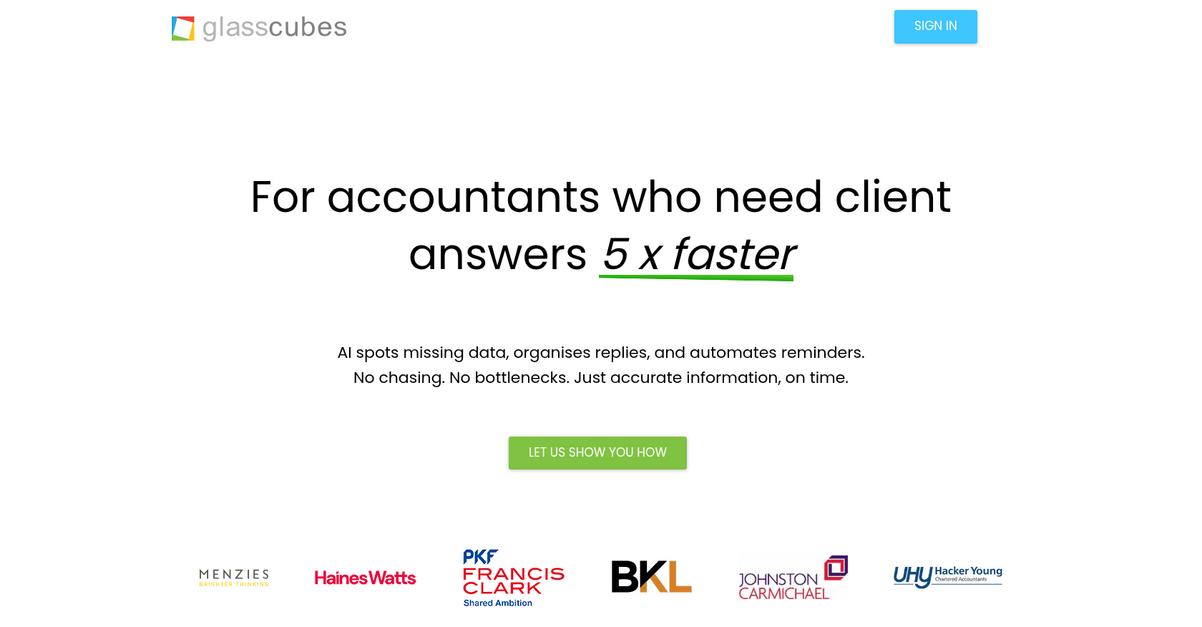
Glasscubes offers unlimited client requests and storage, automated reminders, and a secure client portal—all solving common workflow roadblocks and collaboration frustrations caused by CCH Axcess Document’s constraints.
Here’s how Glasscubes stands apart: you get unlimited file exchange without email or storage restraints, so your client communication is direct, efficient, and no longer limited by system bottlenecks.
Plus, your firm can focus on productive work again.
When you switch to Glasscubes, your accounting firm gains a purpose-built cloud platform that fixes workflow sluggishness and integration friction. This means your files, client requests, and approvals always flow smoothly—no more fighting through the clunky CCH Axcess Document interface to get things done.
Glasscubes lets you automate document requests and reminders in one place, freeing your team from constant manual chasing. Your clients can upload or approve files directly in branded, secure workspaces, eliminating the security worries and cluttered email threads that frustrate so many users making the switch.
Additionally, easy-to-configure workflows help you route documents for internal review or client approval automatically. The result is faster turnaround and a major efficiency boost, especially if you’re dealing with tight tax season deadlines.
Client interaction and file collaboration finally become stress free.
Key features:
- Unlimited client requests and file storage capacity allow you to collect, share, and archive unlimited files with clients, eliminating clunky file size limits and email chains that slow your response time.
- Automated reminders and custom approval workflows ensure clients and staff never miss a task, saving significant manual effort compared to more tedious document routing and follow-up in CCH Axcess Document.
- Secure, branded client portals with role-based permissions give your clients a professional, safe hub for exchanges, boosting trust and eliminating accidental data leaks that worry most accounting firm partners.
Verdict: If you want a more intuitive, client-focused alternative to CCH Axcess Document for accounting firm document management, Glasscubes is an excellent fit. Firms report saving up to 288 hours during tax season and boosting client response rates by 40% after switching—delivering exactly the efficiency and experience you need.
3. TaxDome

Feeling boxed in by CCH Axcess Document’s outdated workflow?
TaxDome brings everything—document storage, automation, client communication—into one place to help your team move beyond scattered tools and clunky processes.
Unlike CCH Axcess Document, TaxDome eliminates the need for juggling multiple software by offering an integrated platform that covers all your core needs. This means you aren’t forced to add external tools just to handle simple document tasks.
Here’s why your firm can finally break free.
TaxDome makes movement away from CCH Axcess Document feel less daunting.
The platform consolidates document management, secure portals, e-signatures, billing, and CRM, so your staff don’t have to spend hours switching between disconnected apps.
Additionally, you get a branded, multilingual client portal along with a top-rated mobile app. Clients can scan, exchange, and e-sign documents from anywhere, so your team won’t field endless “how do I upload this?” requests. You’ll also love the print-to-TaxDome feature for seamless importing from CCH Axcess Tax and other popular tax software, which means you reduce manual file shuffling and speed up delivery.
One more win—TaxDome automates recurring tasks and workflows, letting your team focus on higher-value client work. Users are reporting up to 40 hours saved per employee each month and that the interface is incredibly easy for clients to use—so everyone wins in your switch.
You get powerful automation with none of the hassle.
Key features:
- All-in-one practice management system lets you centralize workflow automation, document storage, CRM, billing, and e-signatures—no more juggling multiple disconnected tools like with CCH Axcess Document.
- Branded client portal and robust mobile app ensure seamless client communication, document sharing, and e-signatures, greatly simplifying client interactions and boosting productivity for your whole firm.
- Direct print-to-TaxDome from tax software enables you to instantly route tax returns and files—including from CCH Axcess Tax—into your document management system, eliminating manual file handling bottlenecks.
Verdict: TaxDome should be on your shortlist if you’re hunting for best CCH Axcess Document alternatives built for accounting firms. Automating repetitive work can save you up to 40 hours per month per employee, and 93% of your clients will find it easy and intuitive from day one.
4. SmartVault

Tired of clunky interfaces slowing your team down?
SmartVault gives you deep tax software integrations, unlimited eSignatures with KBA, and AI-powered document collection—solving many frustrations users face in CCH Axcess Document.
Unlike CCH Axcess Document, you get direct integration with leading tax software and AI-powered document collection, which can dramatically cut down admin tasks that often clog up your tax season.
Easing workflow pain starts here.
If you want something purpose-built for accounting firms, SmartVault is designed to replace CCH Axcess Document’s manual processes with modern automation and strong compliance features.
With SmartVault, you can instantly connect popular tax programs like Lacerte, ProSeries, UltraTax CS, and Drake, letting you auto-file and route documents straight from your tax software instead of wasting time on manual filing. It also eliminates the per-signature fees CCH Axcess Document users face, since SmartVault includes unlimited eSignatures and KBA in your subscription—helping your firm save thousands per year while keeping compliance simple.
For client intake, SmartVault’s SmartRequest AI creates custom request lists from prior tax returns, automating follow-ups and cutting down those endless email and phone tag rounds. Combine this with strong security and a user-friendly portal and you’ll see client collaboration and efficiency take off once you leave CCH Axcess Document behind.
Switching doesn’t have to be hard.
Key features:
- Direct integration with major tax prep software unlocks real-time document filing and routing from Lacerte, UltraTax CS, Drake, and ProSeries—far beyond the ecosystem limitations of CCH Axcess Document.
- Unlimited eSignatures (KBA included) for one price means you avoid per-use fees for signing tax forms and engagement letters, streamlining your compliance workflows without surprise costs.
- AI-powered SmartRequest automates document collection by generating tailored client requests from prior tax returns, saving your team hours spent chasing down files every busy season.
Verdict: SmartVault stands out as a smarter alternative to CCH Axcess Document for accounting firms looking to automate workflow. With integrated eSignatures saving an average $2.50 per use and users reporting up to 75% less phone time, it delivers measurable cost and efficiency gains when you make the switch.
5. Canopy
Looking for a quicker way to manage firm documents?
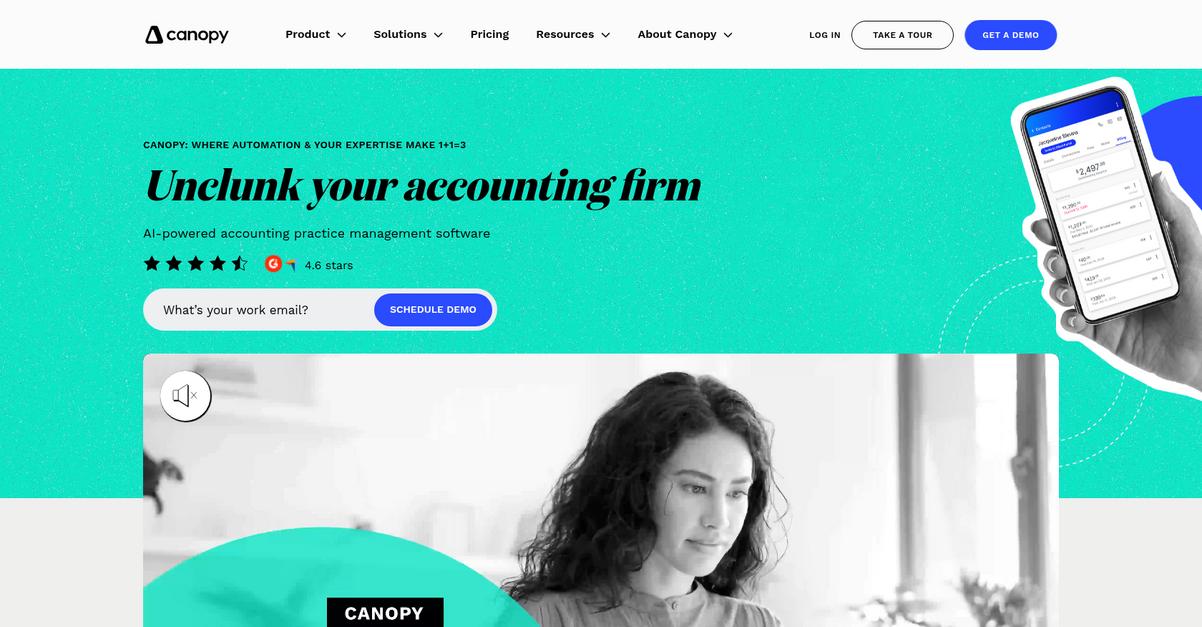
Canopy brings together a unified, cloud-native practice management platform, smart AI-powered document requests, and a client-facing portal with eSignatures—all addressing the fragmentation you might feel using CCH Axcess Document.
If efficiency and simplicity are your top priorities, Canopy gives you a single platform with integrated workflow, CRM, and document tools so your team avoids juggling separate modules like with CCH Axcess Document.
The result: you’re not limited by siloed systems.
Canopy acts as a complete alternative to document chaos.
You get a centralized cloud platform combining every major workflow tool your accounting firm needs, so you don’t have to manage disjointed apps like you might with CCH Axcess Document.
Here’s how: with AI-driven document intake and client questionnaires, you can automate client onboarding, gather required documents much faster, and minimize chances of missing files—a point where CCH Axcess Document often falls short.
Additionally, Canopy’s client portal and mobile app lets your clients upload, sign, and communicate securely in one place. These features build trust, accelerate turnaround, and give your clients a smoother experience far beyond the basic portals you may be used to.
Plus, you benefit from ultra-reliable 99.95% uptime and reduced admin work, leaving your team more time for higher-value tasks.
You’ll notice the difference right away.
Key features:
- Unified platform for practice and document management combines workflow, CRM, and secure document storage in one cloud-native system, delivering smoother collaboration and easier adoption versus modular tools.
- AI-powered document request and smart intake tools automate creation of client-specific document lists and onboarding questionnaires, requiring far less manual chasing and setup than CCH Axcess Document.
- Integrated client portal with eSignatures and mobile app enables your clients to upload, sign, and interact with firm documents on any device, streamlining client experience and improving engagement.
Verdict: If you want more intuitive document management for your accounting firm, Canopy is a strong CCH Axcess Document alternative. Firms report time savings, higher client satisfaction, and 99.95% uptime. With AI-powered requests and truly unified workflows, switching to Canopy just makes sense for productivity.
6. DocuWare

Is CCH Axcess Document limiting your workflow automation?
DocuWare’s advanced OCR and AI-powered document processing eliminate manual data entry and speed up document intake, making it easier than CCH Axcess Document for accounting teams to get organized.
You’ll find that DocuWare’s customizable workflows adapt to your exact processes instead of locking you into rigid approvals and routing like CCH Axcess Document. Plus, DocuWare’s open integrations cut down on those painful data silos.
That’s where DocuWare really starts to shine.
DocuWare gives your firm a better way to automate document handling, data capture, and approval processes so that you don’t have to deal with the inefficiencies of CCH Axcess Document anymore.
Here’s how it helps you move beyond basic document management: DocuWare’s intelligent OCR uses AI to capture, extract, and index fields from invoices and receipts automatically, letting your team focus on actual client work instead of repetitive tasks. This means less time spent correcting entry errors and more time serving clients.
Additionally, DocuWare’s drag-and-drop workflow builder lets you tailor routing, approvals, and compliance checks for any accounting process. You don’t have to wait on vendor support for updates—your team can make changes instantly, which saves time and keeps everyone efficient.
Plus, with more than 500 prebuilt integrations available, you can connect DocuWare to almost any ERP, CRM, or accounting platform your firm already relies on, so migrating away from CCH Axcess Document feels far less daunting.
DocuWare aligns with the way you work.
Key features:
- AI-powered document processing and indexing automatically captures, classifies, and organizes financial records, invoices, and receipts, reducing manual data entry compared to CCH Axcess Document’s slower intake processes.
- Customizable drag-and-drop workflow automation enables your firm to quickly adapt document approvals and compliance tasks without lengthy configurations or vendor intervention required by CCH Axcess Document.
- Integrations with over 500 business applications connect DocuWare to your ERP, CRM, and accounting tools, eliminating data silos and offering broader connectivity than the CCH Axcess Document ecosystem.
Verdict: DocuWare is an excellent CCH Axcess Document alternative for accounting firms wanting automation and deep integrations. Its AI-driven OCR, customizable workflows, and 500+ integrations help cut document retrieval time by 50% and boost productivity as much as 30%. DocuWare delivers real, proven results for your firm’s efficiency.
7. GoFileRoom

Tired of clunky document workflows holding your team back?
GoFileRoom tackles the major frustrations many accounting firms have with CCH Axcess Document by offering built-in workflow automation, advanced bulk scan tools, and rich client portal integration.
Here’s how GoFileRoom stands out from other tools: you’ll benefit from native workflow automation that outpaces manual routing and disconnected modules found in CCH Axcess Document. This means you can automate task assignments and project tracking without wrestling with add-ons.
Let’s dig deeper into GoFileRoom’s solution.
If you’re looking for a seamless way to move beyond CCH Axcess Document’s limitations, GoFileRoom gives you powerful cloud-based management tailored for accounting workflows.
Plus, you’ll gain efficiency from TaxSort and ScanFlow, which automate organizing scanned tax documents so your work doesn’t stall during busy season. You can scan piles of tax forms, let GoFileRoom’s OCR and tagging tools handle document identification, and see files show up in the right client folder—no extra hardware or confusing integrations needed.
Additionally, the tight NetClient CS portal connection lets your clients receive, upload, and view files instantly within your firm’s portal experience. Combining this with FirmFlow’s workflow engine, you can ensure nothing gets lost in inboxes—which makes GoFileRoom a smart upgrade if your team is struggling to track client requests and approval steps.
The efficiency boost is real with this software.
Key features:
- Integrated FirmFlow workflow automation gives you automated task routing and notifications, unlike the basic document workflow in CCH Axcess Document, letting your team stay on top of deadlines and compliance.
- Advanced ScanFlow and TaxSort for bulk scanning lets you quickly batch-scan tax documents and auto-file them using OCR without needing third-party integrations or manual sorting.
- Deep NetClient CS portal integration simplifies secure document sharing and client uploads, giving your clients a truly connected experience that CCH Axcess Document’s portal can’t match.
Verdict: GoFileRoom is a compelling CCH Axcess Document alternative for accounting firms ready to streamline workflow and document management. By leveraging workflow automation, advanced scanning, and client portal features, some users have entirely eliminated paper processes, cut storage costs, and achieved faster turnaround on tax engagements compared to their old setup.
8. ShareFile
Tired of juggling clunky portals and endless emails?
ShareFile steps in with a client portal that’s built for accounting firms, offering automation for document requests, approvals, and a far smoother client experience.
Instead of tedious back-and-forth and fragmented e-signature tools, ShareFile delivers branded client portals and integrated e-signatures with KBA to handle even sensitive document flows more intuitively than CCH Axcess Document.
Making the switch has clear benefits for your team.
Here’s how ShareFile solves the efficiency challenge for accounting firms.
When you move to ShareFile, your document requests, approvals, and e-signature workflows all happen in one place, which means less confusion for you and your clients.
You’ll notice the difference with AI-driven security that guides your staff to the right settings and proactively blocks threats—something you simply don’t get with CCH Axcess Document’s standard encryption tools.
Plus, ShareFile accelerates client communication by up to 3.5 times, cutting nearly all the email hassle out of your document collection process. Its client-facing automations and personalized portal features deliver the streamlined collaboration you’ve been missing.
You get more time with less hassle.
Key features:
- Customizable client portal and workflow automation streamlines everything from document requests to secure messaging, offering a far more engaging and productive client experience versus CCH Axcess Document’s dated portals.
- Integrated e-signatures with Knowledge-Based Authentication enable you to handle signature requests, compliance, and security for sensitive documents directly within the platform—no third-party tools required.
- Real-time AI-powered threat detection and remediation leverages machine intelligence to recommend secure sharing settings and tackle threats, so your team avoids security missteps that CCH Axcess Document can’t catch.
Verdict: ShareFile is a standout CCH Axcess Document alternative for accounting firms wanting robust automation, best-in-class client portals, and AI-powered security. Users report cutting email back-and-forth by up to 99% and collecting client documents 3.5x faster, making ShareFile a huge win over legacy inefficiency.
Conclusion
Ready to break free from outdated workflows?
Nothing slows your team down faster than fighting with CCH Axcess Document’s clunky interface and limited automation—especially when your clients and staff expect a faster, simpler way to work.
You’re absolutely making the right move because staying stuck wastes precious time and drains morale that could be fueling your firm’s growth instead.
There’s a smarter option waiting.
Out of all the alternatives I’ve reviewed, FileCenter is by far the best fit if you want to ditch CCH Axcess Document for good.
FileCenter’s intuitive, Windows-friendly design removes the frustration of clunky document management and automates those tedious workflows you’re tired of handling by hand.
I’ve seen firsthand how FileCenter helps accounting teams go paperless and boost efficiency—making it a standout CCH Axcess Document alternative for smaller firms ready to level up.
Ready to see the difference? Start your free FileCenter trial now.
Unlock smoother, faster workflows today.