

Tired of Cflow holding you back?
When you’re dealing with Cflow’s slow performance and clunky, outdated interface, it’s easy to see why you’d want something better.
These annoyances can drag down your team’s productivity every single day.
Your workflows get stuck, approvals take longer, and frustration grows as manual workarounds become the norm and bottlenecks pile up.

If you keep pushing through with Cflow, you risk more than just wasted time; you face lost revenue, higher team stress, and constant IT headaches as your business outgrows the tool. The lack of customization and limited reporting means you never quite get the insights or efficiency you need, making it clear that finding an alternative is a must.
The good news? Switching to the right platform means you can say goodbye to clunky approval processes and start simplifying your workflow.
In this article, I’ll show you the best Cflow alternatives for document approval software, including FileCenter, Nintex, DocuWare, Avokaado, and more.
You’ll see options that deliver intuitive interfaces, powerful reporting, and integrations your team actually wants.
Let’s explore your options.
Quick Summary:
| # | Alternative | Rating | Best For |
|---|---|---|---|
| 1 | FileCenter → | Small businesses wanting simplicity | |
| 2 | Avokaado → | Legal teams needing contract automation | |
| 3 | Nintex → | Teams wanting advanced automation | |
| 4 | DocuWare → | Compliance-focused document teams | |
| 5 | Document Locator → | Users wanting native Windows integration |
1. FileCenter

Is Cflow’s interface holding your team back?
FileCenter goes all-in on a desktop-first experience, organizing your workflows using familiar folder structures rather than Cflow’s complex, browser-based setup.
Where Cflow struggles with a clunky feel, FileCenter gives you an intuitive, Windows-style cabinet and drawer system your team already knows. This means fewer training headaches and a smoother onboarding process for everyone.
The real difference comes next.
With FileCenter, you can securely handle approvals and file management—no steep learning curve in sight.
FileCenter is purpose-built for small businesses wanting less hassle from document approval than Cflow delivers.
Instead of forcing you into rigid browser screens, FileCenter lets you manage and approve documents from your own desktop with a setup that mirrors how you already work. You’ll also get built-in OCR and scanning features for digitizing paperwork and making every file searchable, which speeds up your paper-to-digital workflow compared to what Cflow can do.
Additionally, FileCenter’s annotation and routing features let you mark up and circulate files internally—so your team can review and approve documents right where they’re already stored. The result is better collaboration and faster approvals, using a system that feels like a natural extension of your Windows environment.
You’ll see more productivity and fewer headaches.
Key features:
- Familiar cabinet-and-drawer file structure lets you organize, find, and track documents within Windows or cloud storage—offering more intuitive access than Cflow’s web-only design.
- Integrated OCR with automated scanning rapidly digitizes paper documents and converts them to searchable PDFs, making approval workflows more efficient than relying on Cflow’s limited intake tools.
- Direct document routing and annotation allows review, feedback, and approvals directly from your desktop, providing faster cycles than Cflow’s form-driven web process.
Verdict: FileCenter stands out as a robust Cflow alternative for small business document approval. It streamlines organization, cuts complexity, and ramps up digitization—all in a familiar desktop setting. If Cflow feels too clunky or costly, you’ll find FileCenter’s local-first features offer a smoother user experience.
2. Avokaado
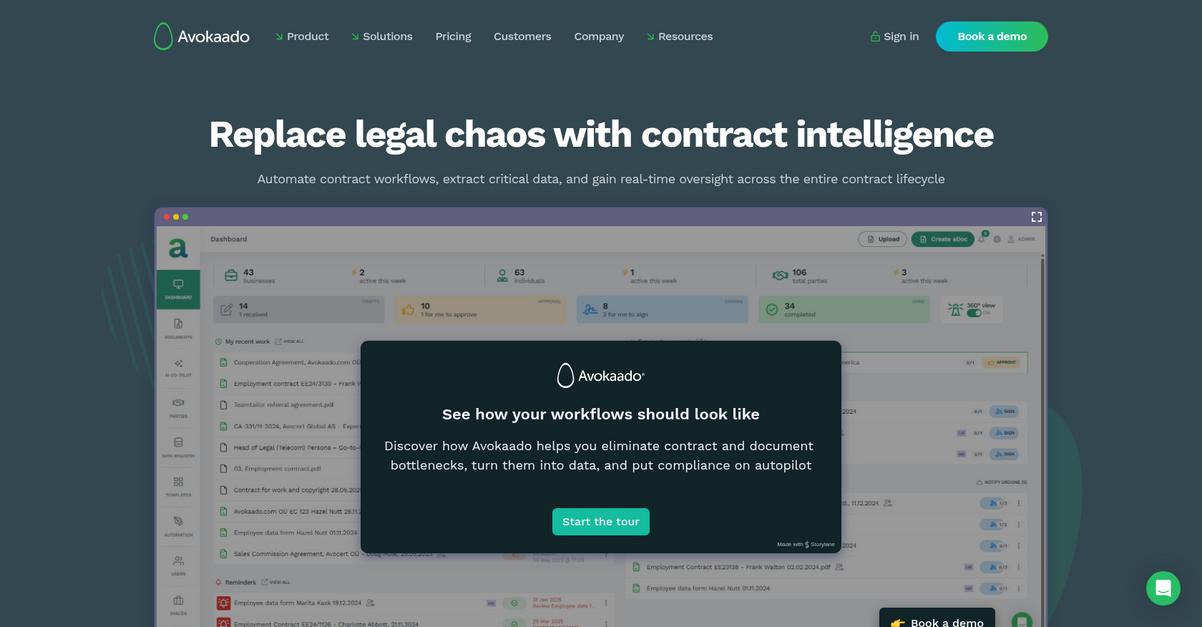
Cflow making your approvals feel stagnant?
Avokaado steps in with AI-powered automation for document drafting, integrated e-signatures, and collaborative review workflows—three areas where Cflow often leaves you wanting more.
If you’re tired of generic workflow tools, Avokaado offers specialized legal document automation with instant signing and review. This approach goes beyond Cflow’s slow performance and limited options for legal-heavy approvals.
Here’s why that matters if you’re considering a switch.
Avokaado was built for this niche.
Instead of settling for Cflow’s one-size-fits-all process, Avokaado gives you advanced capabilities tailored specifically to contract-heavy approval workflows.
AI document drafting stands out, generating contracts and NDAs using smart clauses and approved templates, so you never start from scratch or waste time editing generic forms.
Plus, the platform integrates secure e-signatures directly within your workflow, which means you avoid the hassle of third-party signing tools required by Cflow for finalizing documents.
You also get live collaboration and robust version control, letting internal and external stakeholders review, comment, or edit documents together—no endless email chains or missed changes.
Avokaado connects every step for you.
Key features:
- AI-powered contract document drafting uses predefined templates and intelligent clauses, shortening approval cycles and eliminating manual contract prep inefficiencies common with Cflow’s generic forms.
- Built-in secure and legal e-signature solution allows direct, compliant, and hassle-free signing within Avokaado, cutting out the need for extra integrations or tools.
- Collaboration and specialized review features enable real-time legal document negotiation, comments, and version control—going deeper than Cflow’s standard workflow approvals for complex contracts.
Verdict: If you’re tired of Cflow’s dated approach, Avokaado transforms document approval for legal and contract-heavy teams. Customers report reducing NDA prep time from 50 hours to 50 minutes and increasing transaction speeds by 96%. That’s a true upgrade for your document approval workflow.
3. Nintex
Is Cflow’s interface holding your team back?
Nintex tackles your frustrations with slow performance, limited reporting, old-school interfaces by delivering a modern visual workflow designer, robust reporting and automation features Cflow simply doesn’t provide.
Instead of wrestling with Cflow’s dated workflows, you get advanced visual design tools and built-in automations for faster approvals. Nintex lets you optimize workflows across departments, connect more integrations, and minimize manual intervention—solving headaches you may have ignored for too long.
Here’s how Nintex provides true relief.
Nintex transforms complex document approval chaos into a streamlined, automated process.
The drag-and-drop Advanced Workflow Designer means you can visually map, automate, and scale approval workflows in a fraction of the time. You can quickly build processes that span multiple teams or systems, which is way more flexible than Cflow if your organization is growing or your requirements shift.
Plus, robotic process automation takes over routine and repetitive approval steps, so your team isn’t stuck performing mindless data entry. Document generation features integrated with eSign ensure you go from creating the file to obtaining signatures and finalizing approvals all within a single flow.
It’s exactly what you’ve been looking for.
Key features:
- Drag-and-drop workflow design for complex approvals lets you visually build, customize, and automate even enterprise-scale workflows with much more power and speed than Cflow’s designer.
- Robotic Process Automation eliminates manual tasks by integrating bots into your workflows—saving you time, improving accuracy, and letting your team focus on decisions, not busywork.
- Integrated document generation and eSign functionality automates the creation, routing, and digital signing of documents, streamlining your entire approval lifecycle for compliance and speed.
Verdict: Nintex stands out as a compelling Cflow alternative for document approval, offering robust automation and a user-friendly visual designer. Customers switching from Cflow saw an 80% boost in approval speed and cut manual work by 75%—making Nintex the smart upgrade for modernizing your workflows.
4. DocuWare

Is Cflow holding back your document approvals?
DocuWare’s intelligent indexing, advanced workflow automation, and robust compliance controls tackle the pain points that slow Cflow users down, like outdated UI, limited reporting, and rigid workflow setup.
If you want to break out of clunky interfaces and workflows that lack flexibility, DocuWare is a stand-out alternative. This means you can finally enjoy powerful customization and true document intelligence without dealing with slow, unintuitive systems.
Ready for something much better?
DocuWare gives you a patient, reliable way to overhaul your approval process by automating the boring manual steps that bog down Cflow.
You gain powerful enterprise content management with document AI that reads, indexes, and archives your files for instant search and airtight compliance. This is especially useful if you’re processing large volumes or need to satisfy strict audit requirements—DocuWare solves for both.
On top of that, you can shape every step of your approval routes—build parallel tasks, use conditional permissions, and track every change. The granular security controls and audit trails help you pass compliance checks easily and make sure nothing gets lost in the shuffle.
Your team gets a user-friendly, modern experience without compromise.
Key features:
- AI-powered indexing and archiving sorts your documents instantly, applies smart metadata for lightning-fast search, and provides a secure audit trail far beyond Cflow’s basic folder approach.
- Configurable workflow automation lets you build multi-step, rule-based approval processes for even the most complex compliance requirements, something Cflow often makes difficult or impossible.
- Advanced compliance and security controls include version history, precise access permissions, and real-time audit logs—removing regulatory headaches for your whole team.
Verdict: DocuWare is a proven Cflow alternative for document approval—especially if compliance and audit-readiness matter to you. Users often cut processing times by 30-50% and slashed paper costs, all while getting customizable workflows and advanced security you just won’t get with Cflow.
5. Document Locator
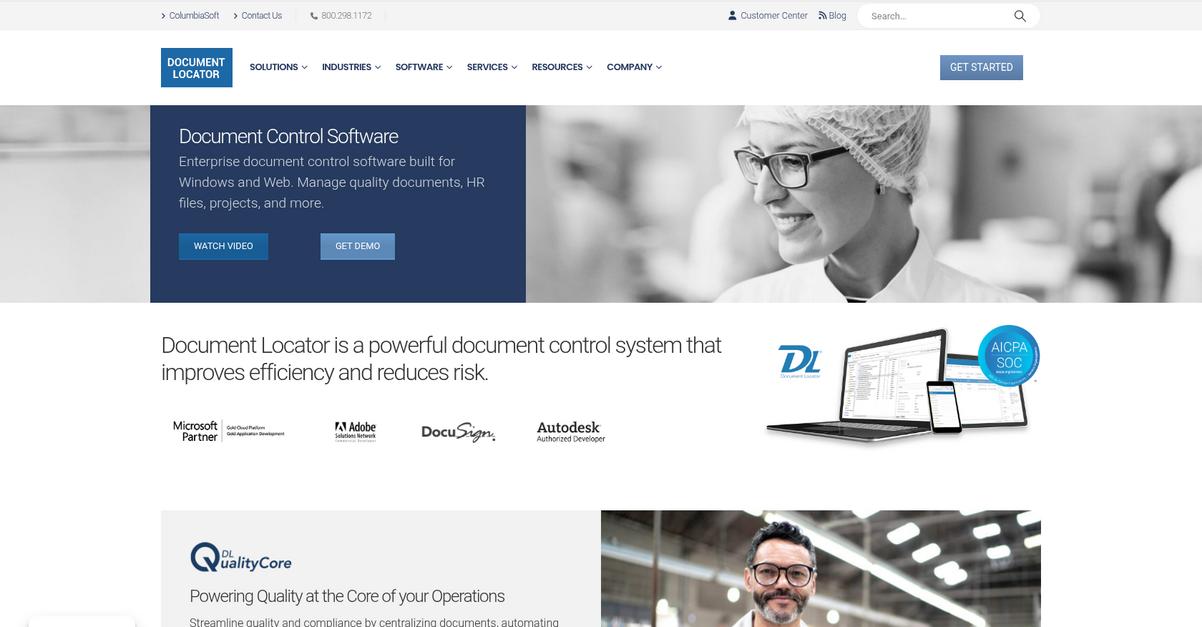
Looking for a smoother document approval experience?
Document Locator takes document management out of the browser and puts it directly inside a Windows Explorer interface, which feels immediately more intuitive than Cflow’s web-only setup.
The key difference here is Document Locator’s native Windows integration, helping your team work in familiar file structures instead of jumping into an unfamiliar web portal. This means onboarding is faster, and access to approval workflows feels more natural for everyday users.
If your approvals feel bottlenecked by awkward navigation or slow web access, Document Locator can help.
Here’s how this alternative stands apart as a robust solution.
Document Locator tackles your key pain points by letting your team manage, route, and approve documents right from a desktop experience. You get configurable workflows, so you can automate every step using rules, reminders, and branching approval paths—no coding required.
Plus, you’ll benefit from deep version control with detailed audit trails for every document revision you or your coworkers make. Unlike Cflow, this transparency is built in and always trackable, which supports compliance and accountability for your approvals.
Additionally, Document Locator’s deep Windows integration allows for easy transitions and smoother adoption, particularly if you already use Microsoft tools. You can even choose on-premise or cloud options depending on your business needs.
The result is an approval process that just feels easier.
Key features:
- Windows desktop integration for file access delivers document management right within Windows Explorer, making your workflow more intuitive compared to Cflow’s web interface and minimizing training.
- Customizable, rule-based approval automation empowers you to automate reviews and approvals, specifying routing, notifications, and task dependencies that fit your unique business process.
- Comprehensive version control with audit trails tracks all document changes and approvals, providing stricter history and compliance support than Cflow’s versioning options offer.
Verdict: Document Locator is a compelling alternative if Cflow’s web-only approach keeps slowing you down. Its native Windows Explorer integration, advanced workflow automation, and audit-ready version controls provide a more efficient approval process that’s easier for your team to adopt and maintain—even in complex Microsoft-based environments.
6. Filestage
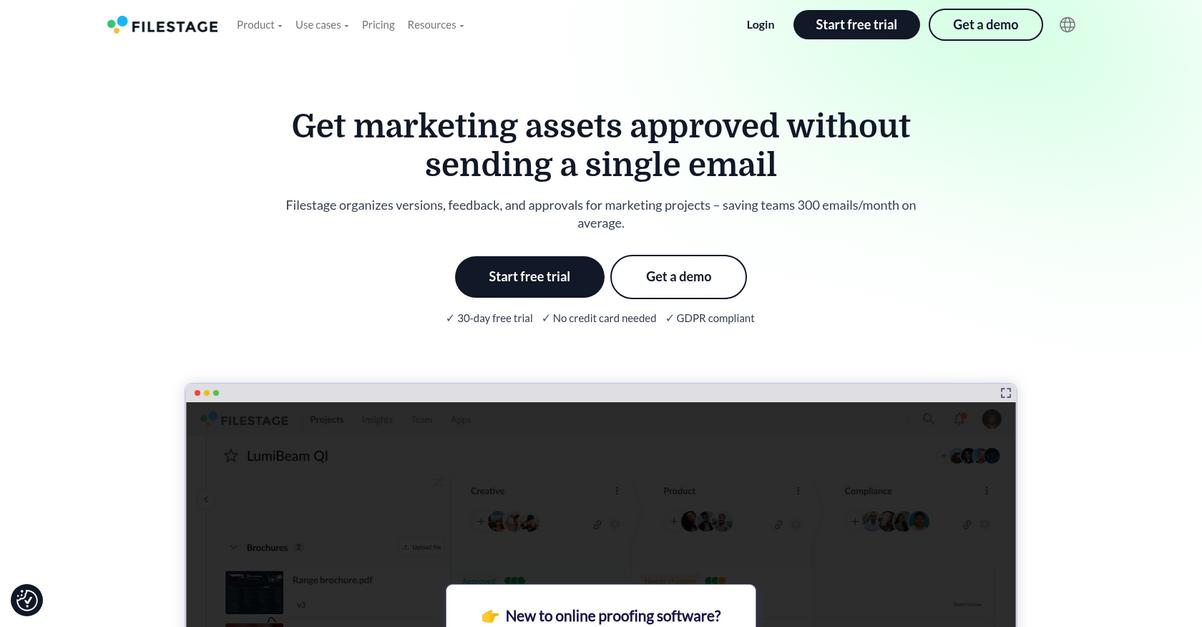
Looking for faster document approval than Cflow?
Filestage focuses on visual content review, giving your team tools to annotate and approve documents, images, and videos in real time—unlike Cflow’s form-based, non-visual experience.
It’s the smarter choice when you want approvals without the clunky interface and drawn-out back and forth. By trading Cflow’s generic routing for context-specific annotation, Filestage streamlines feedback and makes projects easier to track at every step.
You deserve a tool that actually helps you move faster.
Filestage gives your team a modern way to handle reviews, transforming approval workflows for better speed and clarity.
Here’s how it stands out: Filestage lets collaborators comment directly on files, instantly highlighting changes and requirements right where they’re needed. With automated reminders and customizable workflow steps, no one ever loses track of what’s next, which means deadlines are easier to hit and feedback stays centralized.
Plus, every file version and comment is tracked, so you have a clear audit trail for every single approval. Your creative documents stay organized, and confusion over which version’s approved becomes a thing of the past.
Switching from Cflow? You’ll cut approval time by as much as 50% and slash inbox noise by up to 90%.
Now you can focus on actual progress.
Key features:
- Visual file review and annotation tools deliver targeted feedback on creative documents and assets, giving you a clearer, faster path to approval compared to Cflow’s generic form-based system.
- Customizable automated workflows with reminders ensure reviews move smoothly with no bottlenecks, keeping projects on schedule and reducing delays typical in Cflow-based processes.
- Version control and comment history for every step provide a full audit trail so you always know which version is approved and whose feedback counts.
Verdict: Filestage is a compelling Cflow alternative, designed specifically for modern document approval workflows. If your team relies on creative content, you can expect up to 50% faster approvals and 90% less email. Experience a clearer, more intuitive way to manage every review cycle and keep projects moving.
7. Kissflow
Feeling bogged down by Cflow’s outdated interface?
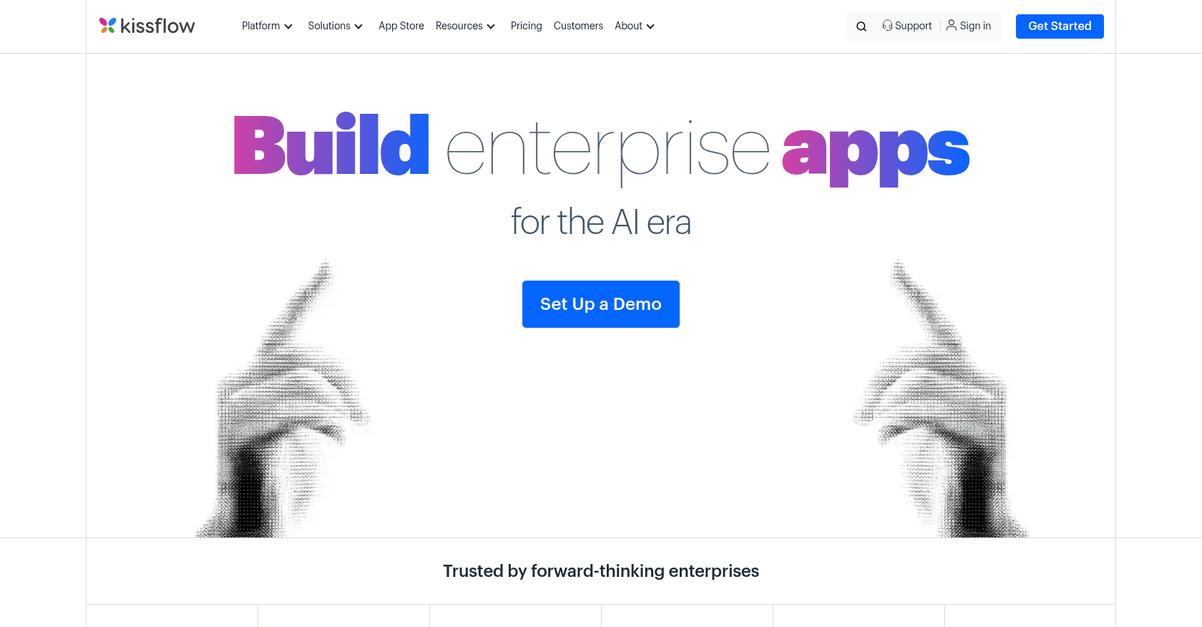
Kissflow stands out with its no-code workflow builder, letting you create custom document approval processes easily, while offering a cleaner UI and more intuitive experience than Cflow.
Here’s why your approval processes benefit: Kissflow adapts better to unique scenarios with flexible, dynamic workflow options that Cflow simply can’t match. This helps you stay agile as your approval needs evolve, without cumbersome workarounds.
This is where Kissflow takes the lead.
Kissflow gives you a modern low-code platform that solves your document approval headaches beyond what Cflow offers.
You and your team can design approval workflows with a drag-and-drop builder that streamlines automation, making tedious coding or complicated configurations a thing of the past. Plus, integrated case management lets you handle exceptions or unstructured approvals without breaking your process, bringing a whole new level of flexibility as your business grows.
Digital forms powered by intelligent data capture mean you collect the right information up front, automate initiation, and keep your approvals running efficiently. Together with robust reporting and native integrations, you get a streamlined workflow that’s actually enjoyable for your team to use.
Enjoy a user-friendly upgrade from Cflow here.
Key features:
- No-code workflow builder with drag-and-drop interface allows anyone on your team to build, modify, and deploy document approval workflows quickly, minimizing setup time and reducing IT dependency.
- Integrated case management for dynamic processes handles unstructured or exception-based scenarios with ease, supporting more complex or variable approval paths than Cflow’s rigid workflows allow.
- Intelligent digital forms and automated data capture empower you to launch approval processes instantly, ensuring critical data never gets lost and reducing the risk of inconsistent or incomplete submissions.
Verdict: Kissflow makes an excellent Cflow alternative if you crave intuitive workflow automation and deeper customization for document approvals. Users have reported up to 70% faster process execution and 50% lower costs after switching, making it a smart move for small to mid-sized businesses seeking growth-focused solutions.
8. PandaDoc

Looking for a smarter way to get documents approved?
PandaDoc gives you a more intuitive experience for building, approving, and signing documents—solving the outdated interface and rigid workflows that frustrate Cflow users every day.
What stands out is PandaDoc’s smart document builder and customizable templates, letting you create polished proposals and contracts with dynamic content, advanced branding, and fewer manual steps than Cflow allows.
That means you’ll see professional-looking, error-free documents sent out faster every time, taking the guesswork out of template management and approval chains.
Let’s talk about how this helps you switch smoothly.
Swapping Cflow for PandaDoc means your document approval isn’t just digital—it’s truly modern, with powerful features especially for sales, HR, and business processes.
If you’ve lost time on clunky workflows or limited reporting in Cflow, PandaDoc gives you more control. Drag-and-drop editing, visual workflows, and built-in eSignatures make it easy for you and your team to collaborate, review, and approve without outside hassles.
Internal approvals are more reliable too. PandaDoc routes each proposal or contract for secure signoff before anything leaves your system, so you always know who signed off, what changed, and when.
Since everything happens inside PandaDoc—including legally binding eSignatures—you won’t have to juggle add-ons or integrations just to close deals and finalize HR documents.
You can finally restore confidence in your workflow.
Key features:
- Smart document builder with rich templates makes it simple to create polished, branded proposals, contracts, or HR forms for your approval workflows—drastically reducing formatting and consistency headaches versus Cflow.
- Configurable internal approval routing lets you set pre-signature review and approval steps so decision-makers, sales, or HR never miss a critical signoff or compliance checkpoint before a document is sent.
- Integrated, legally binding eSignatures allow documents to be reviewed, approved, and signed in one place, eliminating the need for external signature tools and keeping your workflow under one roof.
Verdict: PandaDoc is a top Cflow alternative for document approval software if you want lightning-fast proposal creation, robust approval workflows, and eSignatures all in one. Users report 28% faster document creation and a whopping 65% faster close rate after switching—ideal if Cflow’s bottlenecks are holding you back.
9. Integrify
Battling sluggish approvals and a clunky Cflow interface?
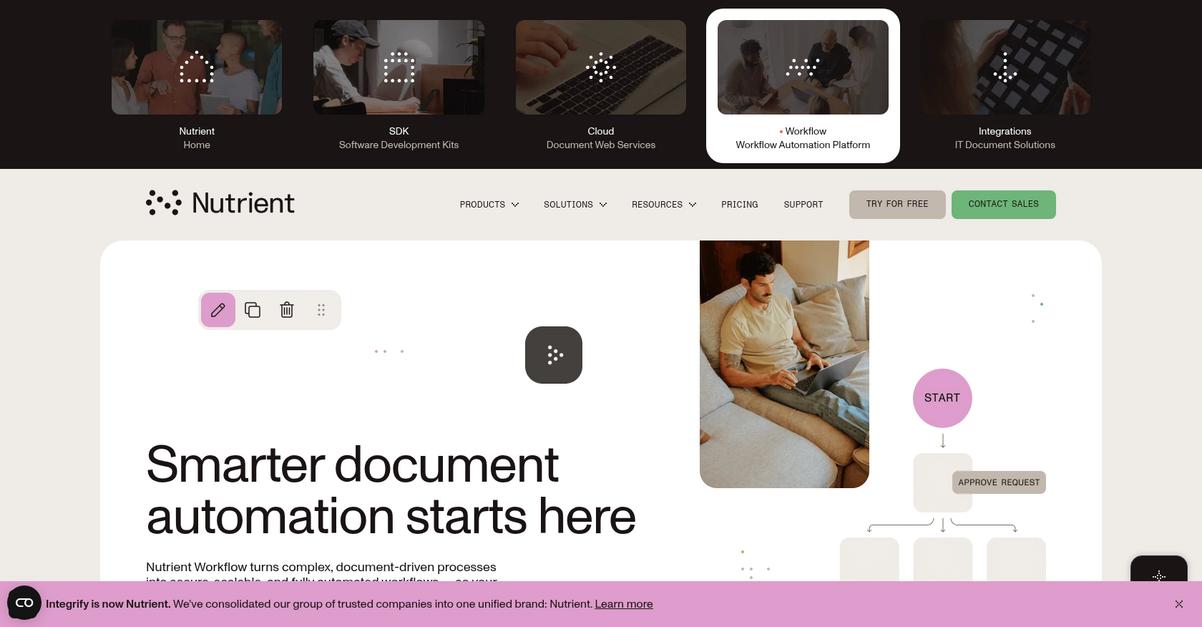
Integrify gives you a powerful visual workflow builder, expanded customization options, and robust reporting, immediately addressing where Cflow often holds your team back.
With Integrify, you get greater flexibility designing multi-step, conditional approval workflows that go far beyond Cflow’s basic routing and restricted customization. This means your document processes can finally match your real business needs without compromise.
You need better. Here’s how Integrify delivers.
By tackling complex approval challenges head-on, Integrify brings practical enterprise-grade automation to your workflow problems as a genuine Cflow alternative. The intuitive drag-and-drop builder lets you visually design multi-layered workflows with parallel routing and dynamic assignments, giving your team control Cflow can’t match.
You’ll notice the difference with its customizable online forms and branded user portals, which streamline the approval experience for every stakeholder. Personalized dashboards keep visibility sharp for every document, letting you track processes and reduce email back-and-forth immediately after switching from Cflow.
Additionally, Integrify’s analytics and real-time reporting provide actionable insights into workflow performance, helping identify bottlenecks and optimize approval cycle times for continuous improvements—all with less admin.
Everything is built to support painless adoption and ongoing optimization.
Key features:
- Sophisticated visual workflow designer with conditional logic allows you to automate multi-step, complex approvals exactly how you want—delivering a level of flexibility Cflow can’t provide for high-volume workflows.
- Customizable online forms and portals for stakeholders personalize and streamline document requests and status updates, improving visibility and reducing confusion compared to Cflow’s standard interface.
- Comprehensive reporting and actionable analytics dashboards enable you to identify bottlenecks, monitor team performance, and continuously refine your approval cycles for ongoing efficiency gains.
Verdict: Integrify stands out as a compelling alternative to Cflow for document approval software. By cutting manual tasks up to 80% and decreasing approval cycle times by 75%, you get more control, better insights, and improved efficiency—ideal if you want scalable approvals built for growth.
10. ProofHub
Looking for smoother document approvals than Cflow?
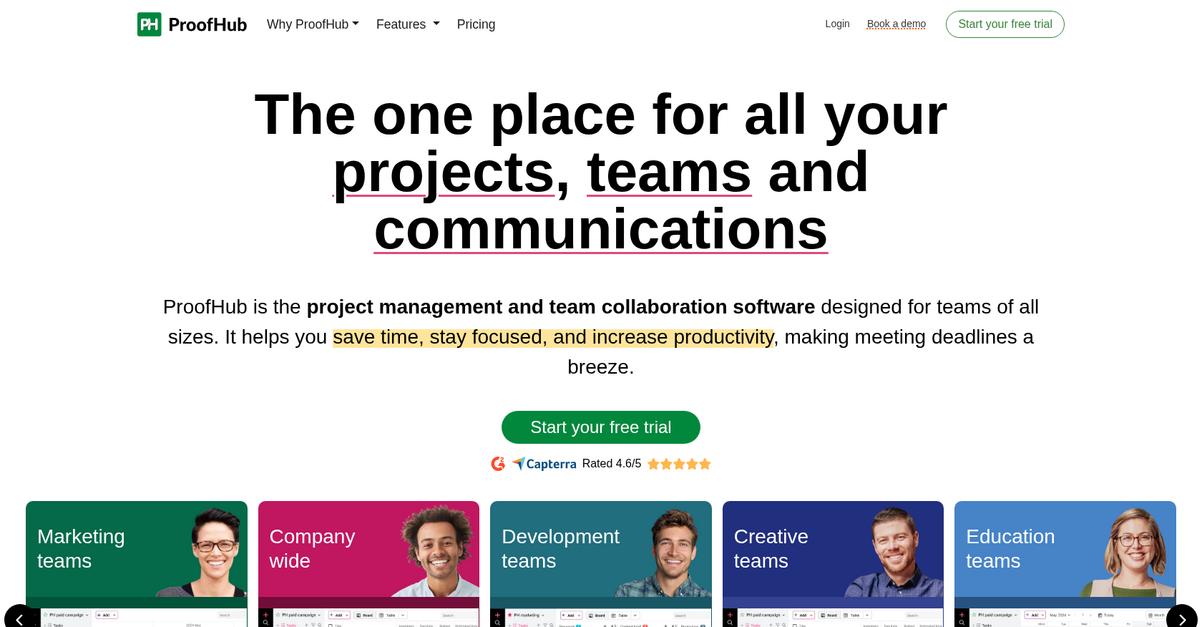
ProofHub gives you integrated online proofing and project oversight, directly addressing Cflow’s unintuitive interface and lack of visual feedback for creative approvals.
Plus, ProofHub offers centralized collaboration and visual annotation tools for approvals, letting you tackle project feedback loops in real time. So, if you’ve struggled with scattered comments or clunky transitions in Cflow, this approach will feel much more organized for your team.
Your team’s workflow just got a lot easier.
Here’s how ProofHub stands out as your Cflow alternative: you get real-time online proofing, organized feedback, and project tracking in one tidy package.
Unlike Cflow’s strictly sequential workflows, ProofHub empowers you to customize document stages and approvals per project needs. You can annotate files, assign tasks within the same system, and always have full project visibility—which means fewer missed steps and tighter turnaround for document approvals.
Additionally, you benefit from ProofHub’s collaboration hub, where all relevant files, tasks, chat discussions, and decision logs live together. This reduces miscommunication, supports faster sign-offs, and makes onboarding new users a breeze—giving your business a direct productivity boost.
The result is a workflow that’s modern, visual, and tailored to your real project challenges.
Key features:
- Integrated real-time online proofing gives you live annotation and feedback right on your documents, streamlining approvals in ways basic Cflow routing can’t match.
- Custom workflows and task management let you fully adapt your document approval process per project, providing visual progress tracking and full context for every approval stage.
- Centralized project collaboration hub puts files, discussions, and decision history in one place, transforming document approval into a collaborative part of every project, not a siloed afterthought.
Verdict: ProofHub is a top Cflow alternative if you want project-driven document approval plus robust collaboration. Customers have reported cutting project delivery times by 30% and boosting productivity by 20% thanks to organized proofing and unified feedback. It’s your chance to bring clarity and speed to approvals.
Conclusion
Ready to ditch Cflow’s outdated interface?
The endless slowdowns and clunky workflows in Cflow make it harder and harder to keep your document approvals moving—and your team’s frustration only grows.
You’re not alone—finding something that truly fits your team’s needs is always smarter than settling for daily headaches and wasted hours.
Let’s talk about a better option.
FileCenter rises to the top of my list for one clear reason: it delivers the snappy performance, intuitive controls, and easy local document approvals Cflow just can’t match.
I’ve seen teams switch from Cflow to FileCenter and finally enjoy fast, painless approvals—without the learning curve or stagnant interface. If you want a Cflow alternative that’s simple yet powerful, it’s the clear winner.
Go ahead and start your free FileCenter trial to see the difference for yourself.
You’ll boost productivity—fast.