

Stuck comparing too many options?
The hunt for document management tools often leaves you overwhelmed by endless choices and uncertainty about what truly fits your business.
The fear of picking the wrong solution is real, especially when choosing poorly could mean wasted time and money for your team.
And with IT spending under scrutiny, it’s no wonder so many buyers freeze up when evaluating new systems. One wrong move can lead to costly rework and more headaches down the road.

This guide simplifies the chaos with straightforward comparisons that focus on what really matters for growing teams.
In this article, I’m walking you through the best cloud document management software available, breaking down the pros, cons, and unique features so you can finally make the right call.
You’ll gain the clarity you need to choose the right platform—no more guessing, endless spreadsheets, or hidden pitfalls.
Let’s get to it.
Quick Summary:
| # | Software | Rating | Best For |
|---|---|---|---|
| 1 | FileCenter → | Small and midsize teams | |
| 2 | Box → | Large enterprise organizations | |
| 3 | DocuWare → | Distributed mid-sized teams | |
| 4 | Dropbox Business → | Speed-focused SMB teams | |
| 5 | Google Workspace → | Remote and hybrid teams |
1. FileCenter
Still dealing with scattered documents everywhere?
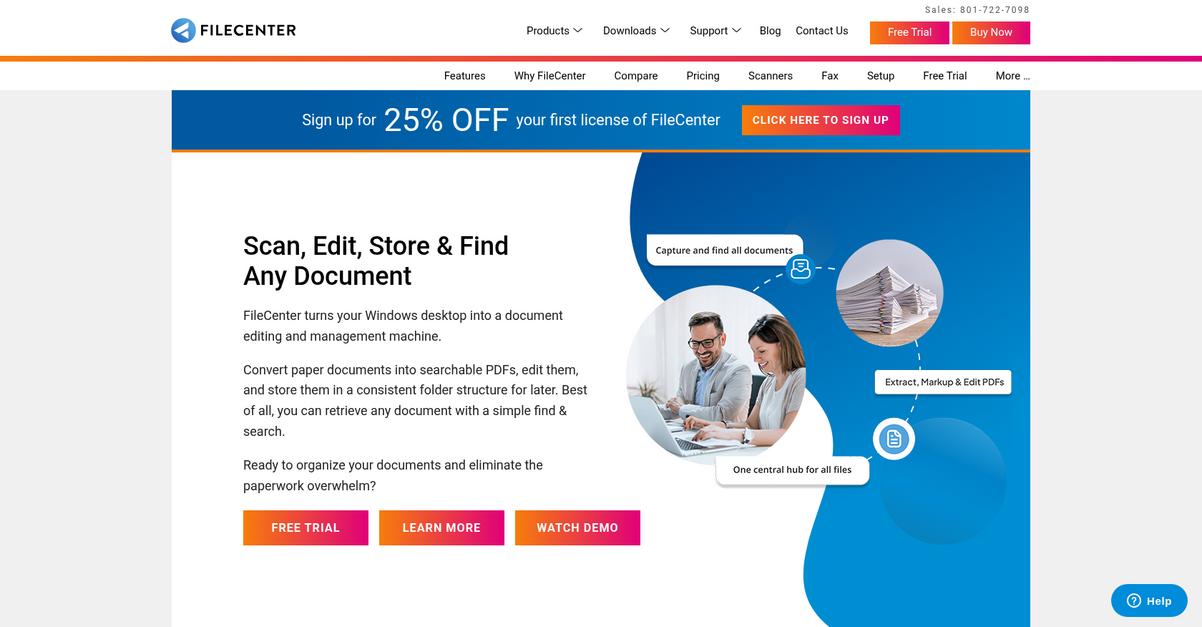
FileCenter’s direct integration with major cloud storage services brings all your files into one organized, manageable space for easy access and control.
When you don’t have everything unified, staying on top of documents feels impossible. Centralizing cloud access and automating document sorting reduces headaches and saves hours for you and your team.
Here’s how FileCenter makes life easier.
If you want everything under one roof, FileCenter connects all your cloud drives so you always know exactly where files are.
The smart filing system uses rules and OCR to automatically sort and organize files in your cloud folders, so you spend less time hunting and more time working. You won’t have to manually name and place every single document—FileCenter does the heavy lifting for you by tagging, organizing, and even renaming based on content.
Plus, with built-in PDF editing, annotation, and secure sharing tools, you never need to download files just to make updates or send feedback. You can mark up, split, merge, or protect PDFs directly from where they live in your cloud; all changes are available to your team instantly. The result is a smoother review process and less back-and-forth with clunky downloads.
That means less clutter, more efficiency.
Key features:
- Unified access to all your cloud files: FileCenter syncs popular cloud providers like OneDrive, Google Drive, and Dropbox for streamlined management in a single dashboard.
- Automatic smart filing and OCR tagging: Eliminate manual sorting by letting FileCenter organize, rename, and tag documents automatically as they’re added to cloud folders.
- Advanced PDF management in the cloud: Edit, annotate, and secure your critical PDF documents directly within their cloud locations, keeping your entire workflow digital and collaborative.
Verdict:
If you’re looking for an effective cloud document management software, FileCenter combines powerful cloud integration, automation, and everyday PDF tools, making it ideal for small and midsize teams that want all their files and workflows in one place.
2. Box

Struggling to keep your business files secure?
Box takes the headache out of document chaos with secure file sharing, permission controls, and content storage, all organized in the cloud for peace of mind.
This means you don’t have to worry if your files are safe or whether the right people can find what they need. With Box, you get centralized access for every team member and built-in protections that keep your documents private but accessible.
No more headaches over lost files or approvals.
Box helps you eliminate document bottlenecks
Box brings together everything you need in a best cloud document management software platform. Here’s how: You’ll be able to automate those repetitive processes with Box Relay, so your document approvals or content collection won’t eat up your team’s day.
Plus, with Box AI, you can underline exactly what you need as you search, summarize long documents instantly with built-in intelligence, and even draft quick notes right inside your cloud files. That’s going to save you time and sharpen your team’s productivity, whether you’re in HR, sales, or legal.
Additionally, Box’s enterprise-grade security features—like password protection and expiration dates for shared documents—mean you don’t have to stress about confidential info going to the wrong hands. The result is a platform that supports controlled access, compliance, and easy collaboration, all wrapped in a friendly interface for anyone on your team.
It’s everything you need to get more done.
Key features:
- Granular file security and sharing controls make it easy for your team to share documents safely, add password protection, and configure permissions with external partners or clients.
- Box Relay workflow automation lets your team build visual processes for document approvals, reviews, and content requests, drastically reducing manual busywork and speeding up decisions.
- Built-in Box AI delivers next-level search, summarization, and content insights so you can surface key information from huge collections of cloud files without endless clicking.
Verdict:
Box is a great cloud document management software if you need secure file control, powerful document AI, and automation for approvals. It’s trusted by 67% of Fortune 500 organizations for centralizing sensitive content and accelerating internal workflows across every department.
3. DocuWare

Are your documents scattered and hard to find?
DocuWare’s intelligent indexing and AI-powered search solve that by making every document easily and instantly retrievable — no more digging or wasted time.
Your daily workflow slows down when important files go missing, shared drives create confusion, or you’re stuck with approval bottlenecks. DocuWare streamlines document chaos so your team stays focused on real work.
Here’s how DocuWare takes this further.
DocuWare transforms the way you manage documents and processes by offering smart digital file storage and automated workflows right out of the box.
With intelligent indexing powered by OCR and AI, your files are automatically classified, filed, and made searchable. This gives you quick, accurate access with almost no manual entry required, which is a massive bonus if you’re tired of errors or tedious filing.
Additionally, DocuWare’s workflow automation instantly routes files for approval while ensuring compliance and traceability. You can also empower your team to access, share, and collaborate on documents securely from any mobile device — especially if your employees work remotely or across locations. Avoiding IT headaches is another huge plus: you get rapid deployment in the cloud, so your internal IT staff can focus on other strategic projects without worrying about daily configuration hassles.
Your digital document headaches finally disappear.
Key features:
- Intelligent, AI-based document indexing and search: Every document is automatically classified and easy to retrieve, eliminating filing errors and helping you find what you need in seconds.
- Built-in workflow automation for approvals: Automate tasks like document routing, approval tracking, and version control, ensuring nothing falls through the cracks and compliance is maintained.
- Secure cloud and mobile access for collaboration: Grant your team secure, always-on access to documents from anywhere, so productivity never drops, whether remote or in-office.
Verdict:
If you want a top cloud document management software that helps your team avoid IT headaches, digitize workflows, and access documents from anywhere, DocuWare is a practical and proven solution trusted by thousands worldwide.
4. Dropbox Business

Are scattered files slowing down your workflow?
Dropbox Business gives your team secure cloud storage and file versioning so you never worry about losing track of important documents.
If you’re tired of switching between hard drives and emails, you’ll appreciate how Dropbox Business keeps every document in one secure location while letting you roll back changes at any time.
Here’s how Dropbox Business takes the stress out of document chaos.
Your team can work from anywhere, knowing files are instantly synced and always accessible thanks to Smart Sync.
Plus, with admin controls for permissions and activity tracking, you always know who has access and what they’re doing—making it much simpler to meet your security and compliance goals.
If your documents are spread across multiple workspaces, you’ll love how Dropbox Business eliminates all that friction. Centralized cloud storage lets you organize, share, and edit files instantly from any device. Should someone make a mistake or delete something by accident, you can view file history and roll back to previous versions with just a few clicks. Combine that with simple external sharing and powerful access controls, and your workflows become smoother overnight.
You really can stay focused on work, not paperwork.
Key features:
- Smart Sync lets you access every file anytime from your desktop, optimizing space and making cloud storage feel like part of your computer.
- Powerful file versioning makes document history painless so you can restore prior versions and reduce risks tied to accidental overwrites or deletions during collaboration.
- Centralized admin controls simplify managing team access by giving you granular permissions and detailed activity logs for better visibility and compliance confidence.
Verdict:
Dropbox Business is an excellent cloud document management software, trusted by more अदाthan 500,000 teams for streamlined collaboration, easy rollback, and secure admin controls—making it perfect for teams that value speed and simplicity in their document workflows.
5. Google Workspace
Ready to finally escape endless document chaos?
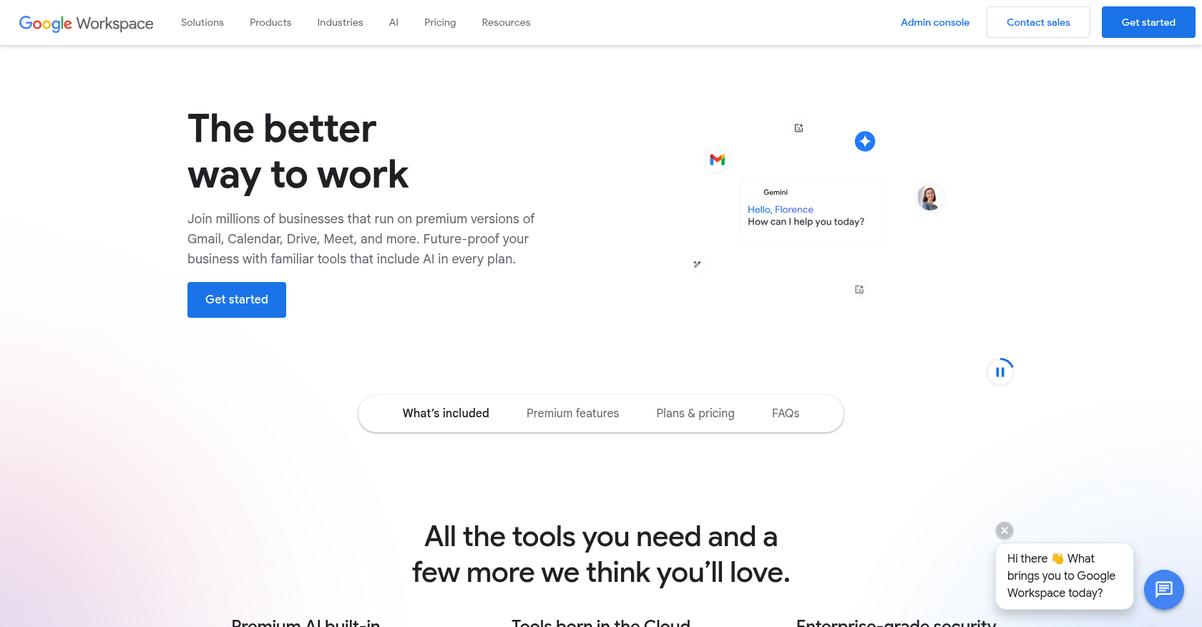
Google Workspace keeps all your files organized with Google Drive, real-time co-editing, and powerful unified search, so you never miss a critical document again.
This means you can move your entire team’s documents into one secure, cloud-based hub and instantly work together on files from anywhere. Eliminating confusion over file versions and giving everyone real-time access instantly shrinks wasted time.
Here’s how Google Workspace steps up.
It gives you cloud-based tools that let everyone create, edit, and manage documents in a secure shared space without version headaches.
If you’re tired of hunting down documents scattered across your inbox, Google Workspace makes life simple. With Google Drive, your team can securely store any file type—docs, PDFs, contracts, and more—giving everyone access from any device. Plus, real-time co-editing in Docs, Sheets, or Slides means no more emailing revisions, while you keep complete control over sharing and permissions.
Additionally, the built-in Cloud Search function helps you instantly pull up whatever file or detail you need, searching across all your Workspace apps at once. That means no more endless folder diving or lost attachments when minutes matter—just type what you’re looking for, and you’re got it.
The result is fewer headaches, stronger teamwork, and a document workflow that actually helps your team succeed—no matter how spread out everyone is.
Speed and simplicity your team will love.
Key features:
- Google Drive offers secure document storage anywhere: Store all your business files safely in the cloud, control access, and retrieve information instantly from any device your team uses.
- Real-time co-editing for seamless collaboration on documents: Multiple team members can edit Docs, Sheets, or Slides together, eliminating version control issues and keeping everyone on the same page.
- Cloud Search enables quick, unified information retrieval: Search one bar for files, emails, and calendar events across all Workspace apps, saving everyone hours scouring folders or chasing down documents.
Verdict:
Google Workspace stands out as a top cloud document management software with centralized Drive storage, real-time collaboration features, and AI-backed security that blocks 99.9% of threats: ideal if you want bulletproof, shareable docs for remote or hybrid teams of any size.
6. Microsoft SharePoint
Ready to take control of your scattered documents?
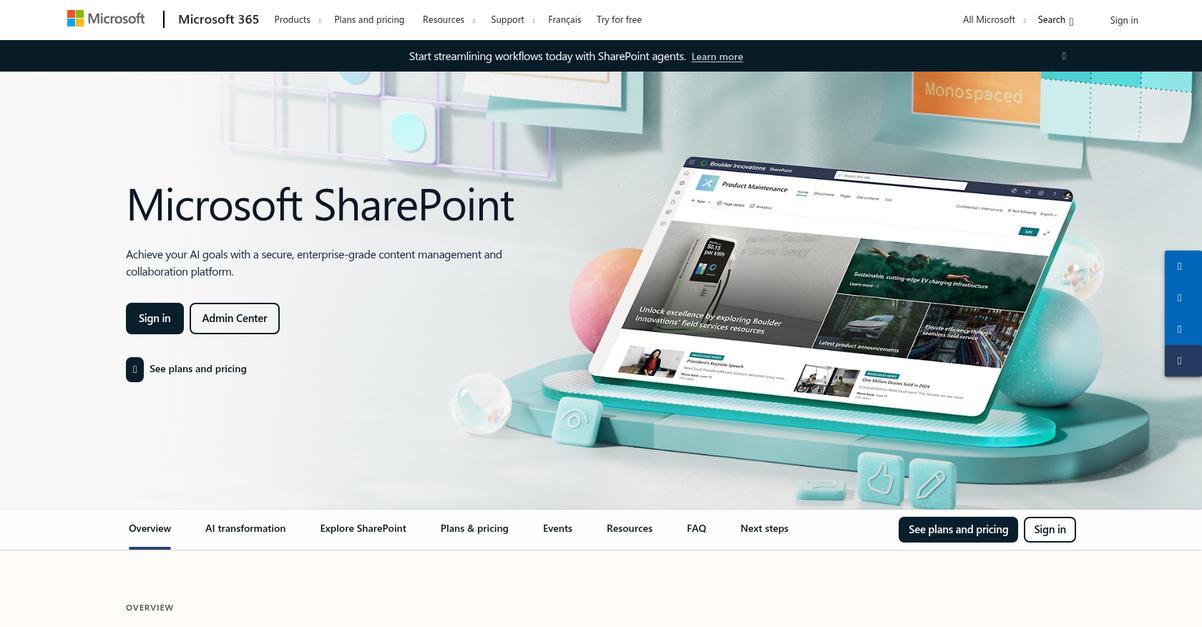
SharePoint’s document libraries organize your files with version control, metadata, and custom views so everything stays at your fingertips when your team needs it.
If your files are buried in endless folders or if you’re worried about who can access what, SharePoint helps you simplify access by letting you centralize everything, ensure compliance, and drive real collaboration.
It all adds up to less wasted time.
Here’s how SharePoint solves these headaches.
With SharePoint, you get flexible document management, letting your team securely store, organize, and access files in the cloud from anywhere.
This means you can track every document version with full confidence, apply custom metadata, and manage permissions easily—all designed to fit how your business actually works day to day.
Additionally, SharePoint’s Team Sites give your team a home base where files, news, and project resources are shared securely. Content Types help you create consistency and compliance across departments, so nothing slips between the cracks on your critical documents.
With SharePoint, you remove the bottlenecks.
Key features:
- Advanced cloud document libraries with version control so you find, share, and protect key information without the chaos of shared drives or email threads.
- Secure Team Sites for real-time collaboration, making teamwork, project tracking, and document approvals simple no matter where your people are.
- Consistent content types and metadata workflows that help standardize your processes, automate document organization, and support regulatory compliance with far less effort.
Verdict:
Microsoft SharePoint is an excellent cloud document management software, especially if you want robust security, version control, and proven ROI with thousands of users relying on it every day. It’s flexible, affordable, and ready for your toughest document challenges.
7. M-Files

Can finding the right file feel impossible sometimes?
M-Files makes this easy with its metadata-driven system, organizing everything by what it is, not where it’s stashed.
That means you no longer waste time navigating a maze of folders or guessing if you’ve landed on the latest version—you just search, filter, and instantly surface what you need every time.
You’re ready for something better.
With M-Files, you don’t have to settle for outdated folder chaos or information silos.
Instead, you get a flexible platform that sorts and connects your documents in the cloud using context—think project, client, or status—so your files always show up when you actually need them.
Dynamic Views let you focus on just the documents relevant to your role, team, or project, which means less hunting and more doing, no matter how complex your structure gets.
On top of that, M-Files brings intelligent automation to streamline your workflows—from document approval to routine processing—so you reduce manual work and keep productivity rolling. If you already have other tools in your stack, M-Files plays nice, with hybrid deployment options and integrations that fit the way you work, whether you’re fully cloud-based or need on-prem control.
Your business deserves smarter document management.
Key features:
- Metadata-driven organization enables pinpoint document discovery: Skip folders and instantly surface the documents your team actually needs, even if they live across multiple repositories or platforms.
- Dynamic Views personalize your workspace for each user: Every employee sees only the content they care about based on role, project, or workflow, which reduces distraction and increases focus.
- Intelligent workflow automation drives real business efficiency: Automate approvals, reminders, and routine processing with metadata rules so you lose less time on low-value manual work.
Verdict:
With a robust metadata model, dynamic user views, and workflow automation, M-Files is a top cloud document management software choice for any business wanting stress-free document control and a solution that adapts to modern work.
8. Egnyte
Is managing sensitive files slowing your team down?
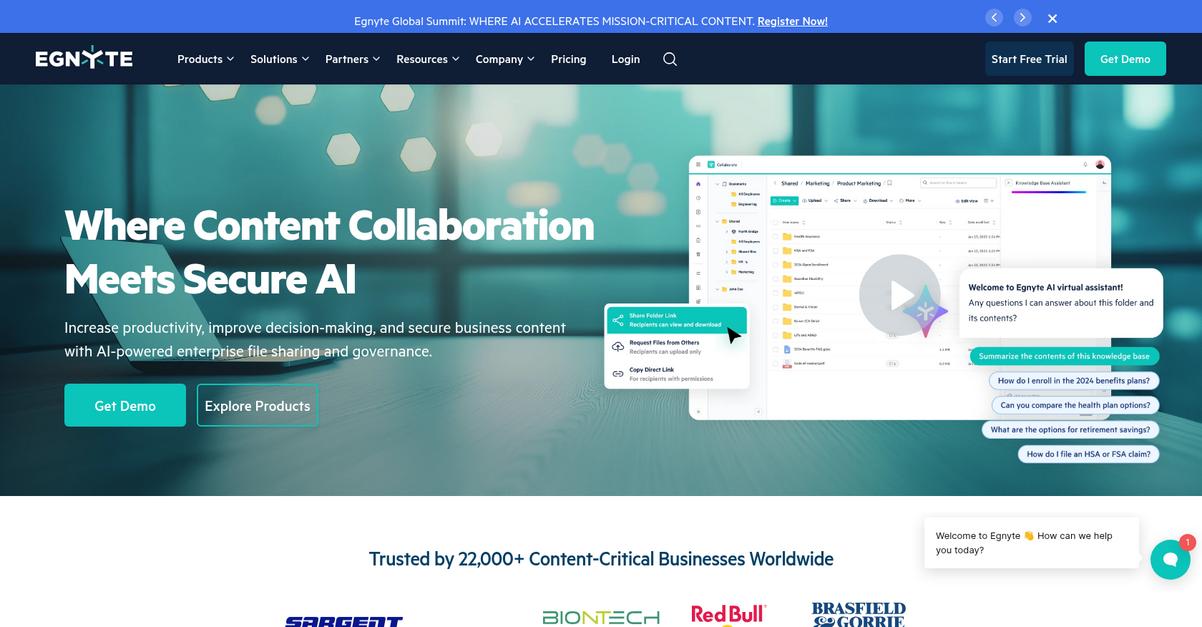
Egnyte lets you control who can access, edit, or share documents with secure file sharing and data governance built for business.
The platform combines cloud flexibility with robust security controls for every document you manage, which helps if you’re worried about accidental leaks or compliance headaches.
Here’s how you get even more peace of mind.
Egnyte solves access and protection challenges by giving you granular permissions and automated compliance tools right from the start.
Your team can benefit from real-time insights into file activity and user behavior, so you see who’s accessed what and when. This means you’re always in the loop for audits or potential security incidents.
Additionally, the hybrid architecture is perfect if you’re working with huge files or need local speed without sacrificing secure, anywhere access. If meeting strict compliance regulations feels impossible, Egnyte automates those retention policies, helping you enforce rules you set—no manual follow-up needed.
Plus, when you work with clients or vendors, Egnyte ensures confidential documents are shared safely, not just sent out and forgotten.
Everything you need for control and flexibility.
Key features:
- Robust secure sharing and permissions management tools keep your data protected, so you stay in control even when collaborating outside your company or across remote teams.
- Automated governance enforces compliance and retention rules, reducing regulatory headaches and giving you peace of mind during audits or industry oversight.
- Deep content and user activity reporting lets you track document access, pinpoint issues quickly, and maintain a transparent, auditable record for full accountability.
Verdict:
Egnyte is a great cloud document management software if you want serious control, security, and compliance without losing cloud convenience. You get flexible access, automated governance, and reporting trusted by major brands—ideal for growing businesses and compliance-heavy industries.
9. Zoho WorkDrive
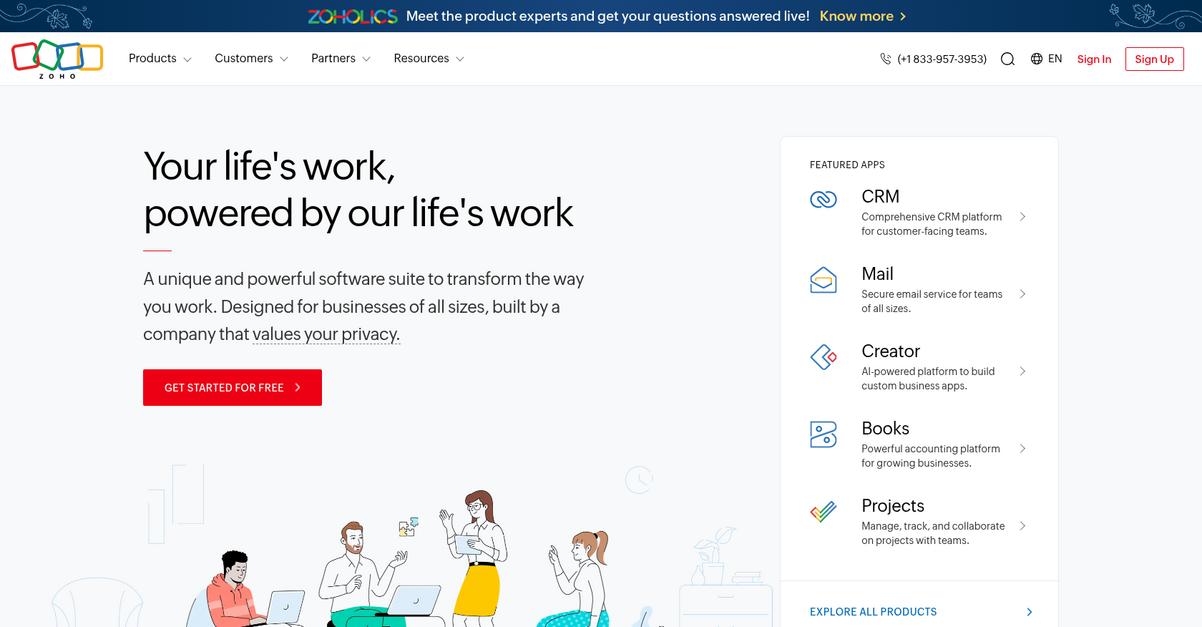
Do your files feel scattered across too many places?
Zoho WorkDrive’s Team Folders let everyone organize and access up-to-date documents in one secure, cloud-based space, ending file chaos.
When your content is scattered, real collaboration stalls and mistakes multiply. Everyone finally stays in sync with the current version. Not only does this make sharing and editing simpler, but your team no longer worries about outdated drafts.
Let’s see how Zoho WorkDrive takes this further.
With Zoho WorkDrive, your team can actually create, edit, and collaborate on documents, spreadsheets, and presentations right from the browser without switching apps. This means you can stop chasing files over endless email chains and chat threads, because WorkDrive’s online editors handle real-time co-editing for your entire group—conveniently, in one place.
Additionally, if you’ve ever lost progress or needed to check a document’s full revision history, the unlimited file versioning has your back. Every single change is saved automatically, so even accidental changes or deletions can always be rolled back. You aren’t just protected from user error; you’re armed with a full audit trail for compliance and accountability. Combine that with how WorkDrive is part of the larger Zoho ecosystem—so it fits naturally into your existing Zoho apps—and you get a seamless experience across projects and departments.
You get everything you really need.
Key features:
- Centralized Team Folders keep everyone organized: Your files and documents are always up to date and available to everyone in your workspace, reducing confusion and duplicate work.
- Integrated Zoho Office Suite for real-time co-editing: Collaborate with your colleagues as if you’re in the same room, editing documents, spreadsheets, and presentations without leaving the platform.
- Unlimited file versioning for peace of mind: Never lose a critical change—WorkDrive stores every version, so you can restore, audit, or recover files whenever you need.
Verdict:
If you’re searching for an amazing cloud document management software that actually makes collaboration easier, Zoho WorkDrive is a smart choice—especially for budget-minded teams looking for seamless collaboration, unlimited version history, and powerful editing all in one place.
10. NetDocuments
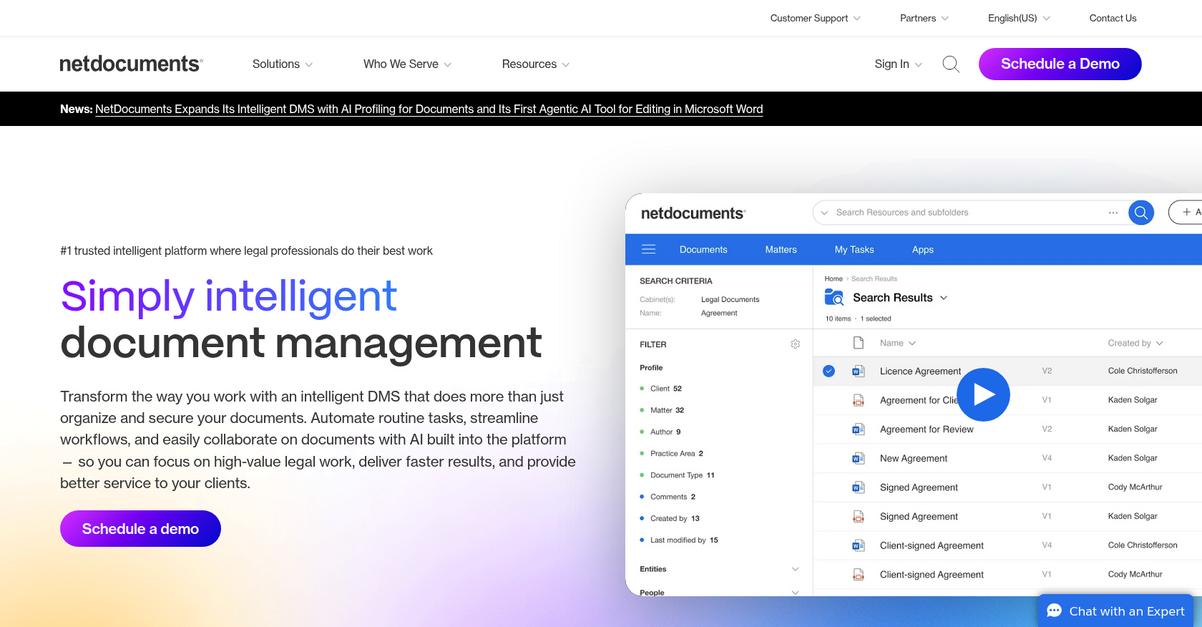
Need airtight document security for your practice?
NetDocuments offers powerful cloud-based storage with enterprise-grade security and compliance, plus automated workflows to keep everything in order.
This means your team can confidently manage, store, and share sensitive documents without worrying about unauthorized access or tedious manual processes.
With NetDocuments, your compliance headaches become a thing of the past because the platform is designed for strict regulatory environments.
Here’s how the solution fits your needs.
You get more than just simple file storage—NetDocuments centralizes document management with built-in AI workflows and secure sharing tools.
For example, automated document profiling and routing powered by AI reduces manual effort, so your team spends less time on admin and more time focused on valuable work. This is especially helpful if you’re handling multiple matters or clients at once and need to keep files organized and compliant.
Additionally, I like how the secure sharing feature keeps documents inside a controlled ecosystem, significantly reducing data breach risks. Integrated Outlook email management lets you save all communication and attachments right into the correct workspace, so you never lose context or waste time searching.
This combination really covers every critical cloud document management challenge.
Key features:
- AI-powered workflows automate document routing and profiling to deliver faster, more accurate processing and reduce human error within demanding legal or compliance-driven environments.
- Secure document sharing with customizable access controls, so you can collaborate confidently with both your team and clients, ensuring only the right people see sensitive information.
- Integrated Outlook email and attachment capture directly into relevant matter workspaces, letting your team keep every crucial thread of communication connected to its documents.
Verdict:
If you want an amazing cloud document management software that maximizes security, offers automated compliance, and streamlines workflows for legal and professional teams, NetDocuments is a proven choice—especially with advanced AI and specialized industry protections not found elsewhere.
11. SmartVault

Tired of chaotic document requests every tax season?
SmartVault gives you a secure client portal, automated workflows, and direct integrations with your tax software—taking document chaos off your hands.
This means you can finally eliminate hours of back-and-forth emails and chasing paperwork while keeping compliance tight.
The real question is, how does it work in practice?
You get more than cloud storage with SmartVault.
Your clients can upload, view, and e-sign their documents in a branded online portal that’s built for security and user-friendliness. This portal doesn’t just look professional; it also protects every file while making interactions with clients so much easier.
If you’re constantly juggling multiple requests, automated workflows let you trigger document requests, set up routing rules, and ensure nothing slips through the cracks. SmartVault’s unique ability to integrate with your tax software means each document finds its right spot, automatically. Plus, for accounting and tax pros who dread manual admin, the platform can save 60 to 90 minutes per tax return—a huge boost in productivity during crunch time.
So you can focus on serving clients, not searching for files.
Key features:
- Branded client portal for secure collaboration: Clients can upload, review, and e-sign documents easily, streamlining your communication and document exchanges while impressing clients with your professional approach.
- Automated document workflows and requests: Replace repetitive manual admin with smart document routing and storage, so you get consistency, fewer errors, and real time back.
- Direct integrations with tax software: Keep your document management synced and organized, making tax season and compliance checks dramatically simpler for your team.
Verdict:
With its client portal, workflow automation, and tax software integrations, SmartVault is an excellent cloud document management software for accountants who value productivity and security—firms see up to 90 minutes saved per tax return using their workflow.
Conclusion
Overwhelmed by cloud software choices?
Deciding on a cloud document management solution gets complicated fast, especially when everything seems to offer the same promises but your actual needs run deeper.
It’s no wonder that, according to PDF Reader Pro, companies that use cloud-based document management systems report a 65% increase in operational efficiency—that’s a huge edge you can’t afford to miss as your team scales and digitizes. Moving to the cloud is more than convenience—it’s a direct path to less wasted time and real cost savings.
So where should you start?
If you want clarity and confidence in your decision, FileCenter is my top recommendation from this list.
FileCenter’s unified platform solves the biggest pain point: centralizing cloud files, automating sorting, and making daily document work seamless for your entire team.
What I really like about FileCenter is how it delivers the best cloud document management software experience for SMBs—everything in one organized place with minimal setup, productive automation, and secure PDF tools right in the cloud.
Go ahead and start a free trial of FileCenter to see the difference for yourself.
Less chaos, more productivity.