
Lost in digital document chaos again?
Endless folders, scattered files, and version confusion drain your team’s energy fast and leave you struggling to stay productive.
Missed deadlines and lost information eat away at profits and add daily stress, making it tough to know where to even begin fixing the mess.
As research highlighted in the Journal of Accountancy points out, manual data entry can have error rates of 1% to 5%, depending on experience and data complexity. That’s not just wasted time—it also means more mistakes, rework, and even compliance risks for your business.

This article can help you take back control by guiding you toward the digital filing solution that actually fits your business needs.
In this article, I’ll break down the best digital filing system options, explain exactly why they work for real businesses, and share what you need to know to choose confidently.
You’ll discover how to boost productivity and finally free yourself from digital clutter.
Let’s dive in.
Quick Summary:
| # | Software | Rating | Best For |
|---|---|---|---|
| 1 | FileCenter → | Small businesses ditching paper | |
| 2 | Neat → | Small teams handling receipts | |
| 3 | M-Files → | Mid-sized enterprises fast retrieval | |
| 4 | Dropbox → | Remote and on-the-go teams | |
| 5 | Hyland OnBase → | Large enterprises with complex processes |
1. FileCenter

Can your team actually find files when it matters?
FileCenter brings one-click scanning with searchable OCR and an intuitive cabinet-drawer-folder e-filing system that overlays right onto your Windows folders.
When you’re juggling both paper and digital files, it’s a headache keeping everything organized. No more lost scanned documents or hours wasted searching – you get instant access and consistent structure.
This means your workflow just got a whole lot smoother.
If you’re looking to modernize file management, FileCenter nails the basics and then some.
You can scan, name, and OCR any document in a single click. Directly from there, FileCenter’s e-filing structure mirrors real office cabinets so your team spends less time learning and more time working. Clients, projects, and historical documents are always at your fingertips.
Plus, the built-in PDF editor lets you create, edit, and annotate files without ever leaving FileCenter. Need to split or merge documents? No problem. Smooth PDF workflows keep everybody on the same page and eliminate extra steps.
The result is a massive boost in efficiency for any business aiming to go paperless.
Key features:
- Automated one-click scanning and OCR: Instantly makes paper documents digital, searchable, and easy to file, so your team never wastes time hunting for important paperwork again.
- PDF editor for document creation and modification: Editable and annotatable right inside FileCenter, your staff won’t need separate software or extra conversions to manage PDFs effectively.
- Familiar cabinet-style e-filing overlay for Windows: Your Windows folder structure becomes a powerful, organized digital filing system with zero learning curve, streamlining onboarding and daily document workflows.
Verdict:
With its one-click scanning, searchable OCR, and intuitive e-filing overlay, FileCenter is a great digital filing system for small businesses wanting to finally ditch paper and clutter. If reducing chaos and boosting access is your priority, you’ll want to try it—for free.
2. Neat
Tired of hunting for important business documents?
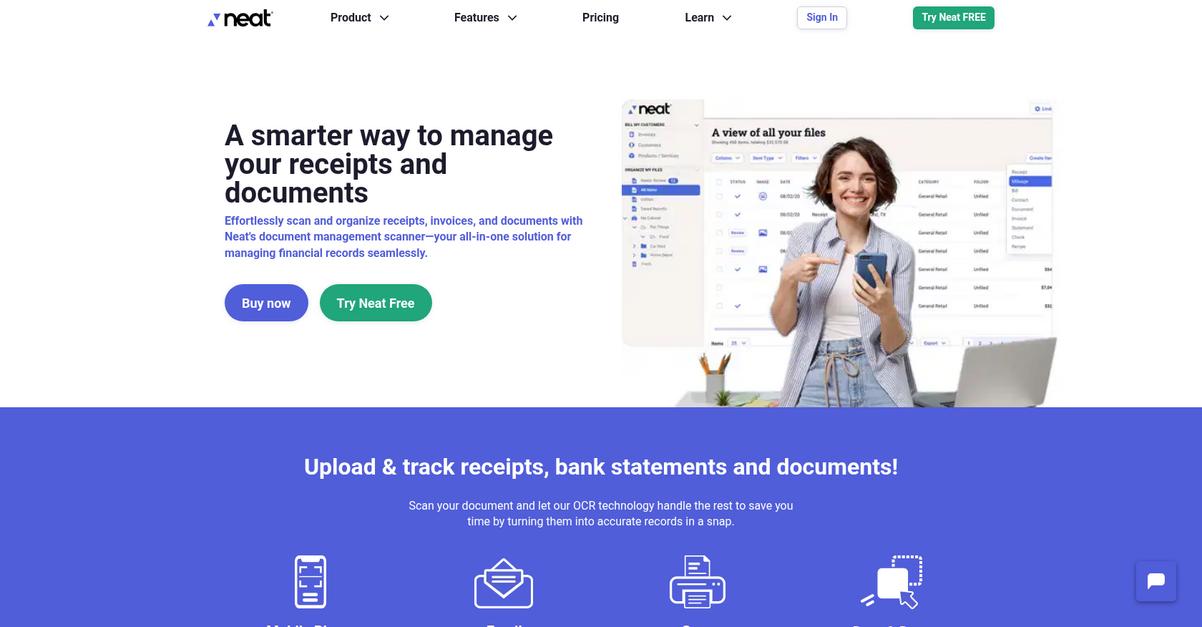
Neat’s automatic scanning and organization lets you digitize receipts, invoices, and paperwork fast with built-in OCR that tags, files, and stores records in structured folders for instant access.
If you’re like me, every tax season or audit can turn into a search nightmare—but Neat’s automatic categorization keeps everything organized and eliminates frantic last-minute digging.
You deserve a simpler, more reliable way.
Neat brings together digital filing, auto categorization, and smart search so your paperwork headaches vanish.
Here’s how Neat actually makes the difference for your team. By using their data extraction feature, you can capture vendor names, dates, and amounts, then find what you need instantly with powerful search tools. All key financial information is extracted and organized for you, which means no more wasted time digging for missing details.
Additionally, the cloud storage solution secures every file and makes syncing between devices frictionless. That way, whether you’re at your desk or on the go, every piece of paperwork—scanned or uploaded—is accessible and protected. Plus, with automated organization, you never worry about sorting or filing again.
The result is a digital filing system that takes document chaos off your plate.
Key features:
- Automatic scanning and smart categorization using OCR so your receipts and invoices are always filed correctly, even if you have hundreds coming in every month.
- Advanced data extraction and full-text search empower you to find specific information—like vendor names or amounts—whenever you need them, making audits and reporting painless.
- Centralized cloud access for your documents ensures everything is securely backed up, accessible anywhere, and shared across your whole team with ease.
Verdict: As a best digital filing system, Neat stands out for automating tedious paperwork with OCR, lightning-fast search, and secure hosted storage—making it perfect if you need hassle-free expense and receipt management, especially during audits or tax season.
3. M-Files

Is locating key files taking up your day?
M-Files uses a metadata-driven system to organize your documents by what they are, not where they’re stored, making information simple to find.
I know how frustrating it can be when your team spends ages searching for files or worrying about the right version. With M-Files, you get faster information retrieval and fewer manual filing headaches thanks to their unique document classification and automated organization.
Let’s see how that actually plays out.
M-Files solves your biggest digital filing pain points by letting you find documents in seconds using context and content rather than folders and subfolders.
Here’s how: The platform’s AI-powered document classification automatically tags, files, and processes your content. It learns from your information and keeps all relevant documents at your fingertips effortlessly, even if they’re stored across multiple systems or locations.
Plus, M-Files takes it a step further with configurative workflow automation. You can design custom workflows for document approvals, tasks, and notifications, so you don’t have to worry about bottlenecks or missed steps. The result is a smarter way to manage your content and a lot less busywork.
You could really transform your document chaos.
Key features:
- Metadata-driven organization for smarter document retrieval: Quickly access any file based on its context, not folders, so you can save time, avoid confusion, and never misplace business-critical information.
- AI-powered classification and tagging across all content: Automatically have your documents identified, labeled, and organized, reducing manual tasks and boosting compliance for your business.
- Workflow automation for end-to-end document handling: Create automated approval cycles, reminders, and routing processes to keep every part of your team in sync and on track.
Verdict: M-Files is an excellent digital filing system for your business if you want to find files up to 50% faster, improve process efficiency by 70%, and finally rid your team of manual, error-prone filing—giving you more time for higher-value work.
4. Dropbox

Document chaos hurts your team’s productivity and focus.
Dropbox gives you secure cloud storage, automatic file sync across devices, and granular permission controls—so you’re never scrambling to find the right file.
If you’re tired of email chains and scattered folders, Dropbox protects your files and lets you control who gets access while keeping every version handy.
Here’s what makes it a smart choice.
With Dropbox, you get reliable cloud storage that syncs across your computer, phone, and tablet whenever you make a change. That means there’s no confusion over outdated versions or missing documents.
A standout benefit is the file version history feature. You can restore previous versions if something gets deleted or overwritten, saving you from disasters like accidental edits or deleting the wrong file. This reduces stress and strengthens document integrity for project work.
Additionally, you have permission settings and password-protected links. Only the right people can access sensitive information, and you get peace of mind instead of permission headaches. Add secure file sharing to the mix, and you’ve solved the collaboration puzzle for your team.
Switching to Dropbox levels up your filing system.
Key features:
- Cloud storage and file syncing for easy access: Keep files updated on any device, so your team can work wherever they are—at a client site, on the road, or home.
- Document version history restores and tracks changes: Roll back to an earlier version with just a click, saving major headaches if a file gets overwritten or needs review.
- Link sharing with flexible, secure permissions: Set passwords and choose who can view, edit, or download, helping your business keep sensitive client or project files confidential.
Verdict:
Dropbox is a great digital filing system that gives your business anywhere-access, ironclad file protection, and instant collaboration. If you’re looking for secure storage plus file versioning and sharing, Dropbox brings all the essentials together in one intuitive platform.
5. Hyland OnBase
Is your business drowning in scattered digital documents?
Hyland OnBase captures data from both paper and electronic files, automating information intake and giving you one secure, centralized location for every document.
This means you can eliminate manual data entry and ensure your files are always organized, accessible, and compliant, no matter how much your content grows.
No more wasted hours searching for documents.
OnBase brings structure and clarity to your digital chaos.
With Hyland OnBase, you get a flexible digital filing system that automates the capture, storage, and routing of all your business content.
Here’s how OnBase takes digital file management up a notch: it delivers robust document management, letting you store and retrieve files in a secure, centralized repository for instant access and version control. You’ll notice that it handles every essential step of document storage and retrieval with ease so your team spends less time looking for files and more time doing actual work.
Additionally, process automation means your key business documents move quickly through approvals and actions—no more manual shuffling or bottlenecks across departments. If you want consistent compliance and efficiency, OnBase works behind the scenes to make it happen.
That’s why I recommend it.
Key features:
- Data capture from any source—paper or digital files: OnBase automates information intake so you’re never left sorting through paper piles or dealing with lost emails again.
- Centralized, secure digital repository with version control: Every document is stored for easy, approved retrieval, giving you unparalleled control over access and compliance.
- Process automation streamlines routing and approvals: Your documents move efficiently through custom workflows, saving time and reducing errors from manual interventions.
Verdict:
With flexible data capture, robust document management, and workflow automation, Hyland OnBase is a great digital filing system for handling high volumes and complex processes. If your business needs scalable content control, OnBase delivers proven efficiency, security, and compliance that users trust worldwide.
6. OpenText Content Suite
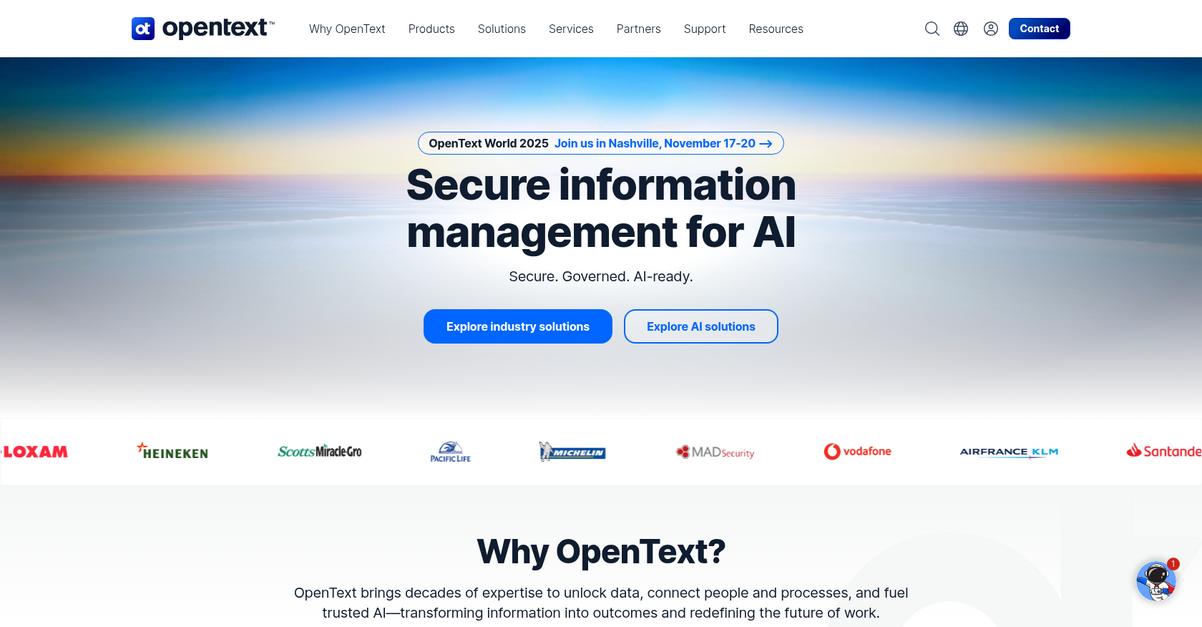
Drowning in scattered information costs you serious time.
OpenText Content Suite offers centralized content access, letting you manage, find, and govern every file from one secure place—even if your documents come from different sources.
This means your team finally has a unified digital filing hub you can truly trust for easier compliance, control, and productivity.
Let’s see how this solution supports your day-to-day needs.
With OpenText Content Suite, you’re getting a robust digital filing platform that captures, manages, and archives information through its entire lifecycle—helping your team work smarter, not harder.
Here’s how: you can access all your digital content from one location—even if it’s stored across different systems—which reduces wasted search time and ensures reliable decisions. Cloud content management gives your business the flexibility to adapt, whether you migrate now or later.
Additionally, the intelligent viewing feature means your team reviews and collaborates on almost any file type directly from the repository. Combine this with automated recordkeeping and retention policies, and you have a tool that manages risk, compliance, and day-to-day productivity—all in one platform.
That’s exactly what your business needs to scale.
Key features:
- Centralized content access across all your systems: View, file, and retrieve documents from a single interface, even if stored in separate repositories, making audits and workflows less stressful.
- Automated records and compliance management: Track, retain, or defensibly dispose of records according to policy, reducing your legal and compliance workload with less manual intervention.
- Universal, secure file viewing and collaboration: Access and collaborate on almost any file type—without leaving the secure environment—so your team is always in control of sensitive information.
Verdict: If you’re searching for an excellent digital filing system, OpenText Content Suite delivers cloud-based consolidation, automated compliance, secure universal viewing, and proven risk reduction—ideal for businesses ready to streamline complexity and boost productivity without disrupting current workflows.
7. TAB FusionRMS
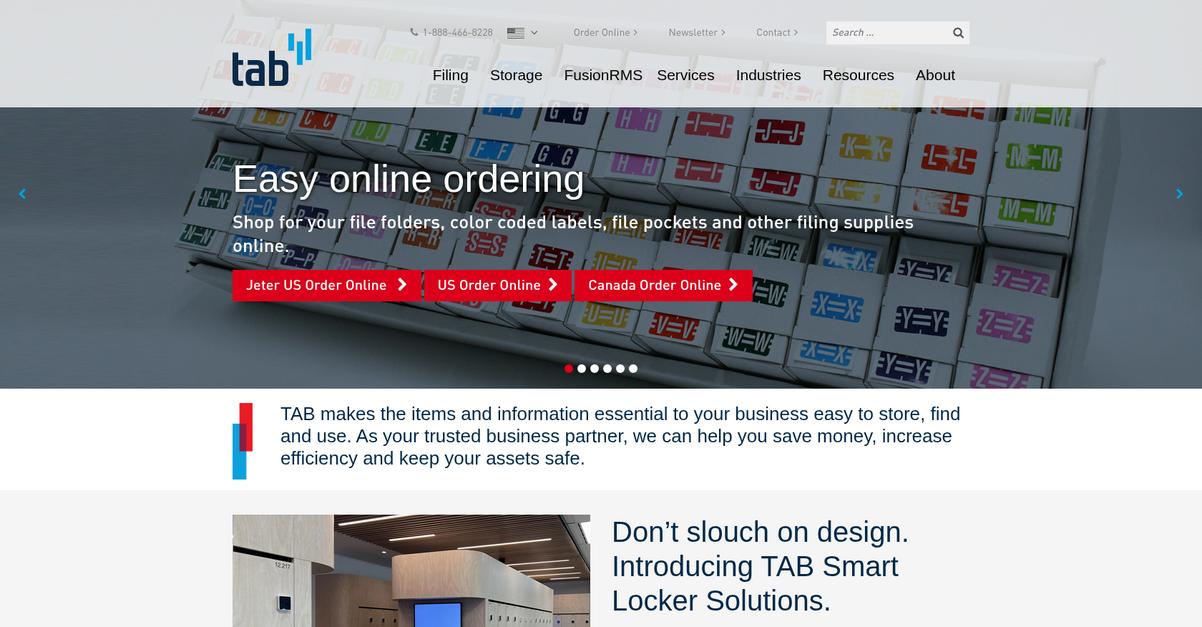
Is document chaos holding your business back?
TAB FusionRMS brings together all your paper and digital files in one place, making it easy to find, manage everything you need.
This means you don’t have to waste time hunting for information or worrying about missing files. You get a single, unified platform that streamlines every part of your filing process.
Here’s how things get better from here.
TAB FusionRMS makes organizing your records simple and secure.
By letting you manage both physical and digital documents in the same system, you can finally break down information silos and eliminate duplicate filing headaches. It even offers automated filing with barcodes, so you can quickly digitize incoming paperwork without manually sorting each piece. This unified system saves hours of administrative time every week, enabling you to focus on higher-value tasks.
Additionally, there are robust permission controls, so you only share sensitive files with the right people on your team. That means less risk and more confidence when it comes to compliance and confidentiality. These layered features ensure your business data remains both accessible and protected, supporting faster search and retrieval for better decision-making at every level.
So if you want reliable digital filing with real ROI, TAB FusionRMS is worth a closer look.
Key features:
- All-in-one electronic and physical records control gives your team one system for every file type, eliminating information silos and improving compliance and retrieval efficiency.
- Automated barcode-based document filing radically cuts the time needed to digitize and organize incoming paper documents, reducing human error.
- Permission-based secure access ensures only authorized users can view or modify sensitive information, protecting your business’s most critical data at every step.
Verdict:
If you want a great digital filing system that unites paper and electronic records while boosting compliance and efficiency, I think TAB FusionRMS is an excellent pick. Users consistently report faster, easier access to their information—a proven win for productivity-focused businesses like yours.
8. NordLocker
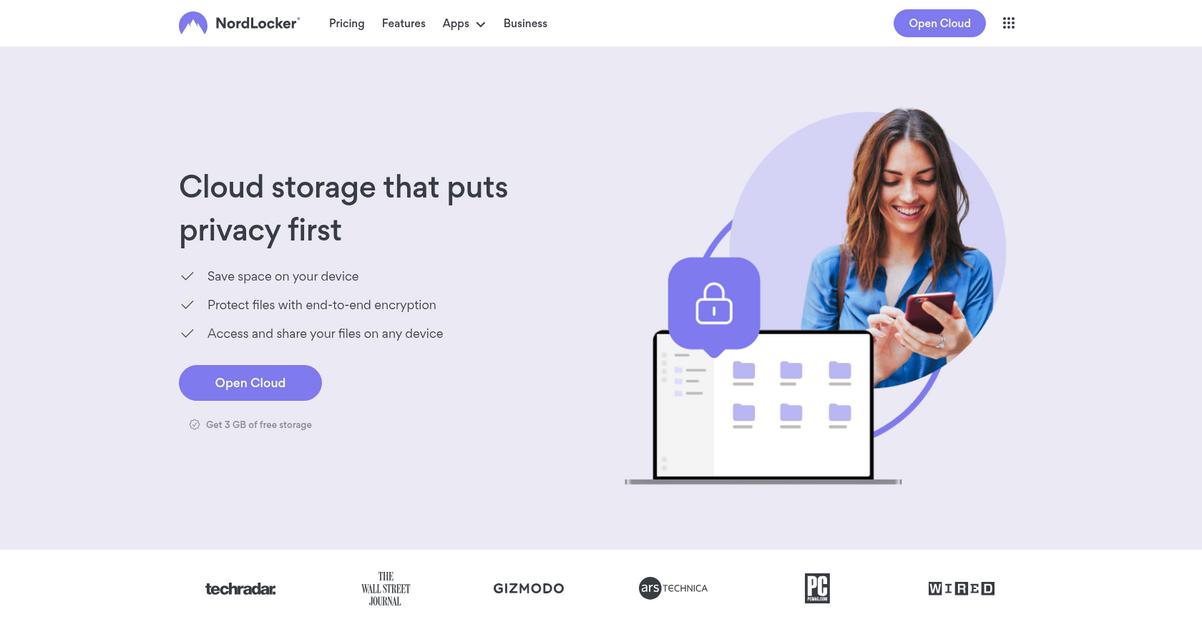
Worried about the safety of your files?
NordLocker has you covered with end-to-end encryption, zero-knowledge architecture, and secure cloud sync—helping you keep all your business files private, accessible, and organized.
If you’ve ever felt uneasy about storing sensitive files in the cloud or sharing confidential documents, NordLocker’s robust encryption and user-only access give you confidence that your data is locked down.
This means you never have to compromise security.
NordLocker tackles file safety with a practical approach.
You get end-to-end encryption right on your device, so your files are protected before they even hit the cloud. Here’s how it works: your master passwords and encryption keys stay with you, not NordLocker, so nobody but you can decrypt your data, not even the provider. This is essential if your business handles contracts, employee records, or any file you simply can’t risk getting into the wrong hands.
Additionally, NordLocker’s encrypted cloud storage lets you sync files across all your devices without sacrificing privacy. If you or your team need to access crucial files on the go or from a remote office, NordLocker makes that possible while keeping everything secure and malware-free.
Plus, there’s no more worrying about breaches—just focus on your work.
Key features:
- End-to-end file encryption before upload: Your files are fully encrypted on your device so only you control access—critical for confidential client or company data.
- Zero-knowledge privacy architecture: NordLocker never stores your master password or decryption keys, so you know your files can’t be viewed by anyone else.
- Encrypted cloud storage with secure sync: Seamlessly back up and access your protected digital files from multiple devices, reducing risk and local storage pressure.
Verdict: If you want a best digital filing system for supreme file privacy, NordLocker is it. Their end-to-end encryption and private cloud sync let you access sensitive files anywhere, without ever compromising peace of mind.
9. Evernote
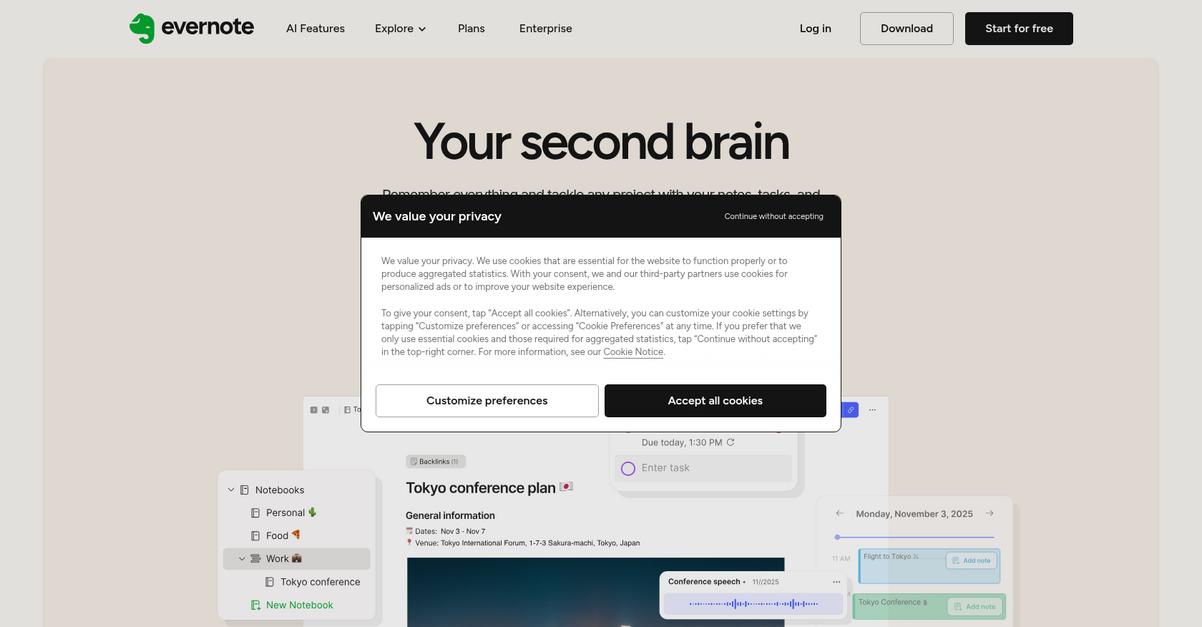
Drowning in scattered business documents?
Evernote’s flexible notebooks and robust search help you create a digital filing system where everything is easy to find and organized exactly how you want.
If you’re tired of wasting time tracking down customer details or project files, you’ll love how Evernote’s OCR-powered search ensures nothing slips through the cracks.
Staying on top of your workflows just got easier.
Evernote brings all your files, notes, and web clippings together so you never misplace important information again.
Here’s how it works: Using Evernote’s advanced search, I can type just a keyword and instantly pull up notes, scanned PDFs, and even images with handwritten text. You can also design custom notebooks and tag documents with client names, deadlines, or project types, keeping everything sorted for seamless access at crunch time.
Additionally, I can use the Web Clipper to save web pages, or simply scan paper receipts and contracts straight into my digital cabinet. This means you essentially eliminate physical clutter, and those bits of scattered information finally come together in one secure place, ready when you need them.
Plus, with instant synchronization across all your devices, you never have to worry if your latest notes or client contracts are left behind at the office or stuck on your laptop.
Your team’s productivity is about to get a boost.
Key features:
- Lightning-fast OCR search across your notes, images, and PDFs so you always find what you need, even inside scanned documents or handwritten meeting notes.
- Personalized organization using notebooks, nested tags, and filters that help you create a filing structure tailored to your business workflows and project needs.
- Seamless capturing of web content and physical paperwork by using the Web Clipper and mobile scanning to bring every source into your single digital hub.
Verdict:
Evernote stands out as a best digital filing system for any business that needs fast, customizable organization and instant retrieval. From OCR-powered search to flexible tagging, Evernote’s all-in-one platform can help you save hours weekly and work smarter every day.
10. Notion
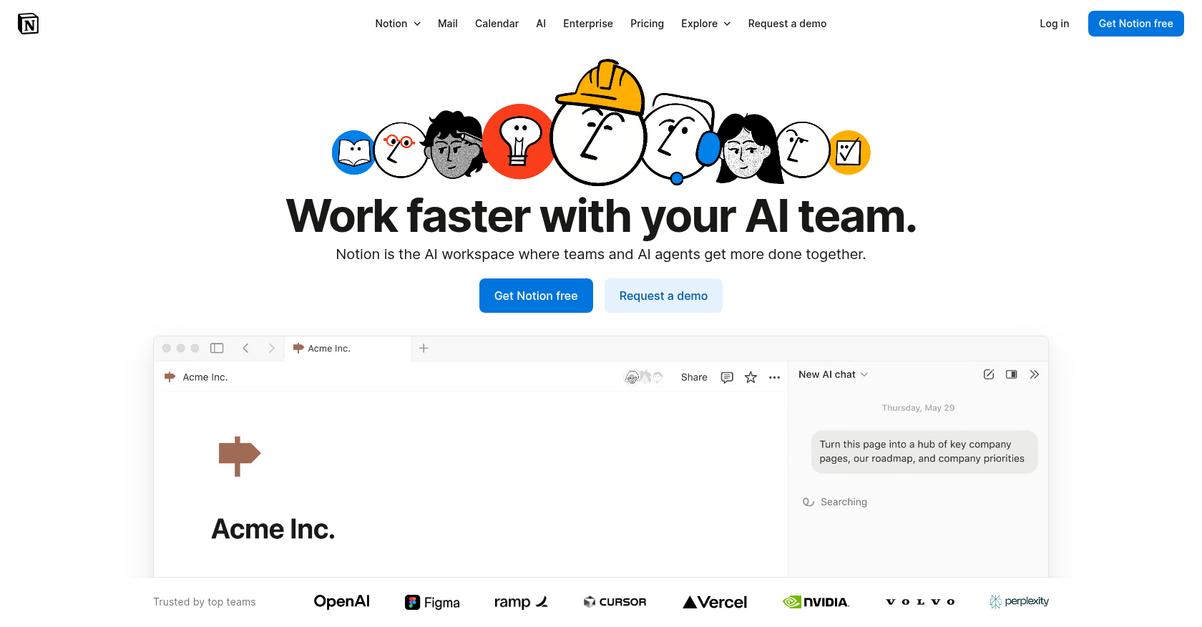
Does your filing system waste valuable team time?
Notion offers custom databases that let your team organize everything from key documents to task lists in a single, easy-to-search place.
If you’re tired of digging for files, you’ll love how every important asset lives in one central workspace for instant access and collective editing.
Let’s see what this looks like in action.
Notion brings your documents, notes, and databases together, so you can build a filing system as unique as your business. This means faster onboarding, fewer bottlenecks, and all the knowledge your team needs at their fingertips.
With drag-and-drop customizable structures, I can create a workspace that fits your workflows exactly. I love how I can simply link related documents with custom database fields and update them as needs change, making information flow smoother and more predictable.
You also get real-time collaboration—so your team can work together on documents, deliver feedback instantly in comments, and keep everyone on the same page. This not only accelerates your processes but also ensures edits and conversations are never lost in email threads or DM silos.
Everything’s built to boost productivity.
Key features:
- Custom databases built just for your needs: Design flexible filing systems tailored for your team, so every document, policy, or asset lives under precisely the right categories.
- Drag-and-drop interface supporting any document structure: Reshape your workspace in seconds, making it easy to adapt as your business grows or pivots.
- Team collaboration with shared comments and live editing: Enable real-time editing and discussion directly inside documents, preventing miscommunication and knowledge loss.
Verdict:
If you’re after the best digital filing system, Notion gives you flexibility and control with custom databases, drag-and-drop structure, and real-time collaboration—all proven to boost productivity and keep your documents organized, whether you handle internal policies or client projects.
Conclusion
Lost files drain your team’s productivity fast.
Choosing the right digital filing system is overwhelming, with so many lookalike options and hidden feature gaps that stall adoption and security.
Here’s a wake-up call—research in the Journal of Accountancy shows manual data entry can have error rates of 1% to 5%. That means lost time, rework, and compliance risks quickly add up for your business, eroding both morale and profits.
So how do you actually get ahead?
From my firsthand experience with all these tools, FileCenter is the top solution for taming digital chaos and getting instant, reliable access to every document you need.
I love how FileCenter’s familiar e-filing structure and one-click scanning make it the best digital filing system for busy business owners and office managers who want it to “just work”—with no steep learning curve.
You can start a free trial of FileCenter here and see what organized, stress-free document management really feels like.
You’ll finally gain back your time and peace of mind.