
Cramped by DocHub’s limited editing power?
If you’re constantly frustrated by DocHub’s clunky interface, basic editing tools, and slow document workflows, you’re not alone in wanting something better.
These issues can slow down your team’s document processes and leave everyone juggling workarounds instead of making progress.
The long hours wasted fighting DocHub’s limitations is more than just an inconvenience — it eats into productivity, strains team morale, and creates costly bottlenecks you can’t afford if you want to stay competitive.

You deserve a tool that’s efficient, robust, and genuinely improves your daily workflow.
In this article, I’ll show you the best DocHub alternatives for PDF management. We’ll explore options like FileCenter, Adobe, Foxit, Wondershare, UPDF, Smallpdf, ABBYY, Nitro, and EaseUS so you can finally streamline your document processes.
Unlock better editing, smoother collaboration, and real efficiency upgrades with the right choice.
Let’s find your solution.
Quick Summary:
| # | Alternative | Rating | Best For |
|---|---|---|---|
| 1 | FileCenter → | Users needing offline control | |
| 2 | Adobe Acrobat → | Power users requiring advanced security | |
| 3 | Foxit PDF Editor → | Teams needing better collaboration | |
| 4 | Wondershare PDFelement → | Users wanting modern interfaces | |
| 5 | UPDF → | AI-focused small business teams |
1. FileCenter

Tired of PDF tools that just slow you down?
FileCenter tackles the key pain points you’ll run into with DocHub, bringing advanced desktop PDF management, deep OCR, and robust editing right to your local machine.
If you’ve found DocHub clunky or are let down by its limited features, you’ll see how FileCenter gives you real control over your documents with offline access and advanced editing that simply outclasses basic cloud tools.
Your workflow deserves a genuine productivity boost.
Switching to FileCenter means you get a powerful desktop solution designed to put you back in control if DocHub’s web-based approach is holding you back.
With FileCenter, your documents stay organized in the familiar cabinet-and-drawer structure that you and your team already know. This means nobody wastes time learning new software or searching endless menus, and you maintain local control for added security.
You’ll also appreciate FileCenter’s superior OCR accuracy for scanning and batch processing—instantly turning paper into searchable, editable PDFs that simply work better than DocHub’s online attempts.
Additionally, the dedicated PDF editor goes well beyond basic merging or annotation tasks. You can handle complex editing, securely split or combine files, and truly manage every detail, all from your desktop.
That translates to dramatic workflow improvements.
Key features:
- Familiar cabinet-and-drawer organization model lets you structure files with local control, avoiding DocHub’s cloud lock-in and helping small businesses streamline access with minimal retraining.
- High-accuracy scanning and integrated OCR allow you to digitize, search, and edit documents in bulk, outperforming DocHub’s basic or missing OCR capabilities when converting paper files.
- Comprehensive desktop PDF editor brings advanced editing, merging, splitting, and securing functions, so you handle complex tasks far beyond what DocHub’s browser-based system can offer.
Verdict: FileCenter stands out as a top DocHub alternative for PDF management, especially if you want local control, superior OCR, and serious editing functionality. If you’re ready to ditch browser-based bottlenecks, FileCenter delivers the robust offline tools your workflow demands.
2. Adobe Acrobat

Feeling boxed in by DocHub’s limited PDF tools?
Adobe Acrobat delivers granular PDF editing, robust document security, and far deeper automation—all areas where DocHub can leave you stuck, especially as your workflow matures.
This means you get more power, especially when you need to restructure, redact, or truly secure important documents—tasks DocHub just cannot match out of the box. If you’re struggling with clunky tools and finding your current setup holding you back, it’s time to consider the next level.
Here’s how Acrobat changes the game for you.
Adobe Acrobat brings a professional approach to PDF work, letting you step way beyond DocHub’s web toolkit headaches.
With advanced PDF editing down to the text, images, and even entire pages, Acrobat lets you actually customize and control your documents as you see fit, not just make minor tweaks. This means less time fighting with limited features and more actual control for you and your team.
Plus, you benefit from industry-standard security, including password protection, full redaction, and compliance-ready options. Add in powerful PDF form creation with automated data collection, and Acrobat can overhaul your paper and digital workflows.
You can finally trust your PDF tools again.
Key features:
- Granular editing and restructuring capability lets you precisely edit, redact, or completely rearrange PDF content—an immense upgrade over DocHub’s limited in-browser tools.
- Enterprise-grade security and compliance features provide password protection, full-document encryption, Bates numbering, and advanced redaction for sensitive files, far exceeding DocHub’s basic protections.
- Custom form creation and workflow automation enable you to design interactive PDF forms and automate data collection, empowering you far beyond DocHub’s basic fill-and-sign approach.
Verdict: Adobe Acrobat stands out as a powerful DocHub alternative if you need advanced editing, professional-grade security, and true workflow automation for PDF management. With options for desktop or cloud use, Acrobat delivers capabilities that far surpass DocHub—especially when handling structured edits, compliance, or complex workflow requirements.
3. Foxit PDF Editor
Is DocHub missing the advanced tools you need?
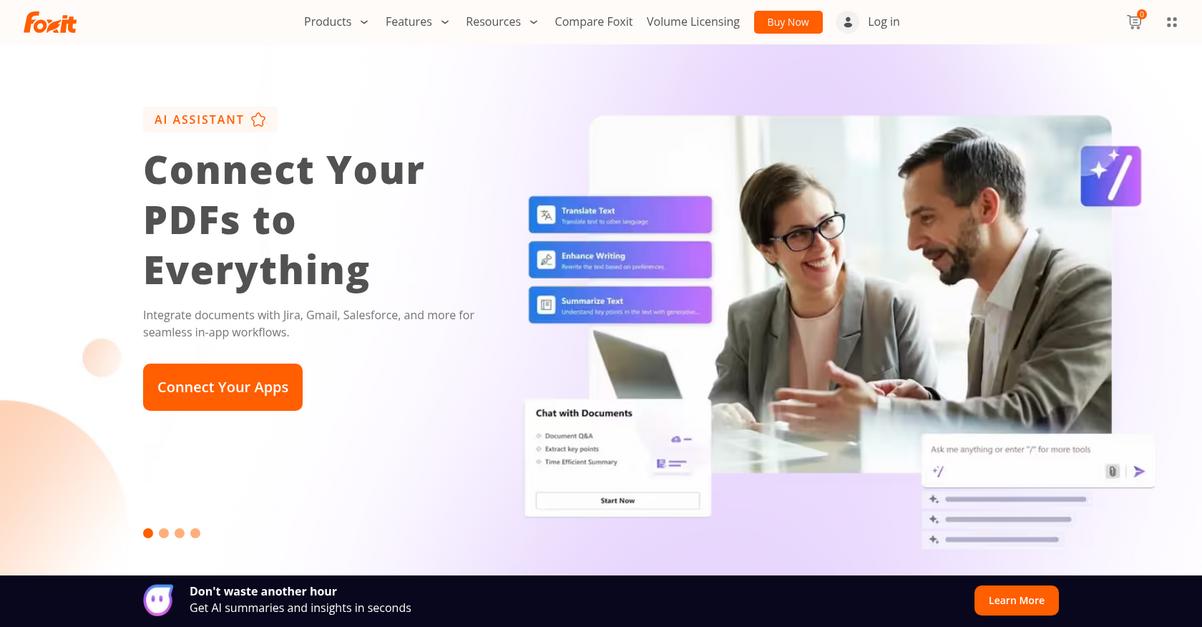
Foxit PDF Editor steps in with robust desktop editing and advanced OCR, and stronger security features that address a range of DocHub shortcomings for managing PDFs.
This means you get comprehensive editing capabilities missing from DocHub’s interface and can process complex documents—especially if you’re often dealing with scanned paperwork or sensitive data.
If you’re tired of being limited by browser-based tools, here’s relief.
Foxit PDF Editor brings your workflow to the next level as a DocHub alternative, delivering everything from responsive desktop editing to accurate batch OCR and ironclad PDF security.
You can confidently edit text, images, and pages, organize content, and annotate files offline—all while enjoying a smoother, faster experience than browser-based DocHub. With the batch OCR, even the largest piles of scans become instantly searchable and editable, so you reclaim hours that would be lost with DocHub’s slower tools.
Additionally, Foxit offers robust encryption, password protection, and professional redaction features that tightly secure your data. All these options help your company unlock the PDF management you actually wanted when you started with DocHub.
Let your documents work for you instead of holding you back.
Key features:
- Full-featured desktop editing and annotation tools give your team responsive control over PDFs, removing many of DocHub’s limits around editing text, images, organizing pages, and file-level markups.
- Batch OCR and conversion for scanned documents transforms piles of scanned files into searchable, editable PDFs, delivering automation and accuracy that DocHub’s OCR tools simply can’t match.
- Advanced PDF security options plus redaction protect sensitive data with professional-grade encryption, passwords, and built-in redaction tools, providing significantly stronger privacy than DocHub’s standard protections.
Verdict: If you’re searching for the best DocHub alternatives for powerful PDF management, Foxit PDF Editor stands out with its advanced editing, batch OCR, and tight security. You can expect a smoother, more responsive experience, especially when handling complex or sensitive documents that DocHub just can’t manage as thoroughly.
4. Wondershare PDFelement

Feeling limited by DocHub’s underpowered editing toolkit?
Wondershare PDFelement goes beyond by offering truly robust PDF editing, advanced AI-powered OCR, and a smooth interface that’s accessible on both desktop and mobile—solving some of the biggest DocHub frustrations instantly.
This means you finally break free from browser-only toolsets. No more clunky menus or missing features across devices—everything you need is at your fingertips, whether on Windows, Mac, iPhone, or Android.
Plus, upgrading from DocHub doesn’t have to feel overwhelming.
Here’s how Wondershare PDFelement solves those pain points as a DocHub alternative.
Wondershare PDFelement brings a much more intuitive and modern interface, so even deeper PDF editing tasks become straightforward for your team, and you won’t have to stumble through awkward menus or limited web tools.
You also get advanced AI-driven OCR that accurately recognizes scanned text, regardless of language, which opens up new possibilities for editing documents you thought were locked away forever—functionality DocHub simply can’t match.
Additionally, because PDFelement supports every major platform with full-featured desktop and mobile apps, you gain consistent PDF editing power anywhere you need it, supporting more productive document workflows and less downtime moving between devices.
Everything about your document process just gets easier.
Key features:
- Modern, intuitive user interface across platforms makes PDF editing approachable for everyone and eliminates the workflow drag you’d experience with DocHub’s basic, sometimes clumsy, web interface.
- Accurate AI-powered OCR transforms scanned PDFs into fully editable, searchable files in multiple languages, enabling precise edits and empowering you to unlock content other tools miss.
- Dedicated apps for Windows, Mac, iOS, and Android deliver the same powerful features everywhere, so you’re never forced to compromise on capability or get stuck inside a web browser.
Verdict: Wondershare PDFelement offers a far superior alternative to DocHub for PDF management. With its cross-platform power, advanced editing, and next-generation OCR, your team can finally streamline electronic documents, avoid common workflow pitfalls, and confidently handle complex PDF tasks—no matter the device.
5. UPDF
Still feeling boxed in by DocHub’s editing limits?
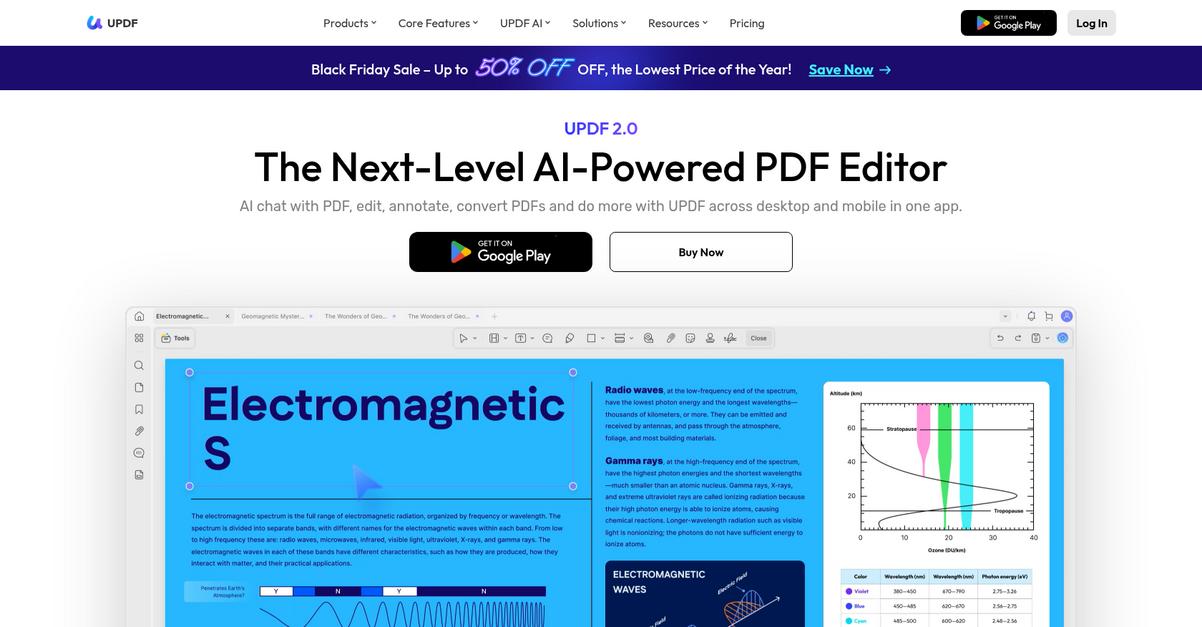
UPDF delivers robust editing, AI-powered content tools, and real-time cross-device sync that go far beyond DocHub’s basic web platform for PDF management productivity.
Unlike DocHub, UPDF offers flexible annotation options and unique AI functionality, tackling the problem of “How can I work with my PDFs more intelligently and efficiently?” Your team won’t have to sacrifice advanced tools or intuitive access just to edit documents anymore—UPDF’s AI assistant, richer annotation, and device syncing open new doors for your workflow.
Here’s why that can transform your document workflows.
With UPDF, you’re not just switching PDF editors—you’re unlocking features DocHub lacks, like built-in AI assistance that summarizes, translates, and explains content inside your PDFs in real time.
Additionally, you can sync your edited PDFs instantly across Windows, Mac, iOS, Android, and web—a big step up if your team is tired of browser-only features holding them back.
Plus, the extensive markup toolkit—highlights, stickers, and shapes—lets your team collaborate and review with ease, speeding up feedback much faster than DocHub’s basic commenting alone.
You get real power without extra complexity.
Key features:
- Built-in AI assistant for content summary and translation gives you new productivity options by summarizing, rewriting, or explaining PDF content directly—features not available within DocHub’s toolkit.
- Sync PDFs seamlessly across every major platform means Windows, Mac, iOS, Android, and web all stay updated, allowing your team to maintain document momentum without workflow disruptions.
- Vast annotation selection beyond standard markup tools includes highlights, stamps, and unique collaborative elements, helping you facilitate feedback cycles more efficiently than DocHub’s commenting tools.
Verdict: UPDF stands out as the best DocHub alternative for small businesses that value AI-powered PDF editing, cross-platform document sync, and a more flexible collaboration experience. If you want advanced annotation, instant multi-device access, and productivity gains DocHub just can’t offer, UPDF’s feature set is your upgrade.
6. Smallpdf
Frustrated by DocHub’s limited editing options?
Smallpdf delivers an extensive online toolkit covering PDF conversion, compression, merging, and editing, going far beyond DocHub’s more basic set of features.
This means if your workflow is stalling on DocHub’s constraints, you might find that Smallpdf’s specialized instant PDF tools offer much broader flexibility and let you tackle multiple document tasks in minutes.
You get a whole new level of control with Smallpdf.
Here’s how Smallpdf makes your switch from DocHub worth it.
You can instantly access over 20 PDF tools all in one place, giving you the ability to convert, compress, split, or combine files as needed without bouncing between different platforms.
Plus, you get integrated e-signature capabilities that streamline contract workflows for your team. These signatures are fully legally binding, so you can close deals and approve documents without leaving your browser.
Additionally, Smallpdf gives you direct integration with Google Drive and Dropbox, making it easy to upload or export files wherever you and your team already work. The result is seamless document flow and far less downtime switching between apps.
Switching means you won’t have to compromise anymore.
Key features:
- Suite of 20+ web-based PDF tools gives your team specialized options for conversion, compression, splitting, merging, and editing docs, making workflow management faster and more intuitive than DocHub.
- Integrated legal e-signatures included for secure, compliant digital document signing, eliminating the need for external e-signature platforms or the sometimes-clunky options inside DocHub.
- Robust Google Drive and Dropbox integration connects cloud storage directly to your PDF tasks, simplifying how you import, manage, and export files compared to DocHub’s limited integrations.
Verdict: Smallpdf stands out as an online alternative to DocHub, especially if you want instant access to more PDF tools and robust cloud features. Its ability to centralize editing, signing, and sharing saves your team hours every week and simplifies document workflows from day one.
7. ABBYY FineReader
Struggling with DocHub’s limited editing capabilities?
Here’s where ABBYY FineReader stands out with industry-leading OCR and advanced editing tools that let your team convert, compare, and manage complex PDFs with real precision and efficiency.
Unlike DocHub’s basic functionalities, ABBYY FineReader brings OCR accuracy, powerful document conversion, and comparison in one platform, letting you tackle tasks that typically hold up your workflow.
If you’re looking for more than just basic PDF editing, keep reading.
ABBYY FineReader makes your scanned documents just as editable as digital ones, thanks to its advanced OCR that supports over 190 languages.
Plus, with document comparison features, you can quickly catch every change between PDF versions, saving your team hours reviewing contracts or proposals. This is a huge upgrade if you’ve ever felt stuck with DocHub’s limited review tools.
On top of that, the versatile PDF conversion capabilities let you create, export, and edit PDFs with unmatched fidelity. Your team can move between Word, Excel, PowerPoint, and back to PDF without loss, which reduces rework and improves collaboration if you’re still dealing with DocHub limitations.
Finally, all these tools help you switch faster and more confidently.
Key features:
- Industry-leading OCR accuracy across 190+ languages converts scanned paper or image-based PDFs into fully searchable and editable documents, supporting demanding digitization needs where DocHub often fails.
- Robust document comparison tools in PDF and Word highlight all changes and differences, streamlining version control and reviews in a way DocHub does not offer.
- Flexible PDF conversion and creation options let your team move content to Word, Excel, or PowerPoint—maintaining formatting and fidelity that’s often lost with DocHub’s conversion tools.
Verdict: ABBYY FineReader is a smart pick if you want document management software that actually solves your team’s everyday PDF challenges. Its industry-best OCR, advanced comparison, and conversion features offer a real upgrade over DocHub—especially for handling complex scanning, editing, and review workflows.
8. Nitro PDF Pro
Looking for more control than DocHub provides?
Nitro PDF Pro steps up with advanced editing, batch automation, and integrated e-signatures—features that go far beyond what DocHub typically offers your workflow.
Unlike DocHub, Nitro PDF Pro introduces automation for repetitive PDF tasks, including batch conversion and secure processing. This addresses your frustration with DocHub’s manual steps and lack of advanced workflow tools.
The result? Your document management finally works for you.
Nitro PDF Pro brings together robust editing, high-fidelity PDF creation, conversion, and enterprise-grade e-signature workflows in one powerful platform, making your switch from DocHub a genuine upgrade.
Here’s how switching helps you overcome the limitations that held your workflow back. You can convert whole folders of files to professional-quality PDFs, or automate security and printing—all tasks you have to perform one by one in DocHub today.
On top of that, integrated e-signature workflows let you collect legally binding signatures along with audit trails right inside the editor. All these advanced features work together to give you tighter document control and significantly less busywork.
Everything is designed to help your team get real work done.
Key features:
- Comprehensive PDF editing and batch automation let you automate conversions, apply security, and process multiple files at once, so you can eliminate tedious manual PDF work DocHub makes you do.
- Integrated e-signature workflows with audit trails provide business-grade digital signatures and secure document routing inside the editor, surpassing DocHub’s basic signing options and giving you true workflow automation.
- Professional PDF creation and high-fidelity conversion generate editable PDFs from any file and deliver spot-on conversions to Microsoft Office formats, offering the reliability and flexibility you can’t get from DocHub.
Verdict: Nitro PDF Pro is a comprehensive DocHub alternative for desktop and cloud PDF management. With batch processing, integrated e-signatures, and top-tier conversion, you can automate routine tasks and streamline your workflows—making it a worthy step up from DocHub’s more basic tools.
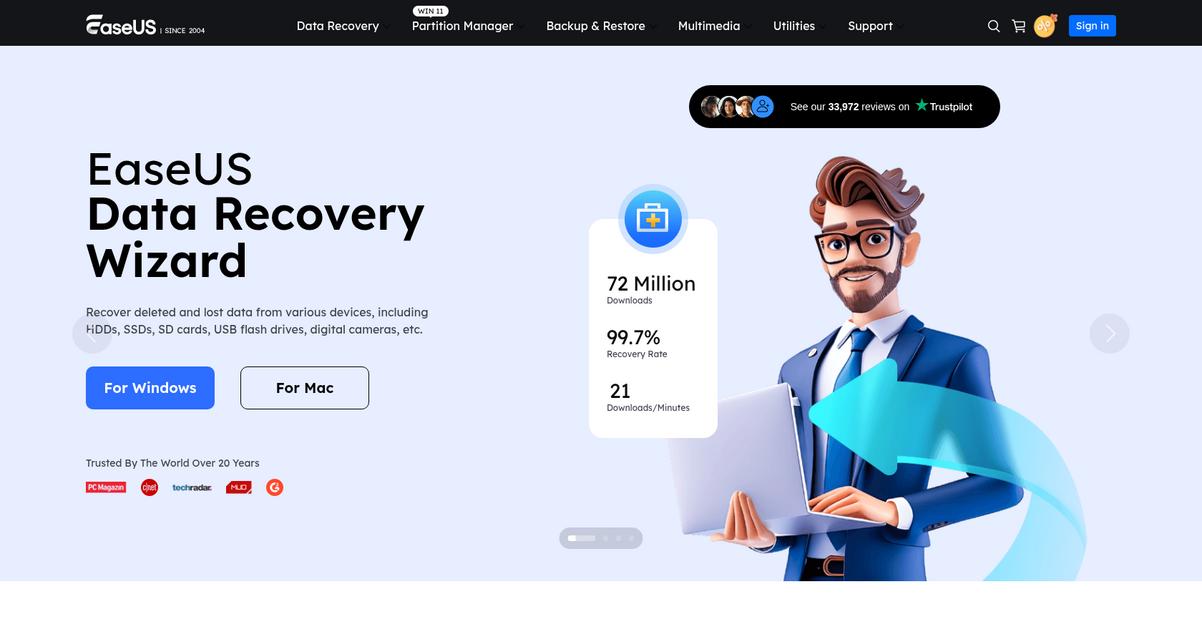
9. EaseUS PDF Editor
Is DocHub’s editor holding your workflow back?
EaseUS PDF Editor steps in with a robust set of editing tools that go far beyond DocHub’s limited web-only options, letting you deeply customize PDFs right from your desktop.
Unlike DocHub, you get true offline editing and document customization tools that just work even without internet access. This means you’re not stuck with browser-based limitations or basic feature sets that slow down your team when projects are on the line.
You really can skip the web frustrations now.
Here’s how EaseUS PDF Editor stands out as an alternative: it gives you advanced text, image, and page editing with precise control over every detail—something DocHub’s web editor simply can’t touch.
The built-in OCR engine lets you convert scanned PDFs into editable, searchable files in just a few clicks—a huge win if you’re digitizing paper forms or extracting data, and a major leap past DocHub’s limited OCR.
You’ll also appreciate the smooth PDF file conversions to and from Office formats like Word, Excel, and PowerPoint. This flexibility saves time when sharing documents or reusing content, and ensures every file keeps its original formatting after the switch.
Your document workflow just got a serious upgrade.
Key features:
- Full desktop PDF editing with no internet needed empowers your team to modify text, images, pages, and more directly on their desktops, bypassing DocHub’s web-only editing limitations entirely.
- Accurate OCR for scanned PDFs and images lets you turn paper documents into fully editable, searchable text, clearly outperforming DocHub’s recognition accuracy for digitization.
- Broad PDF conversion to Word, Excel, PowerPoint, and images maintains your original formatting, enabling effortless file transitions and better compatibility for your document needs.
Verdict: EaseUS PDF Editor is an excellent alternative if you’re seeking true desktop PDF management beyond DocHub’s online-only limitations. It offers a more complete editing suite and accurate OCR, especially helpful for small businesses that need reliable offline access and effortless file conversions when streamlining their workflows.
Conclusion
Tired of DocHub’s workflow roadblocks?
If DocHub’s clunky interface and limited editing features are holding your team back, it’s no wonder you’re searching for a smarter alternative.
Making a switch takes some effort, but you gain real efficiency by leaving frustrating tools behind and finally equipping your team with the functionality and speed you need every day.
Here’s the solution you’ve been waiting for.
From all the options I’ve explored, FileCenter is my top pick for users fed up with DocHub’s shortcomings.
FileCenter solves those workflow bottlenecks by combining powerful PDF editing, integrated OCR, and local document management—all in a streamlined desktop package that just works for small businesses.
I’ve seen FileCenter completely transform document processes for teams who moved on from DocHub, thanks to its robust features and true offline reliability.
Ready to reclaim your productivity? Check out FileCenter’s free trial or demo to see it in action.
Experience smoother workflows and stronger organization.