

Docsvault feeling outdated and limiting?
You’re not the first to feel frustrated by its rigid compliance controls, lack of scalability, and clunky interfaces that just don’t fit your agency’s growing needs.
These limitations can slow down your workflows and create unnecessary stress every time your team tries to adapt or scale.
Sticking with Docsvault often leads to extra training costs, lost productivity, and staff frustration—making document management more painful and expensive than it should be. When security feels like a compromise and integrations are always a struggle, switching is no longer just an option but a necessity.

Thankfully, there are proven alternatives to Docsvault that put security, compliance, and usability first for government agencies.
In this article, I’ll show you the best Docsvault alternatives to boost security, simplify compliance, and modernize your document management. You’ll see how platforms like FileCenter, Hyland, Laserfiche, and DocuWare offer real advantages for agencies needing a secure upgrade.
Switch now and enjoy better compliance, user experience, and peace of mind.
Let’s find your solution.
Quick Summary:
| # | Alternative | Rating | Best For |
|---|---|---|---|
| 1 | FileCenter → | Users wanting modern interfaces | |
| 2 | ShareArchiver → | Companies requiring better support | |
| 3 | Hyland OnBase → | Teams needing better collaboration | |
| 4 | Laserfiche → | Small teams seeking simplicity | |
| 5 | Everteam → | Budget-conscious growing businesses |
1. FileCenter

Tired of Docsvault’s rigid complexity?
FileCenter gives your agency a desktop-focused system that organizes documents with Windows-style folders and cabinets, bypassing Docsvault’s database-driven structure for simpler file management.
Unlike Docsvault, FileCenter lets you use familiar navigation, reducing the anxiety of steep learning curves and letting your staff adjust quickly to the new system.
This means smoother onboarding and happier users.
FileCenter’s design offers government teams a way to manage compliance and security without getting bogged down in complicated interfaces or restrictive workflows.
Instead of dealing with complicated Docsvault migration and endless configuration, you’ll tap into cabinet-drawer filing that uses your existing Windows folder logic. Plus, FileCenter’s perpetual license makes budgeting straightforward—no recurring cost spikes.
The result: Your agency enjoys quicker document searches and immediate paper-to-digital transfers with built-in scanning and OCR. This can accelerate your transition to paperless records, which matters for audit readiness and day-to-day productivity.
Additionally, FileCenter’s categorization and search features, combined with its straightforward desktop setup, create clarity for your whole agency. Even if you have limited IT, FileCenter’s system lets you take control without outside consultants or complex onboarding.
It’s an agency-friendly setup for secure, compliant document management.
Key features:
- Cabinet-drawer filing structure with Windows folders simplifies document access and management compared to database-dependent systems, reducing onboarding and training effort for agency users transitioning from Docsvault.
- Integrated scanning and instant OCR digitizes paper records directly into assigned folders, speeding up searchability and paperless transitions beyond what Docsvault’s capture modules offer.
- Perpetual licensing for predictable budgets allows you to pay once and own your software outright, offering long-term savings over Docsvault’s ongoing subscription costs.
Verdict: If Docsvault’s complexity is holding your agency back, FileCenter stands out as a refreshingly intuitive document management solution. With familiar filing, built-in scanning, and predictable licensing, you’ll keep compliance tight and operations running smoothly—even without a big IT department.
2. ShareArchiver
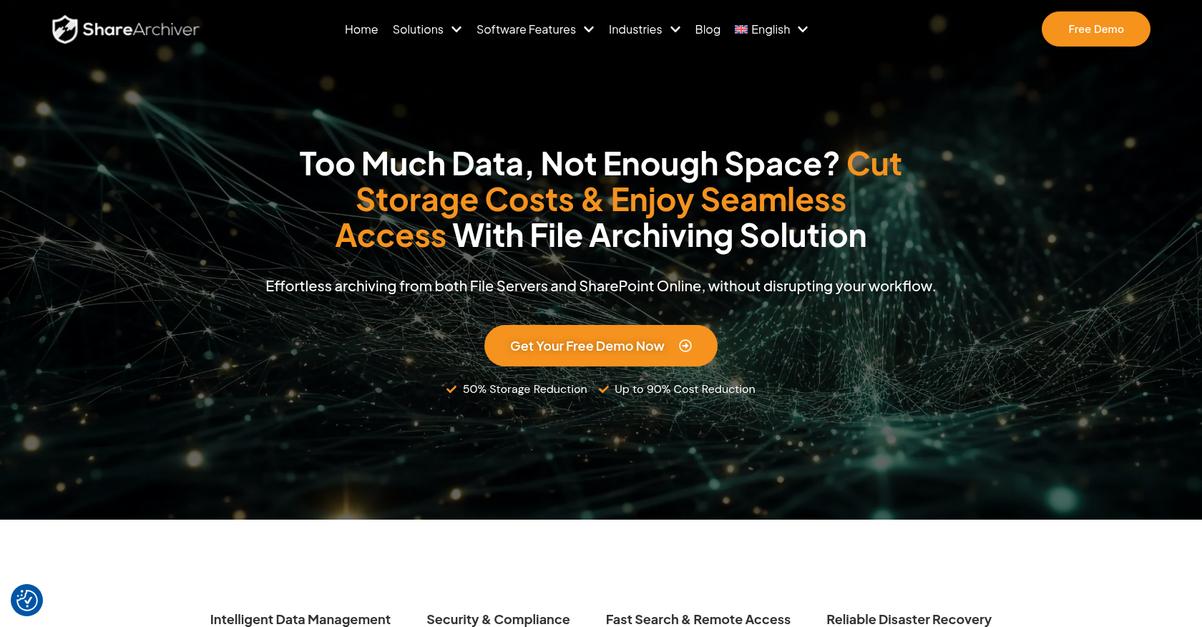
Are Docsvault’s compliance gaps holding your agency back?
ShareArchiver stands out with policy-based email and file archiving that tightly aligns with government data retention laws, a clear upgrade from Docsvault’s generalized retention approach.
By using specialized archiving and granular eDiscovery capabilities, ShareArchiver empowers your team to meet even the strictest regulatory requirements—something Docsvault just doesn’t deliver. Not only do you get more control, but your legal and IT teams can also respond faster to eDiscovery and audit requests.
This means you can finally put compliance concerns to rest.
ShareArchiver goes beyond the standard document management features you might be used to in Docsvault.
With its focus on government-grade archiving and retention, ShareArchiver lets you define email and file retention policies for every repository or department in your agency. For instance, you can automatically move inactive data to compliant archives without disrupting user access, making storage management much more efficient than Docsvault’s direct approach.
Additionally, its comprehensive eDiscovery features allow for lightning-fast searching across archives, so your legal team can place holds or retrieve files with robust auditing for every step. These tools work together to reduce data risk and prove compliance if you’re ever challenged during an investigation.
The result: less storage burden, stronger compliance, and a smoother transition.
Key features:
- Flexible, policy-based archiving for government records automatically enforces departmental retention rules, meeting strict legal mandates and surpassing the basic document-centric policies found in Docsvault.
- Storage optimization with intelligent inactive data migration reduces storage costs by offloading old files, all while ensuring end-users still have uninterrupted access to critical documents whenever they need them.
- Advanced eDiscovery with complete auditing and rapid search delivers on-demand legal holds, investigation readiness, and verifiable compliance—essential capabilities for agencies frequently facing audits or legal review.
Verdict: ShareArchiver is a powerful Docsvault alternative for government agencies needing deeper compliance, advanced archiving, and efficient storage. Its policy-based retention and robust eDiscovery make audits and investigations manageable, while optimized storage can trim operating costs by up to 40% for high-volume data.
3. Hyland OnBase

Frustrated by rigid compliance and lack of flexibility?
Hyland OnBase directly addresses these pain points by offering advanced process automation, robust case management, and a powerful integration ecosystem—far beyond Docsvault’s feature set.
If you’ve dealt with Docsvault’s limited scalability or struggled to adapt workflows, you’ll find that Hyland OnBase delivers customizable automation for complex government processes. This solves headaches typical of outdated interfaces by letting you streamline and modernize your operations.
Here’s how you can confidently tackle these old challenges.
By switching to Hyland OnBase, you put a true enterprise-grade solution behind your agency’s digital transformation.
Government agencies tired of Docsvault’s constraints will appreciate that Hyland OnBase solves those workflow and scalability issues with its low-code process automation tools. These let your team design, deploy, and adapt cross-departmental processes—no developers needed—even for the most complex requirements. Plus, you’ll unify all your case content and constituent records under one platform, which is critical if your agency supports investigations or ongoing public service matters.
Additionally, you get unmatched integration capabilities, connecting easily to hundreds of core government systems. This means your information flows where it’s needed, without manual transfer or worrying about future compatibility.
The result is true control and confidence in your document management solution.
Key features:
- Low-code workflow automation for government processes allows your agency to design and adapt cross-departmental workflows without developers, offering far more customization than Docsvault’s standard templated automation.
- Dedicated case management for constituent services centralizes case files, tasks, and documentation into a single unified view, surpassing Docsvault’s limited document-centric approach—especially important for investigations or ongoing services.
- Broad integration ecosystem for seamless data exchange connects with hundreds of core government platforms, ensuring reliable and consistent data sharing across your entire agency’s software stack.
Verdict: Hyland OnBase is the go-to Docsvault alternative if you need top-tier document management and automation for government agencies. Its enterprise-grade automation, dedicated case management, and hundreds of integrations help your agency adapt without the limitations that Docsvault puts in your way.
4. Laserfiche

Is Docsvault limiting your agency’s future growth?
Laserfiche steps in with advanced automation and government-grade records management, closing the compliance and usability gaps you may have struggled with in Docsvault.
Compared to Docsvault, Laserfiche delivers a visually-driven workflow designer and certified records management. This means you can finally automate those multi-step public service processes, and guarantee airtight audit trails for agency compliance, all in one platform.
Here’s how Laserfiche changes the equation.
Switching to Laserfiche brings true modernization.
Laserfiche makes government document management smarter by giving your agency tools Docsvault can’t match.
Take the Process Automation Designer: you can map and automate even the most complex public forms and multi-department approval flows in a visual, drag-and-drop environment. This lets your agency reduce bottlenecks and cut manual errors for permitting, service requests, or any vital workflow. Plus, advanced digital forms with e-signatures replace paper completely, collecting data securely and ensuring compliance from the start.
Additionally, certified records management goes far beyond Docsvault’s capabilities. You get auditable lifecycle controls that enforce legal holds and automate retention schedules, ensuring peace of mind for even the strictest government oversight. Combined, these features help your team avoid operational risk and finally deliver the efficient digital services your public expects.
Laserfiche moves your agency toward real digital transformation.
Key features:
- Process Automation Designer with visual workflow mapping empowers your staff to design, automate, and optimize public service operations well beyond Docsvault’s basic workflow features.
- Certified, auditable records management and retention provides end-to-end compliance for government legal holds and regulatory schedules with stronger controls than Docsvault offers.
- Secure, advanced electronic forms with integrated signatures eliminate manual paperwork and speed up citizen service, surpassing Docsvault’s limited capture functions for public interactions.
Verdict: Laserfiche is a top Docsvault alternative for government agencies. By automating processes, agencies have saved over $250,000 annually—like a city that digitized permit handling. The workflow automation, bulletproof compliance, and secure forms make switching to Laserfiche the safer, smarter move for your digital future.
5. Everteam
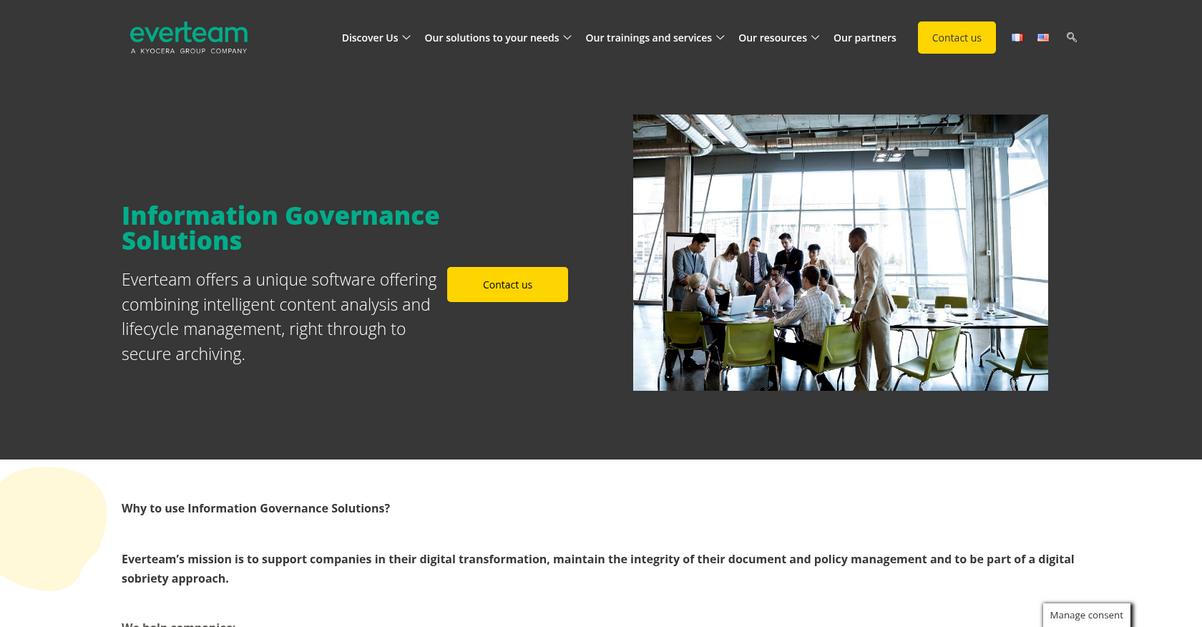
Is Docsvault still falling short on compliance?
Everteam stands out with AI-driven governance and integrated lifecycle management, directly addressing the compliance and privacy challenges you may face with Docsvault, especially as a government agency.
The real difference is in how Everteam tackles content management using advanced artificial intelligence for regulatory compliance. This approach means you are not stuck with Docsvault’s manual processes or basic rule sets when handling complex government records.
You might be wondering if there’s a smarter fix.
Everteam can help your agency take control where Docsvault can’t.
The solution lies in Everteam’s unique AI-powered platform, which classifies and manages government content automatically based on current regulatory requirements, minimizing your compliance risks in ways Docsvault simply can’t.
This means you gain continuous, AI-based document classification and tagging for all records. So, your team isn’t wasting hours trying to keep up with shifting mandates, and information governance is finally proactive, not reactive.
Additionally, Everteam’s integrated ECM handles everything from creation to secure destruction, so your agency benefits from true end-to-end record management. Combine that with robust privacy controls—masking and access management designed for confidential data—and you’re set up with protection Docsvault doesn’t offer.
You deserve security and compliance that just works.
Key features:
- AI-powered information governance for government records goes beyond manual tagging by automatically classifying and processing documents, ensuring your compliance is always up to date and reducing administrative workload.
- Integrated lifecycle and records management capabilities allow your team to manage, track, and audit every stage of a document’s life, giving you superior oversight critical for public agencies.
- Specialized privacy and access controls for sensitive government data help your agency comply with strict privacy mandates, offering masking, advanced permission controls, and audit trails not found in Docsvault.
Verdict: Everteam is a compelling Docsvault alternative for government agencies that require bulletproof compliance and privacy. With advanced AI governance, integrated lifecycle management, and privacy controls, you boost data protection and regulatory readiness—addressing exactly the gaps that frustrate Docsvault users most.
6. DocuWare

Looking for less manual work than Docsvault offers?
DocuWare’s intelligent indexing and advanced workflow automation address the common limitations you face with Docsvault’s rigid compliance features and outdated interface, giving you much more flexibility and efficiency.
By relying on more sophisticated automation and AI-driven document indexing, DocuWare doesn’t just reduce your manual data entry—it transforms the way your agency handles compliance. You get tailor-made approval processes that actually match your needs.
This is where your workflow changes for the better.
DocuWare steps in as the smarter choice for agencies that need more than Docsvault’s limited features can provide. You gain robust, automated workflows that adapt to your internal operations—no matter how complex the approval chains or compliance needs.
You’ll appreciate how its AI-powered Intelligent Indexing automatically sorts, extracts, and classifies your government records. This means faster, error-free data capture and categorization so your staff can focus on mission-critical tasks instead of piece-meal filing.
There’s also a deep integration library that connects DocuWare with ERP or CRM systems you already use. If data flow across siloed platforms has been a Docsvault headache, DocuWare’s broader integrations will streamline everything—from case management to finance.
Additionally, agencies switching over report up to 80% faster document processing and major operational savings, thanks to DocuWare’s automation capabilities.
You can finally expect real efficiency and security gains.
Key features:
- AI-based Intelligent Indexing for government records reduces manual entry by automatically extracting, categorizing, and filing documents, making regulatory compliance and audit preparation far less time-consuming.
- Advanced and customizable workflow automation engine enables you to design complex approval and routing processes tailored for government, outclassing Docsvault’s limited workflow offerings.
- Comprehensive third-party integration ecosystem connects with leading ERP, CRM, and other government applications, ensuring your data flows smoothly across critical systems without manual intervention.
Verdict: DocuWare stands out as a robust alternative to Docsvault for government agencies. Its AI indexing, custom workflow automation, and powerful integrations help you process documents up to 80% faster, driving efficiency and security while ensuring compliance and successful adoption across multiple departments.
7. Discus

Looking for tailored compliance beyond Docsvault’s limits?
Discus delivers specialized Australian government records compliance, an intuitive dashboard, and secure cloud access that address the core gaps you might face with Docsvault.
With Discus, you get Australian-specific record-keeping that goes far deeper than Docsvault’s broad coverage, so you’re not left worrying about compliance headaches or painful audits.
Additionally, if you want more control and simplicity, Discus streamlines document access and administration.
Here’s how Discus elevates your compliance game.
Discus helps you solve those legacy limitations by focusing on what truly matters for Australian government agencies. Its platform prioritizes government-grade compliance for all your records.
You’ll appreciate that Discus was designed with public sector requirements from day one. This includes a user-friendly interface that reduces onboarding time, so your agency spends less time navigating clunky menus and more time delivering services.
If you’re worried about data location or remote work, Discus’ sovereign cloud ensures documents are both accessible and locally stored. When you combine Australian legal compliance, better usability, and remote-ready security, your team has far fewer roadblocks compared to what you face with Docsvault.
Switching to Discus is about giving your agency the advantage it needs.
Key features:
- Specialized Australian government records compliance addresses legislative and public sector mandates that Docsvault may not cover, making it easier to meet local standards and pass compliance checks with peace of mind.
- Intuitive, easy-to-learn user interface makes adoption painless even for less tech-savvy staff, helping reduce training overhead and increasing productivity right from the initial rollout to your entire agency.
- Secure cloud-based, sovereign data access provides remote document accessibility while ensuring all information stays within Australia—critical for agencies with strict data residency requirements and essential for hybrid work environments.
Verdict: If Docsvault’s generic records management isn’t enough for your public agency, Discus offers a purpose-built alternative. With Australian-compliant recordkeeping, user-friendly workflows, and secure local cloud access, you cover more regulatory ground while increasing adoption—everything modern agencies need from their document management software.
8. nTireDMS
null
Looking for tighter security and better compliance?
nTireDMS tackles Docsvault’s most common pain points by prioritizing flexible workflow automation, detailed audit trails, and enhanced security controls built specifically for government requirements.
Unlike Docsvault, nTireDMS offers more granular version tracking and customizable workflow automation to match your agency’s compliance needs. This means your documents are always protected and regulatory obligations get met without making you jump through hoops.
Here’s where things start to shift for your agency.
nTireDMS gives you everything Docsvault lacks—plus more.
You can handle complex approvals and document routing directly in nTireDMS, thanks to its advanced workflow automation built for large-scale agencies. This is especially useful if your agency needs reliable and repeatable processes that Docsvault just can’t handle. Plus, multi-layer security with granular access controls and full audit logs gives you true peace of mind for sensitive files, even across different departments.
Additionally, if you’re worried about compliance gaps, the version control and detailed audit trails in nTireDMS ensure every document change is recorded and accountable. That means switching feels less risky and a lot more in your control—even if your agency deals with strict regulations every single day.
Every feature helps bring your agency closer to real operational confidence.
Key features:
- Advanced workflow automation for complex processes enables government agencies to handle intricate document routing and approvals, delivering flexibility Docsvault can’t match where custom workflows are critical.
- Multi-layer security with granular access controls provides enhanced data encryption and comprehensive audit trails, addressing vulnerabilities and compliance risks often found with Docsvault’s basic security options.
- Comprehensive version control and audit logs maintain a complete record of document changes, giving your agency stronger accountability and fulfilling regulatory requirements more completely than Docsvault.
Verdict: nTireDMS is the alternative to Docsvault built with government agencies in mind. If you need deeper workflow customization, superior audit logs, and enterprise-grade security, this platform addresses every compliance and accountability challenge Docsvault struggles with—helping your agency operate smarter and safer.
9. ShareDocs Enterpriser

Looking for government-grade document security and compliance?
ShareDocs Enterpriser packs in advanced encryption, multi-factor authentication, and granular controls designed for classified agency documents where Docsvault leaves gaps.
You get a comprehensive workflow engine to automate cross-department approvals, and clear regulatory compliance tools for robust audit trails and retention policies that many find missing in Docsvault. I love how these give you more robust controls for sensitive government operations.
You don’t have to settle for outdated, rigid processes.
ShareDocs Enterpriser is all about helping you meet strict compliance and automate complex government workflows, providing a much-needed upgrade if Docsvault left you stuck.
The result is a scalable, agency-ready platform that puts your security and audit needs first. Its enterprise-grade security goes beyond the basics, delivering encryption tailored for classified documents and fine-grained access controls. If your previous experience with Docsvault felt a step behind, the automated workflows mean you finally get adaptive business process management right out of the gate.
Add to that a regulatory compliance framework with powerful audit trails, so auditors and legal staff have total visibility. Combined with policy-based document retention, you can confidently handle FOIA, RTI, or any other government mandate while minimizing risk during transitions away from Docsvault.
Plus, the ability to adapt workflows, apply controls per department, and automate tricky administrative approvals truly streamlines agency operations.
You unlock secure, compliant document management made for agencies.
Key features:
- Advanced, customizable encryption and access controls built for government use, giving your agency far greater security and control than Docsvault can provide for classified or sensitive data.
- Workflow automation spanning departments and divisions empowers you to automate cross-team processes and approvals, making complex government administrative tasks much easier to manage and track.
- Regulatory compliance toolkit with detailed audit trails ensures conformance with legal mandates, providing clear, fully auditable document histories and policy enforcement essential for agencies governed by strict standards.
Verdict: ShareDocs Enterpriser stands out as a Docsvault alternative for government agencies needing robust compliance and workflow automation. Its advanced security, highly adaptable process automation, and tailored audit functionalities make it a savvy upgrade if strict standards drive your operations and Docsvault left you short.
10. LogicalDOC

Chasing more flexibility from your document management system?
LogicalDOC’s open-source approach lets you customize and control deployments, solving key complaints about Docsvault’s fixed setup and limited adaptability for government use.
By providing both community and enterprise editions, LogicalDOC delivers flexible, on-premise control, broad language support, and a workflow engine that meets agency process needs. This goes far beyond what you get with Docsvault.
If you’re looking for greater adaptability and advanced workflow customization options, LogicalDOC is worth considering as you weigh a move away from Docsvault.
Here’s how it can support your requirements.
LogicalDOC puts control in your hands, letting you tailor deployment for your security, compliance, and budget needs—especially if you want more than Docsvault’s proprietary environment offers.
Whether you need self-hosted community features or enterprise-grade tools, you benefit from integrated workflow automation covering routing, approval, and task management to reduce red tape across multiple departments.
Additionally, LogicalDOC’s broad multi-language interface and document indexing supports government agencies serving diverse populations or international operations, without the language limitations you may have faced in Docsvault.
The result is a system you can truly make your own.
Key features:
- Open-source flexibility with community edition puts customization and control in your hands, letting your IT department adapt workflows and deployment to strict government policies and security requirements.
- Integrated workflow automation engine handles department-level approvals, routing, and task assignments, offering more customizable administrative processes than Docsvault’s locked-down modules can deliver.
- Multi-language support for interface and indexing makes LogicalDOC useful for multilingual agency teams or international departments, a level of flexibility not typically found in Docsvault.
Verdict: LogicalDOC stands out as a compelling Docsvault alternative for government agencies demanding adaptability, open-source deployment, and multilingual support. Unlike Docsvault’s fixed proprietary model, LogicalDOC’s flexibility reduces administrative bottlenecks, improves security posture, and gives you more control without losing critical compliance features.
Conclusion
Tired of Docsvault slowing you down?
You’re probably frustrated by how rigid Docsvault feels—clunky compliance tools, struggling to scale, and an outdated interface that just makes daily work harder.
Making a switch takes effort, but finding a system that actually supports your growth is worth far more than wrestling with limitations every week.
There’s a much smoother way forward.
From the options I reviewed, FileCenter stands out as the best alternative if Docsvault’s complexity and dated feel are holding your agency back.
FileCenter is refreshingly simple to adopt. It gives your team intuitive organization, easy scanning, and streamlined local file management—solving many Docsvault headaches without a steep learning curve.
I’d suggest you start a FileCenter free trial to see just how much easier and faster document management can be.
You’ll finally enjoy straightforward, stress-free document workflows.