
Approvals always seem to take too long.
Chasing signatures, tracking emails, and managing multiple document versions slows you down and frustrates your team.
The result? Bottlenecks build up, causing costly delays and compliance headaches.
A survey reported by B2BE noted that 60% of respondents feel “time-consuming” workflows are the biggest challenge in document approval, leading to missed deadlines and wasted resources. This stat highlights just how widespread and painful the problem is for operations and compliance professionals like you.

This article will help you cut through the noise of too many confusing options and show you exactly what works.
In this article, I’m going to walk you through the best document approval software for automating complex workflows, reducing approval times, and improving transparency across your business.
You’ll learn how to make the right choice, justify your investment, and finally simplify your document-driven processes.
Let’s get to it.
Quick Summary:
| # | Software | Rating | Best For |
|---|---|---|---|
| 1 | FileCenter → | Small to mid-size teams | |
| 2 | Avokaado → | Legal and contract teams | |
| 3 | Nintex → | Large enterprises and operations | |
| 4 | DocuWare → | Remote and distributed teams | |
| 5 | Document Locator → | Microsoft-centric organizations |
1. FileCenter

Are approvals slowing down your daily workflow?
FileCenter brings automated workflows, e-signatures, and rule-based document routing together to help you streamline approvals and keep your document processes on track.
This means you’re not stuck in email chains or chasing signatures—you can finally keep every document moving forward automatically for faster results.
Here’s how FileCenter can turn those approval headaches into streamlined, automated wins.
When you use FileCenter, you gain the ability to automate document routing, approvals, and disapprovals.
FileCenter’s configurable workflows take your documents and route them along predefined business rules—no more lost paperwork or manual handoffs. With robust PDF editing and e-signature tools, you can edit, create forms, and sign everything digitally in one place. This means you can collect legally binding approvals right inside FileCenter, keeping things organized and secure.
Additionally, FileCenter’s rule-based document routing makes sure every file reaches the right person or cabinet for approval, so nothing gets misfiled or stalled. Everything is tracked, routed, and completed based on the triggers you set—giving you full control and visibility at every step.
You get predictable, reliable approvals every time.
Key features:
- Automated workflows drive approval speed: Configurable rules let you automate document routing, so you eliminate manual delays and keep your business processes moving without bottlenecks.
- PDF editor and e-signature built in: You can create forms, edit PDFs, and gather secure signatures from one interface, so approvals happen where your documents live.
- Rule-based document routing for accuracy: Incoming documents are sent to the right cabinet or user every time, so nothing gets lost or sent to the wrong person.
Verdict:
FileCenter is an excellent document approval software for your approval-driven document workflows. With automated routing, PDF editing, and native e-signatures, you can accelerate critical processes and confidently skip manual follow-ups. If you’re looking to automate, organize, and approve—all in one—you should try FileCenter.
2. Avokaado
Are inefficient document approvals draining your productivity?
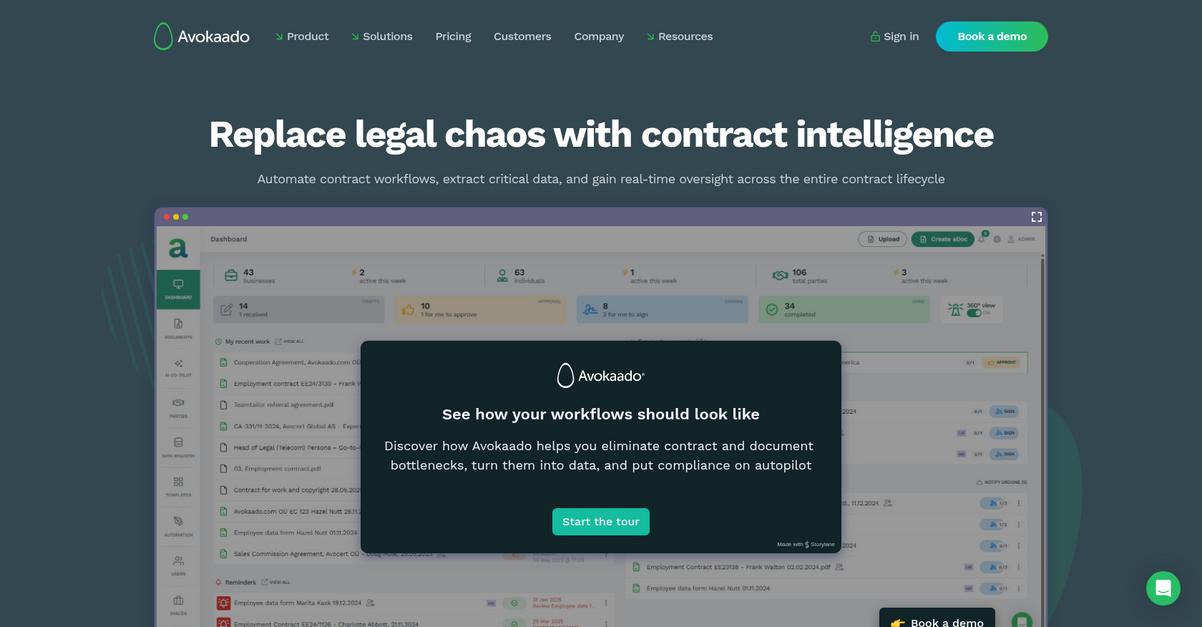
Avokaado’s automated approval workflows tackle bottlenecks, ensuring contracts are routed to the right people for timely sign-off and to ensure compliance.
If you’ve struggled with getting the right stakeholders to review and approve contracts promptly, Avokaado makes it easy to eliminate version chaos and approval delays for good by centralizing comments, permissions, and document status.
Let’s look at how it actually works.
Avokaado transforms how you move documents from draft to approval by automating every step according to your exact workflow needs.
Here’s how: I like that you can set up automated routing, so contracts are instantly sent to the correct approvers and no one is left wondering about next steps. You always know the document’s status and who holds responsibility, solving your visibility headaches during high-stakes contract cycles.
Additionally, granular access controls let you confidently share sensitive drafts with only those who need to see them—internal or external—making collaboration secure without sacrificing speed. And with real-time co-editing and comments, feedback flows to the right place, so there’s never any confusion about which version is final.
You get the control you need.
Key features:
- Automated contract workflows remove manual routing pains: You can design, trigger, and adjust approval flows so every contract travels the fastest, safest route through your business, reducing turnaround times.
- Role-based access control protects sensitive information: Share contracts securely with defined user permissions, ensuring that only the right people weigh in at any approval stage, internally or externally.
- Audit trails and version control enable true collaboration: Full change history, in-line comments, and one-click revert features make feedback cycles and document approval totally hassle-free.
Verdict:
Avokaado is an excellent document approval software if you need automation and compliance for complex legal or contract-heavy environments. I’ve seen users cut NDA processing time from 50 hours to just 50 minutes and improve transaction speed by 96%, all while maintaining strict access control and collaboration.
3. Nintex
Can approvals ever move quickly in your company?
Nintex gives you the power to design custom document approval workflows that actually fit your specific process—all without writing a single line of code.
I know it’s frustrating when slow manual reviews hold up important projects, or compliance slips because not every stakeholder signs off as needed. With approval routing that keeps every review on track, you shortcut bottlenecks and avoid last-minute chaos.
Let’s talk about solving the approval bottleneck.
With Nintex, you get a true workflow automation platform that makes it easy to digitize, route, and secure every document approval you need.
Here’s how the drag-and-drop workflow designer puts control in your hands, letting you build and tweak multi-stage approval flows that match your real-world needs. You’ll love how it lets you tailor reviews for each team or document type you manage.
Additionally, Nintex includes digital forms for collecting information up front and e-signature integration for closing the loop on authorized documents. The result: a single platform where every step, review, and sign-off happens securely and efficiently.
Plus, documented case studies show one customer achieved $29 million in value and a staggering 5005% ROI by making their approval processes paperless, automated, and accountable.
You can finally get complete control and visibility.
Key features:
- Visual workflow builder for business users: Drag-and-drop tool lets you design and update approval processes as your needs change, no coding or IT bottlenecks required.
- Multi-stage and multi-party approval routing: Route documents for sequential reviews and sign-offs from all stakeholders, improving oversight and compliance on every approval cycle.
- Digital forms and e-signature integration for approvals: Collect detailed information, track status, and secure final sign-offs—all within one digital platform, minimizing manual effort and streamlining completions.
Verdict:
Nintex is an excellent document approval software if you want robust automation, real-world ROI, and multi-step routing. With a drag-and-drop designer and proven $29 million savings, you’ll streamline every approval from request to e-signature.
4. DocuWare

Chasing approvals slows down your whole process.
DocuWare helps your team design and automate every document approval workflow with drag-and-drop simplicity, ensuring the right people see the right files right when they need them.
This means you don’t need to babysit paper trails, get buried in email threads, or wonder who’s holding up a vital contract. Approvals move automatically through each required step, every time—your team spends less time tracking and more time running the business.
Here’s how DocuWare takes it further.
When you’re looking to accelerate approvals, DocuWare gives you everything you need. You can automate sequential or parallel approval flows and even launch ad-hoc approval requests on the fly if urgent exceptions come up.
Plus, if your colleagues are working on the road or from home, DocuWare’s mobile app lets anyone securely access documents and completed approvals anytime, anywhere. This flexibility makes it easy for remote teams to stay productive and responsive without missing a beat, no matter where work happens.
Additionally, digitizing and routing your paperwork drives real results: DocuWare can handle the workload of hundreds of people, helping you slash manual labor and paper headaches for good.
Your process, fully automated.
Key features:
- Configurable workflow automation with drag-and-drop tools to build sequential or parallel approval processes, making sure your documents always go to the right decision makers on time.
- Flexible ad-hoc workflows for instant reviews empower your team to launch approval requests for critical documents at a moment’s notice—no waiting for predefined, rigid workflows.
- Mobile access and task completion from anywhere, anytime lets managers and stakeholders approve or review documents right from their phones, speeding up every decision even for remote workers.
Verdict:
DocuWare stands out as a best document approval software for any team aiming to digitize and automate approval-heavy processes. With configurable workflows, ad-hoc routing, and proven labor savings, I highly recommend trying DocuWare if you want approvals done right.
5. Document Locator
Tired of slow, confusing document approvals?
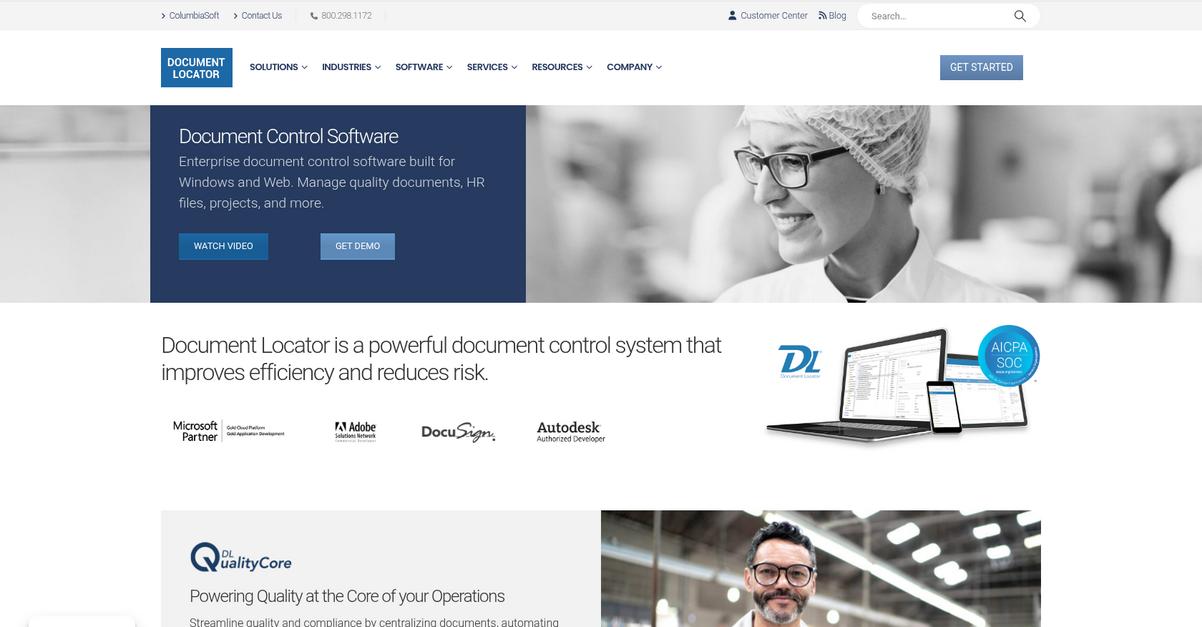
Document Locator’s integrated workflow automation lets your team route, review, and sign off on documents using familiar Microsoft Office and Windows interfaces—no extra training required.
With this kind of workflow, you can eliminate manual steps that often lead to bottlenecks and missed approvals for your most important documents.
Here’s how Document Locator takes things further.
If you want to speed up your approval process while reducing errors, Document Locator gives you a straightforward way to do it.
You can automate every stage of approvals with configurable workflows, making sure each document follows the right steps—no more guessing who’s next in line or chasing down stakeholders. Plus, I love how you can track every change and approval directly from your Windows Explorer, so you don’t have to switch between platforms or worry about losing key information.
Additionally, the full audit trails and version control mean you can always see who made changes, when they happened, and how decisions were made. If you’re dealing with compliance requirements or internal audits, this feature is a lifesaver. Together with seamless Microsoft integration, the result is a much faster, more reliable approval cycle.
Document approvals have never been simpler.
Key features:
- Integrated workflow automation for document approvals: Easily automate multi-step reviews and sign-offs without tedious manual intervention, ensuring every document reliably completes the approval process.
- Deep Microsoft Office and Windows Explorer integration: Conduct all approval tasks right from the interfaces that your team already uses every day, boosting adoption and minimizing the learning curve.
- Full audit trails and version control for compliance: Instantly access a searchable history of changes, approvals, and user actions to maintain accountability and meet every audit or regulatory requirement.
Verdict:
If you’re searching for a great document approval software that’s built for Microsoft environments, Document Locator stands out. You’ll cut approval times by nearly 50%, streamline compliance, and boost visibility—making it the perfect choice for organizations wanting clear, auditable, and automated workflows.
6. PandaDoc

Is your document approval process slowing you down?
PandaDoc makes it easy to set up configurable approval workflows, multi-stage sign-offs, and assign the right people to review every document.
That means you can avoid bottlenecks, reduce manual chasing, and ensure everyone signs off on time and with full accountability—whether you’re sending contracts, proposals, or internal memos.
Here’s how PandaDoc can help even more.
You won’t just cut out approval delays—PandaDoc is designed so you can automate and streamline the entire document approval journey from creation to sign-off.
The platform gives you everything from automated approval routing to real-time collaboration inside your docs, with detailed audit trails. This means if you want designated approvers, conditional steps, or instant notifications, you’re covered—and you can even track every change and comment without leaving the workspace.
Additionally, I like how PandaDoc combines e-signature capability with approval management. Everyone involved can review, comment, or e-sign instantly, and you’re still getting the legal security and compliance you’d expect. Together, these features help your team spend less time tracking status and more time closing deals.
You get control and peace of mind.
Key features:
- Automated multi-stage approval workflow setup: Empower your team to configure complex approval chains with ease, ensuring every required stakeholder reviews and signs off before a document is finalized.
- Legally binding e-signatures with full audit trails: Every document is protected by secure e-signature technology and detailed activity logs for compliance, accountability, and easy dispute resolution if needed.
- Real-time document collaboration and feedback tools: Speed up approvals by centralizing all comments and edits inside one document, eliminating missed emails or version confusion during the review process.
Verdict:
PandaDoc is an excellent document approval software if you want fast, compliant, and automated sign-off—clients see a median time to send of only three minutes, and robust approval and audit features make it ideal for your entire sales team.
7. Integrify
Are your approval processes slowing everyone down?
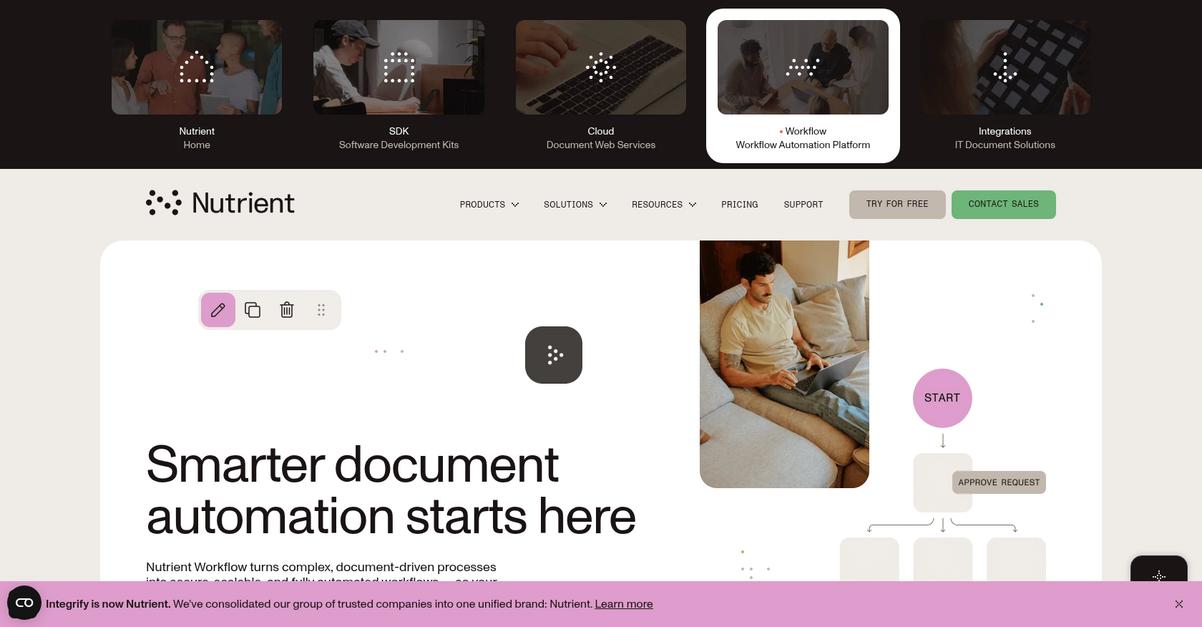
Integrify’s drag-and-drop process builder gives you an easy way to create complex approval workflows tailored to your department’s needs without needing to write a line of code.
You can finally eliminate bottlenecks and reduce manual follow-ups by sending requests through fully configurable approval routing—whether you need sequential, parallel, or tiered sign-offs and escalations.
Let’s see what that looks like in practice.
If you want to automate document approvals from start to finish, Integrify ticks all the boxes. You can build detailed workflows using a visual builder, so even if you don’t have a technical background, there’s no barrier to customizing your process. What stands out is how Integrify ensures every request goes to the proper reviewer with dynamic logic, backup assignments, and escalations, so critical approvals never get stuck in someone’s inbox.
Additionally, the built-in comprehensive audit trails automatically log every action, communication, and status change on your requests. This means you always have a complete history for compliance or audits—no more chasing down scattered approval emails. Combining workflow automation with robust tracking puts you in control of accountability, speed, and transparency.
That’s why I recommend checking out how Integrify can help.
Key features:
- Drag-and-drop workflow builder for business users: Easily set up your approval processes visually with zero coding, so your team can automate without relying on IT every time.
- Configurable approval routing and dynamic logic controls: Route requests for one or more sequential or parallel sign-offs, assign backups and escalations, making sure work never stalls on someone’s desk.
- Automatic, complete audit trails for every request: Track exactly who approved what, when, and how with searchable logs—no more manual tracking for compliance or accountability.
Verdict:
Integrify stands out as an excellent document approval software because it gives your team visual workflow building, flexible approval routing, and audit tracking in one package. If you want reliability, compliance, and an easy-to-use platform that automates approvals across departments, Integrify is a smart choice.
8. Cflow
Tired of chasing document approvals through endless emails?
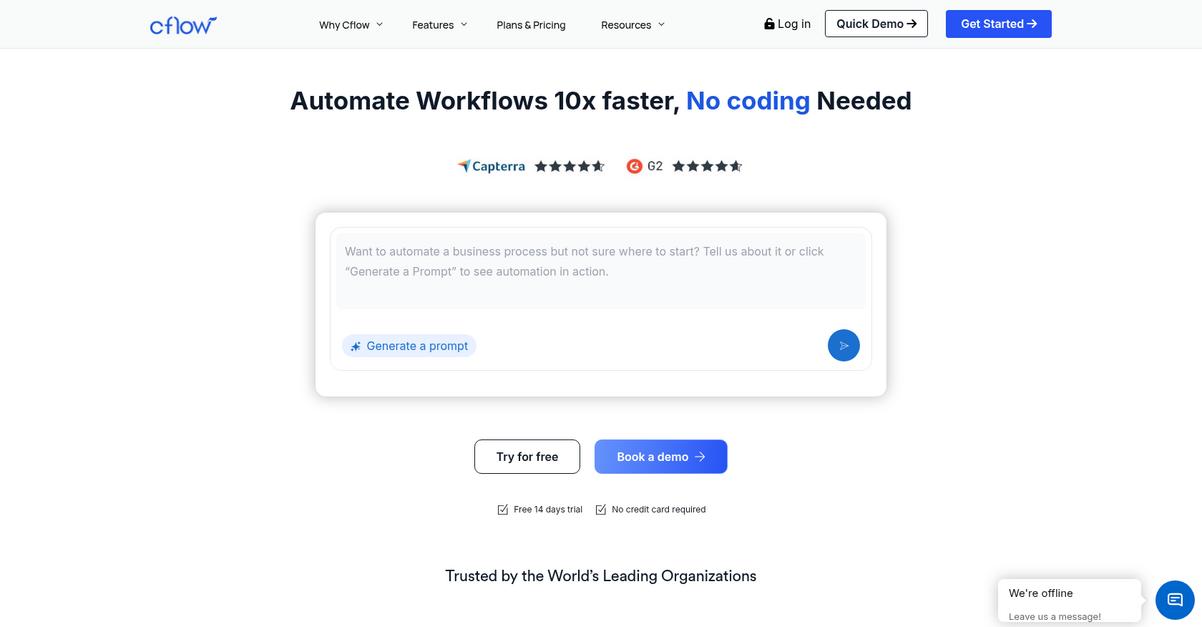
Cflow makes this so much easier with its no-code, drag-and-drop workflow builder for automating approval processes across your team.
This means you and your colleagues can quickly design custom sequential or parallel workflows to get documents to the right person, at the right moment, without endless manual handoffs or lost paperwork.
Plus, you don’t have to be a developer to do it.
Here’s how it really solves the bottleneck.
Cflow lets you automate even complex approval chains using a visual workflow designer, so you can design, modify, and go live with just a few clicks.
With its customizable digital forms and built-in e-signature fields, you’ll easily gather all the data and approvals you need in a single, organized place. If you’re sick of missing details, this keeps everything accurate and audit-ready for finance, HR, or procurement.
Additionally, Cflow’s automated compliance checks and in-depth audit trails mean every document review stays traceable and accountable. You don’t have to assemble awkward paper trails when it’s all logged for you automatically—saving effort and reducing risk, especially if you work in a regulated environment.
So, if you want simple, reliable document approvals, this stands out.
Key features:
- No-code, drag-and-drop workflow builder lets your team design, launch, and change approval flows independently, with visual controls and zero development skills needed.
- Custom digital forms with e-signatures and logic help gather precise approval data, minimize manual errors, and centralize document review for any department.
- Automated compliance and audit history track every step and action, providing transparency and controls that make regulatory audits smoother and easier.
Verdict:
Cflow is a great document approval software if you want to design, automate, and secure approval workflows in minutes. Its no-code visual builder, audit trails, and custom forms are ideal for busy HR, finance, and procurement teams looking for control without complexity.
9. Moxo
Is manual document approval slowing your team down?
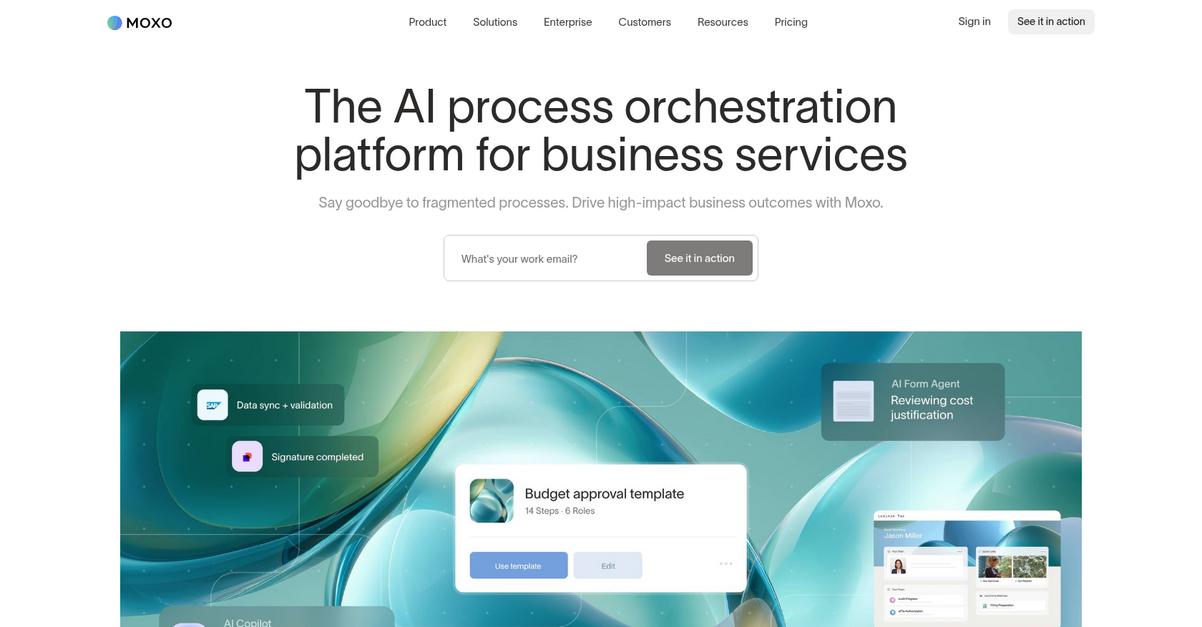
Moxo’s automated workflows let you digitize document collection and client approvals, so your processes stay organized and nothing falls through the cracks.
With features designed for secure client communication and easy e-signatures, you can build a streamlined, transparent approval process for your business without headaches or manual tracking.
Here’s how Moxo makes approvals painless.
By digitizing every step of document approvals, Moxo centralizes messages, file sharing, and signing in one branded client portal. Every stakeholder always knows exactly where things stand, making approvals easy to monitor for your business and friction-free for clients.
Additionally, Moxo’s built-in dashboards give you real-time visibility over every approval. You can instantly spot bottlenecks, identify delays, and keep tabs on completion times, which means you’ll never be left wondering where things are stuck.
Plus, with trackable, automated workflows and secure document exchange, your audit trails are complete, and compliance is a breeze.
Moxo brings clarity and speed to approvals.
Key features:
- Digitized step-by-step approval workflows automate your document collection, review, and e-signature tasks, taking the pain out of onboarding and repetitive client-facing agreements.
- Secure branded client portal with integrated messaging keeps every document, conversation, and signature in a single, safe place for truly frictionless collaboration between your staff and clients.
- Real-time dashboards to monitor approval progress let you instantly surface delays, manage bottlenecks, and track task completion, so you can keep critical workflows moving without constant check-ins.
Verdict:
Moxo is a great document approval software if you want an audit-ready, all-in-one client workflow hub. Banks like City Bank tripled their monthly approvals using Moxo’s automation, so you can expect real results no matter your process volume.
10. Jotform
Is chasing document approvals draining your team’s time?
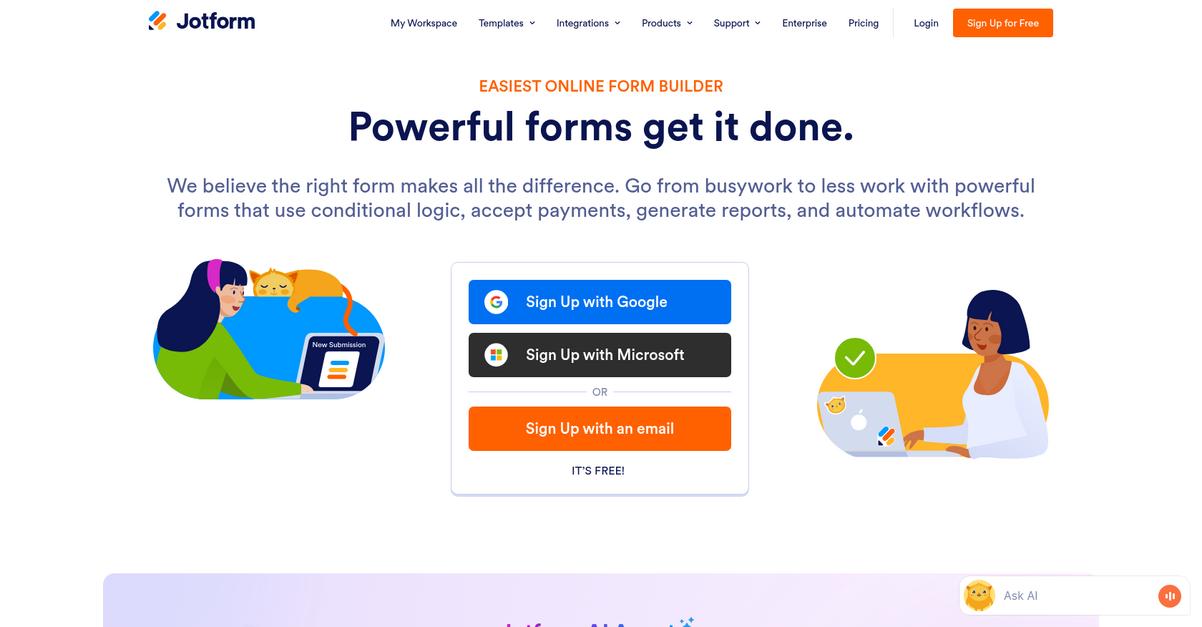
Jotform features a visual drag-and-drop approval builder that lets you automate even your most complex workflows, no coding required.
This means you can scale your review processes without technical headaches and ensure your approvals move forward automatically. With Jotform, your team won’t have to waste energy chasing signatures or following up on bottlenecks.
It’s time to rethink your whole approval process.
Jotform takes a lot of the frustration out of document approvals by letting you map out exactly who approves what, when, and under which conditions.
Here’s how it works: you can assign approval tasks to individuals or groups, set up automatic task escalation if someone misses a deadline, and even collect e-signatures directly inside the workflow. The ability to automate decisions and route documents to multiple approvers gives you total control over your process and ensures important requests never slip through the cracks.
Additionally, integrating e-signature collection at the approval stage means you can get legally binding sign-offs quickly, completing agreements or contracts without extra tools. You can customize outcomes and add conditional logic, making your workflow feel like it was built just for you.
You end up saving time and reducing manual errors.
Key features:
- Visual drag-and-drop workflow builder adapts to you with conditional branches, custom outcomes, and no-code setup—so your approval processes are always a perfect fit for your policies.
- Integrated e-signature collection simplifies sign-offs on contracts and key documents right in the approval flow, reducing turnaround times without leaving the platform.
- Group approval assignment and deadline-based escalation keeps every approval moving by ensuring the right people review documents on time, with automatic reminders and escalation if tasks stall.
Verdict:
If you want the best document approval software that empowers your team to create custom, automated approval flows with e-signatures and group assignments, Jotform is an excellent choice. Its visual builder and integrations make it perfect if ease of use and process automation are your priorities.
11. ApprovalMax
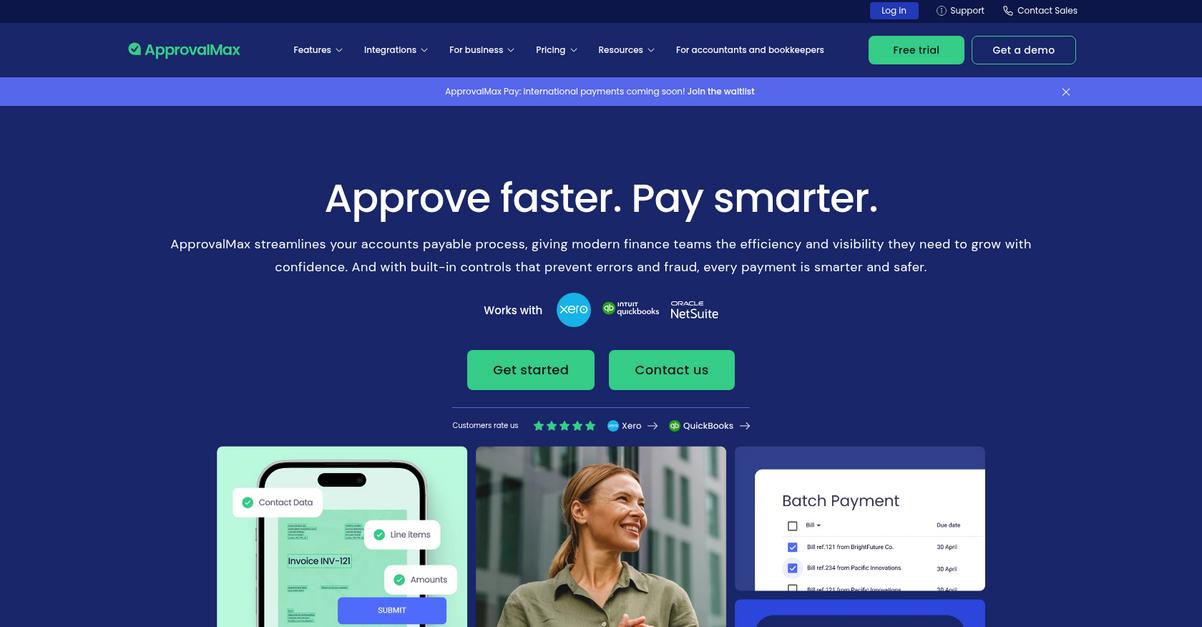
Worried about slow, error-prone approvals?
ApprovalMax lets you build customizable approval workflows, route invoices and bills for sign-off, and connect everything directly to Xero or QuickBooks—no more chasing signatures.
If your finance team deals with scattered spreadsheets, manual email chains, or compliance headaches, ApprovalMax can help enforce regulatory compliance and prevent approval bottlenecks so your process actually works.
Here’s how ApprovalMax steps things up.
ApprovalMax takes what slows you down and fixes it head on.
With ApprovalMax, you get multi-step financial approval workflows tailored to your company’s needs. I’m talking about rules based on role, invoice amount, supplier, or even department. Plus, their direct integrations with Xero, QuickBooks Online, or NetSuite keep your data in sync instantly so you never have to re-enter details or worry about mismatched records. This saves you heaps of time and reduces errors, leaving more space to focus on what matters.
There’s another key advantage: every approval action gets logged with a complete audit trail and version history. Not only is this great for transparency, but if you ever get audited, you have every document change fully tracked. Combined, these features mean your finance approvals move up to 70% faster, with half of bills approved in just one day.
Get compliant and efficient, all in one place.
Key features:
- Customizable, multi-step approval workflows for finance: Build matrices based on amounts, roles, suppliers, or departments so your team never skips steps or misses policy requirements.
- Direct integration with top accounting platforms: ApprovalMax syncs approvals and data instantly with Xero, QuickBooks Online, and NetSuite—cutting out double-handling and manual entry for good.
- Comprehensive audit trail and workflow history for compliance: Every approval action, workflow change, or comment is tracked, making audits and regulatory reporting totally painless.
Verdict:
If you’re seeking the best document approval software for finance, ApprovalMax is a top pick. The 70% time savings, direct integrations, and audit-friendly tracking make it especially powerful for accounting teams that want compliance, clarity, and real results.
Conclusion
Chasing approvals shouldn’t take up your whole day.
But with so many similar tools out there, it’s tough to know which solution will actually cut out the chaos and deliver predictable, error-free document approvals for your team.
According to Gartner, organizations that switch to digital document approval processes experience an average 50% drop in approval errors. That’s a massive reduction in costly mistakes and rework—proving automation really works to streamline critical processes.
Ready to simplify your review workflows?
If you want clarity and speed from request to sign-off, FileCenter is easily my top pick from this list.
FileCenter delivers fast, automated routing, built-in e-signatures, and bulletproof audit trails—making it the best document approval software for getting documents routed, signed, and tracked without any manual bottlenecks at all.
I recommend you start a free trial of FileCenter to see the speed difference for yourself.
You’ll see faster approvals—and fewer compliance headaches.