
Drowning in document chaos again?
Choosing between dozens of document automation tools is overwhelming when you’re just trying to run an efficient operation.
Too many options can mean decision paralysis and wasted productivity for you and your team.
Research from Uhura Solutions reveals that employees can spend up to 30% of their time searching for information because documents are scattered or disorganized. This is lost time you simply can’t afford when accuracy and compliance are on the line.

This article will help you cut through that noise so you can confidently narrow down your choices.
In this article, I’m going to break down the 9+ best document automation software, comparing features, integrations, and key advantages for Operations Managers and Legal Counsels like you.
Gain the clarity you need to select a tool that boosts efficiency, ensures compliance, and eliminates costly manual errors.
Let’s get to it.
Quick Summary:
| # | Software | Rating | Best For |
|---|---|---|---|
| 1 | FileCenter → | Paper-driven small businesses | |
| 2 | DocuWare → | Mid-sized enterprises | |
| 3 | M-Files → | Large enterprises | |
| 4 | NetDocuments → | Law firms and legal departments | |
| 5 | airSlate → | Non-technical business teams |
1. FileCenter

Wasting time rummaging for the right document again?
FileCenter’s automatic filing and file naming rules take the manual struggle out of organizing all your important paperwork, letting you focus on real work.
If you’re like me, you know how painful it can be to search through chaotic folders or inconsistently named files. With FileCenter, you get document automation that immediately brings order and consistency to your team’s digital archives, making every file a breeze to access later.
Here’s how FileCenter takes it to the next level.
You’ll find that FileCenter transforms daily clutter into organized digital archives with its rule-based document automation. This means your files land where they belong without you having to sort them.
Plus, the built-in OCR integration makes a real difference. You can convert scanned images and documents into searchable text instantly—ideal when your business still deals with paper and needs reliable digital access later. Having every file instantly searchable means finding anything is a snap, even if it started as a physical document.
Additionally, FileCenter’s file naming rules keep your folder structure consistent. This automatically applies standardized conventions to every new document, taking one more tedious admin task off your plate. Storing, retrieving, and sharing files all become smoother for your team.
It adds up to time saved and headaches avoided.
Key features:
Automatic filing with customizable rules and templates: Organize documents into precise folders the moment you save, so your daily document sorting workload shrinks right away.
Integrated OCR for searchable, editable files: Convert scanned files to searchable text, so nothing ever gets “lost” in a pile of digital paperwork or stays hidden in static images.
Consistent file naming enforced automatically: Apply naming conventions at the point of saving, keeping everything findable, consistent, and audit-ready without manual effort.
Verdict:
FileCenter stands out as a great document automation software for anyone wanting effortless filing and standardized file management. If you want to save hours, keep your archives organized, and quickly find any document, FileCenter’s automation and OCR tools make it a smart choice.
2. DocuWare

Need to automate time-consuming document workflows?
DocuWare’s AI-driven intelligent indexing takes the guesswork out of sorting, tagging, and retrieving your most important files, so you can focus on more impactful work.
Manual data entry and repetitive approvals are huge drains on productivity. When you automate with DocuWare, you can eliminate tedious tasks and reduce processing errors that slow your team down.
Here’s how DocuWare takes automation to the next level.
You get end-to-end automation.
DocuWare uses advanced AI-powered intelligent indexing to automatically categorize your incoming documents, making searches accurate and lightning quick. Plus, the workflow manager brings your processes together by automating everything—from invoice approvals with multi-level decision triggers to digital routing. That means you can cut down on manual tasks and simplify collaboration across your entire team, no matter where everyone is working.
Additionally, DocuWare’s intelligent document processing takes care of extracting and classifying data from all kinds of content. OCR and machine learning capture details directly from your files, organizing them for you and helping to ensure nothing gets missed.
These features come together to drive real results.
Key features:
- AI-powered intelligent indexing cuts manual sorting time and enables your team to instantly tag, file, and retrieve documents instead of wasting hours searching older folders or inboxes.
- Workflow manager automates approvals and multi-step routing so your business-critical documents move smoothly from one decision point to the next, without bottlenecks or missed actions.
- Intelligent document processing with OCR and machine learning means your invoices, forms, and scanned documents are instantly captured, classified, and stored for smoother end-to-end automation.
Verdict:
DocuWare is a great document automation software if you need to cut manual work and speed up complex approval workflows. With features that helped Stuart Plumbing & Heating Supplies reduce invoice processing by 40%, you’ll see measurable efficiency gains right away.
3. M-Files

Are you tired of searching for the right document?
M-Files leverages an innovative metadata-driven architecture that lets you organize, automate, and access content by what it is rather than where it’s stored.
This means you can cut through cluttered folders and speed up document retrieval while ensuring your workflows stay consistent and error-free.
Let’s see how this translates in practice.
M-Files really shines when it comes to making your document processes easier. The platform automatically classifies files, connects information from platforms you already use, and drives efficiency with automated approval and review cycles.
Plus, with AI-powered metadata extraction, you don’t have to manually tag documents or worry about missing critical info. M-Files connects your documents across departments, projects, and even legacy systems. This makes collaboration and information sharing simple, especially if your team manages lots of document types.
Another aspect I appreciate is how M-Files can automate those repetitive document tasks, from generation and routing to notifications. This means your team can redirect energy to higher-value work, knowing the right version is always being used and reviews aren’t falling through the cracks.
It all adds up to smoother operations.
Key features:
- Metadata-driven content organization for rapid retrieval: Your files are managed by what they contain, not just where they are, unlocking more efficient document discovery, automation, and compliance.
- Automated workflows for collaboration and approvals: Stop chasing email threads—M-Files routes documents through the right steps for faster, more accurate processing every time.
- AI-powered classification to eliminate manual sorting: Let M-Files analyze, classify, and extract metadata, so your documents are always accessible and securely managed across integrated systems.
Verdict:
If you want a great document automation software that transforms document-heavy operations, I’d strongly recommend M-Files. With automated workflows, AI-powered organization, and a standout 4.7/5 rating in the 2025 Gartner Peer Insights, you’re equipped for both productivity and compliance.
4. NetDocuments
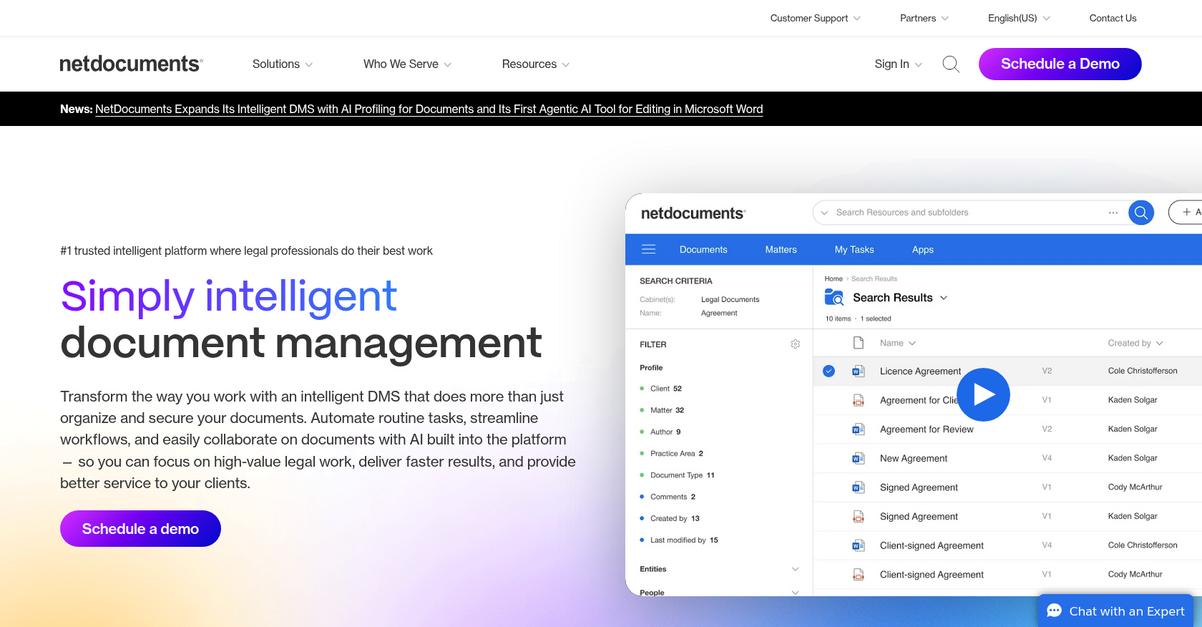
Tired of manual document drafting bottlenecks?
NetDocuments tackles this with PatternBuilder Automation, letting you automate your templates and create workflows so your team spends less time on repetitive tasks.
Plus, you can count on hours of drafting work reduced to minutes with PatternBuilder and smart metadata automation, so every document is accurate from the start and no one needs to retype core client data.
This means you can eliminate manual errors.
NetDocuments solves this with automation built for legal professionals.
With NetDocuments, you get a secure cloud-based workspace designed for document automation. PatternBuilder lets you automate even complex legal documents using a no-code, intuitive workflow builder, which means you don’t have to rely on IT for customization.
Here’s how you benefit: metadata-driven automation pre-populates your document templates with client and case data pulled straight from profile fields. You don’t have to worry about missing fields, and your documents are ready faster every time.
Additionally, the integrated workflow automation builds right into your document management and supports even the most intricate approval or logic needs. So, if you’re handling NDAs, contracts, or bespoke legal agreements, you can automate those flows and improve turnaround for your clients.
The result is a system that cuts down busywork, boosts compliance, and helps you deliver high-quality documents.
Key features:
- PatternBuilder Automation for no-code document automation: Rapidly automate unique templates and workflows so drafting goes from hours to minutes, slashing repetitive work and errors from your process.
- Metadata-driven templates to pull client data automatically: Ensure consistency across all docs by always using up-to-date, accurate data—no more double entry or rework on client files.
- Integrated workflow automation inside robust cloud DMS: Build approval flows and automate even complex documents right in your secure workspace, perfect for legal and compliance-heavy tasks.
Verdict:
NetDocuments is an excellent document automation software if your team needs security, quick no-code automation, and ironclad document consistency. With metadata-driven workflows, PatternBuilder, and trusted results across 3,700+ law firms, your legal team can finally automate with confidence.
5. airSlate
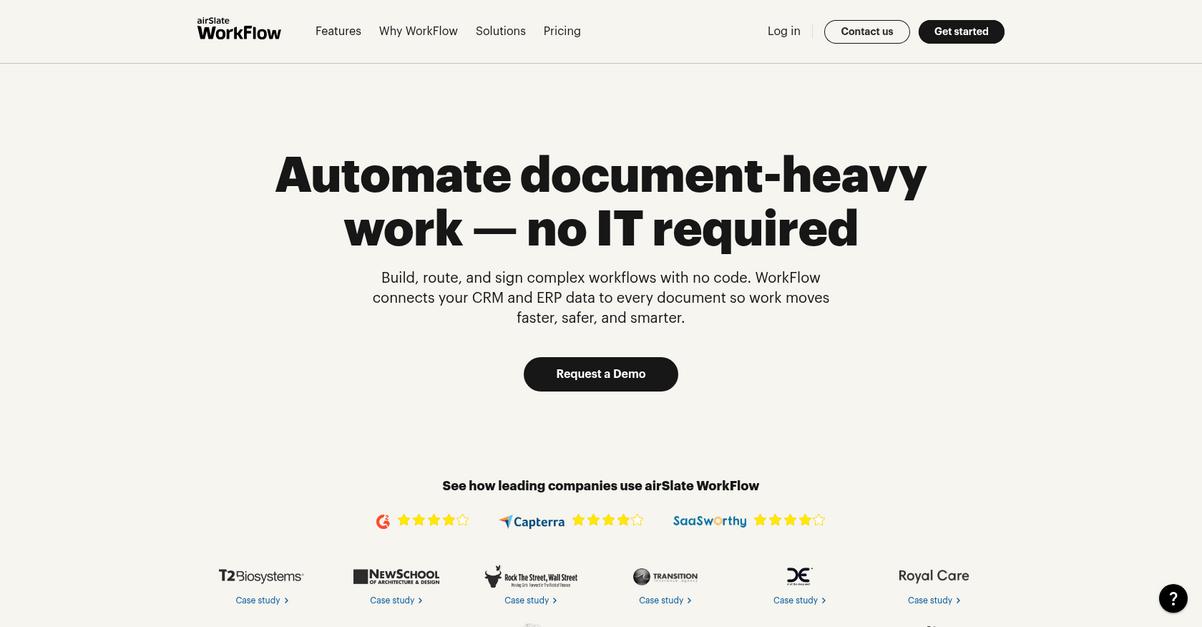
Ready to automate your document processes for good?
airSlate is built for you if you want to eliminate tedious manual document tasks. With its no-code workflow builder, you can design automated processes and send documents for e-signature or approval with just a few clicks.
Automating these complex workflows lets you spend less time on repetitive paperwork and more energy driving results. Plus, it totally removes the barrier of needing to code.
Here’s how airSlate comes to the rescue.
You can tackle nearly any document workflow—no programming required. With airSlate, you automatically generate, customize, and send documents using templates, speeding up your document cycles and reducing errors.
The drag-and-drop builder is genuinely intuitive, making it simple to map out review, approval, and signature steps for your contracts, onboarding packets, NDAs, or any other business forms you manage. Automated data capture grabs important info from forms instantly, so you avoid double entry and increase accuracy.
Additionally, you’ll have the ability to track everything in real time, ensuring nothing gets stuck. When you generate documents, send them out, and collect signatures without lifting a finger, you free up your team to focus on more strategic work.
This is the kind of automation your business needs.
Key features:
- Drag-and-drop workflow automation for everyone: No technical skills required to create and automate end-to-end document workflows tailored for your business processes
- Automatic document generation and distribution tools: Instantly produce, customize, and send documents using templates, reducing manual entry and standardizing document creation
- Precise automated data capture and entry: Reliably extract data from forms and documents to save time and minimize human error in your organization’s day-to-day operations
Verdict:
airSlate is a great document automation software if you want to cut paperwork, create automated workflows without code, and empower your team to focus on growth—no matter their tech skill level. Automate 100+ processes, from contracts to HR, and skyrocket your business efficiency.
6. Fluix

Tired of paperwork bottlenecks slowing you down?
Fluix gives your team configurable automated workflows, digital forms, and secure e-signature tools so you can streamline document approvals and capture data anywhere.
This means you’re not stuck chasing signatures or waiting for field reports to trickle in – you gain instant document turnaround and greater consistency across your workflow.
Let’s see what a smarter workflow really looks like.
Fluix addresses your paperwork headaches by automating document processes with customizable routing and mobile-ready digital forms.
Here’s how: you can collect, approve, and sign documents directly on tablets, even offline, so there’s no waiting on paperwork to reach the office. If you’re in field operations, construction, or asset management, this keeps everything moving and every form accounted for.
Plus, Fluix lets your team capture real-time data and log e-signatures securely, tying everything together for compliance and peace of mind. Each step is tracked in the workflow, so you always know where things stand and who has signed off.
The result is faster cycles, fewer errors, and documentation always at your fingertips.
Key features:
- Configurable document workflows automate routine tasks for instantly routing files, assigning document approvals, and collecting input – no more chasing paper or email bottlenecks.
- Mobile-optimized digital form completion and data capture lets you fill, edit, and sign documents in the field, online or offline, improving field team responsiveness.
- Integrated e-signature capability with real-time tracking ensures secure, compliant approvals and makes audit trails automatic without outside tools or extra steps.
Verdict:
If you want a great document automation software that empowers mobile teams and eliminates delays, Fluix stands out. Case in point: their customers cut document turnaround from weeks to instant, making it ideal for field-based data and signature–driven workflows.
7. Process Street
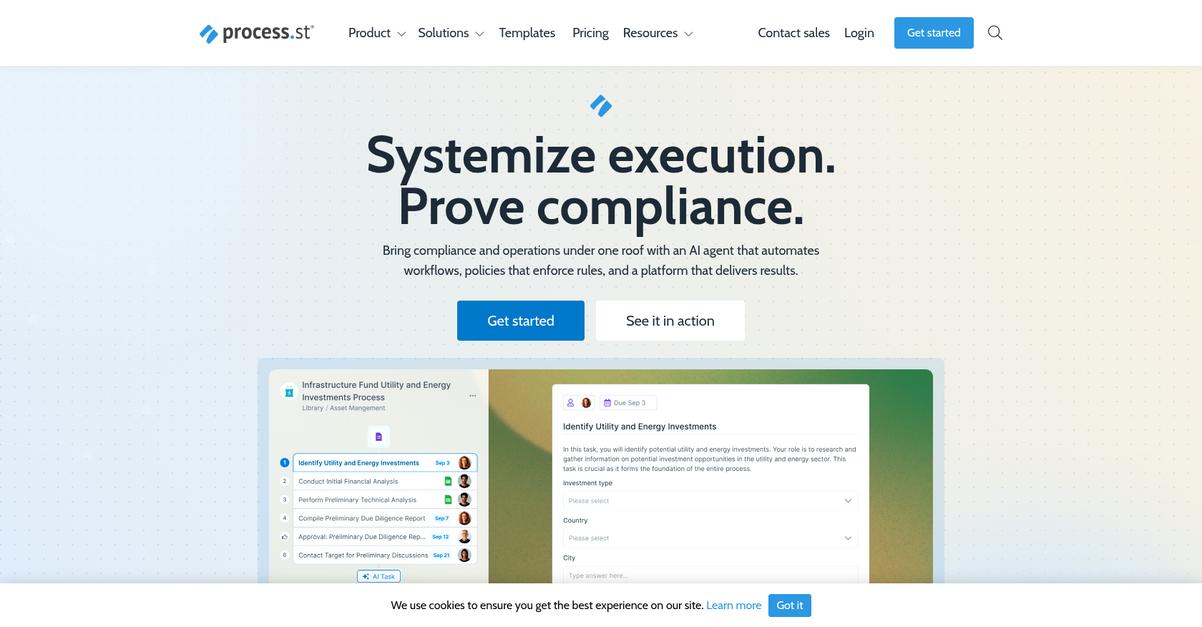
Juggling document processes slows your team down.
Process Street’s dynamic checklists and workflow automation help you create, automate, and route documents smoothly, freeing you from repetitive manual work.
This means you finally eliminate wasted time with manual handoffs and paperwork while ensuring every task follows a bulletproof process from start to finish.
Here’s how Process Street makes that happen.
With Process Street, you get powerful workflow automation that takes care of routine document tasks, approvals, and routing for you.
The platform lets you build dynamic checklists with robust conditional logic and rules, so all your recurring document steps are clearly outlined, actioned, and never missed. Your team can build and run automated document workflows easily, making sure no important step gets forgotten or skipped along the way.
Additionally, Process Street’s integration capabilities mean you can connect with thousands of your favorite business tools via Zapier or API. Document flows sync automatically, data passes between platforms, and you limit manual entry headaches for everyone on your team.
You can expect more confidence in your processes.
Key features:
- Workflow automation for routing approvals and tasks: Assigns document tasks, approvals, and routing steps to the right people automatically, so nothing falls through the cracks.
- Dynamic checklists with conditional rules: Guides users through every step of your document workflows, adapting to variables so complex processes are accurate every time.
- Integration with thousands of apps via Zapier/API: Ensures your document workflows easily interact with CRM, ERP, and cloud drives to keep data moving where it’s needed.
Verdict:
Process Street stands out as a best document automation software choice for anyone wanting to streamline document-driven workflows. Its automation features, dynamic checklists, and flexible integrations mean your team spends less time on repetitive tasks and cuts manual errors to zero.
8. FabSoft

Wasting hours sorting through paperwork crushes productivity.
FabSoft offers AI-driven document capture, workflow automation, and robust multi-format processing that can help your team escape document chaos for good.
It’s pretty common to feel stuck when manual document entry slows down your operations and errors creep in, no matter how careful you are.
Here’s where FabSoft makes a big difference.
If finding a reliable automation partner matters to you, keep reading.
FabSoft tackles these document headaches by leveraging AI, machine learning, and advanced OCR technology to automatically extract, classify, and organize information from pretty much any document—digital or scanned.
You can finally say goodbye to repetitive data entry, since FabSoft’s intelligent document capture recognizes and sorts every format your business faces, from scanned invoices to digital forms, all routed right into your business systems.
Additionally, the automated workflow engine takes over from there, distributing documents across departments, business apps, or cloud services. You get accurate information—sent exactly where it needs to go—without human bottlenecks, which means fewer errors and much less risk of lost paperwork.
Plus, FabSoft’s flexibility supports electronic, PDF, and scanned documents in a single workflow, ensuring you don’t have to juggle multiple tools or processes.
That’s how FabSoft empowers you.
Key features:
- AI-powered data extraction eliminates manual entry stress by reading, classifying, and organizing both digital and scanned documents with impressive precision for better efficiency and fewer mistakes.
- Workflow automation distributes documents instantly and accurately across your preferred business systems, so you avoid backlogs and untracked files clogging up your procedures.
- Multi-format support ensures every document is handled—whether PDF, scanned paper, or digital file, your workflow stays unified and adaptable for both new and legacy formats.
Verdict:
If you’re after an excellent document automation software, FabSoft should be on your shortlist. With up to 40% productivity gains, 30% lower costs, and 25% fewer errors, your team can finally focus less on paperwork and more on business growth.
9. DocAnalyzer.ai
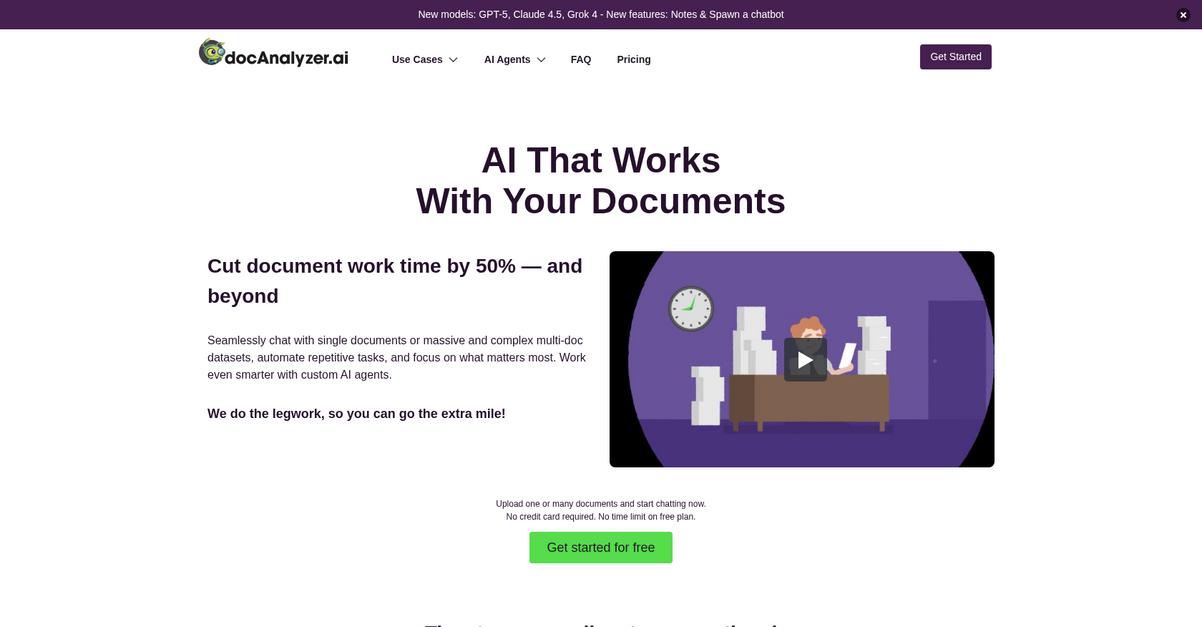
Are your document reviews taking too long?
DocAnalyzer.ai gives you AI-driven tools for automating everything from data extraction to document sorting and content reviews, directly addressing your need for faster, more reliable document automation.
The result is cutting hours of tedious manual review and turning complex, in-depth analysis into an efficient, error-free process so you can focus on higher-priority work.
Here’s how DocAnalyzer.ai makes this possible.
With powerful intelligent agents, you can automatically extract structured information, organize document collections, and kickstart workflow automation, all within a few clicks.
Plus, DocAnalyzer.ai introduces multi-document conversations that let you chat with several files at once—so you can instantly uncover cross-document insights that typically drain so much time. If you’re working across contracts, research, or compliance files, this feature can be a game changer for your productivity.
Additionally, since it supports OCR and diverse file formats, you can easily digitize scanned files or images and bring everything together for AI-powered analysis in one place.
You get smarter and simpler automation.
Key features:
- AI-powered agent automation for tricky document tasks: Automatically extract data, sort documents, and streamline bulk content review without manual intervention, saving your team hours every week.
- Conversational multi-document analysis and collaboration: Analyze, compare, and chat with multiple documents at once, getting cohesive insights for complex or cross-functional projects.
- Advanced OCR and multi-format support for flexibility: Digitize scanned files and import PDFs, Word, and images, making your entire document library searchable and ready for automation.
Verdict:
If you want an excellent document automation software, DocAnalyzer.ai brings you AI agent automation, true multi-document chat, and OCR that reportedly helped users cut research time by 70%. It’s a smart, scalable choice for speeding up your document-driven workflows.
10. Taskade
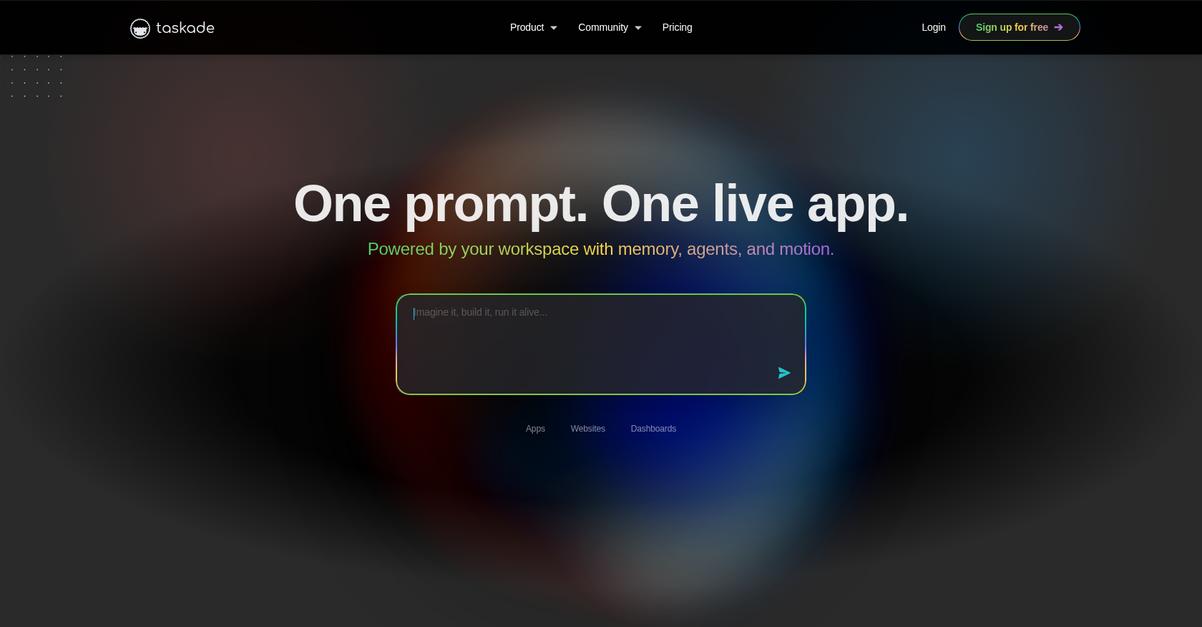
Trying to reduce document chaos in your workflow?
Taskade gives you AI-powered workflow generation, real-time collaborative workspaces, and a template library that aligns perfectly if you want to automate document-heavy processes fast.
This means you’re not only making document creation and management easier, but you’re also centralizing your files and automating repetitive tasks with minimal effort.
Here’s how everything ties together.
Taskade brings AI automation right into your workspace by letting you quickly generate new document workflows and templates from a simple prompt.
With just a few clicks, you can spin up a ready-made workflow, customized with your project’s structure and all the document steps you need, which boosts your consistency and cuts down setup time.
Additionally, real-time collaborative workspaces mean you, your team, and even your clients can edit and comment on documents together as you automate creation, standardize workflows, and track progress inside one dashboard.
Plus, Taskade’s template library takes the manual labor out of repetitive document building so your team always starts with the right structure for reports, proposals, SOPs, or meeting notes.
Everything syncs to your productivity needs.
Key features:
- AI workflow generation for document automation: Create document-centric process flows from prompts so your team spends less time setting up and more time executing.
- Built-in real-time collaboration on documents: Edit, comment, and update task-driven documents together, boosting accuracy and reducing email back-and-forth.
- Large pre-built template library for consistency: Launch document automations using proven templates that keep your formatting and standards tight across every project.
Verdict:
Taskade is a great document automation software because it combines AI workflow generation, robust real-time collaboration, and an extensive template library. If you’re looking for a flexible way to automate project docs in your workspace and maximize your team’s focus, Taskade is a must-try.
Conclusion
Overwhelmed by endless manual document tasks?
Picking the right document automation software can feel paralyzing, especially when each platform claims to be both powerful and easy to integrate.
And here’s the kicker—a recent SenseTask report shows that automated document processing can cut human error rates by up to 90% compared to manual methods. That’s not just efficiency; that’s reclaiming your team’s accuracy and peace of mind every single day—meaning fewer costly mistakes in your operation (90% error reduction rates).
So, what should you do instead?
If you want instant document order and reliable integration, FileCenter is my top recommendation from this roundup.
FileCenter stands out as the best document automation software because it automates filing, enforces naming conventions, and turns every scan into a searchable file—solving the messy structure problem for you.
I suggest you start a free trial of FileCenter and see how much smoother your daily processes become.
You’ll save time, reduce errors, and finally stay organized.