

Slow approvals wearing your team thin?
Many Document Locator users feel stuck dealing with sluggish performance, clunky workflows, and a confusing interface that makes approvals take far too long.
These headaches can turn even simple tasks into daily struggles and drain your team’s momentum.
Staying with Document Locator means lost productivity, frustrated coworkers, and slow approvals that create bottlenecks for everyone. When cloud access feels awkward and integrations fall short, you risk lagging behind, demoralizing your team, and missing key deadlines. In short, the wrong tool costs you time, money, and energy.

Luckily, there are stellar options out there that overcome Document Locator’s biggest limitations.
In this article, I’ll walk you through the best Document Locator alternatives to speed up your document approvals, including options like FileCenter, Nintex, Avokaado, DocuWare, and more—perfect for teams managing approval-driven workflows.
By making the right switch, you’ll unlock faster workflows, smarter collaboration, and a platform your team actually wants to use.
Let’s find your solution.
Quick Summary:
| # | Alternative | Rating | Best For |
|---|---|---|---|
| 1 | FileCenter → | Small teams seeking simplicity | |
| 2 | Avokaado → | Legal teams needing contract control | |
| 3 | Nintex → | Productivity-focused automation users | |
| 4 | DocuWare → | Users wanting smarter workflows | |
| 5 | HighQ → | Complex approvals with collaboration |
1. FileCenter

Is Document Locator’s complexity holding your approvals back?
FileCenter replaces complicated approval workflows with straightforward document management features that address the confusion and slowdowns you might face using Document Locator.
Instead of requiring complex database setups, FileCenter uses cabinet-drawer filing within Windows folders, letting you skip unnecessary training and lengthy onboarding sessions for your team.
Here’s how FileCenter offers you something different.
FileCenter lets you organize documents intuitively and quickly, so approvals move faster and your team is confident managing files from day one.
By focusing on intuitive file organization, FileCenter offers faster adoption for small teams and less disruption to your daily work compared to Document Locator. You’ll find their cabinet-drawer model matches how Windows directories work, bringing familiarity and less friction for your users.
In addition, you can make a one-time purchase with perpetual licensing if you don’t want never-ending subscription fees. This flexibility means you avoid Document Locator’s per-user subscription costs, which is especially useful if budgeting is a concern.
Integrated scanning and OCR helps you digitize paper documents, automatically routing them into the correct folders. This not only streamlines your approvals, but combines with the easy folder structure to deliver real operational efficiency—one FileCenter user shared that project submittals were approved twice as fast.
You get a smoother approval process here.
Key features:
- Cabinet-drawer Windows folder organization makes it simpler to manage and approve files, so your team adapts without intensive training or onboarding headaches that come with database-driven platforms.
- One-time purchase licensing avoids ongoing costs by letting you own the software outright, making FileCenter more affordable than Document Locator’s mandatory cloud subscriptions.
- Integrated scanning and automated routing digitizes paper documents directly into organized folders with OCR, saving you steps compared to Document Locator’s more involved capture processes.
Verdict: FileCenter is a compelling alternative to Document Locator if you want document approval software that’s easy to learn, affordable, and highly efficient. With users reporting approvals processed twice as fast and lower software costs, FileCenter is ideal for small businesses unhappy with enterprise complexity and recurring fees.
2. Avokaado
Is Document Locator holding back your approvals?
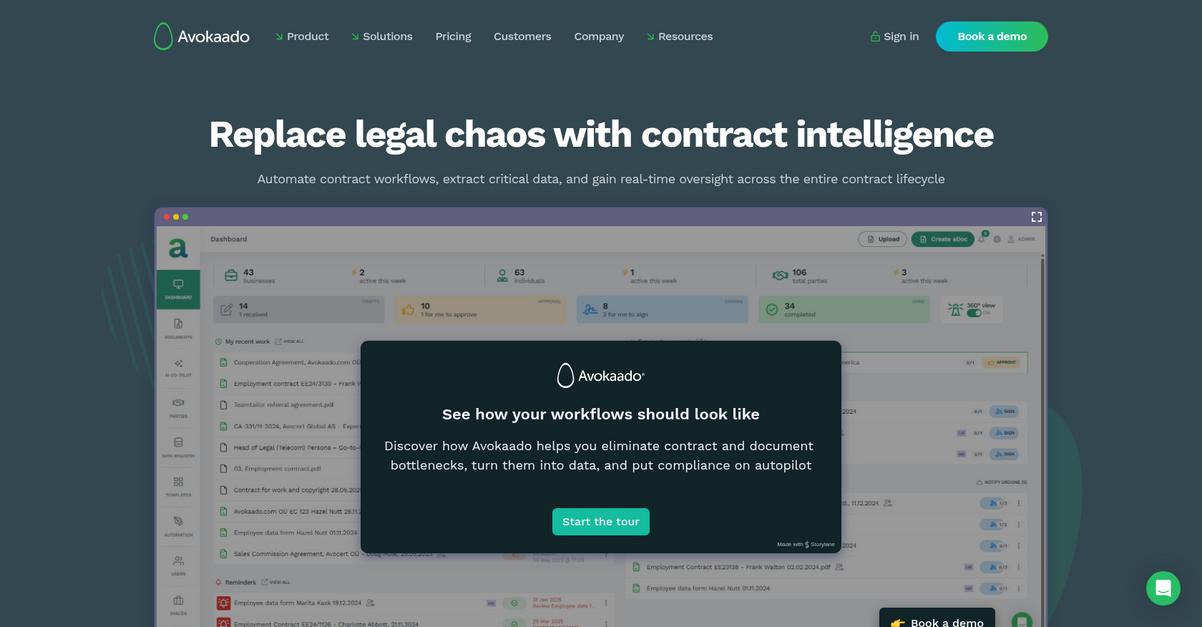
Avokaado offers powerful contract lifecycle management features designed to overcome Document Locator’s slow and confusing workflows, especially for legal and high-volume document processes.
You get specialized contract drafting with AI, data-first architecture, and automated legal approval routing that ensures control and compliance—something Document Locator can’t match out of the box.
Here’s how Avokaado redefines your approval process.
Avokaado delivers robust legal document workflow automation.
Avokaado helps your team move from outdated document workflows to a truly modern platform. With contract lifecycle management at its core, you can handle drafting, redlining, automated approvals, digital signing, and structured storage—all tailored for high-volume and legal-centric processes.
The secret is Avokaado’s data-driven, AI-powered contract handling, letting you turn every legal document into structured, actionable data. Real-time notifications, role-based routes, and audit trails mean you’re covered for compliance and visibility, so your team never loses track.
Additionally, Avokaado offers AI agents for risk analysis and compliance checks—features you won’t find in Document Locator. When your workflow needs go beyond basic file approval and into contract intelligence, Avokaado equips you for speed and control at scale.
Switching can mean getting hours back each week.
Key features:
- Complete contract lifecycle management covers drafting, digital negotiation, automated legal approvals, and e-signing, providing a comprehensive toolkit not available in Document Locator’s general document workflows.
- AI-driven data-first architecture for contracts transforms your agreements into searchable, structured data, enabling deeper automation and actionable insights absent in traditional document repositories.
- Automated approval workflows with audit trails route contracts with real-time notifications and compliance tracing, delivering reliability and transparency surpassing Document Locator’s basic document approval flows.
Verdict: Avokaado is your best Document Locator alternative if your team handles complex legal documents or contracts. Legal users report shrinking NDA turnaround from 50 hours to 50 minutes and transaction speeds up by 96%, making Avokaado an undeniable force for accelerating your document approval processes.
3. Nintex
Is Document Locator holding back your approvals?
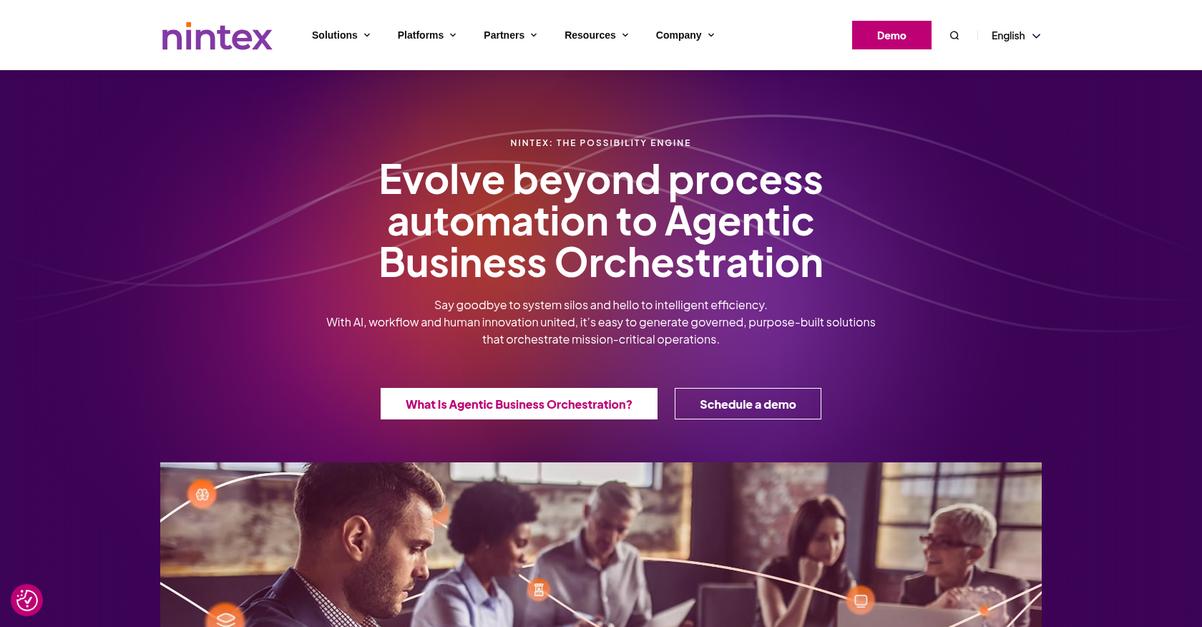
Nintex fixes many of those bottlenecks with no-code automation, multi-stage approval routing, and seamless SharePoint plus Microsoft 365 integration your team will actually use.
You don’t have to wrestle with Document Locator’s clunky setup when you can configure multi-step document approvals, audit trails, and smart notifications all in one drag-and-drop interface. This means getting your processes moving instead of stuck waiting for sign-offs.
That’s why Nintex has become a favorite when you need your workflow to move smoothly and reliably.
Nintex offers an easier, faster way to approve documents.
You can automate approvals with Nintex using its visual drag-and-drop builder, which lets you design sophisticated, multi-step workflows in minutes—even if you have zero coding skills.
What stands out is how Nintex enables advanced process and document approvals for both cloud and on-premises files, going well beyond simple document routing to automate even complex business processes. If switching from Document Locator ever felt risky due to Microsoft reliance, you’ll benefit from Nintex’s deep integration with SharePoint and Microsoft 365—preserving your existing investment and boosting efficiency.
Adding powerful reporting, audit trails, and notification options brings even more clarity and control to your document lifecycles, so your team never misses a deadline or compliance check.
You get unified productivity that adapts to your workflow.
Key features:
- No-code drag-and-drop workflow builder turns process automation into a visual experience, enabling business users to automate approvals without the technical barrier or steep learning curve of Document Locator.
- Advanced, customizable approval routing rules let you set up multi-stage, rule-based document and process approvals with notifications and audit trails, improving efficiency and compliance over Document Locator’s core capabilities.
- Deep SharePoint and Microsoft 365 integration extends process automation into your current Microsoft environment, giving you seamless cloud and hybrid document management that Document Locator’s Windows integration cannot match.
Verdict: Nintex is a compelling Document Locator alternative if you want robust automation for document approvals. Its no-code interface, customizable rules, and deep Microsoft 365 integration mean you can automate even complex approvals and cut workflow delays, making it ideal for productivity-focused teams needing more than just storage.
4. DocuWare

Still waiting for Document Locator to meet your needs?
DocuWare’s intelligent document processing tackles those sluggish approvals and clunky interfaces you’ve been dealing with, making the intake, routing, and approval of files much more efficient.
Unlike Document Locator, DocuWare lets you build out advanced approval workflows in minutes, not days with its easy-to-use visual workflow designer. You can configure complex, multi-level processes without feeling boxed in by rigid templates or confusing menus.
Here’s where things really improve for your workflow.
DocuWare steps in as a powerful alternative by giving you a better way to automate your document approvals, especially if you’re frustrated with Document Locator’s web limitations and slow performance.
You can cut manual data entry with AI-powered document processing that automatically classifies, splits, and extracts key info as soon as you upload files. This means your team can focus on approvals while the system handles the tedious document prep work, so nothing gets bogged down waiting for someone to manually sort or enter details.
Plus, the workflow manager’s drag-and-drop interface lets you design conditional logic, dynamic approval limits, and customized multi-stage processes. It’s especially helpful if you have complex rules or frequently change your processes but don’t want IT headaches.
DocuWare makes it easy for your team to work from anywhere, with mobile tools to review, approve, and annotate documents right from your phone—no VPN required. The result is you can keep up with approvals on the go instead of feeling chained to your desk.
Everything just moves faster and smoother.
Key features:
- Intelligent AI-driven document processing captures, extracts, classifies, and splits documents, removing repetitive manual work and accelerating the intake process much more efficiently than Document Locator.
- Configurable workflows with graphical interface allow you to design approval processes, conditional steps, and dynamic limits visually, reducing set-up time and making complex routing choices simple.
- Mobile access with remote approvals and stamps supports secure document workflows from anywhere, offering a better remote and mobile experience than Document Locator’s more limited web functionality.
Verdict: DocuWare is an outstanding alternative to Document Locator if you want smarter, faster document approvals and greater workflow control. With users reporting faster invoice payments and eliminating paper entirely, it suits modern document-heavy businesses. You can transform slow approvals and clunky processes in days, not weeks.
5. HighQ
Tired of confusing, limited Document Locator workflows?
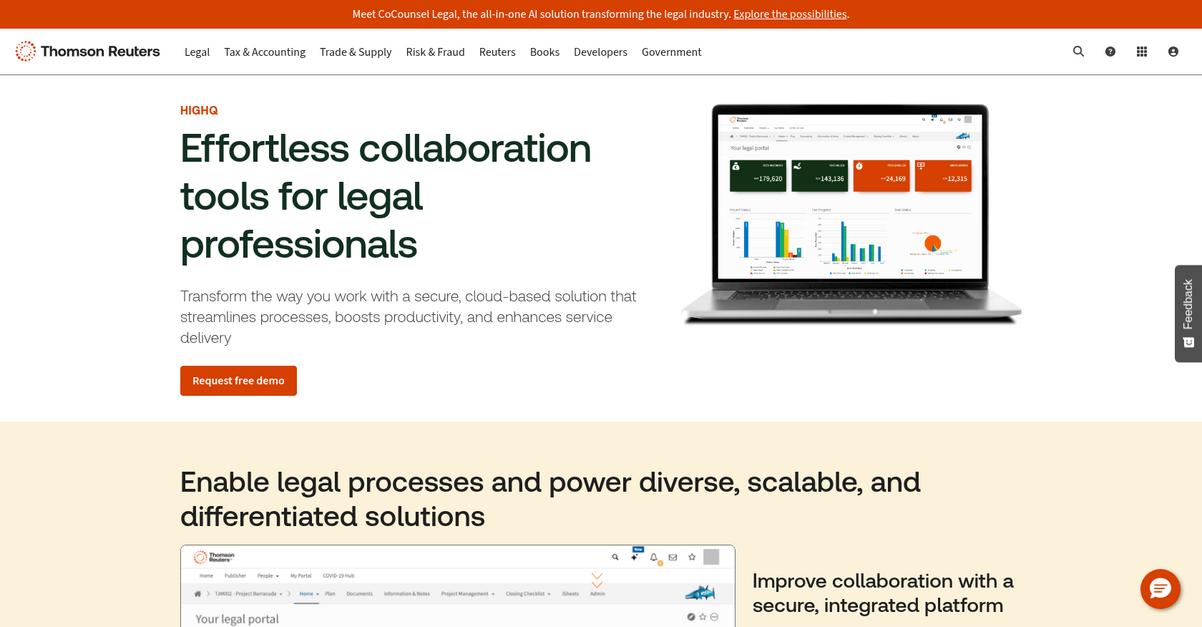
HighQ solves this with data-driven approval workflows you can tailor by contract value, document type, or custom metadata—something Document Locator just can’t match.
Plus, your team can benefit from secure collaboration workspaces for clients and staff, which lets you expand your approval process beyond your internal team. This means legal and financial documents get routed, reviewed, and approved with higher precision—not just sitting in clunky queues.
There’s a smarter way to handle approvals.
HighQ gives you a robust digital workspace focused on workflow automation, document generation, and seamless collaboration, helping you move beyond the headaches of Document Locator’s old-school limitations.
Here’s how you can use HighQ to build approval processes around your own rules, not generic templates—think contract value triggers, specific client fields, or detailed process mapping. With Vodafone, for example, mapping their approval workflow in HighQ helped improve value throughout the business.
Additionally, HighQ automates routine document generation using smart templates, then routes those files instantly for approval. When you add secure client portals, you bring outside stakeholders straight into the document loop, all without risking security or losing control.
Custom workflows, smarter automation, fewer headaches.
Key features:
- Highly configurable approval routing based on context lets you move beyond rigid, one-size-fits-all workflows, using document metadata or conditional triggers for more tailored, compliant approvals than Document Locator allows.
- Integrated document generation and approval sequencing automates creation of new or templated documents, then immediately pushes them into custom approval flows, saving your team time on high-volume, recurring tasks.
- Permission-controlled client collaboration portals allow secure sharing, real-time comments, and direct client approval participation—all within your workspace, streamlining external communication far beyond what Document Locator offers.
Verdict: HighQ stands out as a Document Locator alternative for document approval software, especially for legal or financial workflows. Vodafone reports significant gains by mapping approval and automation in HighQ, combining powerful workflow customization, secure collaboration, and automation your team can actually rely on for complex approvals.
6. Filestage
Feeling bogged down by slow review cycles?
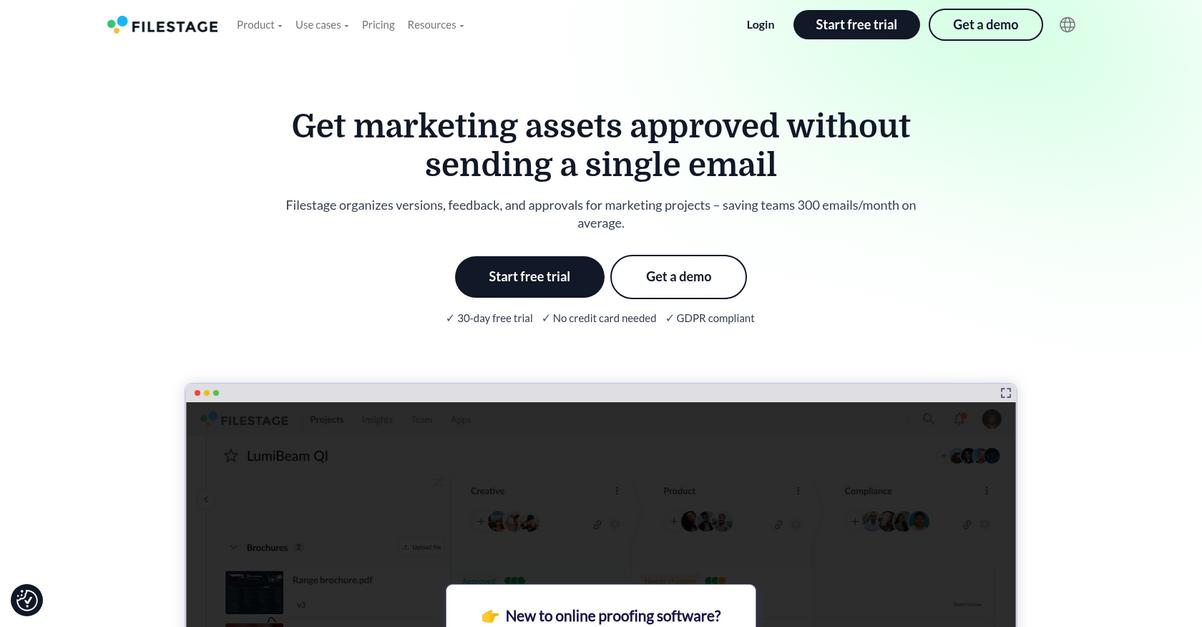
Filestage brings clarity to your document approval process with in-context feedback, customizable workflows, and automated reminders that help you move content from draft to approved—without the confusion of Document Locator’s dated interface.
Your team will love how Filestage lets you leave comments directly on files in real time, centralize feedback that would otherwise get buried in email chains, and keep every stakeholder in the loop with a simple, intuitive dashboard.
With those points in mind, finding a better solution is within reach.
Filestage is built to eliminate manual follow-ups, conflicting feedback, and approval bottlenecks that can hold you back if you’re still using Document Locator.
Here’s how Filestage steps up where Document Locator falls short. You can create automated, multi-step approval workflows with deadlines, track version history, and quickly compare document revisions. This means no more confusion over which file is final, and your team gets transparency at every stage of the proofing process.
Additionally, Filestage offers robust support for visual feedback, making it ideal if you manage marketing, design, or creative content approvals. That specialized focus ensures your feedback is always clear and actionable, rather than lost in back-and-forth replies.
The result is an approval process that actually keeps you moving forward.
Key features:
- Centralized feedback with visual annotations lets every reviewer leave accurate, contextual comments on content instead of fragmented notes scattered across emails, closing feedback loops much quicker than Document Locator.
- Automated, customizable workflow builder allows you to set sequential approvals with reminders, deadlines, and stakeholder assignments, streamlining the process far beyond manual checklist chasing and follow-ups.
- Version control with side-by-side comparison offers instant access to all revisions, so you never lose track of changes, ensuring decision-makers always review the latest and correct document draft.
Verdict: Filestage is a compelling Document Locator alternative if you want faster approvals and fewer headaches. Users have slashed approval times by 30% and reduced daily email noise by up to 30%, especially when managing design and marketing assets. The proofing-first approach delivers clarity for any document approval workflow.
7. PandaDoc

Frustrated waiting for approvals in Document Locator?
PandaDoc brings integrated eSignatures, a drag-and-drop document builder, customizable templates, and cloud access right to your workflow—features built specifically to eliminate delays, confusion, and manual steps you might face.
What truly sets PandaDoc apart is how it automates and routes approval workflows based on smart rules. You get flexible workflows and real-time document status, making the entire process more efficient for your team.
If you want better results, read on.
PandaDoc helps you move beyond standard storage or clunky DMS workflows, letting you automate document approvals, signatures, and status tracking all in one unified platform.
With advanced conditional approval rules, you define multi-step routing: assign multiple internal approvers, set criteria for reviews, and keep every step auditable. The real-time analytics dashboard instantly shows you who’s viewed, approved, or stalled. New users coming from Document Locator find this upgrade smooth and intuitive.
Additionally, you get collaborative editing and a full audit trail—meaning your finance, HR, or sales team can draw up custom contracts, track every change, and securely close deals inside one interface. This drives adoption, trims approval bottlenecks, and reduces friction for your staff and your clients.
Switching to PandaDoc meets your need for speed.
Key features:
- Integrated eSignatures and document builder let you create, edit, and sign business documents in one place—removing the manual steps typical with Document Locator.
- Flexible automated approval workflows with multiple rules route documents based on smart conditions, adding transparency, notifications, and efficiency throughout your review and approval process.
- Live document tracking and analytics dashboards tell you instantly who viewed, approved, or missed deadlines, decreasing bottlenecks and boosting accountability compared to Document Locator’s limited tracking.
Verdict: PandaDoc is an excellent alternative to Document Locator if your approval workflows demand more speed and flexibility. Customers report 50% shorter deal cycles and smoother migrations. PandaDoc’s drag-and-drop builder, automated approvals, and live analytics deliver tangible improvements for contract, sales, and internal document workflows.
8. Integrify
Looking for faster document approvals without the confusion?
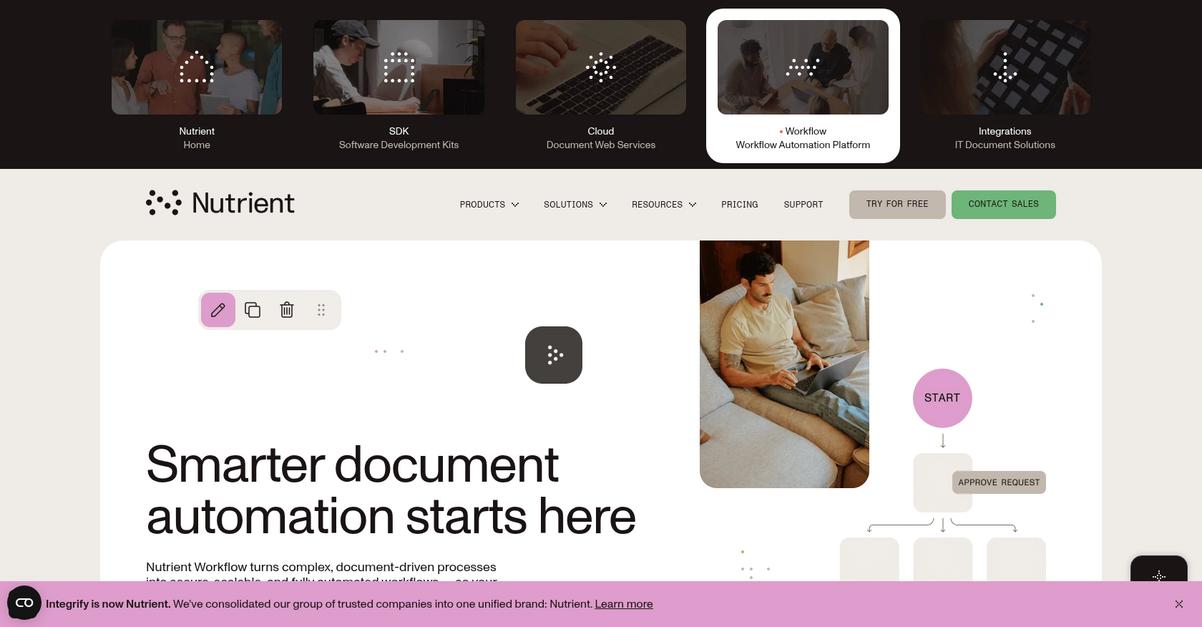
Integrify answers common Document Locator pain points with its low-code process builder, letting your team create, customize, and launch approval workflows easier than before—no coding experience required for complex automations.
Unlike Document Locator’s rigid processes, Integrify’s dynamic routing supports parallel, sequential, and conditional approvals in one platform, so you get tailored workflows rather than having to settle for a generic fit.
You can finally enjoy robust transparency and control.
If you want efficiency, this is your answer.
Integrify lets your team ditch tedious bottlenecks by customizing every step of your approval process. Forms, tasks, and routing rules get updated in minutes—not weeks—so you can stay productive as your business requirements change.
Plus, with the drag-and-drop builder and audit trails you can trust for every action, your compliance headaches fade away. That’s how Integrify helps those who find Document Locator’s audit logs unclear or incomplete gain confidence during audits or reviews.
You also get advanced escalation, delegation, and group approvals, meaning you can manage exceptions and workloads without missed deadlines or dropped tasks. The automated reporting keeps everyone accountable, reducing rework and freeing up time for higher-value projects.
Integrify’s design is built with user adoption in mind.
Key features:
- Low-code process designer empowers business users directly to build and modify approval workflows without IT support, removing the dependency on technical resources common with Document Locator.
- Dynamic routing: sequential, parallel, conditional support enables smarter, more efficient approvals with escalation paths, delegation, and group decisions, optimizing approval cycles that might otherwise stall.
- Comprehensive audit trails with robust reporting automatically capture activity and communication history, providing the compliance transparency and visibility that Document Locator users often find lacking.
Verdict: Integrify stands out as a powerful Document Locator alternative if you’re ready for smarter, more flexible approval automation. ERC’s case showed fewer errors and less rework in HR and Finance after integrating Integrify, helping your team adapt and scale without workflow headaches holding you back.
9. Jotform
Ready to ditch Document Locator’s clunky approval process?
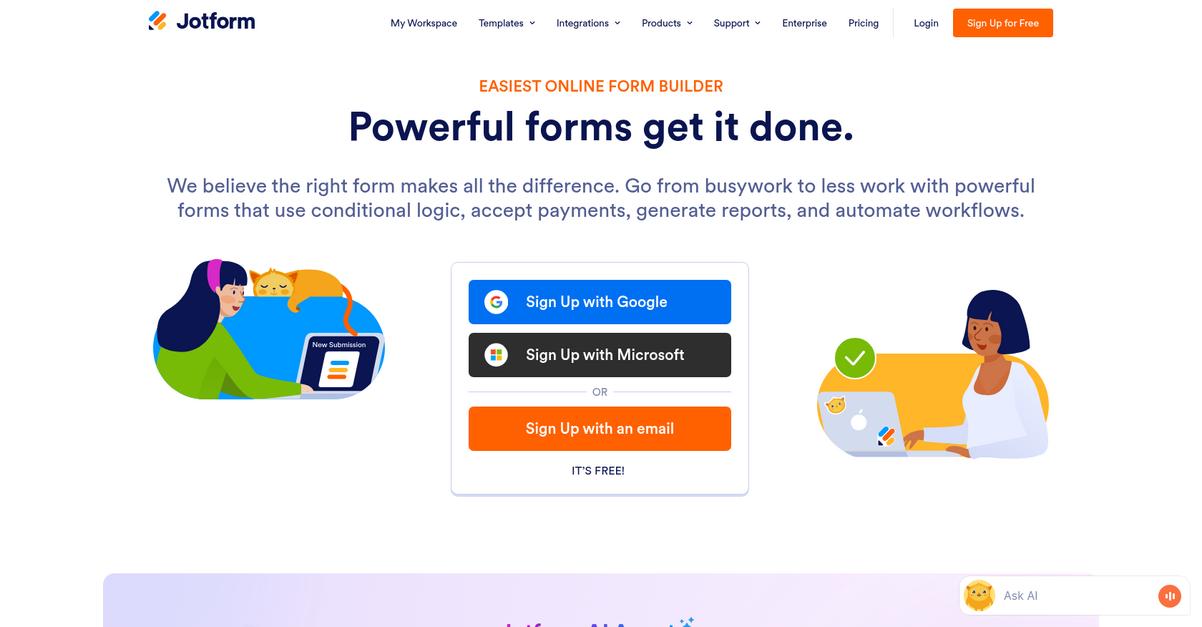
Jotform gives you an online form builder with straightforward drag-and-drop functionality, integrated approval workflows, and automated notifications that make document approvals way more accessible and efficient.
Your current challenges with Document Locator stem from sluggish performance and a confusing, file-centric design. Jotform breaks away by letting you digitize approval workflows right from data capture, without the rigid storage structures and setup hurdles you often run into.
You get time back and fewer headaches.
Switching to Jotform as a Document Locator alternative means you immediately benefit from a tool built for easy adoption, not just traditional document storage.
Jotform simplifies approvals more than Document Locator ever could.
You start by creating beautifully simple online forms in minutes, capturing requests and data right away. Then, Jotform handles the workflow: routing submissions automatically, firing off email updates, and even collecting secure e-signatures so approvals move quickly.
The power is in the details: with its drag-and-drop builder and expansive templates, you set up any approval process with zero coding or IT. This is perfect for businesses that want to streamline onboarding, HR, or client data collection—tasks that bog down in Document Locator’s old-school system.
There’s more: Jotform’s built-in PDF editor generates polished, personalized documents straight from form inputs. This keeps all your document creation and approval in one simple, connected flow. You can effortlessly centralize record-keeping, automate reporting, and get everyone on board faster.
Approvals start, finish, and get documented—all in one place.
Key features:
- Drag-and-drop online form builder with templates streamlines custom form creation for your specific approval needs, making setup far easier than with Document Locator’s traditional document interfaces.
- Automated approval workflows with notifications allow you to map out and automate every approval step, including routing, reminders, and tracking—all without complex configuration or manual intervention.
- Integrated PDF document generation and e-signature lets you instantly turn form submissions into compliant, professional documents, so you skip manual conversions and keep your approval records centralized.
Verdict: Jotform stands out as a Document Locator alternative that focuses on ease of use, quick setup, and automated workflow efficiency. Clients have reported fully streamlining complex processes like onboarding and HR approvals while slashing processing time by up to 70%, saving hundreds of hours annually.
10. Cflow
null
Tired of slow approvals with Document Locator?
Cflow’s no-code workflow builder lets your team design and automate document approval processes without dealing with clunky interfaces or complex technical steps in Document Locator.
This means you can ditch complicated configuration and empower anyone—regardless of skill—to create powerful document approval workflows within minutes, not days.
You don’t have to settle for confusing or outdated tools.
Cflow steps things up by introducing an intuitive visual builder and AI-powered automation that directly addresses the pain points you experience with Document Locator.
Here’s how your approval process becomes painless.
The drag-and-drop workflow designer lets you easily build, customize, and update approval processes on the fly. You don’t need IT intervention to automate forms, routing, or notification logic—just map your real needs, click, and launch. You also get AI-driven routing with proactive reminders and alerts, so each request swiftly finds the right stakeholder and bottlenecks disappear.
Plus, document control features like robust versioning, secure centralized storage, and full audit trails make tracking changes and ensuring compliance a breeze. These tools are packed in, so you get transparency and security missing in Document Locator.
Switching to Cflow means fewer approval delays and lower compliance risks.
Key features:
- No-code visual workflow builder for approvals empowers anyone on your team to automate document processes, eliminating the technical barriers common with Document Locator’s configuration-heavy setup.
- AI-driven routing and automated notifications cuts approval delays by sending reminders and intelligently moving requests to the right people, improving speed and accountability throughout your workflows.
- Built-in document version control and audit logging ensures every change is tracked with reliable version history, making compliance, traceability, and reviews seamless.
Verdict: Cflow is an ideal Document Locator alternative if you want fast, intuitive document approval automation. With the visual builder, AI-powered routing, and built-in compliance tools, your team can cut document processing times by up to 80% while improving audit readiness and productivity for every department.
Conclusion
Ready for faster, frustration-free approvals?
Document Locator makes even simple workflows unnecessarily slow, confusing, and hard to manage—leaving your team stuck waiting rather than getting real work done.
I get it: switching tools can feel risky, but finding the right fit transforms your productivity and gives your team back the momentum wasted by clunky software.
Here’s my top pick to fix this.
FileCenter stands out by offering intuitive document management with lightning-fast file handling and a user-friendly interface—exactly what Document Locator users have been craving.
I’ve seen small businesses move from Document Locator to FileCenter and discover painless file routing, easy desktop scanning, and smooth, quick adoption. FileCenter truly makes approvals flow without the headache, making it a smart Document Locator alternative.
Start your free FileCenter trial today to experience approvals without the frustration.
Get streamlined efficiency and speed—finally.