
Buried under piles of project files?
You’re not alone if your desk—and desktop—are a maze of blueprints, PDFs, contracts, and revision after revision.
When files are scattered everywhere, collaboration grinds to a halt and errors creep in all too easily.
Recent findings from Foxit reveal that employees spend an average of 2 hours per day searching for documents, leading to a staggering 21.3% productivity loss. Imagine what you could accomplish if all that wasted time went back into your projects.

That’s why finding the right document management system matters—it’s not just about storage, but gaining the control you need to finish jobs on time.
In this article, I’m going to walk you through the best document management software for architects, comparing the top tools for organizing project chaos, improving team collaboration, and reclaiming your time.
You’ll discover platforms that centralize every drawing, revision, and submittal—so you can work smarter, not just harder.
Let’s get to it.
Quick Summary:
| # | Software | Rating | Best For |
|---|---|---|---|
| 1 | FileCenter → | Small architecture studios | |
| 2 | Bluebeam Revu → | Mid-to-large architecture teams | |
| 3 | WorkflowMax → | Project-focused architecture firms | |
| 4 | Autodesk Docs → | Large enterprise AEC teams | |
| 5 | Graphisoft Archicad → | BIM-centric design practices |
1. FileCenter

Juggling blueprints and project files gets overwhelming quickly.
FileCenter makes it easy to organize, scan, and manage architectural documents, giving your team an edge when dealing with complex projects.
If you’re tired of wasting time searching for files, you’ll love how FileCenter’s automated filing and version control keep your project data organized and accessible.
You don’t have to settle for disorganized chaos.
FileCenter is designed to help you conquer file chaos in your firm.
This means you can scan, categorize, and find critical plans or specifications in seconds with PDF management and automated folder creation. No more hunting for the right drawing in a pile of folders—FileCenter saves you hours on document retrieval and lets you focus on design instead.
Additionally, version control tracks every revision, which means you always know which plan is current. You’re protected from costly errors that come from working off outdated specs, and collaborating with consultants becomes headache-free because previous iterations are just a click away.
Plus, if you’re reviewing digital markups or integrating project changes, FileCenter’s powerful PDF annotation tools and intelligent organization come together for a streamlined workflow.
Everything you need, organized your way.
Key features:
- Automated filing organizes documents effortlessly: Instantly sort building plans and project files into custom folders based on project phases, client name, or document type, saving you hours of manual work.
- Version control tracks every project revision: Archive old drawings, access previous versions, and maintain a transparent project history so you never lose track of critical architectural changes.
- PDF management built for architectural workflows: Edit, markup, and combine large construction documents, allowing quick collaboration and streamlined review sessions with your team or consultants.
Verdict:
FileCenter is a great document management software for architects who need robust PDF handling, automated organization, and revision tracking. Its project-based filing and version control help firms avoid mistakes and reclaim valuable hours every week, making it an ideal fit for busy architecture studios.
2. Bluebeam Revu

How confident are you in your project files?
Bluebeam Revu gives you powerful PDF markup, measurement, and annotation tools created precisely for architectural drawings and plans. This means you don’t have to rely on scattered email chains or risk missing feedback on critical revisions—everyone can review, edit, and flag issues directly on a single document.
Plus, you’ll never stress over version confusion again.
Bluebeam Revu takes document management beyond simple storage or file sharing. Here’s how: with Studio Collaboration, you and your team can work together in real time, co-authoring and reviewing plans no matter where you are. Review cycles happen right inside the cloud workspace, in minutes instead of days. It’s a total game changer for project kickoff, construction documents, and tight deadlines.
Additionally, the Document Comparison tool helps catch every edit and change in your plans automatically, so no revision gets overlooked. By keeping everybody on the latest version and flagging differences instantly, your team avoids costly errors, rework, and delays.
The result is a document review workflow that feels intuitive and remarkably efficient.
Key features:
- Mark up, measure, and annotate PDFs with precision, letting your project partners collaborate clearly and speed up review cycles with industry-standard architectural tools.
- Real-time Studio Collaboration for distributed project teams, so you can co-author, review, and approve documents side by side, even when working remotely.
- Automated Document Comparison to spot plan revisions, which ensures everyone works from the latest changes and reduces error-related delays or miscommunication during projects.
Verdict:
Bluebeam Revu is a great document management software for architects thanks to its industry-leading PDF tools, cloud-based collaboration, and real-time revision tracking. You can have your whole project team productive after just one day of training, and never lose track of architectural plan updates again.
3. WorkflowMax

Is project document chaos slowing you down?
With WorkflowMax, you get centralized document storage, real-time job management, and automated templates to make every architectural project smoother and more organized.
You no longer have to worry about losing critical project details in scattered files or emails. WorkflowMax centralizes every plan, drawing, or client communication into one easy-to-access place tied to the actual job file.
Here’s how WorkflowMax takes the pain out of project documentation.
By connecting job management and document handling, WorkflowMax gives you full project control and transparency from start to finish. You can track every task, note, and attachment while keeping an eagle eye on project costs and progress.
Need to share a drawing or recover client feedback? It’s all in one spot, right within the corresponding project. You can even use custom templates to streamline quotes and invoices—so every outward-facing document reflects your firm’s brand and standards.
Plus, having all your project files linked to the actual work makes it easier to bill accurately and track job profitability over time. That’s one less headache, whether you’re in design or handling admin.
It’s the kind of control architects crave.
Key features:
- Centralized document storage for every job file: You can keep all your drawings, contracts, and communications together, so nothing slips through the cracks as projects evolve or staff changes.
- Integrated job management meets document control: Tracking tasks, milestones, time, and attached files in a single system keeps your architectural projects on course and under budget.
- Custom templates maintain client-facing polish: Professional quotes, invoices, and reports always look consistent, helping you strengthen your brand and simplify client communications.
Verdict:
If you want a great document management software for architects that actually links project control, billing, and accessible documentation, WorkflowMax is a smart pick. With dedicated tools for document centralization and project tracking, you’ll see better project outcomes and smoother workflows.
4. Autodesk Docs

How do you keep every drawing under control?
Autodesk Docs centralizes your project files so your architectural team always works from one secure, accessible location in the cloud.
This means you never have to dig through scattered folders or risk using an outdated drawing—everyone can access the latest plans and collaborate more confidently.
The result is easier coordination with less chaos.
Autodesk Docs takes project document management seriously.
Here’s how: you get powerful version control and cloud storage in one platform, so your team can store, review, and approve every spec and plan in a dedicated common data environment. This helps you keep project info organized and access it instantly, whether you’re at your desk or walking a job site.
Additionally, Autodesk Docs offers a robust mobile app that makes it simple to pull up blueprints, markups, or RFIs right from your phone or tablet. Your team can review drawings, collaborate on revisions, and maintain approval workflows even when they’re away from the office, streamlining your communication every step of the way.
Plus, everything you do is tracked and auditable, helping you reduce errors and project risks.
You can finally feel on top of document control.
Key features:
- Centralized document management repository for AEC teams: Organize all drawings, reports, and revisions in one cloud location, providing a reliable single source of truth across your entire project team.
- Automated version control and approval workflows: Automatically maintain up-to-date versions, track changes, and manage approvals to keep everyone on your project aligned and reduce the risk of errors.
- Mobile-friendly access for field collaboration: Elevate your firm’s agility and collaboration by enabling your team to review plans, resolve RFIs, and share updates directly from the job site.
Verdict:
Autodesk Docs stands out as a best document management software for architects by addressing your file chaos with centralized control, automatic versioning, and mobile field access. If your projects rely on collaboration across locations, Autodesk Docs can help simplify reviews and reduce errors.
5. Graphisoft Archicad
Is document chaos holding your projects back?
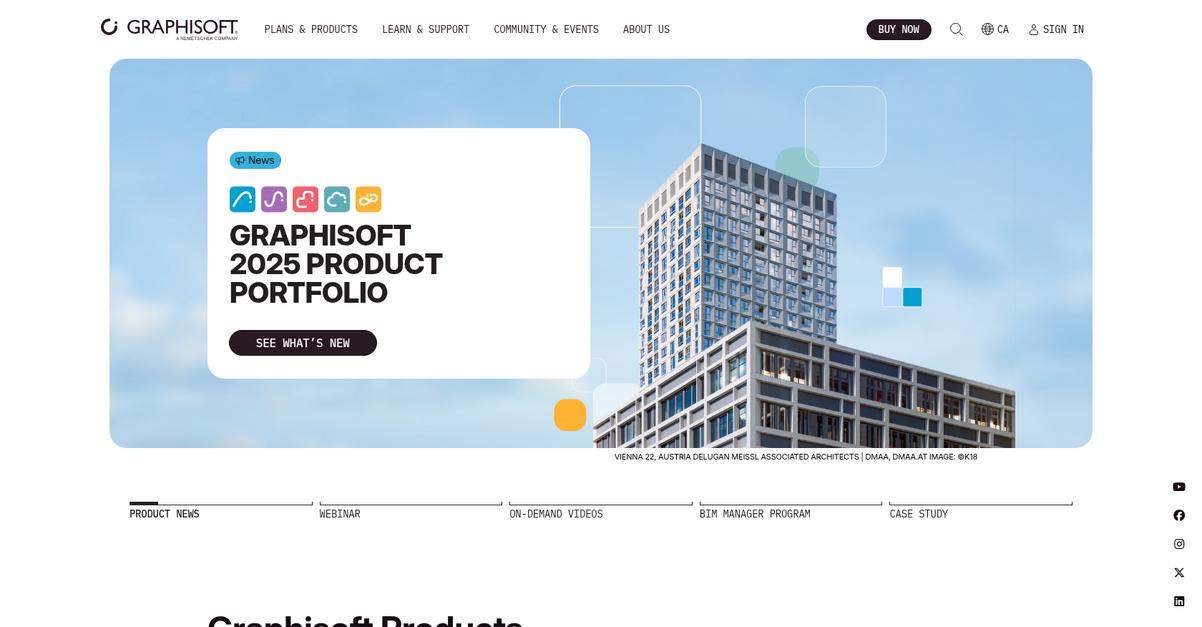
With Graphisoft Archicad, you get built-in model-based documentation, BIMcloud collaboration, and revision tracking features specifically designed to overcome file confusion and streamline your workflow.
This means you can keep everyone on the same page while reducing costly mistakes from outdated drawings and missed changes. Imagine sending a client update knowing every detail is up to date.
Here’s how Archicad makes a difference.
Graphisoft Archicad lets you produce documentation directly from your BIM model, so drawings, sections, and elevations are always synchronized with your design. If you’ve had to redo documents because one detail got missed, you’ll love this.
Plus, its BIMcloud feature enables your team to work together securely in real-time, allowing several architects to update models, plans, or details without version mix-ups. This saves you the hassle of constant file exchanges and uncertainty over what’s current.
Additionally, the built-in revision management tools help you keep a rock-solid audit trail of changes and approvals. You don’t have to chase down who approved which detail or worry about compliance headaches if a client requests a modification.
All of this keeps deliverables accurate and your business moving.
Key features:
- Automatically generate up-to-date documentation for sections, elevations, and plans straight from your BIM model, so you avoid manual errors and achieve design-to-documentation consistency.
- Real-time collaboration for distributed teams using BIMcloud, meaning your entire team can contribute to documents and models even if they’re working from different locations.
- Integrated revision management and tracking tools maintaining a clear history of changes and approvals, which supports accountability and smooths compliance if your projects face scrutiny.
Verdict:
If you want the best document management software for architects that eliminates file chaos, Graphisoft Archicad brings you model-based document creation, secure team collaboration, and revision tracking as part of your project workflow—perfect for busy architectural practices handling complex projects.
6. Newforma Project Center
Tired of chasing down project documents?
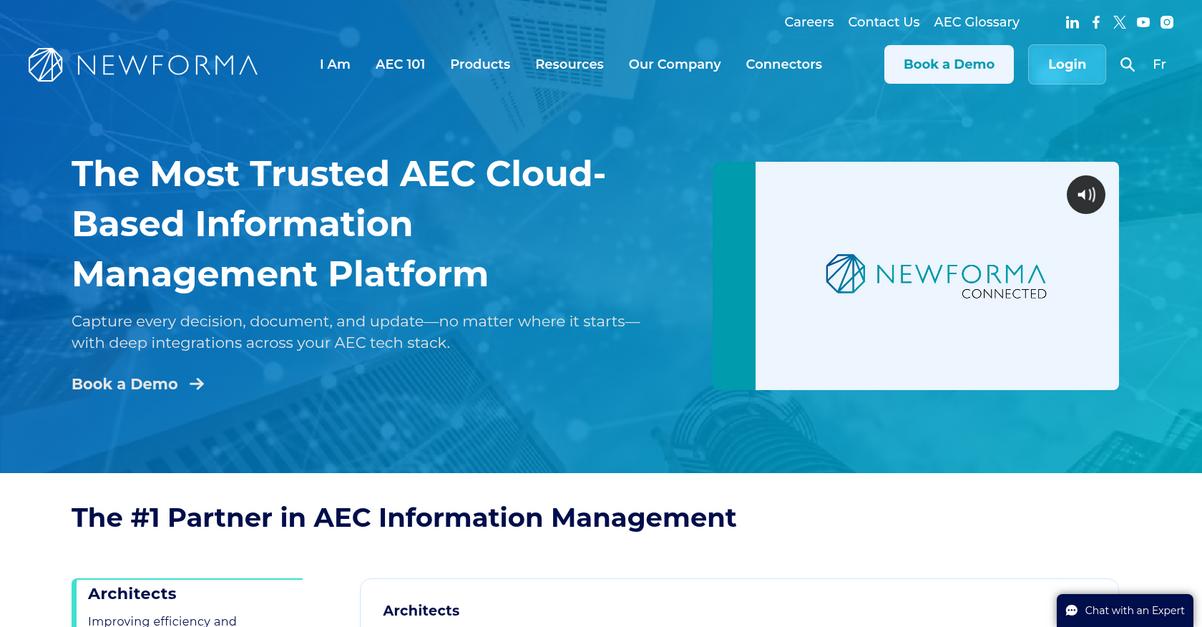
Newforma Project Center links all your project emails, files, RFIs, and submittals in one place to make that chaos manageable.
You no longer need to hunt through disconnected email chains or worry about missing critical file updates—everything lives under one roof, with proven document control features built for architects.
Everything is now organized and accessible.
Newforma Project Center gives your team a smarter way to work.
Here’s how this pays off: Newforma Project Center captures every project email and pairs it with drawings, contracts, and specs so you always have the complete story at your fingertips. Missing context or searching for lost info is a thing of the past.
Plus, with automated version control and underlined audit trails for all project files, you get total peace of mind about which files are current. No more mix-ups or “is this the latest?” headaches. RFIs and submittals are also fully managed here, reducing delays since conversations and resolutions are automatically tracked along with supportive documents.
Additionally, email management directly links communications to their associated drawings and project records, so your team can make decisions with full context. This means fewer mistakes, more accountability, and projects that actually stay on track.
You’ll gain back focus and control.
Key features:
- Centralized email and file management keeps all project communications and related documents easily accessible for better decision making, fewer lost details, and smoother collaboration on every architectural project.
- Automated document version control and audit trails guarantee that your team always works from the latest plans while meeting compliance requirements and avoiding the risks of design changes.
- Integrated RFI and submittal tracking accelerates review cycles, reduces tedious manual updates, and supports timely decision-making to keep budgets and deadlines under control.
Verdict:
With its robust email integration, automated version controls, and project-focused workflows, Newforma Project Center is an excellent document management software for architects. If you’re committed to minimizing project risks and staying organized, Newforma can streamline everything, just as it did for leading AEC firms.
7. Monograph
How do you keep project files under control?
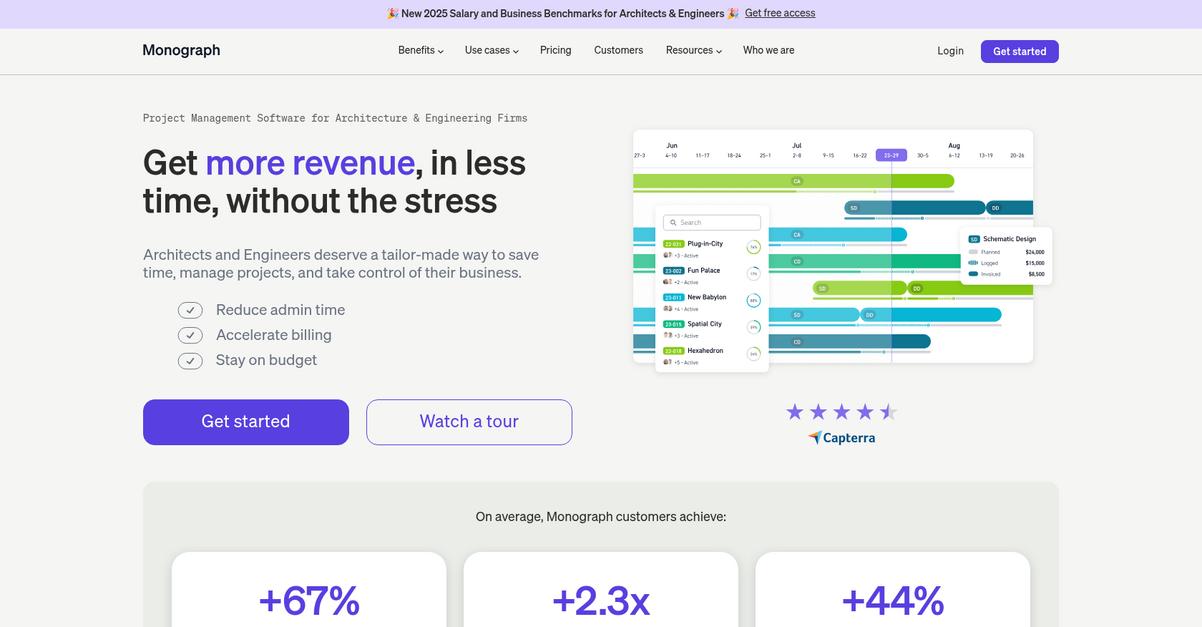
If you’re like most architecture firms, hunting for documents and wrangling disorganized files takes up way too much time. Monograph’s integrated file storage brings your documents into your project workflows so you never wonder where key files are hiding.
With all your files tied directly to ongoing projects, your team gains instant access to organized project assets right when you need them—which is a major boost to efficiency and reduces headaches from version mix-ups or file silos.
Clarity around project files is only the start.
Here’s how Monograph puts you in the driver’s seat.
Monograph goes further than basic storage, letting you track budgets and phases in real time to keep your firm’s financial health on track at every step.
Projects become more manageable when you can see how your budget aligns with team contributions, helping you catch overruns early so you don’t have to play catch-up later. That’s the kind of control that makes working on big projects less stressful for everyone.
Plus, with Monograph’s invoicing and payments feature, your firm can streamline client billing and actually get paid for your hard work—users even report payment turnaround improving by 2x. Everything from admin to collaboration happens in one place, saving time and avoiding confusion between teams and projects.
All of this means you’ll spend less time on process, more on design.
Key features:
- Integrated file storage connects documents to each project for better organization, so your firm can quickly find and share project assets when collaborating or meeting client needs.
- Real-time budget tracking linked to project phases gives you insight and control over profitability, letting you allocate resources smarter and take corrective actions early.
- Streamlined client invoicing and payments inside the platform helps you smooth out cash flow, reduces manual errors, and often shortens payment cycles by up to 50%.
Verdict:
That’s why I see Monograph as a great document management software for architects: it’s architect-designed, boosts profitability, unifies files with project flow, and even helps many users get paid twice as fast.
8. eQuorum
Drowning in files can kill your project momentum.
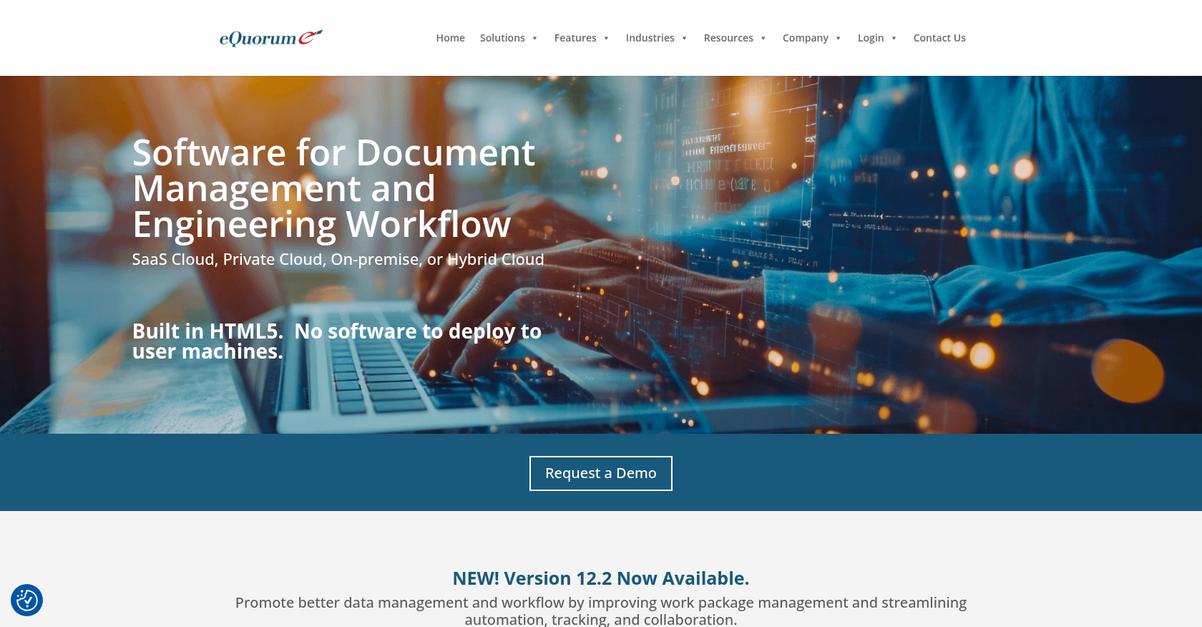
eQuorum’s CAD Drawing Management helps you lock down project plans with robust versioning, access rules, and top-level document security.
This means you don’t have to worry about outdated files or unauthorized edits slowing you down—everyone always has the right drawing at the right time.
Here’s how eQuorum addresses these challenges in practice.
The software delivers exactly what you need to conquer architectural file chaos.
With CAD Drawing Management, you get centralized control of your project files so you’re always in sync, no matter how many plans, markups, or iterations your team creates. Plus, you can digitally review and mark up blueprints in real time, letting you and your collaborators share feedback, resolve issues, and keep projects moving without the distracting back-and-forth of manual edits.
On top of that, automated version and revision control tracks every change and makes sure no mistakes slip through the cracks. This supports a rock-solid audit trail, critical for compliance and boosting team accountability through every review cycle.
The result: your team can focus on designing, not document wrangling.
Key features:
- CAD drawing management with advanced security keeps architectural files safe from unauthorized changes and organizes all plan versions in one accessible hub.
- Real-time digital markup and collaboration tools let your team review, comment, and resolve design issues as they arise, cutting design cycles down significantly.
- Automated version and revision control ensures every stakeholder has up-to-date files, preventing version confusion and streamlining audits and compliance.
Verdict:
eQuorum is an excellent document management software for architects thanks to its engineered CAD controls, digital collaboration, and revision tracking. If you want less chaos and a faster path to ROI, this is a smart fit for your firm.
9. Bit.ai
Is your project documentation scattered across multiple apps?
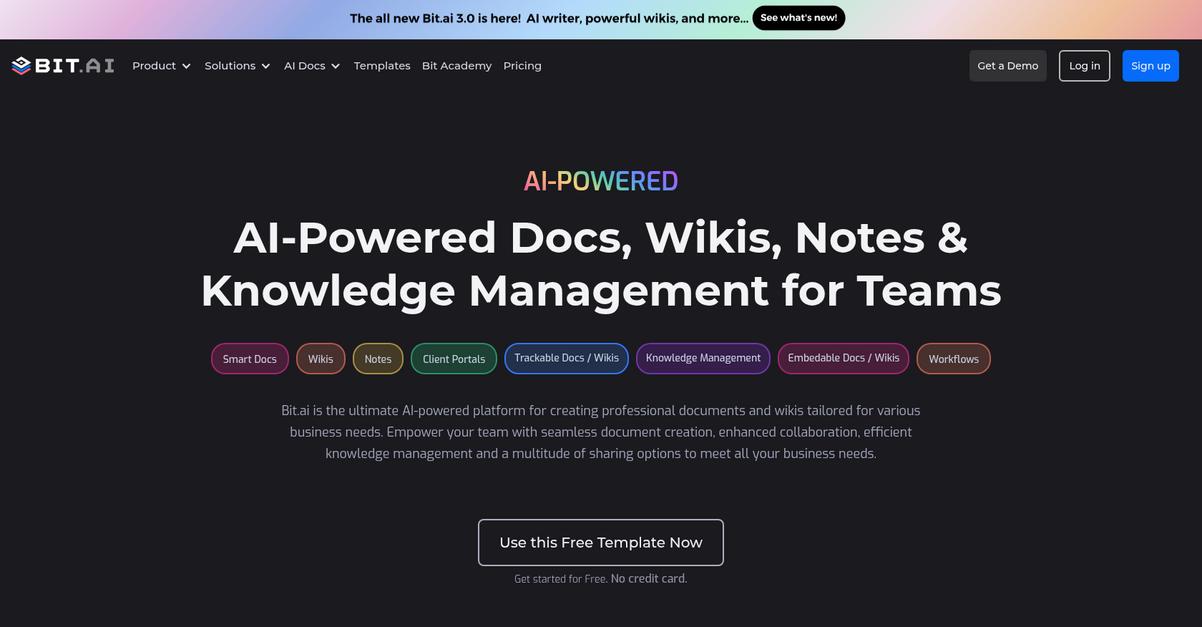
Bit.ai’s interactive smart documents let you embed design files, plans, and external media directly in one workspace for your architecture team.
This means you can combine blueprints, project visuals, and technical specs effortlessly in a single document and ditch the confusion of juggling disconnected files or endless email threads.
Everything comes together on one platform.
Bit.ai takes the stress out of architectural file chaos.
You get to build visually rich documents that are so much more than basic PDFs.
Here’s how Bit.ai does this: you can assemble your project proposals and specifications right inside the platform by embedding images, design files, and even third-party media. Plus, your team can co-edit documents in real time, so multiple designers or project leads can review, comment, and update plans instantly.
Additionally, Bit.ai gives you advanced document tracking and analytics. You can see if clients or consultants have opened your package, which pages got their attention, and how long they engaged. All these capabilities connect to give you tighter control over your project delivery, client communication, and internal coordination.
The result: project files stay organized and everyone knows exactly where things stand.
Key features:
- Interactive document creation with embedded design files: Architects can embed PDFs, images, plan markups, and rich media directly into documents for impressive, client-ready presentations every time.
- Real-time team co-editing and feedback tools: Your team can collaborate on architectural proposals, specifications, or revisions in one document, reducing error risk and miscommunication.
- Engagement analytics for client and stakeholder visibility: Track document opens, page views, and time spent to see exactly how your files are being reviewed and used.
Verdict:
If you’re searching for an excellent document management software for architects, Bit.ai stands out for visually interactive docs, instant collaboration, and analytic tracking—all streamlined in a single workspace that fits the way your team likes to work.
10. monday.com
Constant project file chaos holding you back?
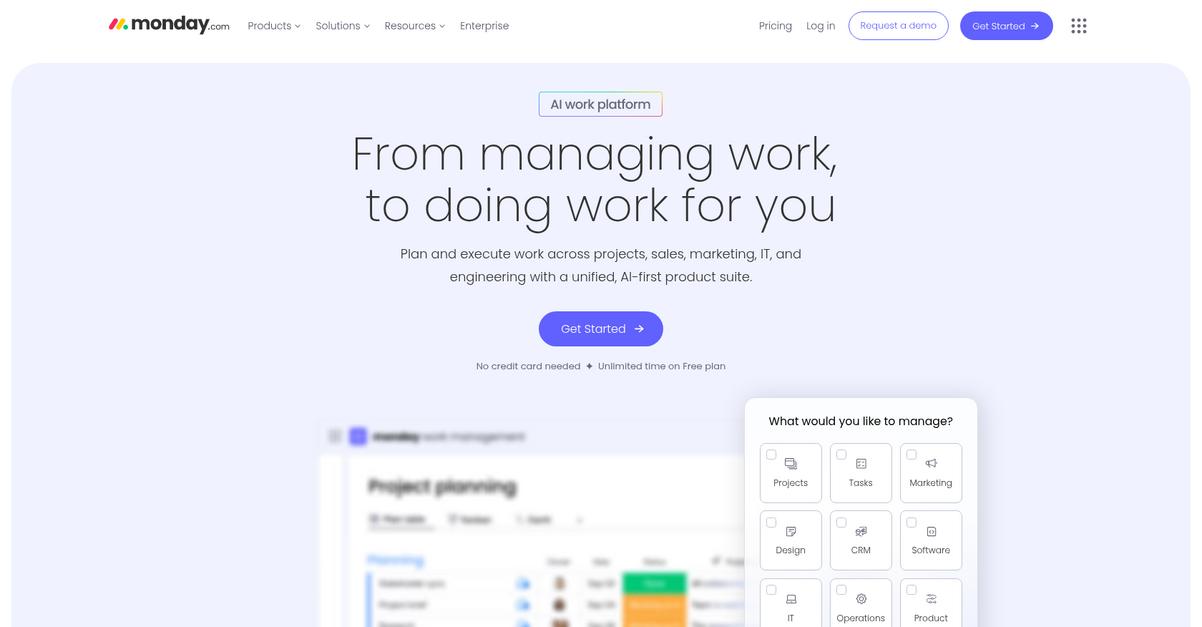
monday.com’s centralized file management lets you attach architectural drawings and documents right to project tasks, keeping everything organized and accessible in context.
This means your project files never go missing in scattered drives or emails, making it way easier to keep your entire team on the same page and eliminate back-and-forth hunting for the latest revision.
Let’s see how monday.com makes this even better.
If you want a document management tool that adapts to how your architecture team works, monday.com makes it possible.
Customizable workflows let you design review, approval, and distribution processes tailored to the way your firm handles documents.
Plus, you can enrich your workflow with integrations connecting your favorite architectural tools—think design, communication, or file sharing apps—which creates a unified workspace. Files, comments, design drafts, and feedback all live in the same place and are tied to project tasks, so your whole team stays aligned and nothing slips through the cracks.
It all adds up to more time for design.
Key features:
- Centralized project file management within tasks: Store and organize architectural plans, drawings, and blueprints right where your team works to keep every document contextually attached and accessible.
- Custom workflows for architectural document approvals: Easily configure review and distribution flows matching your architecture firm’s unique standards, keeping document control reliable and transparent.
- Integration with your existing software stack: Link monday.com with other architecture design, file storage, or communication tools so all relevant project information stays connected in one place.
Verdict:
If you want the best document management software for architects that’s adaptable, visual, and connects your entire project workflow, monday.com is a smart option. Its flexible setup lets you standardize processes and cut file chaos—one architecture firm even cut over 20% from project admin time.
11. PandaDoc

Are client approvals holding up your projects?
PandaDoc streamlines document creation with a drag-and-drop editor and ready-made templates tailored for architectural proposals, plus enables secure e-signatures from any device in seconds.
This means you can stop worrying about delays when waiting on signatures or drafting contracts from scratch. Spend less time on admin and more time designing spaces that wow your clients.
Here’s how PandaDoc becomes part of your project toolkit.
It’s easy to see how you can transform your document headaches into an efficient system. PandaDoc lets you automate creating and sending agreements, proposals, and contracts, so your team isn’t bogged down in repetitive tasks.
With PandaDoc, you can use pre-built templates and a drag-and-drop editor to customize every architectural proposal. That way, your proposals always look professional and on-brand, whether you’re securing new clients or managing projects. I love how e-signatures are legally binding and available from any device, because clients can sign off instantly from office, site, or home.
Plus, real-time tracking and analytics let you see exactly when a proposal is opened, viewed, or signed. This gives you the insight to follow up at just the right moment and increases your odds of winning the project.
Get time back to focus on design.
Key features:
- Custom templates and editor for proposals: Generate contracts and proposals with branded, accurate details in minutes, saving you from repetitive drafting headaches on every new client or project.
- Legally compliant electronic signatures from anywhere: Let clients sign instantly—no more delays printing, scanning, or mailing contracts—so your project timelines move forward smoothly.
- Real-time tracking and document analytics: Always know who reviewed which document and when, so you can follow up smarter and make every interaction count.
Verdict:
If you’re looking for the best document management software for architects, PandaDoc offers customizable templates, secure e-signatures, and actionable analytics, helping your team close deals 28% faster and cut time-to-close by 30% on architectural contracts.
Conclusion
Scattered files make every project harder.
If you’re like me, you’ve felt the frustration of version mix-ups, disconnected folders, and project delays—all because your documents aren’t managed in one reliable place. With dozens of options out there, picking the right document management software for architects can feel overwhelming and risky.
The payoff is worth it though—SenseTask reports that businesses experience a 21% productivity boost and cut errors in half with automated document workflows. 21% increase in productivity is huge when deadlines are tight and quality is non-negotiable.
Here’s the tool I keep coming back to.
FileCenter takes the top spot because it solves file chaos on every level—from easy folder automation to revision tracking—giving your whole team fast, secure access to every project document.
No surprise it’s the best document management software for architects that need reliable version control, PDF handling, and lightning-fast document searches rolled into one simple interface.
I’d encourage you to start a free trial of FileCenter and experience the difference for yourself.
Work smarter, not harder, on every project.