
Confidential data is tough to keep safe.
For government agencies, a single misfiled document or security slip-up can have major consequences—financially and for public trust.
The daily reality is juggling endless paper trails and integration headaches with legacy systems, all while stress builds over compliance and costly mistakes.
Recent data from Aberdeen Group shows that organizations with workflow systems process invoices three times faster than those without. Faster processing not only saves time but also slashes operational costs and limits risk.

This article addresses the exact confusion and overwhelm you face when searching for dependable, government-ready document management software.
In this article, I’m breaking down the best document management software for government agencies so you can streamline operations while locking down sensitive data.
You’ll leave with software options that actually solve your biggest security, workflow, and compliance headaches.
Let’s get started.
Quick Summary:
| # | Software | Rating | Best For |
|---|---|---|---|
| 1 | FileCenter → | Small to mid-size agencies | |
| 2 | ShareArchiver → | Large agencies with big archives | |
| 3 | Box → | Multi-location agencies | |
| 4 | Hyland OnBase → | Large enterprise agencies | |
| 5 | Softdocs → | Local agencies & municipalities |
1. FileCenter

How do you keep agency files organized and accessible?
FileCenter’s Windows-like filing structure gives your team digital cabinets and folders that feel instantly familiar, making it simple to organize and find documents.
This means even if you’re handling mountains of paper records or electronic forms, FileCenter removes the headache of navigating clunky systems and searching for documents. You spend less time tracking down files and more time focusing on your core public service mission.
Here’s how FileCenter dives even deeper as a solution.
You get a robust document management toolkit tailored for government needs. FileCenter’s intelligent scanning turns physical paperwork into digital, searchable files, using built-in OCR to instantly convert scanned documents into editable text. That means you can quickly retrieve critical information in a click, rather than sifting through piles of physical files or typing data by hand.
Additionally, the integrated PDF editor lets you review, annotate, and sign documents all inside FileCenter with no external software required. If you need to collaborate or finalize forms, your team saves time and avoids compatibility headaches by handling everything in one spot. Secure filing, easy access, and role-based organization mean staff transition is simplified—there’s no major training curve to overcome.
It all adds up to greater efficiency for agencies like yours.
Key features:
- Document organization with familiar Windows-like structure so new staff members and existing employees face less resistance and confusion in adopting digital management workflows.
- Intelligent scanning and OCR for paper conversion eliminates manual data entry and lets you quickly search and retrieve any government records for compliance, audits, or daily operations.
- Integrated PDF editing and annotation tools mean your team can handle document reviews, approvals, and digital signatures without leaving the platform or juggling multiple tools.
Verdict:
FileCenter stands out as a best document management software for government agencies because it minimizes learning curves, digitizes your workflows, and reduces administrative steps, all in one affordable, purpose-built platform. If your agency values efficiency, digital access, and familiar organization, it’s a smart, practical choice.
2. ShareArchiver
Are you worried about your agency’s growing data storage?
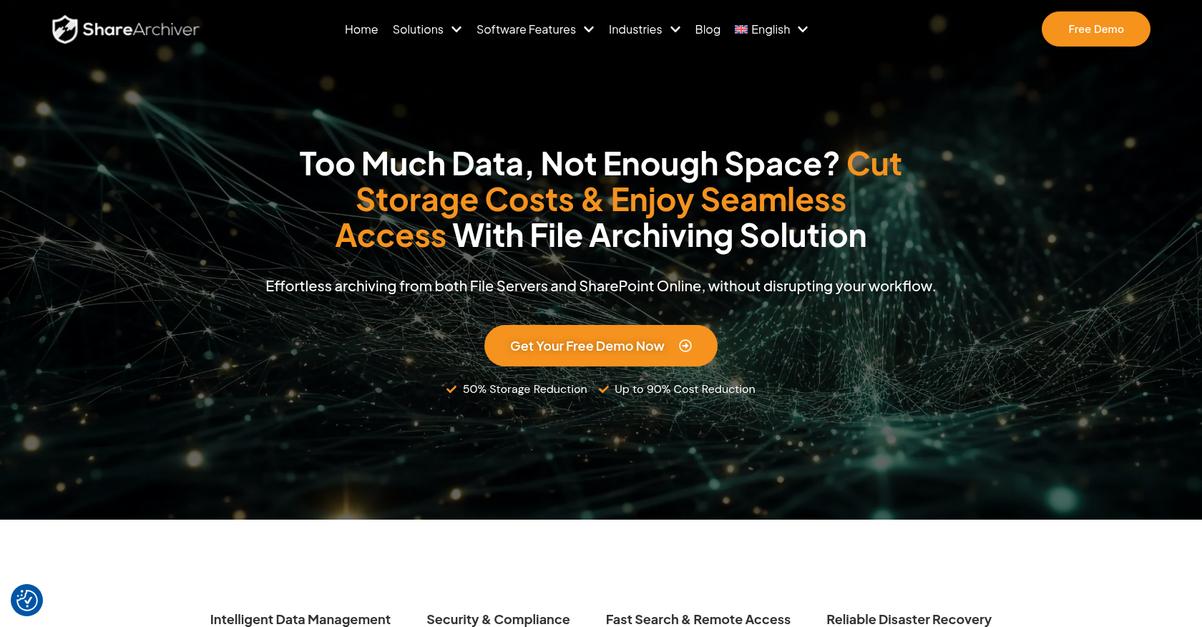
ShareArchiver helps your team by using intelligent archiving policies that automatically file away inactive documents and ease storage concerns for your IT department.
This means you can stop worrying about overwhelming backup routines or sluggish system speeds as your records pile up over the years. You’ll get peace of mind knowing critical government files are organized, secure, and always accessible, even as your data grows.
Here’s how ShareArchiver meets this challenge head-on.
ShareArchiver makes controlling your data simple while keeping every record secure and easy to find.
Intelligent archiving rules mean less manual effort for your staff and real savings on storage costs. Plus, the advanced e-discovery tools let you respond quickly to records requests, helping your team hit public transparency or audit deadlines without breaking a sweat.
Additionally, ShareArchiver’s robust compliance measures are perfect for government standards. You’ll get 256-bit encryption, WORM (write once read many) protection, and built-in retention policies to keep even your most sensitive files safe and regulation-ready.
The result is less hassle, more security, and better workflow for your team.
Key features:
- Intelligent archiving automation frees up storage by automatically managing inactive government files, driving up to 80% storage reduction and helping you avoid costly hardware upgrades.
- Powerful AI search and e-discovery capabilities deliver lightning-fast access to files, which means your staff can instantly fulfill public records requests and prepare for audits without frustration.
- Comprehensive built-in compliance and encryption tools ensure your agency’s critical data meets regulatory requirements and stays protected from cyber threats or accidental deletions.
Verdict:
If you need a great document management software for government agencies, ShareArchiver is a smart pick. With proven 80% storage savings, robust file security, and blazing fast AI-powered search, you’ll streamline compliance and transparency with confidence.
3. Box

Stronger compliance and security are always top priorities.
If you’re working with sensitive government data, Box gives you FedRAMP-compliant cloud content management, zero-trust protection, and encryption.
Box helps you protect and control critical government content easily while removing the typical bottlenecks around document access, sharing, and version control.
You’ll appreciate how seamlessly this all comes together.
Box uses robust security controls and compliance certifications so you never have to wonder if your cloud documents are truly protected.
The platform gives your agency real peace of mind with granular access controls and ongoing encryption, even as your teams collaborate from different offices. Plus, Box leans on AI-powered automation. This means you can process huge document volumes, extract critical data in seconds, and automate classification—saving staff from endless manual review.
Additionally, Box offers integrated real-time collaboration tools and built-in e-signature, so you can keep every approval moving no matter where your colleagues work. These features combine to help you speed up agency workflows and get more done with fewer mistakes.
It all adds up to results that matter for government work.
Key features:
- FedRAMP-compliant, zero-trust security and encryption: Keep your agency’s sensitive data protected with cloud content management that meets the strictest federal security requirements for both storage and sharing.
- AI-powered document automation and data classification: Transform document-intensive tasks with built-in AI that classifies, extracts, and automates processing of large volumes of government files.
- Integrated collaboration with real-time editing and e-signature: Boost teamwork and cut approval times thanks to secure collaboration, editing, and easy electronic signing, all within one platform.
Verdict:
With FedRAMP compliance, zero-trust cloud security, AI automation, and collaboration built-in, Box stands out as a best document management software for government agencies by helping your team work securely and efficiently—plus, you can try it free for 14 days.
4. Hyland OnBase

Stuck with slow, error-prone document processes?
Hyland OnBase’s lifecycle content management gives you total control over your records, from capture all the way to secure archiving.
This means your agency can ensure strict compliance while reducing manual record-keeping headaches and the risk of missing or lost files.
You’ll want something more robust to truly support your mission.
If you’re looking to simplify document control, here’s how Hyland OnBase can help your team deliver faster, more reliable public service. Their platform manages each stage of the document lifecycle, including creation, storage, retrieval, and required disposal, so you always have the right record when you need it.
Plus, with intelligent process automation built specifically for government workflows, you can speed up approvals, route files automatically, and handle exceptions with hardly any manual effort. This directly translates into more efficient operations and fewer bottlenecks—perfect if you need to keep up with high public demand.
Additionally, Hyland OnBase automates public records requests from submission to electronic delivery, cutting down on response times and increasing transparency for your community.
It all adds up to easier, more compliant operations.
Key features:
Full lifecycle content management for all public records, from capture to long-term archiving, helping your agency stay compliant with recordkeeping regulations and making audits simpler.
Intelligent automation of government-specific workflows eliminates tedious manual tasks, reduces human error, and accelerates how quickly you deliver essential services.
End-to-end automated public records request processing enables secure web submissions, automated routing, and electronic delivery, giving citizens faster access and your staff substantial time back.
Verdict:
If you’re searching for the best document management software for government agencies, Hyland OnBase stands out for its records lifecycle management, government-grade certifications, and automation tools. That means more transparency and up to 50 percent faster response times for public records.
5. Softdocs

Are manual workflows slowing down your agency?
Softdocs offers user-friendly eForms, intelligent document processing, and unlimited electronic signatures to streamline government tasks and eliminate paper-driven delays.
This means you can automate time-consuming paperwork, accelerate approvals, and securely serve citizens using cloud-native technology—without headaches over compliance or manual errors.
Let’s look at what else Softdocs can do for you.
If you’re searching for a digital solution to modernize your agency, Softdocs makes automating tedious tasks easy. You get secure eForms to handle applications, public information requests, and service registrations with zero paper waste.
Plus, with Softdocs’ intelligent document processing, you can automatically extract data and classify huge volumes of files, which means you don’t have to manually process or validate what comes in from constituents—saving hours every week.
Additionally, Softdocs supports unlimited, legally binding e-signatures for all your contracts and approvals, so nothing gets bottlenecked waiting for wet signatures. When you combine these features, your team’s efficiency goes up—and so does citizen satisfaction.
Softdocs offers security you can trust.
Key features:
- User-friendly eForms digitize citizen services: Secure online forms mean your agency can cut paper use, collect accurate information quickly, and improve efficiency across all public-facing tasks.
- Intelligent document automation eliminates tedious manual processing: Automated extraction and classification lets you handle high volumes of content, reduce human error, and ensure information is always actionable.
- Unlimited legally binding e-signatures for all document types: Contracts, approvals, and requests move faster, since staff and stakeholders can sign electronically from anywhere, anytime—without restrictions.
Verdict:
If you want the best document management software for government agencies, I think Softdocs is the one to test first. From secure eForms to unlimited e-signatures and NIST 800-53 compliance, it covers every process your agency needs to modernize.
6. DocuWare

Can your agency trust its data management process?
DocuWare offers secure, cloud-based storage, advanced document processing with AI, and customizable workflow automation—all designed to simplify and speed up government document workflows.
If you’re like me, dealing with thousands of files and strict compliance, you need precise, efficient retrieval of government information without security risks, manual errors, or time-consuming processes slowing your team down.
Here’s how DocuWare changes the game.
With DocuWare, you immediately boost your agency’s efficiency by automating document management. This means you won’t waste time on manual filing or worry about private records getting misplaced.
The AI-powered document processing really stands out. I love how you can automatically extract, index, and classify content instantly, turning paperwork into a searchable database your team can rely on. This gives you control over document accuracy while reducing manual entry mistakes—crucial if regulatory audits come calling.
Additionally, the customizable workflow automation takes the pressure off your team. Design multi-step approvals with notifications, and track every task easily. Plus, secure, scalable cloud storage keeps your files protected and accessible—on site or remote.
Your agency can finally swap chaotic paper trails for trusted digital processes.
Key features:
- AI-powered document processing for government records: Streamlines incoming forms, invoices, and contracts for you using automated indexing, drastically reducing manual data entry and data retrieval headaches.
- Automated, customizable workflow routing and approvals: Lets you tailor every business process—so you accelerate reviews, ensure compliance, and keep approvers in the loop with real-time task lists and reminders.
- Secure cloud storage with strict access controls: Keeps all your digitized confidential and public records locked down, with encryption, audit trails, and instant access from authorized locations or devices.
Verdict:
I highly recommend DocuWare as an excellent document management software for government agencies if your team needs secure digitization, automated workflows, and reliable compliance. The clear emphasis on AI-driven accuracy, secure access, and custom workflows makes it ideal for public sector needs.
7. Docsvault
Is managing your agency’s records keeping you up at night?
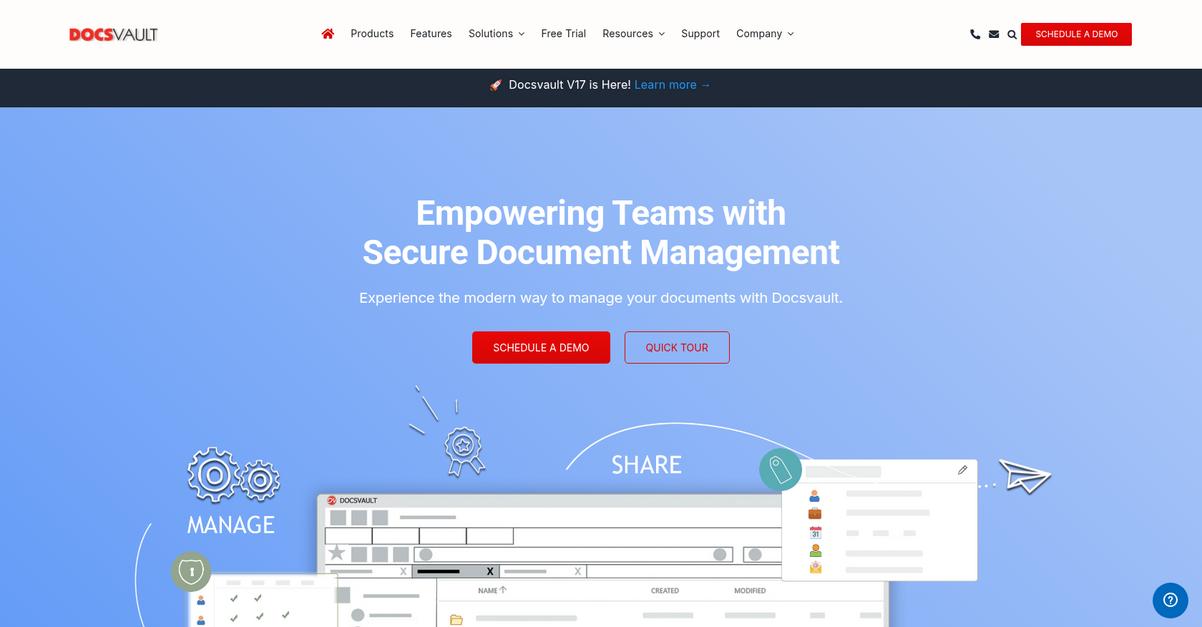
Docsvault delivers a secure document repository, automated workflows, and robust retention management to solve your biggest compliance and accessibility headaches.
Managing government records can be overwhelming when you need to balance security, compliance, and public transparency—all at once. Keeping up with FOIA requirements, internal audits, and endless paper documents slows you down and opens the door to risk.
But here’s what changes with the right software.
Docsvault makes public records management and legal compliance much simpler for your team.
With robust records retention features, Docsvault helps you set legal retention periods and automate document disposal. You’ll also appreciate how the platform lets you keep all your digital files in one secure repository—granting each user the exact access they need. That takes the stress out of both everyday file searching and internal/external audits.
Additionally, you get automated workflows and eForms that digitize your most tedious processes—like public record requests and document approvals. The result is smoother routing, fewer missed deadlines, and a transparent audit trail your compliance officer will love.
It all adds up to more time for your real work.
Key features:
- Automated records retention for regulatory compliance: Set custom retention schedules and automate legal document disposal, so you never have to worry about FOIA violations or missed deadlines.
- Centralized, secure document repository with granular controls: Keep all agency files in one safe place with permission-based access, ensuring only the right staff see confidential information.
- Public record request automation and eForm workflows: Collect and manage requests digitally, track their status, and route approvals—all without slow paperwork or email chains.
Verdict:
If you’re searching for an excellent document management software for government agencies, Docsvault stands out. With up to 60% less processing time and bulletproof compliance tools, it’s a reliable way to keep your agency organized, accountable, and in control.
8. Revver

Government agencies need reliable document management.
Revver gives your team no-code workflow automation and secure public records access, streamlining your data protection and service delivery efforts right away.
This means you get more than just a digital filing cabinet—your agency eliminates manual busywork while keeping information accessible and compliant. With these tools combined, you can address operational bottlenecks and meet public transparency demands more efficiently.
Here’s how you can make these improvements real.
Revver is purpose-built for government agencies looking to simplify, secure, and automate document management tasks.
By using features like AI-powered Smart Extract, you can automatically extract and organize key data from documents, so nobody on your team has to spend hours keying in data or double-checking files. Imagine handling requests for public records with Revver’s secure portal—citizens get self-service access while sensitive data stays protected.
Additionally, the no-code automation means your staff can set up custom document workflows for routing, approvals, and e-signatures with ease—not a single line of code required. Everything you need to drive efficiency and transparency is at your fingertips.
These capabilities help you deliver better service.
Key features:
- AI-powered Smart Extract saves manual data entry time, enabling your team to rapidly process, organize, and securely store public records and essential agency documents.
- No-code workflow automation for approvals and signatures, so you standardize your processes, boost compliance, and minimize lost documentation with drag-and-drop ease.
- Secure public records portal for citizen access, letting you improve transparency and empower self-service while keeping all sensitive data confidential and protected.
Verdict:
That’s why I consider Revver a best document management software for government agencies option—especially if you care about speeding up processing, ensuring transparency, and automating repetitive tasks. Everything you need to modernize workflows and boost both internal and public-facing efficiency is right here.
9. Revolution Data Systems
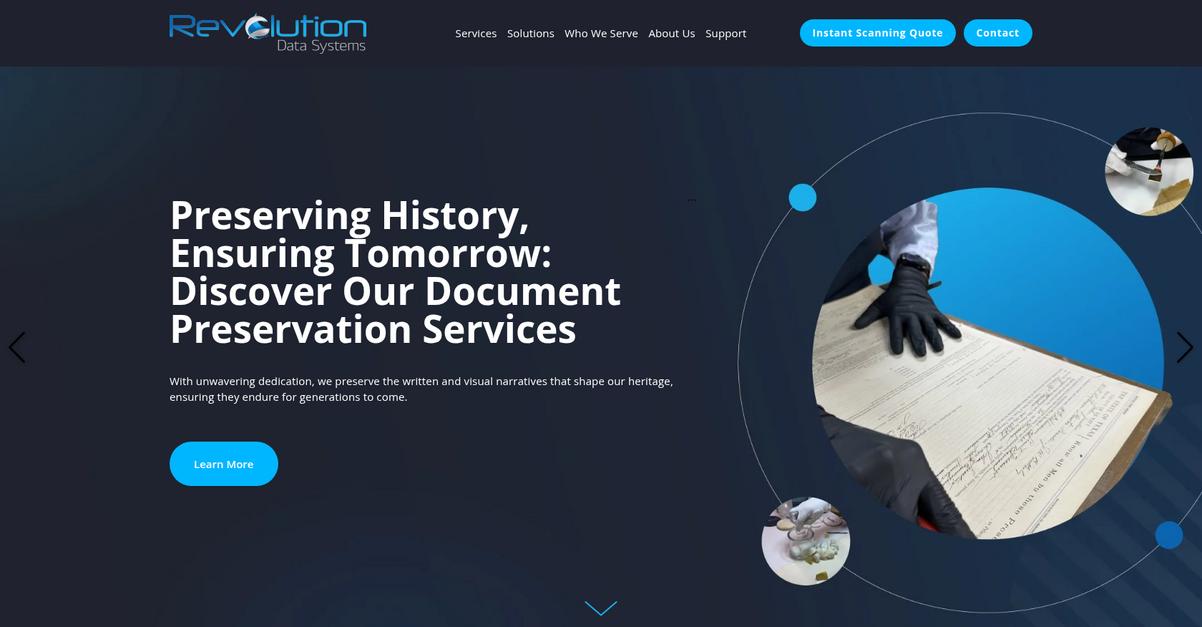
Do you need long-term access to public records?
Revolution Data Systems helps your agency digitize, organize, and preserve your documents by specializing in document scanning, process automation, and secure digital archiving from day one.
If you’re like many government agencies, you know finding and protecting historical records can be tough. Digital preservation for compliance and ongoing access is a real need for your team.
Here’s how Revolution Data Systems steps up.
You get powerful digitization and digital preservation
With Revolution Data Systems, your team can convert years of paper and historical records into searchable digital files. The Cyclone Vault solution keeps your agency’s records secure, auditable, and fully compliant, freeing you from worries about lost or inaccessible data when audits roll around.
Additionally, their process automation features let you eliminate manual paperwork and repetitive document tasks. This means less wasted time, fewer errors, and a smoother experience for the public and your internal team alike.
Plus, everything is built for long-term scalability and reliability.
Key features:
- Robust document scanning and digitization services make it painless to transfer decades of paper records to fully searchable archives, perfect if your agency manages large volumes or historical records.
- Advanced process automation options reduce time spent on paperwork by streamlining approval routes and recurring government workflows, so your agency can focus on what matters most.
- Cyclone Vault ensures compliant digital preservation of your vital government documents, supporting retention mandates and enabling instant access during audits or data requests.
Verdict: Revolution Data Systems is a great document management software for government agencies, letting you digitize archives, automate workflows, and guarantee compliance. I’ve seen their approach help agencies preserve decades-old records while staying audit-ready and improving efficiency by up to 40%.
10. GLOBODOX
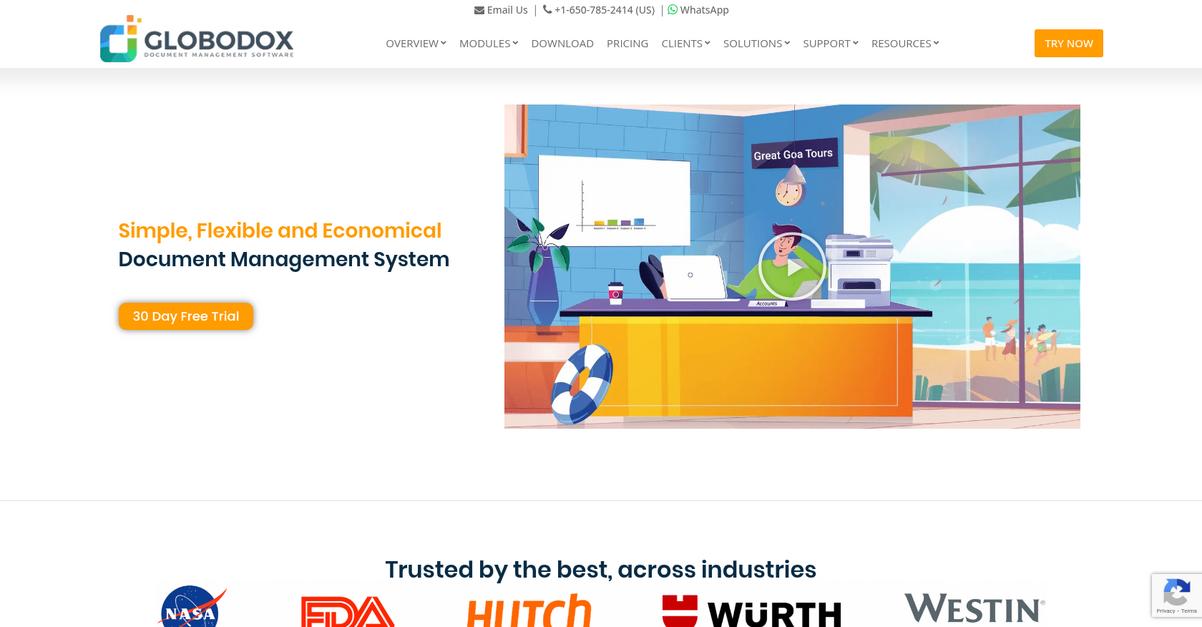
Is your agency struggling with scattered, unsecured documents?
GLOBODOX comes packed with customizable access controls and automated workflows designed for your team’s sensitive needs and compliance headaches.
Keeping track of critical documents is tough, especially when you need both speed and strict confidentiality. GLOBODOX’s granular security lets you stop worrying about unauthorized access, even as you juggle mountains of paperwork.
Here’s how GLOBODOX takes your process further.
You get reliable document organization and security in one platform.
GLOBODOX addresses your document management challenges by offering robust security, simple setup, and powerful automation that’s tailor-made for government work.
I like how you can use automated document routing and approval workflows to shrink the time your team spends on repetitive manual tasks. That means less risk of something falling through the cracks and more time focusing on public service. Plus, the integrated access control templates mean only the right people get eyes on confidential files, making regulatory compliance less stressful.
Another standout is the full-text search and tagging. Finding exactly what you need—even from years ago—takes seconds, not hours. The result is a remarkably less stressful day and a more responsive team.
It all adds up to better service delivery.
Key features:
- Granular security & customizable access control templates help your agency shield confidential data and set tailored permissions for every employee or department.
- Integrated workflow automation replaces manual document routing so your team can digitally approve, route, and process files with fewer errors and zero lost paperwork.
- Comprehensive full-text search and tagging ensures your staff instantly finds documents by keyword, tag, or phrase—even across a huge, high-volume archive.
Verdict:
If you’re searching for the best document management software for government agencies, I’d recommend GLOBODOX for its mix of top-tier security, workflow automation, and intuitive search. Its on-premise or cloud options make it adaptable for any size agency, and setup really is quick.
11. LogicalDOC

Is your agency buried in paperwork and inefficiency?
LogicalDOC gives you automated version control, flexible workflow automation, and advanced full-text search—all geared to secure, organize, and instantly retrieve your valuable documents.
If you’re tasked with navigating complex compliance needs, it’s easy to see how tracking every document change with a secure audit trail can make your life simpler, while reducing risk and confusion across your agency.
Here’s how LogicalDOC goes even further.
The software solves your document management headaches by letting you automate routine approval processes and eliminate manual handoffs. This means countless time-saving opportunities for you and your colleagues—no more chasing signatures or worrying about version mix-ups.
Plus, with an intuitive visual workflow designer, you can easily map out your agency’s unique approval steps and automate key tasks. Organize records, collaborate, and cut down human error without ramp-up stress, simply by dragging and dropping what you need.
Additionally, LogicalDOC’s robust full-text search and smart filters mean you and your team can instantly pull up documents by tags, content, or metadata, regardless of system size. This keeps everything at your fingertips.
You get flexibility and peace of mind.
Key features:
- Automated version control with complete revision history so your agency can trace, restore, and audit any changes, ensuring compliance without the administrative headache.
- Flexible workflow automation, including visual process designer, empowers you to custom-build approval flows that match departmental needs and minimize errors or lost documents.
- Advanced full-text search, tags, and filters allow any staff member to instantly locate documents, which dramatically boosts information retrieval for everyone in your agency.
Verdict:
LogicalDOC is a great document management software for government agencies thanks to automated versioning, audit trails, and fast search. Run it on-premise or cloud, integrate with Microsoft Office, and bring structure and security to your team’s workflow.
Conclusion
Confidential data is tough to keep safe.
Choosing the right document management software for government agencies is overwhelming—tight regulations, legacy integrations, and compliance risks pile onto fears of picking the wrong fit.
According to AIIM, agencies using automated solutions have seen a 29% reduction in invoice processing costs, as reported by 29% reduction in invoice processing costs. That means faster approvals and huge cost savings when your system truly streamlines workflows—two outcomes your agency needs right now.
Here’s what I’d choose today.
FileCenter earns my top recommendation because it tackles every pain point you face—secure organization, easy digitization, and effortless compliance—all in an interface your team can actually adopt.
From my experience, FileCenter consistently delivers government-ready features with real impact. It’s the best document management software for government agencies whenever you need to organize records, digitize workflows, and make audits stress-free.
I recommend you start your free trial of FileCenter and experience the transformation yourself.
See higher security and efficiency, instantly.