
Lost track of a grant file again?
Trying to manage donation forms, reports, and compliance paperwork across endless folders quickly drains your energy as a nonprofit leader.
Even worse, disorganized documents can lead to confusion and missed deadlines—hurting your ability to stay accountable to funders and your board.
According to Uhura Solutions, employees can spend as much as 30% of their time searching for information when documents are scattered or poorly managed. Just imagine what your team could achieve if you freed up even half of that time for mission-driven work.

This article has one goal: to save your organization time and frustration by making document chaos a thing of the past.
In this article, I’m going to break down the 11+ best document management software for nonprofits so you can find a system that fits your budget, your staff’s needs, and your existing tech.
You’ll walk away ready to organize files, streamline approvals, and impress your board with hassle-free audits.
Let’s get to it.
Quick Summary:
| # | Software | Rating | Best For |
|---|---|---|---|
| 1 | FileCenter → | Small to mid-sized nonprofits | |
| 2 | PairSoft → | Finance-focused nonprofit teams | |
| 3 | Docubee → | Form-driven nonprofit teams | |
| 4 | LogicalDOC → | Large compliance-focused nonprofits | |
| 5 | unFORM → | Paper-intensive nonprofit operations |
1. FileCenter

Is paperwork slowing down your nonprofit’s progress?
FileCenter’s smart filing automatically sorts and renames documents, keeping your files organized and right where you need them.
That means you’ll spend less time rummaging through folders and more time focusing on your mission. With predefined rules and templates, your document chaos finally turns into order. Trying to track down critical donation records, board packets, or grant paperwork stops being a bottleneck.
Here’s how FileCenter takes document headaches off your plate.
FileCenter gives you a truly intuitive way to organize, scan, and retrieve every document your nonprofit needs, streamlining everyday workflows for staff and volunteers alike.
The smart filing system goes beyond mere storage—it actually means less manual sorting and fewer stressful mistakes. Having everything consistently named and categorized makes staff transitions and audits easy.
Additionally, the robust PDF editor and optical character recognition features let you edit, annotate, and convert scanned donation forms or historical documents so all your content is fully searchable and actionable. Plus, cloud compatibility with Google Drive, Dropbox, and OneDrive keeps work accessible for your distributed team or remote board members, so you can collaborate securely from anywhere without missing a beat.
Every document ends up where it belongs.
Key features:
- Smart Filing with customizable rules and templates: Automatically sorts, renames, and organizes files so your staff and volunteers always know where to find documents, saving time and reducing stress.
- PDF Editor with OCR for searchable content: Edit, annotate, and convert incoming PDFs—like grant forms or receipts—into searchable, easily managed digital records for compliance and audit prep.
- Cloud integration with major platforms: Securely access, share, and manage files from Google Drive, Dropbox, and OneDrive—perfect for nonprofits with remote staff, board members, or outside partners.
Verdict:
If you want an amazing document management software for nonprofits, FileCenter is a smart option. You can cut time spent on filing in half, keep your documents searchable for audits, and enable efficient collaboration for your team.
2. PairSoft

Are your document workflows holding you back?
PairSoft offers automated invoice processing, centralized contract management, and secure document storage—all built to reduce manual work for your nonprofit’s team.
That means you get help tackling the headaches of delayed approvals, misplaced contracts, and scattered donor files. You can finally keep all your critical documents and financial processes in one secure, organized place.
Here’s how PairSoft can help.
PairSoft streamlines the mountain of paperwork your nonprofit handles, so you spend less time buried in files and more time making an impact.
You’ll love PairSoft’s accounts payable automation—digitizing invoices, routing approvals, and managing vendors without endless back-and-forth. This eliminates manual entry errors and speeds up your team’s invoice approvals, which is a huge plus when you’re managing restricted budgets and compliance burdens.
Additionally, contract management is a breeze with PairSoft. You’ll access every contract or funding agreement from a single dashboard, get renewal alerts, and ensure important documents don’t slip through the cracks. Plus, their secure central repository means donor information stays protected, and document access is only given to those who need it.
The result is a smoother, smarter approach to document management.
Key features:
- Automated accounts payable workflows accelerate invoice approvals and eliminate tedious manual entry, so you can focus more on your mission and less on paperwork headaches.
- Centralized, searchable contract management with renewal alerts keeps your donor agreements and vendor contracts organized, reducing risk of missed deadlines or compliance issues.
- Robust document security with customizable access controls protects sensitive donor and financial data, giving your leadership team peace of mind that information is only visible to the right people.
Verdict:
If you want an effective document management software for nonprofits that integrates with your ERP and shaves up to 70% off your invoice processing times, PairSoft is absolutely worth considering for streamlining financial workflows and boosting transparency.
3. Docubee
Is paperwork slowing down your nonprofit’s impact?
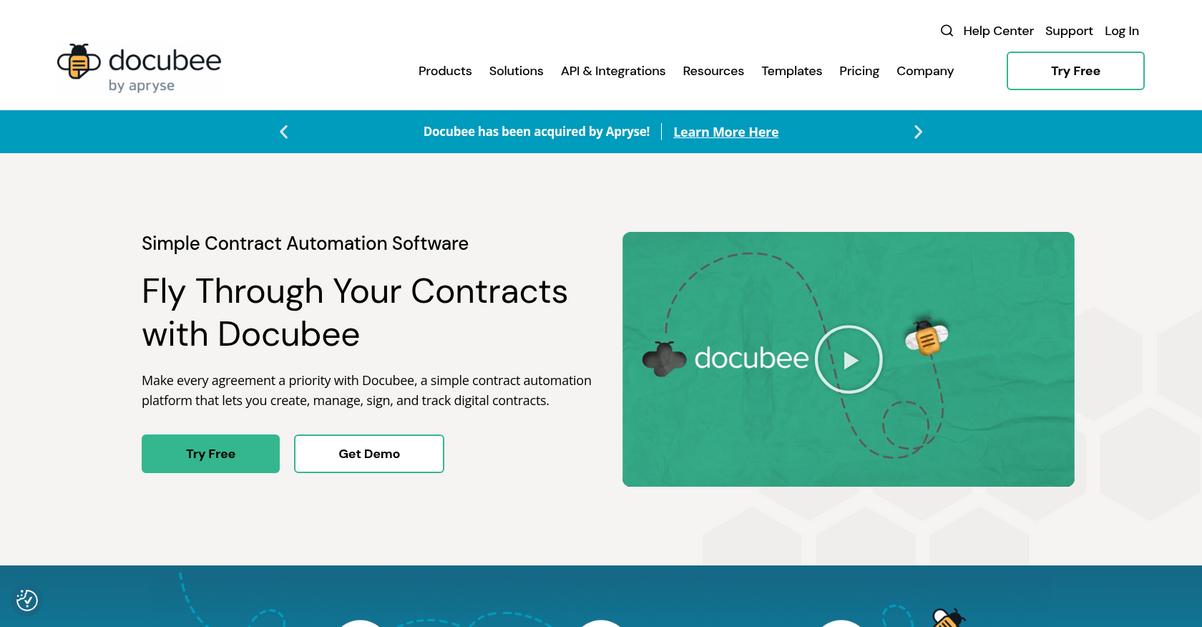
Docubee’s smart forms, document workflow automation, and legally binding eSignatures take the tedium out of forms, approvals, and compliance that hold your mission back.
If you’re tired of lost documents and bottlenecks, you’ll love how you can reclaim valuable staff hours and avoid delays with Docubee’s digital tools tailor-made for document-heavy teams.
Here’s how Docubee makes the difference.
By digitizing all your paperwork and automating approvals, Docubee lets your team focus on outreach, not admin headaches.
With powerful smart forms, you can quickly collect donor info, volunteer signups, and client applications online using conditional logic and e-signatures. Every submission flows into automated workflows for timely routing and approvals, so nothing falls through the cracks and you never chase signatures again.
Plus, Docubee strengthens your compliance game with secure, legally binding eSignatures on any device—every signature gets time-stamped and audited, perfect for grant applications or parental consent. This means every file or application gets captured, tracked, and resolved faster, whether you’re onboarding volunteers, securing donations, or managing crucial program documents.
Everything circles back to helping you get organized, save time, and keep your nonprofit moving forward.
Key features:
- Automated document workflows that cut down processing delays, letting you route applications or forms for approval and notifications with minimal manual work. Your team handles tasks faster and errors go down.
- Smart Forms featuring conditional logic for every need, so you can collect volunteer applications, donor registrations, or intake paperwork with digital signatures—no more manual entry or copying data between systems.
- Legally binding, device-agnostic eSignatures with audit trails, ensuring every approval—from volunteer waivers to contracts—is secure, compliant, and fulfills regulatory requirements without any paper chase.
Verdict:
Docubee is a leading document management software for nonprofits because it turns manual processes into automated, digital workflows that make collecting, routing, and signing any form or application pain-free and reliable. It’s ideal if you depend on forms and approvals for day-to-day impact.
4. LogicalDOC

Managing nonprofit files shouldn’t be this overwhelming.
LogicalDOC gives you powerful document indexing, version control, and workflow automation, so you never waste hours searching for files or chasing approvals again.
If you’re like me, you’ve probably wondered how to avoid lost documents and approval chaos forever while keeping everything fully compliant, secure, and auditable.
You deserve a better way.
Here’s how LogicalDOC provides exactly that.
With LogicalDOC, your team gets a single, organized hub for every document, no matter where it’s stored or who needs to access it. You can set up workflow automation that routes grant requests or board approvals to the right folks, track exactly who made changes, and even automatically index every file for easy searching.
If you’ve struggled to dig up that critical annual report or find the latest policy draft, LogicalDOC’s advanced search and auto-indexing slash wasted time and help you surface important files instantly—whether you have 100 or 100,000 documents.
Plus, the built-in version control and audit trail mean you always know which document is current, and you’re ready for any audit. I love how everything is logged, so you’re fully covered for accountability. A 30% productivity boost isn’t just a claim—it’s something many nonprofits using LogicalDOC report from streamlining those everyday admin headaches.
Take control of your documents for good.
Key features:
- Easy version control and complete audit history keep every change, approval, and access point traceable—crucial if you need transparency for compliance or board reviews.
- Advanced document indexing and lightning-fast search tools let your team find grant letters, receipts, and reports in seconds, saving hours of manual digging.
- Configurable workflow automation for document routing helps you move contracts, applications, or check requests to the right staff and volunteers—without bottlenecks or lost paperwork.
Verdict:
If you want an amazing document management software for nonprofits that can organize, automate, and secure your content (and deliver the 30% productivity jump its users rave about), LogicalDOC is a fantastic fit whether you’re small, large, cloud, or on-premise.
5. unFORM
Buried in paperwork and approval bottlenecks lately?
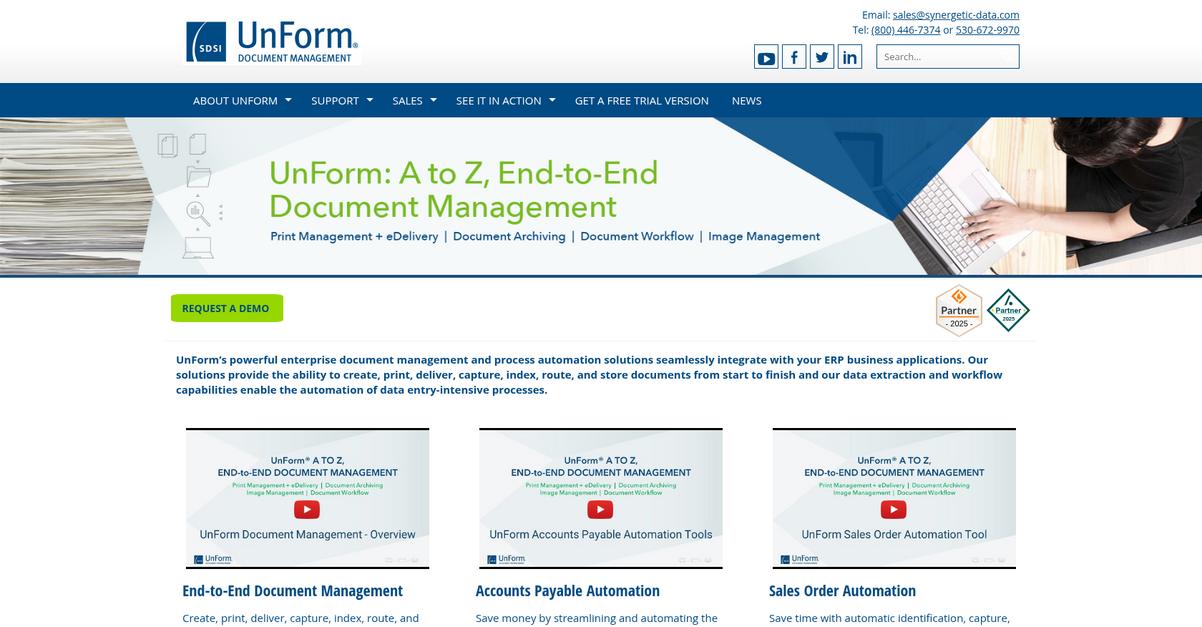
unFORM’s intelligent document capture feature can take those stacks of paper—scans, faxes, emails—and instantly turn them into searchable digital records.
This means you can ditch time-consuming manual entry and keep your focus on community programs instead of chasing lost paper trails or struggling to track volunteer forms across departments.
You don’t have to stay stuck with broken processes.
unFORM makes it easy to turn paperwork chaos into order with a few smart tools.
With unFORM, you get an intuitive way to extract, organize, and route documents across your nonprofit. Its OCR- and AI-powered capture pulls information from any format, so records get filed the first time, every time. Plus, automated routing sends files to the right people or archives automatically, cutting wait times and manual work.
What really stands out for me is how unFORM’s digital forms and e-signature tools make it painless to gather volunteer applications, collect donor approvals, or manage consent reliably. You’re able to ditch physical forms and collect signature-ready paperwork right from the office or field.
Additionally, all of these features stack together: data extraction, archiving, and workflow automation work hand-in-hand so you see real results—like that 50% faster document processing nonprofit users have already achieved. The result is smoother audits and less admin stress.
You can finally focus on your mission.
Key features:
- AI-powered document capture from paper, fax, or email drastically cuts manual entry and lets you convert historic records into accessible, searchable files for audit and compliance.
- Automated routing with user-defined rules makes it easy to ensure donor records, finance reports, or grant paperwork reach the right staff or folder—without having to babysit the process.
- Digital forms with legally binding e-signatures enable paperless onboarding, volunteer waivers, and approvals so your team spends more time on programs, not paperwork.
Verdict:
If you’re searching for a top document management software for nonprofits, unFORM’s automation, AI data capture, and e-signature workflows check all the boxes for busy nonprofit teams. Users have seen up to 50% faster document processing and big cost reductions.
6. DocsVault
Are you buried in nonprofit paperwork chaos?
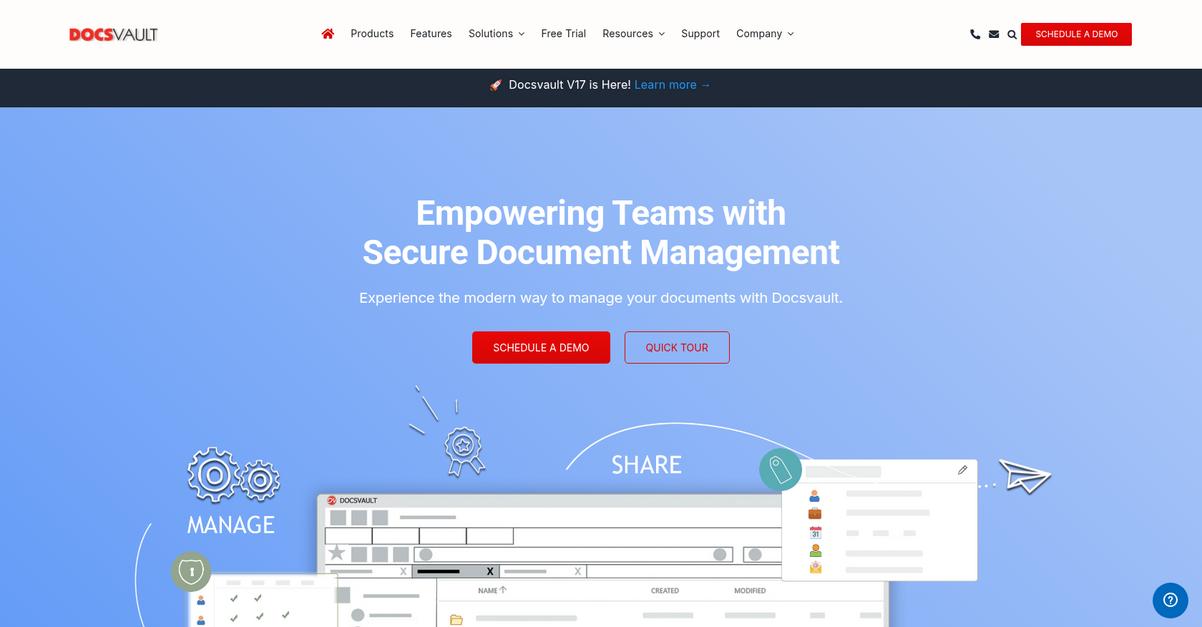
DocsVault lets your team organize, search, and share vital documents through full-text search, custom metadata, and smart document indexing for quick access.
This means you no longer have to dig through folders for donor profiles or scramble during audits. You can locate reports instantly and keep sensitive data protected when it matters most.
Let’s look at how DocsVault solves this.
DocsVault is purpose-built to tackle your nonprofit’s document headaches with streamlined features anyone on your team can use.
For starters, advanced search and smart indexing put everything at your fingertips. No more lost files or time wasted on inefficient searching—grant applications and board minutes are just a search away, with full-text and metadata filters making it simple.
Additionally, workflow automation takes this a step further by routing documents for approvals, managing processes like invoice sign-off or volunteer agreements automatically, and sending helpful notifications. With built-in version control and audit trails, you can always see who made changes, track down past versions, and maintain airtight records for compliance or reporting needs.
The result is your staff spends less time on admin work and more time driving mission impact.
Key features:
- Advanced search and metadata indexing help you find donor records, grant files, or project reports instantly—no more hunting through folders or chaos during audits
- Workflow automation for approvals and document routing makes process bottlenecks disappear, streamlining contract reviews, policy updates, or expense processing with automatic notifications
- Robust version control and detailed audit trails keep every change tracked—essential for compliance, funder transparency, and safeguarding sensitive nonprofit information
Verdict:
That’s why DocsVault stands out as a top document management software for nonprofits—giving you secure, compliant organization, workflow automation, and reporting. If you want better efficiency and audit readiness, you’ll find critical value here.
7. FileHold
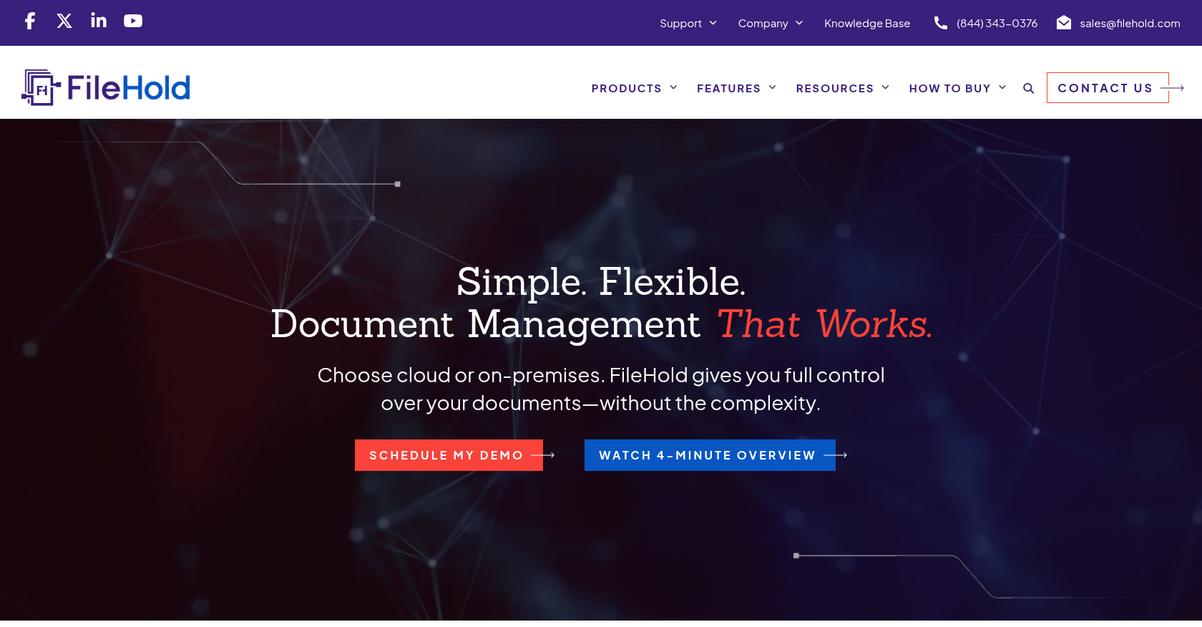
Wasting time on document searches drains your resources.
FileHold gives you full audit trails, version control, and automated workflows to tackle this problem head-on.
If you’re drowning in grant proposals or compliance paperwork, these features let you reduce errors and keep your board stress-free — all while staying on top of deadlines.
Here’s how FileHold takes things further.
With FileHold, locating files just takes seconds thanks to full-text search and Optical Character Recognition (OCR) that combs through your scanned contracts, donor info, or archived reports.
If you’re tired of sifting through endless folders, you’ll love how you can automate approvals and manage revision history without lifting a finger. This means audit prep turns into a quick win, even on the busiest fundraising days.
Plus, FileHold’s document version control is a lifesaver. Your team can pull up past policies, ensure everyone’s working from the latest draft, and instantly review what changed with each update. Layer on its records management tools, and you won’t have to worry about compliance gaps or missed retention schedules. This all comes together for a smoother workflow from donor engagement to board reporting.
You get more time for your core mission.
Key features:
- Automatic version control and full audit trails help your team stay accountable and eliminate confusion about which draft is the most current during grant writing or compliance reviews.
- Automated workflow and approvals streamline your document routing and guarantee that every record passes through necessary checkpoints, giving you peace of mind on compliance.
- Advanced search powered by OCR lets your staff instantly find important documents buried in scanned files or historical records, drastically reducing wasted search time.
Verdict:
If you need an effective document management software for nonprofits, FileHold gives you automated workflows and 40% faster document access, perfect for meeting compliance and donor reporting needs without the usual headaches.
8. Square 9 GlobalSearch

Are you finding document chaos overwhelming?
Square 9 GlobalSearch offers automated document capture, OCR, and cloud storage designed to transform how your nonprofit accesses and manages information.
This means you can search, find, and route every file in seconds instead of wasting time digging through paper folders or shared drives, and easily keep approvals and compliance tasks on track.
Let’s look at how this helps.
Square 9 GlobalSearch gives your nonprofit a smarter way to work by digitizing documents, automating workflows, and centralizing files in a secure cloud platform.
Here’s how: with automated document capture and OCR, you can quickly convert paper files into digital, searchable records. That makes your grant requests, donor communications, and board reports easy to organize and retrieve from anywhere.
Plus, workflow automation enables you to create custom approval processes, flag missing signatures, and keep everyone accountable with real-time notifications. If you don’t want important forms getting lost, or need to easily prove compliance for audits, those features take away the hassle. Secure cloud access means staff and volunteers can safely collaborate on files, while robust access controls keep sensitive donor information private.
The result is a faster, more organized nonprofit.
Key features:
- Digitizes documents with OCR and quick capture: Paper records become searchable digital files, so finding receipts, donor histories, or board minutes is effortless and reduces manual data entry.
- Custom workflow automation for file routing and approvals: Your entire review and approval routine is automated, helping you stay compliant and preventing stalled projects or forgotten signatures.
- Secure cloud storage with flexible user permissions: Store everything in the cloud, control who sees what, and provide safe, reliable access for staff and remote volunteers anywhere.
Verdict:
Square 9 GlobalSearch is an amazing document management software for nonprofits looking to streamline processes, cut down on paper, and automate repetitive tasks. Nonprofits save thousands of hours each year and see improved compliance, access, and collaboration thanks to features like OCR, workflow automation, and cloud storage.
9. Document Logistix
Wish your documents were easy to find?
Document Logistix gives your nonprofit digital document capture with OCR, task automation, and secure access for your team’s most important files.
This means you’re not wasting hours searching for paperwork or worrying about who can see sensitive information. You really can keep donor and financial records protected, automate routine tasks, and reclaim hours every week.
Here’s how Document Logistix helps you stay focused.
You’re able to digitize every invoice, membership form, and receipt your nonprofit receives—organizing everything into searchable files.
With tools like document capture and OCR, Document Logistix lets you turn piles of paper into indexed digital records that are simple to search, share, and process. Plus, with audit trails and secure centralized storage, you can keep all your confidential nonprofit data easily accessible to the right people.
Additionally, their workflow and automation features mean you can route documents for approvals, assign tasks automatically, and standardize your processes. That takes away so many headaches—from missing paperwork to approval bottlenecks—and lets your staff divert attention to fundraising or mission delivery instead of paperwork.
The result is streamlined operations you can actually rely on.
Key features:
Instant searchable document capture via OCR: Document Logistix converts incoming paper to fully indexed digital files, so your staff can instantly find invoices, receipts, or donor forms with just a keyword search.
Workflow automation and intuitive task management: Automate document routing, approval trees, and notifications, ensuring everyone acts quickly and no important file falls through the cracks.
Granular secure storage with audit trails: Protect all donor, volunteer, and financial data with detailed user permissions and activity logs, giving you organizational control and audit-ready compliance.
Verdict:
If you need an amazing document management software for nonprofits, Document Logistix stands out with practical automation, bulletproof data security, and proven efficiency gains—enabling organizations to eliminate paper and cut process costs by up to 60%.
10. Zoho WorkDrive
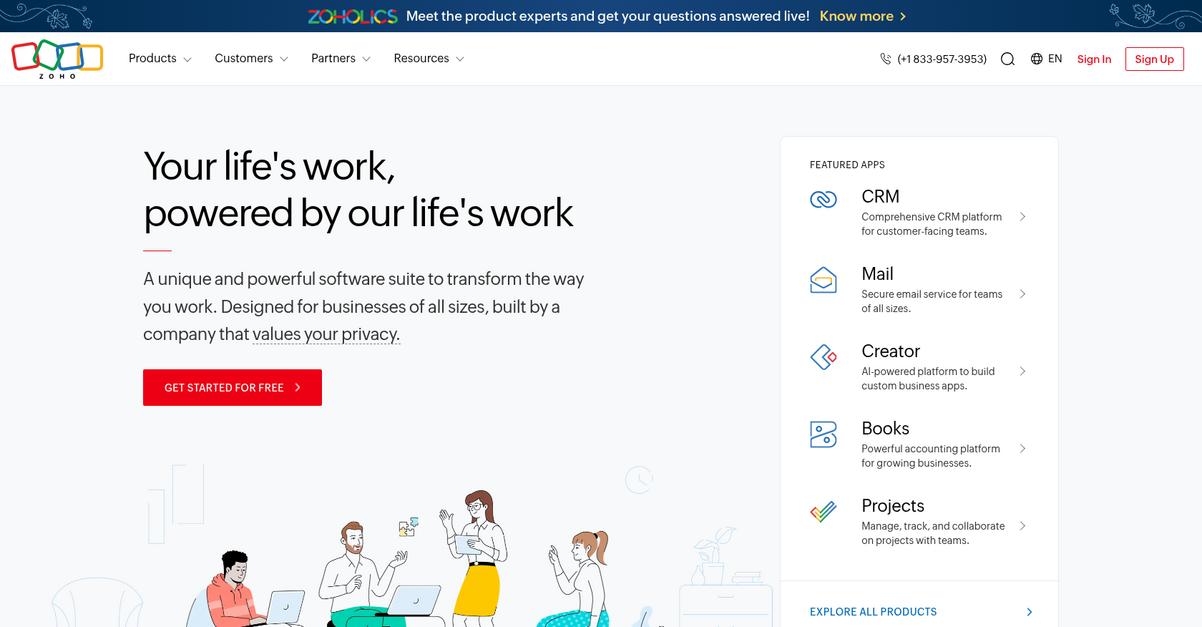
Too many files, not enough organization?
Zoho WorkDrive’s Team Folders let your entire nonprofit securely centralize shared documents, manage permissions, and stay organized for marketing materials, grant writing, and internal processes.
This means you don’t have to worry about lost files, accidental overwrites, or issues with version confusion. Everything your nonprofit needs to keep projects and workflows transparent and accountable lives in one place.
Here’s how things get even better.
With Zoho WorkDrive, you get more than a place to store your nonprofit’s documents. Your team can create, edit, and share files right from the integrated office suite, making it easy to collaborate in real time and reduce back-and-forth email headaches.
Plus, WorkDrive’s version control feature ensures you never lose critical information by automatically saving each document version along the way. If you ever need to review or restore previous versions (let’s say, a grant proposal draft), it’s just a click away—meaning your team always stays aligned and ready to respond.
Additionally, robust user permissions mean you have total control over who can see or edit sensitive files. Because everything’s cloud-based, your volunteers and staff can access documents securely from anywhere—a huge plus if you’ve got distributed or hybrid teams.
The result is clarity and accountability for your mission.
Key features:
- Centralized Team Folders with robust permission controls let you securely organize grant docs, meeting notes, and fundraising materials, so only the right users can access or edit each file.
- Automatic version control for reliable document history lets your nonprofit team confidently roll back changes, see who made edits, and always maintain a full record—vital for compliance and transparency.
- Integrated Office Suite for real-time team collaboration allows everyone to create, edit, and comment directly in documents online, eliminating version chaos and boosting productivity.
Verdict:
If you’re searching for an amazing document management software for nonprofits, Zoho WorkDrive is a standout. Its Team Folders, robust versioning, and cloud access give your nonprofit the control, transparency, and collaborative power needed to manage documents for every project.
11. Microsoft SharePoint
Tired of scattered files and endless email chains?
Microsoft SharePoint’s Document Libraries help you store all your nonprofit’s important files in one place, with naming conventions, version control, and powerful search built in.
You and your team get to stop chasing after the latest proposal or losing key donor documents—everyone works from the same, current copy every single time.
Let’s take this a bit further.
Staying organized is simple when everything is connected.
SharePoint gives you tools to manage every document for your nonprofit—from grant files to board meeting minutes—without digging through drives or sifting through outdated folders.
Here’s how: built-in document libraries mean you store and find what you need quickly. Plus, co-authoring lets everyone on your team edit reports or fundraising plans together in real time, without creating confusing duplicates. That means fewer mistakes and less back and forth.
Another big win? You can automate document approvals and compliance processes with SharePoint’s workflow automation, thanks to its Power Automate integration. Imagine streamlining routine admin work like expense approvals or volunteer onboarding, freeing you up to focus more on your mission, not paperwork. These features help you boost productivity and lower your operational costs—outcomes that matter for every resource-stretched nonprofit.
Your documents, working for you—not against you.
Key features:
- Robust document libraries and version control: Organize, store, and manage all your nonprofit documents in one secure place with custom views and built-in metadata tools.
- Real-time co-authoring and team collaboration: Enable multiple people to work on files like grant proposals or board materials at the same time, increasing accuracy and saving time.
- Workflow automation for document approvals and compliance: Set up automated flows for approvals, compliance, or reviews using Power Automate, so admin work is always streamlined.
Verdict:
If you need an amazing document management software for nonprofits, Microsoft SharePoint really delivers—especially for teams using Microsoft 365. You’ll see notable productivity gains by organizing files, collaborating in real time, and automating workflows.
12. Document Locator
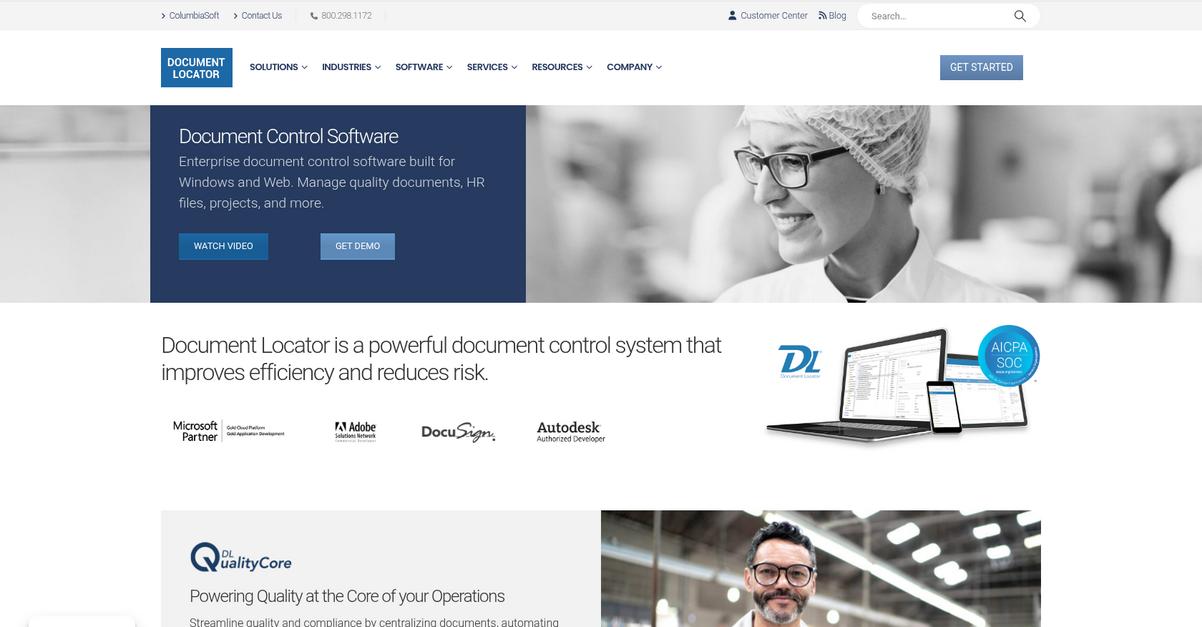
Are your files getting harder to manage each year?
Document Locator gives you version control, workflow automation, and advanced search—three features built to keep your important files accessible.
This means your team can focus on serving your mission, not sorting email attachments or hunting through clunky folder structures. By tracking every revision and centralizing all updates, you’ll always know who did what and when.
That’s exactly what most nonprofits need.
With Document Locator, you get a powerful solution to bring order to your document chaos.
Here’s how it tackles those nonprofit document headaches: you’re able to automate routing, approvals, and notifications, so the right people always see the right materials, fast. You can search by full text, donor names, or custom tags when you urgently need donor forms, past reports, or grant contracts.
Plus, I love knowing that every change is tracked with a detailed audit trail. This isn’t just about oversight—it’s huge for compliance, since you can easily show a full history of all document activity. When you plug into Microsoft Office (which your staff probably already uses), collaboration happens right where your team works best. The result is more time for your mission, and less time swallowed by busywork.
I think that’s a real difference maker.
Key features:
- Comprehensive version control with full audit trails to ensure all edits and access to your sensitive nonprofit documents are automatically recorded, supporting data integrity and external compliance checks.
- Automated workflow routing and approval processes so your staff can quickly route contracts, policies, or donation records to the right stakeholders, cutting back on costly errors and manual follow-ups.
- Intelligent search and customizable indexing lets your team instantly locate donor pledges, board minutes, or program files by keyword, full-text search, or any custom field you set up.
Verdict:
You’ll find Document Locator is a top document management software for nonprofits if you want more control, better compliance, and up to 50% time savings on paperwork. Its version tracking, automation, and Microsoft Office integration make tough admin tasks simple for your whole team.
Conclusion
Lost files still causing headaches?
With so many options, it’s tough to find a document management solution that’s easy for your team and doesn’t require a steep learning curve—or a huge budget.
Take this in: PDF.ai reports that most organizations aiming for reliability try to keep document error rates below 1%, especially when accuracy really matters. The stakes are high, and avoiding costly mistakes becomes non-negotiable.
Here’s what I recommend.
Of all the tools I’ve tested, FileCenter is by far my top pick for nonprofits.
What stands out for me is how FileCenter’s intuitive smart filing, searchable PDFs, and workflow features help you finally break free from paper-based chaos and put everything right where you need it—making it the best document management software for nonprofits in 2024.
Go ahead and start a free trial of FileCenter to see how much time and stress you can save.
You’ll gain peace of mind and more focus on your mission.