

Buried under paperwork and endless file searches?
You know the frustration—so much time wasted digging through confusing folders, losing track of important revisions, and worrying about whether your data is really secure.
Add in the overwhelm of choosing from countless tools, and it’s easy to understand why small teams get stuck and lose valuable momentum.
Despite the promise of digital file management, so many small businesses still struggle to find an option that’s affordable, reliable, and truly user-friendly for their team.

This article exists to help you break free from that cycle by highlighting only the most credible solutions that fit your budget and workflow.
In this article, I’m diving deep into the 13+ best document management software for small business and narrowing down the features, integrations, and pricing that matter for you.
By the end, you’ll feel confident about picking a solution built for growth, not confusion.
Let’s get to it.
Quick Summary:
| # | Software | Rating | Best For |
|---|---|---|---|
| 1 | FileCenter → | Desktop-focused small teams | |
| 2 | SmartVault → | Small accounting firms | |
| 3 | DocuWare → | Workflow-heavy small businesses | |
| 4 | Hubdoc → | Small finance and accounting teams | |
| 5 | Neat → | Mobile small business owners |
1. FileCenter

Is finding key files draining valuable business hours?
FileCenter offers a familiar digital cabinet-drawer-folder setup that keeps your documents organized right where you need them—without the hassle of complicated software.
This means if you want to skip hours wasted searching for invoices, receipts, or client files, you get immediate access to everything in one simple structure.
Here’s how FileCenter takes control of cluttered file chaos.
Instead of spending time tracking down paperwork, I’ve seen how FileCenter’s intuitive digital filing system makes it easy to store, categorize, and retrieve documents as soon as you need them.
What sets FileCenter apart for me is its lightning-fast OCR search. You can scan and import paper records, then use full-text search to instantly pull up any contract or invoice—even if it’s been buried for months. Critical details never get lost or overlooked again, so your team can finally work with confidence.
Additionally, FileCenter handles your PDF workflow right inside its platform—no more juggling extra tools to edit, annotate, or merge PDFs. The result is a smooth process for prepping client proposals or processing receipts, freeing up precious hours.
That’s why FileCenter is such a smart solution for small business efficiency.
Key features:
- Intuitive digital filing cabinet structure for quick, easy file storage and retrieval using a cabinet-drawer-folder concept, just like physical paperwork.
- Built-in OCR-powered document search that lets you scan, convert, and instantly find any text in scanned files, invoices, and contracts.
- Comprehensive PDF management directly inside FileCenter, so you can edit, sign, annotate, and combine documents without needing extra tools or plugins.
Verdict:
FileCenter is an excellent document management software for small business if you want desktop speed and control without a learning curve. Its cabinet-style organization and built-in PDF tools are perfect for quick, pain-free document access.
2. SmartVault

Wasting time on scattered documents?
SmartVault simplifies things with secure client portals, unlimited cloud storage, and detailed file versioning to help small businesses stay organized and compliant.
If you’re tired of hunting down the latest version or worrying about securely sharing sensitive files, SmartVault helps you streamline document workflows and reduce client communication headaches—all from a single, cloud-based hub.
Here’s how it solves these frustrations.
SmartVault provides an intuitive way to tackle your document headaches—for you and for your clients.
With secure client portals, you can share or receive sensitive tax, payroll, or project documents without worrying about emails getting lost or falling into the wrong hands. Plus, unlimited cloud storage means you’re never worrying about running out of space as your files accumulate over tax seasons or business growth.
On top of that, file versioning removes the classic “which copy is correct?” issue. You can track every revision and go back to a previous version if someone makes a mistake, slashing confusion and giving you a reliable audit trail—perfect for regulatory needs or team transparency. If you’re in accounting or any small, service-driven business, these features combine to help avoid lost documents, enable secure workflows, and save big on printing and postal costs.
Everything just clicks into place.
Key features:
- Secure client portals for communication and compliance: Let your clients upload and access sensitive files effortlessly while you maintain data privacy and meet the compliance demands common for financial services.
- Unlimited cloud storage for growing file archives: Store as many documents as your small business needs, with worry-free expansion as your project load or client list grows.
- Easy file version tracking to prevent costly mistakes: Always access the right document version and undo unwanted changes, keeping your history clean and your audit trail flawless.
Verdict: SmartVault is a great document management software for small business because its unlimited cloud storage, file versioning, and secure client portals provide real workflow relief—and can help you save thousands yearly on eSignature and compliance costs.
3. DocuWare

Can you ever really find what you need instantly?
DocuWare’s intelligent indexing and advanced search make document retrieval a breeze for small businesses, taking the frustration out of lost or misfiled files.
This means you don’t have to waste time chasing down paperwork or second guessing whether critical information is secure—your team always knows where everything is stored and can pull it up in seconds, not hours.
There’s a better way to run your business processes.
DocuWare truly transforms how you manage documents and workflows by digitizing and automating the entire process from start to finish.
Here’s how your staff benefits: cloud and on-premise deployment give you options, while automated workflow tools handle tasks like approvals and document routing so you don’t get bogged down by manual work or missed deadlines.
Additionally, DocuWare’s secure central repository means every document is safely stored with built-in security controls, letting you instantly meet compliance requirements and confidently protect sensitive business data. Intelligent indexing means searching for invoices, contracts, or HR files becomes effortless—plus, with real results showing users experience up to 75% faster retrieval and processing and a 60% reduction in operational costs, you’ll see the impact on day one.
Empower your small business to operate smarter, not harder.
Key features:
- Automatic workflow automation so approval bottlenecks disappear: DocuWare routes and tracks documents for you, reducing errors and helping your team move work along with less effort.
- Lightning-fast intelligent indexing and search: Every file is automatically tagged and instantly retrievable, so your sales, HR, or admin staff never waste time searching for critical information again.
- Rock-solid security vault for your documents: Your records are protected with robust access controls, helping you stay compliant and confident your business data is safe from unauthorized access.
Verdict:
If you need an excellent document management software for small business that automates workflows, centralizes information, and delivers 75% faster retrieval, DocuWare provides proven efficiency and security—with flexible deployment to fit your needs.
4. Hubdoc
Drowning in receipts and paperwork slows everything down.
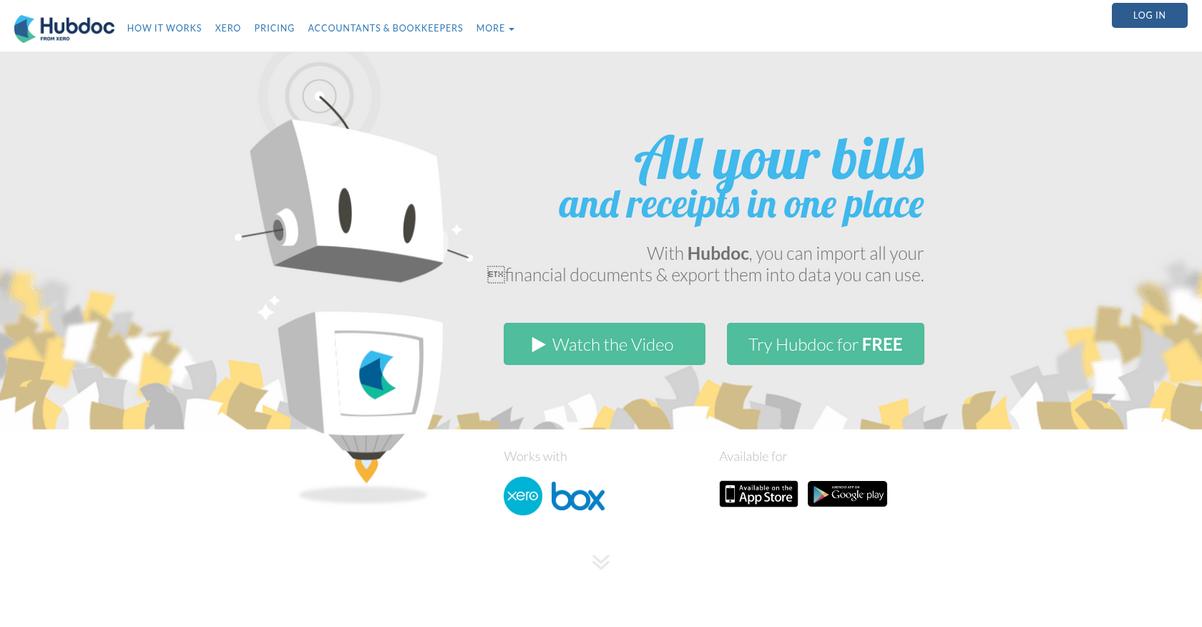
With Hubdoc, you get automated document fetching, accurate data extraction, and secure cloud storage designed specifically for your financial paperwork headaches.
I know how quickly late bill entries and missing receipts can lead to lost time, frustration, and audit risk for your business.
Here’s how Hubdoc changes the game.
Hubdoc tackles document chaos by automatically pulling bills, statements, and invoices right from your vendors or bank portals into one secure spot.
You don’t have to chase paperwork—Hubdoc uses powerful OCR data extraction that picks out vendor names, dates, and amounts, and syncs them directly with your accounting software. This means if you’re fed up with entering data by hand or searching through spreadsheets, your documents are now not only digitized but organized and searchable in real time, making everything ready for tax time or audits.
Additionally, all of your business’s financial documents live in a secure, cloud-based archive—easy for you (or your bookkeeper) to access, share, and reference from anywhere. The result is less stress, better compliance, and a lot more time to focus on what actually grows your business.
Your paperwork is finally in order.
Key features:
- Automated document fetching from over 700 vendors saves you hours each month and eliminates manual chasing of bank statements and bills.
- Powerful OCR data extraction pulls key details like vendor name, amount due, and date, prepping your docs for stress-free bookkeeping and easy reconciliation.
- Cloud-based secure document storage and organization ensures all your financial records are audit-ready and accessible anytime for you or your accountant.
Verdict:
If you’re looking for a top document management software for small business, Hubdoc is a standout choice for automating document collection, reducing manual entry by up to 80%, and making audits pain free for your financial team.
5. Neat
Ready to conquer your paper pile headache?
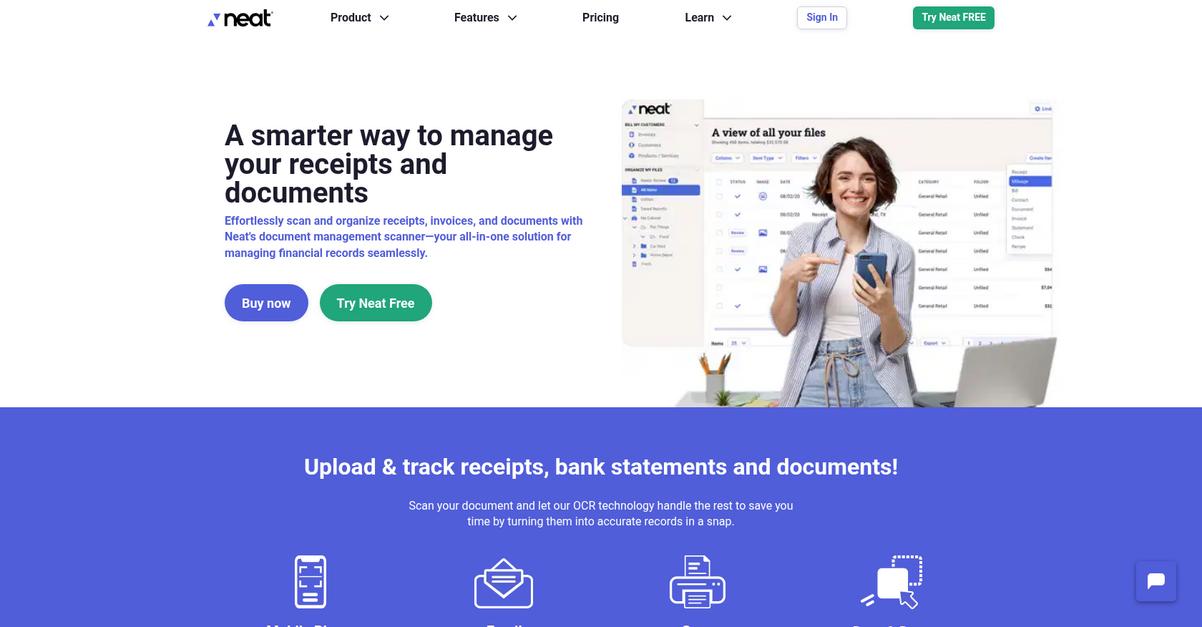
Neat makes it simple for your small business to scan receipts, organize financial documents, and access everything in the cloud.
If you’re tired of losing track, Neat’s document scanning and mobile app mean you can digitize paperwork on the spot, no matter where you are.
You end up with one less reason to stress about tax season or misplaced receipts every month.
You need smarter digital organization.
Neat gives your team a straightforward way to capture, file, and retrieve documents with minimal effort.
With mobile scanning, you just snap a picture and Neat extracts key information automatically—no more manual entry into spreadsheets. Plus, you can access each scanned receipt or invoice instantly from any device thanks to secure cloud storage, so your records are always current and backed up.
Additionally, the data recognition feature categorizes expenses as you go. That’s perfect if you want to track spending, prepare for taxes, or simply reduce hours spent organizing paperwork. When you pair this with cloud sync, it means every business owner or bookkeeper on your team gets a real-time view—whether in the office or on the road.
Managing your records shouldn’t be a full-time job.
Key features:
- Scan any document or receipt with your phone or scanner: Instantly converts paper into organized digital files, so your desk stays clear and your records stay up to date.
- Automated data extraction for tracking expenses: No more typing in vendor or purchase info by hand—Neat pulls key data for you and creates searchable files.
- Cloud storage lets you access records anytime, anywhere: Easily share folders with your bookkeeper or pull up tax documents from any device, never worry about lost paperwork again.
Verdict:
If you’re searching for a top document management software for small business that can turn your receipts and paperwork into organized, searchable files in minutes, Neat should be on your shortlist—especially if your focus is on tracking finances and reducing document chaos.
6. FileO
Need an easy way to control business documents?
FileO’s encrypted cloud storage keeps your files protected, organized, and instantly accessible to your team members and clients.
This means you don’t have to stress about lost files, accidental leaks, or hunting through endless folders anymore. FileO’s focus on secure sharing and document version control streamlines collaboration and helps you avoid embarrassing mistakes.
Stay focused on growing your business.
FileO solves your file headaches with one simple dashboard for secure document storage, sharing, and auditing.
Here’s how: your documents are encrypted and stored in the cloud, so you never have to worry about losing important information again. I love that you can easily manage version history and restore previous files if someone makes a mistake, which helps prevent costly errors.
Plus, sharing files with staff or even clients is simple, but you’re still in control of who gets access. This means better teamwork without sacrificing your privacy or data. Since FileO is designed with small businesses in mind, setup is a breeze and your team can hit the ground running.
Stay in control and never lose a file again.
Key features:
- Encrypted cloud storage for every business file: Keep sensitive documents safe while staying compliant with industry regulations—perfect for small businesses managing financial, HR, or legal files.
- Intuitive secure sharing with granular access controls: Share files in seconds with team members or clients, customizing permissions so your information stays in the right hands.
- Automatic version history and audit trail: Every document change is tracked, making it easy to undo mistakes and see exactly what’s changed over time.
Verdict:
If you want a great document management software for small business that is easy to use, keeps your data safe, and lets you control access, FileO is a strong pick—especially if simple, secure collaboration is your top priority.
7. Exact
Are your business documents scattered and hard to find?
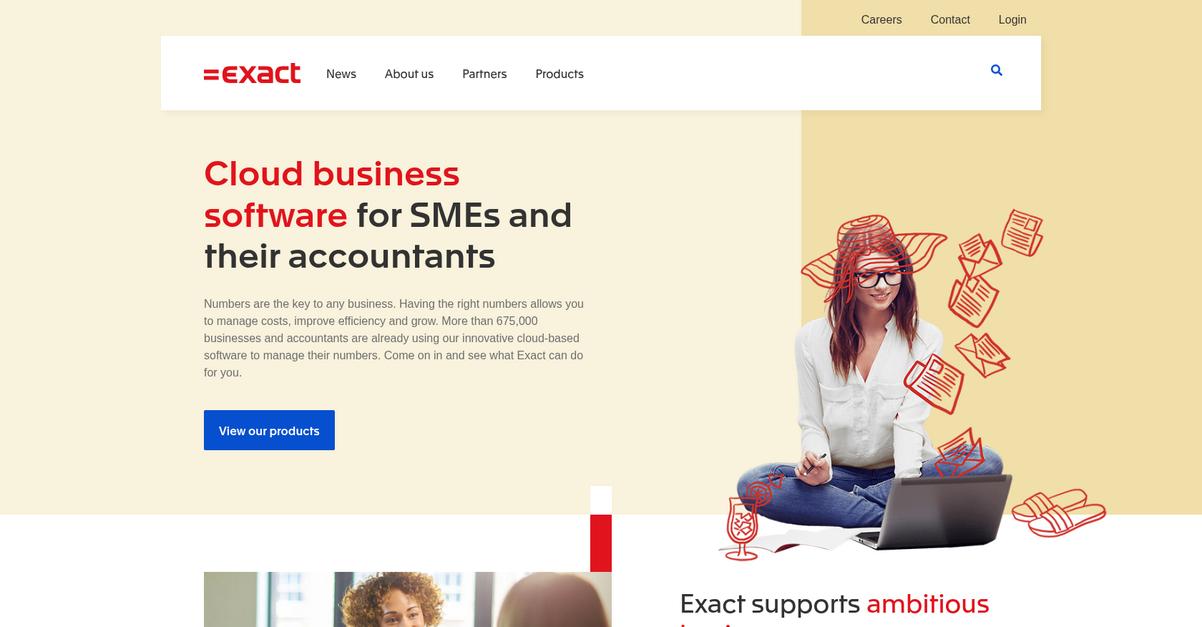
Exact links all your business documents directly to accounting and ERP modules, making it easy to store, organize, and retrieve vital files as part of your daily workflow.
This means you’re not just saving files, but improving accuracy and team productivity right from within Exact instead of switching between disconnected tools or hunting for attachments.
Suddenly, managing document chaos feels a lot less overwhelming.
Here’s how Exact delivers on that promise.
You get an integrated document archiving system that stores invoices, purchase orders, and contracts right alongside transactions in your ERP or accounting dashboard, so every document has valuable business context.
Plus, with automated workflow tools for approvals and processing, you can let Exact handle routine document steps like invoice sign-offs—removing those time-consuming bottlenecks for your team in finance or operations.
Additionally, Exact’s lightning-fast document retrieval means you never waste time searching for what you need. I love how you can pull up archived files from any relevant module at a moment’s notice, keeping processes moving smoothly. Combine this with all your accounting or ERP data in one place, and you unlock efficient document management that grows with your business.
It’s all about letting you focus on your core business, not paperwork.
Key features:
- Integrated archiving connects documents to transactions so your team always accesses the right file in context, boosting productivity while reducing costly errors or duplication.
- Time-saving workflow automation streamlines approvals and processing so you can eliminate manual document handling and keep business moving without unnecessary stops.
- Centralized, ultra-fast document retrieval from every key module helps your team find, review, and share important files instantly without searching across disconnected tools or drives.
Verdict:
If you want an effective document management software for small business, Exact gives you secure archiving, workflow automation, and rapid retrieval—all inside your accounting or ERP suite. That’s a serious time-saver for finance teams, office managers, and growing businesses alike.
8. DoceoSofware
Is your document chaos slowing down team progress?
DoceoSofware makes it easy to centralize every file in one organized, secure cloud workspace. Your team never has to go hunting for documents again.
If you struggle with scattered files or worry about team members accessing the wrong information, you’ll love that DoceoSofware lets you control exactly who can access, edit, or share sensitive documents right out of the box.
It eliminates permission headaches fast.
With DoceoSofware, you get practical solutions that address everyday document management hassles small businesses face.
This means you can trust your digital files are always safe and easy to find whenever you need them.
Plus, you won’t have to worry about version mix-ups anymore. DoceoSofware tracks every change automatically, so if you or someone else accidentally overwrites an important file, you can always roll back to a previous document version in seconds. This makes collaboration stress-free and keeps your data protected all year long.
Additionally, easy-to-use access permissions let you give the right people the right level of control, so your data stays in the right hands. Combine that with a central cloud repository, and what you get is a much less stressful workflow for everyone, whether they’re on-site or remote.
It’s the simple approach every team wants.
Key features:
- Central cloud-based document repository that keeps every file organized and accessible for your team from anywhere, helping prevent lost documents and time wasted searching.
- Granular access permissions with simple controls let you restrict sensitive client, HR, or finance files, ensuring only approved staff can view, share, or modify critical documents.
- Automatic version control and instant rollback options reduce clashing document edits, allowing your team to recover earlier versions and avoid costly mistakes during collaboration.
Verdict:
If you’re looking for a top document management software for small business, DoceoSofware gives you organized storage, robust permissions, and easy version control—making it a smart choice for saving time and boosting team confidence.
9. Nubhora
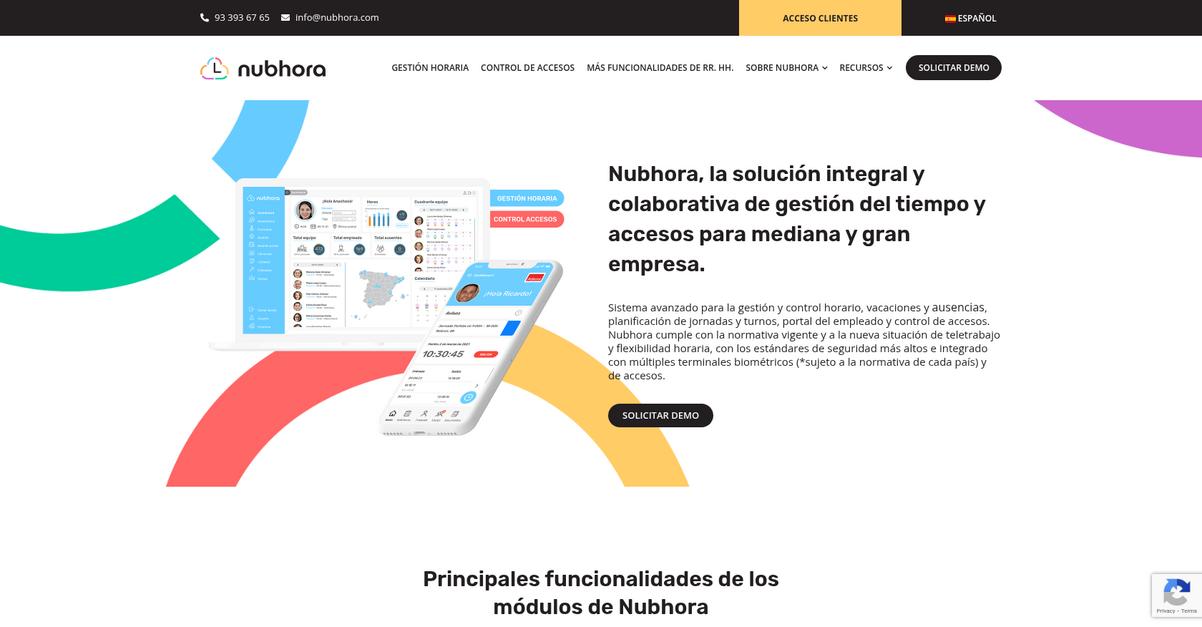
Tired of wasting time on HR paperwork?
Nubhora centralizes your HR files like contracts, payroll, and performance reviews, letting you skip the endless searching and stay audit-ready.
If you’re always battling to keep sensitive staff info secure and accessible, Nubhora makes it easy to use staff permissions and secure document access controls so nothing falls through the cracks.
Here’s how Nubhora addresses this head-on.
Instead of juggling email threads and file folders, you’ll have a single, organized home for all employee docs.
With Nubhora, you get one platform to store, organize, and access every HR document your small business needs. Setting user permissions is straightforward, so only the right people can see or edit confidential records. No more scrambling to find signed agreements or tracking who accessed what file—Nubhora brings total peace of mind for compliance and audits, and it’s all digital, so paperwork hassle drops to almost zero.
Plus, the integrated digital signature feature lets you send, sign, and archive HR agreements—all right inside Nubhora. This means you skip the printing step entirely, onboarding and contract renewals move much quicker, and you keep a legally valid digital audit trail.
Best of all, these tools combine for a big administrative time save.
Your document headaches finally solved.
Key features:
- Centralized HR document storage for all employee files: Store, organize, and search contracts, payroll, reviews and more in one secure digital vault accessible anywhere.
- Granular access control over sensitive HR information: Assign clear permissions and role-based access so only the right staff can view or edit confidential employee docs.
- Integrated digital signatures to streamline HR paperwork: Send, sign, and save employment agreements digitally, eliminating paperwork, reducing errors, and keeping a verifiable record for audits.
Verdict:
Nubhora is a top document management software for small business with a focus on HR. Its secure document controls and built-in digital signatures mean fewer admin errors and way less time wasted, especially if privacy and compliance matter to your company.
10. SharePoint
Are scattered files slowing your team down?
SharePoint’s document libraries let you store, organize, and search documents with metadata, custom views, and version control—taking the headache out of file chaos.
If you’re tired of lost files and wasting time tracking down the latest version, SharePoint’s structured organization makes document finding a breeze for your whole team.
Let’s talk about how this solves real problems.
You get a full-featured solution for efficient document management.
SharePoint helps you ditch disorganization by giving your team centralized access to every file, right when you need it. With real-time co-authoring for instant content updates, you and your colleagues can collaborate on files all at once—no more emailing attachments back and forth or wondering who has the latest draft.
Additionally, SharePoint works hand-in-hand with Microsoft 365 apps your team probably already uses. That means you can automatically store emails, spreadsheets, or meeting notes in the right place without shuffling between tools. This tight integration brings all your work together, so your documents, communication, and tasks live side by side. As a result, you get seamless team collaboration, versioning control to avoid mistakes, and easy compliance with document governance.
Efficient document management is just the beginning.
Key features:
- Centralized document libraries with custom metadata and views for organizing, tagging, and governing content to give you consistent document control and easy search across your workspace.
- Real-time co-authoring and collaboration tools that let everyone edit the same document at once—speeding up workflows and reducing unnecessary back-and-forth communication.
- Native Microsoft 365 integration connects files, tasks, and communication in the same platform, so your team can work smarter and avoid information silos or double-handling of documents.
Verdict:
SharePoint is a great document management software for small business because you get powerful organization, real-time collaboration, and direct integration with Microsoft 365. If your team juggles hundreds of files daily, you’ll instantly notice better efficiency, consistency, and peace of mind.
11. Box

Are your business documents scattered and hard to track?
Box gives you secure cloud storage, granular permissions, and document version history so you can finally organize, protect, and collaborate on business files with total confidence.
When you manage a small business, you need to give your team reliable access and control over important files without worrying about data leaks or lost revisions. Box solves this by providing highly secure cloud storage and letting you decide exactly who can see or edit every document.
You want a platform that just works.
Box is designed to solve your access and control headaches. With cloud-based storage, your team can pull up the files they need from any device—laptop, phone, or desktop—giving you true flexibility.
Here’s how it helps in practice: You can “set folder- and file-level permissions for each teammate” to make sure only the right people access sensitive documents, while external partners get precisely the access you grant. No more accidental data sharing.
Plus, Box’s version history feature records every change, so you’re always covered if you need to restore a previous document or meet compliance needs. Combined with a secure shared environment, this takes the hassle out of document management while helping your business stay productive and protected.
It’s a smarter way to collaborate.
Key features:
- Secure cloud storage for all your documents, helping you protect sensitive files and giving your team access from anywhere at any time in the workday.
- Granular file and folder permissions that let you enforce custom access levels for employees, freelancers, or partners—making sharing both safe and simple.
- Comprehensive version history and audit trails, so you always know who changed what, and can quickly recover past versions for compliance or peace of mind.
Verdict:
If you’re looking for an effective document management software for small business, Box stands out for secure cloud storage, granular permissions, and easy-to-track version history. It’s a practical pick especially if you’re in a regulated industry or juggling multiple collaborators.
12. SignNow
Tired of chasing paperwork across your business?
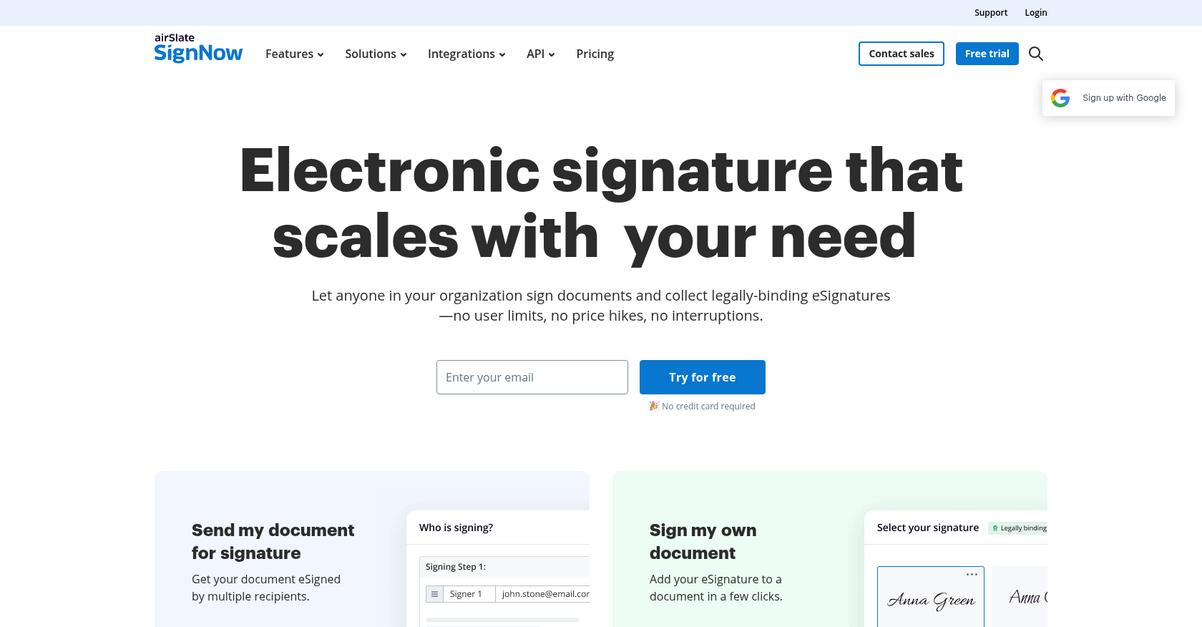
SignNow lets you collect legally binding e-signatures and securely manage your entire document workflow, so you’re not buried in manual processes or lost agreements.
Getting stuck with slow, paper-driven agreements kills momentum for your everyday operations. With SignNow, you can automate approvals, eliminate printing hassles, and keep all your signed contracts at your fingertips—making it easy to keep your business moving right along.
Here’s how you can solve this challenge.
You can handle every signing step in one place
SignNow keeps things simple. You can easily send, sign, and organize documents with legally enforceable electronic signatures—no matter where your team is. The platform also supports handy document templates, allowing you to save recurring agreements and standard forms so you’re not starting from scratch each time.
Plus, with cloud-based archiving and instant search, you get secure access to all your executed documents anytime you need them—no more digging through filing cabinets or email attachments. For small businesses, this means your contracts, vendor agreements, or HR onboarding documents are always where you need them, saving you stress and valuable hours.
Additionally, you get robust audit trails, showing you exactly who signed and when, keeping you covered for compliance or audit needs down the road.
SignNow keeps your business organized and moving.
Key features:
- Legally binding electronic signatures with remote access let you close deals from anywhere and speed up approvals, so you never miss out on urgent sales.
- Reusable document templates for common business agreements help you standardize contracts, onboarding, and more—saving your team time with each document they send.
- Centralized cloud storage with document archiving and search keeps all your vital business paperwork together and easy to find, improving organization for your growing business.
Verdict:
SignNow is the leading document management software for small business if you want reliable e-signatures, organized document workflows, and secure archiving all in one place. You can reduce turnaround time on agreements and keep your business running smoothly—especially if you’re processing dozens of contracts a week.
13. PandaDoc

Is your team losing hours to slow paperwork?
PandaDoc’s fully integrated document management, e-signatures, and content library directly address this challenge for small businesses wanting agility and professionalism.
If you’re like most small business owners, you know how difficult it is to find a document tool that speeds up sales and contract tasks while keeping every document consistent with your brand.
A better process is absolutely possible.
PandaDoc makes it simple to create, manage, and sign all your proposals, quotes, and contracts in one place.
With customizable templates and a time-saving content library, you can build polished proposals and contracts in minutes, not hours. Plus, you’ll underline exactly how ready-to-use content blocks keep everything on-brand and error free — a huge win when you need consistency and speed.
Here’s how you can take this to another level: E-signatures are built-in and secure, meaning you capture legally binding signatures electronically, right inside your workflow. No more jumping between apps or chasing paperwork delays. Combined with real-time tracking, you and your team always know the document status, which dramatically streamlines the sale and contract cycle. In fact, some PandaDoc customers say they close deals 28% faster and cut document creation time by 65%.
If you’re ready to save hours every week, try PandaDoc.
Key features:
- Customizable templates for proposals and contracts mean your team can easily build new documents while maintaining a professional, on-brand appearance every time
- Legally binding e-signatures collected securely so you can speed up approvals and deliver a smoother, simpler client experience for every sales document
- Reusable content library for quick assembly enables sales and marketing to plug in pricing, content, and visuals in seconds, boosting productivity
Verdict:
If you need an effective document management software for small business, PandaDoc is a top pick. With proven results like a 28% increase in close rates and 65% faster document turnaround, it’s perfect for modern, growth-focused teams.
14. Bluedocs
Tired of losing track of important files?
Bluedocs gives your team a secure space to store, organize, and manage every document in one convenient place. This means your staff can access what they need without wasting time hunting for scattered files.
Thanks to its centralized document storage, you finally get all your information organized for maximum efficiency. No more frustration about who has the latest version or where things are saved.
Here’s how Bluedocs makes your life easier.
With Bluedocs, you’re getting a simple but powerful answer to the headache of managing and sharing business documents. It streamlines digital file organization, putting all your contracts, forms, and paperwork right at your fingertips.
You’ll love how easy it is to work together, because with secure document sharing and collaborative editing tools, your whole team can contribute in real time—so projects move forward faster and nothing falls through the cracks.
Another feature I think you’ll appreciate is built-in version control. If you’re ever worried about overwriting something by mistake, you can always see previous versions and restore them. Combine that with reliable access from the cloud and you’ve got a document hub that prevents mix-ups, keeps your business on track, and makes scaling your workflow much simpler.
It’s exactly the boost your business productivity needs.
Key features:
- Centralized secure document storage for easy access: Store contracts, policies, and important files in one secure online hub everyone on your team can reach instantly.
- Document version control with complete history tracking: Never lose track of updates—every change to a file is recorded, and you can revert to earlier versions when needed.
- Secure collaboration with sharing and editing features: Work on documents together with your staff or partners, while keeping access restricted only to those you trust.
Verdict:
Bluedocs is a leading document management software for small business because it puts secure storage, version control, and easy collaboration front and center. If you’re serious about keeping documents organized, Bluedocs helps small businesses avoid costly mistakes and stay efficient.
Conclusion
Bottlenecks and missed files stall real business growth.
It’s tough to find one platform that’s affordable, easy to set up, and actually keeps your documents organized—not just another complicated software exit.
With so many confusing choices out there, I’ve seen lots of small business owners struggle with decision overload and analysis paralysis before landing on a tool that works for their workflow and budget.
Let’s cut to what really helps.
FileCenter is my top choice if you want to solve search headaches and complicated filing forever.
I love that FileCenter feels familiar—letting your team store, scan, and instantly retrieve documents without tech frustration or a long learning curve. It’s hands-down the best document management software for small business because it truly blends simplicity with robust PDF tools, OCR, and seamless desktop integration.
Ready to try it out? Start a free trial of FileCenter to see just how much time you’ll save each week.
Stay organized, stress-free, and in control.