
Drowning in document chaos again?
With so many files and approvals flying around, managing document workflows feels overwhelming and error-prone for operations and IT leaders.
It can leave you frustrated, questioning if every manual step is a productivity drain or a compliance risk just waiting to happen.
According to The Paperless Project, 20 percent of a worker’s time goes to searching for documents, putting a real dent in efficiency. That’s hours each week wasted, which could be spent on work that actually drives the business forward.

The good news? You can fix these inefficiencies starting today with tools designed specifically for document workflow problems.
In this article, I’ll walk you through the 11+ best document workflow software to help you automate tasks, reduce errors, and gain back valuable time for your team.
You’ll learn which solutions deliver real productivity, support compliance, and scale with your business.
Let’s get to it.
Quick Summary:
| # | Software | Rating | Best For |
|---|---|---|---|
| 1 | FileCenter → | PDF-heavy office environments | |
| 2 | DocuWare → | Enterprise-scale compliance teams | |
| 3 | eQuorum → | Engineering and technical teams | |
| 4 | Fluix → | Mobile field operations teams | |
| 5 | Taskade → | Small collaborative project teams |
1. FileCenter

Is organizing your files slowing your team down?
FileCenter’s automated filing takes document management off your plate with rules-based sorting, intelligent folder creation, and easy-to-use workflows designed for real office needs.
You don’t have to worry about tedious tasks eating away at your productivity when manual processes are replaced by automation that simply works. I know how much time it can take to hunt down files or reclaim an inbox clogged with PDFs.
Let’s get into how FileCenter changes the game.
With FileCenter, you’re not just getting another folder system—you’re getting smart automation that sorts, names, and files your documents exactly where you want them. This means less time “managing” and more time getting work done.
If you’re buried in PDFs, FileCenter really shines. The built-in PDF editor lets you create, split, merge, and annotate files—all in one place—so you don’t have to juggle different programs or lose track of revisions. This is a huge time saver if your workflow is PDF-heavy.
Additionally, I love the customizable workflow automation. You can set it up to route documents, assign approvals, and trigger key tasks, so nothing falls through the cracks and your team’s efficiency jumps.
You’ll notice the results in your day-to-day.
Key features:
- Automated document filing with smart rules so you can sort and organize digital or scanned paperwork and spend less time on manual filing tasks.
- Comprehensive PDF management toolkit built right in, eliminating your need for separate PDF editors, and allowing quick edits or comments without leaving the app.
- Custom workflow automation for document routing and approvals, helping you keep processes on track and making collaboration a straightforward, repeatable experience.
Verdict:
FileCenter is a great document workflow software pick if you need to eliminate filing headaches, automate repeat tasks, and streamline PDF handling. You’ll especially love it if your office manages scanned or digital paperwork daily and needs everything organized and automated in one place.
2. DocuWare

Is document chaos slowing down your projects?
DocuWare offers workflow automation, intelligent indexing, and easy digital forms to simplify your daily workload and help your team get more done.
You know how distracting it feels when documents get misplaced, approvals are delayed, or you have to chase down signatures. DocuWare directly tackles these headaches by automating every step of your document workflow process and ensuring everything is organized and accessible when you need it.
Here’s how DocuWare changes the game.
If you want to eliminate bottlenecks, DocuWare can create custom automated workflows that route files for review, approval, and even e-signature. This means paper shuffling and manual follow-ups are replaced with timely, rule-based routing. The intelligent indexing uses machine learning to extract key data from your documents, so you don’t have to spend time sorting or searching for critical files. That makes audits, onboarding, and daily admin a breeze.
Additionally, DocuWare’s digital forms allow you to convert paper-based input into digital processes instantly. Combine web forms with workflow triggers and you’ll never have to re-enter data or chase down missing paperwork. The result: faster onboarding, less manual error, and peace of mind knowing everything is tracked for compliance.
Boost your team’s efficiency today.
Key features:
- Custom workflow automation routes documents for approvals, reviews, and signatures according to your own rules, slashing manual processing and delays at every stage.
- AI-powered intelligent indexing extracts key data automatically, making relevant files easily searchable and saving users hours every week finding what they need.
- Digital forms integration transforms paper processes, collecting data directly online to launch automated workflows—so your information flows faster and nothing gets lost.
Verdict:
If you need an excellent document workflow software, I’d put DocuWare at the top of your list. It’s enterprise-focused, supports both cloud and on-premise, automates 100 percent of your process, and helps your team stay compliant and efficient every step of the way.
3. eQuorum
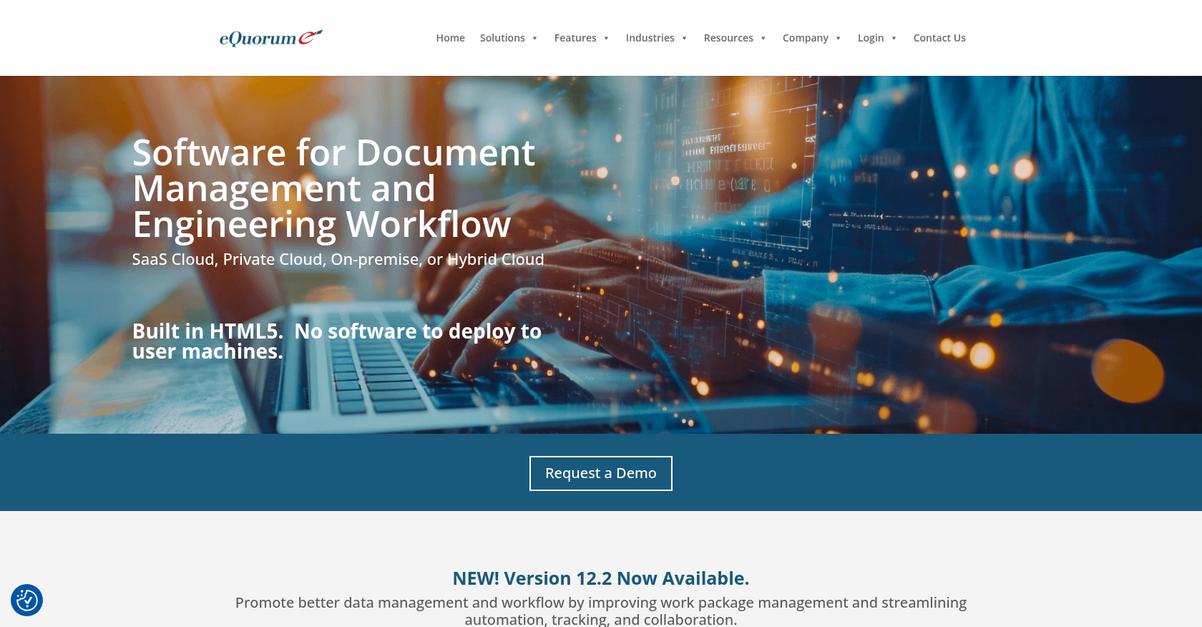
Missing critical drawings slows every engineering project down.
eQuorum solves this by offering robust version control, workflow routing, and transmittal management focused on engineering and technical documents.
If you’re frustrated by lost revisions or disconnected review cycles, you’ll appreciate how eQuorum gives you one accurate source for every change and approval by tracking all updates and standardizing document routing.
Here’s how eQuorum really delivers.
You’ll be able to automate and control your team’s document workflow with eQuorum’s specialized platform.
The version control feature lets you always stay on top of the latest engineering drawings and records, with every change automatically logged and stored so nothing slips through the cracks. That means you can avoid costly mistakes and never worry about outdated files derailing your deadlines.
Additionally, workflow routing brings serious structure to your review and approval process. You’ll route engineering change requests or release packages automatically, cutting out email chaos and ensuring the right people sign off. Plus, with transmittal management, I can easily create, track, and report package deliveries to external partners—making cross-company collaboration less of a headache.
It all comes together for project control.
Key features:
- Automated version control and audit trail: Always work from up-to-date engineering documents, reducing risk of errors and rework as plans and data are revised or referenced.
- Configurable workflow routing for approvals: Sends documents through required review and approval stages methodically, eliminating confusion over who needs to sign off and when.
- Integrated transmittal management for third parties: Tracks, packages, and reports drawing deliveries to outside partners, making communication and accountability simple and traceable.
Verdict:
If you need a great document workflow software to manage engineering revisions and approval cycles, eQuorum packs in version control, automated routing, and easy transmittal tracking. It’s purpose-built for technical teams who want reliable, audit-ready document workflows every step of the way.
4. Fluix

Are manual document approvals slowing your work down?
Fluix offers automated workflow routing, real-time mobile form completion, and integrated document control to keep field operations moving without the paperwork bottlenecks.
If you’re dealing with slow sign-offs or lost forms, Fluix can help you streamline every step of your processes for mobile teams. This means your crew can collect data in the field, submit approvals, and keep everything tracked securely—without ever printing a page.
Let’s look at how Fluix really changes the game.
Fluix transforms your workflow by digitizing data capture and automating document routing for mobile teams—no internet connection needed.
Here’s how it works: using the Mobile Forms feature, your team completes forms right on their iPads, even when they’re offline. Once connected again, the data feeds instantly into your custom approval processes, reducing errors and saving you hours of rework.
Additionally, document control is built right in; you can set granular access levels and keep a complete version history on every important file. Your team can collaborate in real time but you’ll always know who made changes, when, and to which documents.
The result is a sharper, more accountable workflow.
Key features:
- Mobile Forms feature for field data accuracy: Your team can fill, sign, and submit documents from any location, even offline, ensuring data makes it back from every job site.
- Automated workflow routing for faster approvals: Documents are automatically sent to the right people for comments or sign-off, so nothing falls through the cracks or sits in someone’s inbox.
- Granular permissions and document version tracking: Only authorized users can access or adjust critical files and every change is logged, supporting compliance and audit requirements.
Verdict:
If you want a best document workflow software for field teams that digitizes forms, automates approval routing, and gives you full document control, Fluix is a smart pick—especially for anyone working on the go on iPads.
5. Taskade
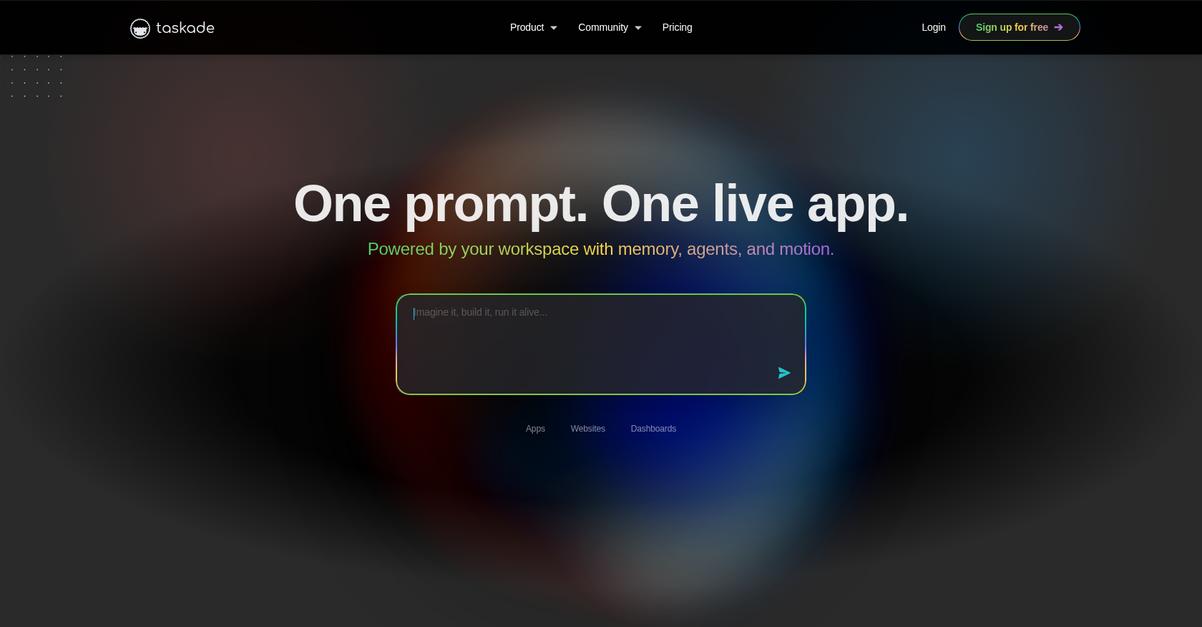
Struggling to get control of scattered documents?
Taskade brings together interactive docs, checklists, and task outlines in one workspace so you never lose track of critical workflows again.
With everything connected, you eliminate the frustration of jumping between files, emails, and apps. Taskade’s all-in-one approach means less confusion and fewer dropped balls.
Here’s why it’s a game changer.
Taskade takes document workflow pain out of your day by letting you organize, assign, and update every step of your process right inside each document.
You can add tasks, notes, and checklists directly within dynamic project outlines, so everyone knows what needs attention. Plus, real-time multi-user editing and in-doc chat keeps your team talking in context—no more emails or comment threads lost in the shuffle.
Additionally, Taskade offers a library of workflow templates built for common business needs, letting you standardize how your team handles approvals, reviews, and document handoffs. You save time you’d otherwise waste reinventing the wheel, and everyone gets onboard faster—whether you’re onboarding a client, routing contracts, or kicking off new projects.
The result is clear, coordinated progress.
Key features:
- Interactive documents merge tasks and notes so you easily organize, track, and update project progress from a single hub—no more juggling multiple tools or losing crucial details.
- Pre-built workflow templates accelerate setup with standardized, proven structures for document approval cycles, client onboarding, and recurring project workstreams.
- Real-time multi-user editing with comments lets your entire team work side-by-side, capturing input and feedback instantly without email delays or version confusion.
Verdict:
Taskade is an excellent document workflow software, combining interactive documents, workflow templates, and real-time collaboration to help your team reduce clutter, boost clarity, and move projects forward with less manual work.
6. FabSoft

Is manual document handling holding your team back?
FabSoft offers automated document capture, intelligent processing, and workflow automation, addressing everyday inefficiencies that cost you time and accuracy.
If you’re tired of lost documents or slow approvals, FabSoft brings together digital capture, smart data extraction, and auto-routing to keep your processes flowing. Instead of repetitive manual entry, your team can focus on work that matters, while FabSoft ensures that documents are digitized, accurately interpreted, and sent to the right places—every time.
Here’s how you go further with automation.
FabSoft tackles document chaos head-on by digitizing paperwork from any source, letting you feed files straight into your workflows with no hassle.
What sets it apart is the AI-powered data extraction that pulls specifics from your documents and auto-populates them in your CRM, ERP, or other systems. You can eliminate errors caused by manual input tasks forever, especially if your process deals with high volumes or regulatory requirements.
Additionally, FabSoft goes beyond just capturing information. Its workflow automation sends your processed files straight to the right people or destinations without delay. If you’re always chasing up document approval stages, this means you can finally stop bottlenecks before they start, increasing compliance and peace of mind.
It’s automation that feels like an upgrade.
Key features:
- Automated document capture from scanners, email, or print queues means your paperwork is always ready for digitization, eliminating manual entry and lost files at the start of the process.
- AI-driven data extraction populates critical fields automatically, drastically reducing costly errors and sending the right information where it matters—so downstream workflows never stall.
- Smart workflow automation routes documents and data instantly to your preferred destinations, making compliance and speed a given, not a goal.
Verdict:
If you want a best document workflow software that ends manual entry, stops document delays, and integrates with your current systems, FabSoft stands out. With automated capture, AI-driven processing, and robust workflow routing, it’s a top pick for anyone fed up with workflow headaches.
7. Process Street
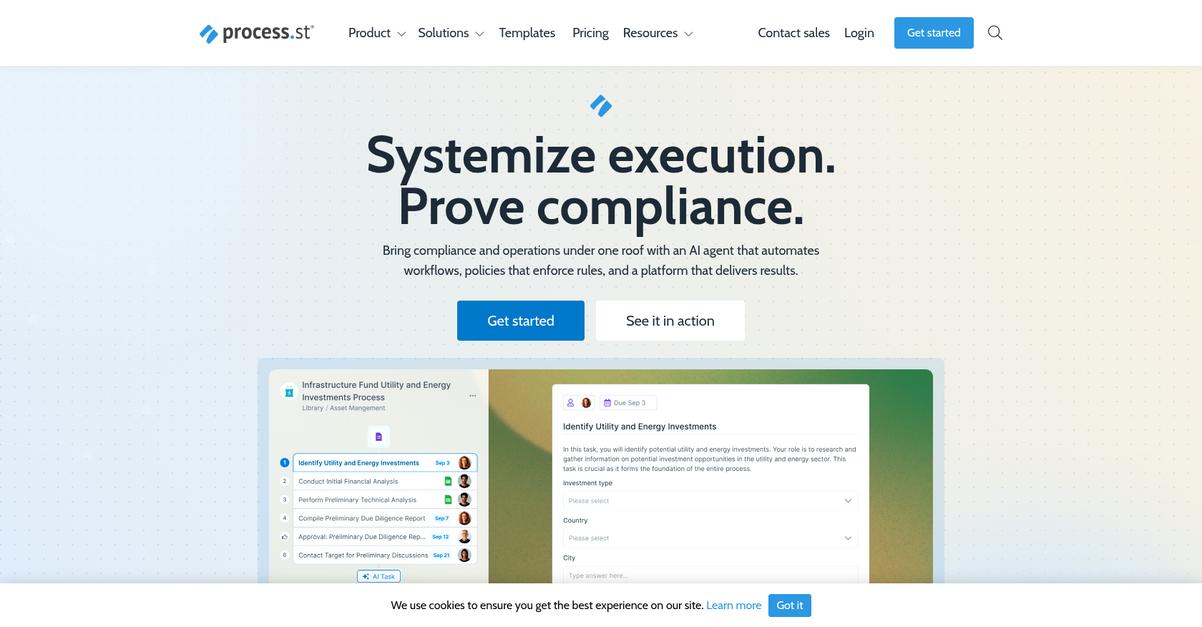
Is your workflow being held back by confusion?
Process Street tackles this by giving you dynamic checklists, workflow automation, and a centralized hub for every key procedure.
If you’re tired of scattered document processes, these tools can let you standardize operations and reduce costly errors every day. Your team gets the structure they need, especially when documents fly between people and apps with no process control.
This means you can finally fix bottlenecks.
Process Street empowers you to bring clarity and order, even when complex document routines threaten to overwhelm your team. Here’s how: You create interactive, conditional checklists that walk your team step-by-step through document-heavy workflows.
Additionally, their workflow automation lets you assign tasks, trigger updates, and connect to your favorite business apps right from a checklist. Combine that with centralized process documentation, and you have everything needed to tighten up execution and keep knowledge accessible for everyone.
The result is a system that cuts errors, improves accountability, and frees up your team’s focus.
Key features:
- Dynamic checklists that adapt to your processes for every document workflow, keeping your team on track and eliminating confusion in complex, multi-step procedures.
- Workflow automation to handle repetitive document tasks and send real-time approvals, giving you more time to focus on high-value work instead of tracking tasks down.
- Centralized process documentation guarantees fast onboarding and keeps your standard operating procedures at everyone’s fingertips, reducing training time and mistakes.
Verdict:
With standout features like dynamic checklists and automation built specifically to standardize your docs, Process Street is a smart pick if you want the best document workflow software. You’ll instantly see the impact wherever process chaos used to slow you down.
8. Docsie
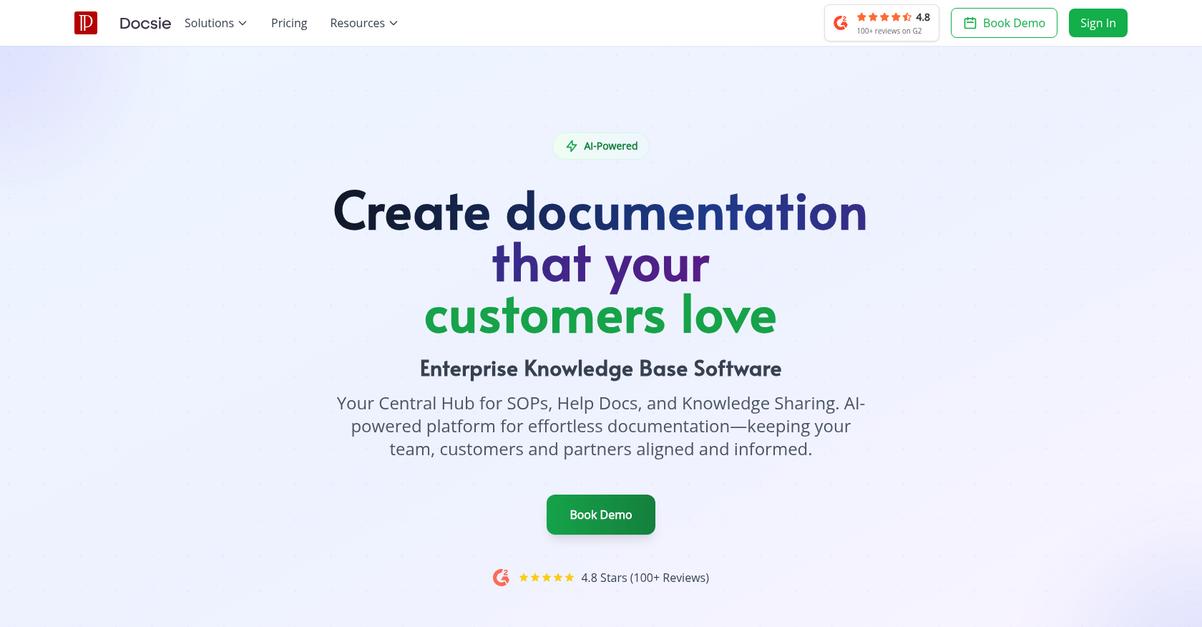
Is document confusion slowing your projects down?
Docsie’s collaborative editing, workflow management, and robust version control free your team from knowledge silos and missed update headaches.
The result is everyone stays on the same page, edits flow easier, and you reduce costly mistakes.
Let’s explore why this works so well.
Docsie tackles your documentation chaos by bringing all your content into one hub, making it easy to centralize, create, and manage every piece with oversight.
This means you can track every single change your team makes, compare revisions instantly, and roll back errors in seconds if you need—so you’re never wondering who changed what or when.
Additionally, with workflow management baked in, you assign specific reviewers, approve changes, or automate publishing. Real-time collaboration means your group can co-author docs together, leave feedback, and resolve questions without endless email chains—freeing everyone to focus on quality and accuracy.
Plus, Docsie’s version control keeps an ironclad audit trail, which makes compliance reviews stress-free and gives you peace of mind about document integrity.
Imagine a workflow that just works
Key features:
- Real-time collaborative editing and commenting: Multiple users can author, edit, and leave feedback simultaneously, ensuring everyone’s expertise is captured and reducing delays from miscommunication.
- Granular version control with instant rollback: Every change is tracked, allowing instant revert to previous states or identifying exactly when something changed, keeping your documentation accurate every step.
- Workflow automation for approvals and reviews: Assign review steps, create approval chains, and automate content publishing, streamlining your process so you reach “done” faster with zero bottlenecks.
Verdict:
If you want the best document workflow software to reduce your team’s documentation time by as much as 60% and guarantee content integrity, Docsie is a top pick for knowledge management, technical documentation, and workflow approvals.
9. airSlate
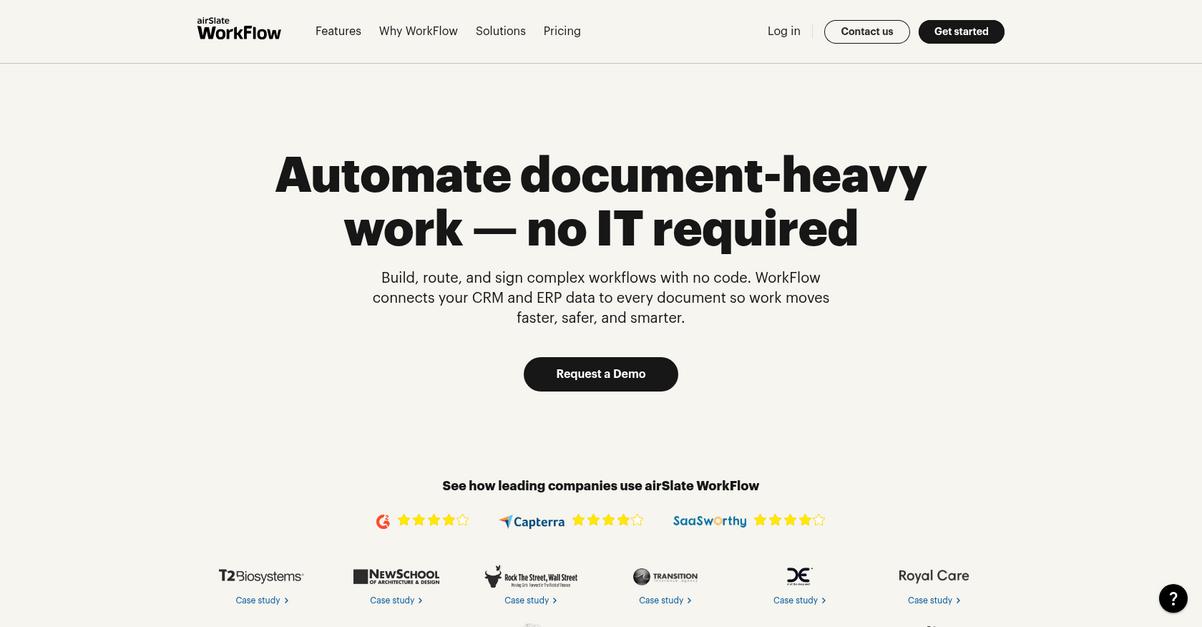
How much time does paperwork drain from your day?
airSlate lets your team automate document routing, approval workflows, eSignatures, and fillable forms with easy no-code tools right from the start.
Instead of wrestling with manual steps and lost files, you can replace repetitive tasks and stop chasing signatures altogether.
You deserve real workflow efficiency.
airSlate acts like the digital assistant your document processes always needed.
Here’s how I see airSlate transforming the way you handle documents: it gives you a no-code workflow builder so you can create and customize the exact processes your team actually needs. You don’t have to wait on IT or mess with complicated setups. I love that you can turn any paper form into a smart fillable form and have it trigger the right workflow instantly—imagine sales proposals sent for approval or onboarding packs routed in minutes, not hours.
Additionally, its built-in eSignature integration means your contracts and agreements get signed and completed securely with a full audit trail. If you want to automate data capture and reduce mistakes, you can link those smart forms to other apps, ensuring everything is tracked and updated without headaches. Plus, airSlate’s bots can automate repetitive data tasks behind the scenes, freeing up hours for your team.
Let your workflows do the heavy lifting.
Key features:
- Empower anybody to automate workflows quickly: No-code designer means you build complex document routing and approval flows without IT, so your team can fix process bottlenecks right away.
- Turn paperwork into digital, fillable forms instantly: Capture and validate form data automatically, connecting it to the right workflow steps and kicking off business processes from the first submission.
- Get deals and agreements signed without delays: Legally binding eSignatures, tracking, and automated notifications mean fewer bottlenecks and full compliance from start to finish.
Verdict:
airSlate is a great document workflow software if you want to automate processes, cut approval times, and save up to 40% on manual document handling. With its no-code builder, smart forms, and eSignature capabilities all in one, digital paperwork feels effortless.
10. Bit.ai
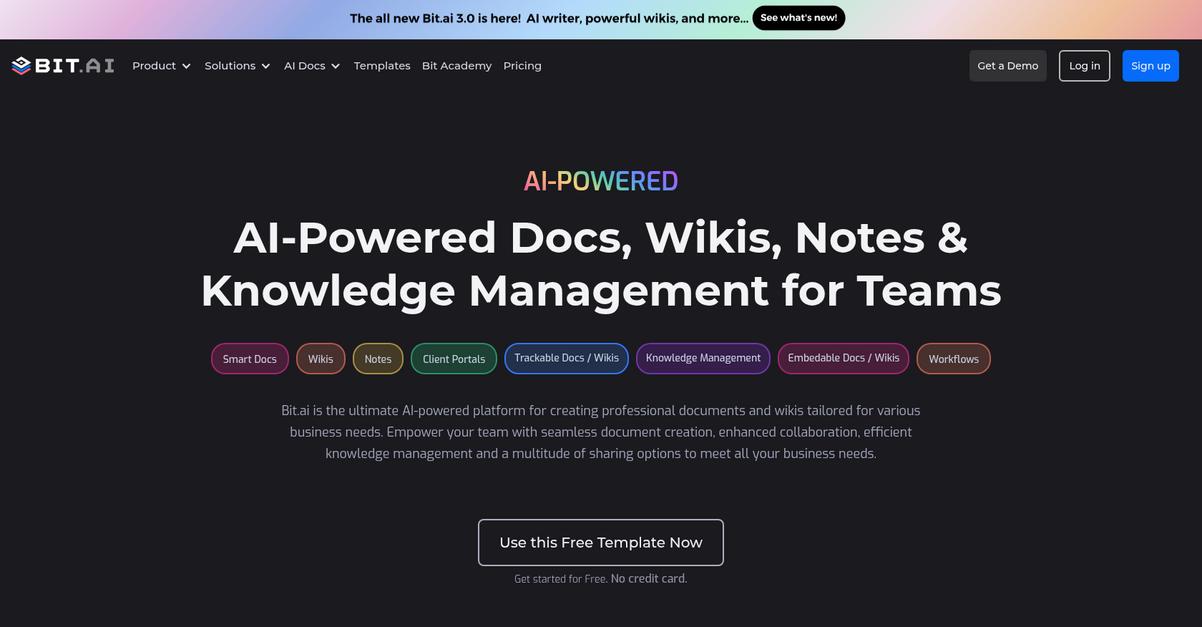
What if your whole workflow felt effortless?
Bit.ai empowers your team to co-create living, interactive documents in real time, keeping everyone involved and driving projects forward without the constant back-and-forth.
By offering instant co-editing and comment threads, Bit.ai lets you break free from email overload and version chaos—making it significantly easier to find, update, and approve documents.
The result is less busywork and more time to do your real job.
Bit.ai brings everything together for you.
With Bit.ai, I’ve noticed how interactive “Smart Documents” make every process smoother. Embedding videos, files, or even web links right inside your docs gives your team all the context they need in one place. Here’s how an underlined phrase drives my point home: real-time collaboration makes information gaps disappear as team members work side by side.
Additionally, custom workflows let you tailor each approval or review process to your exact needs. You’re not just shuffling static files around—instead, your content and knowledge flow step by step as your team moves projects from draft to completion. These capabilities help you build a repeatable, scalable process and avoid bottlenecks.
Plus, Bit.ai helps you avoid all those missed edits and stuck approvals.
With Bit.ai, your documents actually work for you.
Key features:
- Smart Documents embed different media types for context so you never have to rely on separate attachments, boosting team understanding and document engagement every time.
- Real-time collaboration means zero waiting on edits since everyone can comment, co-edit, and drive feedback instantly—no delays or surprises.
- Custom workflows adapt to your approval process so you stay compliant and organized, whether your team is pushing marketing, HR, or legal documents.
Verdict:
Bit.ai is an excellent document workflow software for modern teams who need richer collaboration, with customizable workflows and interactive docs that save you hours—perfect for sales, marketing, HR, or product teams aiming to finally crush inefficiency.
11. Nintex
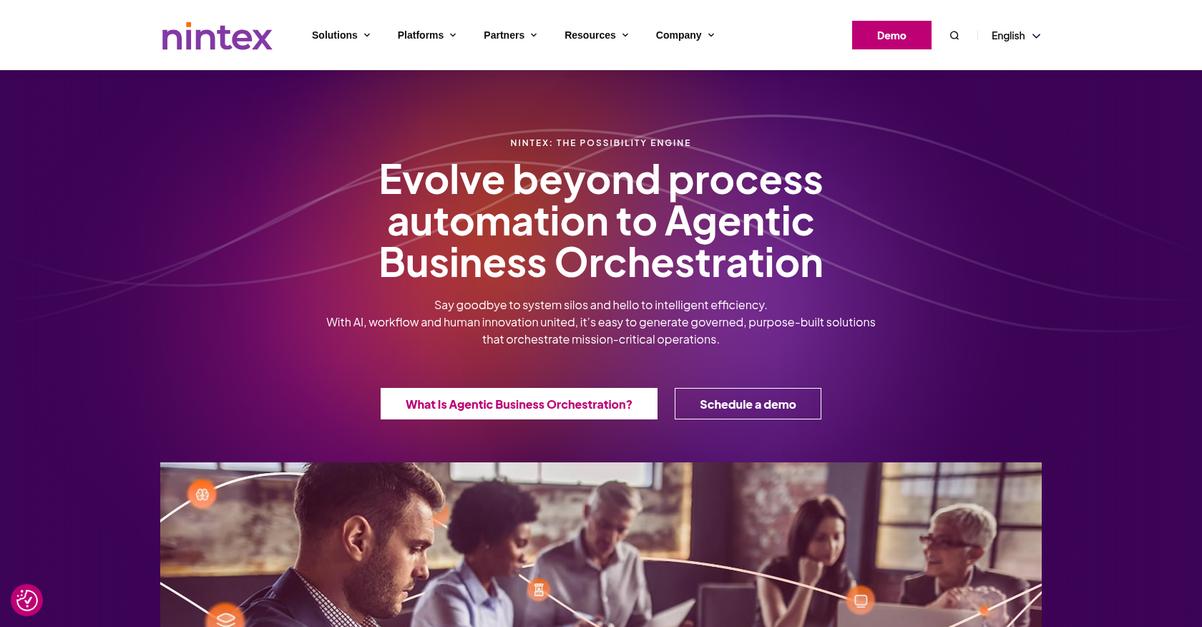
Tired of bottlenecks slowing your document approvals?
Nintex lets you design and automate even your most complex document workflows, cutting back manual work that leads to delays, inconsistency, and mistakes.
That’s why I’ve found their all-in-one workflow automation platform relieves pressure from your team by streamlining document handling, minimizing errors, and enforcing compliance—so you’re not chasing paperwork or approvals.
Here’s how Nintex makes that possible.
If you’ve been struggling with approval backlogs or slow document turnarounds, Nintex is designed to take those burdens off your plate.
The platform’s powerful process automation helps you set up workflows that orchestrate tasks across your existing systems—no need for coding know-how. You can automate multi-step document processes end-to-end in hours, without waiting weeks for IT. That means you eliminate manual handoffs and get more time back to focus on high-value work.
Plus, automatic document generation lets you create compliant, professional paperwork in seconds by pulling data from your systems into preapproved templates. And when you need a signature to close deals or finalize contracts, the built-in eSignature capability means you capture approvals quickly without chasing anyone down. Those elements work together to deliver faster, more accurate results.
Your team can move at the speed your business demands.
Key features:
- Automate document workflows across all business processes for faster handoffs, fewer bottlenecks, and reliable compliance—from sales contracts to packaging documents to HR onboarding forms.
- Generate custom documents automatically from dynamic templates to ensure every output is consistent and error-free, cutting creation time from hours to minutes.
- Accelerate approvals and agreements with integrated eSignatures, so you never wait on a wet signature or lose track of paperwork that needs attention.
Verdict:
Nintex stands out as an excellent document workflow software, proven by results like a 5005% ROI and $29 million ROI boost for packaging workflows. If you want robust automation, built-in eSignatures, and error reduction, you’ll find Nintex delivers where it counts.
12. ShareGate
Is document chaos slowing your team down?
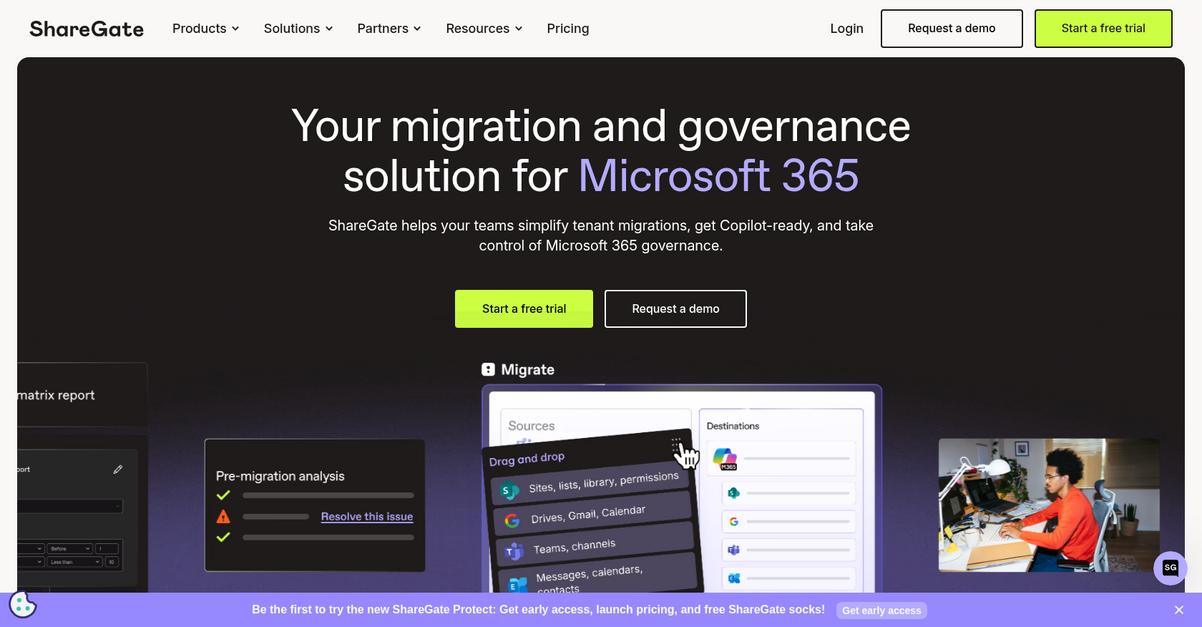
ShareGate lets you migrate, organize, and secure your Microsoft 365 documents without the usual headaches, so your daily workflow never misses a beat.
If you’re buried in SharePoint files and worried about moving to Microsoft 365, ShareGate backs you up with powerful migration tools and easy content management that keep everything running smoothly.
Here’s how you can fix this for good.
ShareGate steps in with a migration tool designed to make switching SharePoint environments or moving to M365 painless for your team.
You don’t have to stress about file loss or downtime because you can transfer critical documents efficiently and keep your projects moving forward. Plus, with ShareGate’s document permissions management, you get full control over who can access what, making sure sensitive data stays protected and compliance is always maintained.
Additionally, ShareGate’s robust content organization helps you classify and arrange documents within SharePoint, meaning your files are always easy to find and manage—no more wasting time searching or dealing with clutter that kills productivity.
This all ties back to making your life simpler.
Key features:
- Migration made effortless between SharePoint platforms or M365 so you don’t lose time, data, or business continuity during a major transition or cloud migration project.
- Granular permissions management and auditing of document access that gives you control and peace of mind with sensitive or regulated information in your Microsoft environment.
- Content organization and document classification tools built to improve discoverability, workflow speed, and productivity in even the most sprawling SharePoint and M365 instances.
Verdict:
ShareGate stands out as a best document workflow software pick if your team relies on Microsoft 365 or SharePoint. With effortless migrations, rock-solid permission controls, and smarter file organization, your digital workplace can finally run like clockwork—no more wasted hours or migration stress.
Conclusion
Ready to finally conquer document inefficiency?
Choosing the right workflow software is tough—there are so many similar options, and it’s easy to get lost trying to compare every feature or integration.
A recent Deloitte study highlights that organizations can achieve cost reductions of up to 30% through document automation (30% cost reductions). That’s too significant to ignore—just imagine what your team could accomplish with those savings and extra time back in your day.
Here’s what I’d do next.
If you want to stop wasting hours on manual filing or lost documents, FileCenter is my top pick from this roundup.
FileCenter solves these headaches with automated filing, intuitive PDF management, and customizable workflows. If you’re after the best document workflow software for growing teams, FileCenter makes automating and organizing your business painless.
Go ahead and start a free trial of FileCenter to see the difference for yourself.
You’ll reclaim hours and drive real productivity.