

Still wrestling with Egnyte’s rigid workflows?
If you’re frustrated by Egnyte’s stubborn document processes and headache-inducing integrations with your accounting software, you are not alone.
These limitations can slow down your team and raise compliance concerns right when accuracy and efficiency matter most.
The end result? Missed deadlines, risky audit trails, and mounting tension as you feel boxed in by a system that makes storing sensitive financial data harder than it should be. Sticking with Egnyte means your finance team spends more time fighting the tool than getting their real work done, and it could seriously impact morale and increase operational costs.

But here’s the good news: there are smarter Egnyte alternatives that offer reliable accounting integration and streamlined compliance so you can get back to focusing on your actual job.
In this article, I’ll walk you through the best Egnyte alternatives built specifically for document management in finance teams including SmartVault, FileCenter, Zoho, and more.
You’ll see how the right alternative brings smoother accounting sync, automation, and security Egnyte just can’t match.
Let’s find your solution.
Quick Summary:
| # | Alternative | Rating | Best For |
|---|---|---|---|
| 1 | FileCenter → | Desktop users wanting simplicity | |
| 2 | SmartVault → | Teams needing secure collaboration | |
| 3 | Zoho WorkDrive → | Users wanting modern interfaces | |
| 4 | Canopy → | Finance teams needing workflow automation | |
| 5 | iManage → | Companies requiring better support |
1. FileCenter

Looking for simpler control over your financial documents?
FileCenter offers something Egnyte does not: a desktop-first cabinet-drawer filing system that keeps your documents organized using familiar Windows folders, so you don’t need to relearn everything.
Egnyte’s cloud-centric setup can hinder local control and make accounting file workflows feel rigid. FileCenter’s intuitive structure eases file management even for desktop-focused users, replacing complexity with a straightforward approach that makes daily operations less stressful.
This is why FileCenter keeps document tasks efficient for you.
You get more flexibility managing and organizing sensitive files with FileCenter.
FileCenter delivers a cabinet-drawer model that resembles your classic filing cabinet, letting you process and retrieve financial documents without the learning curve you’d face with Egnyte’s interface. You’ll especially appreciate the integrated scanning and OCR that digitizes invoices and receipts right into your desktop cabinets, complete with auto file naming and text search. This means you can automate your paper-to-digital conversion without extra steps or lukewarm third-party integrations.
In addition, FileCenter’s one-time license options help smaller finance teams skip the subscription trap, putting you in control of ongoing costs while ensuring local document ownership. Pair that with compatibility for services like Google Drive or Dropbox, and you’ve got flexibility Egnyte just can’t offer.
This adds up to easier audits and a much smoother adoption for your team.
Key features:
- Familiar cabinet-drawer organization with Windows folders so your team skips retraining and instantly feels at home, making filing and retrieval a breeze compared to Egnyte’s cloud structure.
- Integrated scanning and rule-based OCR automation streamlines turning your paper invoices, contracts, and receipts into searchable digital files while cutting out multi-step imports and configuration hassles.
- One-time purchase licensing with local data control so you can avoid the pain of recurring, cloud-only subscription costs and keep your sensitive financial data truly under your control.
Verdict: FileCenter stands out as a high-value Egnyte alternative, especially if you want finance team document management that’s intuitive, cost-efficient, and local-control friendly. Users report cutting file search time and boosting productivity, with some saving dozens of hours per month thanks to FileCenter’s Windows-first organization and scanning automation.
2. SmartVault

Struggling with rigid workflows in Egnyte?
SmartVault was designed from the ground up for finance teams, giving you a specialized client portal, deep accounting software integration, and unlimited guest access for true flexibility.
If Egnyte’s general-purpose sharing makes secure client collaboration risky, SmartVault stands out by giving you a custom-branded client portal to securely manage sensitive financial data exchanges. This means your sensitive workflows aren’t compromised by generic sharing links or partial audit logs.
You get focused document control and client-facing features.
Switching to SmartVault makes document management specifically easier for finance.
SmartVault solves the pain of general file sharing by giving your team a highly secure, dedicated platform built for tax and accounting workflows.
You can integrate directly with tax software like Lacerte or QuickBooks, so there’s no more downtime jumping between apps or manually importing financial files. Automation routes documents exactly where you need them, streamlining your process and removing common Egnyte manual headaches.
Additionally, you have unlimited guest users and storage. Now you can collaborate across clients at scale, without hitting per-collaborator or capacity walls. SmartVault’s compliance certifications, including SOC 2 Type 2, HIPAA, and FINRA, help take the regulatory worry out of your file flows.
It’s a true fit for accounting and finance teams.
Key features:
- Integrated client portal for secure collaboration gives your clients a dedicated, branded hub to safely upload, review, and e-sign documents, avoiding the risks of Egnyte’s general sharing tools.
- Deep accounting and tax software integration eliminates manual file routing by auto-linking SmartVault to Lacerte, QuickBooks, and ProConnect, making financial document handling much more efficient.
- Unlimited external user access with scalable storage offers budget-friendly, unrestricted client engagement and collaboration without facing Egnyte’s per-user or storage-based limitations.
Verdict: SmartVault makes a compelling Egnyte alternative for finance teams seeking specialized control and automation. Real-world firms have reported saving 60-90 minutes per tax return with automated client intake and filing, proving its real-world value as your next document management software for finance.
3. Zoho WorkDrive
Tired of Egnyte’s rigid workflows and clunky integrations?
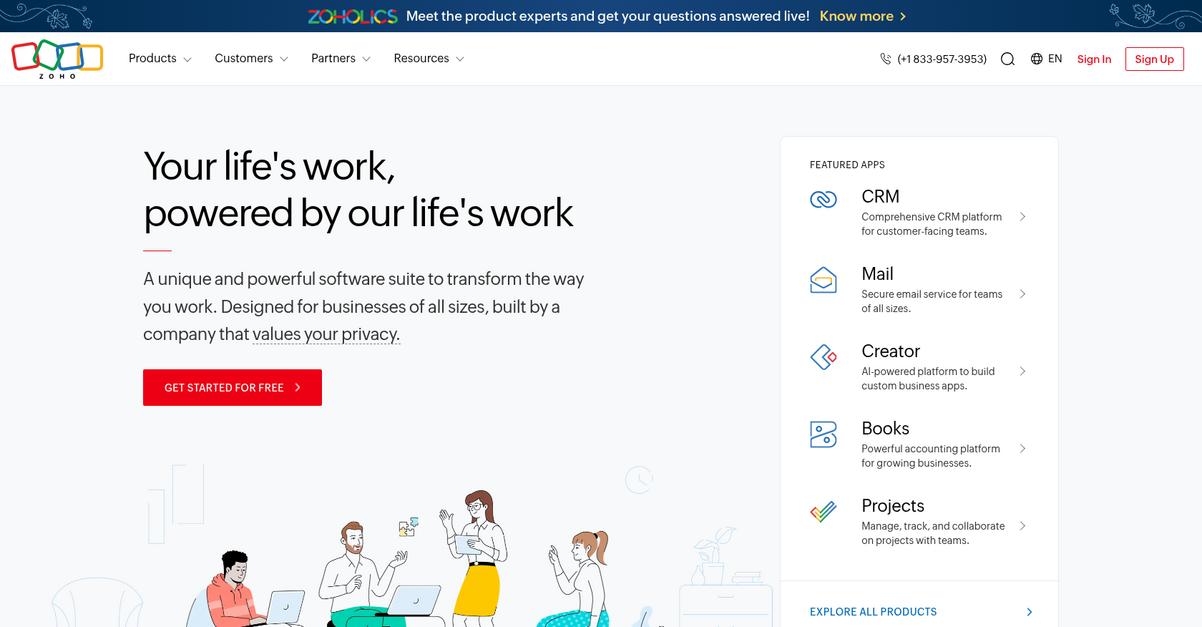
Zoho WorkDrive removes those headaches with its built-in office suite, letting you create, edit, and collaborate on financial documents without juggling multiple apps or worrying about lost changes.
Unlike Egnyte, Zoho WorkDrive gives your team granular access control with Team Folders for secure collaboration. This means you no longer have to deal with confusing user-based permissions or the risk of accidental data exposure when sharing files internally.
Here’s why better control makes a difference.
You can finally trust that your sensitive documents are always protected.
Zoho WorkDrive stands out as a real alternative by delivering affordable, integrated document management specifically for finance teams who want more control without jumping through hoops.
The built-in Zoho Office Suite lets you edit spreadsheets and documents in real time, addressing the disconnected workflow between Egnyte and third-party software. Your team saves time and ensures version consistency, so no edits get lost in countless email threads or missed uploads.
Additionally, the platform gives you flexible, team-centric workspaces using detailed permissions. If you’re worried about compliance, WorkDrive’s structured approach helps you control access and track who’s working on what. Budget concerns are handled with scaled storage and low per-user pricing, which means you can scale up without unexpected cost spikes.
All of these features combine to make onboarding and daily work easier.
Key features:
- Real-time editing with built-in Zoho Office Suite removes the need to license, switch to, or integrate with external editors, improving document creation and minimizing costly context switching.
- Team Folders with granular access controls set detailed permissions on files and folders, ensuring only authorized users access sensitive finance documents to avoid accidental exposure or compliance mishaps.
- Affordable, scalable pricing for every team size delivers more storage and features at a lower per-user price, so you avoid Egnyte’s add-on fees while future-proofing for your team’s growth.
Verdict: Zoho WorkDrive is a smart alternative to Egnyte if you’re ready for a document management platform built for finance teams. The integrated suite means you avoid costly add-ons, gain stronger access controls, and benefit from up to 25% lower project costs according to customer outcomes.
4. Canopy

Is Egnyte limiting your accounting workflow flexibility?
Canopy tackles bottlenecks like rigid workflows and weak client communication found in Egnyte, giving your finance team practical tools for managing sensitive documents, client requests, and compliance needs all in one place.
With Canopy, you gain integrated practice management and client portals in a single hub, far beyond just secure file sharing. This means dedicated automation for accounting, not the generic processes that Egnyte offers.
Switching to a more accounting-focused solution is easier than you think.
Here’s how you get real results with Canopy as your Egnyte alternative.
Canopy combines document management, workflow automation, and client management in a unified suite made for finance professionals. You’re not patching together random tools anymore—everything works together, supporting smoother data migration and easier team rollouts.
You can also set up an advanced client portal for document requests and e-signature that’s custom-branded for your firm, which solves the constant chasing of paperwork that Egnyte users face. This portal bridges the gap between your staff and your clients, keeping everyone in the loop and documents moving.
Additionally, Canopy bundles in specialized tax resolution features like transcript pulling and notice management. If you’re tired of bouncing between systems or explaining clunky audit logs, these finance-focused tools will save time and reduce risk.
It’s purpose-built for finance document management.
Key features:
- All-in-one practice management platform combines document management, workflow automation, client communication, and billing for a unified experience—way beyond Egnyte’s file sharing or storage focus.
- Advanced client portal with secure document sharing lets your clients upload, sign, and retrieve sensitive documents through a custom-branded interface, improving compliance and client satisfaction compared to Egnyte.
- Specialized tax resolution and compliance tools streamline transcript pulling and notice management, giving your team the finance features and compliance tracking that Egnyte lacks out of the box.
Verdict: Canopy is a compelling Egnyte alternative if you want central control of your finance document management, compliance, and workflows. Firms switching to Canopy reported smoother tax season operations, stronger client communications, and improved audit readiness—all core wins for accounting teams handling sensitive data.
5. iManage

Tired of Egnyte’s rigid workflows and limited integrations?
iManage steps up for finance teams looking for stronger compliance, advanced security, and smarter ways to search and govern critical documents and emails beyond what Egnyte can offer.
By prioritizing enterprise-grade security and governance, iManage gives your team superior protection, centralized records, and ethical walls tailored for regulated finance environments. It’s the right fit if you want tighter compliance controls and more granular audit trails than you get with Egnyte’s setup.
If you’ve dealt with frustrating audits or integration headaches before, this new approach will make a real difference.
Here’s how iManage bridges the gap where Egnyte falls short.
With advanced AI-powered knowledge search, you’ll quickly locate contracts, records, and correspondence buried in even the largest repositories—turning document chaos into actionable insights. You can also integrate every document and email directly with Microsoft Outlook for a unified view your auditors and compliance leads will thank you for.
Additionally, iManage brings sophisticated security features like centralized governance, data loss prevention, and AI threat detection, so no confidential statement or transaction falls through compliance cracks. Deep integration supports your workflow instead of forcing painful workarounds when you connect with your accounting system, making adoption smoother for your team.
The result is a smarter switch that finally meets your high bar for security and compliance.
Key features:
- Enterprise-grade security and governance ensures strict compliance with regulations through ethical walls, centralized records, and advanced AI threat protection—outperforming Egnyte’s security especially for finance data.
- AI-powered knowledge search and insights rapidly finds contracts and financial records across your document and email repositories, streamlining research beyond Egnyte’s standard search features.
- Integrated Outlook and document management centralizes emails and files for a unified view, eliminating information silos that commonly disrupt finance workflows with Egnyte.
Verdict: iManage is a top alternative to Egnyte for finance teams who demand deep compliance, advanced security, and seamless integration with accounting workflows. Firms switching to iManage have reported millions in savings and major productivity improvements by centralizing sensitive documents and automating information retrieval—eliminating workflow frustrations and compliance worries for good.
6. SuiteFiles

Is Egnyte’s workflow friction eating into your productivity?
SuiteFiles cuts through the noise with native Microsoft 365 integration, auto-filing, and a secure client portal—solving key pain points Egnyte leaves unsolved right out of the box.
If your finance team is tired of rigid Egnyte workflows, SuiteFiles gives you an integrated approach to document management inside Outlook and Office. This means less toggling, real-time collaboration, and fewer compliance worries versus Egnyte’s separate, less intuitive setup.
You need a smarter way to work.
SuiteFiles steps in as your modern document management solution by embedding directly into the Microsoft tools your finance team uses daily.
Here’s how you benefit: SuiteFiles automatically files emails and documents, organizing everything client-by-client without you hunting around scattered folders. Plus, you can generate compliance-ready documents using your own custom templates, saving hours and virtually eliminating manual data entry risks after leaving Egnyte.
Additionally, with its secure client connect portal, your firm can exchange sensitive documents and collect digital signatures—right through your client’s existing Xero or Google credentials. Your switch from Egnyte becomes an upgrade in efficiency and client service, not just another migration headache.
These features help you get more from your existing Microsoft 365 investment.
Key features:
- Native Microsoft 365 integration into Outlook, Word, and Excel keeps document management within the apps your finance team already uses, helping you avoid the context switching common with Egnyte.
- Automated filing and customizable document templates drastically cut administrative time by auto-filing emails and generating new documents, reducing manual work significantly compared to Egnyte’s more hands-on system.
- Secure client portal with digital signing and third-party login makes client communications and approvals hassle-free, unlike Egnyte’s process that often requires new accounts and extra steps for your clients.
Verdict: SuiteFiles is a top Egnyte alternative for finance teams needing Microsoft 365-native document management, automated filing, and secure client collaboration. Firms switching have reported saving hours each week on admin tasks—making SuiteFiles a smarter, more integrated fit for financial workflows.
7. DocsVault
Clunky integrations slowing your finance team’s momentum?
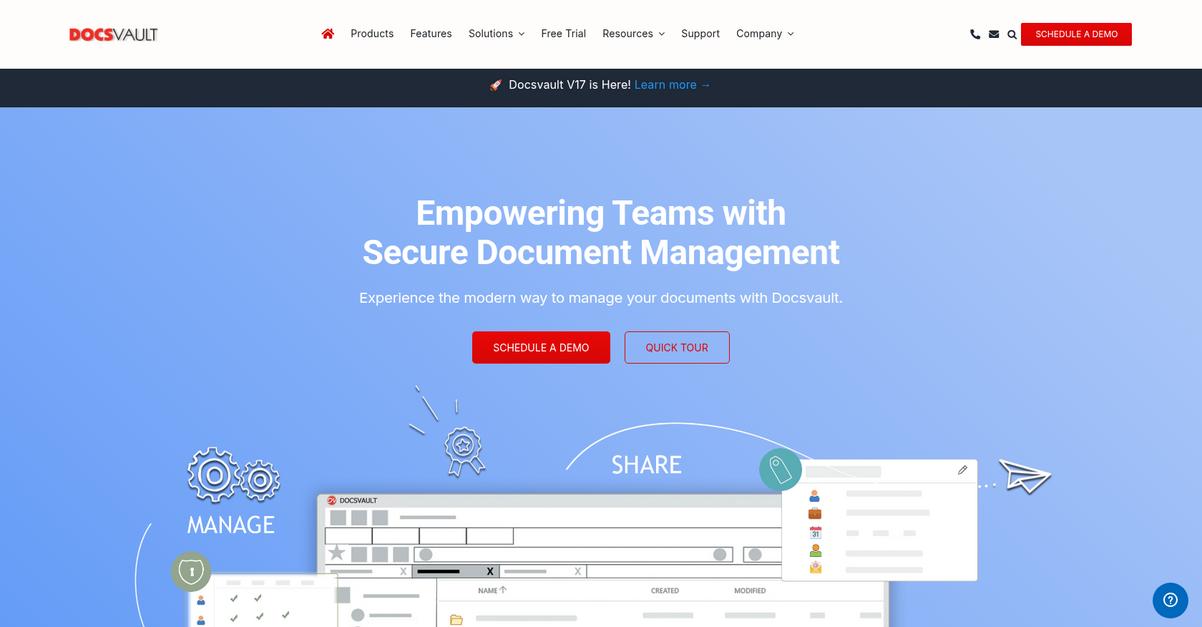
DocsVault tackles this by giving you advanced OCR and AI-powered data capture, letting you automate invoice processing and reduce those error-prone manual data entry tasks. More, its multi-step workflow automation is designed for deep finance processes.
What sets DocsVault apart is how it simplifies compliance and automation for finance teams. With robust workflow automation and smart data capture features, you can finally ditch Egnyte’s limitations around rigid workflows and limited task routing.
Here’s where DocsVault really makes a difference.
DocsVault’s powerful automation takes your document processing to the next level as an Egnyte alternative. Instead of dealing with clunky integrations, you can automate entire workflows, capture financial details instantly, and remove bottlenecks from manual approval chains.
You’ll see the impact every day, because with AI-driven OCR, your team extracts data from invoices instead of typing it by hand. This is huge for finance, where accuracy and speed can save you hours each week and boost compliance at the same time.
Plus, DocsVault doesn’t make you pick between on-premise or cloud deploy. Hybrid deployment means your sensitive datasets or regulatory requirements are no problem, giving you ultimate choice over data residency and access.
DocsVault turns best practices into real results.
Key features:
- AI-driven OCR and data extraction streamlines invoice capture and reduces manual entry, outperforming Egnyte’s basic document handling for finance teams who need accuracy and speed.
- Customizable no-code workflow automation lets you route documents, assign approvals, and automate tasks without limits, solving the frustrations many encounter with Egnyte’s rigid workflows.
- Flexible hybrid deployment on-premise or cloud supports strict data residency or regulatory needs, so you get more control than Egnyte delivers with its cloud-only model.
Verdict: If you want a better fit for finance document management than Egnyte, DocsVault is your answer. Its workflow automation and AI capture help finance teams cut approval turnaround by up to 60 percent, streamlining retention, compliance, and cost savings for paper-heavy processes.
8. M-Files

Wish Egnyte gave you more document flexibility?
M-Files uses its metadata-driven approach to break free from the rigid folder structures that slow down your search and limit flexibility in Egnyte.
If you’re handling sensitive finance documents, M-Files gives you superior flexibility and faster document access than Egnyte ever could. Finding what you need is easier, since documents aren’t locked to folders or lost in silos.
You get better control right from the start.
M-Files flips document management on its head by letting you organize files based on content and attributes, not just locations.
For finance teams switching from Egnyte, this means finding audit-critical files in seconds using powerful metadata search rather than clicking through endless folders. You can connect your existing SharePoint, network drives, or legacy systems right away, so there’s no risky or time-consuming data migration.
Additionally, M-Files’ AI-powered workflow automation takes care of document classification, approval routing, and compliance. This streamlines complex financial processes, ensures secure information handling, and gives your team confidence that compliance boxes are always checked.
You finally have a system built for finance.
Key features:
- Metadata-driven document organization for finance lets you locate files based on “what” they are—invoice, contract, statement—instead of where they’re stored, eliminating silos common with Egnyte.
- Direct connectivity to legacy and external repositories enables you to manage all your documents in one view, skipping over risky and expensive bulk data migrations required by Egnyte.
- AI-powered workflow automation for compliance handles document approval, audit trails, and regulatory requirements, reducing manual workload and compliance risks your finance team faces daily.
Verdict: M-Files is the Egnyte alternative your finance team needs if you’re juggling strict compliance and legacy systems—without rigid migration projects. Users see up to 294% ROI and retrieve information 50% faster, making M-Files a game-changer for financial document management and audit preparedness.
Conclusion
Still frustrated by Egnyte’s clunky accounting integrations?
You’re likely tired of inflexible workflows and feeling uneasy about limited audit trails and compliance headaches that slow your finance team down.
Making the jump to a new system can feel daunting, but choosing the right alternative brings real peace of mind compared to sticking with tools that never quite fit or scale with your accounting needs.
Here’s how you can do better.
After digging into all the Egnyte alternatives, I’m convinced FileCenter is the top choice for frustrated finance teams.
FileCenter’s cabinet-style organization, straightforward migration, and tight integration with popular accounting platforms solve the pain points that Egnyte users know all too well.
What really sets FileCenter apart as a standout Egnyte alternative is its familiar, desktop-first design—your team can be up and running fast, without another complex rollout or steep learning curve.
Give FileCenter a try and see just how smooth secure document management can be.
Experience less stress and more control instantly.