

Lost in a maze of digital files?
When documents are scattered across systems, staying organized and in control feels almost impossible.
Suddenly, version mix-ups and lost files waste hours and create headaches for you and your team.
Studies shared by Google Cloud reveal that businesses increase efficiency when they categorize documents as they enter workflows, making files far easier to manage, search, and analyze. With so many documents and data points, even small improvements in organization can have a big impact on your team’s productivity.

This article is here to help you solve these challenges and get more out of your business documents.
In this article, I’ll share my picks for the best file management software to help you unify, secure, and organize your business files once and for all.
You’ll learn how to simplify collaboration, prevent data loss, and boost efficiency with tools designed for real business growth.
Let’s get to it.
Quick Summary:
| # | Software | Rating | Best For |
|---|---|---|---|
| 1 | FileCenter → | Small & medium businesses | |
| 2 | Directory Opus → | File management power users | |
| 3 | OneCommander → | Project teams on Windows | |
| 4 | Total Commander → | IT and development professionals | |
| 5 | DocuWare → | Large and growing enterprises |
1. FileCenter

Is it tough to find the right files quickly?
FileCenter helps by creating easy-to-use digital filing cabinets, letting you organize scanned and digital documents for hassle-free retrieval and workflow management.
If you’re tired of facing messy file folders and lost documents, FileCenter’s suite of tools gives you greater control over how you store and access every file in your business.
That brings me to how FileCenter actually solves this.
FileCenter tackles your document headaches with its intuitive structure, bringing all your business files—even scanned paperwork—under one roof for simple management.
You’ll especially like the Tesseract OCR engine, since it transforms scanned files and images into searchable documents. This makes it easy to locate content in seconds, even inside old receipts or handwritten notes, by using file content search instead of relying on filenames. That’s a huge time saver if you manage lots of paperwork.
Additionally, FileCenter’s rules-based automation for document separation and routing lets you automatically name and organize files as they enter your system. When you add advanced PDF editing—from merging to annotation—you get a complete toolkit for modern digital file handling.
Everything is designed around putting control in your hands.
Key features:
- Searchable content with Tesseract OCR engine: Find any scanned document or image based on text within the file, not just a cryptic filename, saving time and reducing stress.
- Automatic file separation and folder routing: Let FileCenter sort, name, and store every document precisely, reducing manual organization work and keeping your records uniform.
- Built-in PDF split, merge, and security tools: Edit, annotate, and protect PDF documents right from your file library, removing the need for extra software.
Verdict:
FileCenter is an excellent file management software if you need searchable archives, automated file organization, and smart PDF tools. You get OCR search, hands-off naming rules, and built-in editing—perfect for small and medium-sized businesses handling bulk documents daily.
2. Directory Opus
Looking for more control over your files?
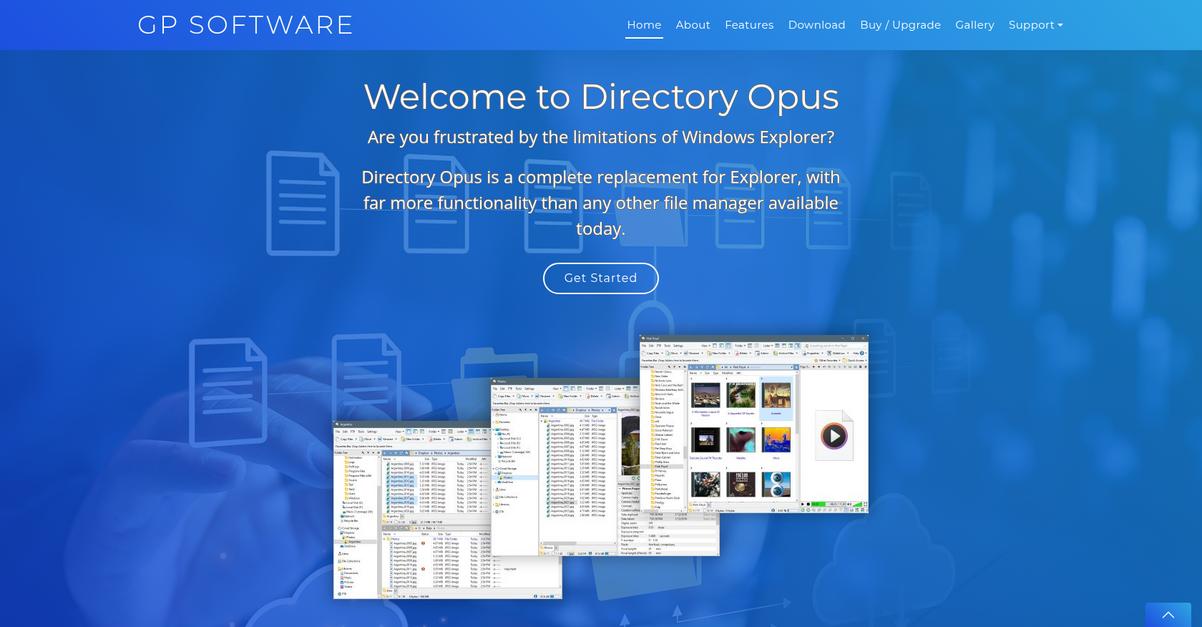
Directory Opus gives you a dual-pane interface, advanced filtering, and a fully customizable setup for maximum workflow efficiency and organization.
If you’re tired of endless windows and losing track of important folders, this software sets you up to work with multiple directories at once and locate files with detailed search and sort options. It’s perfect if you need to keep large, complex projects or document libraries under control.
You get powerful solutions at your fingertips.
With Directory Opus, you can tackle chaotic folders by opening two panes side-by-side, letting you instantly drag, drop, and compare files. If you’re organizing massive datasets, the advanced filtering and grouping tools let you quickly zero in on just the items you need—by metadata, file type, or custom rules you set.
Plus, you’re not boxed into a generic experience. The customizable interface means you can set up hotkeys, toolbars, and menus just the way you like. It’s ideal for busy professionals who want their file manager to match how they actually work—saving you clicks, time, and frustration.
You stay productive, not overwhelmed.
Key features:
- Dual-pane interface enhances productivity by letting you view, transfer, and compare files or folders side-by-side, making complex file operations a breeze for your team.
- Advanced filtering, sorting, and grouping tools prioritize your most important files, folders, and document types, allowing you to locate what you need in seconds.
- Customizable user interface empowers your workflow by enabling you to tailor hotkeys, menus, and layouts for the fastest, most intuitive file management possible.
Verdict:
Directory Opus is an excellent file management software for power users needing total control. If you want a dual-pane setup, granular sorting, and a workflow tailored perfectly to your needs, this is the tool you should check out.
3. OneCommander
Document chaos doesn’t have to slow you down.
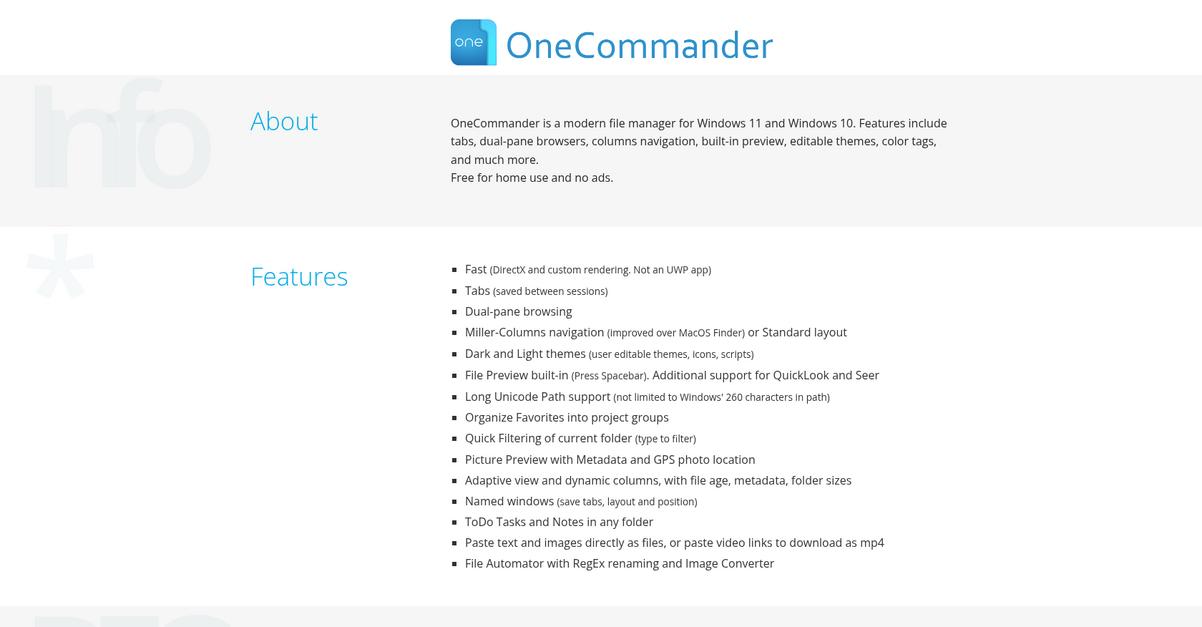
If you’re tired of juggling countless windows and losing track of files, OneCommander’s tabbed interface lets you keep everything organized and in view.
This means you and your team can work more efficiently on multiple projects without getting bogged down by clutter or endless searching.
Getting started with better file management is this simple.
OneCommander steps in to unify your files with a modern, tabbed file explorer that’s perfect for boosting productivity and clearing up digital clutter.
Here’s how: you’ll be able to switch instantly between folders and projects using OneCommander’s intuitive tabs while customizing your experience with flexible column and icon views that highlight every document at a glance. This genuinely makes everyday navigation feel quicker and smarter.
Additionally, if you’re always reaching for the same folders or files, you can pin your go-to items using the Quick Access and Favorites feature. Linking all these tools together means you can find what you need, work across tasks, and focus on results.
All of this translates to more time for your actual work.
Key features:
- Modern tabbed interface keeps multiple folders organized and visible at once, cutting down on distracting file windows and saving you valuable time with every project.
- Flexible column and visual icon views adapt to you, making it easier to browse, preview, and quickly locate any document, no matter your work style.
- Quick Access and Favorites let you pin essential files or folders so you can instantly get to your must-have resources without redundant searches or frustration.
Verdict:
OneCommander stands out as a best file management software because it eliminates window overload, gives you smart viewing options, and brings favorites to your fingertips. If you want a smoother way to manage business files on Windows, OneCommander is a solution I’d recommend trying.
4. Total Commander
Tired of hunting for documents everywhere?
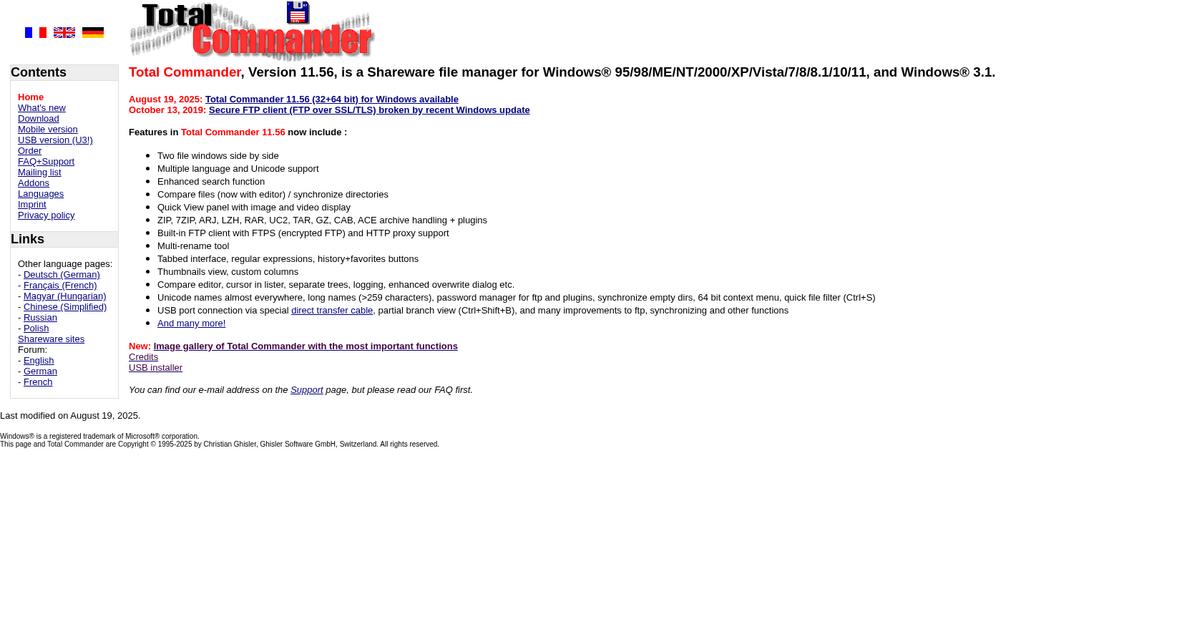
Total Commander gives you side-by-side file windows, a built-in FTP client, and advanced file search—tailored for efficient business file management.
This means you get lightning-fast access to documents, easy file transfers, and a single dashboard to organize all your files exactly where you need them. No more wasting time switching apps or digging through chaos. Every tool is right at your fingertips.
Let’s dig into why this matters for your workflow.
If you want no-nonsense control over your documents, Total Commander is built for that.
You can work with two file windows at the same time, making it so much easier to compare folders, copy projects, or move entire directories without losing track. Plus, the built-in FTP client means you manage remote files just like you do local ones—no need to juggle extra apps or remember another login. This brings all your critical content into one place, which is ideal if you’re always updating resources for clients, your website, or your team.
Additionally, Total Commander’s enhanced search can dig through every file, folder, or drive—even by keywords, file type, or date. That means even if you’re dealing with thousands of scattered business files, you’re only seconds away from what you need.
Ultimate control and efficiency right where you need it.
Key features:
- Dual-pane file management with two directories shown: Quickly compare, copy, or move files between locations to streamline project handoffs and eliminate desktop clutter.
- All-in-one FTP client directly inside the interface: Update, sync, or back up content on remote servers without ever switching to separate FTP software.
- Powerful, customizable search across your entire system: Instantly find files by name, type, attributes, or date—even buried deep inside massive or unorganized file structures.
Verdict:
If you want a great file management software, I can tell you Total Commander stands out for its dual-pane interface, comprehensive search, and integrated FTP—turning even the most chaotic digital file system into an organized, high-productivity hub.
5. DocuWare

Is finding business files slowing you down?
DocuWare’s intelligent document processing and workflow automation make it much easier to find, extract, and organize critical files securely in the cloud.
If you’re tired of spending valuable time on repetitive file searches and manual approval chains, DocuWare instantly improves your document control and search accuracy so you can get back to core tasks.
Here’s how DocuWare makes a difference for you.
DocuWare addresses file management headaches by bringing all your documents together, automatically sorting and indexing them with AI so you always know where to look.
With intelligent document processing, DocuWare can auto-classify and extract data from new files instantly, meaning you never have to worry about losing or misplacing a document again. You just upload, and your files are organized and ready for you to retrieve in seconds.
Additionally, DocuWare’s customizable workflow automation lets you set up digital approval chains, notifications, and document routing tailored to your process. This means less manual effort and more transparency across your business, giving you the structure everyone wants without added friction.
Every feature works together to keep your data accurate and accessible.
Key features:
- AI-powered document classification and indexing help you reduce errors and cut down manual searches, saving your team hours every week and supporting reliability across your business.
- Automated workflows ensure standardized approvals and notifications for every document, delivering compliance, accelerating day-to-day operations, and simplifying multi-departmental collaboration.
- Advanced search tools with full-text and metadata filters allow you to instantly retrieve any file, so you always have the right information at your fingertips.
Verdict:
DocuWare is an excellent file management software for large or growing businesses seeking serious workflow automation, smart search tools, and bulletproof compliance. With deep AI features and flexible processes, your file headaches could be a problem of the past.
6. M-Files

Finding the right file shouldn’t be so frustrating.
M-Files uses a metadata-driven approach to organize your documents, so you’re not stuck searching through endless folders or disconnected repositories.
If you’re tired of losing time on chaotic file searches, you’ll appreciate how you can find any document instantly no matter where it’s stored with M-Files. This also means your team can work faster and collaborate with greater confidence.
Let’s look at how M-Files gets you there.
The platform categorizes files by what they are, not just where they’re saved, so you always know which contract or invoice you’re accessing—no matter which system it lives in. Here’s how you can ditch unwieldy folder trees and retrieve critical documents in two clicks, even if your files live in multiple apps or drives.
Plus, automated workflows handle repetitive document processes, like approvals and reminders. That translates to fewer manual errors, faster turnaround times, and a clear audit trail if you ever need to prove compliance or track changes across departments.
If you need to share documents with external clients or vendors, you don’t give up control—M-Files lets you set secure permissions, share right from the platform, and always keep visibility. You’re less likely to send the wrong version or lose sight of sensitive files.
Everything just works better, faster, and more reliably.
Key features:
- Categorize every document by meaningful metadata instead of folders, so your team always finds what they need without wasted effort—even when files are spread across multiple apps.
- Automate document-driven workflows, audits, and approvals to minimize repetitive manual work, accelerate processes, and lock in compliance for every document life cycle.
- Secure collaboration with external partners and clients through permission controls and no-duplication sharing, so you keep control over every document shared outside your team.
Verdict:
M-Files is a best file management software pick if you want precise document organization, automated processes, and secure external collaboration. Users see up to 50% productivity gains handling business content, making it a standout whether you’re in finance, legal, or operations.
7. Dokkio
Juggling scattered files slows your entire business down.
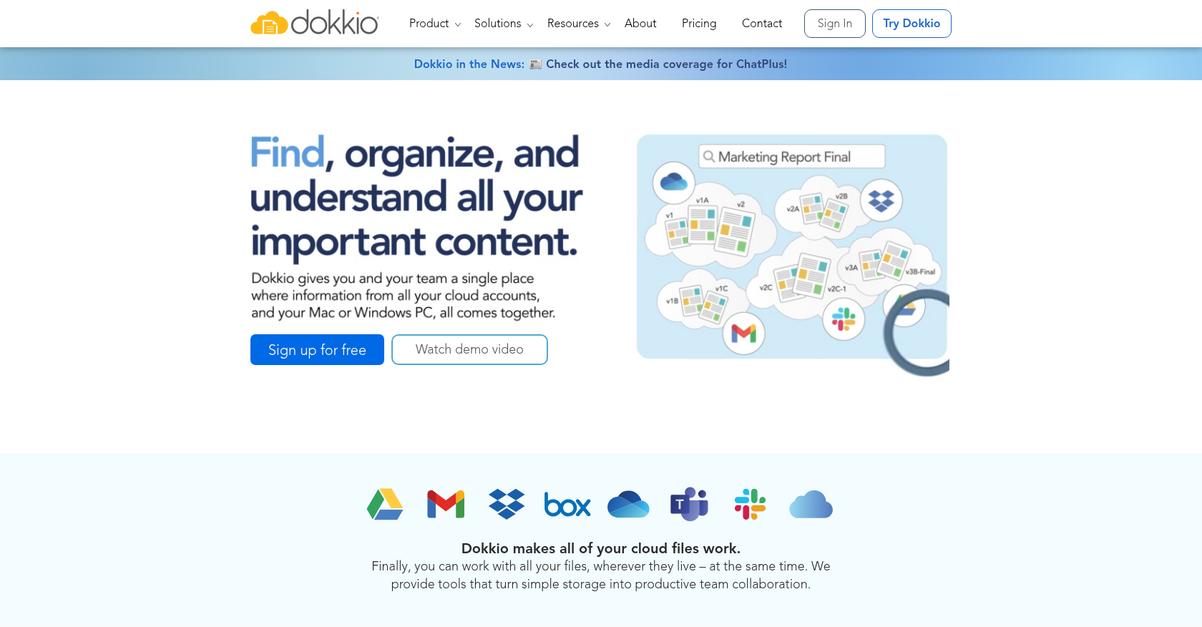
Dokkio promises to centralize all your team’s files and knowledge across different apps, making them easier to find, share, and organize.
If you’re constantly digging through email attachments, shared drives, and cloud storage, you know how painful it can be to keep your business information in one place. Centralizing your business’s content into a single hub saves everyone time, keeps your projects moving, and brings sanity to your file management.
Here’s how Dokkio bridges that gap.
Dokkio gives you a home for all your business documents, no matter where the original files live.
This means you no longer need to remember which drive or app to check—Dokkio pulls them all together. With everything unified, you and your team can actually focus on collaborating and getting work done rather than spending hours on file searches or permissions.
Additionally, I like that Dokkio is designed for people who work across different platforms daily. You get the confidence that your important information won’t get lost or duplicated. Whether you’re onboarding new hires or sharing resources across projects, everyone stays in sync.
Centralizing your files this way meets your real-world needs.
Key features:
- Unified workspace for files and resources lets your team gather business content from multiple sources for straightforward discovery, without worrying about app silos or outdated folders
- Smart search and organization capabilities empower you to quickly locate any file your business needs even if you forgot exactly where you stored it originally
- Collaboration tools built for teams make it easy to share, comment, and manage files securely across departments or projects
Verdict:
If you want the best file management software for keeping every business file accessible and eliminating bottlenecks, I think Dokkio is a solid choice. Your team will spend more time collaborating and less time hunting for documents.
8. Revver

Is document chaos slowing your team down?
Revver tackles this problem with AI-powered organization, automated workflows, and built-in secure file-sharing to ensure every file lands where it belongs.
This means you can finally ditch those time-consuming manual filing headaches and focus on the work that actually matters. No more lost files or bottlenecks in your daily process.
Your files can be organized automatically.
Revver takes file management to a new level by using intelligent file recognition and extraction to organize and name documents with almost no manual input from you. The result? Every important contract or record is automatically stored where your team needs it, drastically cutting wasted time and confusion.
Plus, I love how Revver’s AI-driven workflow automation reduces approval bottlenecks by routing documents exactly where they need to go. Secure sharing is simple—share documents straight from the dashboard, with guest access so you’re always in control. You also gain audit trails and compliance tools, making it ideal if you need robust security.
If keeping your data safe and organized matters, Revver’s worth a look.
Key features:
- AI-powered intelligent organization and naming: Revver recognizes, extracts, and organizes files automatically, saving your team from repetitive filing mistakes and ensuring everything is easy to find.
- Workflow automation to eliminate manual tasks: Automatically route documents for approval and task completion, cutting bottlenecks and making your business flow more smoothly every day.
- Secure file-sharing with access controls: Share files with a click, limit access for guests, and protect sensitive data when collaborating with partners or clients inside and outside your company.
Verdict:
If you want the best file management software for security-focused businesses, Revver’s AI workflows, intelligent file storage, and secure sharing deliver major operational improvements—especially if you’re in a regulated environment and need advanced compliance built-in.
9. Folderit
Need your business documents easy to find?
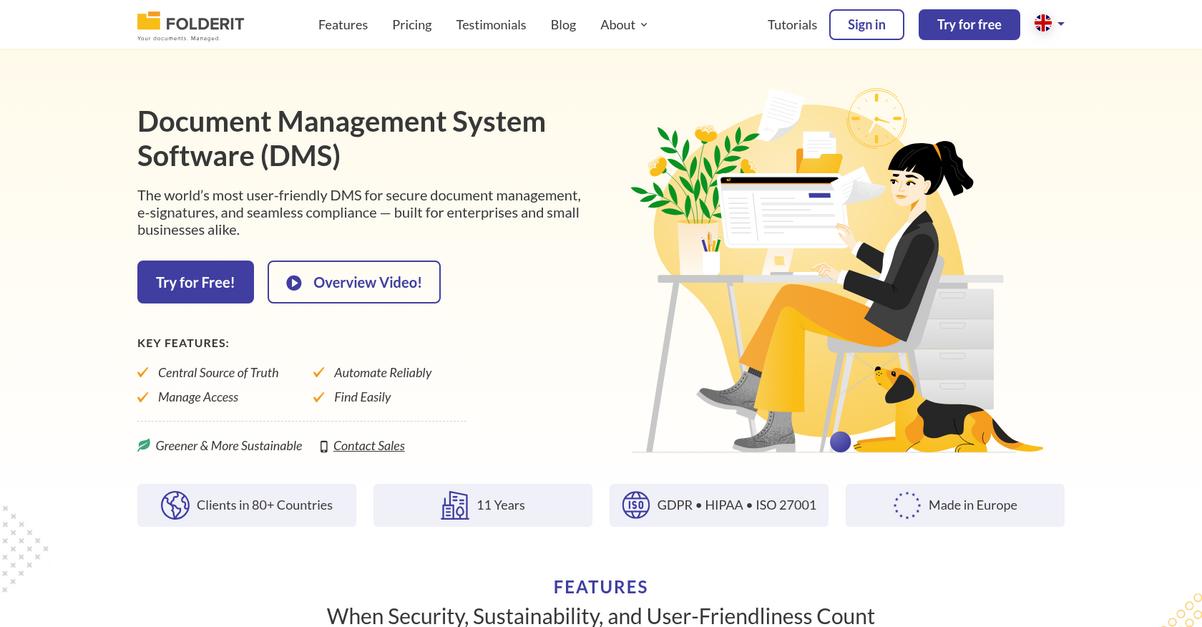
Folderit delivers secure cloud storage, powerful OCR content search, and versioning so your files are always organized, compliant and instantly accessible when you need them.
This means you avoid lost time searching for files and stop worrying about outdated document versions slowing down your business. No more bottlenecks caused by scattered folders and approval delays.
Here’s how Folderit fixes that from day one.
You get simple, effective control over your documents.
Folderit helps you capture, store, and retrieve files without hassle. With advanced OCR content search, I can find any document—even scanned PDFs—by keyword or metadata in seconds. Plus, automated versioning keeps older edits secure, so you never lose valuable content or sign-offs.
Approval workflows take the headache out of reviews and sign-offs. I just set the process, assign reviewers, and Folderit handles the notifications and status updates. This turns manual document approval into a clear and fully auditable workflow that keeps your team on track.
Additionally, every action is logged for security and compliance. Combining audit trails with robust permission controls, I know only the right people can access sensitive files, so your confidential information stays protected and you meet industry regulations.
You get streamlined file management, start to finish.
Key features:
- Advanced OCR and metadata search: Find any file instantly using full-text OCR, metadata, or keywords to eliminate time wasted manually tracking down the right document.
- Automatic version control and audit trails: Every edit and action is recorded, ensuring compliance, accountability, and easy rollbacks if you ever need a previous version.
- Approval and e-sign workflows: Accelerate review, approval, and digital signing for your team, all while maintaining a detailed record to smooth audits and regulatory checks.
Verdict:
Folderit is a top pick for the best file management software if you want cloud-based control with powerful OCR, document versioning, and approval workflows. Reduce your processing costs by up to 80% and finally bring order to your files.
10. eFileCabinet
Looking for a smarter way to organize your files?
eFileCabinet’s SmartDrawer Filing uses intelligent rules to automatically sort your documents into the right folders, leaving you more time to focus on real work.
If you’ve ever lost track of a file or wasted time searching through folders, you know how quickly manual filing can slow your team down. With eFileCabinet, every document goes exactly where it belongs, every single time.
That’s where automation comes in.
eFileCabinet takes the guesswork out of efficient file management for small and midsize businesses.
This means you get filing automation with SmartDrawer, plus Zonal OCR that pulls specific data straight from your documents for accurate, lightning-fast indexing. You can skip manual data entry steps that eat up your day and know your files will always be organized and easy to retrieve when you need them.
Additionally, I love that your clients also benefit from the SecureShare Client Portal. This branded portal makes it simple for your team to send and receive sensitive files safely with anyone outside your business, protecting confidentiality while also impressing your clients. The result is repeatable, secure processes that support smooth collaboration.
Here’s how you can supercharge your file workflow.
Key features:
- SmartDrawer Filing eliminates misfiled digital documents by automatically sorting every new file into the right place, using intuitive rules matched to your business’s needs.
- Zonal OCR ensures error-free document indexing by extracting and tagging critical data fields from forms and invoices for faster, more reliable search and retrieval later on.
- SecureShare Client Portal streamlines and secures file sharing, making it easy to collaborate with clients or vendors outside your company without risking data leaks or lost attachments.
Verdict:
eFileCabinet is an excellent file management software, especially if your business values time-saving automation and secure client communication. Its intelligent SmartDrawer filing, advanced data capture, and client portal make document chaos a thing of the past for SMBs needing scale and control.
Conclusion
Swamped by file chaos and version headaches?
With so many software options out there, it’s tough to know which tool will actually organize your documents and work with your systems—without causing more frustration.
What gives me real confidence is this: according to Google Cloud, modern tools like Document AI can instantly boost accuracy and speed file organization—even with as few as 10 sample files—by leveraging out-of-the-box generative AI. This is a testament to how a smarter, unified platform transforms document workflows and eliminates hours of wasted time.
So, what’s the best move?
If you want to solve file management once and for all, FileCenter is my go-to choice.
FileCenter brings all your business files—paper, scanned, or digital—into one secure, searchable home so your team never loses track or wastes time digging for key documents.
After hands-on testing, it’s clear to me FileCenter stands out as the best file management software for automating document workflows, creating searchable archives, and boosting productivity from day one.
Go ahead and start a free trial of FileCenter to see how it changes your daily file routine.
Gain clarity, speed, and confidence in every document.