
Struggling to organize FileHold version histories?
If FileHold’s interface feels clunky and versioning chaos is eating your time, you’re not alone in wanting a simpler, smarter system.
When version control headaches slow down your day, work gets lost in confusing histories and team collaboration suffers.
These problems often lead to scattered files, wasted team hours, and constant confusion about which document is current. For many, it creates extra strain on productivity and makes every update feel risky. Switching is necessary because sticking with FileHold drains efficiency and team morale.

The good news? Game-changing FileHold alternatives address your frustrations with intuitive versioning, better collaboration, and easier workflows.
In this article, I’ll show you the best FileHold alternatives for document versioning—including options like FileCenter, M-Files, LogicalDOC, Filestage, DocumentLocator, Document360, isotracker, and OpenKM—so you can finally regain control.
You’ll regain clarity, boost team confidence, and ensure your documents never get lost again.
Let’s explore your options.
Quick Summary:
| # | Alternative | Rating | Best For |
|---|---|---|---|
| 1 | FileCenter → | Users wanting modern interfaces | |
| 2 | M-Files → | Teams needing better collaboration | |
| 3 | LogicalDOC → | Companies requiring better support | |
| 4 | Filestage → | Small teams seeking simplicity | |
| 5 | Document Locator → | Budget-conscious growing businesses |
1. FileCenter

Tired of FileHold’s clunky version control process?
FileCenter sidesteps the usual FileHold pain points by using familiar Windows folder structures for file organization, and giving your team direct file access without proprietary barriers.
This means you’ll avoid the locked-down FileHold database model and restrictive version tracking that frustrate so many users. If you want to ditch complex repositories, FileCenter makes it easy with its desktop-first setup, so there’s no steep learning curve or migration hassle.
Your data stays portable, and your workflow much simpler.
FileCenter really does solve versioning headaches.
Instead of pushing you into complicated document repositories, FileCenter lets you organize, version, and retrieve documents right on your Windows file system. You get drag-and-drop management just like regular files, but with built-in tools for bulk filing and quick restores—making version history feel second nature if you’re coming from FileHold.
Additionally, FileCenter’s perpetual license option gives you full desktop access with a single investment. No recurring cloud costs or unexpected surprises if you want a permanent solution for your small business.
PDF editing and OCR come included, so you can handle PDF creation, merging and full-text searches directly—combining everything you’d need with less software sprawl than FileHold.
Switching means less stress for your team.
Key features:
- Direct Windows folder integration for document storage lets you access and move files outside of FileCenter, unlike FileHold’s locked-in repository, making migration and troubleshooting a breeze.
- Perpetual local license option lets you avoid mandatory cloud subscriptions and recurring costs, presenting a truly budget-friendly alternative if you need a permanent local solution.
- Integrated PDF creation, editing, and OCR combines robust PDF tools and searchable content management in one place, reducing the need for separate software purchases or plug-ins.
Verdict: FileCenter stands out as a smart alternative to FileHold for document versioning if you want simplicity, lower costs, and less tech overhead. Its Windows integration and perpetual license approach mean easier migrations and potentially 30% cost savings for small offices, especially if you’re worried about getting locked in.
2. M-Files

Does FileHold make your version history a mess?
M-Files fixes that with a metadata-driven platform, letting you find documents by project, author, or type instead of digging through confusing folders.
This means you replace FileHold’s rigid structure with dynamic views and flexible searches for any document—no more endless navigation or version confusion.
You can finally ditch wasted hours spent searching.
M-Files stands out because it simplifies the pain of moving from FileHold and takes your document control to the next level.
This alternative brings metadata tagging into every step, so finding, tracking, and rolling back versions feels way more natural than what you might be used to. Plus, with repository-neutral access, you can organize documents from any source without a massive migration—perfect if you’re worried about business disruption or data transfer headaches.
Additionally, every change to a document is tracked with advanced version control, helping you see exactly who made edits and when. You get better compliance, easier audits, and less risk of overwriting critical versions—all while your team gains co-authoring support and granular rollback options.
The result is a platform that truly untangles your version control headaches.
Key features:
- Metadata-driven search and organization lets you categorize and retrieve documents based on properties like project, author, or document type, providing far more control than FileHold’s folder-based system.
- Repository-neutral integrations eliminate costly migrations by allowing your team to consolidate and manage documents across different sources without moving all your files into M-Files.
- Granular version control with full audit trails lets you track every edit, restore versions instantly, and support secure co-authoring—far beyond FileHold’s standard version tracking.
Verdict: M-Files is a compelling FileHold alternative for document versioning, offering search speed gains of 50%, improved process efficiency of up to 70%, and 20% less business risk. If you want next-level version control with simple migration and 294% ROI, M-Files delivers.
3. LogicalDOC

Feeling buried under clunky version histories again?
LogicalDOC steps in with dual versioning and robust change tracking, addressing the very pain points around transparency and flexibility that FileHold users complain about most.
This means you get richer historical visibility for every edit and file revision with LogicalDOC, sidestepping FileHold’s one-size-fits-all number sequence. If you’re worried about missing nuanced documentation trails or battling audit headaches, you’ll notice the relief right away.
That’s why more control means less frustration down the line.
Let’s break down how LogicalDOC makes switching worthwhile.
LogicalDOC tackles the version control struggles you find in FileHold by letting you track changes at two distinct levels: overall document edits and file uploads. This distinction makes audits simpler and provides exactly the history you need for compliance or collaboration.
Plus, with open-source options on top of commercial plans, you can control your costs and tailor workflows rather than being locked into FileHold’s rigid licensing. That’s a big win if you want your system to grow and adapt as your needs change.
Additionally, LogicalDOC’s built-in version comparison tools let you visually spot what’s changed and generate modification reports. These comparisons don’t just help your team avoid costly mix-ups—they make training and onboarding smoother if you’re concerned about data migration from FileHold.
LogicalDOC brings clarity where FileHold feels restrictive.
Key features:
- Dual version and file version tracking ensures that every document update and underlying file change is logged, giving your team the transparency FileHold’s sequential versioning can’t provide.
- Open-source community edition and flexible customization allows you to adapt the platform to your unique workflows, reducing both up-front and long-term licensing costs compared to FileHold.
- Comprehensive version comparison reports and audit tools empower your team to identify every modification, provide compliance-ready documentation, and maintain trust in your version history.
Verdict: LogicalDOC stands out as a FileHold alternative if you crave granular version tracking and workflow flexibility. Its open-source edition offers unmatched customizability, helping you avoid vendor lock-in, reduce ongoing costs, and streamline complex document versioning—especially if compliance or detailed audit trails drive your decision.
4. Filestage
FileHold’s version history can feel overwhelming and confusing.
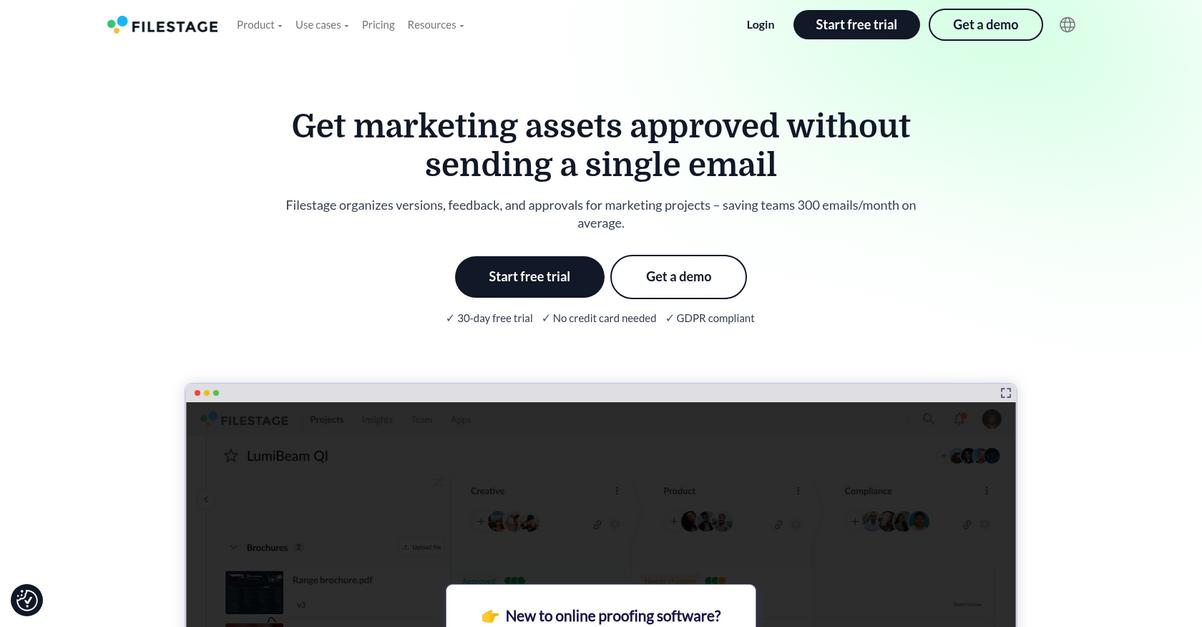
Filestage brings visual version comparison, color-coded auto-compare for text changes, and markup review tools that directly address where FileHold falls short for tracking feedback.
The result is you get faster approvals, less miscommunication, and less time lost hunting changes—instead of the clunky, linear version logs that frustrate you in FileHold.
This means there’s a genuinely better way forward.
Filestage tackles file versioning differently by focusing on real-time collaboration and visual clarity, perfect if you’re tired of FileHold’s disjointed review cycles.
You can compare two document versions side by side, visually highlight differences with color-coding, and invite stakeholders to comment right on each asset—no more confusion over which feedback belongs to which version. Instead of email volleys and lost comments, everything stays perfectly tracked and accessible for every reviewer.
Plus, Filestage lets your team annotate directly on images, videos, documents, or even audio. This tight integration streamlines approvals and feedback rounds, which reduces the total number of versions you need to reach signoff by around 20%. The bonus? Stakeholders report up to 30% less review time post-switch.
You finally get review cycles that work the way you want.
Key features:
- Side-by-side visual version comparison helps your team see every difference instantly and track feedback more intuitively than standard FileHold version history logs ever could.
- Color-coded auto-compare for text changes highlights additions and removals, eliminating the manual work of hunting for what changed in each legal or creative document draft.
- Interactive annotations and approvals in real-time let reviewers mark up documents, images, or videos directly, streamlining your feedback process and helping you hit deadlines faster.
Verdict: Filestage is a smart FileHold alternative if you need document versioning that’s more intuitive and collaborative. With features like visual comparison, live annotations, and color-coded changes, your team could cut approval rounds by 20% and review time by up to 30%, based on user outcomes.
5. Document Locator
Tired of FileHold’s clunky interface and complex versioning?
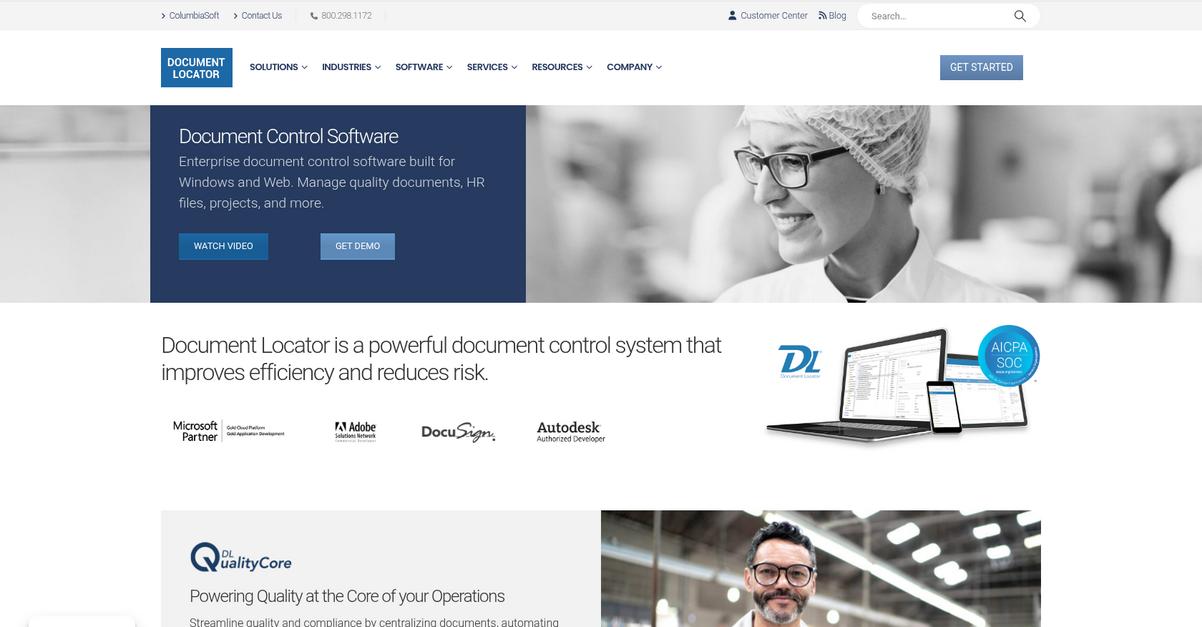
Document Locator helps you skip those frustrations with direct Windows and Microsoft Office integration, intuitive version control, and deep compliance support that FileHold often lacks.
That means your team can work inside the familiar Microsoft tools they already use every day, lowering resistance and slashing adoption headaches. Migrating documents and training new users feels far less intimidating because everyone already knows the environment.
Adoption gets easier with Document Locator.
What really sets Document Locator apart as an alternative is how it lets you manage documents right inside Windows and Office—no hopping back and forth, no steep learning curve. Your team gets automated version control with complete rollback, so you’ll never lose a key document or struggle piecing together old revisions again.
Plus, robust compliance features are built-in for audit readiness, not tacked on as an afterthought. That’s a big advantage if you’re juggling regulations. You can automate records management, track policies, and maintain rock-solid audit trails—without the distant, generic compliance approach you might find in FileHold.
Document Locator’s familiar integration and workflow automation means fewer training sessions, faster onboarding, and dramatically less confusion. Your whole team stays productive while boosting security, version traceability, and compliance.
Switching lets your document management work with you.
Key features:
- Deep Windows and Office integration for file management puts full document control, workflow, and collaboration directly into your familiar desktop apps, giving your team instant comfort with lower training time than FileHold.
- Automated versioning with detailed audit trail capability means every change is captured, recorded, and reversible, helping you avoid manual errors and restoring complete version histories faster than FileHold’s manual processes.
- Comprehensive compliance and audit-ready toolkit onsite lets you handle records management, policy tracking, and regulatory needs with tailored controls, not just generic features, so your organization is truly protected during audits.
Verdict: Document Locator stands out as a FileHold alternative for document versioning if you want speed and compliance without the headaches. Users who switched report up to 50% faster document processing and increased audit confidence, thanks to its Windows integration and automated rollback features.
6. Document360

Is FileHold’s version control holding you back?
Document360 delivers article-level versioning, granular change detection, and project-based documentation history—purpose-built to address the rigid, generalized versioning that FileHold users face daily.
With Document360, you get rich difference viewing and the flexibility to manage evolving articles or entire documentation sets. Unlike FileHold, you’re not just tracking files; you’re keeping every detail clear, with specialized version control for structured documentation content that ensures integrity and easy rollback.
That’s where Document360 steps up as your go-to.
If you’ve struggled with tangled version histories, Document360 makes tracking, restoring, or retrieving previous content releases effortless by treating documentation as evolving knowledge—not just files in a library.
This means you can visualize every change with the color-coded rich difference viewer, making audits, reviews, and content recovery stress-free. Plus, the platform enables distinct project-level versioning across multiple product releases, so your knowledge base always matches real-world product evolution with zero confusion.
Additionally, advanced versioning features combine with user-friendly collaboration, so your team can move faster, document more clearly, and reduce the support chaos that comes from outdated or missing content.
The result? Knowledge becomes an asset, not a liability.
Key features:
- Article-level versioning with advanced controls lets you fork, delete, or view earlier versions of individual articles for granular management, unlike FileHold’s generic document versioning approach.
- Rich difference viewer for Markdown and preview visually highlights content additions and removals, making audits, reviews, and content approval easier than FileHold’s basic comparison tools.
- Project-level versioning for multiple audiences and releases empowers you to maintain entire documentation sets for different product states, aligning your help content to real-world software changes or customer needs.
Verdict: If you’re looking for a FileHold alternative that’s built for documentation, Document360’s article-level and project versioning delivers traceability you won’t find elsewhere. You can cut support tickets by 30% and achieve up to 40% cost savings, as actual users confirm, simply by empowering your team with better content and control.
7. isoTracker
Tired of clunky version control headaches?
isoTracker directly addresses the struggle with FileHold’s basic revision tracking by giving you true automatic major and minor versioning, plus configurable approval workflows with audit trails.
This means your document updates get granular tracking and detailed approval visibility throughout every stage, rather than simple sequential numbering with generic workflows that can cause compliance confusion and wasted time.
Finding a smarter way forward is easier than you think.
isoTracker stands out by giving you granular version management and electronic approvals with rich audit trails, letting your team control documents in a way FileHold just can’t match.
Here’s how that helps your switch from FileHold: you can set up automatic major or minor versioning, which gives you pinpoint control over small changes versus significant updates—a must if your compliance checks are strict. Plus, you get electronic approvals with date, user, and comment audit logs, so nothing slips through untracked during regulated reviews.
Additionally, isoTracker’s specialized compliance features mean every document—old or new—gets secure, permission-based access and long-term traceability. When you stack this on top of seamless cloud access and completely configurable workflows, your real result is a document system that supports rather than hinders your compliance and collaboration.
If you want control, clarity, and less admin stress, this is it.
Key features:
- Automatic major and minor version management lets you track every edit in precise detail, eliminating confusion over change histories and improving compliance-ready documentation compared to FileHold’s basic numbering.
- Configurable approval workflows with audit trails give your team clarity on who signed off, when and why, ensuring you meet regulatory demands without workflow chaos.
- Specialized compliance and access controls focus on secure, permission-based document storage and traceability, helping your team exceed regulated industry standards and safeguard critical records.
Verdict: isoTracker is a smart alternative to FileHold for document versioning. Its major/minor versioning and compliance controls are purpose-built for regulated industries. If your team wants more precise tracking and audit-ready approvals without FileHold’s workflow pain, isoTracker’s cloud QMS design gives you exactly that edge.
8. OpenKM

Looking for an easier way to manage version chaos?
OpenKM brings features that directly tackle FileHold’s pain points, especially if you’re tired of clunky interfaces and basic version control. Its open-source foundation, advanced versioning triggers, and deep comparison tools go far beyond what FileHold offers.
If you’ve struggled with manual review or limited traceability, OpenKM’s approach stands out because it tracks every metadata change for full transparency—even something as simple as a field update, not just content edits.
That’s a game changer for compliance-focused workflows.
OpenKM steps up as your solution if you’re aiming for more than FileHold delivers.
This means OpenKM gives you granular control over document versions without the rigidity you might associate with FileHold’s proprietary model.
You can use OpenKM’s open-source Community Edition to fully customize the experience and ensure your document management aligns perfectly with your unique needs. Plus, its metadata-triggered versioning captures changes that FileHold ignores, so you get an audit trail that’s much more thorough and valuable if you ever need to roll back or defend document history.
Additionally, OpenKM’s visual comparison highlights differences in both text and metadata for each document version, helping you catch every key change. When you’re moving away from FileHold, these capabilities can help your team avoid compliance gaps and lost revisions.
You get control, customization, and true peace of mind.
Key features:
- Open-source platform for ultimate customization empowers your team to adapt document management processes precisely to your needs, providing flexibility FileHold’s proprietary licensing simply doesn’t allow.
- Metadata-triggered versioning for complete audits ensures every attribute change is tracked as a unique version, supporting rigorous compliance and governance for industries with tight regulatory requirements.
- Advanced comparison tools highlighting all changes visually flag not only text updates but also metadata tweaks between versions, so your staff can confidently review and approve edits in complex workflows.
Verdict: OpenKM is a top FileHold alternative if you need thorough document versioning and freedom to customize. Its open-source model and advanced tracking mean you can set up governance your way, especially if you want zero vendor lock-in and robust compliance for your document versioning software needs.
Conclusion
Tired of tangled FileHold version histories?
FileHold’s clunky interface and confusing version control can leave your team lost in outdated files and endless document chaos.
Making the move to something new may seem daunting, but the right switch brings immediate clarity and relief—instead of wasting another year in versioning frustration.
Let’s make your life easier.
FileCenter tops my list for good reason: it addresses all those FileHold headaches with a user-friendly desktop system that leverages the familiar Windows file structure, so sorting, tracking, and retrieving files is actually simple again.
If you want a FileHold alternative that banishes interface confusion, FileCenter is it. It streamlines document management, reduces learning curves, and keeps your workflow moving—no database hassles or heavy migrations needed.
Ready for less chaos? Try FileCenter free and see real organization for yourself.
You’ll finally escape versioning headaches for good.