

Running into FileO’s limits again?
If you’re tired of running out of storage, hitting user caps, or missing advanced workflow features, you’re not alone in wanting more from your document management. The result? You spend valuable hours on manual workarounds that kill efficiency and slow your team’s momentum. Every time you patch over FileO’s limits, you’re sacrificing productivity, draining morale, and risking lost documents—costs that add up quickly for a growing small business. When you’re dealing with constant headaches like this, sticking with FileO simply holds you back from the streamlined, secure workflow you know your team deserves.
Luckily, plenty of FileO alternatives solve these issues without steep learning curves so your switch is worth it.
In this article, I’ll walk you through the best FileO alternatives for small business document management including FileCenter, DocuWare, Box, SignNow, Folderit, PandaDoc, Dropbox, and Laserfiche.

You’ll discover tools that boost automation, collaboration, and storage—finally moving your business forward.
Let’s explore your options.
Quick Summary:
| # | Alternative | Rating | Best For |
|---|---|---|---|
| 1 | FileCenter → | Users avoiding subscription fees | |
| 2 | DocuWare → | Teams needing advanced automation | |
| 3 | Box → | Users wanting modern collaboration | |
| 4 | signNow → | Businesses needing e-signatures | |
| 5 | Folderit → | Companies requiring compliance tools |
1. FileCenter

Tired of hitting storage and automation limits with FileO?
FileCenter offers desktop-first file cabinets, integrated scanning with OCR, and a one-time purchase option to overcome FileO’s subscription model and lack of robust automation.
This means your small business isn’t stuck with monthly subscription costs or rigid online-only filing systems. Instead, FileCenter lets you streamline how your team scans, organizes, and retrieves documents, all while keeping control over your software costs and upgrade timelines.
Ready to see what else sets FileCenter apart?
With FileCenter, you get intuitive electronic cabinets and drawers, letting you mirror your physical filing system for quick team adoption—no steep learning curve required.
Plus, FileCenter’s integrated scanning and OCR convert paper into searchable PDFs instantly, eliminating the manual data entry and file searching headaches you might have had with FileO. Smart templates automatically organize these new documents into the right folders, so you’ll never lose track of scanned files again if you’re migrating over.
Additionally, you’ll avoid recurring fees with FileCenter’s one-time licensing. Combined with its Windows-native interface, this helps you transition your team smoothly from FileO while promoting productivity and saving money over time.
It’s an investment that pays off for small business needs.
Key features:
- Intuitive cabinet-and-drawer organization mimics the way your team already files paperwork, supporting quick adoption with less training compared to FileO’s limited hierarchical structure.
- Integrated scanning with automatic OCR conversion lets your team digitize paper documents directly into searchable PDFs, solving FileO’s reliance on manual uploads and poor search.
- One-time purchase licensing with local control eliminates ongoing cloud fees, protecting your software investment if you want to avoid FileO’s mandatory subscriptions.
Verdict: FileCenter is a smart alternative to FileO if your small business wants powerful document management without ongoing cloud fees. Users report saving hours daily on organizing, naming, and retrieving documents—so you spend more time growing your business and less time wrestling with admin.
2. DocuWare

FileO feeling too limited for your growing team?
DocuWare’s intelligent indexing takes over manual document sorting and instantly categorizes files, which is a big leap from FileO’s basic tagging and search limitations.
This means if you’re tired of bottlenecks and searching for lost files, DocuWare can help significantly reduce tedious document handling and retrieval errors that slow your business down.
Comparing your options is absolutely worth it.
With DocuWare, your document management gets an upgrade by using AI-driven automation to do the heavy lifting your team used to face daily with FileO.
DocuWare goes further by offering cloud-based storage and remote access from any device in real time, making it much easier for your scattered or hybrid team to collaborate and stay secure than FileO can manage.
Additionally, workflow automation takes repetitive tasks off your plate, automatically routing invoices and documents for approval across departments. The result is real efficiency, freeing your staff from chasing paperwork or waiting on slow approvals.
For small business owners, DocuWare’s approach means less stress and more control.
Key features:
- Intelligent Indexing powered by machine learning automatically categorizes and extracts relevant document information, virtually eliminating manual data entry and lost documents compared to FileO’s basic tagging.
- Automated workflow routing for business processes reduces tasks like invoice approvals or onboarding to a few clicks, providing faster processing than FileO’s limited sharing options.
- Scalable cloud document storage and remote collaboration gives your team secure, anywhere-access to business files, supporting remote work and business growth better than FileO ever could.
Verdict: DocuWare is a smart alternative to FileO if your small business needs advanced document automation, secure cloud access, and workflow tools. Users report automating up to 80% of invoice processing, cutting approval times by 70%, and realizing measurable cost savings—making it a proven fit when FileO can’t keep up.
3. Box

Feeling boxed in by FileO’s limited storage?
Box gives your small business a secure, centralized place for all files, with robust sharing, granular access control, and advanced workflow automation missing in FileO.
By letting your team collaborate in real time, Box enables seamless teamwork beyond FileO’s basic file sharing limits—helping you tackle projects faster and more securely every single day.
Here’s where Box really starts to shine.
Switching to Box means you get a solution built for secure, efficient collaboration.
Box delivers a cloud content platform that stores every file securely, offers precise access controls for sensitive project folders, and makes migration from FileO much smoother than you might expect. Your team can edit documents together, track changes live, and assign permissions down to the individual document—boosting both efficiency and data security.
The result is you spend less time troubleshooting file issues and more time working on what matters. Plus, Box reduces your IT costs by up to 60% and helps your team find and share files faster—even across multiple departments. Real-time collaboration, combined with enterprise-grade compliance, gives your business the chance to grow without worrying about outgrowing your file management system.
That’s a relief, especially as your business scales.
Key features:
- Centralized, secure cloud storage for every file consolidates your documents in one easily accessible, highly secure location, offering much greater scalability and compliance than FileO’s limited storage options.
- Real-time, in-document collaboration with version control helps your team work together and track changes instantly, driving productivity above what FileO’s basic sharing features deliver.
- Granular access permissions at file and folder level grant you precise control over document access—essential for safeguarding confidential business information and surpassing FileO’s generic sharing controls.
Verdict: Box becomes a strong FileO alternative if you’re struggling with limited storage or basic permissions. Departments using Box report up to 60% reductions in content management costs, along with a dramatic increase in secure collaboration—making it ideal for your small business document management needs.
4. signNow
Is FileO holding back your document workflows?
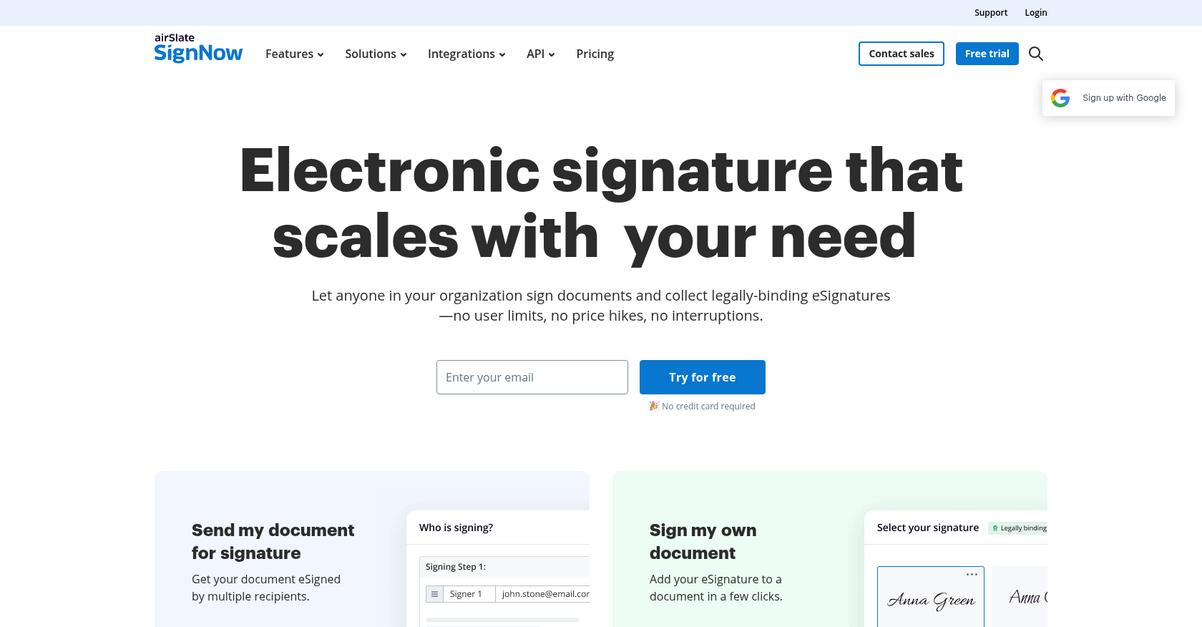
signNow packs in advanced e-signature and workflow automation tools that solve the bottlenecks FileO users face with manual signatures, slow approvals, and limited collaboration.
What sets signNow apart is its focus on legally binding e-signatures and automated workflows, reducing time spent on manual printing, scanning, and file routing that often bog down your team.
You want efficiency you can actually measure.
This is where signNow steps up as a true FileO alternative.
With signNow, you can accelerate your document processes because everything from sending out contracts to collecting signatures is digital and trackable. This means your business can avoid the painful cycle of chasing physical paperwork, so you keep things moving even if your team is remote.
In addition, workflows automate the routing of documents for approval, so you always know the status of paperwork and never miss a deadline. If you switch from FileO, you can use built-in templates to eliminate repetitive tasks like onboarding or compliance agreements—speeding up key business moments.
Another standout is how you can create and reuse templates for your most-used contracts and forms. Paired with robust audit trails and notifications, your team always knows what’s signed, what’s pending, and where things stand. This reduces internal “handoff friction” and keeps everyone in sync.
signNow gives you control and confidence every step.
Key features:
- Legally binding e-signatures and audit trails let you sign, send, and manage critical documents securely, closing deals up to 90% faster than FileO’s manual method.
- Reusable document templates automate repetitive form tasks so your onboarding, compliance, and contracting processes run smoother than FileO’s static document sharing.
- Automated signature workflows and notifications ensure timely approvals and transparent status tracking, solving the follow-up headaches common with FileO’s basic file routing.
Verdict: signNow is a smart alternative to FileO if your small business relies on signing, routing, and tracking documents efficiently. Users report cutting document turnaround time by 90% and saving hours weekly compared to FileO’s manual workflows, making signNow perfect for contracts and approval processes.
5. Folderit
Feeling boxed in by FileO’s storage and automation limits?
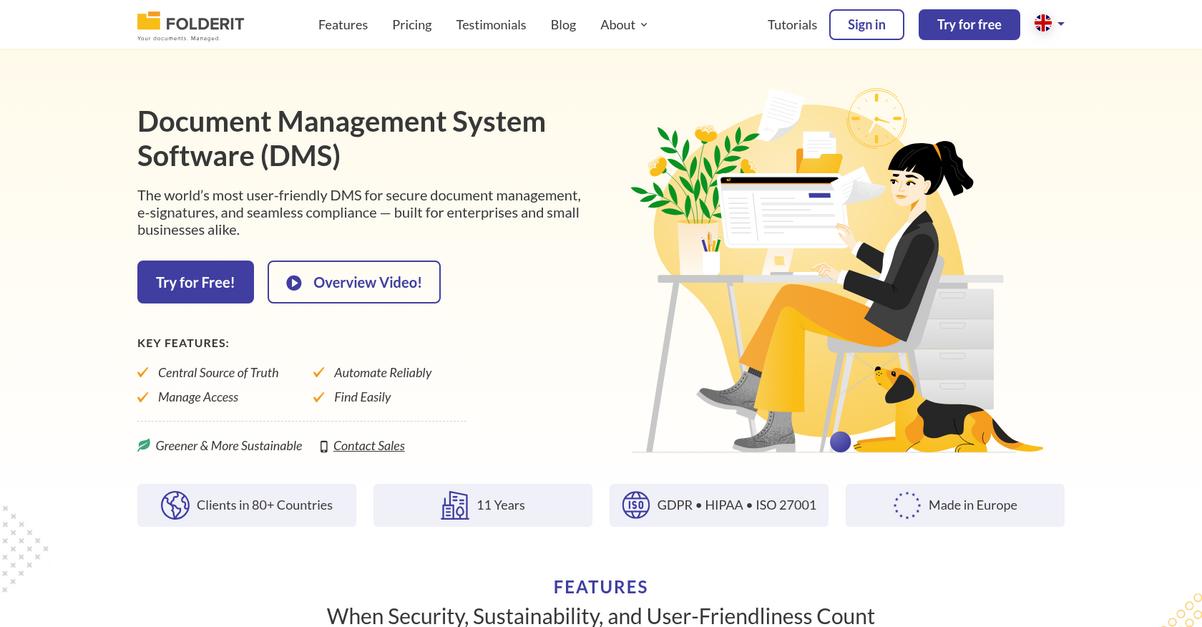
Folderit brings automated retention policies, advanced OCR, and secure audit trails, giving you features missing from FileO that small business owners actually need.
Unlike FileO, Folderit solves more than storage headaches. Its automated compliance tools and version history offer true peace of mind, taking your business beyond just basic document organization.
This sets up Folderit as the smarter choice.
Folderit tackles the core challenges you have with FileO by delivering secure cloud document management with advanced compliance, effortless search, and reliable version control, all designed to help your team work smarter.
Here’s how it stands apart: You get automated retention rules that reduce legal risks and eliminate nagging manual oversight, so you never worry about keeping the wrong files or missing purge deadlines in regulated industries.
Additionally, Folderit’s integrated OCR and advanced search uncover even buried information inside scanned files, making time-wasting hunts for lost paperwork a thing of the past. Granular audit trails help maintain document integrity, so you can always see who did what, when.
This combination means your workflows run smoother and you can focus on running your business.
Key features:
- Automated retention and compliance management lets you create lifecycle rules for retention, archiving, and deletion, handling regulated documents far beyond FileO’s static storage approach.
- Advanced version control and detailed audit trails track changes, restore previous versions, and monitor access events, giving you accountability and data integrity missing from older file systems.
- OCR-powered full-text search for all documents finds scanned and image-based information instantly—delivering faster access than FileO’s basic keyword search, even for non-editable documents.
Verdict: Folderit is a compelling FileO alternative if you need to scale document management securely. Small businesses can cut document search time by 80% and gain full peace of mind on compliance with automated retention and audit trails—making Folderit a smart upgrade that grows as your needs do.
6. PandaDoc

Are FileO’s limitations holding your business back?
PandaDoc gives you powerful workflow automation, integrated e-signatures, and document analytics—features missing or limited in FileO’s basic management platform.
Your team can quickly tackle frustrating bottlenecks, since PandaDoc lets you build, send, and track documents all in one place. You no longer need multiple tools or slow, manual processes that drag out deal cycles.
Here’s why this difference matters.
PandaDoc brings advanced automation to document management.
Switching to PandaDoc, you’ll immediately notice how document creation becomes effortless. The drag-and-drop editor and ready-made templates help you generate proposals and contracts remarkably faster than with FileO, so you can respond to new opportunities without delay.
Beyond just building documents, PandaDoc’s integrated e-signature tools eliminate manual printing, signing, and scanning. With built-in document tracking and analytics, you can see who’s viewed your files, track completion rates, and plan timely follow-ups—capabilities that FileO simply doesn’t provide.
This all adds up to higher deal velocity and stronger team adoption because you streamline every step from creation to signature. Your workflow disruption fears fade once you see how easily your team adopts PandaDoc’s intuitive interface.
It’s document management reimagined for small business results.
Key features:
- Drag-and-drop document builder with reusable templates accelerates professional document creation, enabling your team to generate proposals, contracts, and forms much faster than manual workflows in FileO.
- Legally binding integrated e-signatures and approval workflow eliminate the need for paper signatures, helping your business close deals faster and reduce risk due to lost paperwork.
- Actionable document analytics and real-time tracking provide visibility into document performance, so you always know who’s interacting with your documents and where things stand, a feature FileO doesn’t offer.
Verdict: PandaDoc is a leading FileO alternative for small businesses craving workflow automation, integrated signatures, and analytics. Businesses have reported slashing document creation time by 65% and boosting close rates by up to 28% over FileO, especially in sales and client-facing teams.
7. Dropbox

Feeling boxed in by FileO’s storage limitations?
Dropbox brings scalable cloud storage with intuitive file sync and access, instantly addressing the problems with limited capacity and basic functionality you may have faced in FileO.
Where FileO’s local storage constraints slow you down, Dropbox gives your team access to every file from any device, anytime without maxing out your hard drives. This means no more shuffling files or struggling with caps during crunch periods.
Here’s how Dropbox takes it a step further.
You’re able to optimize file management from day one.
Switching to Dropbox gives you an instantly accessible hub for all your business files, making your company’s document management not just centralized, but actually easy to maintain and scale.
Plus, with Dropbox Smart Sync, you can keep large files in the cloud and pull down only what you need, solving old headaches around space and access in FileO and letting your business grow without IT friction.
Additionally, Dropbox’s real-time document collaboration allows your team to edit, comment, and share feedback instantly within shared workspaces, drastically improving your project turnaround. Together, these features free you from tedious file juggling and streamline your path to a more productive workflow.
Every small business deserves that level of control.
Key features:
- Centralized, scalable cloud file storage gives your team access to files across devices, eliminating the local storage caps and device lock-in you may have faced with FileO.
- Smart Sync for selective file access means files stay in the cloud until you need them, optimizing device space while keeping all your documents within easy reach.
- Built-in real-time collaboration tools let your team edit, comment, and share documents instantly without relying on external platforms, improving teamwork and project delivery speed.
Verdict: Dropbox stands out as a FileO alternative if you’re ready to move beyond storage caps and limited workflows. Small businesses switching to Dropbox report saving 6 hours weekly on file management and speeding up project delivery by 25%. That’s a big boost to your efficiency and bottom line.
8. Laserfiche

Ready for document management that actually scales?
Laserfiche delivers intelligent process automation, robust compliance controls, and enterprise-grade records management that fill gaps FileO leaves—especially when your small business needs to grow without hitting frustrating storage or user limits.
Unlike FileO, Laserfiche lets you unlock advanced workflow automation, audit trails, and business-critical process controls instead of sticking with basic file organization tools. This means if you’re longing for automated task routing or compliance tracking, switching gets you much more.
You can actually solve these challenges.
Laserfiche gives your small business the automation and control FileO can’t provide.
Here’s how Laserfiche stands out if you move away from FileO’s limitations and want to empower your entire team. It introduces intelligent process automation, automatically routing documents between staff and departments to minimize manual handling mistakes. You also get comprehensive records management with advanced audit trails, critical for meeting regulatory needs and maintaining long-term data integrity.
Additionally, Laserfiche features powerful document capture using OCR, so you can digitize paper, extract key data, and make everything instantly searchable. When you combine effortless intake, automation, and compliance, your team avoids missed tasks and audit headaches. The result? Small businesses enjoy the same robust controls as large enterprises, but with a solution sized to your actual needs.
Laserfiche helps you work smarter, not harder.
Key features:
- Intelligent process automation replaces manual document handling, letting you automatically route, approve, and file documents—delivering greater accuracy and efficiency than FileO’s basic workflow options.
- Enterprise-grade records management and compliance provide complete audit trails and regulatory adherence, offering more powerful controls for small businesses operating in regulated fields.
- Advanced document capture using OCR digitizes, extracts, and organizes paper files, transforming messy inboxes or cabinets into fully searchable, actionable digital archives.
Verdict: Laserfiche is a compelling FileO alternative for document management software in small business settings. Small teams see up to 80% faster document processing and reduced manual labor thanks to automation, audit trails, and OCR. Choose Laserfiche if you want scalable, all-in-one control for your growing business.
Conclusion
FileO leaving you stuck and frustrated again?
When your document management is limited by storage caps and clunky workflows, it’s clear you—and your team—deserve a more scalable, efficient solution. That’s exactly why so many are searching for the best FileO alternatives this year.
I get it: choosing to switch tools can feel daunting, but escaping daily bottlenecks and manual workarounds will bring you clarity and boost your business’s momentum. Trust me, investing a little energy now pays off fast once you ditch the limitations holding you back.
There’s a better option waiting.
After testing every alternative out there, I can confidently say FileCenter is your best bet. It removes FileO’s barriers with easier storage, seamless organization, and simple desktop tools that just make sense for small offices.
I’ve seen users effortlessly migrate from FileO to FileCenter and immediately streamline their workflows—the transition is smooth, and the difference is obvious.
Try FileCenter’s free trial today and see the upgrade for yourself.
Enjoy document management that just works.