

Clunky workflows slowing your approvals down?
If managing document approvals in Integrify feels frustrating, you’re probably dealing with limited integrations and complicated automation that constantly slows your work.
The result? Your productivity drops every time you wrestle with clumsy workflows, making approval cycles longer than they should be.
Over time, those delays mean missed deadlines, frustrated team members, and the risk of compliance gaps. Worse, sticking with Integrify costs valuable time that could be spent on real work, not fixing broken processes.

The truth is, there are better options out there that give you intuitive automation and stronger integrations so approvals just work.
In this article, I’ll show you the best Integrify alternatives for document approval software, like FileCenter, Avokaado, Nintex, DocuWare, Filestage, PandaDoc, Kissflow, and Jotform, all designed to speed up your workflows.
With the right alternative, you’ll simplify approvals, automate compliance, and make collaboration a breeze.
Let’s explore your options.
Quick Summary:
| # | Alternative | Rating | Best For |
|---|---|---|---|
| 1 | FileCenter → | Users wanting local control | |
| 2 | Avokaado → | Legal teams needing automation | |
| 3 | Nintex → | Business users seeking no-code | |
| 4 | DocuWare → | Users needing intelligent indexing | |
| 5 | Filestage → | Creative teams seeking clarity |
1. FileCenter

Looking for smoother approval workflows than Integrify?
FileCenter uses familiar Windows-style folder structures and cabinet-drawer filing, letting you skip the database-heavy setup often required with Integrify’s platform.
With FileCenter, you gain intuitive desktop file management that feels like using your regular folders. This means you can onboard your team faster with less resistance and avoid the headaches of database migration or complex permissions.
Your approval process doesn’t have to be complicated.
What makes FileCenter a strong alternative is how it puts you in control of your document approvals with a straightforward interface designed for real users, not just IT teams.
Instead of rigid database schemas, you’ll organize bills, contracts, or HR forms using cabinet drawers just like in Windows. Scanning and OCR automatically name and route documents, so you skip tedious entry and can digitize paperwork way quicker than with Integrify’s form-based approach.
You also have the flexibility to own FileCenter outright with a one-time desktop license, so you’re not tied to a cloud-only subscription model. This lets you move at your own pace and minimize recurring costs when switching from Integrify.
You get control, flexibility, and a gentle learning curve.
Key features:
- Cabinet-drawer filing with Windows folder structures makes it easy for your team to adopt, cutting training time and avoiding complex backend configuration common in traditional platforms.
- Integrated scanning and OCR automate digitization by routing and naming documents in one step, letting you eliminate manual data entry for physical paperwork.
- One-time purchase option with perpetual license helps you bypass mandatory cloud subscription fees, keeping long-term costs down for small businesses seeking local control.
Verdict: FileCenter is a top Integrify alternative if you want approval-ready document management without the enterprise hassle. By switching, your team can simplify approvals, get started within hours instead of days, and avoid costly monthly contracts. Gain all the tools you need in a user-friendly, budget-friendly format.
2. Avokaado
Wish your approval cycles ran more smoothly?
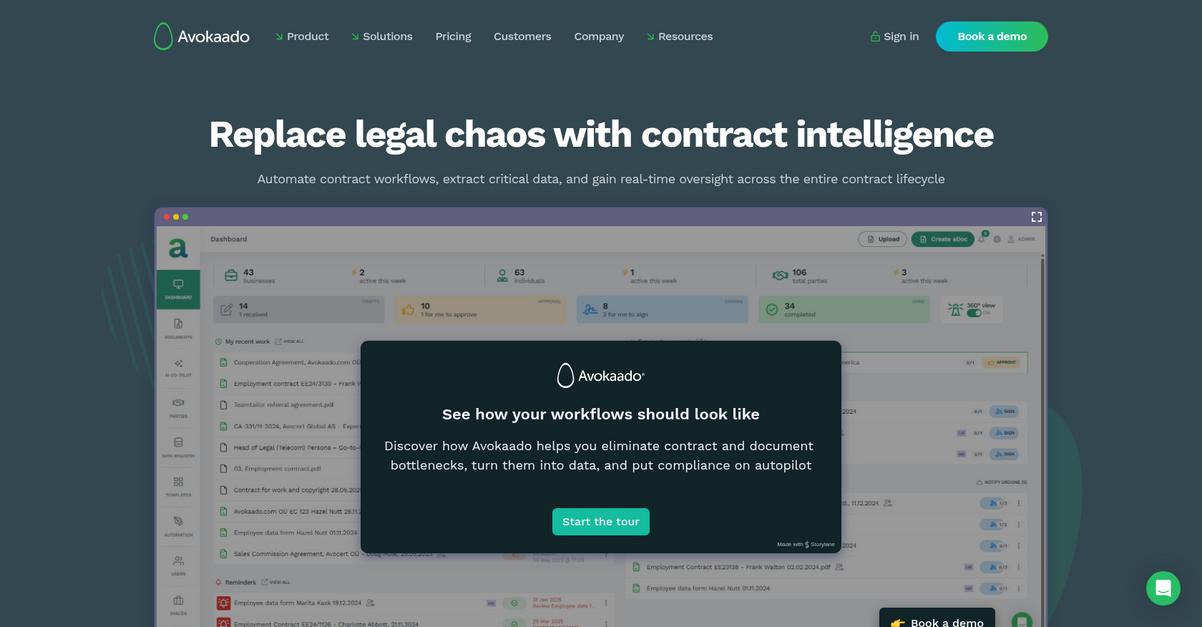
Avokaado’s AI-powered contract automation helps you escape Integrify’s generic, forms-based approach, letting you create complex legal documents using intelligent templates and dynamic data—instead of wrestling with manual workflows and limited customization.
This means your team finally gets a document-centric approval experience tailored for legal contracts, not just generic process automation. Your workflows can focus on compliance, consistency, and standardization without worrying about all the customization headaches of Integrify.
Plus, you won’t need to settle for generic templates that risk errors and inconsistencies.
Let’s see why Avokaado stands apart.
Unlike Integrify, Avokaado gives you true legal document lifecycle management from the start. Its AI drafting kicks off automated contract creation, while built-in workflows track every stage—drafting, negotiation, approval, and e-signature—in real time.
With the template and clause library, you can pull reusable content to standardize wording and speed up approval for everything from NDAs to master service agreements. This ensures every contract your team issues stays compliant and error-free, which is especially critical if you felt Integrify fell short here.
Additionally, Avokaado specializes in legal-centric compliance and audit tracking, adding clarity and security when your approvals need airtight trails for audits or regulatory needs. Modern collaboration, automatic approval routing, and negotiation tools keep legal and business users moving forward together.
You get document automation built for your workflow.
Key features:
- AI-powered contract creation automates legal document drafting with dynamic templates and data inputs, eliminating repetitive work and letting you focus on high-value activities instead of manual process management.
- Contract lifecycle workflow including e-signature and approval manages negotiation, approval tracking, and compliance for legal documents, giving you a purpose-built system that Integrify’s broad workflow tools can’t match.
- Centralized clause and template library maintains standardization across all document types, reducing the risk of errors and ensuring your contracts always use approved legal content for consistency and compliance.
Verdict: Avokaado shines as your Integrify alternative if you need robust contract document approval—especially for legal, HR, or procurement teams. The combination of AI-powered drafting, a reusable clause library, and automated lifecycle management ensures you work smarter, not harder, for every approval step.
3. Nintex
Clunky approval workflows can kill your momentum.
Nintex tackles this by giving you a visual drag-and-drop workflow designer, robust reporting, and broader integrations—three areas where Integrify can leave you wanting more.
Instead of wrangling with rigid interfaces, you get an interface designed for business users, not just IT. This means your team can customize, monitor, and adapt approval processes quickly—without a consultant or tons of training.
Let’s look at why this matters.
Nintex makes automating document approvals intuitive and frustration-free compared to Integrify’s sometimes overwhelming setup process.
It starts with a visual workflow designer. You simply drag, drop, and connect steps—powerful enough for complex approvals but approachable for your whole team. Getting up and running doesn’t require learning arcane tools or special coding. If Integrify felt like overkill, Nintex puts you in control from day one.
Plus, detailed process analytics mean bottlenecks never stay hidden. You get real-time data to optimize flows, so your approvals can actually get faster over time.
Even better, Nintex’s integration ecosystem connects out-of-the-box with Microsoft, Salesforce, SAP, and many more. This makes pulling in data or triggering document routing between platforms easy, giving you connected processes instead of silos.
Everything works the way you wish approval software would.
Key features:
- Intuitive drag-and-drop workflow designer empowers your business users to build and refine document approval processes easily, eliminating the complexity and learning curve that Integrify’s design tools can introduce.
- Process intelligence with real-time analytics reveals bottlenecks and provides actionable insights so you can optimize approvals for greater speed and accountability without IT intervention.
- Deep integrations with core enterprise systems such as Microsoft, Salesforce, and SAP let you connect data and automate approvals across platforms, helping you modernize processes without integration headaches.
Verdict: Nintex is a top Integrify alternative for document approval if you want no-code automation, a killer workflow designer, and best-in-class integrations—plus, it boasts an 83% user satisfaction rating from 2100+ reviews. You get faster approvals, clear analytics, and less frustration with process changes.
4. DocuWare

Frustrated by confusing approval flows and clunky migration?
DocuWare lets you automate document intake using AI-driven indexing, create configurable approval workflows, and archive files securely with compliance-focused audit trails that go beyond what Integrify provides.
This means your team benefits from more accurate data capture, customizable routing, and stronger compliance controls without the headaches of Integrify’s limited integrations and basic audit trails. Plus, automated indexing directly tackles manual data entry, minimizing approval delays.
DocuWare is built for lasting productivity.
Rather than relying on rigid, form-based routing like Integrify, DocuWare brings intelligent document management to your process—fueling faster, more reliable approvals every step of the way.
When you switch, you get powerful automation for data capture and flexible multi-level approvals.
You’ll see results because DocuWare’s intelligent processing uses AI to extract and index document data, ensuring better accuracy before your approvals even begin. Configurable workflow tools help you map out dynamic approval chains with rules-based routing, so even complex hierarchies or exceptions are a breeze for your team.
Additionally, secure document archiving means your files are tracked with version control and comprehensive audit trails, making it easy to prove compliance or answer auditor questions fast. The unified platform encourages collaboration and efficiency—solving the problem of old, disconnected tools that stifle productivity.
You gain end-to-end management for every document.
Key features:
- AI-powered intelligent indexing and data capture automates intake from scanned or digital documents, eliminating tedious manual entry and offering a dramatic boost over Integrify’s form-first approach.
- Highly configurable workflow manager with rules-based routing enables you to build complex, multi-level approval flows with dynamic paths, handling exceptions better than Integrify’s simpler routings.
- Secure archiving with version control and audit trails gives you comprehensive lifecycle management and built-in compliance, so you don’t have to rely on basic workflow logging anymore.
Verdict: DocuWare is the Integrify alternative if you want robust document approval, intelligent indexing, and secure archiving all in one. It’s built for users who need more automation, better accuracy, and compliance without the Integrify frustrations. You’ll streamline approvals while tightening control over every file.
5. Filestage
Approval cycles taking too long with Integrify?
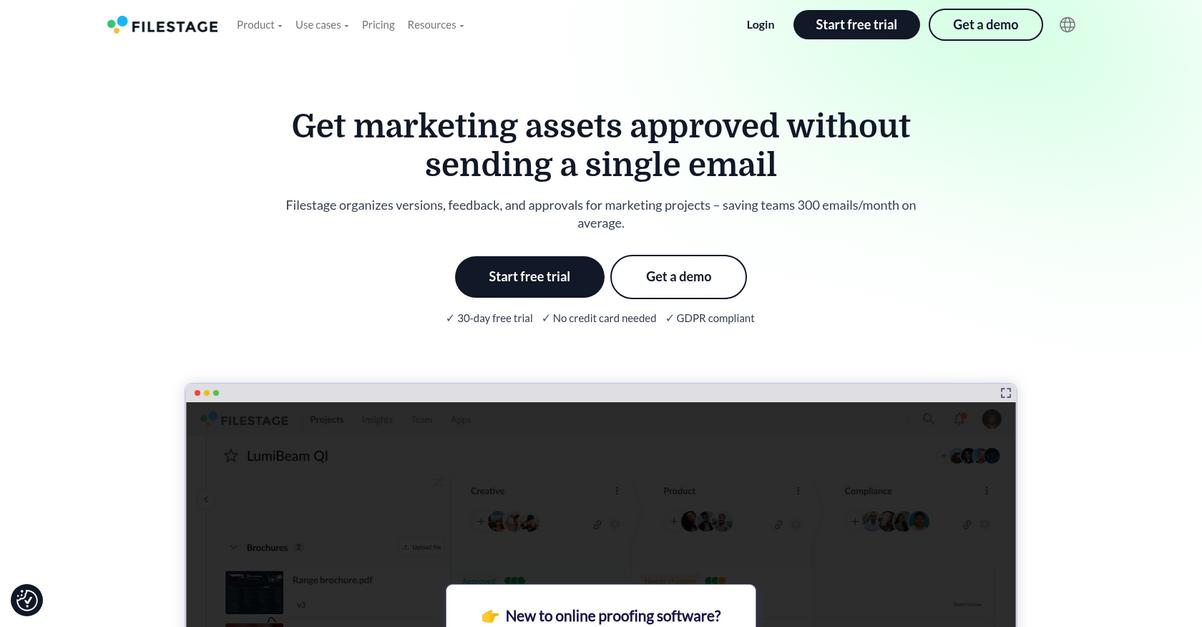
Filestage brings together online proofing, contextual feedback, and automated versioning—helping you move away from the clunky document approval workflows and generic comment fields found in Integrify.
With Filestage, you can easily collect in-context feedback directly on creative projects and documents, making every review cycle clearer and more actionable than static comment boxes or emails.
You no longer have to chase down the latest file or dig through messy feedback threads.
Here’s how Filestage takes your approvals further.
Filestage is built to make document review intuitive if you’re frustrated by Integrify’s scattered process tools and lackluster version control. You get precise tools for creative feedback, not just basic approvals.
Filestage lets everyone provide visual comments—highlighting sections or drawing directly on documents and creative files. You can compare multiple versions side by side with automated version stacking, so you always know what changed and keep everyone reviewing the latest version, instead of getting lost in manual uploads.
Additionally, Filestage organizes reviewers into groups and automates deadline reminders, making it easy to manage complex approval cycles across departments. By reducing background emails by up to 30%, your team spends less time coordinating and more time finishing great work.
The result is document approvals that work with you.
Key features:
- Contextual feedback and annotations in real-time empower reviewers to leave targeted comments and drawings directly on documents and creative files—removing confusion from feedback and shortening approval cycles compared to Integrify.
- Automated version stacking and side-by-side comparison ensures you always review the most current document iteration without chasing down latest files or managing versions manually.
- Reviewer groups and automated deadline reminders coordinate multi-stakeholder review cycles more efficiently, so multiple departments and clients get timely sign-off without constant back-and-forth.
Verdict: Filestage gives you a compelling Integrify alternative if you want visual feedback, streamlined approvals, and automated version control for creative or marketing content. Customers save hundreds of hours per project and report 30% fewer emails—making Filestage ideal for creative teams seeking quick, clear document approvals.
6. PandaDoc

Tired of slow approval cycles and limited integrations?
PandaDoc targets those pain points with integrated eSignatures, conditional approval routes, and easy document templating—removing much of the manual hassle you get with Integrify.
If you’re looking for a more intuitive approval experience, PandaDoc lets you embed e-signatures and set up advanced, automated approval logic right at the document level. You don’t have to juggle extra plugins or fuss with workflow complexity that often slows you down.
Here’s where PandaDoc becomes the smarter solution.
Switching to PandaDoc means your document approvals and e-signatures happen inside one modern, user-friendly platform—no more toggling between disconnected tools.
That difference especially stands out for sales and legal teams, since PandaDoc’s drag-and-drop editor and curated template library let you create branded documents in minutes and configure approval flows with just a few clicks. This direct, document-centric approach makes it much easier for your team to get up and running than Integrify’s broader but less specialized workflows.
Additionally, conditional approval workflows automate routing based on document content, helping you enforce business logic without custom scripts. Integrated audit trails and e-signature tracking support compliance without additional add-ons.
You get better visibility and fewer headaches.
Key features:
- Integrated eSignatures within documents so approvals and signatures happen right on your documents, streamlining steps that often require extra integrations with Integrify’s setup.
- Conditional approval workflows for automation mean you can automatically route contracts or quotes based on key terms—no manual intervention or complex workflow building needed.
- Easy document creation with templates and drag-and-drop lets your team quickly assemble professional, branded documents and automate consistent processes, saving tons of time compared to Integrify’s manual build-out.
Verdict: PandaDoc stands out as an Integrify alternative focused on document-centric approval. If you want to speed up document creation and completion, it can help increase monthly completion rates by 87% and cut your creation time in half—ideal if you want a practical upgrade for document approvals and e-signatures.
7. Kissflow
Is Integrify making document approvals more complicated than needed?
Kissflow brings a user-friendly, no-code platform so you can build approval workflows without relying on IT, unlike Integrify’s steeper technical setup that stalls progress.
Instead of wrestling with rigid templates, Kissflow lets you design workflows visually, speeding up approvals and changes. This puts process control into your hands, not just technical experts.
For document-heavy processes, that’s a game changer.
Kissflow solves the challenge by focusing on quick, intuitive workflow creation.
Your team can leverage Kissflow’s visual interface to build custom approval applications in minutes, not days. This means you’re no longer stuck waiting for IT or struggling with Integrify’s limitations every time a process needs tweaking.
With contextual collaboration built right into each workflow, discussions, feedback, and task updates stay in one place—no more scattered email threads or lost Slack messages when you need decisions tracked for compliance.
Additionally, Kissflow’s library of pre-built process apps accelerates implementation, so your transition from Integrify feels smooth and adoption climbs quickly. Combine this with easy audit trails, and you’ve got better oversight without adding complexity.
Kissflow can help your team adapt quickly.
Key features:
- No-code visual workflow builder empowers business users to create custom approval processes on their own, minimizing IT dependency and letting you respond rapidly to changing business needs.
- Context-rich collaboration right inside workflows centralizes communication and feedback for each approval task, driving clarity and reducing the confusion common with Integrify’s fragmented messaging options.
- Library of pre-built approval applications gives you a head start deploying common document workflows without starting from scratch, significantly speeding up ROI compared to complex initial setup in Integrify.
Verdict: Kissflow stands out as an Integrify alternative if you want document approvals that actually save you effort. Users report spinning up new approval apps in just 30 minutes, while visual workflow design and contextual collaboration drive adoption and efficiency beyond what Integrify typically delivers.
8. Jotform
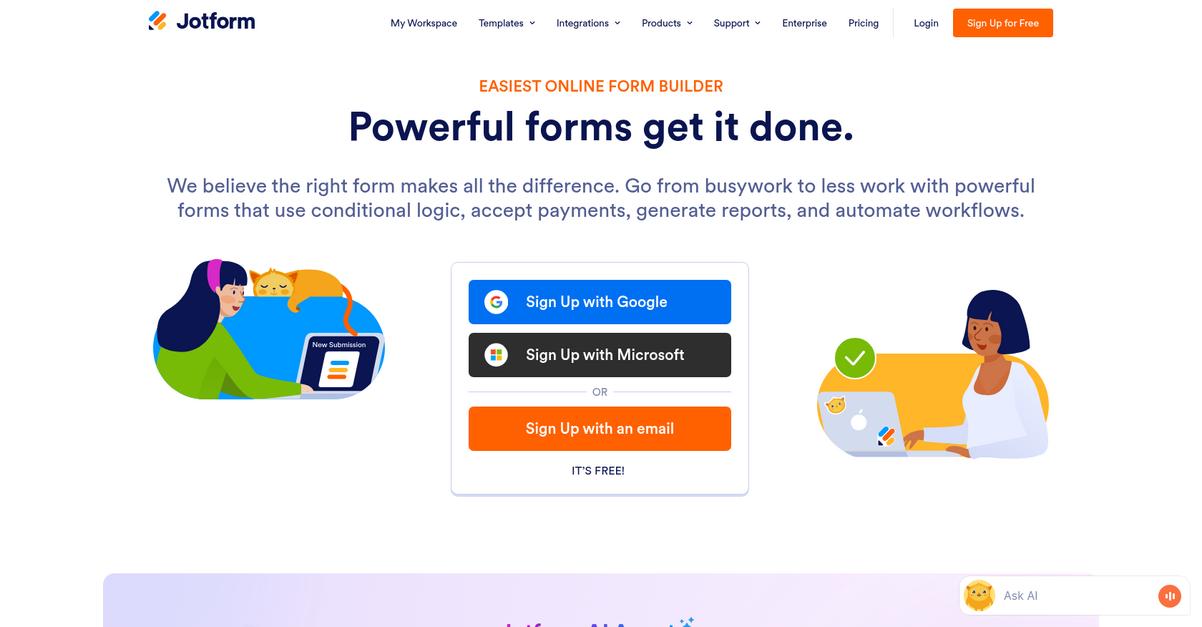
Tired of Integrify making approvals harder than they should be?
Jotform’s drag-and-drop form builder lets you create intuitive online forms and connect them directly with automated approval flows, offering a refreshing simplicity compared to Integrify’s heavier approach.
The best part is Jotform handles dynamic approval routing with a user-friendly visual builder and conditional logic, making it much easier to match your specific document processes than what you’re likely used to. This means you won’t hit a wall with complicated workflow setup or clunky integration issues.
Here’s how Jotform takes care of these frustrations.
With Jotform, you’re not only streamlining approvals; you’re reshaping how document tasks move through your team.
Jotform lets you design approval flows that actually work for you, directly solving the issues that slow down document sign-offs and collaboration if you’re coming from Integrify.
You get to use simple conditional logic for smarter routing so forms end up with the right approvers automatically, saving your team time untangling manual bottlenecks. Plus, e-signature fields are built in—no need for extra tools or clunky add-ons just to collect sign-off on documents.
On top of that, all your form responses and documents can be tracked in clear audit trails, which makes compliance easier. Multiple features come together to help you accelerate reviews, get clear sign-offs, and move on with your work.
This is the upgrade your approval workflow needs.
Key features:
- Drag-and-drop form builder with approval flows allows you to create and automate form-based document approvals quickly, without the steep technical curve common in Integrify’s process designer.
- Conditional routing for smarter, dynamic approvals automates sending documents to the correct reviewer based on responses, removing bottlenecks from rigid workflow paths.
- Embedded e-signature collection in forms and approvals streamlines legally binding sign-offs, integrating signature requests directly where you need them versus relying on external tools or extra steps.
Verdict: Jotform stands out as a user-friendly alternative to Integrify for document approvals, especially if you value cost-effectiveness and the flexibility to build custom workflows. Its intuitive drag-and-drop builder and built-in e-signature tools help accelerate approvals for teams switching away from Integrify’s complexity.
Conclusion
Struggling with slow, clunky approval workflows?
If you’re tired of wrestling with Integrify’s complicated setup and limited integrations, you’re not alone—those hurdles are exactly why I went hunting for better alternatives.
Making the jump to a different tool is a big decision, but putting up with constant frustration and wasted hours just isn’t worth it. You deserve a solution that keeps your team moving, not one that holds everyone back.
There’s a smarter choice.
FileCenter is hands-down my top pick from this roundup because it replaces Integrify’s complexity with simple, effective document management that just works.
The best part? FileCenter keeps your approval process smooth and easy on Windows, letting you organize, find, and approve files faster—without the technical headaches of Integrify.
Give FileCenter a try by starting a free trial or checking out their pricing—see how seamlessly your workflow can run.
Get back to approvals that really flow.