
Batch scanning taking too long with NAPS2?
Maybe you’re struggling with NAPS2’s clunky OCR, limited editing tools, or poor integration to your cloud drives and business workflow.
That means you often end up fixing errors by hand or manually uploading files, which drags out even simple batch scanning projects.
Lost time and missed productivity add up fast. Sticking to NAPS2 can keep your team stuck in slow, error-prone processes and frustrate everyone dealing with its outdated limitations.

When your software limits you like this, it hurts productivity, accuracy, and your bottom line. Stubborn OCR, no cloud backup, and the lack of real automation become roadblocks, not solutions, which is why so many users realize it’s time for a switch.
You’ll be happy to know there are far better NAPS2 alternatives out there so you don’t have to settle for less.
In this article, I’ll show you the best NAPS2 alternatives, from FileCenter and Klippa to Scan2x and ABBYY, to help you streamline document scanning and solve your headaches for good.
Choose the right replacement and you’ll enjoy smoother batch scanning, better data accuracy, and tools that grow with your business.
Let’s find your upgrade.
Quick Summary:
| # | Alternative | Rating | Best For |
|---|---|---|---|
| 1 | FileCenter → | Users needing organized workflows | |
| 2 | Klippa DocHorizon → | Teams wanting smart data extraction | |
| 3 | CamScanner → | Mobile-first document scanners | |
| 4 | Adobe Acrobat Pro → | Users needing advanced OCR accuracy | |
| 5 | Scan2x → | High-volume users needing automation |
1. FileCenter

Paper jams aren’t the only thing slowing your scans, right?
FileCenter steps in to solve what NAPS2 can’t: seamless cabinet-drawer-folder management, powerful OCR, and built-in automation that make scanning and organizing way less tedious for your team.
If you’ve ever felt NAPS2’s setup left you digging through piles of files and searching for missing scans, FileCenter’s file organization system eliminates that sorting chaos for good. You get structure, searchability, and less manual busywork every single step.
The real problem is simple: you want a scanning tool that not only digitizes your files but also automates getting them where they belong and makes them searchable—without a steep learning curve or migration headache.
Here’s how FileCenter actually fixes those frustrations.
FileCenter is built for users who need scanning to actually help with document management, not just dump PDFs into a folder. It uses a straightforward cabinet-drawer-folder structure for easy retrieval, bringing order where NAPS2 falls short.
Plus, it offers advanced OCR that converts scans into searchable, neatly named PDFs automatically, so you don’t have to manually organize or rename new documents after every scan session.
Additionally, direct scanner integration means you get support for duplex scanning and advanced image cleanup without having to juggle third-party tools. This mix of features lets you confidently upgrade your document workflow and keeps you productive.
FileCenter adapts to your team’s unique workflows.
Key features:
- Intuitive cabinet-drawer-file structure lets you and your team organize, retrieve, and manage scanned documents easily—no more wading through unstructured folders like with NAPS2’s basic save model.
- High-accuracy OCR and batch automation transform paper into searchable, routed, and properly named files, removing the bottlenecks of manual processing common with basic scanning software.
- Duplex scanner compatibility and cleanup tools enable smoother, higher-quality scans by directly supporting modern scanner features overlooked by NAPS2.
Verdict: FileCenter shines as a NAPS2 alternative, giving your business more than just scanning. Users have reported turning hours of manual sorting into automated digital workflows using its file structure, powerful OCR, and automation, making FileCenter ideal if you want secure, efficient batch scanning you can trust.
2. Klippa DocHorizon
Need more than basic OCR from your scanner?
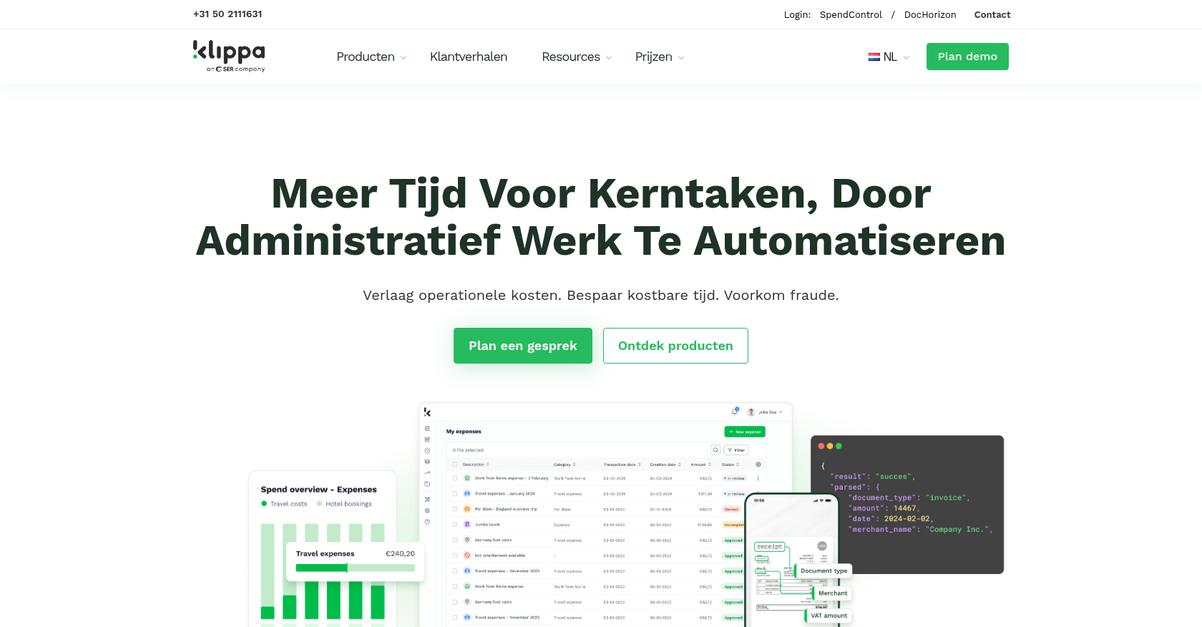
Klippa DocHorizon brings AI-powered data extraction and automated cloud processing, addressing what’s missing in NAPS2, especially for advanced scanning and workflow needs.
If you’re struggling with NAPS2’s limited OCR and manual sorting, DocHorizon is different. It turns scanned documents into structured, actionable data in just seconds while streamlining every step with smart automation.
This creates a smarter workflow from the start.
With Klippa DocHorizon, you finally get advanced document processing that goes far beyond NAPS2’s desktop approach. It tackles extraction, classification, and batch automation with machine learning, so your files become instantly searchable and integrated into your other systems.
Here’s how the AI-powered extraction makes a difference. The platform doesn’t just “see” text; it can automatically find and pull data fields out—like invoice totals or customer names—from scanned PDFs, receipts, or contracts and deliver them straight to your database without tedious manual entry.
Additionally, cloud-based processing means every scan is immediately accessible to your team, anywhere. Automatic document classification recognizes and sorts files the moment they arrive, eliminating the repetitive post-scan sorting that NAPS2 users know all too well.
The result is smoother automation, faster search, and fewer errors.
Key features:
- AI-driven data extraction for structured content captures key fields from scanned documents automatically, far surpassing NAPS2’s basic OCR and reducing manual data entry by up to 70%.
- Cloud-based secure processing and integration allows you to upload, process, and access documents from anywhere, connecting easily with your preferred business apps for seamless workflows.
- Automated document classification and routing instantly recognizes and sorts each document type, making organization and initial workflow setup far simpler than after-the-fact manual sorting.
Verdict: Klippa DocHorizon is a powerful NAPS2 alternative for document scanning software, letting your team automate batch scanning, data extraction, and categorization. Customers report 99% extraction accuracy and up to 70% less manual work—ideal if you need a smarter, cloud-connected solution your whole team can adopt quickly.
3. CamScanner
Is NAPS2 holding back your scanning workflow?
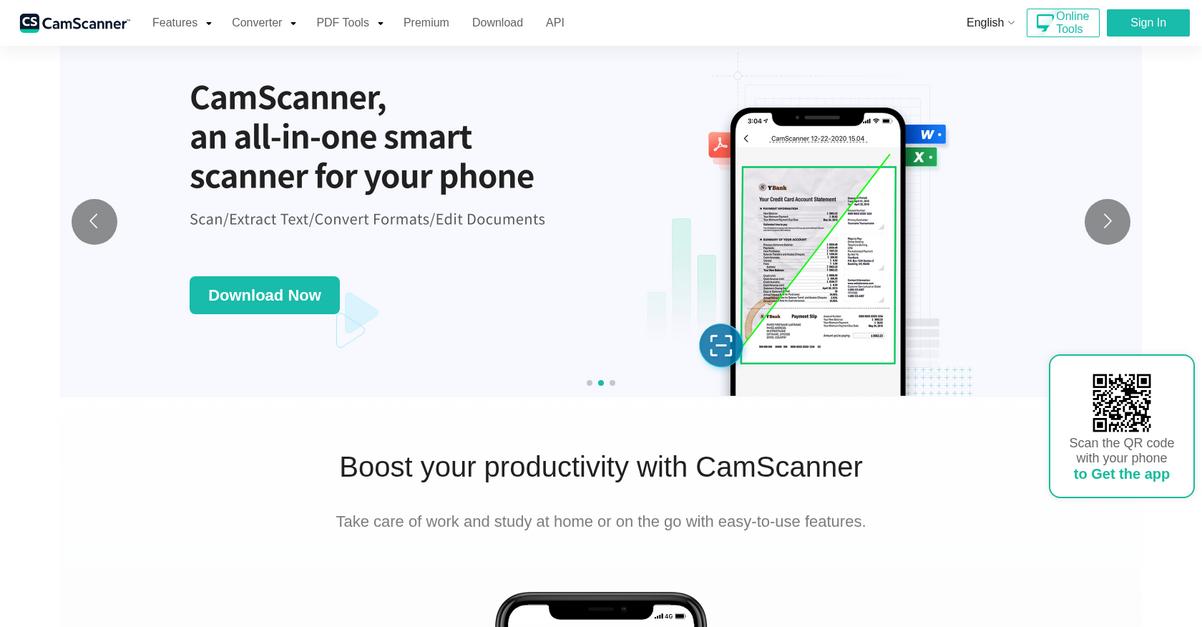
CamScanner’s mobile-first tools offer instant document capture, image optimization, and robust cloud storage, addressing the major pain points around NAPS2’s desktop limitations and patchy integrations.
Compared to NAPS2, CamScanner gives you on-the-spot mobile scanning and automatic cloud sync, making document digitization happen anywhere, not just at your desk.
That difference can seriously impact your productivity.
Here’s how CamScanner becomes a go-to NAPS2 alternative.
If you’re craving more flexibility, CamScanner lets your team digitize documents right from their phones using advanced edge detection and auto-enhancement features, skipping the scanner entirely. You can sync every scan to the cloud in real time, so you never waste time transferring files or risk losing important paperwork during a batch project.
Additionally, CamScanner includes powerful editing and annotation tools after scanning—watermarks, e-signatures, and built-in markup—taking your workflow far beyond what NAPS2 allows. When your goal is batch scanning with better access, security, and collaboration, these connected features give your workflow a real upgrade.
Your team can finally scan, store, and share—whatever the location.
Key features:
- Smart mobile document scanning and enhancement means you capture sharp, legible scans using your smartphone camera, automatically improving quality and saving you the hassle of manual adjustments and deskbound scanning.
- Instant cloud storage and cross-device sync delivers all your scans to the cloud immediately, allowing quick access across devices—something NAPS2 simply can’t match for remote or hybrid teams.
- Built-in editing, annotation, and e-signature tools empower you to mark up documents, apply watermarks, or sign paperwork instantly, skipping extra apps or post-processing steps that slow down your process.
Verdict: CamScanner stands out as a NAPS2 alternative by letting your team capture, edit, and sync documents from any device—no scanner required. With mobile scanning and cloud integration, you avoid NAPS2’s desktop bottlenecks and get a smarter, more flexible document scanning experience for all your day-to-day batch jobs.
4. Adobe Acrobat Pro

Tired of NAPS2’s limited OCR holding you back?
Adobe Acrobat Pro brings advanced scanning, higher OCR accuracy, and robust editing tools designed to fill the critical gaps users experience with NAPS2’s basic feature set.
Unlike NAPS2, Adobe Acrobat Pro gives you comprehensive editing and security features with professional-grade OCR accuracy. This step-change lets you boost both productivity and compliance for your document workflows.
The difference could completely change your scanning experience.
Here’s how Adobe Acrobat Pro can make switching worthwhile if NAPS2 leaves you frustrated.
It takes your scanned documents and converts them into truly editable and searchable PDFs, with enhanced fidelity and quality. This means you get superior control over every scan—no more fuzzy PDFs or missed text during conversion, a real win for batch work and archiving.
Additionally, if your needs go beyond simple OCR, you get secure redaction to protect sensitive data after scanning, plus form creation and full Document Cloud integration. Your scanned documents become instantly more shareable, collaborative, and accessible than with NAPS2 alone.
With these capabilities, you can reduce friction around document handling, avoid workflow bottlenecks, and spend less time fixing scanning errors.
Your business deserves more reliable scanning results.
Key features:
- High-precision OCR and advanced scanning turn your paper stacks into ultra-accurate, editable PDFs, providing much better text recognition, form creation, and editing options than NAPS2 ever could.
- Cloud integration for document workflows links your scans to Adobe Document Cloud, supporting real-time collaboration, remote access, and secure storage NAPS2 simply does not offer.
- Professional security and redaction tools ensure sensitive data within scanned files stays protected, including redaction and encryption thriving beyond NAPS2’s basic security features.
Verdict: Adobe Acrobat Pro should be your first stop if you’re comparing NAPS2 alternatives for robust document scanning and editing. Its batch scanning improvements, precise OCR, and Document Cloud integration translate to real productivity gains—many users report up to 40% faster document processing and significant reductions in manual corrections.
5. Scan2x
Looking for better results than NAPS2 delivers?
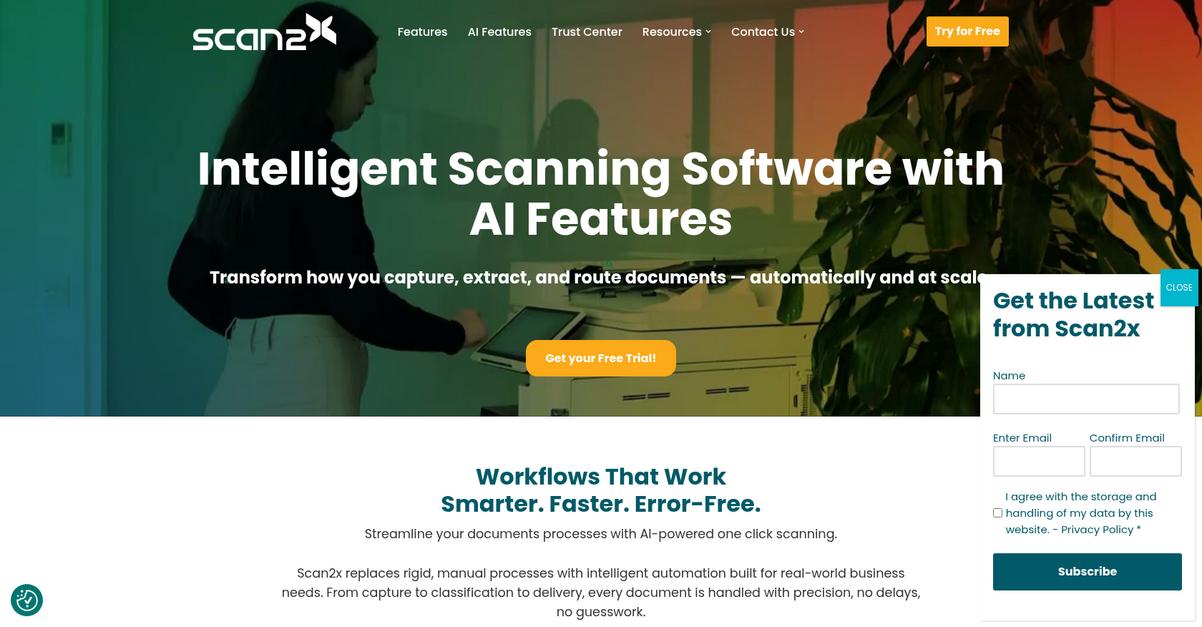
If you’ve struggled with NAPS2’s basic scanning and lack of reliable integrations, Scan2x jumps ahead by automating document capture, applying powerful processing rules, and connecting every scan to your business systems.
What stands out is how Scan2x’s intelligent document capture and routing addresses the need for sophisticated automation that NAPS2 simply can’t match. Your high-volume or complex jobs finally get modern tools for improved accuracy and compliance.
You no longer have to settle for manual workarounds.
Scan2x tackles everything NAPS2 misses using intelligent automation.
By offering document capture automation built on predefined rules and templates, Scan2x brings a smarter approach to scanning. This means your documents get recognized, indexed, and sent to the right location—no more tedious sorting or risk of lost files.
Additionally, you unlock barcode recognition plus zonal OCR for accurate data extraction, letting you capture invoices, forms, and critical documents at scale. These features give you confidence in your records and save hours of manual data entry.
On top of this, Scan2x integrates directly with your business systems like CRM, ERP, or a document management platform. This combined approach delivers the productivity boosts and workflow reliability NAPS2 users often wish for.
This makes switching over far less daunting.
Key features:
- Intelligent automation with processing rules and templates transforms scanning from basic file creation into a robust, hands-off workflow, streamlining your batch processes much more than NAPS2’s manual steps.
- Barcode recognition and zonal OCR for data extraction allow you to pull specific fields for automated indexing and integration, which NAPS2’s general OCR tools can’t replicate, especially for business-critical documents.
- Integrated connection to backend systems routes scanned documents into your CRM, ERP, or document management stack automatically, removing the gap NAPS2 leaves for users who need true enterprise integration.
Verdict: Scan2x stands tall as a robust alternative to NAPS2, bringing automation, zonal OCR, and true system integration to your document scanning setup. If you process high volumes or need streamlined workflows, Scan2x’s enterprise-grade features will get your productivity where you want it.
6. MyQ X
Overwhelmed by NAPS2’s missing advanced scanning features?
MyQ X fills those gaps with automated scan workflows, integrated OCR, and robust network scanner management, giving your team advanced productivity tools right at the device.
With MyQ X, you’re not just scanning from a desktop app—you’re getting automated routing, secure document processing, and true device-level control baked in from the start.
This means you finally solve the limitations holding you back with NAPS2.
Let’s break down how this alternative can help.
MyQ X transforms multi-function printer scanning into smart workflows ideal for busy offices, letting you automate routing, OCR, and file delivery based on project or department, unlike what NAPS2 allows out of the box.
If you need more than desktop scanning, MyQ X goes even further; you can apply integrated OCR and instantly send files to cloud destinations or network folders, making every scan actionable and searchable with no extra steps for your team.
Plus, MyQ X builds in security you can trust, offering audit trails and document anonymization options so your sensitive data stays protected—something NAPS2 just doesn’t address. Connecting all your network scanners means you maintain full control, simplify compliance, and put powerful batch scanning into everyone’s hands.
Now your scanning does what you always needed.
Key features:
- Automated scan workflows on multifunction devices replace repetitive manual steps by routing, naming, and delivering documents based on predefined business rules, well beyond what NAPS2 supports.
- Integrated OCR for searchable and editable documents runs at the device level, transforming how your team scans, processes, and retrieves information compared to NAPS2’s basic OCR engine.
- Enterprise-grade document security and audit trails protect scanned files with centralized compliance policies, anonymization, and tracking, letting you scan and store sensitive content with complete peace of mind.
Verdict: MyQ X is a strong NAPS2 alternative, especially for office scanning environments needing better workflow automation, security, and searchability. Thanks to smarter device management, your team can achieve up to 30% cost savings while modernizing scanning—without risking workflow interruptions or complicated migrations.
7. ABBYY FineReader
Struggling with NAPS2’s limited OCR and editing?
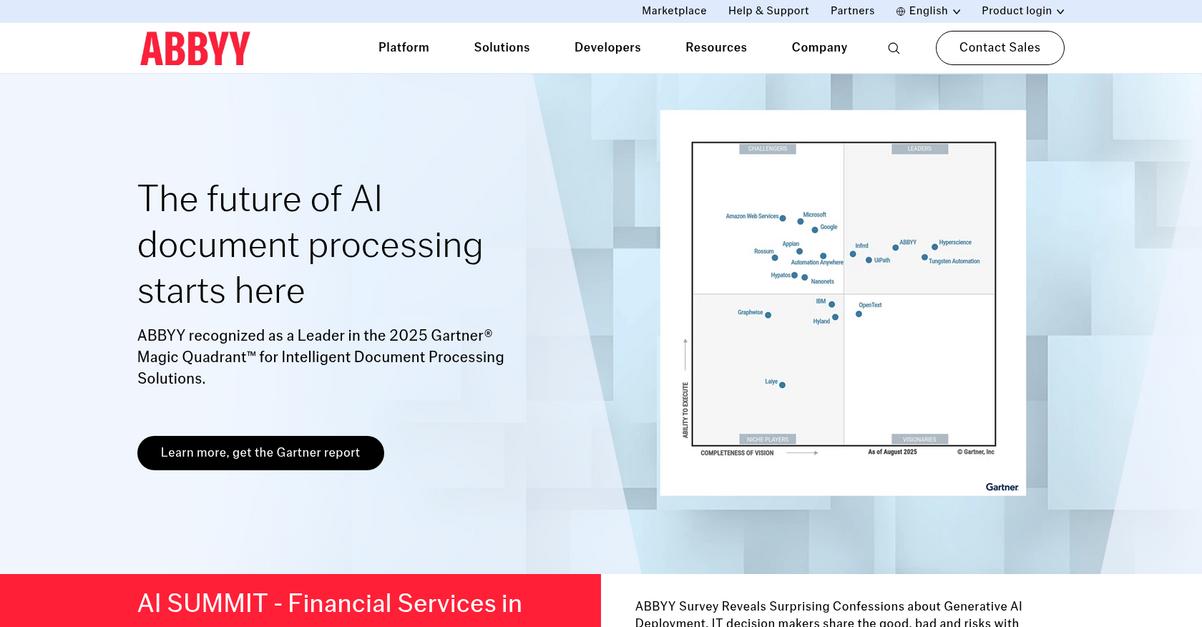
ABBYY FineReader offers precision text recognition, advanced PDF editing, and document comparison, solving the common pain points you face with NAPS2’s minimal features.
You’ll notice ABBYY FineReader delivers remarkably more accurate OCR and robust PDF editing tools compared to what you’re used to. If you rely on scanning as a core part of your daily workflow, these advanced features help you escape NAPS2’s limits.
You end up with cleaner, more editable files and truly professional results.
FineReader picks up where your scanning needs outgrow NAPS2.
Unlike basic scanning tools, ABBYY FineReader excels as a NAPS2 alternative by turning scanned images into fully editable, searchable documents thanks to industry-leading OCR accuracy.
This means your team spends less time retyping and correcting files. You also get advanced PDF editing, powerful document protection, and batch conversion, letting you organize, annotate, and securely share scanned documents with just a few clicks.
Additionally, the document comparison feature spots the smallest changes between two versions of a file—even between scanned PDFs and digital formats—helping you keep your records consistent and up to date.
You get more accuracy and control for critical jobs.
Key features:
- High-accuracy OCR delivers precise text recognition so your scanned documents become truly searchable and editable—minimizing time wasted on manual retyping and correction found with NAPS2.
- Comprehensive PDF editing and organization tools allow you to rearrange pages, protect files, and collaborate—all missing in NAPS2’s simpler interface.
- Advanced document comparison detects even subtle changes across formats, making bulk document review and version control effortless compared to standard NAPS2 output.
Verdict: ABBYY FineReader stands out as one of the best NAPS2 alternatives for document scanning software if you need next-level OCR and document handling. Users commonly report a 50% reduction in time spent on manual reformatting and editing, making it invaluable for batch conversion, compliance, and professional office workflows.
8. VueScan
Tired of your scanner not working with NAPS2?
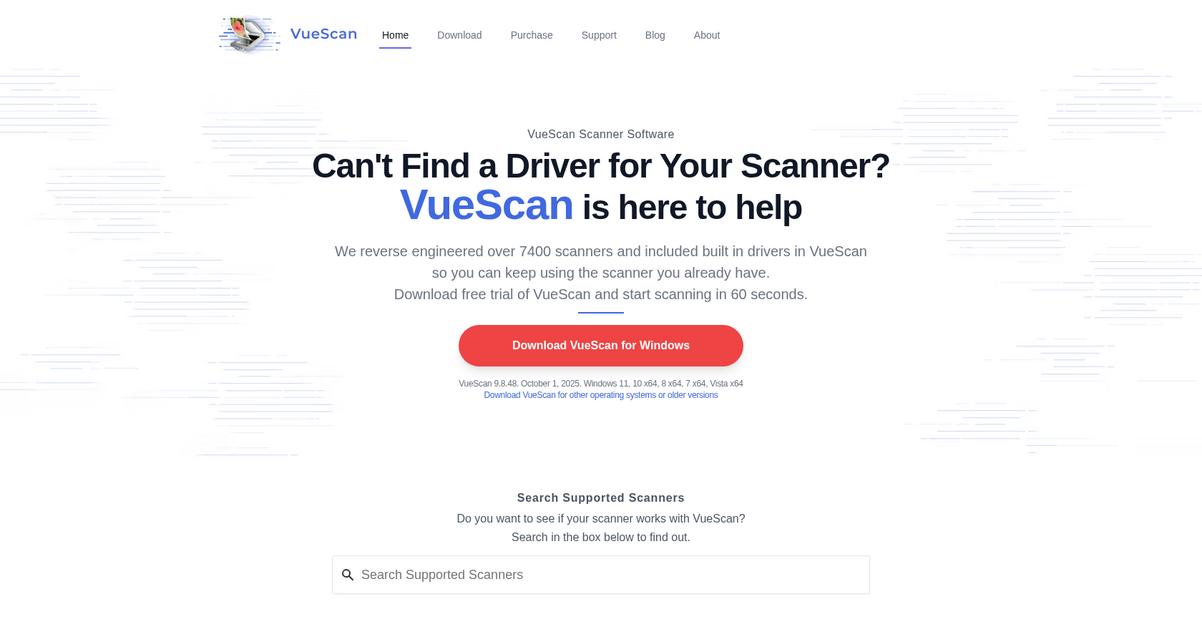
VueScan solves hardware headaches by supporting over 7,000 scanners—including legacy models NAPS2 leaves behind—with its own built-in drivers, so you never get stuck.
Your scan quality gets a huge upgrade, too. VueScan’s advanced controls deliver professional-level color correction and sharpening beyond what NAPS2 can offer, giving your scans vivid clarity whether you’re archiving or prepping documents for editing.
If you’re finding NAPS2 just too limited, VueScan is worth a close look.
VueScan transforms your experience if you feel held back by NAPS2’s device and output limitations.
Here’s how it stands out for batch jobs and everyday productivity.
You get automated batch scanning and customizable output formats, making it easy to scan stacks of paperwork and export them wherever you choose. With output flexibility and refined automation tools built-in, you’re not wasting time reconfiguring settings or converting files after the fact.
Additionally, VueScan keeps your options open if you have a diverse mix of scanners or need reliable results across devices. Superior image tools mean even faded or dusty paper comes out clean, with better accuracy for OCR—even where NAPS2 sometimes fails you.
The result: you’re scanning more, fixing less, and actually enjoying it.
Key features:
- Extensive hardware compatibility for over 7,000 devices powers legacy and new scanners with proprietary drivers, so you never get stuck during upgrades or hardware transitions.
- Image enhancement suite for pro-grade scan quality offers controls like infrared dust removal, sharpening, and color balance, producing cleaner outputs than standard NAPS2 functions.
- Batch scanning plus versatile output destinations automates multi-page jobs and lets you save directly to PDF, TIFF, or JPEG—including multi-page files—streamlining your post-scan tasks.
Verdict: VueScan is one of the best NAPS2 alternatives if you want better device support, superior scan quality, and efficient batch processing for document management. If you’re scanning legacy paperwork or need flexible options where NAPS2 limits you, give VueScan a try to see real results.
Conclusion
NAPS2 slowing down your workflow again?
Dealing with poor OCR accuracy, clunky editing, and lack of cloud integration is the top reason I see people look for a new scanning solution. You shouldn’t have to waste time fixing mistakes or chasing files across disconnected systems.
Changing up your document tools takes some effort, but breaking free from NAPS2’s slow, limited batch scanning is the smart move. If productivity and streamlined workflow matter to you, finding a better fit is absolutely worth it.
Here’s what I recommend.
FileCenter is the clear winner from my research, solving NAPS2’s pain points with faster OCR, easier batch scanning, and built-in file organization so your team doesn’t get bogged down.
What really stands out for me is how FileCenter’s user-friendly dashboard and robust local document management take the frustration out of batch scanning. It’s a true NAPS2 alternative that actually delivers on productivity.
Try FileCenter’s free trial and see the difference yourself.
Batch scanning just got way less stressful.