

Tired of Nintex slowing you down?
Clunky interfaces, high costs, and limited automation options in Nintex can quickly turn simple document approvals into frustrating obstacles for your team.
The end result? You lose precious time and struggle to get documents approved efficiently.
Every complex workflow that requires a workaround just means you’re wasting resources. And the more you patch things up, the more resistance you’ll face from your team, not to mention the retraining headaches and hidden costs that pile up. Things like migration worries and poor scalability can quickly snowball, making it clear that sticking with Nintex is holding you back. In the end, lost time and money drain morale and productivity, forcing you to rethink your options.

Luckily, there are plenty of smarter alternatives available today that address these frustrations.
In this article, I’ll show you the best Nintex alternatives for document approval software, highlighting tools like FileCenter, Avokaado, DocuWare, HighQ, Pandadoc, Integrify, and more.
You’ll find easier interfaces, more affordable plans, and automation that actually makes your work life simpler.
Let’s find your solution.
Quick Summary:
| # | Alternative | Rating | Best For |
|---|---|---|---|
| 1 | FileCenter → | Users wanting cost control | |
| 2 | Avokaado → | Legal teams needing precision | |
| 3 | DocuWare → | Teams wanting mobile access | |
| 4 | HighQ → | Users seeking legal compliance | |
| 5 | Document Locator → | Microsoft users wanting ease |
1. FileCenter

Tired of complex, expensive workflow tools weighing you down?
FileCenter offers a Windows-first approach that eliminates the enterprise layers, letting you organize documents using familiar folders and cabinets.
Its unique cabinet-drawer filing structure keeps everything straightforward, compared to Nintex’s rigid databases and intricate workflows. Even better, you can choose a one-time license so you aren’t trapped in costly, recurring subscriptions.
This means your switch isn’t just easier—it’s smarter.
Switching from Nintex, FileCenter puts you back in control by bringing document approval and organization into your comfort zone, right on your desktop.
You’ll appreciate how FileCenter uses virtual cabinets and your existing Windows folder organization, so you don’t have to retrain everyone or wrestle with process migration. Integrated scanning and OCR let you digitize documents with automatic naming rules, eliminating manual sorting headaches. If you’re trying to save your team hours and want less admin overhead, this makes a difference fast.
Additionally, FileCenter’s one-time purchase option means you break free from perpetual subscription fees. Combine this with simple setup, and adopting FileCenter will get your team back to work immediately, not bogged down by workflow redesigns or data migration pains.
For small to mid-sized businesses, that’s the real upgrade.
Key features:
- Familiar Windows-based cabinet-drawer filing helps your team get organized quickly, removing the steep learning curve typical of complex systems like Nintex’s.
- Perpetual one-time license purchase option gives you control over costs, letting you break away from the ongoing subscription requirements found in most workflow solutions.
- Integrated scanning with OCR and smart naming streamlines digitization, routing your documents automatically and accurately—simpler and faster than manual uploads or multi-step processes.
Verdict: FileCenter is your practical Nintex alternative for document approval and organization. Users have saved 3-5 hours a day on scanning and storing with FileCenter’s automation, proving it’s an affordable, time-saving pick if Nintex’s complexity is hurting your workflow.
2. Avokaado
Looking for a smarter way to handle legal approvals?
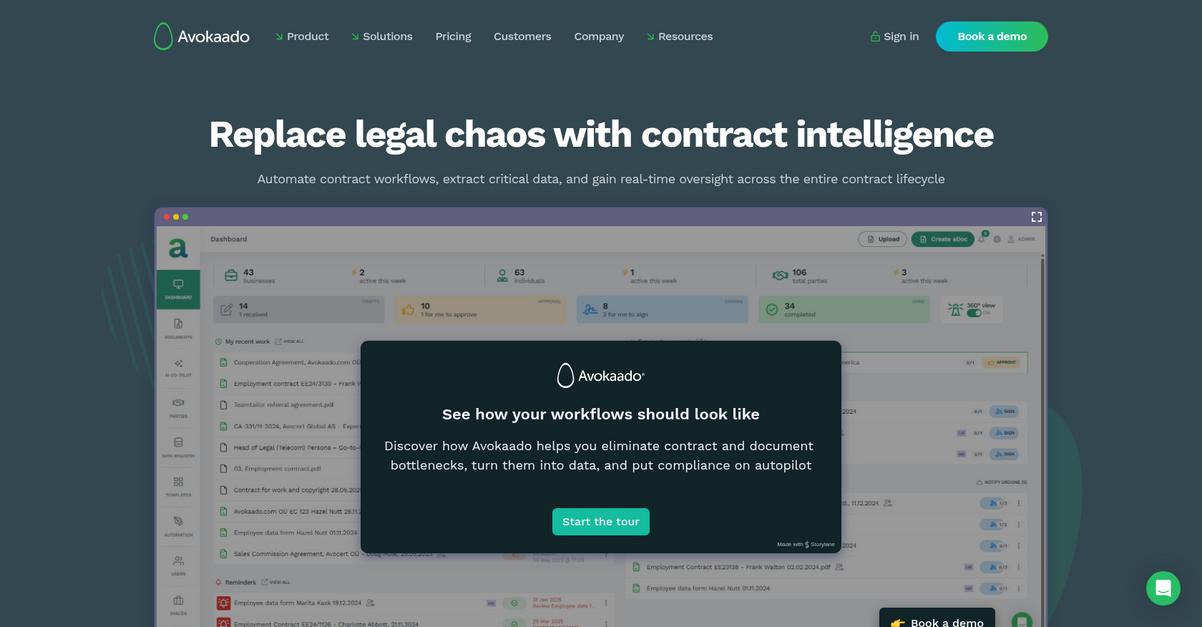
Avokaado steps in with contract lifecycle management and data-driven automation that directly solve Nintex users’ key frustrations over complexity, cost, and legal document handling.
If you’re tired of clunky workflow tools, Avokaado brings specialized control across every legal document stage, not just general process steps. With custom dashboards and obligation tracking, you finally get deep insight tailored for contract workflows.
That’s where Avokaado changes your document approval process.
Avokaado gives your legal and business teams an intuitive platform for managing contracts from drafting through negotiation, approval, and e-sign.
You can automate compliance with customizable templates, smart fields, and conditional logic for contracts so you eliminate rework and keep everything audit-ready. Compared to Nintex, it’s purpose-built for the legal process—making approvals, automated reminders, and digital signing naturally part of your workflow.
Plus, with contract data turned into real-time dashboards and risk alerts, you always know what’s active and where obligations stand. This direct insight and tracking helps your team collaborate faster and avoid missed deadlines that can happen with generic business workflow tools.
The result is next-level contract automation.
Key features:
- Contract lifecycle management purpose-built for legal teams tracks every contract stage, from initial drafting to negotiation, approval, and post-signing, giving you audit clarity and reducing manual oversight needs.
- Smart legal document templates with automation utilize pre-approved clauses, customizable fields, and conditional logic, eliminating repetitive drafting tasks so your team produces compliant contracts in minutes.
- Structured contract data and dashboard analytics surface real-time obligation tracking and risk identification, letting you manage compliance more confidently than with generic workflow reporting.
Verdict: Avokaado stands out as an alternative to Nintex when you need document approval software built for legal use cases. Customers have cut NDA turnaround from 50 hours to just 50 minutes, and report up to 96% faster transaction handling thanks to its targeted automation and compliance features—all while making scaling easier.
3. DocuWare

Tired of approval delays and complicated workflows?
DocuWare’s centralized digital archive and intelligent automation are here to tackle the pain points you’ve faced with Nintex’s complex setup and limited control.
You get fast, secure access to any document, with centralized management and mobile approvals that just work right from the start. No more worrying about scattered files or retraining the entire team during migration.
Plus, DocuWare completely lifts the worry about expensive overhauls and migration headaches.
Let’s break down how DocuWare helps you move forward.
With DocuWare, you get smarter workflow automation and a secure digital archive that go beyond what Nintex offers. Your documents live in one organized space, and any approval or review — even multi-level — triggers automatically, keeping processes efficient.
Here’s how it all fits together: you benefit from mobile document access with real-time notifications for approvals, so your team can process items instantly, wherever they are. If you have remote or field users, you’ll notice the difference immediately in turnaround speed.
Additionally, audit trails, advanced security, and structured automation mean fewer errors and stronger compliance, making your switch from Nintex a genuine upgrade.
You improve efficiency and focus on real work.
Key features:
- Centralized secure archiving with instant search consolidates all your files into one organized digital vault, outclassing Nintex’s reliance on third-party storage and minimizing wasted search time.
- Mobile-first document management and approvals empower your team to review and process documents everywhere, allowing much greater flexibility than Nintex’s limited mobile app experience.
- Configurable workflow automation with advanced approvals lets you set rules for multi-level, conditional routing so you can streamline even complex approval chains without manual intervention.
Verdict: DocuWare is an impressive Nintex alternative for document approval, offering faster retrieval and robust automation you’ll actually use. One user cut invoice approvals from a week to just hours, making DocuWare a genuine time-saver if you need a modern, mobile-ready solution.
4. HighQ
Is Nintex holding back your legal approval workflows?
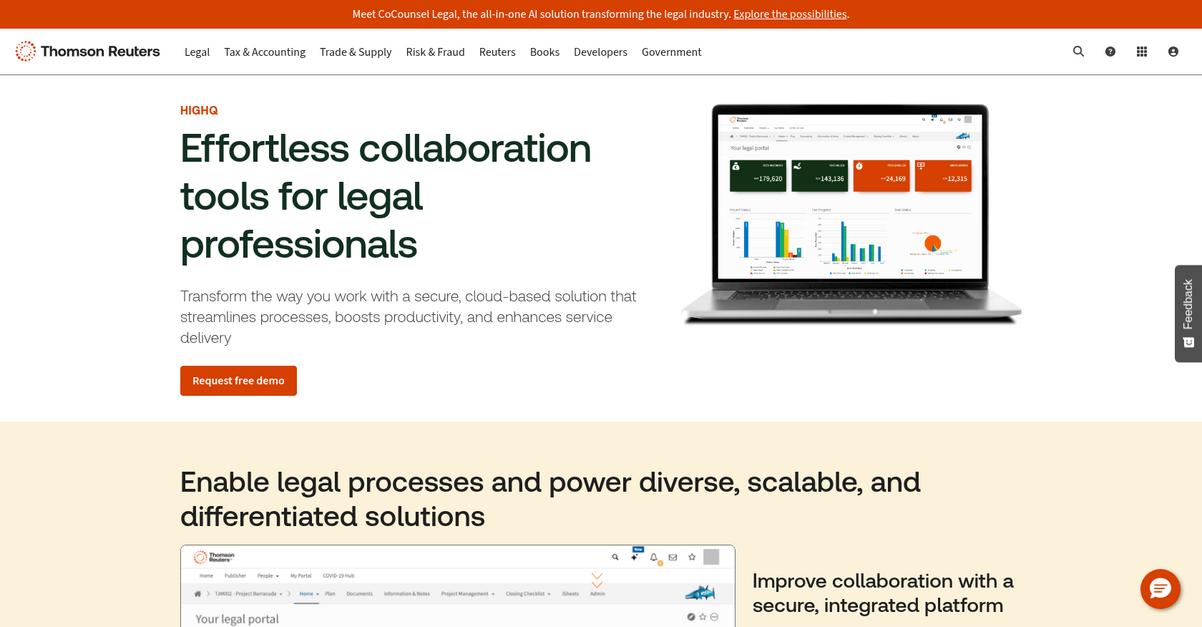
HighQ directly addresses Nintex’s challenges with a legal-driven platform built for complex document automation and secure, role-based collaboration—no generic workflow shortcuts.
If you’ve struggled with Nintex’s broad-but-basic process tools, HighQ introduces deep legal compliance and security controls for every approval step. Legal teams gain robust templates and contract management features that just aren’t available in more general-purpose tools.
The difference becomes clear right away.
HighQ specializes in the problems Nintex can’t quite solve.
HighQ empowers your team to automate legal document creation and approval in ways Nintex often can’t manage. Here’s how: its contract lifecycle management comes fully integrated, so everything from drafting to execution stays connected and traceable, without patchwork add-ons or manual workflows.
Plus, real-time team collaboration with granular permissions means your sensitive documents never leave their protected workspace. You get full version control, audit trails, and secure sharing—essential if data privacy or external collaboration is a requirement for your business.
If contract complexity, external partners, or legal compliance are priorities, you’ll appreciate HighQ’s mature feature set. It’s specifically tailored for high-stakes approvals and compliance workflows, letting you spend less time troubleshooting and more time moving projects forward.
You get legal document automation, without extra headaches.
Key features:
- Legal-centric document automation for accuracy and compliance leverages dynamic templates, allowing your team to automate legal content creation with far more detailed options than Nintex’s generic workflow tools offer.
- End-to-end contract lifecycle management in one platform covers drafting, approval, negotiation, execution, and tracking obligations, all inside a unified system built for legal teams and complex agreements.
- Secure workspaces with granular controls and audit trails boost document security, support external collaboration, and make regulatory reporting straightforward—every action can be traced at any time.
Verdict: HighQ is a compelling Nintex alternative when legal compliance, risk reduction, and contract clarity matter most. Legal departments report faster intake and approval cycles, with fewer manual errors and streamlined workflows—making HighQ the right choice when document approval is mission-critical.
5. Document Locator
Tired of complex approvals and high Nintex costs?
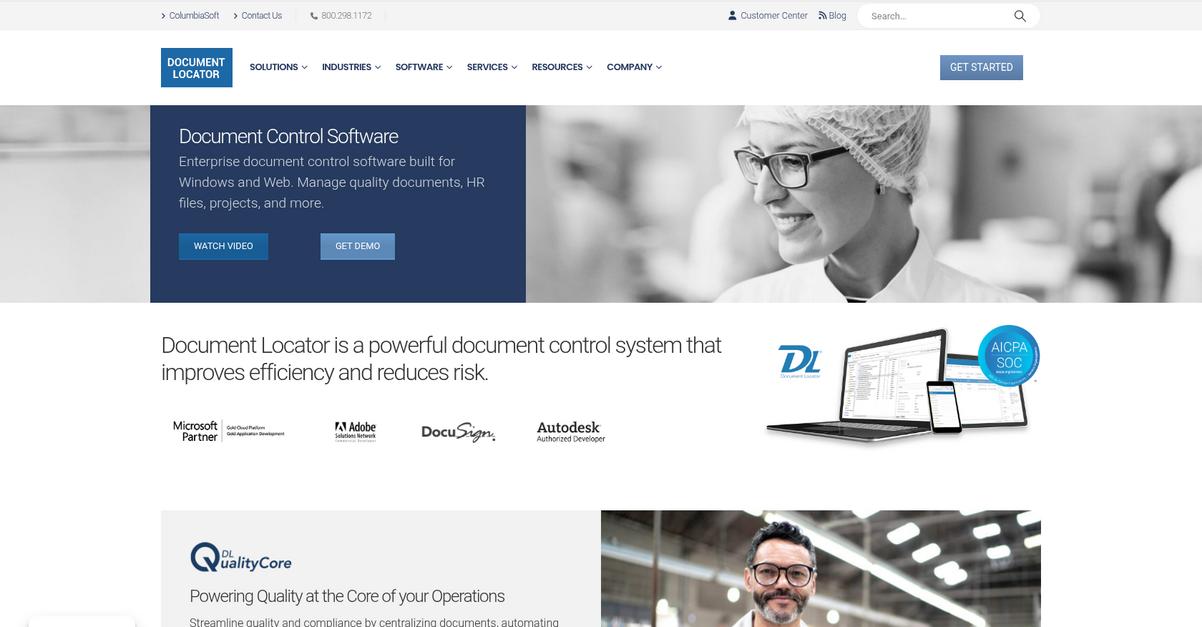
Document Locator taps directly into Windows Explorer and Microsoft Office, letting you automate document approvals right inside the tools you’re already using every day.
You get intuitive workflow automation, deep Office integration, and familiar interfaces that minimize the headaches of team retraining after you leave Nintex behind.
That’s why switching to Document Locator just makes sense.
With Document Locator, you’ll streamline document approvals without losing productivity or having to master a completely new system.
Here’s how it improves your situation: you can automate document routing, reviews, and approvals with fully customizable steps, role assignments, and conditional branching—plus, you’ll track every change with a clear audit trail. This helps ensure compliance and gives you the visibility you missed with Nintex.
Additionally, Document Locator gives you robust version control and full-text search in a centralized, secure repository. All your documents stay organized, secure, and easily accessible, boosting your team’s confidence through better control and traceability.
The result is a solution tailored for Microsoft users.
Key features:
- Native Windows and Office integration bakes document routing, filing, and approval right into Explorer and Office apps, dramatically reducing onboarding time and easing the switch from Nintex.
- Configurable workflow with audit trails lets you automate review and approval sequences precisely, building in compliance-focused branching, task assignment, and a full audit history.
- Centralized repository with secure access enables efficient versioning, full-text search, and granular user permissions, putting you in control of your organization’s critical documents.
Verdict: Document Locator makes an excellent Nintex alternative if your team wants familiar, Microsoft-centric document approval with powerful workflow automation. Customers have reported up to 50% faster document processing and improved compliance tracking—great if you want user-friendly process automation and easier audit trails.
6. Filestage
Frustrated by complicated Nintex approvals and confusing workflows?
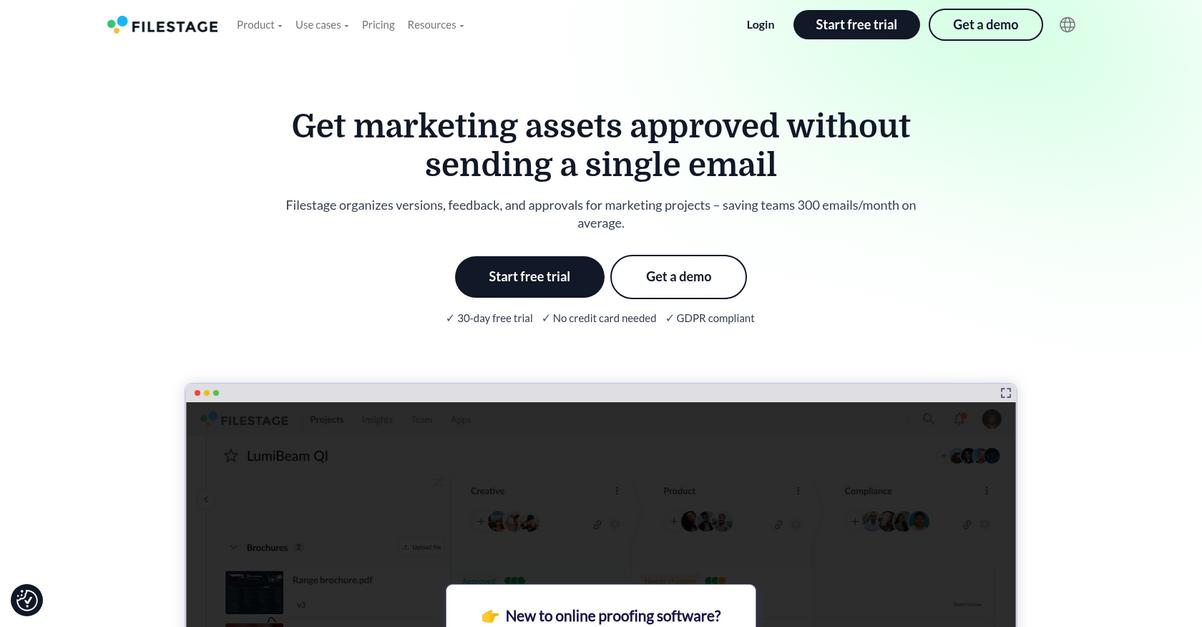
Filestage offers a visual, collaborative approach for reviewing documents, images, and videos—freeing your team from Nintex’s process-heavy approval tools and tricky interfaces.
You get contextual comments, side-by-side version comparison, and flexible multi-stage workflows, all built for clear creative feedback and easier compliance handoffs.
Unlike Nintex, Filestage helps you cut approval rounds with precise annotations and visual review tools, making your feedback crystal clear instead of buried in endless comment threads.
Let’s look at where this makes a real difference.
Filestage puts visual content review front and center if you need more than text-based approvals Nintex limits you to.
This means your team can annotate images and documents, compare versions visually, and automate review flows without fearing technical hurdles or retraining headaches.
Plus, you can set multi-stage reviewer groups, automate reminders, and manage all creative content types—helping your marketing, legal, or design team finally streamline their process after ditching Nintex.
The result is document approval that truly fits your team.
Key features:
- Visual commenting and annotation on all content lets you give and receive feedback directly on documents, images, video, and even live websites, cutting confusion and review cycles far beyond Nintex’s basic comments.
- Side-by-side version comparison with feedback history means you can easily track revisions, consolidate comments, and ensure nothing gets lost—essential for creative teams or compliance-focused reviews.
- Automated, multi-stage approval workflows allow you to sequence reviewer groups and send reminders automatically, bringing structure and deadlines lacking in traditional Nintex process flows.
Verdict: Filestage is a standout Nintex alternative if you need document approval that’s visual, fast, and user-friendly. Users report reducing review times by up to 30% and cutting extra approval cycles by 20%, making Filestage a compelling fit for creative, marketing, or legal use cases where clarity matters.
7. PandaDoc

Finding Nintex too hard to master?
PandaDoc’s drag-and-drop document editor and integrated e-signature workflows take away the stress and confusion that often come with Nintex’s complex interfaces or technical requirements.
Instead of wrestling with a steep learning curve, you can use intuitive templates and workflows anyone on your team can manage without extra IT help or lengthy retraining sessions.
Switching to something easier makes sense.
With PandaDoc, you’ll cut the approval process headaches you faced before by offering a platform built for quick onboarding and hassle-free automation.
Here’s how it fixes what you’re frustrated with: PandaDoc’s customizable signing orders and automated workflow routing let you assign review steps or signatures without any complicated scripting. You can manage multi-party approvals from one dashboard, streamlining everything whether you track contracts, sales docs, or routine HR paperwork.
Plus, its live document tracking and analytics show instantly when a document’s been received, opened, or signed, so you’re never in the dark about where bottlenecks are. Combined with pre-built templates, that means faster approvals and fewer stalled processes after you switch from Nintex.
The result is document control you trust.
Key features:
- Integrated e-signatures and custom workflows replace manual chasing with automated routing and signing orders, helping your team complete multi-party approvals quicker than Nintex’s more technical setup.
- No-code drag-and-drop document creation allows anyone to build and send impressive documents quickly—freeing you from IT reliance or the complexity found in Nintex’s design tools.
- Real-time status tracking and analytics give your team transparency by showing who viewed or signed each document, so you identify hold-ups faster and keep processes moving forward.
Verdict: PandaDoc stands out as a strong alternative to Nintex if you want easier approvals and lower retraining costs. After switching, businesses have reported a 28% increase in close rate and 40% faster proposal cycles, making PandaDoc ideal for sales, HR, and legal workflows.
8. Integrify
Looking for a more intuitive document approval process?
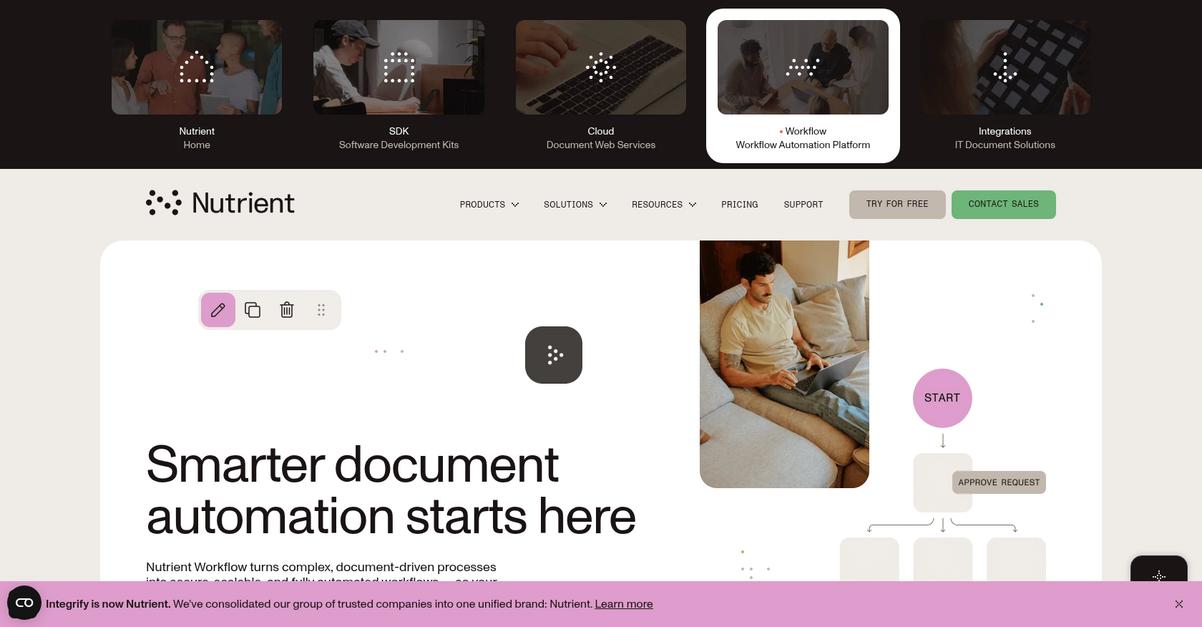
Integrify eliminates Nintex’s complexity with a low-code, drag-and-drop process builder, customizable mobile forms, and detailed audit trails—all packed into a user-friendly platform.
This means you can finally build out robust workflows with less IT help, adapt forms on the fly, and get clear transparency into approvals—reducing the pain of process redesign or retraining.
Efficiency gains aren’t out of reach anymore.
If Nintex leaves your team frustrated by steep learning curves and hidden costs, Integrify could be what you need. You get a flexible, low-code platform that makes creating custom approval processes easy—no technical expertise required.
Here’s how Integrify makes a difference: with its intuitive drag-and-drop builder and responsive forms designer that integrates with your business data, your team can automate even complex approvals, kick off processes from any device, and quickly connect with other systems—without the coding burden Nintex demands.
Additionally, Integrify offers granular, always-on audit trails and in-depth reporting. The result: you can track every step in every approval, support audit and compliance requirements, and prove accountability—delivering peace of mind every time you need to troubleshoot or report results.
It puts you in control, not your tool.
Key features:
- Intuitive low-code workflow builder with drag-and-drop enables your business users to create automated approval processes faster, reducing specialized IT involvement compared to more technical designs required by Nintex.
- Customizable forms designer with interactive logic allows you to build mobile-friendly, responsive forms for kickoff and data collection while giving you more configurability without complicated coding.
- Comprehensive audit trails and advanced reporting give you always-available, searchable records of every approval or action, supporting compliance needs well beyond what’s possible with native Nintex reporting modules.
Verdict: Integrify stands out as a Nintex alternative for document approval software when you want robust control, flexibility, and usability. Many business units report saving significant time and money after switching, with rapid team adoption thanks to user-friendly setup and enhanced audit features.
9. ProofHub

Tired of Nintex’s high learning curve and cost?
ProofHub steps up with online proofing tools, real-time markup, and a flat-rate pricing plan designed to fix what’s missing from Nintex’s approach.
If your team needs to give feedback visually, you’ll love how ProofHub’s markup tools encourage real collaboration with quick approvals and fewer emails. Online annotation and one-click sign-off mean you don’t need to bounce between tools or fight through layers of workflow settings.
ProofHub stands out as a simpler, practical alternative.
Its online proofing delivers a smoother approval loop than Nintex, so you can clarify, annotate, and get instant sign-offs on marketing or design files right where they live. Plus, you can assign tasks, delegate reviews, and centralize communication—all at a predictable flat cost—and there’s no per-user fee surprise as your team grows.
The real game-changer is unlimited users and projects included at one fixed price, which solves scalability pains and budgeting anxiety for teams outgrowing Nintex.
Additionally, ProofHub’s customizable project views and centralized dashboards bring every document, deadline, and conversation together, reducing the overhead of managing multiple logins and workflows scattered across separate apps.
You don’t have to sacrifice usability for automation.
Key features:
- Online proofing and annotation for feedback cycles enables visual review and instant comments directly on files, streamlining document approvals more efficiently than Nintex’s standard workflow automation.
- Flat-rate pricing with unlimited users and projects gives your team cost predictability and cheaper scalability compared to Nintex’s per-user or usage-based structure.
- Integrated project and task management dashboards consolidate assignments, custom workflows, and communications, letting you handle document reviews and work execution in one place.
Verdict: ProofHub is a compelling Nintex alternative for document approval if you want a user-friendly workspace that can save your team up to 30% on process costs. Real user feedback highlights fewer email threads, faster proofing, and simpler budgeting—especially on creative or marketing projects where visual sign-off matters most.
Conclusion
Frustrated with Nintex’s limitations?
When steep learning curves and costly, complicated workflows keep slowing down document approvals, it’s no wonder you’re searching for something easier and more efficient.
I totally get it—moving to a new platform can seem daunting, but staying stuck with a clunky system only drains your team’s morale and leaves your process lagging behind. You’re smart to look for a tool that actually helps you get work done, not one that gets in the way.
Here’s the solution you’ve been waiting for.
From all the alternatives I’ve reviewed, FileCenter shines as your best bet to replace Nintex. It streamlines approvals and organization without the complexity or cost headaches.
Many users have switched from Nintex to FileCenter for its familiar, Windows-friendly interface and simpler setup. It solves those migration and usability pain points that made Nintex so frustrating.
You can start a free trial of FileCenter and see the difference yourself.
Move to faster, simpler document approvals.