
Nitro Pro slowing you down again?
If clunky performance, frequent crashes, or steep upgrade costs with Nitro Pro are wearing you out, you’re not alone in your frustration.
Those issues can drain your productivity and increase daily stress as simple PDF edits take longer than they should.
Lost time and repeated errors add up fast, creating costly delays, annoyed teammates, and unnecessary headaches that keep you from getting through your real work. When software gets in your way, it quickly erodes morale and confidence—especially if your business depends on smooth PDF workflows.

The good news: switching to a better PDF editor can eliminate these pain points, giving the reliability and features you’ve been missing.
In this article, I’ll show you the best Nitro Pro alternatives for smoother, more powerful PDF management in 2025, including favorites like FileCenter, Adobe, Foxit, Wondershare, UPDF, Smallpdf, ABBYY, and EaseUS.
With the right alternative, you’ll enjoy fewer crashes, faster workflows, and features that actually meet your needs.
Let’s find your solution.
Quick Summary:
| # | Alternative | Rating | Best For |
|---|---|---|---|
| 1 | FileCenter → | Users needing simple workflows | |
| 2 | Adobe Acrobat Pro → | Compliance-focused professionals | |
| 3 | Foxit PDF Editor → | Teams needing better collaboration | |
| 4 | Wondershare PDFelement → | Users wanting modern interfaces | |
| 5 | UPDF → | Budget-conscious growing businesses |
1. FileCenter

Feeling bogged down by Nitro Pro’s performance issues?
FileCenter steps up with smarter PDF management, offering streamlined document filing, scanning, and editing for those tired of Nitro Pro’s rising costs and limited flexibility.
Many users find FileCenter’s cabinet-drawer filing system to be refreshingly simple, especially compared to Nitro Pro’s document-centric approach. You can organize files using familiar Windows folders, not complicated databases, slashing that stressful learning curve.
Here’s why that’s a big deal.
FileCenter makes finding, scanning, and managing PDFs more straightforward by mirroring Windows organization, so your team spends less time on training and more time getting things done.
Let’s get into how FileCenter addresses these pain points.
With FileCenter, you can scan, edit, and organize documents using one desktop-first platform instead of relying on Nitro Pro’s subscription-heavy model. There’s even a one-time purchase option for long-term value, something Nitro Pro no longer offers, so you control your budget.
You’ll also enjoy integrated OCR and smart scanning workflows built right in, making digitizing paperwork a breeze if you’re switching from Nitro Pro. This means you can route scanned documents directly into organized folders, complete with automatic file naming and text search.
Additionally, FileCenter’s simple interface lets anyone in your office jump in, helping your small business manage files on your own terms without a steep learning curve or recurring costs.
That’s real PDF management made easy.
Key features:
- Cabinet-drawer filing system with Windows folders mirrors your existing file structure rather than forcing you into database-heavy systems, so migration and daily use become less stressful if your team is switching.
- Integrated scanning and OCR with smart routing digitizes, names, and files documents in one step, making paper-to-digital transitions easier than Nitro Pro’s less unified workflow.
- One-time license option for desktop users lets you invest in FileCenter outright, removing expensive subscriptions from your budgeting concerns and offering greater value than Nitro’s subscription-only focus.
Verdict: FileCenter is a top Nitro Pro alternative if you manage PDFs locally and want simpler workflows. Users say handling a week’s paperwork takes just 15 minutes, thanks to the intuitive filing, powerful scanning, and affordable one-time licensing. That’s real improvement for anyone seeking better PDF management software.
2. Adobe Acrobat Pro

Looking for deeper PDF control than Nitro Pro provides?
Adobe Acrobat Pro delivers advanced PDF editing, robust redaction, and exceptional print capabilities missing from Nitro Pro’s standard toolkit, with seamless collaboration for your whole team.
This means if you’ve ever felt stuck by Nitro Pro’s limited editing options or basic document security, Adobe Acrobat Pro gives you the industry’s strictest redaction for true data privacy while also meeting high-end print requirements your team can actually trust.
You’ll immediately notice the speed and reliability difference.
Here’s how Adobe Acrobat Pro fills that gap for your document needs.
The enhanced redaction tools make sure any sensitive info is precisely removed—no guesswork required—which reduces risk for compliance-heavy workflows where Nitro Pro falls short. Plus, shared review and commenting connects everyone’s feedback in real time, so your team doesn’t lose time hunting down changes or merging multiple drafts.
Preflight and print production tools are another game changer. If your company does professional print jobs or cares about PDF quality, Acrobat’s built-in checks catch errors and help you hit commercial standards every time, giving you peace of mind if print results ever disappointed you before.
All of this saves you time while boosting both your security and team productivity.
Key features:
- Advanced and irreversible redaction tools help your team strictly comply with data privacy regulations, eliminating the risk of partial exposure that can still happen with Nitro Pro.
- Comprehensive preflight and print tools ensure your PDFs meet professional print standards, giving your team confidence for high-quality commercial or compliance-driven projects.
- Integrated shared review and commenting connects everyone’s feedback in one place, supporting true team collaboration on large or complex documents without the chaos of email chains.
Verdict: Adobe Acrobat Pro stands out as a strong alternative to Nitro Pro for PDF management software, with its strict redaction, powerful print controls, and real-time collaboration environment. If advanced editing and compliance matter, Acrobat Pro is the upgrade your workflow needs.
3. Foxit PDF Editor
Fed up with Nitro Pro’s costs and lag?
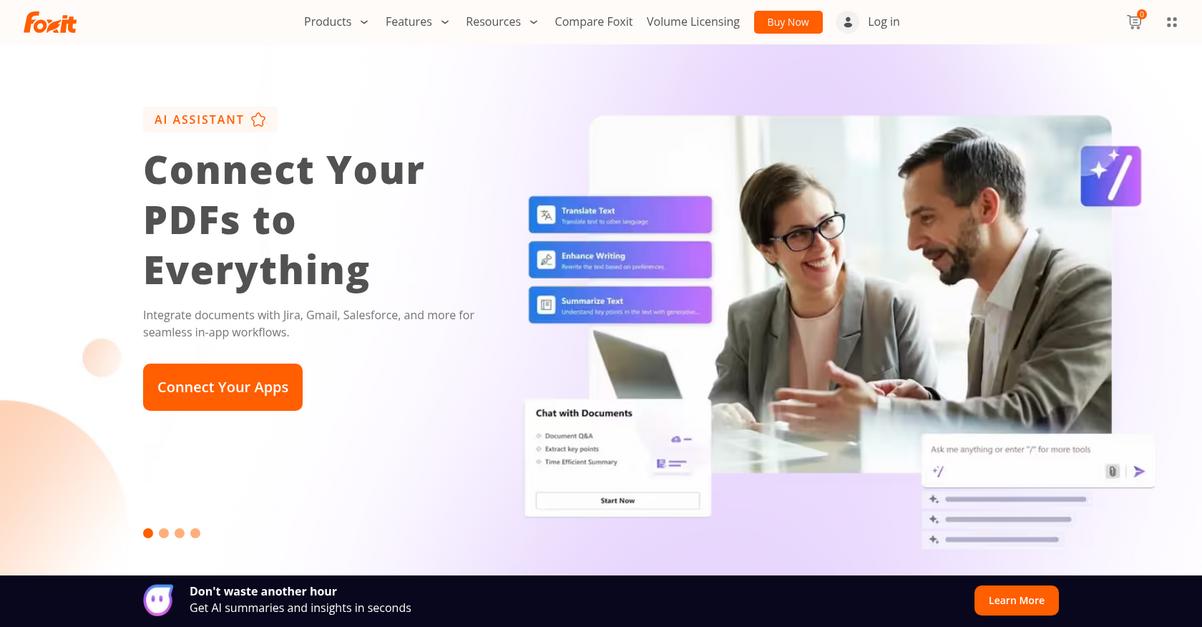
Foxit PDF Editor gives you advanced AI-powered summarization, broader mobile access including Android, and budget-friendly licensing—three things Nitro Pro just can’t match directly.
If you’re regularly frustrated by Nitro Pro’s sluggishness handling big files, you’ll love how Foxit delivers noticeably faster performance managing large or multiple PDFs and makes tedious workflows less of a headache.
Here’s where Foxit PDF Editor stands out.
You get robust editing features driven by cutting-edge AI that transform how you work with complex documents and automate repetitive tasks more efficiently than Nitro Pro’s limited toolset.
Plus, full-featured PDF editing on both Android and cloud platforms means your team isn’t stuck with iOS-only mobile support, so your workflow stays flexible wherever you work.
Layer in sensible pricing, with truly cost-effective perpetual licenses for your business, and Foxit becomes really hard to ignore if you want more power for less commitment than Nitro Pro requires.
Switching to Foxit PDF Editor is a clear upgrade.
Foxit PDF Editor solves the value-versus-performance challenge that makes Nitro Pro frustrating for so many. It’s a solution designed for users like you—those demanding fast, powerful, and versatile PDF management without paying extra for every feature.
Unlike Nitro Pro, Foxit’s advanced AI helps you automate document summarization, translation, and redaction in one click. This is a practical game-changer for content-heavy teams juggling compliance or multi-language paperwork.
Combined with real cross-device support and flexible licensing, you can efficiently cut costs, boost mobility, and unlock smarter workflows.
You get more options for less hassle here.
Key features:
- AI-driven tools for summarization, translation, redaction offer time-saving automation for content-heavy PDFs, outperforming Nitro Pro’s manual workflows with smarter, specialized features that aid compliance and multilingual operations.
- Robust Android, iOS, and cloud access means your team isn’t limited to iOS as with Nitro Pro, enabling genuine anywhere document editing and management without extra steps or restrictions.
- One-time licensing and affordable subscriptions let you choose the best fit for your business and budget, providing better value than Nitro Pro’s more expensive, subscription-focused offerings.
Verdict: Foxit PDF Editor is a compelling Nitro Pro alternative for pdf management software if you want better performance and more value. Users consistently report it opens files faster, supports all major platforms, and its smart AI automations save your team real time on big document tasks.
4. Wondershare PDFelement

Overwhelmed by Nitro Pro’s performance and editing limits?
With Wondershare PDFelement, you’ll find direct text and image editing that’s much more intuitive, advanced AI features, and a cleaner learning curve for both new and advanced users.
Your workflow complications often stem from how Nitro Pro handles editing and setup—you get faster onboarding and smoother editing flexibility here—so document changes won’t slow you down or burn billable hours.
Switching doesn’t have to disrupt everything.
Wondershare PDFelement delivers a clear, user-focused alternative by combining direct, Word-like PDF editing, a streamlined interface, and robust AI-driven content management tools.
This means you can update text and images right in the PDF panel, sidestepping cumbersome interfaces found elsewhere. You’ll notice the effortless setup process and quick adoption timeframe, even for staff who haven’t used PDF editors before, which significantly improves daily productivity.
Additionally, the built-in AI assistant can summarize, chat, and generate content from any PDF—something Nitro Pro simply can’t match. This not only helps your team extract information faster, but also transforms document-heavy tasks that chew up your workday. All of these tools work together so you can stop dreading edits and finally get more from your PDF software.
It’s new software that works for you.
Key features:
- Direct Word-like editing and flexible content changes let your team edit text or images right inside the PDF, saving time compared to Nitro Pro’s more rigid approach.
- Intuitive platform with a gentle learning curve helps even first-timers feel confident fast—no elaborate training or complicated setup needed for your workflow.
- Integrated AI-powered assistant for document processing lets you summarize and generate content from any PDF, unlocking powerful automation beyond Nitro Pro’s scope.
Verdict: Wondershare PDFelement is a top Nitro Pro alternative for PDF management software. With superior editing flexibility, a faster learning curve, and built-in AI tools, users have reported significantly faster document cycles and smoother adoption—making it perfect for growing your success in 2025.
5. UPDF
Tired of Nitro Pro’s price and sluggishness?
UPDF’s affordable lifetime license gets rid of those subscription headaches, plus you can use it across Windows, Mac, iOS, and Android with one license.
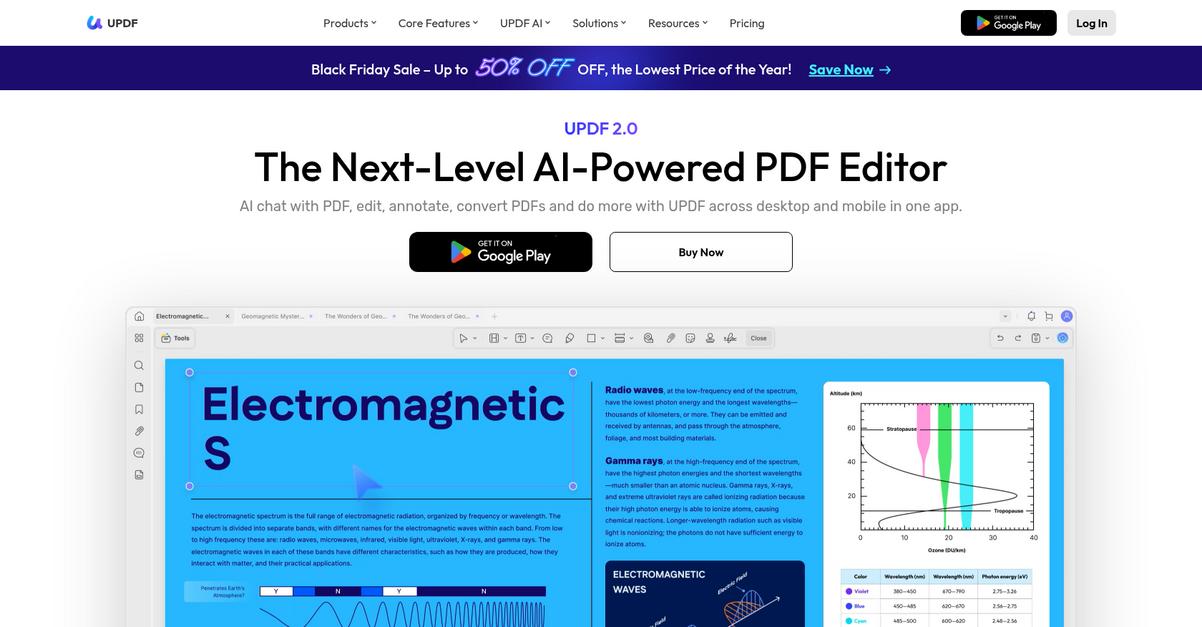
Unlike Nitro Pro, UPDF handles large PDFs much faster and uses less storage, so you don’t get bogged down by slow document opening or editing. In addition, you’ll find extensive AI features that Nitro Pro simply can’t match—think built-in smart summarization, translation, and guided reading support.
All of these address major frustrations.
UPDF’s full solution takes productivity up a notch.
Instead of shelling out for expensive ongoing subscriptions, you get a one-time payment ($39.99 annually for updates, or a true lifetime option) packed with powerful features for less. Transferring your PDFs and workflow is straightforward, and you instantly gain access to AI-powered tools like Chat with PDF and mind mapping that can help you make sense of messy documents or research-heavy tasks much faster.
Another stand-out: UPDF’s superior performance lets you open, scroll, and edit even huge PDFs with far less lag than Nitro Pro. Combined with the ability to work seamlessly on any device, this means your whole team stays productive without retraining or risking workflow disruptions.
You finally get the speed, cost savings, and usability you want.
Key features:
- Affordable multi-platform lifetime license lets your team use one license across Windows, Mac, iOS, and Android, providing far better long-term value than Nitro Pro’s subscription-only pricing.
- Extensive built-in AI assistant features including “Chat with PDF,” automatic summarization, translation, and mind mapping, all of which go well beyond Nitro Pro’s basic editing tools.
- Industry-leading file handling performance means faster opening, smoother navigation, and editing large PDFs, dramatically cutting lag and storage use often experienced with Nitro Pro.
Verdict: UPDF stands out as a top Nitro Pro alternative for document management. It saves you over 75% annually versus Nitro Pro, while delivering AI features, a lifetime license, and superior performance for handling large files—making it perfect if you value efficiency, advanced tools, and cost control.
6. Smallpdf
Are Nitro Pro’s clunky processes wasting your time?
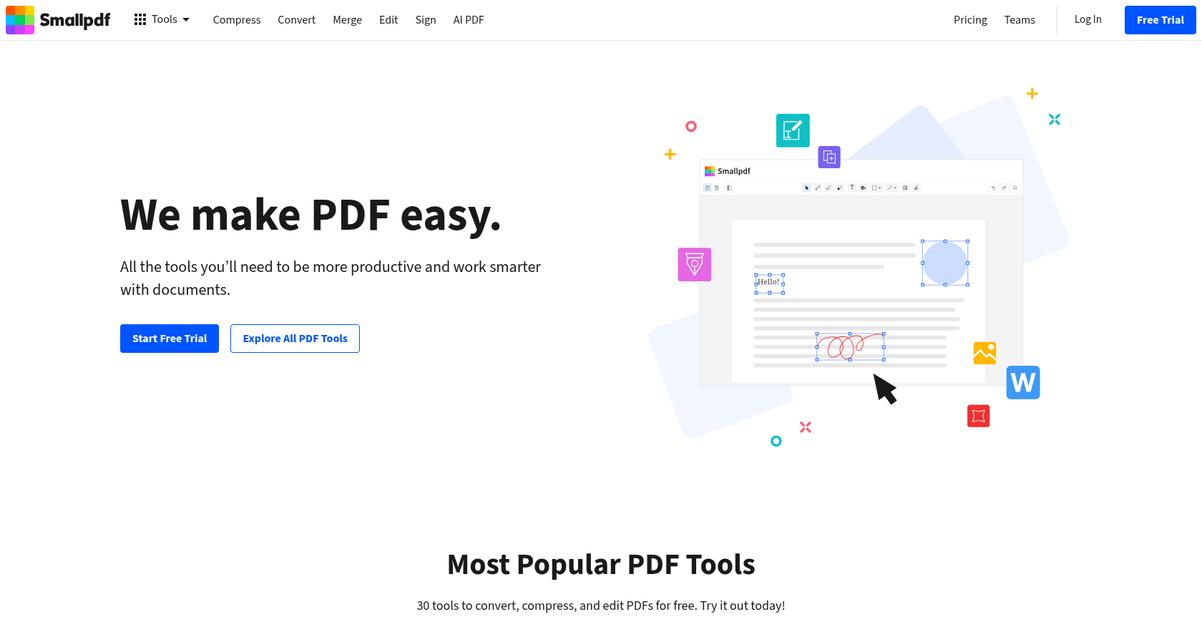
Smallpdf fixes this with a cloud-based platform, so you manage PDFs across your devices and ditch Nitro Pro’s desktop-only workflow limitations.
If you’re tired of constant software installs, you’ll love how Smallpdf lets you edit, convert, and sign PDFs instantly online. This means you skip forced updates and device restrictions and just get work done faster.
Plus, Smallpdf has smart AI tools that streamline your day.
Your team gets a more accessible way to manage documents as a Nitro Pro replacement.
With Smallpdf, you can finally cut out those Nitro Pro headaches. It’s designed so you work anywhere—at the office, home, or on the go—without waiting for downloads or IT help.
The user interface is so clean it takes just seconds to upload and manipulate PDFs. Beginners and experienced users alike can complete complex PDF tasks with only a few clicks, so you save ramp-up time as you switch over.
Additionally, Smallpdf’s AI features mean you can summarize, translate, or even query documents without slogging through pages. Everything just feels lighter and simpler, whether editing solo or collaborating with your whole team.
That’s why it’s perfect for your daily document work.
Key features:
- Cloud-native PDF management from any device lets your team skip software installations and handle all PDF tasks from browsers, streamlining cross-device work compared to Nitro Pro’s desktop focus.
- Beginner-friendly, intuitive interface for quick adoption reduces the learning curve dramatically, so even casual users or new hires are productive in minutes, not weeks.
- Integrated AI tools for summarizing and extracting insights transform how you interact with content, letting you process large documents faster than Nitro Pro’s manual approach.
Verdict: Smallpdf is a top Nitro Pro alternative if you want easier PDF management, flexible online access, and rock-solid performance. Many users report consolidating multiple tools and saving up to 40 percent on costs after switching, making it perfect for improved productivity in your PDF workflows.
7. ABBYY FineReader PDF
Frustrated with slow, clunky PDF tools?
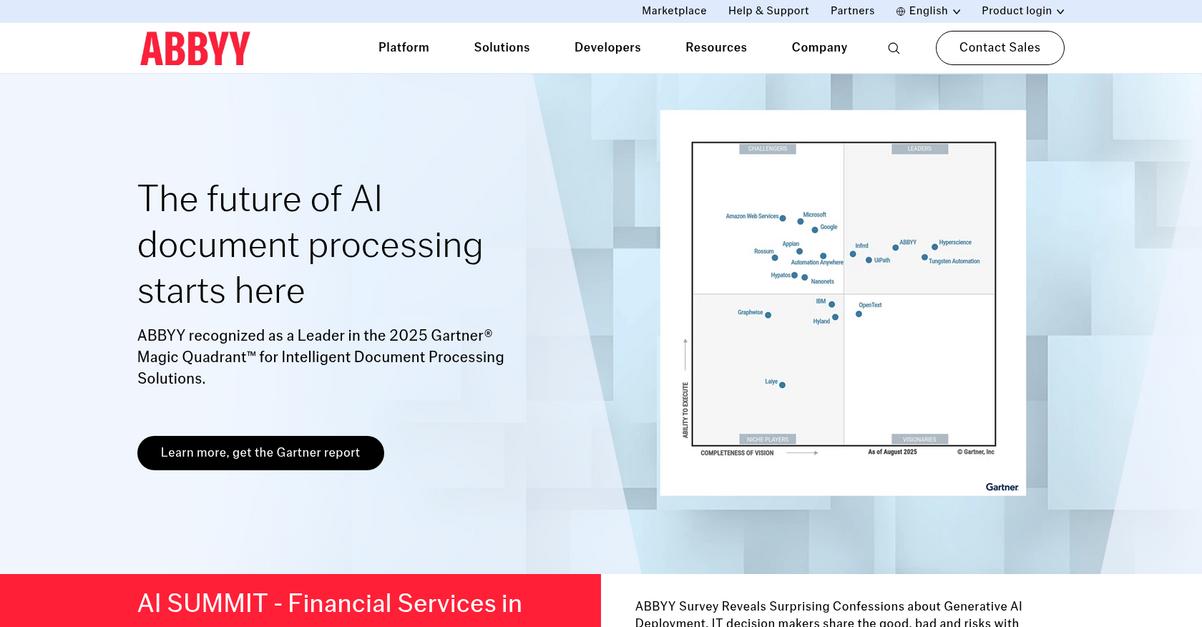
ABBYY FineReader PDF brings high-accuracy OCR and advanced comparison—exactly where Nitro Pro falls short, especially for digitizing complex or scanned documents with fewer manual corrections.
If you’ve been held back by Nitro Pro’s limited scanning accuracy, you’ll appreciate how FineReader’s superior OCR ensures cleaner document conversions every time. This means less wasted time and fewer embarrassing text recognition errors bogging down your workflow.
Here’s how FineReader turns that frustration around.
With ABBYY FineReader PDF, digitizing and managing scanned PDFs is dramatically transformed compared to Nitro Pro.
Switching over means you can count on unmatched Optical Character Recognition, so your scanned paper files become instantly searchable and editable—no more endless manual retyping. Plus, you’ll spot every single edit or update across any file format with its document comparison tool, whether you’re reviewing legal contracts or regulatory drafts.
Additionally, FineReader’s automated hot folder processing lets you tackle bulk PDF conversion and OCR jobs with complex rules, where Nitro Pro’s batch features just can’t keep up. These are huge time savers if your team regularly handles high document volumes or operates on strict deadlines.
You avoid workflow bottlenecks and enjoy less stress.
Key features:
- Industry-leading OCR for scanned documents delivers best-in-class accuracy when converting paper files, capturing even poor-quality scans far better than Nitro Pro’s text recognition.
- Robust cross-format document comparison instantly highlights every change between PDF, Word, or other file types, critical if you need precise review processes without missing key edits.
- Powerful automated hot folder workflows process and convert large batches of documents by simply dropping them into a folder, supporting advanced job scheduling and bulk automation needs.
Verdict: ABBYY FineReader PDF stands out as a Nitro Pro alternative if your daily work demands flawless OCR, cross-format comparison, and automated PDF processing. Many users save 20 or more hours per month, especially in legal or compliance, making it a reliable step up for serious PDF management.
8. EaseUS PDF Editor
Nitro Pro feeling sluggish or just not worth it?
EaseUS PDF Editor stands out with lightweight performance, quick PDF editing, affordable lifetime licensing, and easier fillable form creation—addressing Nitro Pro’s most common pain points for document management.
This means your team finally gets a PDF editor that’s actually quicker and budget-friendly without sacrificing the advanced features your projects demand. Plus, the simplified creation of customizable fillable forms will improve your workflow from day one.
Switching doesn’t have to be complicated.
EaseUS PDF Editor tackles what Nitro Pro doesn’t by making PDF management less resource-intensive and more intuitive for everyone.
You’ll notice the difference right away if you’re frustrated by slow load times or resource hogging. The platform opens and edits PDFs smoothly, even on less powerful devices, letting everyone on your team stay productive. Plus, with a one-time lifetime license, you stop worrying about recurring bills—a huge relief compared to Nitro Pro’s ongoing subscription charges.
You also get robust, customizable fillable form tools that are surprisingly easy to use. Being able to build and deploy interactive PDF forms, import or export data, and manage responses directly in the editor really sets it apart. This mix of simple editing, budget clarity, and powerful form tools means your migration from Nitro Pro is smoother and more rewarding.
It’s the all-in-one editor you’ve wanted.
Key features:
- Lightweight and fast PDF editing gives you quick load times and reduced resource use, making PDF work painless on almost any desktop or laptop—especially versus Nitro Pro.
- Budget-friendly lifetime license option replaces ongoing Nitro Pro fees with a simple one-time purchase, saving you money and simplifying budgeting for your team’s software stack.
- Intuitive, customizable fillable forms builder allows you to create, modify, and automate interactive PDF forms far easier than with Nitro Pro, streamlining data collection and workflow management.
Verdict: EaseUS PDF Editor is a strong Nitro Pro alternative if you need better performance and value. Users find it solves complex PDF tasks at a much lower cost, with a rapid setup and powerful editing tools—making it a smarter pick for everyday PDF management software needs.
Conclusion
Ready to leave Nitro Pro frustrations behind?
When endless crashes, sluggish performance, and expensive upgrades slow your PDF work to a crawl, it’s only natural to look for a tool that actually helps you get things done.
You’re right to look elsewhere—putting up with constant workflow headaches isn’t worth it when better options are available that fit your needs and budget.
There’s a smarter way forward.
Of all the best Nitro Pro alternatives I’ve reviewed, FileCenter is the clear winner for anyone tired of Nitro Pro’s hassles.
FileCenter makes PDF editing and organization easy again, letting you handle digital files quickly—without the complexity, lag, or steep price tag.
I’ve seen FileCenter help small teams move away from Nitro Pro and finally enjoy simple, reliable document management on Windows desktops—especially if you want better control over your files.
Give FileCenter a try—start your free trial today and see the difference.
Experience faster, stress-free PDF work.