

Struggling with information overload again?
Choosing the right document management platform feels overwhelming when every option seems the same, yet your compliance demands never let up.
Making a wrong move could disrupt workflow and jeopardize regulatory readiness.
As reported by Foxit, employees spend 2 hours per day searching for documents, losing up to a quarter of their workweek to disorganization. Imagine how much that friction adds up when your teams can’t integrate with core ERP or CRM systems.

This article cuts through the confusion in your search process for a solution that meets strict data sovereignty, ROI, and integration needs.
In this article, I’ll break down the best on premise document management software for lasting compliance, showing strengths, workflow benefits, and where each product fits in complex IT environments.
You’ll walk away with clarity to justify investment, accelerate audits, and drive secure productivity.
Let’s get to it.
Quick Summary:
| # | Software | Rating | Best For |
|---|---|---|---|
| 1 | FileCenter → | Small to mid-sized offices | |
| 2 | DocuWare → | Enterprise compliance departments | |
| 3 | Dokmee → | Regulated mid-market firms | |
| 4 | Docsvault → | SMBs in regulated industries | |
| 5 | eQuorum ImageSite → | Engineering and technical teams |
1. FileCenter

Are your paper files slowing down productivity?
FileCenter’s visual digital filing cabinets keep all your documents organized just like your traditional system, but entirely within a secure on-premise environment.
If you’re tired of digging through piles of paperwork, you’ll love that FileCenter helps you instantly digitize and retrieve any document in seconds with its built-in PDF conversion and OCR.
But that’s just the start.
Here’s how FileCenter stands out as your on premise solution.
You can scan, convert, and organize your entire paper backlog using one-click PDF conversion, complete with integrated OCR to make files instantly searchable. Plus, the familiar layout of electronic filing cabinets makes navigation immediately comfortable, perfect if your team prefers a visual, folder-based structure.
Additionally, FileCenter’s built-in PDF editor streamlines teamwork by letting you stack, unstack, annotate, and manipulate documents without leaving the platform. This means you never have to juggle multiple external PDF tools, and you’ll keep file management frictionless for everyone. With deep Windows integration, you’re able to tie in the system with your existing office workflows—no complicated training required.
FileCenter fits perfectly into your daily routine.
Key features:
- Visual digital filing cabinets mirror your workflow: Organize and locate documents using a structure just like physical cabinets, reducing onboarding time and confusion across your office.
- One-click OCR and PDF conversion digitizes files instantly: Convert paper documents into searchable, editable PDFs, so you never suffer wasted time looking for critical information again.
- Full-featured PDF editor eliminates extra tools: Annotate, split, merge, and rearrange any PDF directly within FileCenter, helping you collaborate and share with zero hassle.
Verdict:
If you need a great on premise document management software that makes it easy to organize, digitize, and edit documents—while slashing file management time by up to 90 percent—FileCenter should be at the top of your shortlist.
2. DocuWare

Worried about compliance and document chaos?
DocuWare makes it refreshingly easy to organize, find, and secure your most important files with features like intelligent indexing and digital workflow automation.
This means you can finally eliminate manual data entry and classification errors that slow down your processes and put compliance at risk. With DocuWare’s on-premise setup, your documents stay in house under your control, while automated indexing guarantees every file goes exactly where it should.
Your users get greater control and visibility instantly.
Here’s how DocuWare steps up to solve this.
DocuWare gives your team a unified platform for managing, archiving, and retrieving business documents all on-premise, with robust security built in.
Plus, you get digital workflow automation that streamlines everything from invoice approvals to audit trails—letting you set up rules-based processes that reduce costly manual work. I find this especially valuable for compliance-heavy fields where a missed step could cause big headaches.
Additionally, DocuWare’s intelligent indexing ensures your files are automatically categorized and searchable, no matter where they come from. Combine this with secure, permission-based document access and immediate auditing, and you’re set up for lasting compliance and boosted efficiency.
The result is fewer headaches, more productivity.
Key features:
- Intelligent Indexing with automatic document classification: Your files are accurately indexed and instantly searchable, eliminating manual effort and reducing the risk of lost or misfiled documents.
- Rules-based digital workflow automation and task reminders: Turn slow processes digital—manage approvals, route documents for signoff, and auto-track every activity, saving your team time daily.
- Secure, permission-based access and audit trails: Ensure sensitive documents never end up in the wrong hands with rock-solid access controls and complete visibility for every action taken.
Verdict:
If you’re searching for a top on premise document management software that gives you user-friendly control, robust compliance support, and features trusted in enterprise ECM, I highly recommend DocuWare as your next step.
3. Dokmee
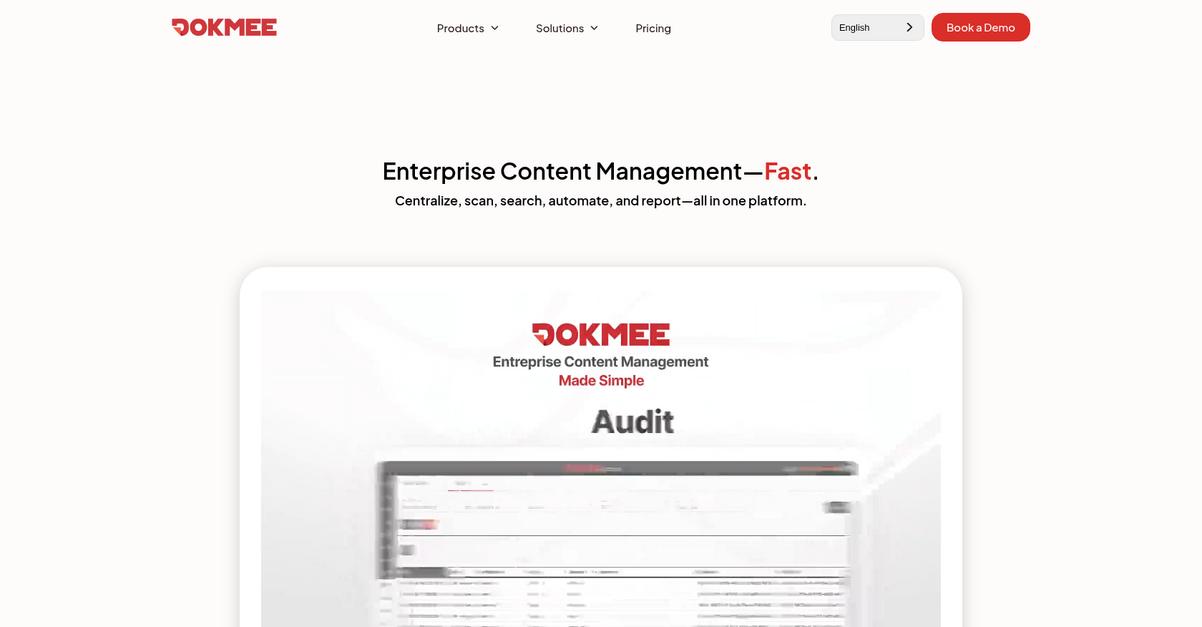
Looking for total control over your documents?
Dokmee’s on-premise platform offers a flexible folder structure, customizable rules-based workflows, and robust audit trails designed for real compliance.
This means you get granular security, detailed activity tracking, and intuitive organization—features your team needs if document chaos or compliance is holding you back. With Dokmee, managing sensitive content and streamlining approval processes is no longer a headache.
Here’s how Dokmee ramps up your compliance and control.
You get a simple Windows-like folder setup, making it a breeze to migrate or organize thousands of files the way your team already works.
Plus, the rules-based workflow lets you automate complex approval chains with notifications built right in. This saves your team a ton of time by cutting out bottlenecks and repetitive handoffs, freeing up hours for higher-value work while minimizing costly errors.
Additionally, Dokmee’s granular user controls and audit logs mean every user interaction—view, change, approval, or export—is recorded and reportable. This not only boosts overall accountability but also helps you meet even the strictest audit requirements. If staying compliant is vital for your business, these layers of protection bring real peace of mind.
All these features come together to deliver a document management system you can trust.
Key features:
- Windows-like folder structure for instant familiarity: Easily migrate existing files and set up unlimited folder levels, so your current organization style never gets disrupted.
- Automated rules-based workflows for approvals: Build out multi-user routing and notifications that ensure no critical document ever gets lost or delayed in your process.
- Multi-level user controls and audit trails: Every document access, edit, and approval is tracked, giving your business an extra layer of accountability and compliance.
Verdict: If you’re searching for an effective on premise document management software, Dokmee lets your team regain control by structuring, securing, and automating paper-heavy processes. You can confidently meet compliance demands while boosting efficiency and tracking every move.
4. Docsvault
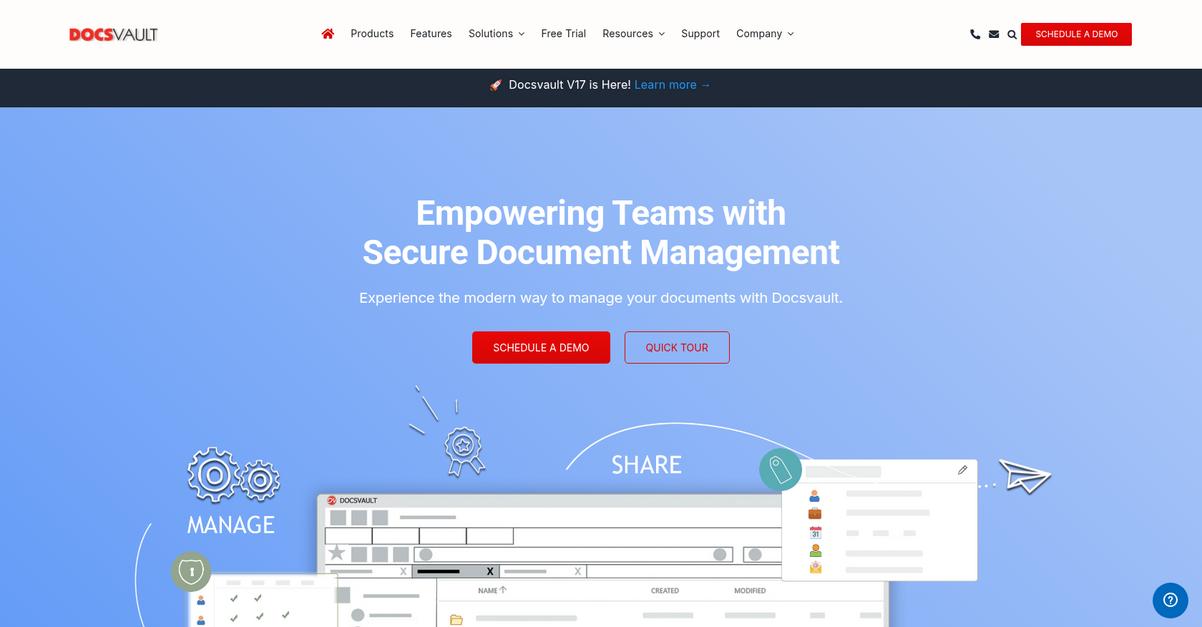
Struggling to keep sensitive files secure and organized?
Docsvault’s on-premise platform lets your team centralize both digital and paper documents with ironclad protection and detailed activity tracking.
The platform’s robust audit trails, granular access control, and easy-to-use workflows mean you can maintain compliance and data integrity without extra headaches.
Let’s get into how Docsvault makes this possible.
Docsvault helps your team reduce manual work by automating reviews, routing documents, and managing approvals. This means you can accelerate everyday tasks while knowing exactly who accessed or changed files.
Plus, you get version control that tracks every change and edit, so your entire document history is always available for compliance needs, audits, and collaboration. If HIPAA, GDPR, or internal audit trails keep you up at night, this can make a real difference.
Additionally, Docsvault’s granular user and group permissions let you confidently safeguard confidential files, keeping sensitive HR, legal, or financial documents available only to the right people. Combined with a user-friendly interface praised by small and mid-sized businesses, scaling secure document management across multiple departments becomes simple. By doubling efficiency for teams transitioning from paper to digital files, you get more done in less time, without sacrificing security.
In short, compliance and productivity don’t need to be a trade-off.
Key features:
- Automated review and approval workflows streamline document-related processes, reducing administrative overhead and boosting compliance so your company can get decisions signed-off quickly.
- Detailed version control and audit trails ensure full document transparency, critical for businesses managing regulatory requirements or audit readiness, and let you see who did what at any time.
- Flexible user and group security settings mean you can restrict or allow access, editing, and sharing at granular levels, giving you total control over confidential documents.
Verdict:
If you’re searching for a leading on premise document management software, Docsvault stands out with its unique mix of automation, strict security controls, and proven efficiency gains—making it a powerful fit for regulated and growing businesses.
5. eQuorum ImageSite
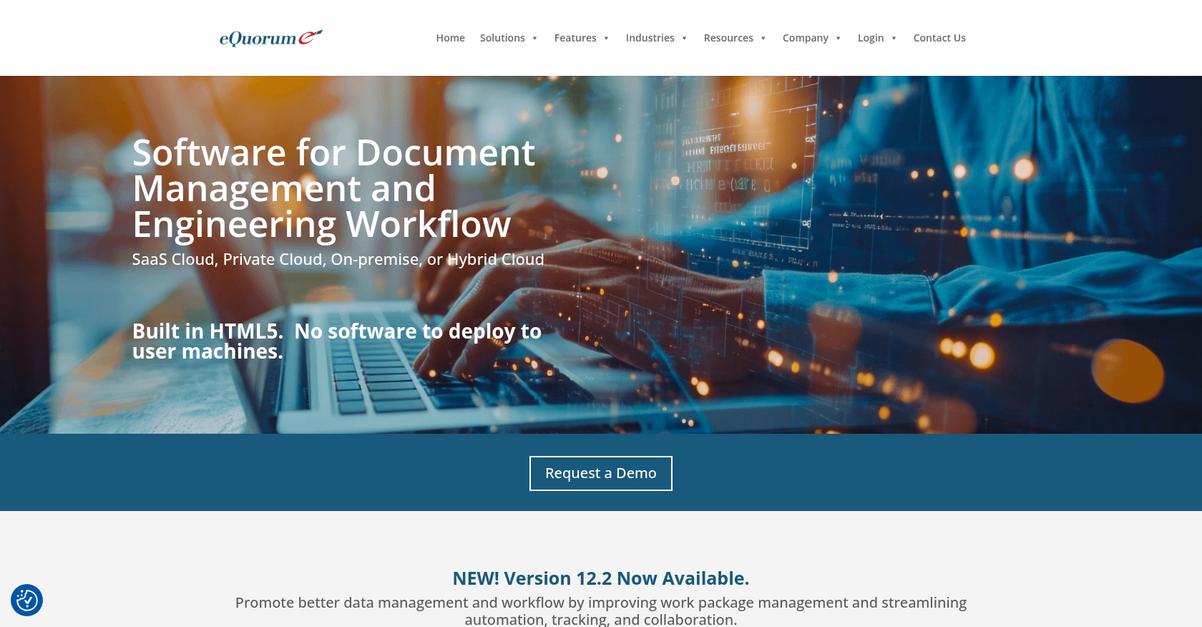
Are your paper-based workflows holding you back?
eQuorum ImageSite puts you in control with built-in engineering workflow management, audit trails, and a robust, on-premise platform tailored for technical documents.
This means you get all the tools to keep your project files accurate, approvals smooth, and version history locked down for maximum compliance across your technical operations.
Your document chaos can finally become efficiency.
Here’s how eQuorum ImageSite turns that around.
It lets you take charge of technical document lifecycles, providing dedicated tools that track, revise, and archive engineering files while meeting critical compliance needs.
The HTML5-based single viewer is a game changer, letting your team access even complex engineering files without extra software or IT headaches. I like how you can just fire up a browser—whether you’re at your office workstation or out on a job site—and instantly view details, markups, or revisions. Full document history and audit trails are always just a click away, which means you’re always up to speed and audit-ready.
Plus, automated version control tracks every change. You never have to second guess which drawing or spec is current, and you always have a complete record for accountability if there’s ever an issue. When you add lifecycle management and engineering workflow controls, your whole product data management process gets easier, so you avoid costly mistakes and deliver better outcomes every time.
Everything you need to stay in control.
Key features:
- Comprehensive engineering workflow management tools help your team handle everything from document creation and approval to final archive or destruction, reducing bottlenecks and confusion.
- Powerful document version control with audit trail brings you automated change tracking, oversight, and compliance—all essential for technical projects and regulated industries.
- HTML5-based single document viewer eliminates client installs so anyone on your network can securely access files, drawings, and markups from any browser, wherever you need.
Verdict: If you need a great on premise document management software for technical or engineering workflows, eQuorum ImageSite covers you with deep version control, lifecycle automation, and browser-based access—helping your team reduce errors, streamline workflows, and safeguard compliance.
6. OpenText
Struggling to maintain control over your critical documents?
You want your on-premise system to centralize content, protect sensitive information, and stay compliant with strict regulations—OpenText helps tackle all of these challenges with its Content Suite Platform, automated security, and deep integrations.
OpenText isn’t just about storing files; it offers a unified platform that streamlines content access, secures information, and reduces compliance risk for your entire team.
Here’s how OpenText takes care of your compliance headaches.
I see how OpenText’s Content Suite Platform gives your team a strong backbone for handling documents across every department.
Its foundation is built to manage, organize, and track your documents wherever they live, making it so much easier for you to enforce internal policies and access requirements. The real power comes from automated security and governance functions that keep your information protected and auditable without your team having to chase down records or worry about unauthorized access.
Plus, OpenText doesn’t operate in a silo. If you’re already using big business apps like SAP, Salesforce, or Microsoft Teams, integrations mean your document workflows actually support your daily business—not disrupt it. By linking content management right into your existing stack, your team works more efficiently and your data stays consistent, reducing headaches and helping you move quickly.
So, OpenText helps you stay compliant and nimble.
Key features:
- Enterprise-wide content centralization and management capabilities that give your team complete control and visibility over documents across every part of your company for improved access and decision making.
- Automated security and compliance controls right out of the box with secure sharing, robust audit trails, and document governance tools to help you meet regulatory obligations.
- Ready-made integrations with SAP, Salesforce, Microsoft Teams, and more so your document workflows plug directly into everyday business apps to keep your information consistent and your operations efficient.
Verdict: OpenText stands out as a leading on premise document management software by centralizing your content, automating compliance, and connecting with the tools you already use. If you want proven, enterprise-ready control, OpenText is worth exploring.
7. FileHold
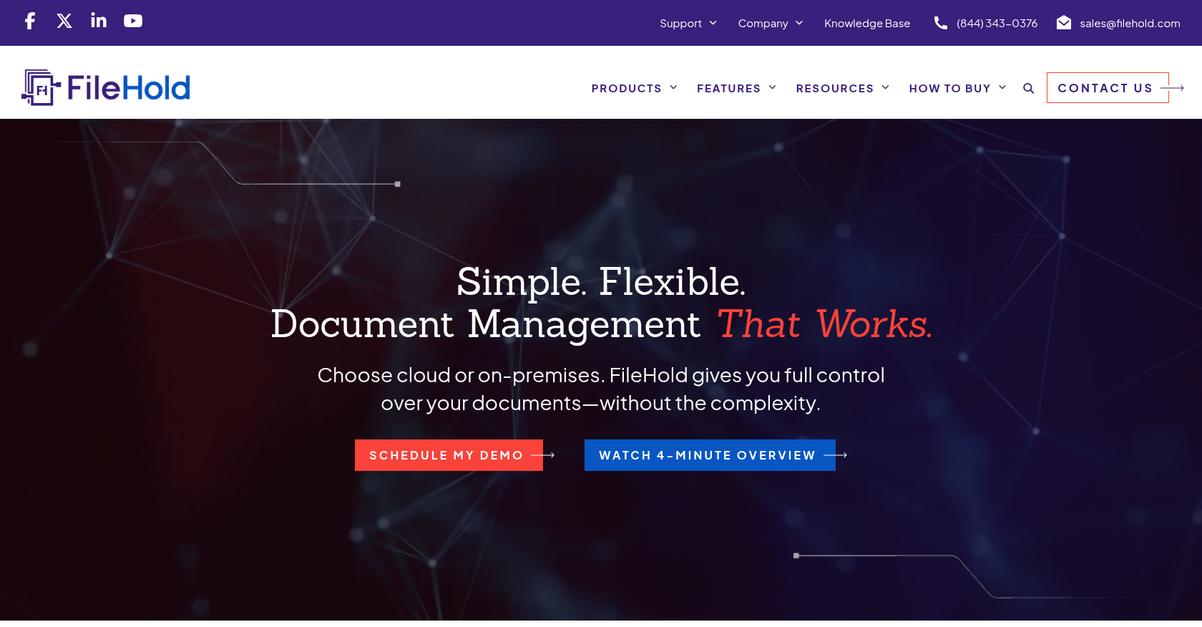
Need reliable document management that’s fully under your control?
FileHold brings you user-friendly search, document version control, and configurable workflows that solve the headaches of managing growing volumes of business-critical documents onsite.
If you’re worried about data confusion or wasted work hours hunting for files, you’ll appreciate how FileHold’s document version control means your team always knows which copy is the right one and that nothing important gets overwritten or lost.
No more second guessing your library’s integrity.
By shifting to FileHold, you solve these problems at their core.
FileHold delivers a secure, organized on-premise library that keeps your data protected and easy to navigate.
Here’s how: robust check-in and check-out means you keep your audit trail tight, while OCR and advanced search convert paper files into accessible digital records. That means you can find exactly what you need in seconds, not hours, and retrieve documents by keyword, date, or custom metadata — perfect if you’re trying to enforce compliance or speed up audits.
Plus, customizable workflow templates help you ditch email chaos and streamline every approval or review. You can track progress automatically and make sure nothing stalls projects or slows compliance. Customers report serious time, space, and stress savings by digitizing all those boxes of documents and eliminating paper-based bottlenecks entirely.
FileHold is the answer for your on-premise needs.
Key features:
- Check-in/check-out version control keeps every version distinct letting your team collaborate confidently, eliminating accidental overwrites, and providing a clear document audit trail for compliance.
- OCR and advanced search tools make finding documents simple by turning scanned files into searchable digital content, so you never lose track of important information again.
- Configurable workflow templates automate document review and approval allowing you to eliminate manual tracking, reduce delays, and improve accountability throughout your paper-heavy processes.
Verdict:
If you want an excellent on premise document management software that lets you control all your business documents, FileHold stands out for easy search, robust version control, and workflow templates. Deploy it for 10 or 1,000+ users as you scale.
8. M-Files

Frustrated by endless document hunts and missed approvals?
M-Files’ metadata-driven architecture puts your documents exactly where you need them, organizing everything by what it is instead of where it’s stored.
This means you finally escape folder chaos and make it simple for your team to find or share documents—without doubling the workload. Automated workflows, version control, and audit trails keep compliance and collaboration locked in.
Here’s how it actually solves real problems.
M-Files tackles your document headaches by using a metadata-first system and automating process controls at every step.
With its intuitive organization, automated workflows, and advanced search— including the power of generative AI to surface specific content fast—you don’t have to worry about missed files or outdated versions getting in the way. If you’re always struggling to find what you need or keep everyone on the same page, this setup makes everything more reliable and transparent.
Additionally, M-Files provides audit trails and robust version control so your compliance team can effortlessly track every change. Approvals happen with less follow-up, while automated processes keep everything moving smoothly. The result is your documents always stay accessible, secure, and audit-ready—plus you’ll free up time, since users report up to 70% greater efficiency.
This puts you back in control.
Key features:
- Metadata-driven organization eliminates messy folder structures: Your documents are categorized by content type, making search and navigation straightforward—even for new team members or complex projects.
- Integrated workflow automation and audit trails: M-Files builds in approval cycles, version control, and detailed audit logs, so you don’t have to chase compliance or track document history manually.
- AI-powered search finds content in seconds: Built-in intelligent search and generative AI mean you spend less time looking for files and more time making decisions backed by the latest information.
Verdict:
If you need an excellent on premise document management software, I’d start with M-Files. Its intuitive metadata layout and automated compliance features have helped users boost productivity up to 70% and find files 50% faster, removing headaches from audit-driven environments.
9. Nextcloud Hub
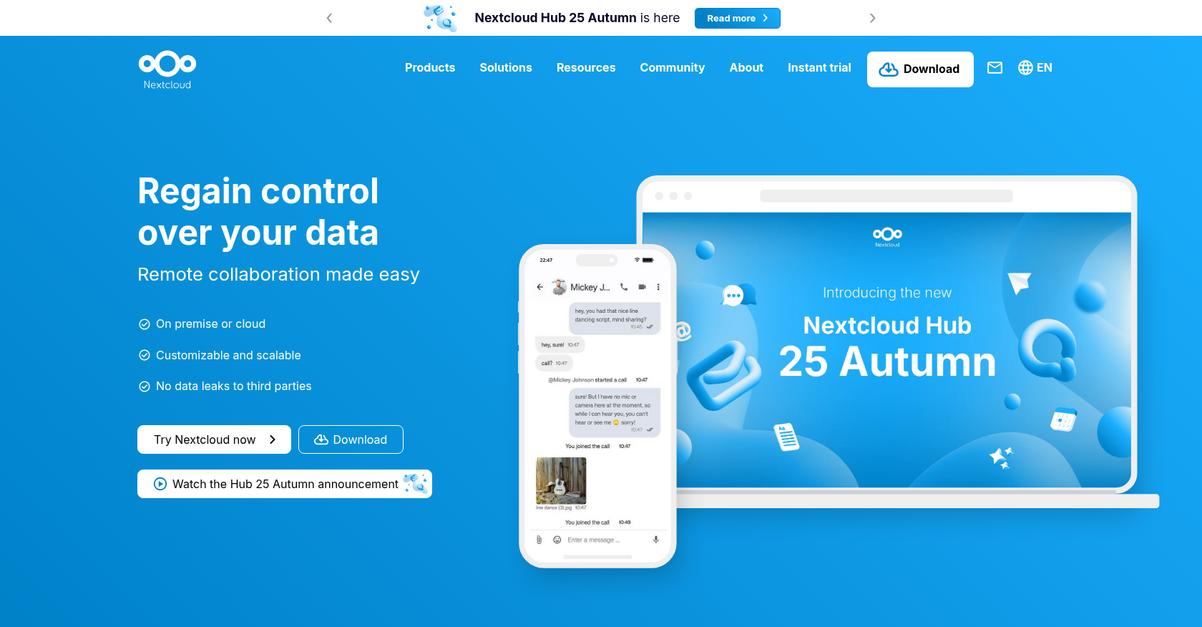
How confident are you in your document control?
Nextcloud Hub delivers real-time collaborative editing, end-to-end encryption, and full file management—everything you need to secure, organize, and control your documents without ever sending sensitive files to the cloud.
This means you get total control over your file security and user access, which is vital if you need to meet tough compliance standards or handle sensitive information every day.
Here’s how Nextcloud Hub makes compliance far less stressful.
You’ll get an open-source, on-premise platform designed to put your data exactly where you want it—on your own servers.
Plus, with its high-performance backend, Nextcloud Hub slashes server load by 90% and gives you instant notifications as files change. That’s a game changer when you’re tired of delays, server strain, or scrambling to figure out who did what with a document. The built-in real-time collaborative editing means your legal, HR, or project teams can work together in one place and capture feedback the moment someone has it. The end-to-end encryption guarantees airtight privacy for confidential documents, whether you’re sharing them internally or allowing remote access.
There’s more: Nextcloud offers robust versioning and file locking, so you always have the right version and never lose critical input. You can access, manage, and share documents even across external storage systems—giving you the flexibility to keep your existing workflow but with much more security and oversight.
You’re always in control of your document management.
Key features:
- Real-time document collaboration with office suite integration for easier team feedback, in-document editing, and streamlined project tracking no matter where your users work.
- Enterprise-grade end-to-end encryption controls access to sensitive content while securing documents across desktop, mobile devices, and external storage—no compromise on privacy or compliance.
- Full file management with versioning and locking keeps your documents consistent, easily retrievable, and protected against accidental overwrites even as your requirements grow.
Verdict:
Nextcloud Hub is a reliable option for an effective on premise document management software because it empowers you with maximum data control, 90% reduced server loads, real-time editing, and airtight encryption—making it perfect for organizations with strict compliance or privacy needs.
10. Laserfiche

How much time is lost searching for files?
Laserfiche’s advanced workflow automations, robust document search, and enterprise security make it an excellent on premise solution for tighter control and compliance.
This means you don’t have to worry about hunting through endless folders or questioning if your data access is truly locked down—you can trust every document is easily found and fully protected.
Let’s take a closer look at how this works.
By combining central document storage with rules-based automation, Laserfiche lets your team move past manual bottlenecks and focus on high-value work.
Here’s how: you can set up custom workflows to automatically route documents for approvals, trigger email notifications, and use powerful optical character recognition to generate searchable text on scanned records in seconds. If you’ve got old files or receive tons of digital paperwork daily, you’ll appreciate how fast it becomes to pull up what you need.
Additionally, Laserfiche brings enterprise-grade encryption and granular access controls to your on-premise environment. This means every file has an audit trail and version history, giving your compliance and data security teams peace of mind. Your IT team will really value having total control over system architecture thanks to the on-premise deployment options, such as Laserfiche Rio.
You get security, searchability, and automation built to meet your needs.
Key features:
- Automated workflows that eliminate manual tasks: Streamline business processes with rules-based routing, process automation, and custom notification setups designed for on-premise deployment.
- Integrated OCR for instant document searchability: Create searchable text from scanned or electronic files to access files faster and future-proof your entire archive.
- Enterprise-grade security and audit trails: Protect sensitive information with advanced encryption, detailed access controls, full version history, and transparent logging for regulatory compliance.
Verdict:
If you’re looking for a great on premise document management software, Laserfiche stands out with automation, enterprise security, and advanced search. Its workflow tools and proven compliance controls help reduce risks and improve productivity, especially for teams needing total data control.
11. Hyland OnBase

How secure is your document management process right now?
Hyland OnBase offers comprehensive document controls, centralized storage, robust access management, and automation that help you address compliance and operational challenges head-on.
For many IT leaders, keeping content protected, accessible, and organized is a real headache. Handling a large volume of sensitive files with confidence and efficiency can seem almost impossible, especially if your current system is disjointed or manual.
Here’s why that matters for your team.
Hyland OnBase actively solves this with enterprise-grade document management features you can trust.
You get much more than simple storage. With custom workflow automation that routes tasks and documents, you can ditch time-consuming manual steps for instant, reliable processing. This is especially useful if you’re responsible for maintaining compliance or need to oversee critical business documentation—think internal HR records, invoices, contracts, or project approvals.
Additionally, OnBase’s advanced security—encryption, multi-factor authentication, and granular access controls—lets you determine exactly who sees what. The detailed audit trails mean you always know who accessed or changed a document, which is a huge win if you ever face an audit or need to show compliance. The result is lower risk, less stress, and easier regulatory reporting.
Now, your team can finally focus on work—not file chasing.
Key features:
- Workflow automation for process efficiency: Build tailored processes that automatically route and track documents, freeing your team from manual work and ensuring nothing slips through the cracks.
- Centralized, secure document repository: Store, organize, and manage all your documents in one place, keeping sensitive data protected and easy to locate whenever you need it.
- Advanced security and compliance controls: Set granular access permissions, get complete audit trails, and utilize encryption to meet strict security and regulatory requirements with confidence.
Verdict:
With its robust workflow automation, advanced security, and centralized controls, Hyland OnBase is a top on premise document management software that can help you handle high document volumes, slash manual tasks, and boost compliance—all on your own secure infrastructure.
Conclusion
Decision paralysis is a real blocker here.
With so many on premise document management software options that all look similar, it’s tough to feel confident you’re picking the right fit, especially when compliance and integration worries keep nagging at you.
Just look at the productivity impact—SenseTask data shows that businesses using document management systems report a 21% increase in productivity. That’s a meaningful difference you’ll notice quickly as tasks move faster and audits become less painful.
But what actually solves those headaches?
FileCenter is my top recommendation from this roundup for anyone who needs effortless digital filing, built-in PDF tools, and reliable compliance storage—all without a complicated learning curve.
I’ve seen FileCenter deliver peace of mind with its visual cabinet organization, blazing-fast OCR, and Windows integration. For anyone seeking the best on premise document management software for lasting compliance, FileCenter covers every scenario your IT and compliance teams care about.
You can start a free trial of FileCenter today and experience the simplicity yourself.
Get organized, stay compliant, and reclaim your productivity.