
Mobile editing shouldn’t be this frustrating.
If ONLYOFFICE’s clunky mobile editing, confusing settings, or that 20-connection ceiling have you at your wit’s end, you’re not alone.
Those headaches can slow your workflow and drain productivity fast—especially when personal document management should feel simple and smooth.
Wrestling with these limits means you spend too much time troubleshooting, toggling permissions, or hitting roadblocks when you should be organizing, collaborating, and focusing on what matters. Ultimately, frustration builds up, workflows stall, and staying productive feels impossible unless you find a tool that fits your actual needs.

Luckily, there are strong competitors that solve these nagging ONLYOFFICE issues for good with streamlined mobile editing, real-time collaboration, and customization that just works.
In this article, I’ll show you the best ONLYOFFICE alternatives for personal document management—tools like FileCenter, Folderit, DocHub, Adobe, Google, and more—that cater to mobile users hungry for control.
You’ll finally get the robust features, smooth mobile experience, and flexibility you’re missing.
Let’s find your solution.
Quick Summary:
| # | Alternative | Rating | Best For |
|---|---|---|---|
| 1 | FileCenter → | Users wanting simplified desktop | |
| 2 | Folderit → | Users needing advanced metadata | |
| 3 | DocHub → | PDF-focused mobile users | |
| 4 | Adobe → | Power users needing full features | |
| 5 | Google Docs → | Collaborative cloud document editors |
1. FileCenter

Tired of hitting limits with ONLYOFFICE?
FileCenter gives you a smarter way to organize and scan your documents, using familiar Windows folders and e-file cabinets—no complicated cloud “rooms” or fussy subscriptions like with ONLYOFFICE.
The difference is clear when you use FileCenter’s intuitive filing system. You can finally skip confusing configurations and database setups that slow down personal document management in other tools.
The result? Your workflow gets back on track with more reliable control.
Here’s how FileCenter stands out from other alternatives.
Instead of dealing with online-only storage or settings overload, FileCenter lets you manage your files right on your desktop. You get one-time purchase options as well, so you’re not forced into endless subscription costs just to keep your documents organized.
Plus, you’ll appreciate the built-in scanning and OCR that digitizes paperwork directly into organized, searchable folders. That means no hassle with external scanners or third-party apps—everything stays integrated if you’re moving from ONLYOFFICE.
Another big win is FileCenter’s smart naming rules and automatic folder assignment. This works great if your paperwork is piling up and you want to locate files at a glance instead of scrolling endlessly or dealing with upload limits.
Everything here is geared toward saving your sanity.
Key features:
- Intuitive Windows-style e-file cabinets and folders provide a familiar, no-learning-curve way to organize documents, so you benefit from a simplified user experience versus ONLYOFFICE’s complex room-based structures.
- One-time purchase desktop licenses for Windows let you own the software outright, avoiding recurring ONLYOFFICE subscription fees and giving you greater control over your personal document management costs.
- Integrated scanning, OCR, and smart filing rules streamline paper-to-digital conversion with automatic folder routing, making it faster and easier to digitize and find your documents compared to ONLYOFFICE’s editing-focused workflow.
Verdict: FileCenter is a strong alternative to ONLYOFFICE for personal document management if you want fast local filing, scanning, and simpler software ownership. Windows users have saved hours by eliminating subscription renewals, complicated settings, and wasted time searching for documents—proving a single desktop tool can outperform complex online suites.
2. Folderit
Looking for more than ONLYOFFICE’s mobile editing limits?
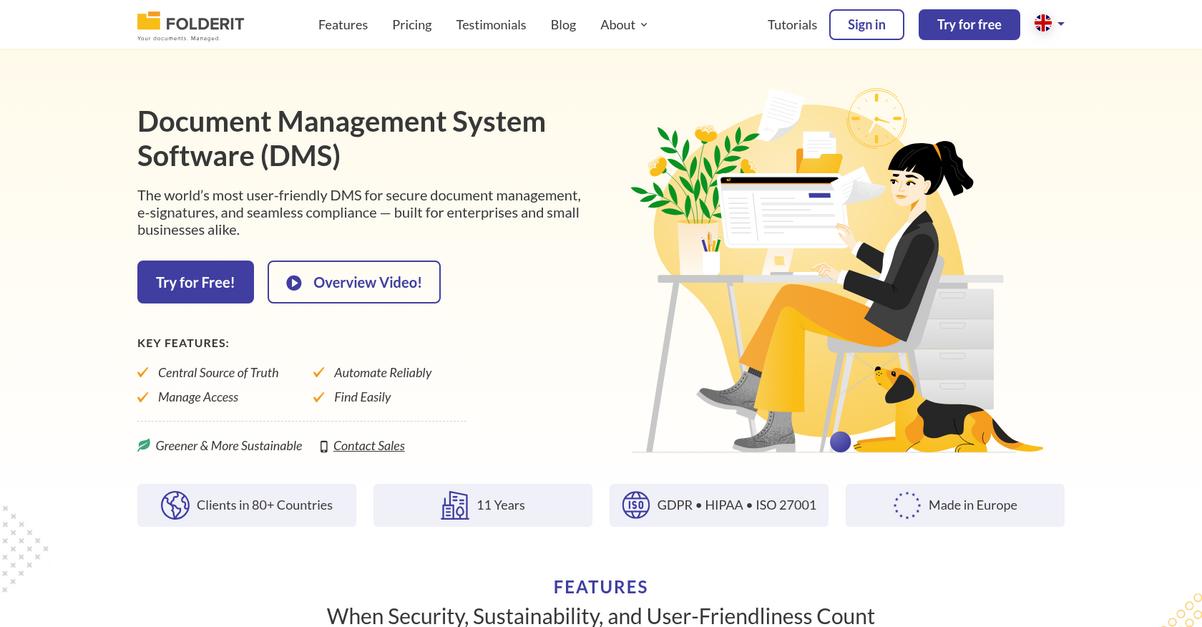
Folderit is built for simplicity, giving you advanced file organization through custom metadata and tags, plus built-in reminders and Microsoft 365 editing right where you need it.
If ONLYOFFICE’s restrictive search options have slowed you down, Folderit flips the script by letting you organize and find files quickly with robust metadata, custom fields, and due dates tailored for personal document sorting and discovery.
You’ll notice the difference right away.
Here’s how Folderit delivers as a personal document management solution.
By focusing on user-friendly automation, Folderit makes it easy to set custom retention rules for every document and schedule reminders for anything important—something missing from ONLYOFFICE that you might have wished for many times.
Plus, you get integrated Microsoft 365 editing for Word and Excel directly inside your document portal, so you’re not forced to settle for less familiar online editors. This helps you keep your workflow smooth when moving from ONLYOFFICE.
Folderit doesn’t just help you organize; it protects your peace of mind with secure cloud storage and detailed audit trails. When you bring these together, your documents stay accessible, searchable, and well-managed—with zero hassle.
Personal file management feels effortless again.
Key features:
- Custom metadata and advanced file tagging organize documents beyond filenames, letting you sort by tags, fields, and due dates for ultra-precise search and retrieval.
- Automated retention rules and reminders help you stay on top of renewal dates, compliance, and tasks, so nothing slips through the cracks without manual tracking.
- Microsoft 365 online editing integration allows you to create and modify Word, Excel, and PowerPoint documents directly within your DMS, using the familiar Office interface.
Verdict: Folderit is a clear alternative to ONLYOFFICE for your personal document management needs. Its robust metadata and integrated reminders let you locate files and meet deadlines with ease. Users report their digital file chaos is dramatically reduced thanks to Folderit’s intuitive features—notably improving document access and organization.
3. DocHub
Mobile editing still feels limited with ONLYOFFICE?
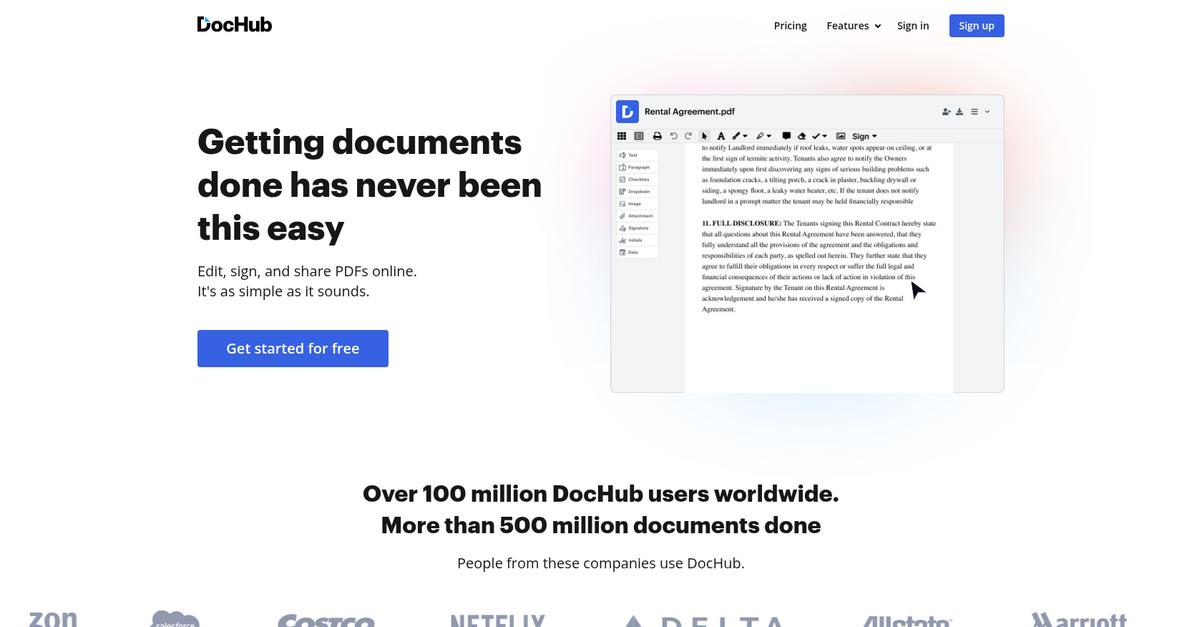
DocHub steps in with next-level PDF editing, streamlined electronic signatures, and deeper cloud storage integrations, addressing the major frustrations many experience when trying to manage personal documents through ONLYOFFICE.
Where ONLYOFFICE can feel restrictive, DocHub enables you to edit, annotate, and sign PDFs directly in your browser without extra setup or confusing menus. That means you spend less time fighting with complex settings and more time actually organizing and working on your files.
Here’s how DocHub moves things forward.
Switching to DocHub gives you better personal control.
DocHub solves the “PDF pain” that ONLYOFFICE users know too well by offering rich editing, annotation, and signing features built right into your browser.
You get a centralized toolkit that makes editing, filling, and signing PDFs simple. Plus, DocHub integrates with Google Drive, Dropbox, and OneDrive for easy file imports and exports, which is a huge boost compared to the manual connections and room-based setup you put up with in ONLYOFFICE. You’ll find more advanced PDF manipulation tools that actually fit how you work, especially when your workflow revolves around forms, contracts, or frequent approvals.
Additionally, bulk e-signature requests and robust annotation features empower you to move paperwork quicker. With DocHub’s all-in-one design, editing and e-signing don’t just coexist—they flow together, helping you save serious time when managing documents on your own.
Everything blends for truly efficient document management.
Key features:
- Extensive in-browser PDF editing and annotation gives you advanced tools for modifying, filling, and commenting on PDFs, making your workflow smoother than with ONLYOFFICE’s general approach to documents.
- Complete built-in e-signature and bulk sign requests simplify the process of collecting signatures for contracts, paperwork, and forms, while keeping everything secure and legally binding right in your preferred browser.
- Automatic syncing with Google Drive, Dropbox, OneDrive allows seamless document management and sharing without manual uploads or confusing folders you’d otherwise deal with in ONLYOFFICE.
Verdict: If PDFs and e-signatures are at the center of your personal document workflow, DocHub stands out as a practical alternative to ONLYOFFICE. Users say they save hours each week, as DocHub’s advanced PDF editing and flawless cloud integration slash the wasted time and aggravation that comes with more rigid suites.
Conclusion
Ready for fewer mobile editing headaches?
ONLYOFFICE’s complicated settings, frustrating mobile editing, and the rigid 20-connection limit can make getting anything done feel like a chore, especially when organization should be simple.
You’re smart to look for a better way—finding the right tool gives you back your time and lets you focus on actually getting work done, not fighting your software every day.
Here’s the move I recommend next.
I’ve found FileCenter truly nails what frustrated ONLYOFFICE users want—easy local document management, effortless scanning, and none of those inflexible limitations.
If getting organized without constant interruptions sounds good, FileCenter is easily my top pick among the best ONLYOFFICE alternatives. Unlike cloud-only suites, it’s made for quick desktop organization and painless workflow.
Try a free FileCenter trial today to see how much smoother document management can feel.
Enjoy seamless organization and stress-free editing at last.