
OpenKM making version control a headache?
When you’re stuck navigating OpenKM’s dated interface or wrestling with confusing versioning workflows, it’s easy to feel like your team is working against the software rather than with it.
That frustration can hold back efficient collaboration and compliance across your organization, ultimately leaving your business at a standstill.
Over time, these challenges eat at productivity, contribute to confusion, and drain team motivation. The result? You waste money on extra support, lose hours to training, and see morale drop as daily tasks become a chore instead of a breeze.

The upside is there are smart, modern alternatives that bring intuitive control and smoother collaboration, so you don’t have to settle any longer.
In this article, I’ll show you the best OpenKM alternatives for intuitive document version control—comparing solutions like FileCenter, Document360, M-Files, LogicalDOC, and more to find what truly works.
You’ll gain better efficiency, stronger compliance, and a happier team once you make the right switch.
Let’s find your solution.
Quick Summary:
| # | Alternative | Rating | Best For |
|---|---|---|---|
| 1 | FileCenter → | Small teams seeking simplicity | |
| 2 | Document360 → | Users wanting modern interfaces | |
| 3 | M-Files → | Teams needing better collaboration | |
| 4 | LogicalDOC → | Companies requiring better support | |
| 5 | ISOTracker → | Compliance-focused organizations |
1. FileCenter

Are OpenKM’s workflows making document versioning frustrating?
FileCenter fixes this with native Windows integration, letting you manage documents using standard folders—no confusing databases or complex interfaces to learn or maintain.
This means that if you’re fed up with clunky versioning, you can organize, find, and access files in seconds using familiar folder structures instead of OpenKM’s locked-down database model. You avoid training headaches, reduce search time, and keep everyone productive right away.
That’s a huge difference for small business efficiency.
Here’s how FileCenter takes your workflow further.
FileCenter offers a desktop-first solution that directly addresses common OpenKM pain points by giving you unrestricted access to files stored in standard Windows folders—so your team can work offline and independently of the software if needed.
Additionally, you get a true one-time purchase option, which means you can own your document management software outright without being locked into ongoing subscription costs that add up over time. That’s peace of mind you don’t get from OpenKM’s model.
Integrated scanning and OCR turn paper documents into searchable files instantly, with auto-naming and smart routing that make digitization far easier than OpenKM’s detached scanning modules. Everything just flows more smoothly into your daily work.
The result: you’re in control from day one.
Key features:
- Native Windows folder management for documents lets your team organize and access files the way they already do, offering immediate familiarity and flexibility unlike OpenKM’s database-dependent storage.
- Perpetual licensing with one-time payment provides long-term cost savings and eliminates recurring fees, making FileCenter ideal if you want true ownership over your document management.
- Integrated scanning and smart OCR transform paper documents into organized, searchable digital files effortlessly, streamlining digitization compared to OpenKM’s more fragmented scanning process.
Verdict: FileCenter stands out as an OpenKM alternative if you want document versioning that just works on Windows. Users report cutting file search times from minutes to seconds and reducing daily workflow friction, making FileCenter an intuitive upgrade for busy small businesses.
2. Document360

OpenKM feeling outdated and getting in the way?
Document360 gives you sharp, intuitive article versioning, granular comparison tools, and an AI-powered knowledge base focus—directly addressing OpenKM’s limitations around clunky workflows and collaboration.
The real advantage comes from dedicated knowledge base tools and precise version control that outperform OpenKM’s more generic approach to document management, especially if you need clarity, rollback power, and deeper collaboration.
Here’s why that difference matters to you.
Document360 makes switching from OpenKM smoother.
With Document360, you get easy-to-digest side-by-side version comparisons and instant rollbacks, so you always know what’s changed and can undo mistakes with zero hassle.
You can also create multiple public or private knowledge bases per project, giving you flexible organization for different products, teams, or clients—something you’re probably missing in OpenKM’s all-in-one repository. Plus, the AI-powered search and auto-content generation features cut authoring time, letting you publish accurate articles faster for your users.
Additionally, Document360 brings in Eddy AI for automated FAQ suggestions and advanced search, which means your team spends less time hunting for answers and more time getting things done. All of this supports your move from OpenKM while saving your support staff time and helping your users self-serve more effectively.
Everything here is designed with your needs in mind.
Key features:
- Granular article version comparison and rollback highlights every content change between versions and allows instant undo, empowering you with far more control than OpenKM’s versioning tools.
- Multiple separate knowledge bases per project lets your team manage content for different purposes or clients in one system, instead of a limited all-in-one structure.
- AI-powered search and content generation assistance leverages AI for both faster authoring and smarter search, resulting in quicker publishing and fewer support tickets.
Verdict: Document360 stands out as an OpenKM alternative when you want easier document version control and faster knowledge publishing. Users report up to 30% fewer support tickets and noticeably quicker content rollouts after switching, making it an excellent fit if OpenKM’s limitations are slowing you down.
3. M-Files

Is OpenKM’s versioning process still holding you back?
M-Files replaces outdated folder navigation with a metadata-driven approach, letting you organize documents based on what they are instead of where they’re stored.
Unlike OpenKM, M-Files gives you advanced version control with simultaneous editing capabilities, so you can manage both major and minor document changes while collaborating in real time.
The result is far less confusion when your team is updating documents.
If simplicity and productivity are what you need, keep reading.
M-Files helps you ditch OpenKM’s clunky workflows with intelligent metadata tagging that puts documents right at your fingertips. This means you and your team find files faster, organize content more logically, and never waste time hunting in obsolete folders again.
Here’s how it improves your day-to-day: Multi-repository access connects document sources like SharePoint, network drives, and core business apps, all through a single dashboard. So you actually gain control over your information silos rather than fighting them.
Additionally, M-Files includes robust co-authoring and a highly detailed change log, so you avoid duplicate edits and get a clear, auditable trail for compliance and team reviews. It’s everything you wish OpenKM could do, but with fewer headaches.
You deserve a smarter way to manage versions.
Key features:
- Metadata-driven file organization and search lets you classify and access documents based on content, not just location, giving you lightning-fast retrieval compared to folder-based OpenKM setups.
- Multi-repository connectivity for complete oversight enables access and governance of documents in SharePoint, network drives, or other business systems, bridging gaps that OpenKM’s siloed approach can’t cover.
- Advanced version control and real-time co-authoring support efficient tracking of every document change with full logs, so your team stays synced even during complex, collaborative editing.
Verdict: M-Files is a top OpenKM alternative for intuitive document versioning and collaboration. Its metadata-driven search shaves 50% off your document retrieval times, and companies report 70% efficiency gains after switching. If you’re done struggling with cluttered folders, M-Files is your upgrade.
4. LogicalDOC

Looking for a simpler solution than OpenKM?
LogicalDOC puts you back in control with automatic version tracking, robust audit trails, and comparison tools that tackle the versioning frustrations common in OpenKM.
Unlike OpenKM, LogicalDOC’s version control offers intuitive user control and clarity, letting you view, compare, and roll back document versions without diving into complex menus or workflows.
Here’s where LogicalDOC steps up.
If you want more than just another document system, this fits the bill.
LogicalDOC addresses many OpenKM headaches by streamlining document versioning and search in one powerful interface. You no longer have to wrestle with dated UIs or clunky workflows. LogicalDOC lets you track major and minor changes automatically, with easy revision history and clean, visual content/metadata comparison. Full-text search and metadata tagging powered by Lucene indexing mean you will never waste time hunting for files again, even if you’re dealing with thousands of documents.
You also gain advanced collaboration features. With check-in/check-out, document annotations, and guided approval workflows, your team can work together in real time and avoid file conflicts. These tools combine to give you more actionable control, greater accountability, and smoother transitions for your entire team leaving OpenKM behind.
You get streamlined migration and real productivity.
Key features:
- Integrated document version control with clarity automatically tracks revisions, displays detailed version history, and enables easy rollback or comparison, all designed for user clarity over OpenKM’s workflow complexity.
- Powerful full-text search and metadata tagging leverages Lucene indexing for instant document retrieval, so you are not bogged down by slow or outdated keyword search typical in OpenKM.
- Collaborative workflow tools for teams include annotations, check-in/check-out, and guided approvals—everything your team needs to eliminate audit headaches and take document collaboration up a notch.
Verdict: LogicalDOC stands out as a best OpenKM alternative for document versioning software, delivering clarity and advanced collaboration with both cloud and on-premise options. Customers have reported measurable savings per employee and smoother team productivity, making it ideal if you want to escape OpenKM’s dated UX and complicated workflows.
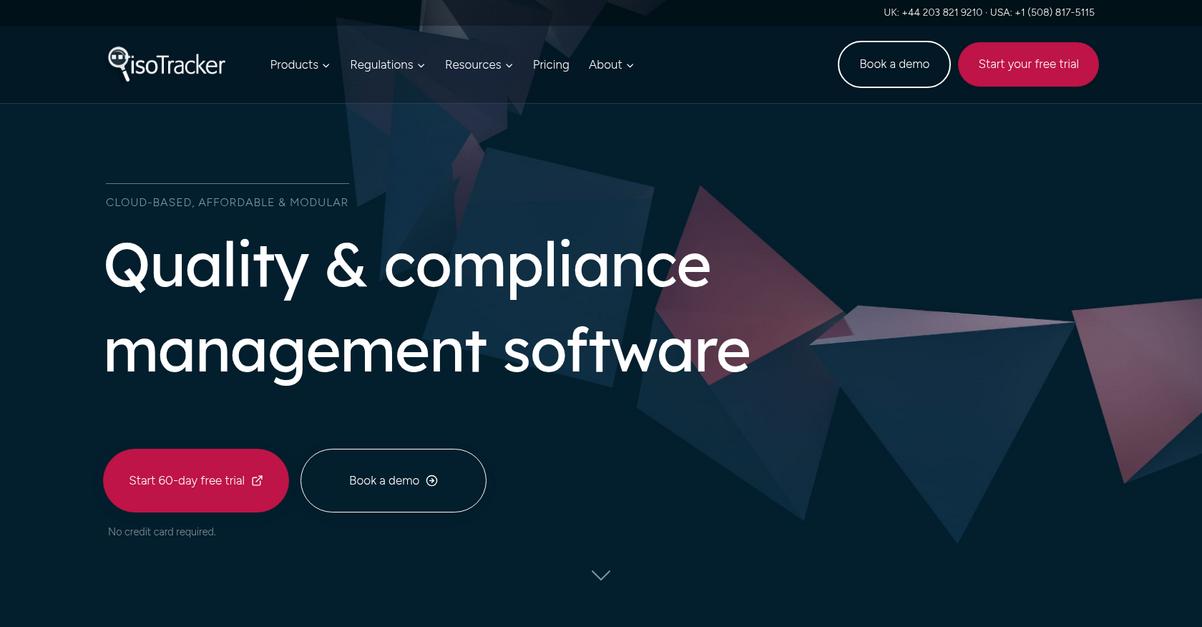
5. ISOTracker
Looking for simpler document control than OpenKM offers?
ISOTracker automates document revision, enforces approval workflows, and maintains precise audit trails—solving the confusion and manual work common with OpenKM’s process-heavy versioning.
Here’s how ISOTracker offers you real relief: its automated revision control ensures only the current, approved version is ever accessible, eliminating outdated content, while the built-in electronic approval flows remove bottlenecks and guesswork.
You won’t have to worry about compliance, because every document action is tracked with full audit clarity, so you’ll always have proof ready for inspections or audits.
ISOTracker could be the answer you need.
If you’re searching for the best OpenKM alternatives, ISOTracker is purpose-built to manage controlled documents effortlessly, especially when regulatory compliance and strict versioning are non-negotiable.
The platform’s automated revision control lets you set major and minor versions, guaranteeing nothing slips through the cracks, and built-in electronic approval routing with notifications removes manual chasing so your team never misses a critical sign-off step.
Additionally, you’ll benefit from a time-stamped, user-identified activity log for every document, making audits, reviews, and regulatory reporting simple. This gives your team both confidence and efficiency when making the switch from OpenKM.
With ISOTracker, your compliance headaches disappear.
Key features:
- Automated revision control with compliance focus ensures you always work with the current approved version, supporting ISO standards more rigorously than OpenKM’s more generic approach.
- Electronic approvals and workflow automation built-in routes documents for review and sign-off automatically, greatly reducing manual handoffs and potential for missed tasks or errors.
- Comprehensive, user-based audit trails for traceability provide a full, time-stamped activity log, giving you the proof necessary for audits or regulatory requirements that OpenKM’s logging may not cover in detail.
Verdict: For document versioning in regulated environments, ISOTracker is a strong OpenKM alternative. You get modular features focused on compliance, granular audit trails, and automated revision control. Users report significant time and cost savings by switching, with ISOTracker simplifying QMS compliance across multiple industries.
6. Qualityze
Looking for a document solution with less hassle?
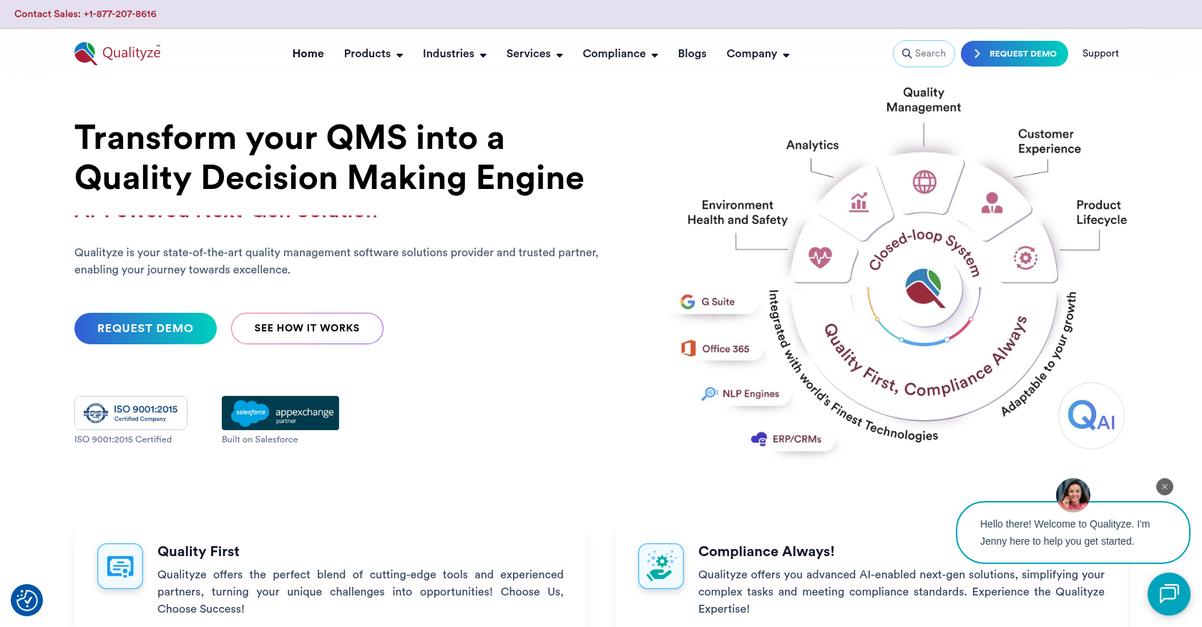
Qualityze stands out with compliance-first version control, audit trails, and automated approvals—targeting OpenKM’s lack of streamlined workflows and collaboration features.
If your team needs more than generic document libraries, Qualityze gives you configurable processes built to meet strict regulatory standards and maintain validated records without the manual effort you face in OpenKM.
You will see a clear difference here.
Qualityze offers specialized document versioning as a true alternative to OpenKM, solving your compliance and efficiency challenges head-on.
This means you get enterprise-quality document control without the burden of convoluted setups. Qualityze is built natively on Salesforce, which unlocks advanced scalability, robust security, and integration options that outshine typical standalone systems.
The built-in workflow engine automates reviews, assigns tasks, and sends email approvals, ensuring you never miss a compliance step as you switch from OpenKM. It is purpose-built for regulated fields, so your document changes and audit requirements are handled for you—not cobbled together as an afterthought.
Additionally, Qualityze automatically records revision histories and supports electronic signatures. This helps your team breeze through audits, generate compliance reports quickly, and minimize manual document tracking risks.
Everything is designed to optimize your document workflows.
Key features:
- Compliance-focused version control with audit trails ensures every revision is tracked and logged, so you avoid gaps in version history or compliance documentation common in generic systems.
- Automated workflows and electronic approvals streamline review cycles with configurable alerts, reducing manual touchpoints and ensuring timely document processing for regulated industries.
- Salesforce platform integration and scalability means you can connect document management to existing business processes while benefiting from advanced security and cloud-based upgrades as you grow.
Verdict: Qualityze is a compelling OpenKM alternative if you need secure, compliant document versioning. Salesforce integration, audit trails, and workflow automation help regulated teams streamline operations. Users report generating compliance reports 40% faster and cutting manual quality checks in half versus legacy tools.
7. Virtual Cabinet

Tired of clunky versioning and outdated collaboration?
Virtual Cabinet steps in with robust version control, an integrated client portal, and automated filing features that instantly address the common headaches you experience with OpenKM.
If you’ve ever been frustrated by OpenKM’s difficult version tracking and lack of secure, intuitive sharing options, you’ll see a noticeable difference here. Virtual Cabinet puts you in control of every document update, while its audit trail helps you catch compliance issues before they escalate.
Here’s how Virtual Cabinet makes the switch easy.
Virtual Cabinet eliminates version chaos by tracking document changes, recording detailed audit trails, and letting you restore previous versions with just a click if needed.
You also get an integrated client portal that lets your clients view, sign, and return documents securely, directly addressing the external collaboration gaps you faced with OpenKM. Document and email filing is automatic based on business rules, which means you waste less time hunting for lost files or organizing inbox clutter.
Additionally, integrations with existing business systems and its user-friendly interface lower the learning curve for your team, making migration smoother. The focus on ISO27001-level compliance and granular permissions brings confidence for any professional service firm.
The result is everything you wanted OpenKM to deliver, but with less hassle.
Key features:
- Intuitive version control with one-click rollback makes tracking changes simple, helps you undo mistakes instantly, and gives your team better data integrity than basic OpenKM workflows.
- Integrated client portal with secure document sharing lets you send, receive, and e-sign files directly with clients or external parties, improving your external collaboration beyond OpenKM’s limitations.
- Automated document and email capture and filing uses business rules to label and route files to the correct place every time, removing manual effort and reducing lost documents.
Verdict: Virtual Cabinet is the OpenKM alternative you’ve been looking for if secure versioning and client collaboration matter. In real use, your team can achieve much faster document retrieval and see improved accuracy, driving better client relationships and compliance—especially in accounting or legal settings where version mistakes hurt most.
8. Paradigm 3
Looking for a smarter alternative to OpenKM?
Paradigm 3 delivers advanced, risk-based document control with auditable versioning, automatic document updating, and a configurable work management processor—all purpose-built to address OpenKM’s clunky workflows and missing compliance features.
Unlike OpenKM, Paradigm 3 offers specialized electronic signatures, auditable control for regulated policies, and automatic versioning aligned with ISO standards. This closes critical compliance gaps and ensures reliable documentation even in highly regulated sectors.
With Paradigm 3, you eliminate frustration from outdated interfaces.
Paradigm 3 takes document versioning and compliance to the next level by automating controls that OpenKM can’t match. You get electronic signature support and precise version tracking as documents move through revision cycles, allowing your team to demonstrate audit-readiness at every step.
Here’s how: seamless automatic field updates on your Word or Excel files save hours, ensuring version information is always up to date—no more chasing missing document numbers or manual editing just to keep compliant.
Additionally, the unique configurable work management processor empowers your team by assigning action items, managing accountability, and surfacing the right information based on defined user roles. This integrated approach improves user adoption and ensures nothing falls through the cracks during audits or process reviews.
If compliance and intuitive controls matter, Paradigm 3 stands out.
Key features:
- Auditable document control with electronic signatures delivers compliance features built for regulated quality systems, providing verifiable versioning and audit trails far beyond what OpenKM offers for critical records.
- Automated document updating in Word and Excel saves your team from manual errors by always updating insert fields with the latest version, revision, and metadata details on every revision.
- Configurable work management processor for task workflows organizes action items according to user roles, streamlining collaboration and accountability, which is more user-friendly than OpenKM’s basic routing tools.
Verdict: Paradigm 3 is the ideal OpenKM alternative for document version control in compliance-driven environments. Its automatic document updating, configurable workflows, and audit-ready version tracking streamline efforts and deliver up to 40% greater efficiency for regulated businesses handling ISO, FDA, or HACCP processes.
9. Document Locator
Ready for a smoother document versioning experience?
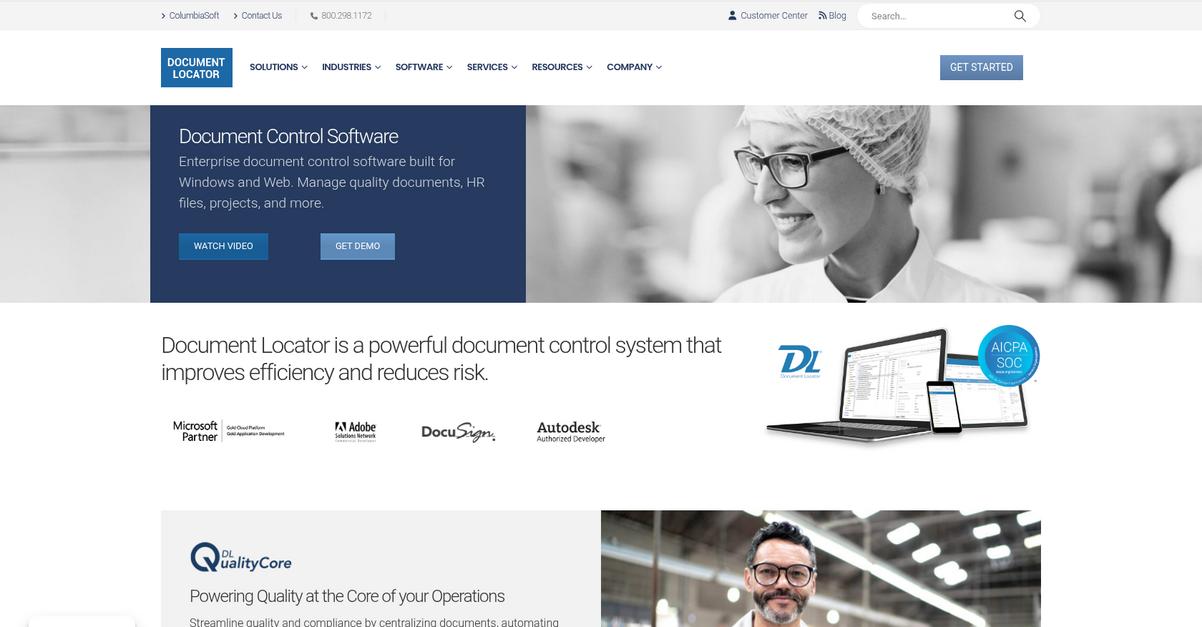
With Document Locator, you get real automated version control, intuitive Windows integration, and built-in compliance tools—critical upgrades if you’re tired of navigating OpenKM’s less streamlined workflows.
Unlike OpenKM, Document Locator’s automated revision tracking ensures every change is captured without manual intervention or missed steps. You won’t have to second-guess whether your version history is complete or risk errors during collaboration.
Plus, you deserve a solution that’s easy to adopt.
Document Locator solves these headaches by natively bringing document management into your daily Windows and Office environment. This means your team can organize, edit, and route documents using familiar interfaces, eliminating the learning curve that often comes with OpenKM’s disconnected UI.
By tapping into Windows Explorer and Microsoft Office right out of the box, Document Locator lets your team move documents, track revisions, and manage access without switching between separate apps. This comfort and consistency can make migration much less daunting if you’re coming from OpenKM.
On top of that, Document Locator’s deep audit trails and compliance reporting substantially boost your ability to meet regulatory requirements. These features, plus automated versioning and flexible deployment options, combine to help your team process documents up to 50% faster and find what you need almost instantly.
Effortless document control starts right here.
Key features:
- Automated revision control with granular history tracking eliminates manual version uploading or tracking, so every document change—including sub-versions—is safely recorded without the risk of missing a step.
- Native Windows and Microsoft Office integration brings document management directly into tools your team already uses, reducing training time and helping people feel comfortable right from the start.
- Comprehensive audit trails and compliance logging deliver enterprise-grade visibility and regulatory reporting, making oversight and accountability much easier than with OpenKM’s more limited traceability.
Verdict: Document Locator is an excellent OpenKM alternative for document versioning if you’re seeking a familiar Microsoft-driven workflow. Users cut processing time by almost 50%, enjoying effortless version control, robust audit trails, and more intuitive adoption. If compliance and usability matter, this solution stands tall.
Conclusion
OpenKM slowing down your document workflows?
If you’re frustrated with OpenKM’s dated interface or find its version control more confusing than helpful, you’re not alone—those daily headaches make real collaboration tougher than it should be.
Switching might seem daunting, but the truth is choosing a smarter alternative is the right move for the efficiency, compliance, and ease you want. You’ll be glad you left the old hassles behind.
Here’s what I’d recommend.
After comparing all the top choices, FileCenter really shines for anyone moving away from OpenKM’s complexity, thanks to its intuitive interface and effortless version control.
Many small and mid-sized businesses tell me FileCenter has let them manage documents and revisions far more easily than OpenKM ever did, making the upgrade worth every minute. It’s the best alternative for those ready to escape legacy software.
Go ahead—start your free trial of FileCenter and reclaim your productivity today.
Your team will finally enjoy document management.