
Tired of ownCloud’s growing pains?
If you’re frustrated by ownCloud’s sluggish performance, confusing licensing, and constant update headaches, you’re not alone in wanting something easier to manage.
These persistent issues can undermine confidence in your document storage and put your business at risk.
Lost productivity, wasted IT hours, and concerns over past security vulnerabilities all pile up. The longer you stick with ownCloud, the more likely it is that every month without a switch means more stress and missed deadlines for your team.

But you don’t have to settle for frustration—there are better options that let you manage documents without the hassle ownCloud brings.
In this article, I’ll walk you through the best ownCloud alternatives available for secure document storage, including SmartVault, FileCenter, DropBox, NordLocker, Google Drive, Proton Drive, Tresorit, and FileCloud.
You’ll finally get reliability, easy collaboration, and the peace of mind ownCloud just can’t provide.
Let’s explore your options.
Quick Summary:
| # | Alternative | Rating | Best For |
|---|---|---|---|
| 1 | FileCenter → | Desktop users seeking simplicity | |
| 2 | SmartVault → | Accountants needing secure workflows | |
| 3 | Dropbox → | Teams needing effortless sync | |
| 4 | NordLocker → | Businesses prioritizing privacy | |
| 5 | Google Drive → | Collaborative teams needing speed |
1. FileCenter

Feeling limited by ownCloud’s complexity and slowness?
FileCenter gives you straightforward desktop file management, ditching ownCloud’s complicated server setup and licensing confusion with a clean, intuitive Windows interface that just makes sense for your business.
Unlike ownCloud, FileCenter offers a familiar cabinet-drawer structure built right into Windows folders, making document organization second nature from day one.
You won’t waste time retraining your team.
Here’s how FileCenter turns things around.
With FileCenter, you get tools designed for simple migration—cabinet-based filing cuts out the learning curve, while local hosting avoids the constant update disruptions that can plague ownCloud.
If you’re tired of convoluted document setups and unpredictable costs, FileCenter’s one-time licensing lets you own your solution outright, so your business isn’t stuck with endless subscriptions. The result is a more affordable, smoother operations model.
FileCenter also integrates scanning and OCR right into the application. You can scan paper documents straight to organized digital folders—no extra modules required—so your paperless transition is truly effortless for your whole team.
For those replacing ownCloud, the secure client portal gives you a direct, more controlled way to share documents with clients, boosting confidence and integrity in every exchange.
So, if managing document chaos, security, and budget is your aim—FileCenter brings it all together.
Key features:
- Cabinet-drawer filing with familiar Windows folders makes organization immediate and intuitive, so you never deal with complex databases or confusing web systems again.
- One-time purchase licensing for local installs means you avoid mandatory cloud subscription fees and keep costs predictable, a major plus over ownCloud.
- Integrated scanning and automatic OCR routes documents into the right folders as you digitize, removing manual steps and external tool requirements entirely.
Verdict: FileCenter is a compelling ownCloud alternative if you want secure, desktop-based document management with less frustration. You get intuitive cabinet filing, integrated OCR, and cost control especially suited for small businesses switching from complex server setups—making your move smoother and safer.
2. SmartVault

Tired of ownCloud’s sluggish interface and confusing setup?
SmartVault skips the hassle with its secure, branded client portal, giving your clients a dedicated space to safely exchange documents—no more relying on basic sharing links or clunky permissions.
Unlike ownCloud, SmartVault offers deeper integrations with business-critical platforms right out of the box. This means you can connect QuickBooks, Salesforce, and leading tax software directly for true workflow automation. The result? You minimize risks of lost files and boost collaboration, while your data is always protected by granular access controls and full compliance support.
Worried about your document integrity? SmartVault has you covered.
SmartVault brings secure document storage front and center by offering a purpose-built portal for your business clients to upload and retrieve sensitive files. You don’t just get storage—you get a communication channel designed for professionalism and oversight.
The real game-changer is how you can integrate SmartVault straight into your accounting or CRM platform, letting your team automate linking, filing, and sharing, without extra steps. This not only streamlines your daily operations, it eliminates the frustration of manual workarounds ownCloud often forces you into.
Plus, compliance is finally headache-free. With full HIPAA, SOC 2, and GDPR support, powerful audit trails, and user-level permissions, your documents are always locked down. Switching becomes way more worthwhile when everything works together for your success.
You deserve document storage you can actually trust.
Key features:
- Branded, secure client portal creates a professional space for clients to safely exchange documents, delivering more robust collaboration and file sharing than ownCloud’s basic sharing functionality.
- Industry-specific software integrations embed document management into QuickBooks, Salesforce, and tax systems, automating workflows and minimizing manual intervention compared to ownCloud’s generic app ecosystem.
- Comprehensive compliance and audit support enables your business to meet strict regulations like HIPAA and SOC 2, with better visibility, controls, and accountability than the compliance options found in ownCloud.
Verdict: SmartVault stands out as a best-in-class ownCloud alternative for secure document storage and collaboration. With over 3 million users and 500 million+ documents protected, accounting pros and advisors choose it to reliably automate workflows, secure sensitive data, and wow clients with a better digital experience.
3. Dropbox

Need a document storage solution that just works?
Dropbox addresses common ownCloud pain points with its real-time file sync and user-friendly interface, streamlining document management without tricky server setup or opaque licensing headaches.
Unlike ownCloud, Dropbox offers reliable, device-agnostic syncing that your team can trust even during high-volume collaboration or when switching devices. This means you sidestep lengthy IT interventions, and your users spend less time learning new systems and more time getting work done.
The result is an experience that feels noticeably lighter.
Dropbox delivers a more intuitive switch.
Dropbox gives you a frustration-free way to keep documents secure and accessible, making it a compelling ownCloud alternative.
Your documents sync in real time on every device you use, sparing you from the technical setup and maintenance overhead that comes with ownCloud. Plus, the familiar Dropbox interface shortens your learning curve so your team gets comfortable quickly instead of dragging their feet.
Another standout is Dropbox Sign, built right in for e-signature workflows. This native feature removes the hassle of juggling separate e-signature services, so you can handle document approval right where your files live.
All these tools come together to boost productivity and ensure your switch from ownCloud is as painless, secure, and user-friendly as possible.
Key features:
- Effortless, real-time device sync without IT hassle lets you access and share files anywhere, skipping the server maintenance and complex configuration required on ownCloud’s side.
- Clean, intuitive interface recognized by most users reduces onboarding time and user resistance, allowing your team to work effectively right after switching.
- Built-in e-signature capability via Dropbox Sign streamlines digital approvals and signing, a feature you would otherwise set up separately from ownCloud’s basic document storage.
Verdict: Dropbox stands out as a top ownCloud alternative if you want a secure document storage platform that just works, saving you over 2,700 hours annually and delivering an 802% ROI for customers. Its ease of use and built-in workflow features help you avoid the technical drag of ownCloud.
4. NordLocker
Tired of ownCloud’s security gaps and confusing upgrades?
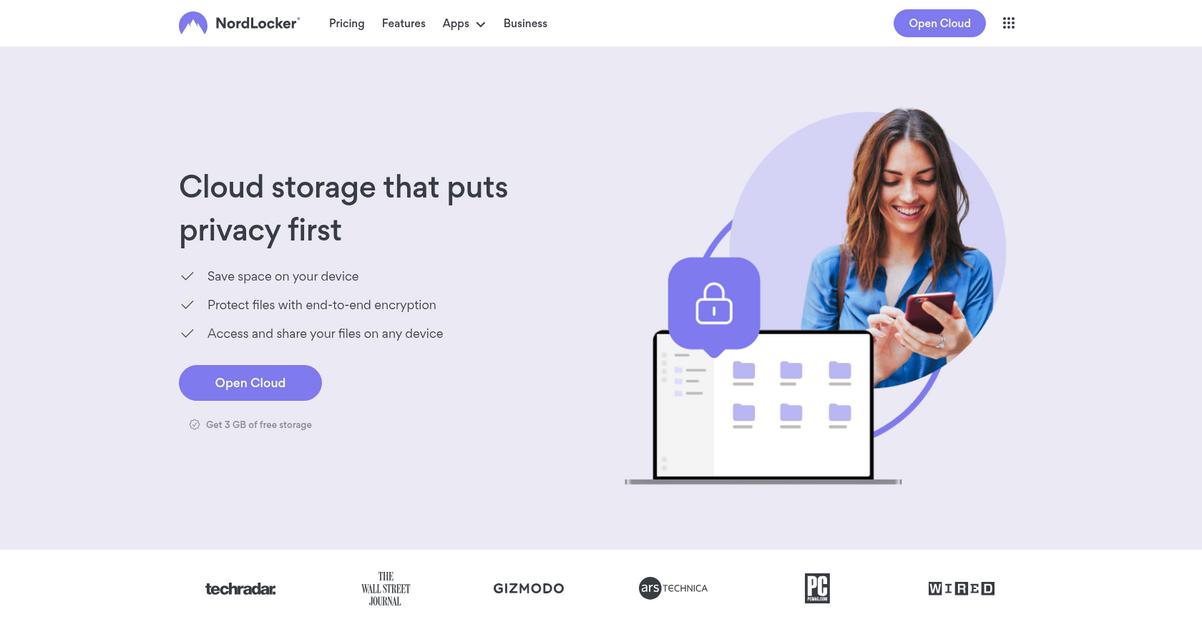
NordLocker gives you bulletproof file safety with end-to-end, zero-knowledge encryption—no complex admin consoles or server-side compromises to worry about anymore.
This means all your files are encrypted right on your device, and nobody but you controls the decryption keys—even NordLocker can’t access your documents. If your business needs true privacy and is fed up with ownCloud’s update headaches or unclear pricing, NordLocker’s local encryption and focused storage approach are a major step up.
Here’s why it’s a smart switch.
NordLocker steps in to solve the headaches that come with ownCloud’s standard encryption and unwieldy management.
You get zero-knowledge encryption on every file by default, so your sensitive business documents are shielded from both server-side exploits and third-party snooping. Plus, drag-and-drop file encryption makes protecting data as simple as moving files into a folder. If you’re switching from ownCloud, you’ll immediately notice that NordLocker’s simple interface inspires more confidence and requires almost no ramp-up time.
Additionally, NordLocker’s secure file sharing lets you send encrypted files using password-protected links, or add editors for specific projects—giving you tighter collaboration control compared to ownCloud’s basic sharing options. Combining strong privacy technology with easy, secure sharing, you’ll find moving your team to NordLocker noticeably smooth.
Best of all, your document integrity is always assured.
Key features:
- Zero-knowledge encryption for every file by default keeps decryption keys in your hands only, going far beyond ownCloud’s server-dependent security safeguards.
- Simple drag-and-drop local file encryption means any document or folder can be secured in seconds, which is easier than ownCloud’s multi-step encryption workflow.
- Secure file sharing with password-enforced links ensures you control who can view or collaborate, offering more robust privacy for external sharing than ownCloud’s basic link system.
Verdict: NordLocker is a top ownCloud alternative if you need unbeatable document privacy without complexity. Switching gives you zero-knowledge encryption and easier encrypted sharing, perfect for businesses where data breaches and IT overhead just can’t be tolerated. Give your team true peace of mind.
5. Google Drive
Tired of ownCloud slowing your team’s progress?
Google Drive lets you boost productivity right away with integrated Google Docs editing, advanced AI-powered search, and robust sharing controls—fixing the pain points that frustrate ownCloud users.
Instead of dealing with confusing licensing and a clunky setup, Google Drive empowers you to get started in minutes with cloud-first reliability. Built-in collaboration features knock down the barriers that have held back your document management in the past.
If you’re seeking a more intuitive way forward with your document storage, Google Drive is worth a closer look.
Here’s how Google Drive changes the game as an alternative to ownCloud for secure document storage software. You get seamless integration with Google’s productivity apps and powerful AI search, eliminating long waits and complicated migrations.
Unlike the manual management headaches you may face with ownCloud, you’ll enjoy real-time co-authoring and granular external sharing permissions with Google Drive. This means your files are always up-to-date and accessible, with precise control over sharing no matter your team’s location.
Plus, Google Drive offers native security and easy manageability as part of Google Workspace, so your data is protected and your costs are clear from day one.
Reliable collaboration and worry-free security made simple.
Key features:
- Integrated Google productivity tools let your team collaborate on Docs, Sheets, and Slides inside Google Drive, creating a smoother and more productive workflow than ownCloud’s file-only approach.
- AI-powered search beyond filenames finds documents fast by content, type, or even image recognition, helping you bypass the slowdowns typical with ownCloud’s basic search tools.
- Granular sharing controls and permissions give you detailed control over who sees, edits, or downloads documents, reducing data exposure risks and improving external sharing flexibility.
Verdict: Google Drive is a convincing ownCloud alternative for secure document storage software. With real-time collaboration, AI search, and granular permissions, Google Workspace customers report a 336% ROI and $57.3 million net present value improvement versus manual or legacy solutions. Consider this if you need better productivity and data integrity.
6. Proton Drive
Is ownCloud’s complexity putting your files at risk?
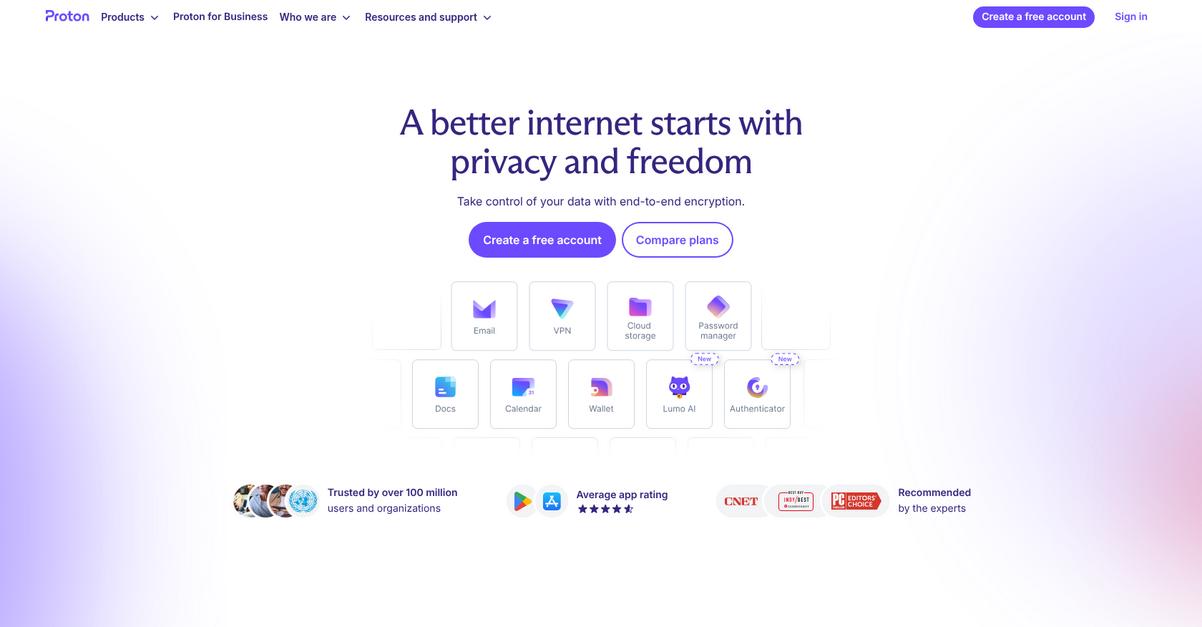
Proton Drive steps in with end-to-end encryption for every file you upload, outclassing ownCloud’s typical server-side approach and giving you total control over your data.
This means you can count on stronger privacy and data protection every time you store important files—your sensitive docs stay locked down, even if servers are compromised or breached.
You’re looking for stronger data integrity and privacy.
Proton Drive is built to give you full ownership and peace of mind when securing important company documents, making it a genuinely safer alternative to ownCloud.
Here’s how Proton Drive turns things around: files are encrypted on your device before they ever leave your computer, using a zero-knowledge setup that prevents Proton—and anyone else—from accessing your info. For small businesses like yours, this approach puts you in full command of document confidentiality and virtually eliminates exposure to server vulnerabilities.
You’ll also benefit from Proton Drive’s operation under strict Swiss privacy laws, which provide legal protections you can’t get with standard ownCloud hosting. If your team needs real clarity and confidence in privacy, these laws make a huge difference.
These combined features mean you never have to second-guess your document security or the simplicity of your cloud switch.
Key features:
- End-to-end encrypted uploads by default mean every document is encrypted on your device before leaving it, exceeding ownCloud’s server-side only encryption for total file privacy.
- Zero-knowledge privacy architecture guarantees only you can decrypt your content, even if Proton’s servers are breached, ensuring maximum confidentiality for sensitive client or business data.
- Swiss privacy law compliance and open-source transparency give you reliable legal protection for your data and true accountability, addressing privacy risks that can come up with other vendors.
Verdict: Proton Drive is a formidable alternative to ownCloud for any business needing secure document storage software. With end-to-end device-level encryption, zero-knowledge privacy, and strong Swiss legal protections, you achieve greater document integrity and real confidence—especially if you’re privacy-driven or have strict compliance needs.
7. Tresorit
Worried your data is still exposed on ownCloud?
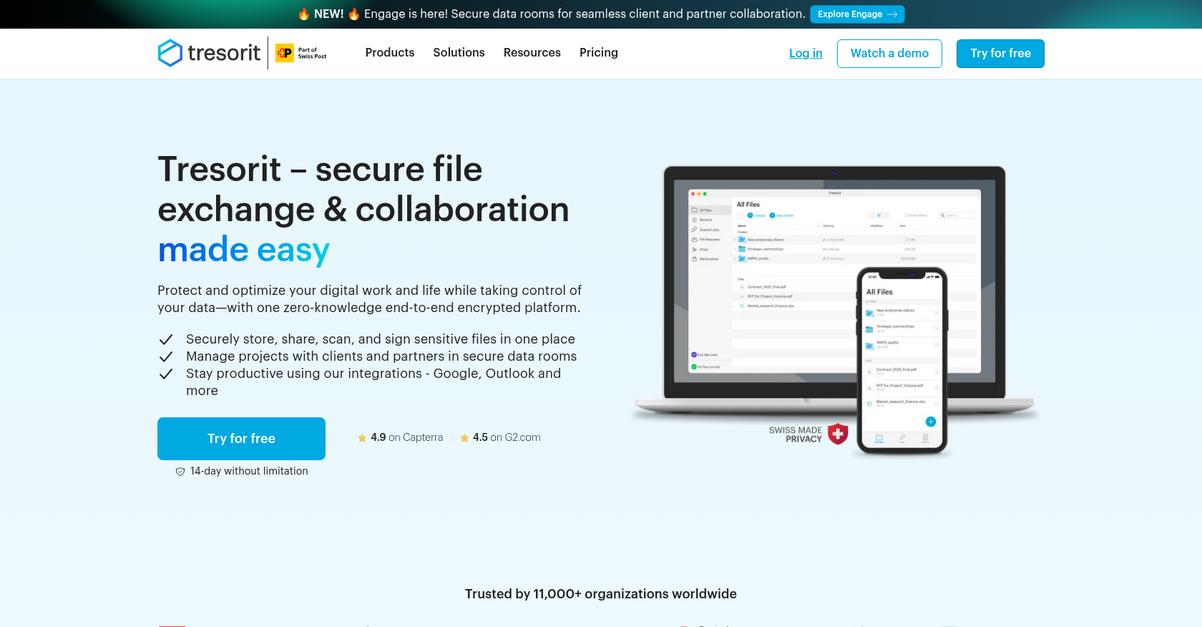
Tresorit steps in with zero-knowledge encryption and granular access controls that directly solve ownCloud’s common pain points around privacy and admin flexibility.
If you’ve ever felt limited by standard encryption or ambiguous permission settings, you’ll benefit from Tresorit’s approach. With encryption that never lets even support staff view your files, you get the strictest privacy for medical, legal, or sensitive business data—something ownCloud can’t guarantee by default.
That’s a huge change for your peace of mind.
Moving past the headaches you’ve had, Tresorit really tackles document integrity where ownCloud falls short.
Tresorit gives you direct client-side encryption before anything leaves your device, sidestepping the risk of server-side leaks entirely. This means only you and team members you approve can ever see your documents, satisfying even the most demanding compliance needs.
This security is just the start—you also get admin-level permission controls to remotely revoke user access, enforce download limits, and even wipe devices as needed. Your data migration from ownCloud becomes far less stressful with this level of control, since you know every document stays protected at every stage.
Additionally, secure sharing links let you customize expiry dates and set password protection, letting you collaborate safely with clients or partners who never need full folder access.
It’s document protection without the usual complexity.
Key features:
- Zero-knowledge end-to-end encryption by default ensures your documents are always scrambled before leaving your devices, completely preventing unauthorized access—even from Tresorit’s own staff or servers.
- Granular admin controls for access and device management let you specify detailed permissions, instantly revoke access, or remotely wipe data—delivering data governance far beyond ownCloud’s default options.
- Highly secure sharing links with custom restrictions enable password protection, expiry dates, and download limits, letting you safely share files externally while maintaining total control over distribution.
Verdict: Tresorit is a smart ownCloud alternative if you demand strict privacy and reliable control over every document. With zero-knowledge encryption and powerful admin tools, your business can securely handle even the most confidential files—delivering compliant, worry-free document storage well beyond ownCloud’s core capabilities.
8. FileCloud

Does ownCloud feel bogged down for your needs?
FileCloud brings flexible deployment options, letting you choose between on-premise, cloud, and hybrid—something ownCloud users often wish they had access to.
Unlike ownCloud’s standard offerings, FileCloud tackles compliance and security by delivering audit trails, data leak prevention, and robust classification tools that help you stay ahead of regulations and risks.
If secure collaboration matters, here’s how FileCloud steps up.
It’s built for secure document storage and smooth team collaboration—no matter your infrastructure.
FileCloud lets you solve common ownCloud challenges by putting total control over data location back in your hands. This means you’re not limited to just one deployment style, making migrations or business changes far more manageable.
If your worry is data leakage, FileCloud provides digital rights management to block unauthorized sharing—even after files leave your environment. For anyone sharing intellectual property or confidential docs, this can be a game changer.
Plus, advanced data governance and compliance features connect directly to your need for document integrity, which simplifies regulatory reporting and drastically cuts compliance admin.
The result is a solution that actually makes your switch worthwhile.
Key features:
- Flexible deployment across on-prem, cloud, or hybrid lets your team choose the hosting environment that best fits compliance, integration, and cost requirements, unlike the limited options often encountered with ownCloud.
- Granular data governance with auditing, DLP, and classification gives stronger security controls and regulatory compliance tools, providing peace of mind that your critical files meet industry requirements.
- Enterprise digital rights management (DRM) capabilities provide persistent control over document distribution, blocking unauthorized screensharing, copying, or printing, which significantly outpaces ownCloud’s default sharing settings.
Verdict: FileCloud is a standout alternative to ownCloud for secure document storage. Its flexible deployment, powerful DRM, and rich governance features help cut compliance overhead by 35% and speed projects by 20%. If you need protection and control beyond ownCloud, FileCloud delivers.
Conclusion
Frustrated by ownCloud’s slowdowns and constant headaches?
Complex setup, sluggish response times, and ongoing update issues often make ownCloud more pain than productivity for your business.
You’re smart to explore better options—switching tools takes work, but finding a solution your team actually enjoys will save time, money, and stress in the long run.
Let’s focus on what works instead.
After reviewing all the best ownCloud alternatives, FileCenter is easily my top recommendation if you want document management that just works.
You get hassle-free migration, local control, and a familiar desktop feel that cuts through ownCloud’s complexity—no more update anxiety or wasted IT hours.
I’ve seen many small businesses make a smooth transition to FileCenter, especially those burnt out by ownCloud’s clunky interface and server headaches.
Ready to move on? Visit FileCenter now to start your free trial and simplify your workflow.
Experience the control and confidence you’ve been missing.