

PairSoft limiting your nonprofit’s compliance?
If inflexible reporting and limited integrations are slowing you down in PairSoft, you are likely ready for something better. Struggling to track compliance efficiently with PairSoft puts your nonprofit’s operations at risk every day.
These document headaches drain staff energy, create costly manual workarounds, and lower team morale, making it truly difficult to maintain growth or pass audits confidently. Staying with PairSoft often means more wasted hours, increased stress, and stalled progress, none of which help your mission succeed.
Luckily, solutions exist that fix these core issues and give you more control, security, and confidence as you manage documents and compliance.

In this article, I’ll walk you through the best PairSoft alternatives designed to help nonprofits achieve airtight compliance and effortless document management, from FileCenter to PandaDoc and more.
You’ll reclaim productivity, simplify compliance checks, and position your nonprofit for smoother growth.
Let’s find your solution.
Quick Summary:
| # | Alternative | Rating | Best For |
|---|---|---|---|
| 1 | FileCenter → | Users wanting familiar filing | |
| 2 | DocuBee → | Teams needing better collaboration | |
| 3 | UnForm → | Users needing custom outputs | |
| 4 | ONLYOFFICE → | Teams wanting modern interfaces | |
| 5 | LogicalDOC → | Companies requiring better support |
1. FileCenter

PairSoft’s rigid workflows sometimes just get in your way.
FileCenter helps you take control with intuitive cabinet-drawer filing and powerful scanning tools PairSoft doesn’t offer, making everyday document management easier for any nonprofit team.
Unlike PairSoft, FileCenter uses a digital cabinet approach that’s familiar to your staff, cutting out messy learning curves and improving your adoption rates right from the start.
Here’s how FileCenter changes the game.
By organizing all your files in cabinets and drawers on your desktop or shared drives, you can finally simplify compliance tracking and everyday retrieval—no more wrestling with limited workflow tools.
FileCenter is built to solve the struggles PairSoft users mention.
If you have piles of paper records to digitize, FileCenter’s integrated OCR and scanning capabilities convert scanned documents into searchable PDFs while automatically naming and filing them with intelligent tools. You won’t have to retype details or search endless folders; compliance docs and audit trails become easy to maintain, reducing headaches at audit time.
You also get seamless PDF editing—annotate, merge, and split PDFs right inside FileCenter (a workflow many PairSoft users find missing), further streamlining how your nonprofit prepares grant or board packages.
These features work together to save you time every single week.
FileCenter gives you reliability without the enterprise complexity.
Key features:
- Cabinet-drawer digital filing for instant adoption lets staff use a structure they know, avoiding PairSoft’s abstract workflows and ensuring better onboarding and process clarity for your whole nonprofit.
- Integrated OCR and scanning with smart automation digitizes and files physical documents instantly, converting them to searchable PDFs and using naming rules that minimize manual effort compared to PairSoft.
- Comprehensive PDF editing, merging, and annotation tools allow direct manipulation and preparation of documents within the app, something missing from PairSoft that nonprofits need for compliance packets and grant paperwork.
Verdict: FileCenter is a strong alternative to PairSoft for document management software for nonprofits, especially if your team needs a familiar folder structure, built-in scanning, and direct PDF editing. Many users see up to 50% less manual filing and retrieval work, making your compliance and records process much less stressful.
2. DocuBee
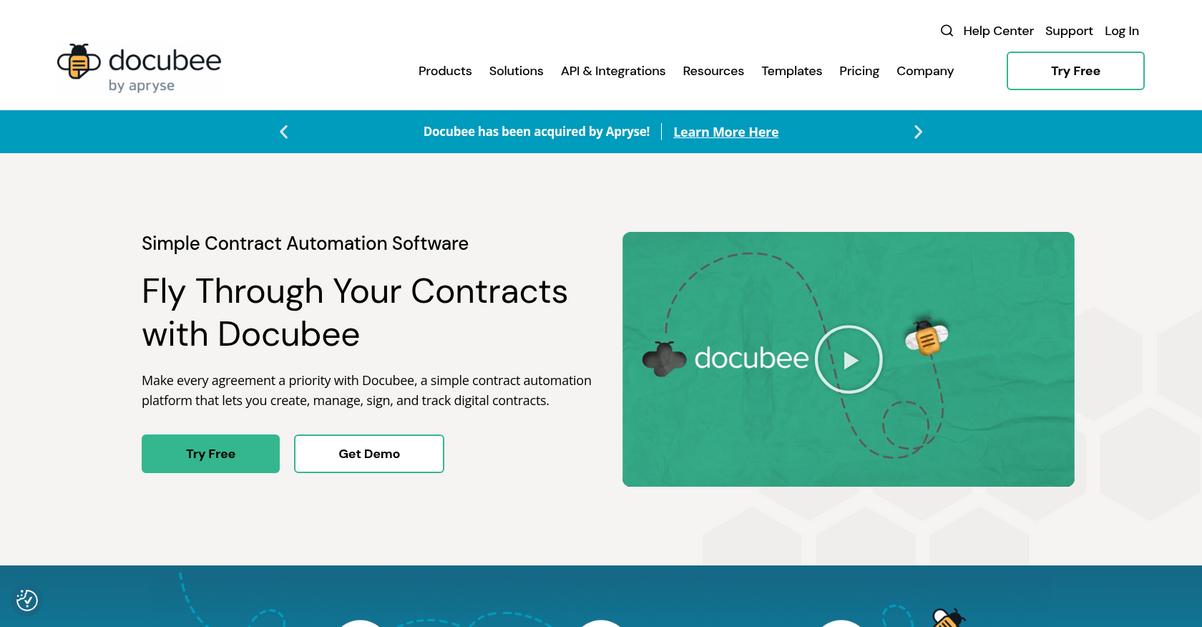
Is PairSoft missing key compliance features again?
DocuBee steps up where PairSoft falls short, especially for nonprofits needing flexible workflow automation, custom data collection and reliable document tracking across every department.
The biggest difference? DocuBee empowers your staff with no-code tools to automate and manage documents for any nonprofit process, not just finance. This means you can adapt faster when needs shift or compliance requirements change.
You shouldn’t have to wrestle with inflexible features anymore.
With DocuBee, you can quickly build workflows and digital forms, letting you automate processes your way instead of being locked into PairSoft’s finance-first setup.
Here’s how DocuBee becomes your new document command center. With no coding required, you set up approvals, task assignments, and routing that fit your non-profit’s real processes. If you’re frustrated with basic data entry forms in PairSoft, you’ll love using DocuBee’s custom web forms for grant tracking, volunteer onboarding, or event registrations—all with automated triggers to save your team hours every week.
Additionally, DocuBee maintains a precise version history for your documents, so every policy update or report change is recorded and auditable. This delivers the integrity and compliance reporting that nonprofits worry about, going beyond transactional logs like PairSoft. Put simply, your recordkeeping stays airtight for even the strictest grant compliance needs.
The result is scalable, intuitive document automation.
Key features:
- True no-code workflow builder for all processes lets you automate nonprofit document routing, approvals, and collaboration without coding skills, making workflow setup drastically easier than PairSoft’s limited options.
- Flexible web forms for nonprofit-specific data collection support initiatives like grant applications, program evaluation, and volunteer sign-up, giving your team versatile tools far beyond PairSoft’s standard invoice forms.
- Complete document version control with audit trail ensures every change is tracked and restores accountability across your files, exceeding the transactional record-keeping offered in PairSoft.
Verdict: DocuBee is your best bet if PairSoft’s limited compliance and inflexible workflows have you stuck. Nonprofit admins report eliminating 90% of manual routing and seeing major adoption wins, thanks to DocuBee’s user-friendly forms, no-code automation, and rigorous audit trails that meet strict grant requirements.
3. UnForm
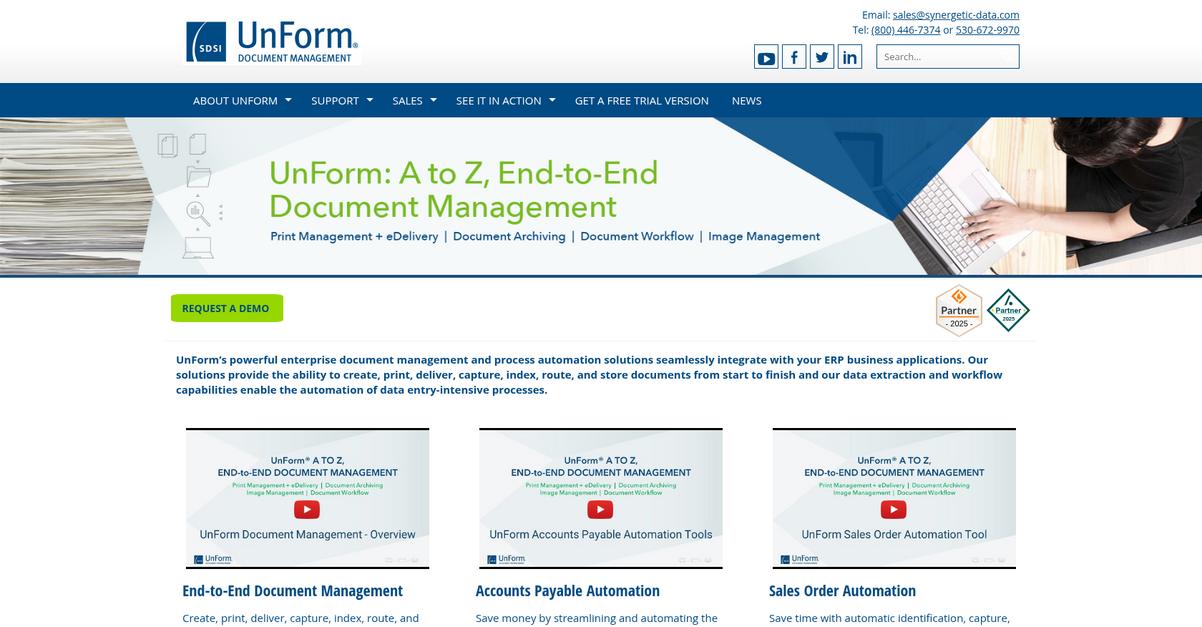
PairSoft’s limited output customization causing headaches?
UnForm gives your nonprofit dynamic document generation with branded, professional results, plus automated delivery options that go further than PairSoft’s internal routing.
Where PairSoft mainly processes incoming documents, UnForm lets you automate output and customize every document sent. That means you aren’t stuck with generic layouts or rigid templates, especially when you need individualized donor reports or custom statements.
Here’s where UnForm steps up as the better choice.
Instead of just managing what comes in, UnForm streamlines what your recipients get.
UnForm transforms your data into the documents your nonprofit actually needs, automating document generation and complex distribution tasks as a real PairSoft alternative. You decide what triggers a delivery, who receives it, and in what format—even for high-volume communication.
If you’re migrating from PairSoft, you’ll appreciate UnForm’s advanced document delivery, which can instantly route files by email, fax, print, or archive according to recipient or workflow. This solves a major bottleneck for growing nonprofits that outgrow PairSoft’s basic internal routing.
Additionally, UnForm captures and transforms data for integrations with multiple nonprofit systems—not just a fixed ERP—making compliance tasks and recordkeeping far more streamlined. These features let you adapt output to evolving reporting and communication needs without major process change.
Every document, fully under your control.
Key features:
- Dynamic branded document generation transforms your nonprofit’s data into customized invoices, donor letters, and reports, providing a level of automated output that PairSoft typically overlooks.
- Rule-based document delivery workflows let you distribute files by email, fax, print, or archive, outpacing PairSoft’s more limited options for external communications and recipient preferences.
- Flexible data extraction and integration tools capture specific document data and connect with various nonprofit systems, extending beyond PairSoft’s narrower ERP focus for seamless back-office efficiency.
Verdict: UnForm is a compelling alternative to PairSoft for nonprofits dealing with high-volume document output or custom reporting needs. If your organization needs integrated document generation and multi-channel delivery, UnForm’s output automation handles everything. Many nonprofits find their communication and compliance reporting fully transformed with UnForm.
4. ONLYOFFICE
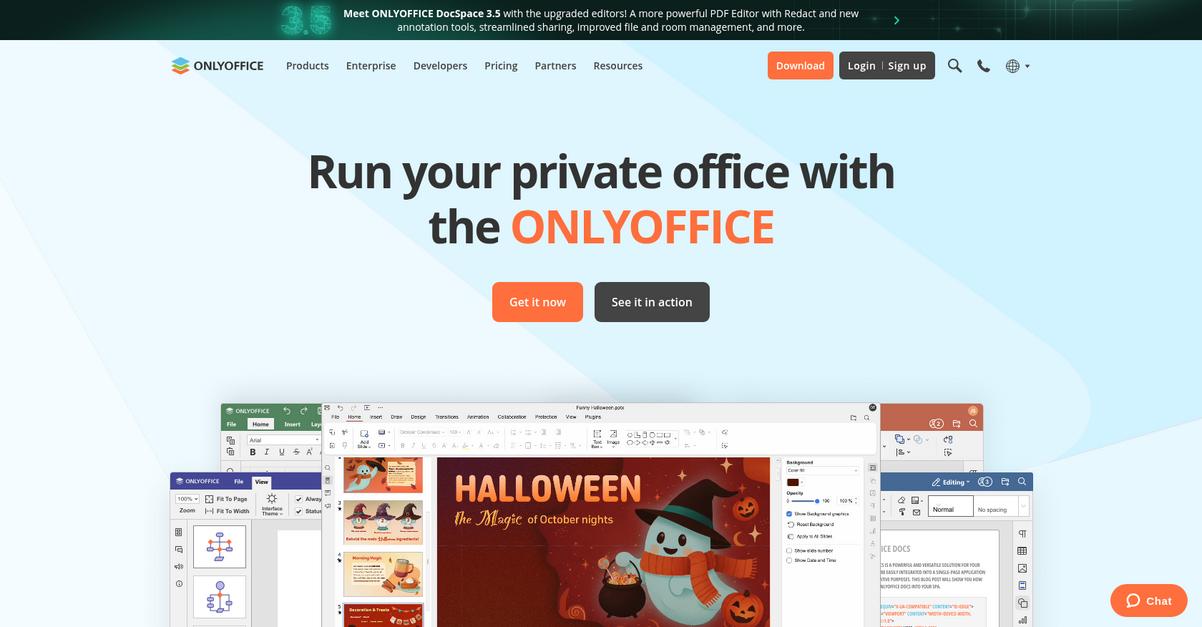
Looking for better nonprofit compliance than PairSoft?
ONLYOFFICE gives you built-in document collaboration, true project management, and both cloud or self-hosted options—features that PairSoft simply doesn’t offer for nonprofits.
This means if your team’s tired of rigid reporting or limited collaboration tools from PairSoft, you’ll notice an immediate difference managing compliance documentation, coordinating tasks, and working together from anywhere.
No more switching between disconnected tools.
Here’s how ONLYOFFICE tackles document management as an alternative.
ONLYOFFICE brings an all-in-one approach by blending intuitive online editors, robust document management, and project tools you don’t get with PairSoft.
You can edit and collaborate on Word docs, spreadsheets, or presentations right in your browser, while tracking nonprofit compliance and projects in the same workspace. This lets you stay audit-ready and organized, without having to juggle multiple apps or face adoption headaches from disconnected software.
Additionally, if you’re worried about data security or flexibility, ONLYOFFICE supports both secure cloud deployment and fully self-hosted options. This gives your nonprofit full control over sensitive information and lets you adapt the platform to your needs—not the other way around.
You’ll notice fewer compliance gaps and better adoption.
Key features:
- Collaborative document editing integrated into DMS allows your team to work together in real-time on Word, Excel, or PowerPoint files, eliminating the siloed editing limitations you get with PairSoft’s system.
- Centralized project and document management tools seamlessly connect compliance tracking, tasks, and communications, providing operational oversight PairSoft lacks for broader nonprofit needs.
- Flexible deployment options for data sovereignty meaning you can run ONLYOFFICE on your own servers or a secure cloud, ensuring maximum data control for sensitive nonprofit content.
Verdict: ONLYOFFICE is a strong PairSoft alternative if your nonprofit needs real collaboration, integrated project and document management, or self-hosting options for data control. Its all-in-one approach brings much broader operational support, making compliance and team adoption much easier versus PairSoft’s narrower, vendor-managed setup.
5. LogicalDOC

PairSoft’s limits are holding your nonprofit’s growth back.
LogicalDOC addresses that by giving you flexible document indexing and advanced workflow automation options instead of just transaction-centered tools.
This means you’re not stuck with rigid financial tracking—LogicalDOC’s version control and audit trail provide end-to-end accountability for every type of nonprofit document, not just for invoices or receipts.
Here’s how LogicalDOC changes your compliance strategy.
LogicalDOC is built to solve the gaps many nonprofits face after outgrowing PairSoft’s finance-first system. Instead of getting boxed in by limited search functions and inflexible audit logs, you benefit from open-source document management with affordable plans, giving you a scalable alternative if you need customization down the line.
Unlike PairSoft, LogicalDOC uses advanced document indexing with metadata, tags, and full-text search. That brings better visibility and retrieval for all your files—so you’re never wasting time hunting down board meeting minutes or grant documents again.
Integrated workflow automation lets you design custom approval and routing pathways for any document type. Combine that with robust compliance tracking and you get the operational flexibility you’ve been missing with PairSoft.
LogicalDOC’s intuitive organization gets your team on board fast.
Key features:
- Advanced document indexing and search lets you categorize, tag, and retrieve all document types using flexible metadata and full-text search, far beyond PairSoft’s transaction-based indexing.
- Version control with detailed audit trails ensures you always know who edited what, when, and why, making regulatory compliance far less stressful, compared to PairSoft’s limited tracking scope.
- Customizable workflow automation enables you to route, approve, or process documents based on your nonprofit’s unique needs, not just rigid financial routines like with PairSoft.
Verdict: LogicalDOC is a standout alternative to PairSoft, especially for nonprofits needing robust compliance and workflow automation at a reasonable price. Users love its open-source flexibility, and many save significantly on costs while gaining version control and advanced indexing for every document, not just financial records.
6. PandaDoc

Tired of PairSoft’s limited options for nonprofit compliance?
PandaDoc counters these pain points with e-signature integration, automated proposal management, and content libraries, giving you much more than PairSoft’s inflexible reporting and internal-only document workflows.
If you’re facing too many bottlenecks with compliance tracking or approvals, PandaDoc offers dedicated e-signature capabilities for external agreements. This means you’re no longer stuck in PairSoft’s internal document loop when you need to sign or send grant agreements, fundraising proposals, or legal partnerships.
You need a tool designed for complete external document workflows.
With PandaDoc, handling critical nonprofit documents—like proposals, contracts, and donor agreements—gets smoother, thanks to its focus on automation and e-signatures instead of just internal approval routing.
Here’s how it helps: automated contract creation and e-signature collection let your organization respond faster to grant deadlines. Plus, the centralized library of reusable content blocks and templates removes repetitive manual work, so you can send personalized documents out in minutes instead of days.
You’ll also find tracking features that let you see when documents are viewed or signed, which helps accountability, while integration options keep everything linked with your existing systems and workflows—no complex migration or lost audit trails.
The result is modern document management focused on your nonprofit’s growth.
Key features:
- Legally binding e-signature tools equip your team to manage external approvals and sign contracts digitally, enabling fully compliant grant, donor, and vendor document management beyond PairSoft’s scope.
- Robust proposal and contract workflows help you automate document creation, sending, tracking, and closing in one place, with nonprofit use cases like fundraising or partnership management in mind.
- Content libraries and custom templates let you reuse approved language or visuals, accelerating personalized document creation for repeated tasks while maintaining branding and compliance.
Verdict: PandaDoc stands out as a smart PairSoft alternative for document management software for nonprofits. Your team could see document creation completed up to 65% faster and close rates increase by 28%, making it easier to secure funding and manage compliance efficiently than with traditional internal workflows.
7. Document Logistix
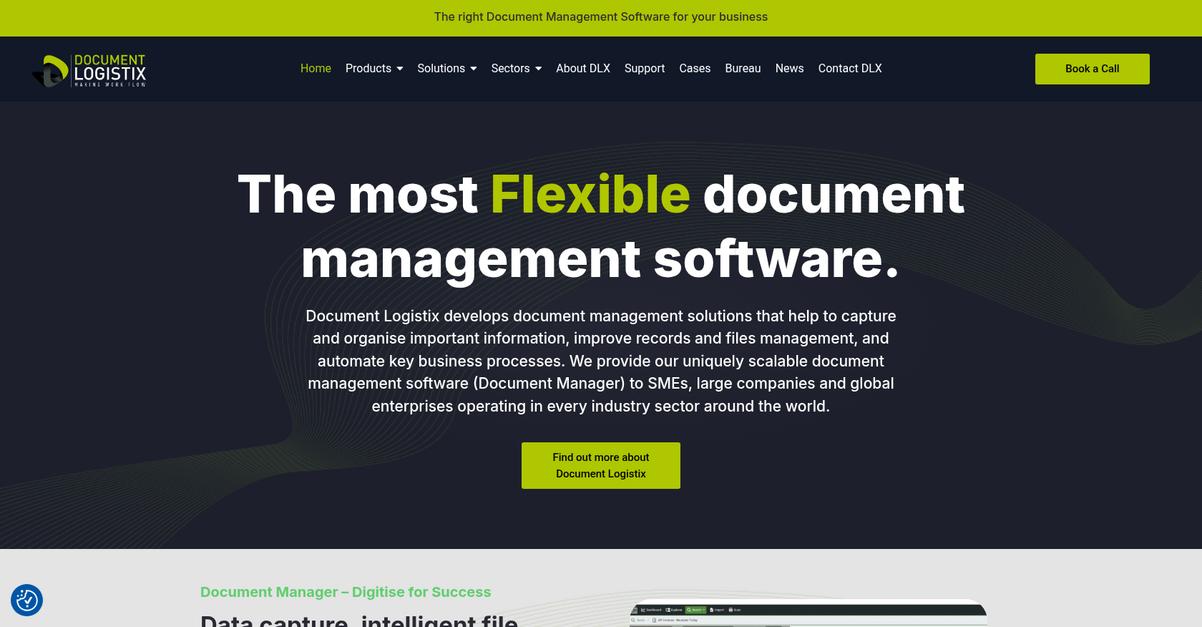
Is PairSoft not meeting your nonprofit’s needs?
Document Logistix offers intelligent capture, secure archiving, and a dynamic workflow engine—features that overcome the biggest frustrations you may face with PairSoft’s limited compliance and integration capabilities.
If you’re looking for broad, compliant document management that isn’t restricted to financial workflows, Document Logistix brings serious advantages. This means your nonprofit can capture, store, and process every type of record, not just invoices or transactional data.
Switching away from PairSoft gets easier from here.
Document Logistix helps your nonprofit eliminate data silos and tangled approval processes, making it much more than just a finance-focused solution.
Your team can automate data extraction using intelligent OCR on everything from grant forms to board minutes, reducing manual work compared to PairSoft. This wider capture capability ensures you never miss critical compliance documents—helping with audits, reporting, and year-over-year growth.
Plus, you gain robust secure archiving, meeting even the strictest donor and regulatory requirements while giving you rapid retrieval across all your files—not just AP records. And with the dynamic workflow engine, you design custom processes for onboarding, compliance, or approvals specific to your nonprofit’s way of working.
This all leads to fewer headaches and stronger control.
Key features:
- Intelligent capture with advanced OCR technology automates data extraction from any content type, improving accuracy and reducing manual entry for everything from donor forms to funding contracts.
- Secure long-term document archiving and retrieval stores all your nonprofit’s files in a compliant, searchable repository—far beyond the transactional record focus typical of PairSoft.
- Dynamic workflow automation for any process lets you configure complex, rules-based document approval and routing, giving you full automation power across your nonprofit’s unique needs.
Verdict: Document Logistix stands out as a PairSoft alternative for nonprofit document management, especially if you need more control and compliance. Nonprofits have cut paper processing by 75% and reached 100% data capture accuracy—proof it’s built for real operational gains beyond simple transactional workflows.
8. DocuVantage
Tired of inflexible reporting and limited compliance controls?
DocuVantage’s comprehensive document lifecycle features go far beyond PairSoft, letting your nonprofit manage, track, and control every document from creation to retention and final disposition.
Unlike PairSoft, DocuVantage supports regulatory compliance for all your critical records, not just financial transactions. You can tailor audit trails, automate retention, and securely control access for different departments, making compliance more practical and reliable.
Here’s how DocuVantage can address your challenges.
If you’re worried about hitting a wall with PairSoft’s finance-centric capabilities, DocuVantage unlocks true nonprofit-wide compliance power.
DocuVantage solves your compliance headaches by centralizing all your nonprofit’s content management and reporting under one intuitive system that adapts to your workflow.
You’ll appreciate the detailed workflow automation, allowing you to automate approvals and document movement based on your unique nonprofit processes. This full-spectrum lifecycle management ensures every document is accounted for, reducing manual effort and the risk of compliance slips compared to PairSoft’s siloed approach.
Even better, DocuVantage enforces regulatory requirements with configurable audit trails and retention management built in, so staying compliant becomes part of everyday operations. You’re not left patching together add-ons or struggling with mismatched features.
Plus, your staff gets the benefit of secure, role-based access across departments, driving adoption and supporting growth. The result is a scalable, reliable system that grows as your nonprofit’s needs change.
You get compliance, control, and easier adoption.
Key features:
- Complete document lifecycle management for nonprofits centralizes everything from document creation, capture, and approval to final disposition, offering greater oversight than PairSoft’s transactional records focus ever could.
- Highly customizable workflow automation options streamline complex nonprofit document processes, empowering your staff with process rules and flexible controls that adapt to real-world needs.
- Enterprise-grade audit trails and retention management provide enforceable, organization-wide compliance tools so you don’t worry about missed audits or outdated documents slipping through.
Verdict: DocuVantage is a compelling alternative to PairSoft if you need document management software for nonprofits that delivers comprehensive compliance. Users report streamlined audits, improved employee tracking, and reduced A/R levels, making it the right fit if your growth demands nonprofit-wide automation and control.
9. SohoDox
Are PairSoft’s limitations holding back your compliance goals?
SohoDox brings desktop-driven document control to the table, letting you manage documents right from Windows with powerful version history and searchable content—key features PairSoft struggles to provide.
If your nonprofit finds PairSoft’s reporting rigid and compliance features lacking, SohoDox covers you with audit-ready version tracking and a familiar desktop interface. This means less confusion and faster onboarding for your whole team, even those who find cloud-only or finance-focused platforms like PairSoft overwhelming.
Switching to a smarter solution is easier than you think.
SohoDox puts you back in charge by offering intuitive desktop integration, so your staff can organize, store, and retrieve files just like they’re used to—no learning curve, no hidden hassle.
Here’s how SohoDox makes the transition worry-free for your nonprofit. Its desktop client works directly inside Windows, so your staff interact with documents in a familiar environment. You also get robust version control, preserving every document update automatically so nothing gets lost and you can always prove document integrity for compliance checks.
Additionally, SohoDox offers deep full-text search and OCR, which means you can instantly locate grant files, board minutes, or donor records—even in scanned PDFs. All these features work together to address the adoption risks, reporting gaps, and compliance worries many nonprofit admins face with PairSoft.
SohoDox adapts as your needs evolve.
Key features:
- Full desktop client integration with Windows Explorer makes organizing, accessing, and managing documents seamless for all users—unlike PairSoft’s more niche financial system interfaces.
- Automatic version tracking with audit trails ensures every document change is captured and recoverable, supporting stricter compliance and reporting needs for nonprofits.
- Comprehensive full-text and OCR search lets your team instantly find the document they need, even inside scanned files—far more powerful than PairSoft’s metadata-only search.
Verdict: SohoDox offers your nonprofit a straightforward, desktop-based alternative to PairSoft, delivering richer version control, intuitive Windows interface, and deeper document search. It’s ideal if your staff need minimal training and your compliance requirements go beyond simple finance workflows. This tailored approach makes SohoDox a standout in document management for nonprofits.
Conclusion
Tired of PairSoft holding your nonprofit back?
If your team is struggling with rigid reports, clunky compliance tracking, and frustrating integrations in PairSoft, it’s no wonder you’re looking for better options.
There’s no shame in searching for a tool that finally fits—finding the right alternative means less stress and more impact for your nonprofit, even if the transition takes some work.
Here’s the alternative that rises to the top.
FileCenter is my top pick for nonprofits who want straightforward, powerful document management without the bottlenecks of PairSoft.
With FileCenter, you can organize files locally, enjoy robust scanning and PDF tools, and streamline compliance—all without the headaches PairSoft leaves behind.
I recommend you try FileCenter’s free trial or request a personalized demo to see how quickly you can transform document chaos into clarity.
You’ll experience smoother compliance and reclaim valuable staff time.