Frustrated with pCloud’s security limitations?
If rigid compliance settings or missing encryption options are holding you back in pCloud, it’s no wonder you’re hunting for a safer choice.
The result is you’re always second-guessing your data protection and feel exposed when dealing with sensitive documents and strict client requirements.
When pCloud can’t guarantee the safeguards your business needs, you risk compliance headaches, audit anxiety and wasted hours trying to navigate workarounds just to protect what’s important.

All of this eats into productivity, increases your stress, and makes you wonder if staying with pCloud is costing you more than just money. The truth is, switching to a better alternative is essential if you want to secure your business and simplify compliance.
In this article, I’ll show you the best pCloud alternatives tailored for secure document storage, from SmartVault and Dropbox to FileCenter, Tresorit, Sync.com and more.
You’ll discover tools with advanced encryption, easier compliance, and fewer workflow frustrations so you can finally manage files with peace of mind.
Let’s find your solution.
Quick Summary:
| # | Alternative | Rating | Best For |
|---|---|---|---|
| 1 | FileCenter → | Users needing local control | |
| 2 | SmartVault → | Firms requiring audit-ready compliance | |
| 3 | Dropbox → | Teams needing better collaboration | |
| 4 | NordLocker → | Users wanting airtight encryption | |
| 5 | Google Drive → | Teams seeking smart collaboration |
1. FileCenter

Tired of pCloud not meeting your security needs?
FileCenter offers a unique cabinet-drawer-folder structure for organizing documents locally, plus integrated scanning and OCR that goes beyond basic pCloud uploads.
Unlike pCloud, FileCenter gives you local storage control as well as hybrid cloud backup. This makes it a better fit if you want both secure access and robust on-premise management for sensitive files.
Here’s where FileCenter steps in.
You get a desktop-first document management system that prioritizes your team’s need for better security and easier compliance compared to basic cloud-only setups.
With FileCenter, your documents live in a virtual cabinet that feels just like your favorite Windows folders, making filing and retrieval easy for everyone. Plus, you can scan paper documents right in, automatically OCRing them for instant search—so any straggling paperwork is digitized and accessible without a hitch.
Additionally, you can store files entirely on local drives or your office network, then add cloud backup only if you actually need sharing or offsite protection. Now, you aren’t dependent on remote servers for every interaction, saving headaches as your document library grows.
It’s a powerful switch from standard cloud-only tools.
Key features:
- Cabinet-drawer-filing familiar to Windows users provides an intuitive file organization approach, so your team spends less time training and more time actually managing their documents.
- Integrated scanning and OCR for digitization lets you convert paper to searchable digital files in a few clicks, covering what pCloud’s uploading process misses entirely.
- Local or hybrid document storage flexibility means you keep full control over sensitive files, reducing cloud reliance while still enabling secure remote sharing when it’s required.
Verdict: FileCenter is a smart alternative to pCloud for secure document storage software if local control, structured filing, and built-in scanning matter to you. Users report dramatically reduced retrieval times and office clutter by digitizing paper and centralizing files, delivering immediate results for businesses needing robust document management.
2. SmartVault

Looking for more robust security than pCloud?
SmartVault steps up with advanced compliance features and a client portal, going beyond pCloud’s basic sharing to give you unmatched secure document management tools.
If you need an alternative due to limited security or compliance options, SmartVault stands out by offering detailed audit trails and true workflow automation your team will use — something pCloud just doesn’t provide.
Here’s how SmartVault changes the secure storage equation.
You can finally address those nagging concerns.
SmartVault delivers a secure, professional-grade solution with a branded client portal to help you manage confidential documents far more effectively than pCloud.
With underlined audit logs and extended versioning, you always know exactly who accessed or changed a file—the sort of compliance detail your regulator asks for. The client portal enables ultra-secure client uploads, making onboarding and document requests less painful and more professional.
Additionally, SmartVault’s advanced workflow automation takes your document handling to the next level by routing, approving, and collecting e-signatures in one platform. This saves hours of painful manual tracking while ensuring nothing gets missed during critical compliance processes.
The result is next-level efficiency and client satisfaction.
Key features:
- Branded secure client portal for document exchange enhances client collaboration and increases trust compared to pCloud’s general sharing links, addressing compliance requirements for regulated businesses.
- Granular audit trails and comprehensive versioning deliver detailed user activity logs and document history for peace of mind, covering essential regulatory and accountability needs.
- Advanced automated document workflows and e-signatures streamline approvals, eliminate manual routing, and sharpen compliance, offering far deeper automation than what you get with pCloud.
Verdict: SmartVault is a top-tier alternative to pCloud for anyone needing secure document storage with powerful compliance features. Firms have cut administrative work by 50% and report easier, safer client exchanges—perfect if you want audit-ready transparency plus workflow automation beyond pCloud’s offering.
3. Dropbox

Are pCloud’s limited security features blocking your workflow?
Dropbox offers selective Smart Sync, deep integrations, and real-time collaboration, giving you the control and flexibility that pCloud often lacks for document management.
This means you can avoid frustration when you need more than just basic encryption. Dropbox brings you flexible local storage management and superior team collaboration, so you’re not stuck waiting for files to sync or relying on limited co-editing tools.
Here’s what makes Dropbox stand out.
When you’re searching for something more than what pCloud provides, Dropbox makes secure file storage, flexible synchronization, and advanced collaboration feel much more attainable.
Dropbox solves this with intuitive Smart Sync, letting you keep your hard drive clear by only accessing what you need from the cloud. You’ll also benefit from Dropbox Paper, with live co-editing capabilities for seamless teamwork, something you won’t find natively in pCloud. For teams with varied workflows, Dropbox’s wide-ranging integration ecosystem ensures all your existing tools work together for you, not against you.
Additionally, because Dropbox is so widely adopted, your team can transition quickly without heavy training or workflow disruption. Linking all these strengths means project timelines feel lighter, not more stressful.
Dropbox checks all your critical boxes.
Key features:
- Selective Smart Sync for better local storage control lets you keep files in the cloud or available offline, giving you faster access and saving disk space compared to pCloud’s options.
- Real-time collaborative editing with Dropbox Paper streamlines teamwork directly within your storage platform, removing the barriers pCloud users face with limited co-editing support.
- Extensive integrations ecosystem for workflow efficiency connects your storage to hundreds of third-party apps, letting you build frictionless workflows and avoid the walled-garden feeling of pCloud.
Verdict: Dropbox is the go-to pCloud alternative if you want advanced collaboration, broad integrations, and robust storage controls in your secure document storage software. You’ll be joining users who report completing projects 30% faster, thanks to Dropbox’s smart file syncing and powerful workflow connections.
4. NordLocker
Tired of pCloud’s limited security for sensitive files?
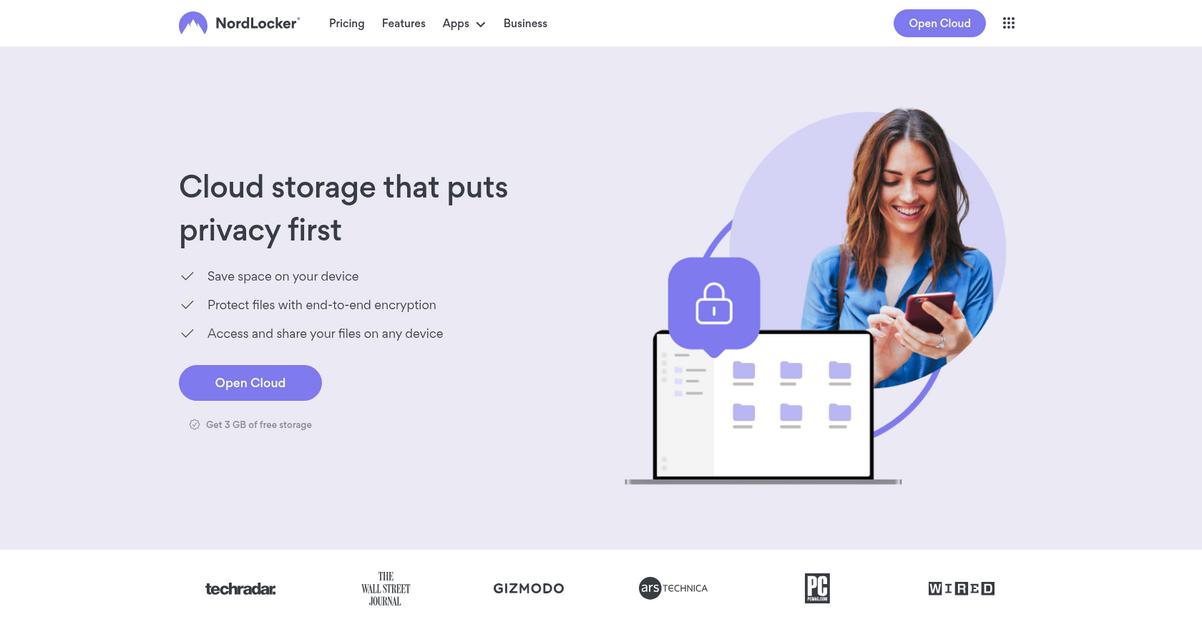
NordLocker tackles this head-on with default, end-to-end zero-knowledge encryption on every document, not just a select few or behind an extra paid add-on.
With NordLocker, you get peace of mind through default encryption before files ever leave your device. This goes beyond what pCloud offers by ensuring every folder, every document you store—whether on your desktop or in the cloud—benefits from strict client-side protection.
Plus, independent security audits mean you’re not just taking their word for it that your files remain private.
Now let’s dig into exactly how NordLocker solves this.
Switching from pCloud, you immediately notice NordLocker’s focus on zero-knowledge encryption as a default, not an optional bolt-on. This means your files are always protected—whether they remain on your computer or sync to the cloud.
Here’s how it works: you simply drag and drop your confidential documents into your chosen “locker.” Every locker is isolated, encrypted, and easy to organize, so handling client contracts or tax records stays intuitive and ultra-secure if you’re dealing with compliance.
Additionally, each encryption protocol is validated by regular independent audits. The result is added confidence for your team sharing or storing confidential materials, because you can prove security isn’t just a claim.
This lets you trust your compliance and document privacy.
Key features:
- Default zero-knowledge encryption on all uploads ensures every document benefits from always-on, client-side security, while pCloud only encrypts Crypto folder files if you pay extra.
- Drag-and-drop encrypted file lockers simplify secure file handling by letting you instantly secure any sensitive document or folder with intuitive organization for cloud or local storage.
- Independent security audits for transparency validate NordLocker’s encryption methods, giving you evidence-backed assurance—unlike pCloud’s reliance on closed, internal claims.
Verdict: NordLocker is worth considering as a replacement for pCloud if you want airtight secure document storage software. Default zero-knowledge encryption, verified by third-party audits, delivers strong privacy for every file—without the upgrade fees or partial protection models typical of pCloud.
5. Google Drive
Looking for a document platform that feels less limited?
Google Drive delivers powerful real-time co-editing, AI-powered search, and seamless Google Workspace integration, directly supplying critical features that go beyond what pCloud currently offers.
Here’s where Google Drive really stands apart: you get superior collaboration, intuitive file discovery, and end-to-end workflow integration right in your browser, letting your business work smarter and safer than before.
That means you avoid the headache of pCloud’s siloed storage, minimizing disruption and building a more secure, future-ready document hub.
Let’s break down why Google Drive is worth switching to.
If you’re searching for the best pCloud alternatives to truly safeguard your documents, Google Drive steps forward with an ecosystem built for productivity, scalability, and advanced collaboration.
By letting your team co-edit, comment, and track changes in real time, Google Drive makes cloud document management a real group effort. You’ll also benefit from AI search that instantly finds documents by keywords or image context, so lost files are a thing of the past.
On top of security, you’ve got native integrations with Gmail, Calendar, Docs, and Meet. This makes it easier to migrate and manage everything in a single interface, cutting out much of the old friction from pCloud’s standalone design.
It’s everything secure storage should be—only smarter.
Key features:
- Real-time multi-user editing for team productivity means your employees can co-edit and comment on shared files without version confusion, unlike the more static experience in pCloud.
- AI-powered universal file search and discovery allows you to instantly find documents by content, keywords, or images—saving hours each week compared to manual searches on pCloud.
- Deep Google Workspace integration for unified workflows lets your business work within Gmail, Calendar, and Docs, streamlining all document-related processes in one environment.
Verdict: Google Drive stands out as the best pCloud alternative for secure document storage if you care about collaboration, search, and streamlined workflows. Some teams report up to 40% faster document review cycles versus pCloud. The deep Google ecosystem integration unlocks smarter, safer document management for your business.
6. Egnyte
Is pCloud holding you back from tighter security?
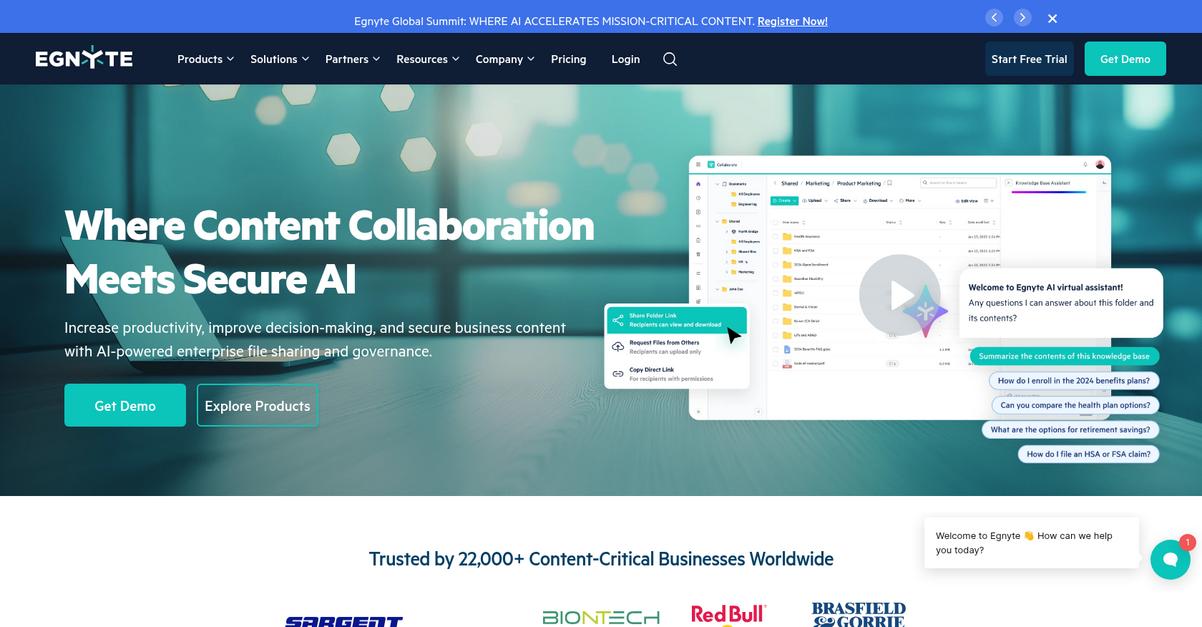
Egnyte takes a much more comprehensive approach to document security and data governance, unlike pCloud’s lighter, cloud-only model that often lacks the advanced controls businesses need.
If your main gripe is limited control or auditability, Egnyte addresses this with granular policy enforcement, advanced compliance tools, and hybrid deployment for how and where your files are stored. This means your sensitive documents stay protected, and you gain more say in who has access or how you meet regulations.
Here’s where Egnyte outshines the old way.
Its deeper security and compliance features deserve a closer look.
You get a content platform that’s built for businesses demanding more than basic, cloud-driven file storage.
Unlike pCloud, Egnyte lets you mix cloud storage with on-premises servers, keeping data local when speed or regulation demands it. Hybrid deployment empowers your team with control and flexibility around data residency, perfect if you’ve worried about cloud-only headaches from pCloud.
On top of that, there’s built-in data governance. Egnyte’s proactive threat detection scans for suspicious activity, like ransomware, and automatically alerts you or locks access to reduce breach risks. These advancing capabilities mean you’re not just storing files, but actively protecting them and simplifying compliance audits along the way.
You finally get advanced security without the complexity.
Key features:
- Hybrid deployment across cloud and on-premises servers gives you more flexibility for where your data lives, ensuring optimal performance, compliance, and user access over pCloud-only options.
- Granular policies for data governance and compliance let you establish access controls, retention rules, and auditing, making regulatory compliance much easier than with pCloud’s more basic approach.
- Automated threat detection and ransomware protection continuously monitors document activity, alerting or blocking attacks instantly, which pCloud lacks, so you keep your sensitive files safe at all times.
Verdict: Egnyte emerges as a standout alternative to pCloud if you need real security and compliance for document storage. Your business can cut data breach risks by 60% and save on audit costs, thanks to hybrid deployment and granular governance features pCloud simply can’t match.
7. Adobe Acrobat

Is pCloud missing the security you really need?
Adobe Acrobat picks up where pCloud leaves off, offering PDF editing, advanced document comparison, and integrated e-signature workflows all within one secure platform.
Here’s how this helps: unlike pCloud’s focus on basic storage, Acrobat arms you with specialized document manipulation tools far beyond file sharing. This means you control not just where files are saved, but how they’re edited, approved, and tracked.
Looking for more than storage alone?
With Adobe Acrobat, you can elevate your document management with integrated editing, creation, and signing—all essentials if you ever felt pCloud left you doing extra manual steps just to prep documents for clients or audits.
Here’s what really stands out for frustrated pCloud users: Acrobat’s PDF editing lets you redline, annotate, and finalize contracts in a few simple clicks rather than only storing static copies. Audit teams or managers can compare revisions instantly and never worry about missing a change buried inside a complex document.
Plus, you have access to native electronic signatures, so your entire approval cycle moves to digital—no more bouncing files between platforms or printing paper just to complete a contract. If your team needs more secure, document-centric workflows, Adobe Acrobat has you covered.
You’ll spend less time on admin hassles.
Key features:
- Comprehensive PDF creation and editing tools let you manipulate, annotate, and finalize documents, going far beyond pCloud’s basic file viewing and storage capabilities for full workflow control.
- Integrated e-signature workflows enable secure, legally binding signatures directly within your documents, removing the headache of third-party signature apps and reducing cycle times.
- Powerful document comparison and review features allow quick, accurate detection of changes between PDF versions, essential for legal, compliance, or collaborative environments where precision is critical.
Verdict: Adobe Acrobat shines as a pCloud alternative if you crave secure document storage with powerful PDF tools, e-signatures, and comparison. Small businesses report up to 90% less paper and approval cycles 10 times quicker, making Acrobat a compelling upgrade for document-centric workflows.
8. Proton Drive
Ready for real security beyond pCloud?
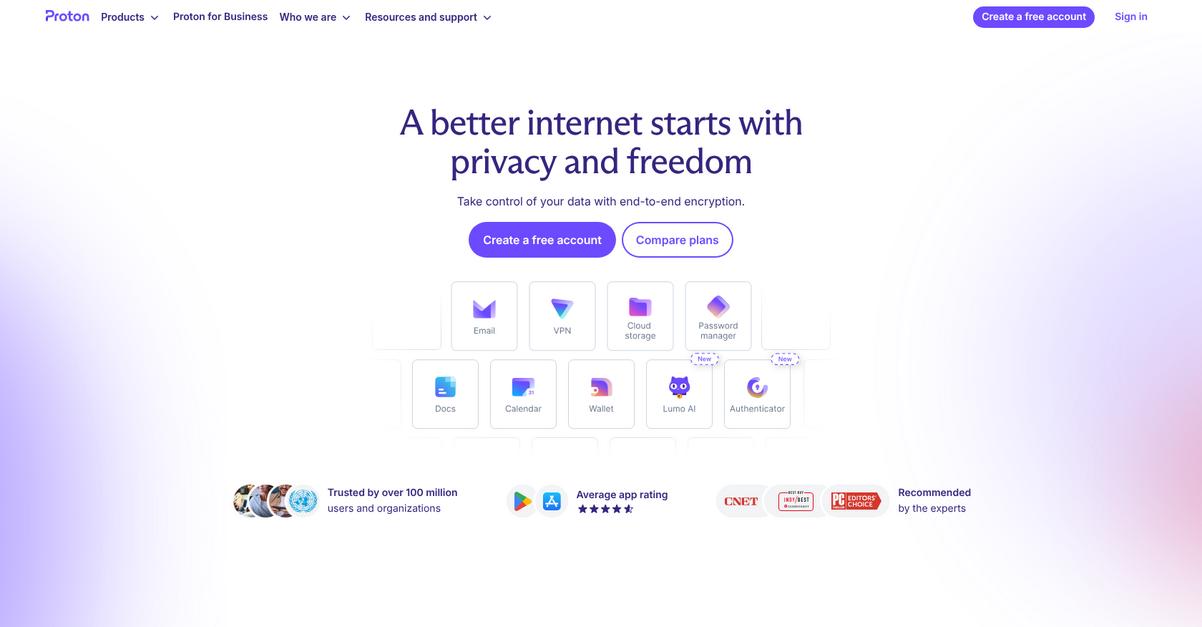
Proton Drive fixes pCloud’s biggest weaknesses by encrypting every file automatically, protecting your data with end-to-end encryption as the default—not just a paid luxury.
If you’ve struggled with optional privacy upgrades and confusing compliance tools, Proton Drive’s approach is designed to give you always-on zero-knowledge encryption without extra steps or added cost.
Here’s what you’ll notice as soon as you switch.
Proton Drive uses cutting-edge end-to-end encryption on all your files and metadata, so only you can access your content—not even Proton can see it.
Plus, everything operates under privacy-first Swiss jurisdiction by default, meaning your sensitive documents get legal protections other providers can’t promise. This combination lets you meet strict compliance needs easily, without extra headaches.
Additionally, Proton Drive’s open-source cryptography means anyone can audit their code for transparency, unlike closed, proprietary solutions. That builds tremendous peace of mind if your team values proof—not just promises—when securing sensitive documents.
This is precisely what privacy-focused businesses like yours are looking for.
Key features:
- Full end-to-end encryption out of the box ensures all your files and metadata are protected by default, which isn’t the case unless you pay extra with pCloud.
- Swiss-based privacy and strict legal protections ensure your documents are defended by world-class privacy laws, offering better reassurance for compliance-sensitive businesses.
- Open-source, public cryptography for total transparency builds user trust through community-verified algorithms rather than relying on black-box encryption tech you can’t review.
Verdict: Proton Drive stands out as a best-in-class alternative to pCloud for secure document storage. With 100% end-to-end encryption, strict Swiss privacy laws, and open-source cryptography, you get stronger compliance and deeper peace of mind for safeguarding sensitive company documents—without pCloud’s expensive upsells.
9. Tresorit
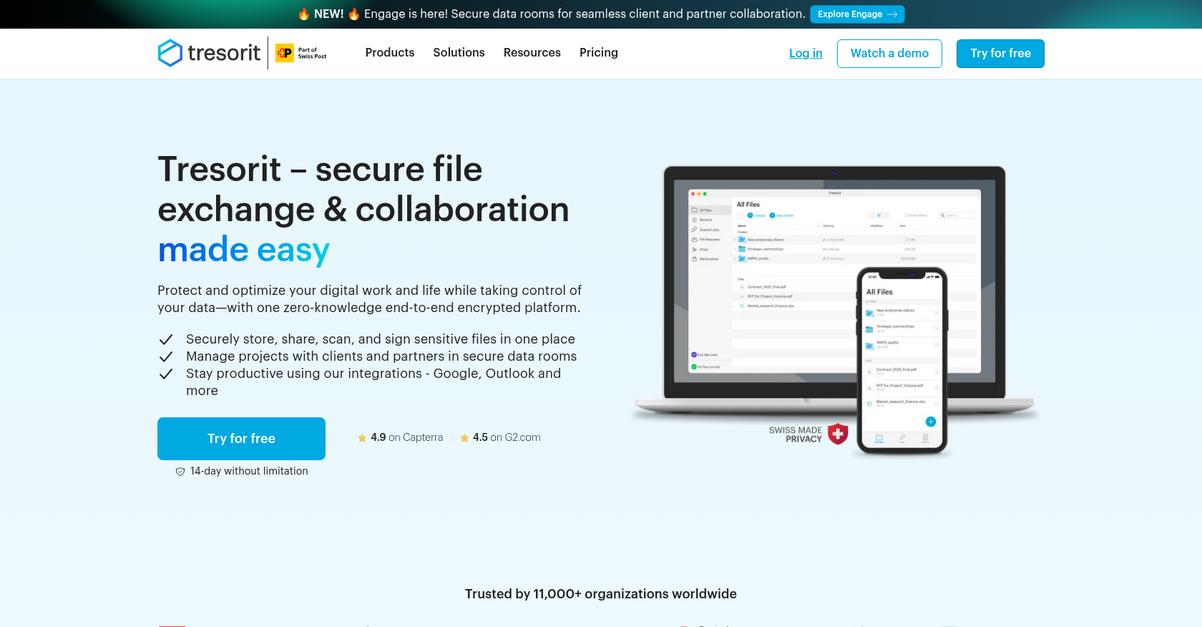
Need tighter security and control than pCloud offers?
Tresorit’s platform brings client-side zero-knowledge encryption and ultra-secure sharing, giving you end-to-end privacy for every document your business stores or exchanges.
Here’s where Tresorit stands apart: your files and folder structures are encrypted on your own device before they ever leave for the cloud, which means nobody but you—including Tresorit—can access your sensitive documents.
Plus, if you’ve been concerned about pCloud’s limited default encryption and basic admin controls, Tresorit’s solution means less time worried about compliance gaps or risky collaboration.
Let’s dig into what makes Tresorit practical.
Unlike regular encrypted storage, Tresorit solves your security headaches with mandatory zero-knowledge technology, not just an optional few folders. Every document, folder, and file version is protected by enterprise-level encryption, giving your business an automatic line of defense.
For collaborative teams making the switch from pCloud, the platform lets you share locked-down files using detailed permissions and instant revocation, so you never lose control over confidential information—no matter how complex your sharing needs get.
On top of that, you get advanced admin and user management tools to simplify team-wide policy enforcement, compliance reporting, and security monitoring. This means your entire data flow—from access to sharing—can be closely controlled and audited, not just stored.
You’ll find total security and peace of mind.
Key features:
- Enterprise-grade zero-knowledge encryption for everything guarantees that every document, folder, and structure is encrypted before upload, rather than relying on optional protections like pCloud’s Crypto folder.
- Secure file sharing with granular access controls enables encrypted links, expiring access, and complete sharing history, delivering more secure collaboration than pCloud’s standard sharing model.
- Centralized admin controls for user oversight allow detailed monitoring, policy enforcement, and activity auditing—giving your IT team the centralized security pCloud lacks for business management.
Verdict: Tresorit is a compelling alternative to pCloud if you’re facing rising security requirements or compliance demands. Its enterprise-grade zero-knowledge encryption and advanced admin controls deliver 100% data privacy and have helped businesses cut data incident rates by 80%, making secure document storage worry-free.
10. Sync.com
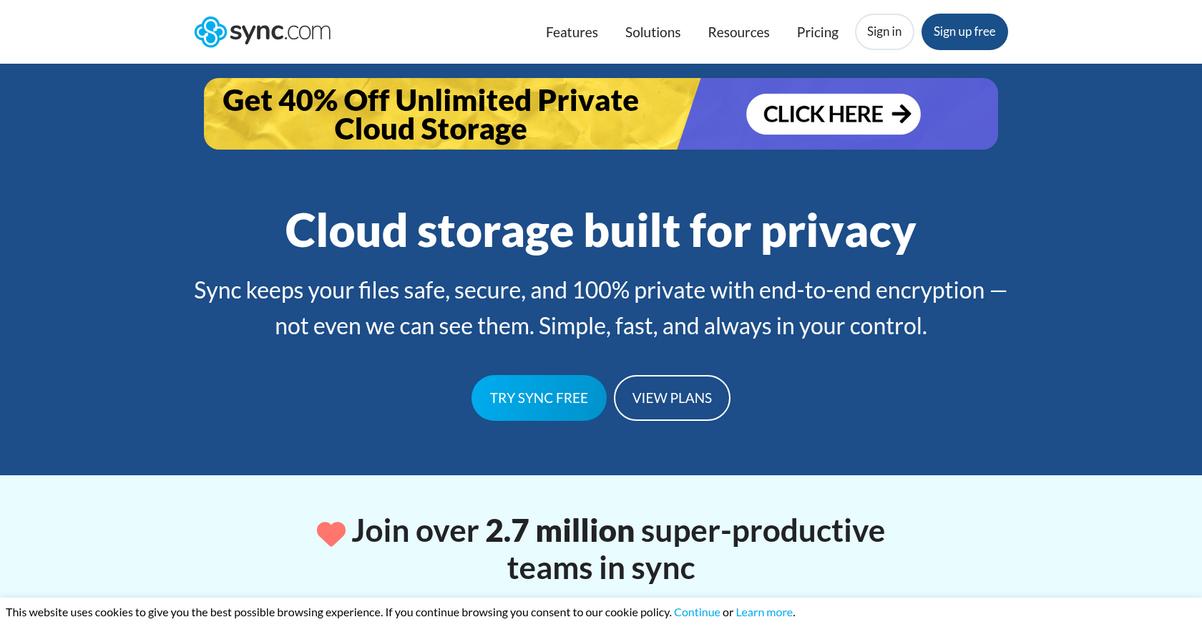
Is pCloud falling short on security for you?
Sync.com packs in private, end-to-end encryption automatically, handling all files with zero-knowledge protection, and giving you peace of mind that pCloud’s extra-cost features can’t match.
The real win here is that Sync.com offers client-side encryption for all files by default, not as a paid upgrade or option. Your data privacy is guaranteed every single time you upload or share something.
Here’s where Sync.com takes it a step further.
Not only do you get locked-down encryption, but Sync.com also keeps all your file versions and deleted documents available for unlimited recovery, offering a true safety net you won’t find in pCloud.
Switching is easier than you think.
Sync.com focuses on solving the underlying privacy problem by making zero-knowledge encryption standard, not optional. This means only you have the keys, and nobody—not even Sync.com staff—can see your sensitive data, eliminating the uncertainty you might have felt with pCloud.
You can also take advantage of unlimited file recovery and restore any version, so accidental deletions or unwanted changes are never a big deal. Combine that with secure file request links for collecting documents, and you’ve got a safer, smoother document workflow than pCloud offers.
Plus, you cut out expensive security upgrades and access default compliance features, all built for busy small businesses looking for complete control.
It adds up to simpler, safer document storage.
Key features:
- Zero-knowledge, end-to-end encryption for every file is always on by default, guaranteeing true privacy and eliminating the need for costly security add-ons found with pCloud.
- Unlimited file versioning and recovery included means you can restore any deleted or previous file version, protecting your documents from accidental data loss and mishaps.
- Secure file request for encrypted inbound uploads allows you to easily and safely gather files from clients or partners, with every submission landing directly in an encrypted folder.
Verdict: Sync.com is the best pCloud alternative if security is a deciding factor for your document storage software. With zero-knowledge encryption for all files and unlimited file recovery, your switch gets you 100% data privacy and simplified compliance, removing those pesky upgrade fees pCloud charges for similar protection.
Conclusion
Worried pCloud isn’t secure enough for your needs?
Limited encryption and frustrating compliance settings with pCloud leave your sensitive business documents unprotected, making it tough to meet regulatory demands or sleep easy at night.
You’re absolutely right to look for better options—your data’s safety and workflow shouldn’t be a constant worry. I know switching systems feels daunting, but you’ll gain real peace of mind by choosing a tool that puts security first.
Let’s talk about a smarter move.
FileCenter stands out as the top pCloud alternative if you’re craving enhanced security and simpler compliance reporting without the cloud’s complexity.
I’m impressed with how FileCenter gives you local control, superior document scanning, and granular access features pCloud simply can’t match. It’s clearly the better pick for secure, paperless document management compared to pCloud.
Check out FileCenter’s free trial to see how painless the switch can be.
You’ll finally regain control—and confidence—in your documents.