
Wish PDF24 Tools did more for your team?
Struggling with clunky cloud integration and limited collaboration features in PDF24 Tools is enough to frustrate anyone managing team PDFs.
These gaps can slow down workflows and stall productivity for your business.
Instead of enabling your team, PDF24 Tools sometimes holds you back, costing you wasted time, missed deadlines, and headaches as you try to patch together workarounds. When your PDF solution can’t scale with your team, it impacts your bottom line and makes everyone dread document management sessions.

But the good news is there are smarter alternatives that streamline your workflow and make team PDF management much easier.
In this article, I’ll show you the best PDF24 Tools alternatives that bring advanced PDF editing, simple cloud integration, and real-time collaboration to your pdf management software stack, featuring FileCenter, Adobe, Foxit, and more.
With the right solution, you can expect smoother teamwork and less hassle than PDF24 Tools ever gave you.
Let’s find your solution.
Quick Summary:
| # | Alternative | Rating | Best For |
|---|---|---|---|
| 1 | FileCenter → | Users needing organized filing | |
| 2 | Adobe Acrobat Pro → | Teams needing better collaboration | |
| 3 | Foxit PDF Editor → | Users wanting advanced editing | |
| 4 | Nitro PDF → | Teams needing streamlined approvals | |
| 5 | Wondershare PDFelement → | Users wanting AI-powered tools |
1. FileCenter

Ready for a less cluttered PDF experience?
FileCenter’s structured e-filing system is a major upgrade if you’ve found PDF24 Tools’ modular setup limiting. It neatly organizes documents into digital cabinets and drawers mapped directly to Windows folders.
This means you can quickly retrieve files without sifting through scattered PDF tasks as you often do with PDF24 Tools. Paper documents go straight to searchable PDFs and land exactly where you want them—right away.
Switching to FileCenter is a refreshingly simple next step.
You’ll notice FileCenter immediately tackles those PDF24 Tools pain points with its organized cabinet-drawer system, removing the hassle of hunting for documents across clunky modules.
If you’ve longed for a smarter way to handle paperwork, here’s how FileCenter delivers. The intuitive e-filing lets your team keep everything tidy using familiar folder paths. Automated scanning and OCR convert your paper stacks into searchable PDFs, saving you the manual steps that slow you down. Plus, the one-time purchase option lets you own your software instead of juggling ongoing subscriptions or ads.
You also get robust document capture—with FileCenter, scanning, OCR, and filing are combined, making your paper-to-digital workflow smooth right out of the gate. If cost or tool sprawl was your main frustration, perpetual licensing adds long-term predictability. Those pieces work together, so your switch from PDF24 Tools results in fewer headaches and significantly faster workflows.
That’s what smarter PDF management feels like.
Key features:
- Intuitive cabinet and drawer structure matches how you already use Windows folders, so your team has virtually zero learning curve and can access documents immediately after migration.
- Integrated scanning and OCR with smart automation captures paper documents, converts to searchable PDFs, and automatically names and files them, eliminating scattered workflows and extra manual steps.
- Perpetual licensing for local software gives you an upfront ownership option, making FileCenter cost-effective compared to PDF24 Tools’ ad-supported approach and ongoing subscription fatigue.
Verdict: FileCenter stands out as a powerful alternative to PDF24 Tools for small businesses that value organized digital filing and smoother paperless workflows. Its instant cabinet-based retrieval, advanced scanning automation, and perpetual licensing mean your team spends less time searching for files and more time getting work done.
2. Adobe Acrobat Pro

Limited features holding your PDF workflow back?
Adobe Acrobat Pro steps in with direct text and image editing, interactive forms, secure redaction, e-signatures, and advanced cloud collaboration missing from PDF24 Tools.
If you’re looking for more than basic PDF updates, Adobe Acrobat Pro gives you professional-grade control over your documents and workflows that sets it apart from PDF24 Tools.
Here’s where things get interesting for your team.
Adobe Acrobat Pro solves your frustrations by letting you edit, redact, sign, and collaborate in-cloud beyond what PDF24 Tools allows.
With Adobe Acrobat Pro, you finally get a platform that lets your team manage PDFs the way real businesses need. You can directly edit text and images, create interactive forms, and securely remove sensitive information without leaving your document. Plus, integrated e-signatures and workflow automation speed up every approval without manual back-and-forth, especially compared to the limits of PDF24 Tools.
Additionally, the real-time commenting and cloud syncing ensure everyone can access and review files from anywhere—desktop, web, or mobile—solving the headache of inconsistent collaboration features. When everything important is managed and tracked in one secure place, your workflow actually feels much smoother.
You can finally stop worrying about feature gaps.
Key features:
- Advanced PDF editing and secure redaction let you update documents, build interactive forms, and protect sensitive information in ways PDF24 Tools simply doesn’t cover.
- Integrated e-signatures and automated workflows bring everything under one roof, so you collect signatures and track status without disjointed add-ons or manual chases.
- Cloud sync and real-time collaboration tools empower your team to comment, review, and access documents from any device, overcoming PDF24 Tools’ cloud limitations and improving team productivity.
Verdict: Adobe Acrobat Pro is my go-to alternative when PDF24 Tools just can’t keep up with your needs for secure editing, automation, and collaboration. It’s trusted by over 500,000 companies for its advanced features and reliable efficiency, especially for teams needing robust document management.
3. Foxit PDF Editor
Need more than the basics from your PDF tools?
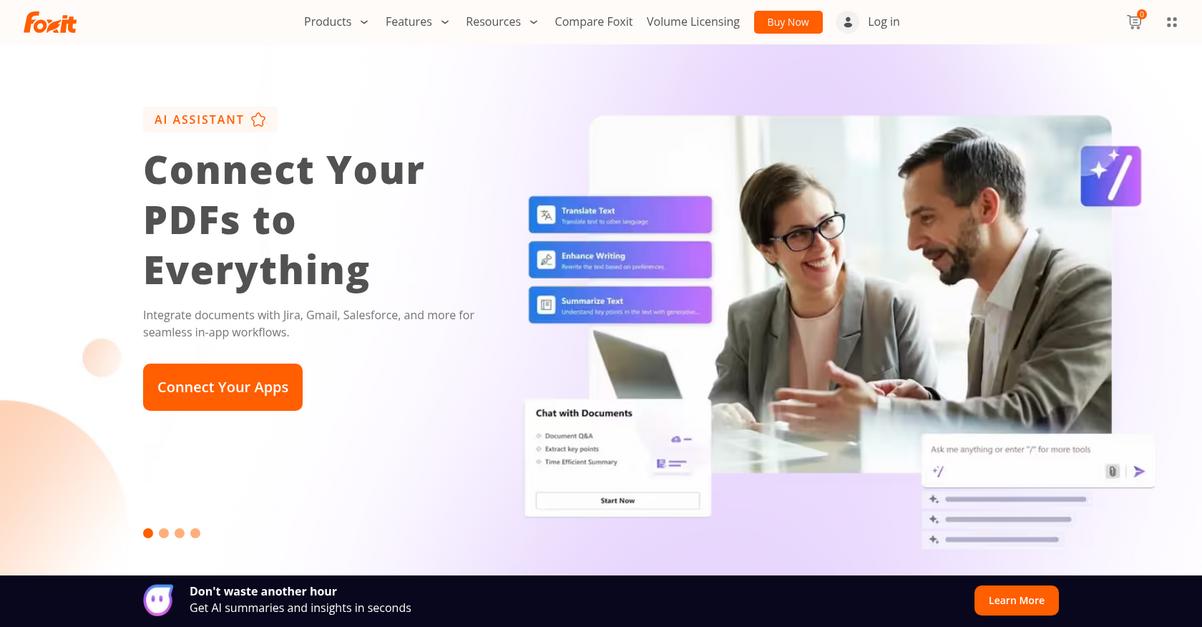
Foxit PDF Editor goes beyond PDF24 Tools’ limitations with advanced paragraph editing, real collaboration features, industry-grade security, and powerful batch processing for bigger productivity gains.
This means you get pinpoint editing control and superior security for sensitive documents and data instead of settling for the lightweight features you’ve outgrown in PDF24 Tools.
You shouldn’t have to compromise with your PDF software.
Foxit PDF Editor gives your business true professional PDF capabilities as an alternative to PDF24 Tools, letting you handle advanced editing and secure file management without the frustration.
Here’s how you can level up your document game: Foxit lets you edit paragraphs, layout, images, and objects as easily as using a word processor. It provides permanent redaction and AES-256 encryption for sensitive PDFs, so you control compliance and privacy from day one.
Plus, batch processing tools mean you can convert, optimize, or organize a whole stack of files with just a few clicks. Combined, these features help your team collaborate better and save time compared to the basic workflow in PDF24 Tools.
If you’re worried about licensing costs, Foxit offers both subscription and perpetual licenses—making it a cost-effective upgrade for your company.
Get the advanced features your team deserves.
Key features:
- Advanced paragraph editing and layout control gives you true word processor flexibility, helping your team perfect documents far beyond the basic editing available in PDF24 Tools.
- Enterprise-grade security and redaction options safeguard confidential PDFs with robust AES-256 encryption and Microsoft AIP compatibility, critical for compliance that PDF24 Tools doesn’t match.
- Batch processing and file optimization empowers your business to update, convert, or compress multiple PDFs automatically, streamlining bulk work where PDF24 Tools only supports manual handling.
Verdict: Foxit PDF Editor is a compelling PDF24 Tools alternative when you’re ready for precise editing, robust security, and hands-down better cost efficiency. Users report licensing costs up to 60% less than Adobe, so you get premium features and big savings as you manage your PDF workflow.
4. Nitro PDF
Looking for more firepower than PDF24 Tools?
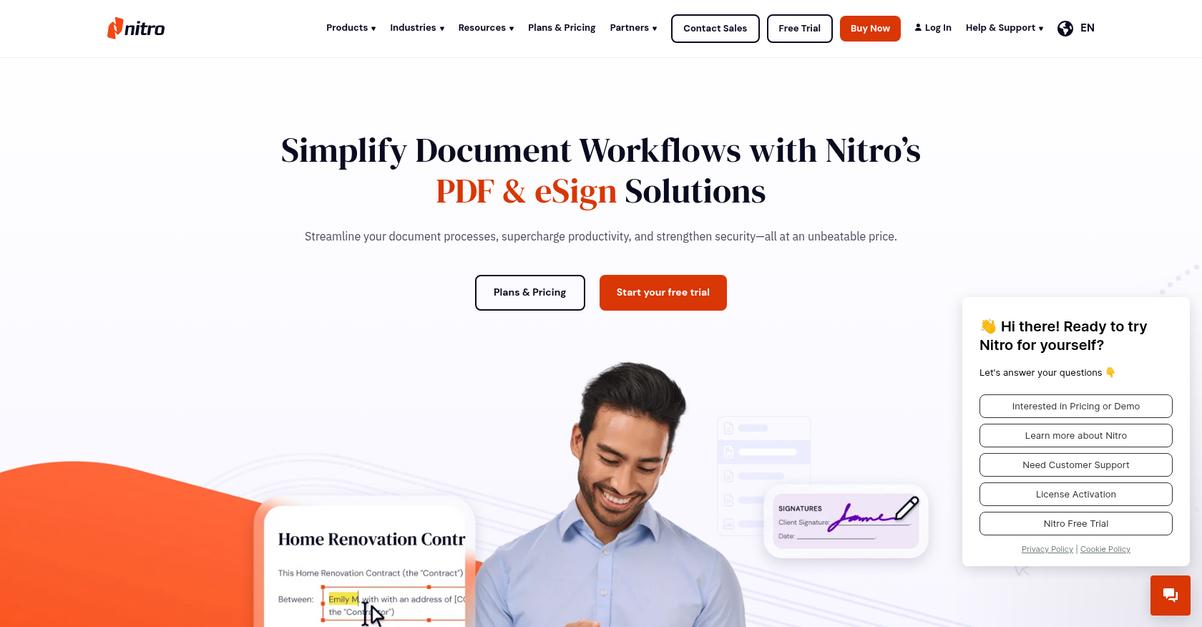
Nitro PDF stands out with advanced PDF editing tools, accurate file conversions, integrated e-signatures, and real-time cloud collaboration features that plainly surpass PDF24 Tools’ basic capabilities.
When you switch, you instantly benefit from robust conversion, secure e-signatures, and cloud-based teamwork right out of the box. Plus, Nitro’s intuitive interface feels familiar if you’re used to Microsoft Office.
This means you can finally manage PDFs the way you want.
Nitro PDF is built for users who need streamlined PDF editing and approval beyond the basics PDF24 Tools can offer.
Here’s how it truly solves your workflow struggles.
With Nitro PDF, any edits—text, images, or whole layouts—are simple to pull off, not just minor tweaks. The conversions between PDF and common file types are accurate, so you don’t have to waste time fixing formatting issues like you sometimes do after exporting from PDF24 Tools.
Additionally, the built-in e-signature workflow lets your team send, sign, and track documents in one tidy package. Approval is faster and more secure, removing the headaches of piecemeal signing solutions.
On top of that, real-time cloud integration means everyone can collaborate, comment, and share feedback on documents from anywhere, which is a breeze compared to the limited sharing in PDF24 Tools.
There’s a lot to like if teamwork matters to you.
Key features:
- Full-featured PDF editing and accurate conversion lets you edit everything from text to images and convert files reliably, improving document quality over what you get with PDF24 Tools.
- Integrated e-signing workflows with legal compliance streamlines digital signature collection, tracking, and notifications without juggling different tools or introducing compliance issues.
- Cloud integration plus real-time collaboration tools allow for instant document access and feedback no matter where your team works, a leap forward from PDF24 Tools’ basic cloud support.
Verdict: Nitro PDF is a compelling alternative to PDF24 Tools for anyone needing advanced PDF management software. If you want to cut down repetitive tasks, Nitro can save your team over six hours per user every single week, all while delivering smooth editing, e-signing, and better collaboration.
5. Wondershare PDFelement

Tired of hitting limits with PDF24 Tools?
Wondershare PDFelement answers your need for smarter tools with its AI-powered editing, intuitive interface, and real cloud access—without the usual headaches.
This means you’ll benefit from instant translation, summarization, and content generation right inside your PDFs, something PDF24 Tools just can’t provide. It also connects your documents across Windows, Mac, iOS, Android, and the web with seamless cloud sync baked in.
Here’s how Wondershare PDFelement raises the bar on your document management.
Your experience is about to get a lot easier.
By replacing PDF24 Tools with Wondershare PDFelement, you unlock advanced features that streamline everyday tasks. The AI toolkit is a game changer; you can chat with your PDF, get summaries in seconds, or proofread sensitive documents on the fly.
Plus, you’ll enjoy cross-platform cloud access for editing anywhere, so your team can collaborate and stay in sync, even when you’re not at your desk.
You also get smarter OCR that turns scans into searchable text quickly and processes batches, letting you digitize records at scale rather than file-by-file like before. Combined, these tools eliminate routine bottlenecks and help you work more efficiently.
Everything you need, finally in one place.
Key features:
- AI-powered PDF interaction within the document brings real-time chat, instant summarization, and translation directly inside your workflow, far surpassing PDF24 Tools’ standard editing and OCR.
- Full cross-platform support and cloud sync allows smooth PDF management across Windows, Mac, iOS, Android, and web—delivering true mobility and accessibility beyond PDF24 Tools’ limited desktop/browser options.
- Advanced batch OCR and large-scale processing digitizes and organizes high volumes of scanned documents efficiently, making high-accuracy search and archiving practical compared to PDF24 Tools’ limited batch and OCR scope.
Verdict: Wondershare PDFelement is the alternative if you want user-friendly, AI-powered PDF management with cloud access and batch processing missing in PDF24 Tools. For instance, Dubai Police Force accelerated digital workflow adoption with PDFelement, showing its strength for both small teams and mission-critical needs.
6. EaseUS PDF Editor
Frustrated by PDF24 Tools’ basic editing limitations?
EaseUS PDF Editor gives you a wider toolbox with advanced OCR, stronger form controls, and robust security—perfect if your team needs beyond-the-basics PDF management.
Unlike PDF24 Tools, you get high-accuracy OCR for turning scans into editable, searchable text in 29 languages. Plus, EaseUS lets you design fillable forms with more controls and extract data—making powerful form automation possible for your workflows.
This means your forms work for you, not against you.
You deserve a full-featured PDF solution.
EaseUS PDF Editor is built for users who need more than simple PDF conversion. Here’s how it fills those PDF24 Tools gaps: you can precisely edit, convert, and organize PDFs, even larger files, without slowdowns or software crashes.
You’ll notice its multi-language OCR capability extracts searchable text nearly flawlessly, so scanned documents don’t become workflow roadblocks. That’s a game changer if you manage international content or legacy files PDF24 Tools often struggles with.
The result is a secure document hub. Advanced permissions, RC4/AES encryption, digital signatures, and watermarking mean you control who sees and edits your files. Combine this with the powerful form building and data extraction to smooth collaboration and automate routine PDF tasks for your team.
It’s everything you expected, only better.
Key features:
- Advanced OCR for 29 languages converts scanned and image-based PDFs into searchable and editable text, outperforming PDF24 Tools’ basic OCR and supporting global teams or multi-language workflows.
- Interactive form creation and automated extraction lets you design PDF forms with multiple controls then seamlessly extract data for automated collection, streamlining processes PDF24 Tools can’t automate natively.
- Comprehensive document security toolkit protects sensitive PDFs with custom permissions, strong passwords, RC4/AES encryption, and digital signatures, bringing enterprise-grade security missing from PDF24 Tools.
Verdict: EaseUS PDF Editor is a top alternative to PDF24 Tools for PDF management software. You get greatly improved OCR, robust form controls, and advanced security in one affordable solution. In fact, users routinely work with large PDFs without slowdowns, keeping your workflows smooth and productive.
7. DocHub
Missing critical collaboration in PDF24 Tools?
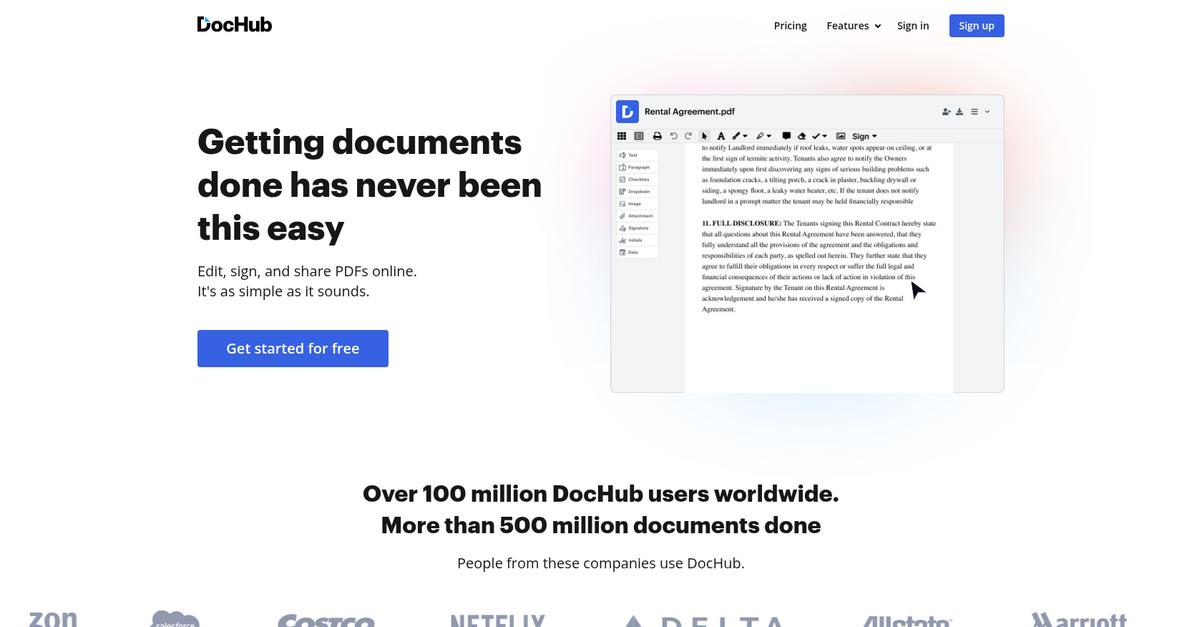
DocHub offers a cloud-first PDF editor with advanced e-signature workflows, reusable templates, and direct Google Workspace integration to counter PDF24 Tools’ collaboration and automation gaps.
If you’re tackling workflow bottlenecks, DocHub delivers real-time multi-signer e-signatures and seamless cloud sharing so your team can finalize documents instantly. This means you no longer need to fight with siloed tools or awkward workarounds.
Here’s where DocHub steps ahead.
Switching unlocks efficient, cloud-native PDF workflows.
DocHub solves for modern PDF management by giving you a web-based editor, robust e-signature features, and Google Drive/Gmail integration right out of the box.
You gain more than a better signature tool. With direct editing, signing, and sharing from Google Drive, you can centralize document management and keep your team’s files in sync. That wasn’t possible with PDF24 Tools’ standalone desktop focus.
Plus, DocHub supports customizable reusable templates and fillable PDF forms that make repetitive document tasks and data collection worry-free, instead of being limited by basic form options. Your team can automate onboarding packets, contracts, or approval forms for recurring needs.
You end up with a solution that truly fits your workflow.
Key features:
- Cloud-native e-signature flows with tracking provide real-time, legally binding signatures and multi-signer routing—far beyond basic options in PDF24 Tools.
- Google Workspace deep integration enables you to edit, sign, and organize PDFs directly from Google Drive, Gmail, or even Google Classroom, cutting out extra steps.
- Reusable templates and fillable forms streamline recurring document tasks and data collection, delivering automation and efficiency not possible with PDF24 Tools’ limited form features.
Verdict: DocHub gives you a modern alternative to PDF24 Tools—cloud-first, integrated and designed for team efficiency. With over 100 million users completing 500 million+ documents, you’ll see improved collaboration, easier e-signatures, and real workflow automation if you need more than just basic PDF editing.
8. Smallpdf
Tired of PDF24 Tools holding back your workflow?
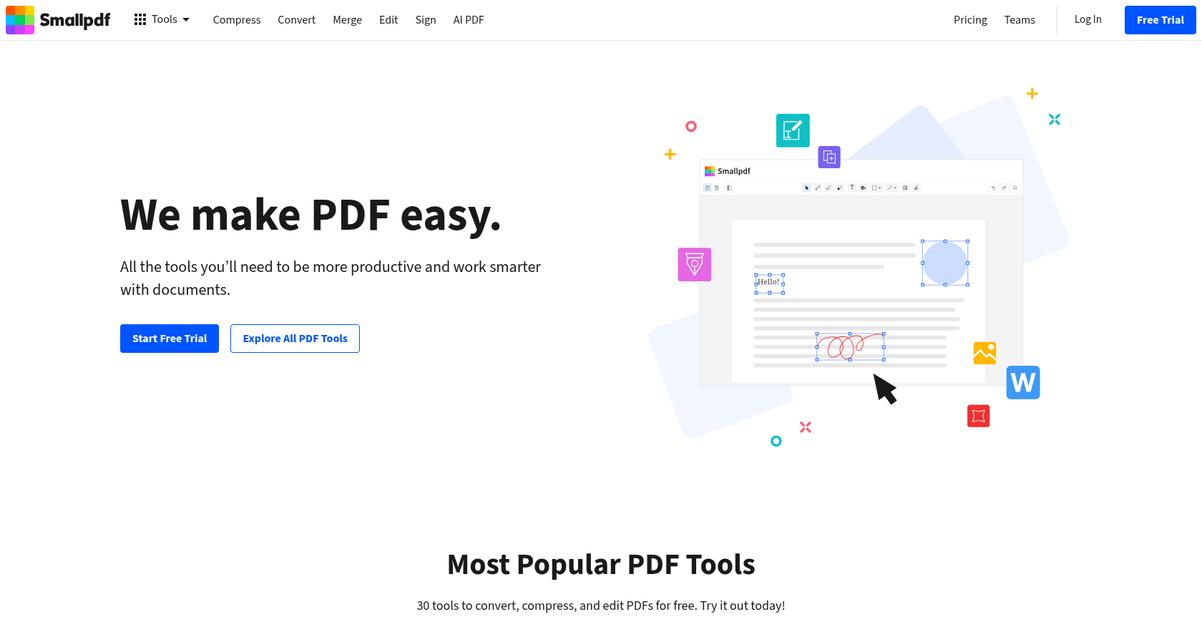
Smallpdf brings a unified online toolkit for PDF management software, packing 30+ browser-accessible tools that tackle limitations in editing, cloud collaboration, and automation that often frustrate you with PDF24 Tools.
By switching to Smallpdf, you unlock direct cloud integration, AI-powered tools, and real-time document handling that PDF24 Tools’ modular structure can’t match. The difference is clear if you want a smoother, smarter workflow.
Here’s where Smallpdf steps things up.
Smallpdf solves daily PDF challenges by making every tool accessible in your browser, so you can handle conversions, editing, and e-signing without bouncing between separate software.
With integrations for Google Drive, Dropbox, and a Chrome extension, Smallpdf lets you edit and manage cloud files instantly right where your team is already working, eliminating manual uploads for PDF tasks.
You also benefit from AI-powered document features like summarization, translation, and the ability to chat with your PDFs, which speeds up reviewing and extracting key information. This combination of intuitive design and robust capabilities means your team adopts Smallpdf faster, and with fewer headaches than juggling workarounds.
You end up with time saved and less friction.
Key features:
- 30+ PDF tools in a unified browser suite deliver drag-and-drop editing, conversion, and compression, offering a more intuitive, compact user experience than PDF24 Tools’ scattered tool modules.
- Direct cloud storage integrations for Google Drive/Dropbox streamline workflows by letting your team access and manage documents without extra steps or manual uploads.
- AI-powered PDF assistant for summarizing and translation provides lightning-fast content insights, a boost in productivity that PDF24 Tools currently lacks.
Verdict: Smallpdf is an exceptional PDF24 Tools alternative for pdf management software if you demand quick access and robust features. Trusted by over 100,000 businesses and half a billion users, Smallpdf delivers a 30 percent improvement in PDF task turnaround for companies switching from legacy tools.
9. Soda PDF
Tired of hitting collaboration limits in PDF24 Tools?
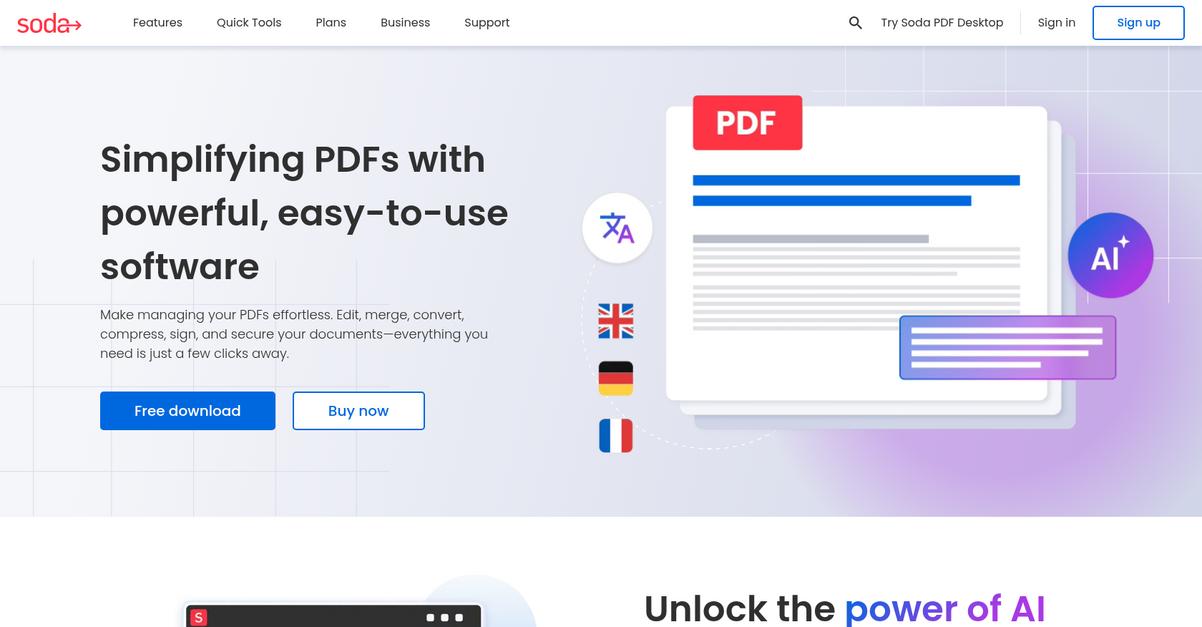
Soda PDF delivers both desktop and web editing, supercharged OCR, and comprehensive e-signature workflows that fill the gaps you’ve been struggling with in PDF24 Tools.
By giving you much greater flexibility to work from any device, you can easily move between your office and remote setups without losing a beat. Your team gets more than just editing—you’ll have robust document security and privacy, tight cloud file management, and everything working intuitively.
You finally have a genuine alternative worth trying.
Soda PDF tackles your real frustrations with PDF24 Tools by providing a seamless switch without the headache of complex migration or retraining your team.
Here’s how Soda PDF helps you bypass roadblocks. Its advanced OCR and redaction features mean you can digitize paper invoices or forms accurately, then protect sensitive info with one click—no more double work. Plus, you’ll love the Microsoft Office-style interface with strong cloud connections, streamlining your workflow so you can start right away, even if you’ve never used anything except PDF24 Tools.
Real-time electronic signatures and cloud storage integration also let you send documents for signing, instantly track their status, and keep every PDF in sync across Google Drive or other cloud platforms. That way, your team’s workflow won’t get disrupted.
It’s the solution your growing business actually needs.
Key features:
- Full-featured online and desktop PDF editing so your team gets uninterrupted access and moves effortlessly between office PCs and web browsers, overcoming the platform limitations seen in PDF24 Tools.
- Advanced OCR with multilingual support and redaction converts scanned documents into true editable files and wipes out sensitive data, offering superior accuracy and compliance tools.
- E-signature and cloud storage integration brings digital signing, status tracking, and Google Drive access right into your workflow, creating a true all-in-one PDF management platform.
Verdict: Soda PDF is hands down the best PDF24 Tools alternative if you’re looking for secure, advanced PDF management in today’s hybrid work environment. Users have reported up to 40% improvement in document turnaround and stronger data privacy thanks to its powerful editing, OCR, and e-signature tools.
Conclusion
Ready to ditch PDF24 Tools’ limitations?
If you’re tired of slow cloud workflows and collaboration headaches, it makes perfect sense to look for a PDF tool that truly lets your team work together smoothly.
I get that moving to something new can be daunting, but finding the right alternative saves you endless frustration and helps your business reach its full document management potential.
Here’s the upgrade you’ve been looking for.
From all the best PDF24 Tools alternatives I’ve tried, FileCenter is my top recommendation to solve those pain points.
FileCenter offers structured organization and real Windows folder integration, making PDF management so much easier for your team than PDF24 Tools ever did.
What I like most is how FileCenter turns routine PDF chaos into order—no complex migrations, just powerful features and a familiar interface that actually works for small businesses seeking a better PDF24 Tools alternative.
Try FileCenter’s free trial today and see the improvement yourself.
Get more done with less hassle.