
Buried under digital clutter again?
You’re probably drowning in scattered PDFs, receipts, and folders—just trying to keep your files organized.
I get it. Deciding on the right tool is overwhelming when there are so many similar options and feature lists to sift through.
According to Glean.com, employees lose an average of 2 hours per day searching for documents. That’s a staggering chunk of your week wasted on hunting down misplaced files instead of getting actual work done.

But it doesn’t have to be this way—there are proven tools to organize and secure everything.
In this article, I’m going to cut through the noise and show you the best personal document management software that can help you regain control and find what you need in seconds.
You’ll walk away with expert-vetted options, real feature breakdowns, and practical tips to improve your digital life.
Let’s get to it.
Quick Summary:
| # | Software | Rating | Best For |
|---|---|---|---|
| 1 | FileCenter → | Home office power users | |
| 2 | Adobe Acrobat Pro → | Professionals requiring e-signatures | |
| 3 | Google Drive → | Mobile and multi-device users | |
| 4 | eDoc Organizer → | Paper-heavy households | |
| 5 | Folderit → | Detail-oriented personal archivists |
1. FileCenter

Is your digital life buried in scattered files?
FileCenter brings together built-in OCR, comprehensive PDF editing, and cloud integration so you can finally take control of your personal documents.
When managing everything from bills to receipts, I know how frustrating it is searching endlessly or wrestling with clunky tools. With FileCenter, you can quickly convert paper into searchable PDFs, edit documents on the spot, and keep everything organized in one place.
Here’s how FileCenter becomes your paperless command center.
If you want an all-in-one personal document solution, FileCenter makes decluttering easy right from the start.
With a powerful built-in OCR, FileCenter lets you scan paper and images straight into searchable PDFs, so nothing gets lost in a pile of digital chaos. You can also use the flexible PDF editor to combine, annotate, and modify your documents, eliminating the need for expensive extra software. That means your bills, statements, and forms are always right at your fingertips, ready for action.
Additionally, FileCenter integrates with popular cloud services like Google Drive, Dropbox, and OneDrive. You can back up and access documents from anywhere, so if you switch computers or work on-the-go, your files are always safe and in sync. These features give you the power to stay organized and productive without extra hassle.
Give yourself the stress-free personal document management you deserve.
Key features:
- Convert scanned files into searchable, editable PDFs fast: Instantly find what you need within digitized paper documents using FileCenter’s accurate built-in OCR tools for superior personal organization.
- Full-featured PDF editing and annotation suite included: Combine, edit, annotate, and manage every important PDF right in FileCenter, so you never need additional costly PDF software again.
- Easy cloud syncing for always-on access to documents: Integrate with cloud platforms like Google Drive, Dropbox, and OneDrive for automatic backup, access, and real-time updates on any device you use.
Verdict:
If you want an excellent personal document management software that combines OCR power, in-depth PDF tools, and direct cloud backup, FileCenter is hard to beat. Users consistently report dramatic improvements in organization and time savings—perfect for keeping your digital life tidy and efficient.
2. Adobe Acrobat Pro

Is your desktop cluttered with mismatched documents?
Adobe Acrobat Pro lets you edit, convert, and e-sign your personal PDFs in one organized spot, all from a user-friendly dashboard.
Trying to keep scattered documents updated and easy to find can be overwhelming, but with Acrobat Pro you gain total control over your digital paperwork chaos by uniting editing, signing, and format conversions.
You deserve something better.
Here’s how Acrobat Pro steps in to help you finally take charge of your files and streamline your digital life.
I love that you can edit, rearrange, and update any text or image inside a PDF, so you never have to redo entire files just to fix one thing. Plus, Acrobat Pro instantly converts Word docs, spreadsheets, or photos into PDFs, then back again when you need them, keeping all your important files in one secure, searchable format for maximum convenience.
Additionally, adding secure e-signatures means you handle contracts, applications, or permission forms without leaving your desktop. This combination of editing, converting, and signing features frees you up to focus on getting things done instead of sorting through messy folders.
You really can keep everything organized with one tool.
Key features:
- Edit, organize, and update any PDF file using intuitive tools—modify text, images, and pages as you want, without needing to convert or start from scratch.
- Convert to or from high-quality searchable PDFs to ensure every document is compatible, easy to access, and ready for archiving, sharing, or printing.
- Secure electronic signatures integrated directly in-app, so you can quickly sign, request, or manage personal forms and agreements from your desktop or device.
Verdict:
If you want the best personal document management software, Adobe Acrobat Pro packs editing, high-quality conversion, and e-signature into one product. With features designed for total control and organizing, it’s the all-in-one tool I rely on for decluttering my digital files.
3. Google Drive
Wishing your files were always at your fingertips?
Google Drive’s automatic cloud storage and real-time syncing keep every document available, regardless of which device you’re on.
No more emailing files to yourself or hunting through cluttered folders—you can rely on secure, easily accessible storage for all your files. This means less time wasted searching or worrying about whether you have the most recent version, and more time staying on top of things that matter most.
Here’s how Google Drive really shines.
With Google Drive, you get an intuitive platform designed to bring your documents, notes, and photos together in one place, so you’re never wondering if something got lost or forgotten.
The built-in AI-powered search helps you locate files instantly, even in huge archives, using keywords or file contents. You don’t have to remember filenames or manually browse—just search and find what you need the moment you need it.
Additionally, you can instantly share and collaborate on Google Docs, Sheets, and Slides, so your personal projects or family records are up to date without extra software. This combination of instant access and collaboration means you spend less time managing files and more time getting things done.
Everything you need to declutter your digital life.
Key features:
- Automatic backup and sync for all devices: No matter if you’re on your phone, laptop, or tablet, your files update everywhere—helping you keep everything unified and up to date.
- AI-powered document search: The smart search bar digs through file contents and recent activity, making even your oldest receipts or photos easy to find immediately.
- Seamless integration with Google Docs, Sheets, and Slides: Create, edit, and share documents collaboratively with family or friends in real time, boosting personal productivity.
Verdict:
If you want a great personal document management software, Google Drive delivers secure, scalable storage, AI-powered search, and real-time collaboration, helping you organize everything—no matter how many files or devices you use. Millions trust it to simplify their everyday digital lives.
4. eDoc Organizer
Do your personal files feel impossible to organize?
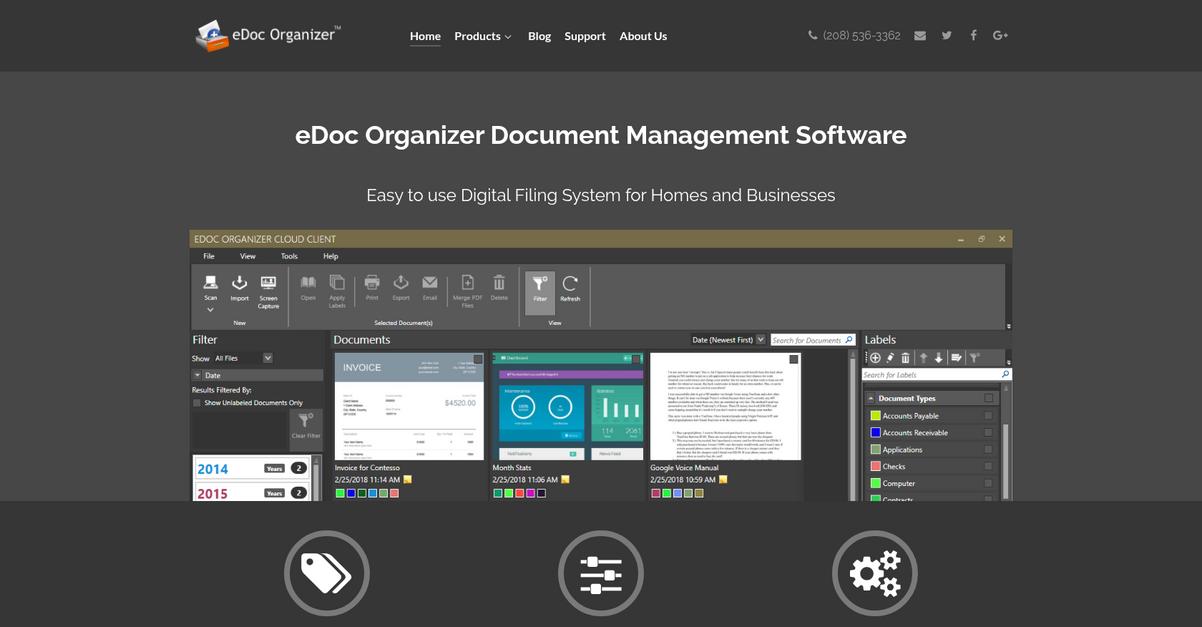
With eDoc Organizer, you get advanced OCR scanning and a color-coded labeling system, helping you transform paper piles into searchable files you can actually find.
This means I can finally avoid digging endlessly for essential paperwork and wasting hours hunting for the right information when I need it most. If you’re tired of chaotic PC folders and confusing naming conventions, this tool is designed specifically to help you bring order to your digital chaos.
Let’s look at how it delivers real results.
eDoc Organizer addresses personal file clutter by letting you scan, digitize, and organize every document you have—bank statements, IDs, receipts, or insurance policies—within minutes.
Here’s how it really stands out: The OCR engine converts every scanned file into searchable PDFs, and the labeling offers color-coded tags for instant categorization, so it’s simple for you to find bills, tax records, or home documents without rifling through folders. That gives you time and peace of mind back, especially if you work across devices or switch between cloud and on-premise options.
Additionally, if you edit a file or need to pull up past versions, eDoc Organizer keeps a version history so you never lose critical updates. Labels sync visually across your system, meaning you stay clutter-free for the long haul.
It all adds up to better control and less stress.
Key features:
- Effortless scanning and OCR integration: Quickly convert paper documents to searchable PDFs with built-in optical character recognition, supporting almost any scanner for complete document digitization at home.
- Flexible color-coded labeling system: Organize your files with customizable tags and colors, letting you instantly spot, sort, and retrieve documents across personal categories from finance to medical.
- Automatic version control for documents: Keeps a reliable edit history, giving you access to previous versions and added confidence managing essential family or personal records.
Verdict:
If you want a best personal document management software that combines color-coded organization, searchable scanning, and file safety, eDoc Organizer is a fantastic pick. I love that I can use the free trial, quickly organize everything, and get stress-free digital archives for my household.
5. Folderit
Tired of losing track of important digital files?
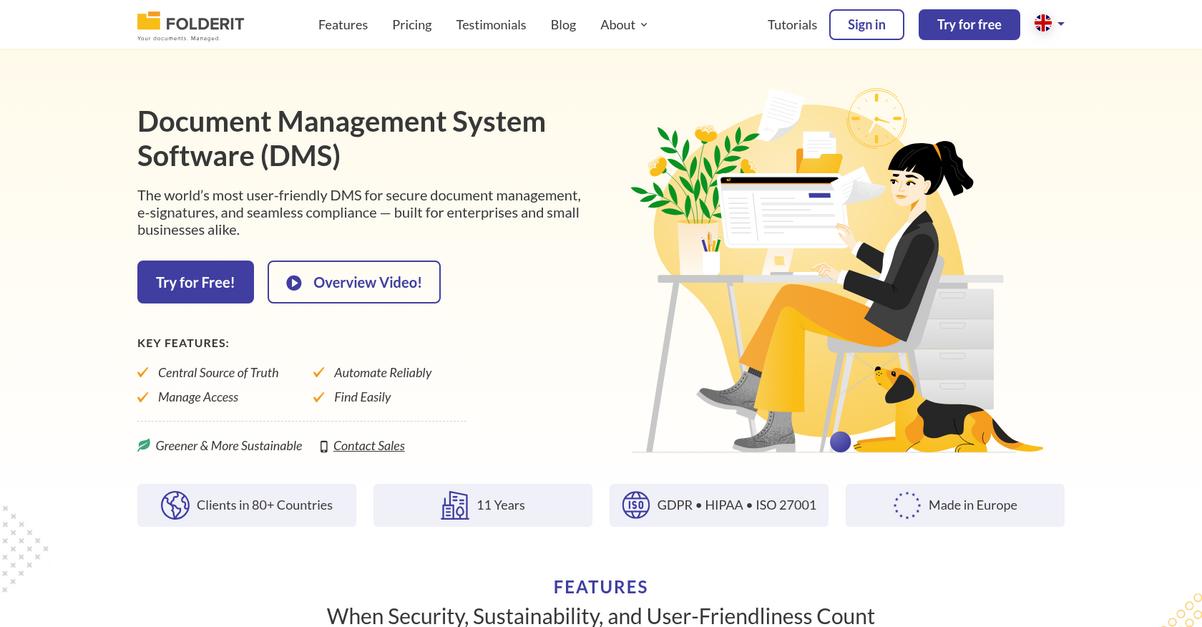
Folderit gives you advanced OCR search, custom metadata fields, and automated versioning to tackle disorganization and help you keep every document under control.
Here’s how Folderit makes sure you never have to worry about missing a contract, old receipts, or those essential scanned images again. With its full-text searching and rich tagging tools for effortless retrieval, it’s easier to stay organized and maintain confidence in your document management.
Let’s dig into exactly what makes this possible.
If you’re looking to bring order to your digital life, Folderit offers a solution built for peace of mind. Its OCR-powered search finds documents inside scanned PDFs and photos, no matter which language you use.
Additionally, Folderit’s custom metadata fields and tags let you categorize and sort everything the way you want. This means you have complete control to build a retrieval system that matches your personal habits, not someone else’s idea of “organized.”
Plus, automated versioning protects your document history. Any time you update a file, Folderit creates a versioned copy, so you always have access to previous edits and can restore information if needed.
Organize, search, and protect everything you need.
Key features:
- Advanced OCR search instantly finds text in any file so even your scanned receipts, contracts, or handwritten notes are never lost or hidden among your digital clutter.
- Custom metadata and tags create your perfect structure making it effortless to label, sort, and retrieve your personal documents precisely how you like to remember them.
- Automated version control safeguards your document history preserving every change and allowing you to safely roll back or review edits, bringing genuine peace of mind.
Verdict:
Folderit is a great personal document management software for keeping your files organized and secure. With advanced OCR search, custom tagging, and automated versioning, I think you’ll find it invaluable for maintaining access to your critical documents whenever you need them.
6. Notion
Your digital life shouldn’t feel this cluttered.
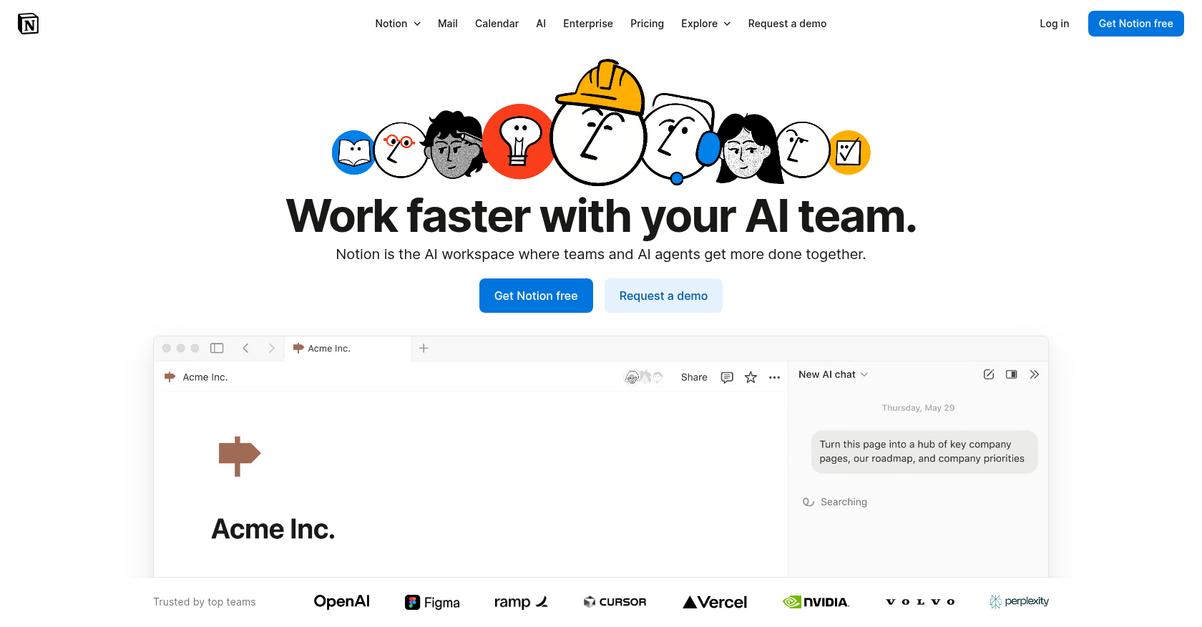
Notion gives you customizable databases, linked pages, and an AI assistant to help you wrangle personal documents, projects, and knowledge in one place.
What I like is that you can design your own document system with simple building blocks—from journals and recipes to bills and research—so nothing gets lost and everything finally feels organized.
Here’s how Notion takes things a step further.
You’ll quickly see that Notion makes personal document chaos optional.
Its flexible workspace means I can centralize all my scattered notes, PDFs, plans, and to-dos—then use the drag-and-drop blocks to shift, group, and connect everything however I want. Having customizable databases for my different types of documents keeps things tidy, and being able to link related pages means I no longer waste time searching for what goes with what.
Additionally, Notion’s built-in AI assistant takes productivity up a notch by instantly summarizing lengthy meeting notes, helping me generate ideas for my journals, and even improving the quality of my writing across projects. The result is a personal knowledge base that actually works for me, not against me.
If you need everything one tap away, Notion checks that box.
Key features:
Customizable databases that fit your workflows: Build and organize any kind of personal document structure, from reading lists to budgets, to keep everything at your fingertips.
Interconnected pages boost your productivity: Quickly link related notes or files together, creating an always-updated knowledge base you can actually navigate without friction.
AI assistant for smarter document management: Automatically summarize, write, or clean up notes with AI, saving you time and mental energy on routine tasks.
Verdict:
If you want an excellent personal document management software that adapts to your own processes, Notion’s flexible databases, interlinked workspace, and AI can help you organize any digital mess—whether it’s recipes or research—so your life feels a whole lot less overwhelming.
7. ONLYOFFICE
Lost track of where your files are hiding?
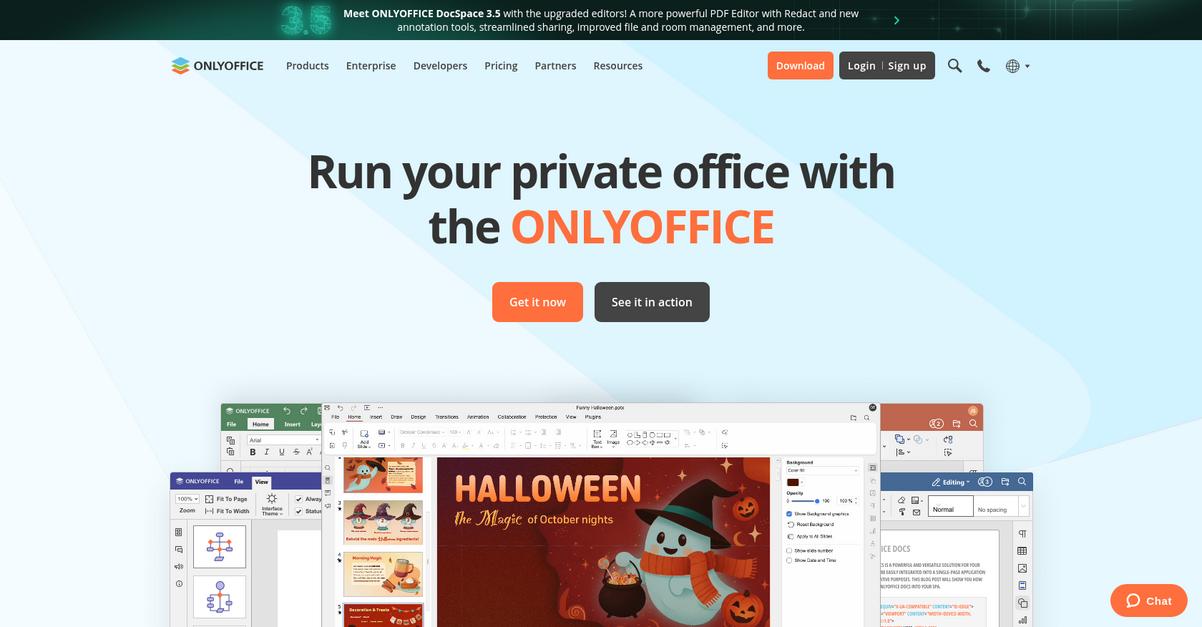
With ONLYOFFICE, you get powerful online editors for documents, spreadsheets, and presentations—all fully compatible with MS Office formats—so you can organize, create, and access your files directly in one place.
It’s always stressful when you can’t find the latest version or worry an important change got overwritten. ONLYOFFICE helps you regain control and never lose track of file changes again by letting you track revisions, mark milestones, and restore previous states.
Here’s how things get even better.
ONLYOFFICE lets you overhaul your digital clutter by combining intuitive editing and organization with robust document control.
Whether you’re organizing coursework, business paperwork, or personal archives, ONLYOFFICE helps you keep everything at your fingertips. It’s built to let you work how you want—cloud, desktop, or even self-hosted—without sacrificing features for convenience.
Plus, you can connect your favorite cloud accounts like Google Drive, Dropbox, or Nextcloud and organize every document in one smart hub. This means you’ll never waste time hopping between platforms or worry about scattered files and duplicate versions. Workflows become smoother, and you always know where to look.
You get control and clarity—no more lost files.
Key features:
- Familiar editing tools for multiple file types let you create, edit, and format any document, spreadsheet, or presentation without file conversion headaches or workflow disruption.
- Comprehensive version and milestone tracking allow you to view your document’s full history, restore earlier versions, and avoid costly mistakes or accidental overwrites.
- Cloud integration with major providers such as Google Drive and Dropbox puts your entire document library in one searchable, organized location, no matter where it’s stored.
Verdict:
If you want a personal document hub that keeps everything searchable, organized, and under control, ONLYOFFICE is a top contender for the best personal document management software. Flexible deployment—cloud, desktop, or even self-hosted—makes it perfect for all types of users juggling multiple devices and cloud accounts.
8. Nextcloud
Want total control over your digital clutter?
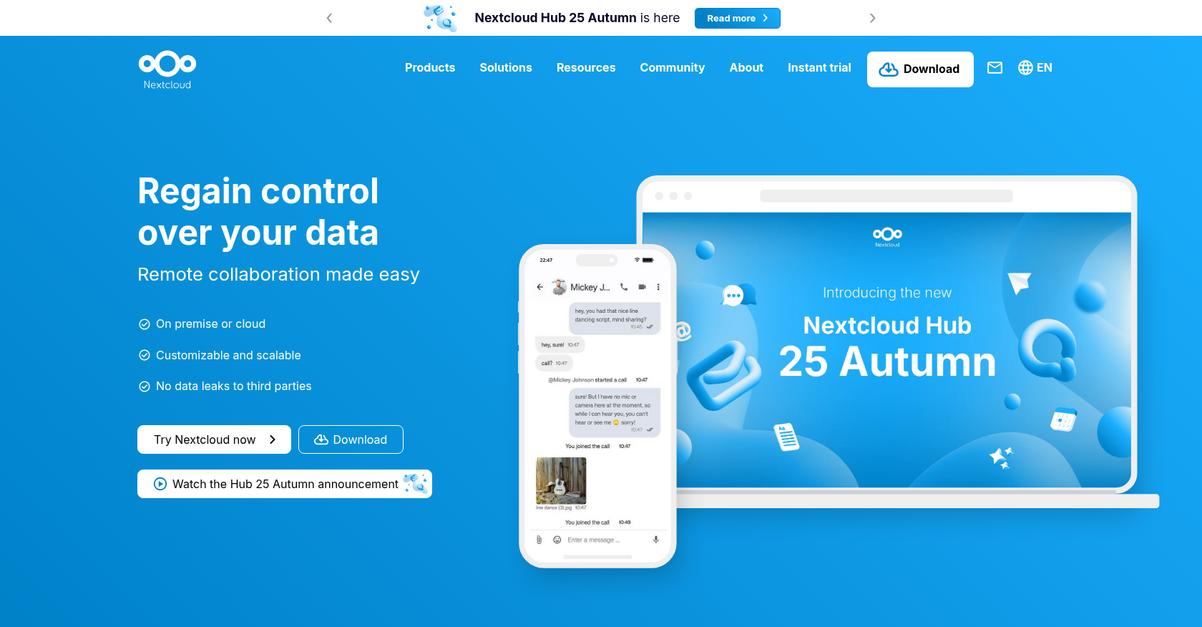
Nextcloud gives you self-hosted, private cloud storage—meaning your sensitive files never have to pass through anyone else’s servers.
Plus, if you’re worried about prying eyes or trusting big tech with your documents, you’ll appreciate that Nextcloud puts your data privacy in your hands using strong self-hosted storage.
Here’s how that can make a difference.
Nextcloud makes it easy for you to manage, sync, and organize personal files directly from your own server or trusted host.
With its self-hosted storage, you can actually own your storage environment, not just rent it from a massive provider. This means only you control who accesses your documents, and you’re not at the mercy of someone else’s privacy policy. This really matters if you want total peace of mind about who touches your personal, financial, or work files.
Nextcloud’s powerful file sync and share tools help you access all your files—on your laptop, phone, or tablet—without dealing with clunky interfaces or worrying about leaks. You can even set custom sharing permissions if you need to securely send something to a friend or collaborator.
Additionally, you get an integrated office suite, so you can edit documents, spreadsheets, or presentations right inside Nextcloud, often with OnlyOffice, without ever leaving your secure workspace.
This adds up to security, efficiency, and full control.
Key features:
- Complete data ownership with self-hosted storage so you don’t have to trust third-party providers with your most private documents and files.
- Real-time file sync and secure sharing across all devices, with detailed permission controls ensuring only selected people see what you choose.
- Integrated Office Suite for document collaboration lets you edit and co-author without downloading files or using extra apps, streamlining your workflow.
Verdict:
If you want an excellent personal document management software that gives you true privacy, total data ownership, and powerful collaboration, Nextcloud should be high on your list—especially if you value keeping your files 100% under your own control.
9. PandaDoc

Tired of juggling endless digital paperwork?
PandaDoc solves this with customizable document templates, electronic signatures, and real-time tracking that help you take control of your personal files.
If you’re like me, you know how frustrating it is to hunt down the latest version of an agreement or worry if someone actually signed that important document. Keeping all your essential contracts, forms, and approvals in one secure place can make your digital life a whole lot less stressful.
Here’s how PandaDoc makes that happen.
It gives you effortless tools to create, organize, and manage personal documents from one dashboard.
If you need to fill out a lease agreement, finalize a freelance contract, or share an approval with someone, PandaDoc’s template library has you covered. You can quickly select a template, personalize it, and send it for signature in minutes, removing tons of manual work and repetitive formatting. The e-signature platform means you and anyone else involved can sign securely—it’s legal, trackable, and so much faster than printing and scanning.
Plus, PandaDoc’s tracking feature alerts you the moment your document is opened, viewed, or signed. You’ll always know where your paperwork stands without chasing updates. This means you can stay organized and stress-free, especially when handling sensitive financial or legal documents.
It really does simplify your digital paperwork.
Key features:
- Easy-to-use templates for personal paperwork so you can build, customize, and reuse forms like contracts or agreements quickly and eliminate double work
- Legally binding electronic signatures with full security built into every document, allowing you to approve, sign, or request signatures from anywhere, anytime
- Real-time document tracking for full transparency so you know exactly when your document gets viewed, completed, or required by others, avoiding second guessing
Verdict:
PandaDoc is an excellent personal document management software, letting you create, sign, and track documents in one place. With robust templates, secure e-signatures, and real-time notifications, you can confidently declutter your digital life and handle your paperwork 50% faster.
Conclusion
Ready to finally banish digital clutter?
Sorting through endless software options gets overwhelming fast, especially with so many similar tools promising to organize your files but delivering mixed results.
PDF Reader Pro found that companies moving to digital document management enjoyed a substantial 52% reduction in document-related costs. This proves that making the right choice pays off—streamlined document management leads directly to more time, less stress, and real savings.
So what’s my top pick after all this?
FileCenter stands out as the solution that actually delivers on simplicity, powerful organization, and easy digital scanning.
It’s the best personal document management software for turning endless piles of receipts, PDFs, and statements into an organized, searchable archive—and it keeps everything backed up in the cloud or on your desktop, whichever you prefer.
I’d recommend you start a free trial of FileCenter to see how much easier your digital life can get.
Get peace of mind, security, and instant access.