
Worried about costly compliance mistakes?
With data and regulations constantly piling up, it’s no wonder records management feels overwhelming.
Add in decision fatigue and the fear of selecting the wrong tool and the stakes start to feel impossibly high.
Without the right system, audit risks and inefficiencies can spiral—leaving your company exposed to legal and financial headaches that nobody wants to deal with.

But finding the right solution that fits your workflows and reduces those risks once and for all doesn’t have to be a struggle.
In this article, I’m going to walk you through the best records management software you can use to boost compliance peace of mind, strengthen data security, and free up your team’s time.
You’ll discover tried-and-tested tools that streamline recordkeeping, simplify audits, and prove their value when you put them to work.
Let’s get to it.
Quick Summary:
| # | Software | Rating | Best For |
|---|---|---|---|
| 1 | FileCenter → | Small to mid-size businesses | |
| 2 | Microsoft Purview Records Management → | Enterprise Microsoft 365 users | |
| 3 | Laserfiche → | Regulated government agencies | |
| 4 | OpenText Core Content Management → | Large distributed enterprises | |
| 5 | DocuPhase → | Mid-size compliance teams |
1. FileCenter

Looking for stress-free records management?
FileCenter’s digital filing cabinets help you bring order to your digital and paper records fast.
If you’re tired of disorganized folders and inconsistent naming, FileCenter gives you a simple, familiar structure for every file so you never wonder where to find critical records.
This means both efficiency and peace of mind.
FileCenter is purpose-built to take the pain out of records management for your business.
You get instant organization right from the start, thanks to its drag-and-drop cabinet and drawer system that mirrors what you already do with physical records. Plus, the built-in OCR feature makes sure any PDF or scanned document you add becomes fully searchable, removing the usual headache of sifting through endless files. You can quickly pull up any document with a few keystrokes instead of scrolling or guessing file names, which is a game changer if you’re balancing compliance needs or audits.
Additionally, the integrated PDF editor lets you combine, split, and annotate documents directly, meaning your team can finalize and collaborate on records right in FileCenter—no extra software or steps needed. This all-in-one approach connects storage, access, and editing for reliable records workflows.
The result: you can finally manage records confidently.
Key features:
- Digital filing cabinets organize with familiar structure so your team instantly understands how to file and find business records, minimizing onboarding time and errors.
- Built-in OCR unlocks search inside scanned documents or PDFs, transforming your legacy paper archives into fully searchable, accessible digital records for faster compliance reporting.
- Integrated PDF editor and annotation tools enable you to collaborate, review, and update records directly—without switching between platforms or risking version confusion.
Verdict:
FileCenter is a top pick for the best records management software if you want organized, searchable records and smoother compliance. Its cabinet structure, powerful OCR, and built-in PDF editing can save your team hours each month and prevent manual errors.
2. Microsoft Purview Records Management
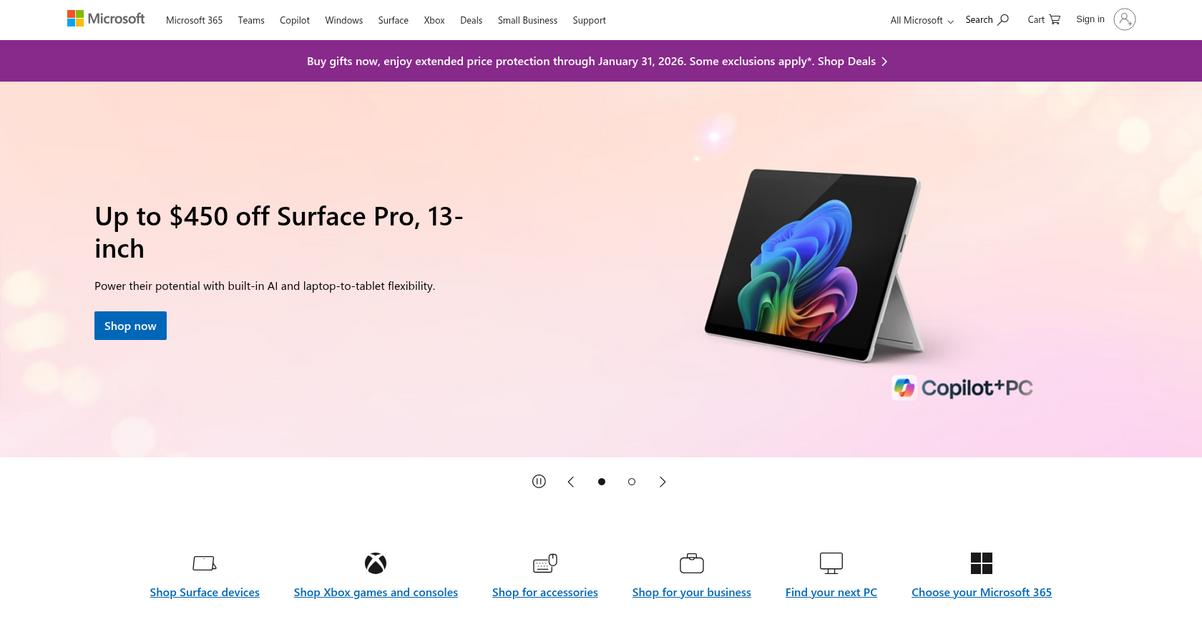
Worried about meeting your compliance obligations?
Microsoft Purview Records Management helps you automate retention schedules and disposition workflows, so your team doesn’t have to track records manually.
You don’t need to stress about important documents being deleted or kept too long because Purview gives you control over your record life cycle from start to finish.
It’s time to look at how this solution really works.
Microsoft Purview Records Management makes it simple for you to configure precise retention labels and policies that match your unique legal or regulatory needs.
Here’s how it works: you can import or build a centralized file plan in Purview, which organizes your records based on department, document type, or business requirement—letting you quickly apply the right retention settings without the usual hassle.
Additionally, you get disposition review capabilities, so your records managers can review what’s about to be deleted and make sure nothing important slips through the cracks. That means every file gets reviewed at the right moment, so you’re not risking accidental loss.
The result is greater confidence in your compliance processes.
Key features:
- Retention Labels & Policies automate the process of preserving, classifying, and disposing of records, helping your team meet retention obligations and lowering risk of fines or violations.
- File Plan Management lets you centralize retention policies, making it much easier for your admins to map out and control rules for every record type across the Microsoft 365 environment.
- Disposition Review workflow ensures appropriate review before any business-critical record is deleted, providing an extra layer of assurance for all your compliance needs.
Verdict:
If you’re looking for the best records management software, Microsoft Purview Records Management gives you all the controls to automate, audit, and defend your compliance posture, all while integrating with what your team already uses in Microsoft 365.
3. Laserfiche

Worried about keeping your records audit-ready?
Laserfiche gives you automated lifecycle management, so you don’t have to chase down policies or worry about things slipping through the cracks.
Here’s how it tackles your toughest compliance headaches: records are classified and retained based on your rules, not someone’s memory. That means you get consistent compliance, less hassle, and lower risk.
Let me show you why this matters.
If you need to lower compliance risks and stay organized, Laserfiche has you covered. Automated record capture and secure retention scheduling mean you never lose track of important documents or fall behind on legal requirements.
Plus, DoD 5015.2-Certified Records Management ensures your archives withstand any audit, meeting demanding government and industry standards for electronic records. This gives you total peace of mind if you’re dealing with strict regulatory environments or sensitive information.
Additionally, comprehensive audit trails automatically log every user action, so you can always provide tamper-proof proof of compliance for auditors or legal teams. All of these features save you time, reduce manual errors, and protect your company from compliance headaches.
That’s why Laserfiche stands out for records management.
Key features:
- Automated lifecycle management for complete compliance: Capture, classify, and schedule retention automatically based on your policies, dramatically reducing manual effort and the risk of missed steps.
- DoD 5015.2-certified records management for secure archives: Trusted by demanding government agencies, you get tamper-proof archival and reliable regulatory adherence—ideal if you’re facing strict standards.
- Comprehensive, transparent audit trails at your fingertips: Every document action is logged for foolproof compliance audits, supporting legal defensibility and effortless reporting in regulated industries.
Verdict:
If you want the best records management software to reduce compliance headaches, Laserfiche’s automation, audit trails, and DoD-certified security make it a strong pick—especially since you can choose on-premise or cloud and start with a free trial.
4. OpenText Core Content Management
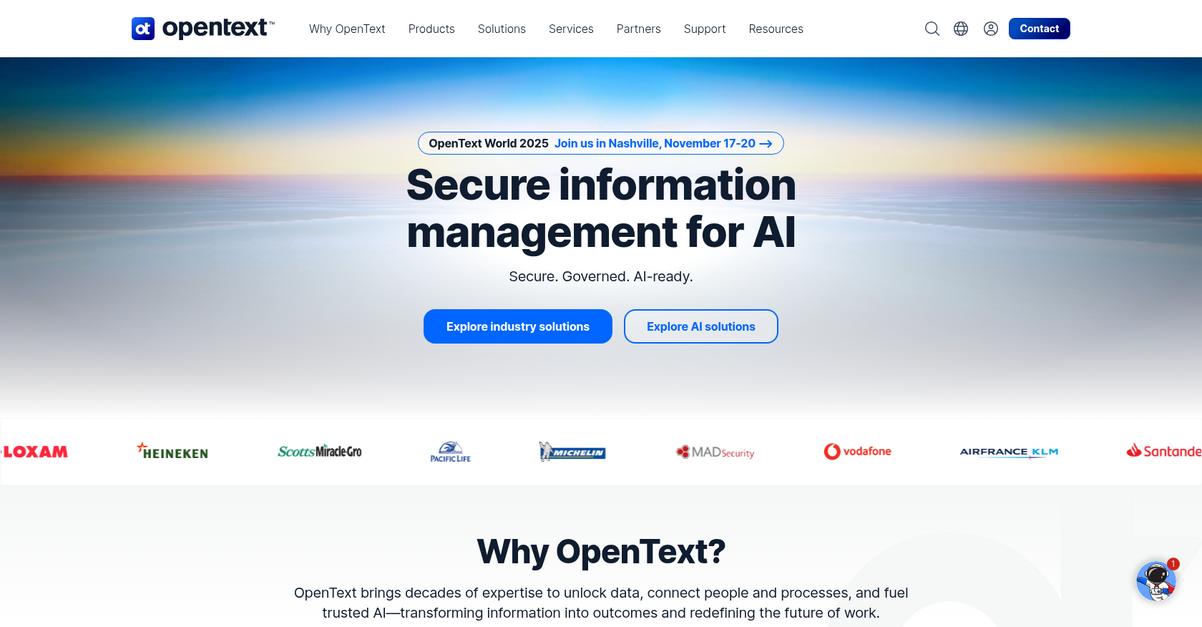
Is your records management process creating compliance headaches?
OpenText Core Content Management offers automated information governance, record retention scheduling, and physical object management to help your team minimize compliance risks with less manual work.
The brilliant part is that you’re able to automatically classify documents and apply retention rules, so you don’t have to worry about missing critical legal requirements or wasting time searching for documents.
Here’s how OpenText takes things even further.
You get a single cloud platform that ensures your information is always under control and tracked.
OpenText Core Content Management tackles your compliance goals by making records governance almost effortless. With automated classification and retention policies, your team can keep up with ever-changing regulations without spending hours on manual audits or second-guessing what to retain. Plus, by enabling administrators to manage legal holds and retention schedules with a few clicks, you’re reducing legal exposure and future headaches.
Additionally, I think you’ll appreciate how OpenText helps you manage physical records just as easily as digital ones. You can streamline tasks like tracking the location or disposition of legacy paper archives directly within the same workflow. The result is comprehensive oversight, no matter the record format.
This means you can finally stay ahead of compliance.
Key features:
- Automated document classification and retention enforcement so your team can reduce human errors, cut audit preparation time, and always show proof of compliance.
- Unified physical and electronic records management that helps you oversee the full content lifecycle for both paper and digital records without messy spreadsheets or separate tools.
- Administrator-ready legal hold and retention scheduling tools supporting easy policy deployment and tracking, minimizing risks if you ever need to respond to discovery or internal audits.
Verdict:
If you want a great records management software, OpenText Core Content Management delivers automated governance and comprehensive control for digital and physical records, making tough compliance standards much easier to meet—especially if your business manages sensitive documents across multiple formats.
5. DocuPhase
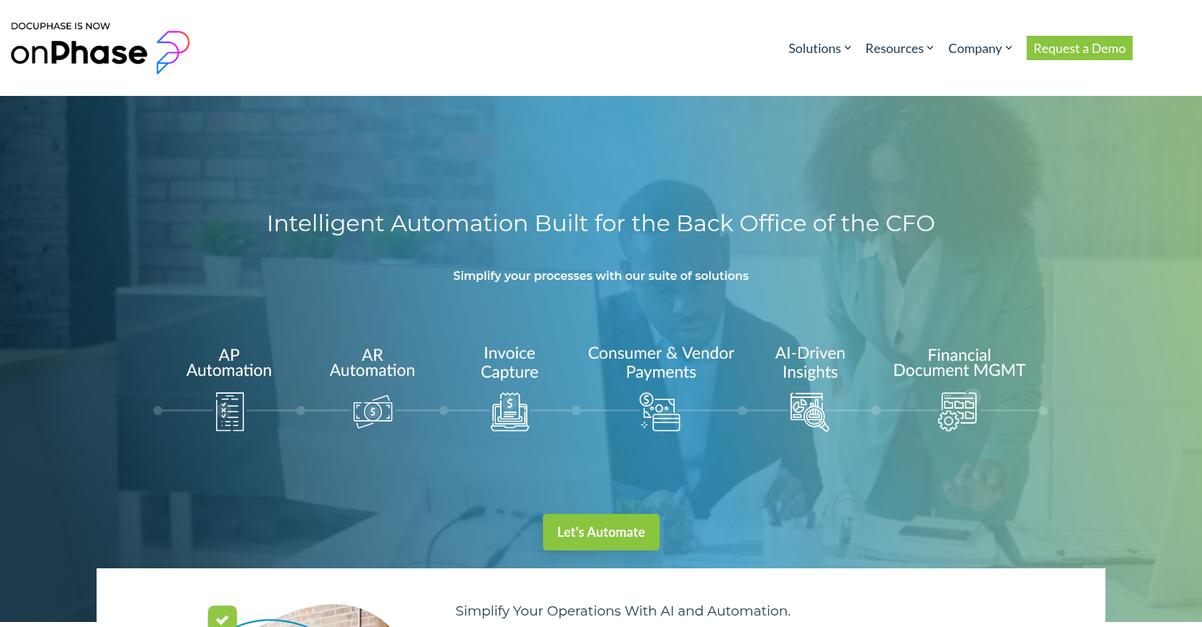
Can your records handling keep up with compliance?
DocuPhase streamlines document workflow, automates data capture and secures your records in one place—giving your team a much-needed break from error-prone manual tasks.
If you’re like many businesses, you’re probably juggling regulatory pressures with inefficient, fragmented processes. One secure platform for your records reduces risks and slashes wasted time so your team isn’t scrambling before an audit.
Here’s how DocuPhase changes your record management approach.
DocuPhase addresses your most pressing records management headaches by automating how documents are processed, organized, and protected.
The heart of their solution lies in automated workflow processing—routing and approvals are handled for you, along with data extraction and classification from intelligent OCR and AI. Your team gains accurate, searchable digital records within minutes, making compliance much less stressful day-to-day.
I also like that all your files land in a secure, centralized repository with strict permissions. That means only authorized users get access to confidential business documents, giving you peace of mind while helping meet regulatory requirements.
If you want to make compliance easier, DocuPhase delivers.
Key features:
- Automated workflow processing for records so you can route, approve, and extract data with zero manual intervention, saving huge amounts of time and reducing errors.
- AI-driven document capture and classification that automatically digitizes your incoming paperwork, accelerating organization while minimizing the risk of incorrect indexing or lost records.
- Centralized secure document repository with access controls to ensure only the right people handle sensitive records, helping keep your compliance standards airtight.
Verdict:
If you’re searching for a great records management software, DocuPhase is an efficient pick because it automates workflows, powers AI-based document capture, and secures data—all crucial for regulated teams handling compliance.
6. Box Governance

Are compliance risks making recordkeeping stressful for you?
Box Governance lets you assign retention policies, classify content, and preserve records with legal holds. This means your data is always protected and audit-ready.
With these tools, you get better control over sensitive information and how it’s handled. Plus, you can reduce manual mistakes that put your business at risk.
But you need a solution that does more.
Box Governance delivers on that promise by making records management far less overwhelming for you. Here’s how: you can create flexible retention rules that maintain or delete files based on folders, metadata, or organization-wide mandates. This level of granularity helps your team stay compliant with industry regulations and internal policies, whether you’re preparing for audits or responding to legal requests.
Additionally, its legal hold feature keeps you protected during litigation. You can apply holds directly to specific users or content, so nothing crucial is deleted before it should be. Proactive content classification lets you flag sensitive or regulated information right as it’s created, driving smarter access and easier retrieval later.
The result is true peace of mind.
Key features:
- Flexible retention and disposition actions: Set up organization-wide, folder-based, or metadata-driven policies so your records are only kept as long as you need.
- Legal holds for secure investigations: Instantly preserve files across users or folders and ensure critical documents can’t be altered or lost during eDiscovery.
- Metadata-driven content classification: Automatically tag sensitive files or record types, making retrieval and compliance reporting fast and accurate for your business.
Verdict:
Box Governance is a great records management software if you want flexible retention, legal hold, and content classification that lower compliance risk across your business. If you’re already on Box, this add-on easily ramps up your compliance game—no headaches, just results you can trust.
7. Revver

Records piling up faster than you can organize them?
Revver steps in with automated workflows and compliance safeguards to take manual headaches out of the picture, cutting down your risk of mistakes and audit stress.
The result is that you can trust every record to follow proper processes and compliance controls without the kind of heavy manual oversight that slows your team down and increases the chance of missing key regulatory requirements.
Let’s talk about what really makes this solution work.
Revver gives you intuitive records management tools that automate routing and approvals, so you’re not stuck in endless paperwork or worried about compliance slipups.
Here’s how this pays off in your day-to-day: you get reliable audit trails and data retention settings, plus WORM (write once, read many) protection for tamper-proof records, which seriously boosts your ability to track, manage, and prove compliance at any point.
Additionally, with advanced search and indexing, you have instant access to any file when regulators or auditors ask, and you won’t waste time hunting for documents or be caught unprepared.
You can finally take control of compliance risks.
Key features:
- Automated workflows keep records compliant by default so your team doesn’t lose valuable time with manual document routing or second-guess if files are audit-ready
- Flexible data retention and disposal policies (WORM included) so you always have tamper-proof documentation and can confidently meet changing legal requirements
- Advanced search, tagging, and indexing capabilities make it easy to instantly find, retrieve, and present records during audits or internal reviews
Verdict:
If you want the best records management software for reducing compliance risk, Revver fits the bill thanks to automated workflows, bulletproof audit trails, and tamper-proof document controls—plus full HIPAA compliance and an interface your team will actually enjoy using.
8. RecordsKeeper.AI

Worried about compliance gaps hurting your business?
RecordsKeeper.AI delivers automated compliance monitoring and blockchain-secured audit trails, and AI-powered document classification so your team can stay ahead of regulatory requirements from day one.
If you’re tired of chasing down audit trails and manually sifting through files, RecordsKeeper.AI gives you real-time alerts and unbeatable document traceability to remove those stressful headaches.
Security and compliance no longer have to be guesswork.
RecordsKeeper.AI changes the way you manage records by blending automation, security, and compliance intelligence into one AI-powered solution.
Here’s how it works: AI document classification instantly organizes and tags every file for you, making your records easy to search, retrieve, and sort. This means every record is in the right place as soon as it’s uploaded. You can finally ditch outdated manual filing systems and let your team focus on work that matters.
Additionally, the blockchain security and automated audit logs keep every file tamper-proof and give you crystal-clear evidence trails. Combine that with real-time AI compliance monitoring, and you’re always a step ahead of regulations—because RecordsKeeper.AI updates you automatically if there’s ever a potential violation.
You get total confidence in your records.
Key features:
- AI-based classification and metadata extraction lets you eliminate manual sorting and instantly surface any file with just a quick search, no matter how complex your archive gets.
- Integrated blockchain security and immutable audit trails protect every document with cryptographic proof, so compliance checks and internal audits become a fast, reliable process without fear of data tampering.
- Proactive AI compliance monitoring and alerting keeps your team audit-ready by tracking evolving regulations, updating your documents, and letting you know about any issues or compliance risks immediately.
Verdict:
If you’re looking for the best records management software, RecordsKeeper.AI stands out with automated compliance, audit-ready blockchain security, and an 85% reduction in manual tasks—giving you instant retrieval, integrity, and peace of mind for every audit.
9. DocuWare

Are you worried about compliance gaps in records management?
DocuWare offers reliable digital filing, instant access, and secure auditing across all your business records straight from the start.
So much of your team’s compliance risk comes from manual bottlenecks that cause inconsistent record handling and lost documents. If you need to guarantee every file is accounted for, DocuWare offers audit trails, workflow automation, and intelligent indexing to keep everything organized and protected.
You want a system you can fully trust.
DocuWare makes all your records secure, accessible, and auditable.
With DocuWare, you get automated workflows that route and approve documents efficiently, minimizing the chances for human error to creep in. This means you control the rules, and your team never needs to wonder if a file got missed. Plus, intelligent indexing with OCR converts physical and digital files into searchable documents with automated metadata, so nothing gets buried or lost in a forgotten folder. You can count on quick retrieval and precise search, even during audits or regulatory demands.
Additionally, DocuWare’s audit trail feature tracks every document action, providing a transparent record for compliance and security investigations. The result is a records management system that supports both everyday ease and rigorous oversight.
You’re getting more than just basic document storage.
Key features:
- Automated workflows reduce manual errors while streamlining document routing, approvals, and indexing, keeping your compliance risks and bottlenecks to a minimum.
- Intelligent OCR-powered indexing for fast retrieval so your business records are instantly keyword-searchable and always accessible—across both paper and digital formats.
- Audit trails deliver complete transparency and governance by tracking every document access and modification, building an evidence-ready compliance history.
Verdict:
DocuWare is an excellent records management software if you want robust audit trails, automated workflows, and secure digital filing. Plus, you can choose cloud or on-premise deployment to fit your specific compliance needs—all from a platform trusted by thousands.
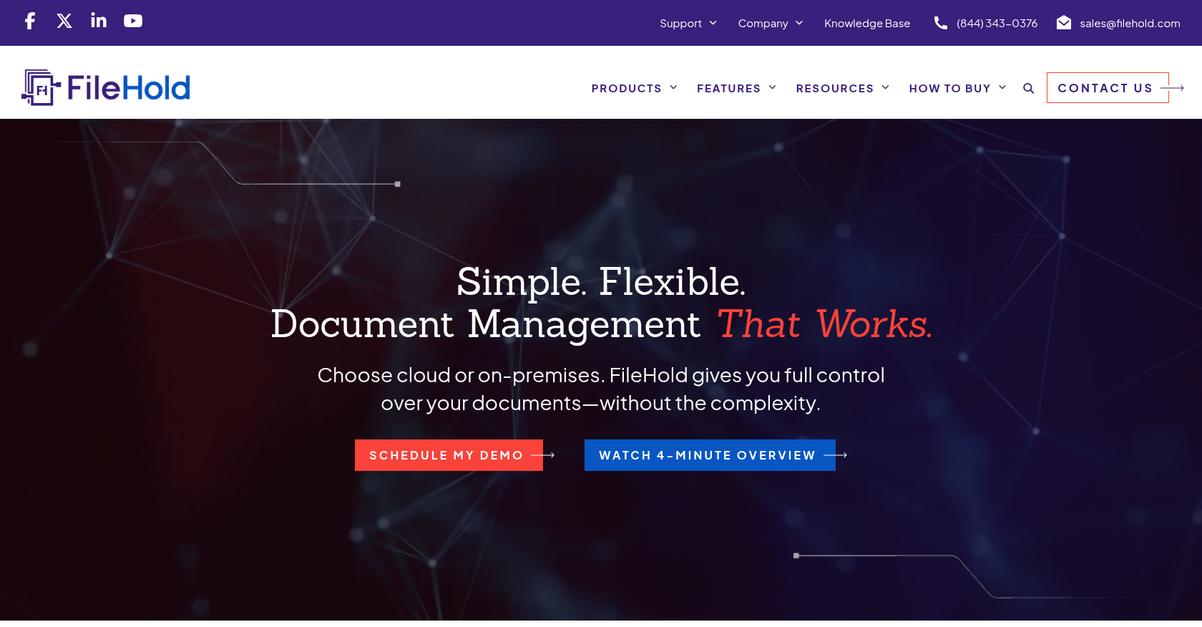
10. FileHold
Do you need a more compliant way to track records?
FileHold gives you advanced records retention tools and audit logging right from the start, tackling issues with compliance, organization, and user accountability.
If you’re worried about demonstrating compliance or missing retention deadlines, FileHold’s features can relieve some real stress for you. Their approach delivers more than basic record keeping, offering an answer for teams that need visible, auditable proof of compliance actions.
Here’s how FileHold raises the bar.
You can handle both short-term records and long-term archiving needs with FileHold’s built-in retention and disposition workflows.
The system’s complete user activity tracking logs every document touch, letting you quickly generate reports to show auditors exactly who did what and when—something I know saves tons of time in regulated environments.
Plus, FileHold’s customizable document schema lets you tag and organize files in ways that fit your company—not just whatever the software designer thought made sense. This means you get fast, intuitive search no matter how complex your catalog grows.
It’s a system built around your compliance challenges.
Key features:
- Granular retention and disposition management keeps records compliant by allowing you to automate destruction schedules for everything from contracts to sensitive HR files, mitigating the risk of accidental policy violations.
- Comprehensive user audit logging ensures transparency with a full history of document actions, so you’ll always have verifiable proof for audits or internal reviews without needing extra manual logs.
- Customizable metadata tagging and document schema lets your team easily classify and categorize records, enhancing retrieval and reducing the time wasted searching for the right file during critical compliance reviews.
Verdict:
If you’re searching for a great records management software to overhaul compliance and tracking, FileHold is absolutely worth considering. You get the right mix of advanced retention tools, audit reporting, and flexible search, all designed for a familiar user experience—especially if you’re used to Windows.
11. M-Files

Worried about missing critical compliance deadlines?
M-Files gives your team automated compliance workflows and governance controls so you never lose track of vital records or retention schedules.
This means you can always stay on top of document versions and access permissions, reducing the risk of accidental updates or compliance breaches.
Plus, you get a single source of truth for every file.
Here’s how M-Files makes that possible.
M-Files tackles records management challenges by letting you organize files using powerful metadata—sorting documents based on what they are, not where they’re stored.
Here’s how you benefit: with metadata-driven search and intuitive classification, I can instantly find the exact record I need, whether it lives in the cloud, on a local drive, or anywhere else. The time you save hunting for files is no small thing when audits or deadlines hit.
Additionally, automated compliance workflows take the guesswork out of regulatory headaches. With M-Files, your records follow their required retention schedules by default, and you don’t have to micromanage user permissions. The result: documents stay protected, and you know exactly who did what and when—which matters a lot if you’re trying to cut risks and stress.
You really can make compliance a daily habit.
Key features:
- Metadata-driven content organization: Surface and classify all records instantly based on content type, making retrieval painless and audits much easier for your entire team.
- Automated compliance and retention controls: Predefined retention policies and access permissions help your company avoid unauthorized edits, accidental deletions, and noncompliance issues.
- Advanced workflow and version management: Support complex routing, formal approval, and controlled change management processes—even across hybrid or multi-cloud environments.
Verdict:
For anyone looking for the best records management software, M-Files brings together automated compliance, intuitive search, and robust workflow controls. If you’re juggling stringent regulatory demands like GDPR or HIPAA, it’s the practical, flexible platform I’d want for cutting risk and clutter.
12. MedTrainer
Worried about missing a crucial compliance deadline?
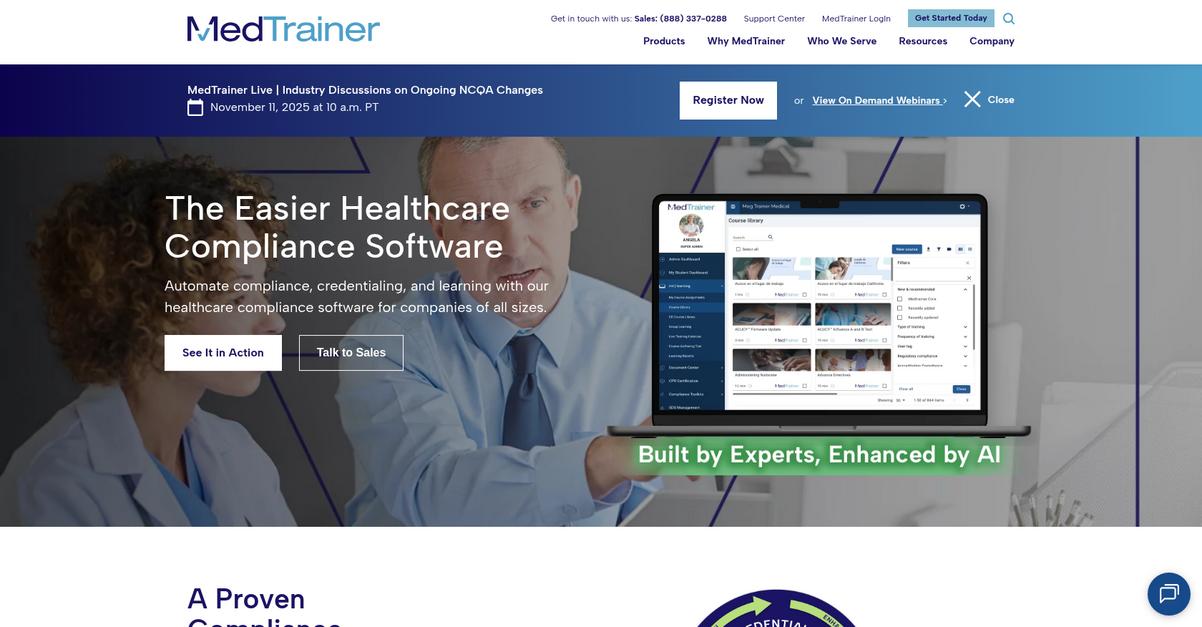
MedTrainer makes it easy to manage, approve, and distribute all your healthcare records and policies in one place.
Staying audit-ready is a constant headache, but MedTrainer’s automated compliance tracking helps your team avoid mistakes and protect your accreditation.
Here’s how MedTrainer could be your lifesaver.
If you’re like most healthcare leaders, you need a simple way to eliminate paperwork chaos and lower your compliance risks. MedTrainer gives you robust policy and document management tools that simplify how you create, approve, and distribute procedures across your team.
You can access to over 2,000 pre-built, expert-drafted policy templates, saving your staff hours that are usually spent developing compliant documents from scratch. That means you’re working with up-to-date, best-practice policies without having to start every file from zero.
Plus, MedTrainer automatically tracks all revisions, approvals, and acknowledgments, so nothing slips through the cracks. This helps you make sure every staff member is up-to-date on policy changes and provides ready-made documentation if surveyors come calling.
You’ll never wonder about compliance status again.
Key features:
- Automated document, policy, and compliance tracking keeps your records audit-ready, giving you visibility and accurate logs needed to breeze through surveys or inspections every time.
- 2,000+ expert policy templates for healthcare let your team reduce manual document creation, helping you meet standards confidently and free up time to focus on patient care.
- Seamless e-signature workflows and approval tools streamline document acknowledgements and records completion, so you always know who has signed what and when.
Verdict:
If you need a great records management software, MedTrainer should be on your shortlist. With 99.8% client audit success last year and healthcare-specific controls, it’s built to keep your compliance pain-free and your records always ready for inspection.
Conclusion
Compliance shouldn’t feel like an impossible maze.
With so many records management platforms on the market, I know it’s easy to get overwhelmed by similar features, integration headaches, and the very real fear of picking the wrong fit.
Consider this: According to Armstrong Archives, over $200 labor costs alone can be lost just reproducing a single missing document—while simply filing and searching a misplaced one costs $20 and $120 each. These costs stack up fast for any growing company.
Here’s what really works instead.
From everything I’ve tried, FileCenter is easily my top pick to lower risks and give your team that compliance peace of mind you’ve been chasing.
Its digital filing cabinets and built-in OCR give your business the best records management software for instant organization, full-text search, and foolproof audit prep—even for paper-heavy departments.
Why not start a free trial of FileCenter today and see how it fits alongside your existing workflows?
You’ll get back hours, not headaches.