
Worried about confidential documents leaking?
I know how stressful it is trying to keep your files locked down while juggling security, compliance, and integration checks at the same time.
Figuring out which tools actually provide real protection for your business data can quickly feel overwhelming, especially when every software claims to be “the most secure.”
The financial impact is staggering—according to UpGuard, the average cost of a data breach globally is now $4.45 million, with U.S. breaches costing even more. It’s not just about the money though; a leak can put your entire business and reputation at risk.

This article is your shortcut to making a confident choice, saving you from decision burnout and the fear of picking the wrong tool.
In this article, I’m breaking down the 11+ best secure document storage software so you can find the ideal platform for protecting sensitive business data and meeting compliance requirements—all without weeks of research.
You’ll walk away knowing exactly which solutions fit your needs, budget, and growth goals—without all the stress.
Let’s get to it.
Quick Summary:
| # | Software | Rating | Best For |
|---|---|---|---|
| 1 | FileCenter → | Desktop-based small businesses | |
| 2 | pCloud → | Remote privacy-driven teams | |
| 3 | Proton Drive → | Security-focused professionals and freelancers | |
| 4 | NordLocker → | Consulting agencies handling confidential files | |
| 5 | Sync.com → | Compliance-focused enterprise teams |
1. FileCenter

Worried about keeping your documents truly private?
FileCenter’s built-in document encryption safeguards your sensitive files with strong algorithms, giving your business tight control over who can access critical information.
By making it easy to encrypt, shred, and version important documents right on your desktop, FileCenter lets you address regulatory compliance and privacy needs head-on—no complicated cloud setup required.
You need more than basic protection.
FileCenter tackles your document security challenges directly by ensuring all your files can be encrypted on your local machine, and only accessible to authorized users. This means your critical information remains protected from breaches and prying eyes.
Plus, with FileCenter’s version control, you’ll never have to stress about accidental file changes or data loss again. If you’re updating contracts, policies, or employee records, you can always roll back to a previous version when needed. This restores peace of mind for your document workflow and lets you keep an audit trail of changes for compliance.
Additionally, the secure shredding feature gives you confidence that retired documents and folders are deleted beyond recovery. This capability is perfect if your team handles financial statements or personal information, as it ensures complete disposal of anything you don’t need, reducing risk and liability.
You get convenient security and simplicity.
Key features:
- Robust document encryption for local storage: Your files are protected using powerful encryption algorithms, making unauthorized access virtually impossible even on desktop environments.
- Automated version control with simple rollback: Every change is tracked, so you can quickly revert to an earlier file version and maintain a complete audit history with no extra effort.
- Secure shredding for permanent file deletion: Sensitive documents are permanently erased, so data privacy is preserved and confidential files don’t linger on your device or servers.
Verdict: If you want a great secure document storage software for desktop use, FileCenter is an excellent option. Its encryption, version control, and secure shredding keep your files safe and organized, while users report improved file access speed and greater confidence in data security.
2. pCloud
Worried about keeping your important files private?
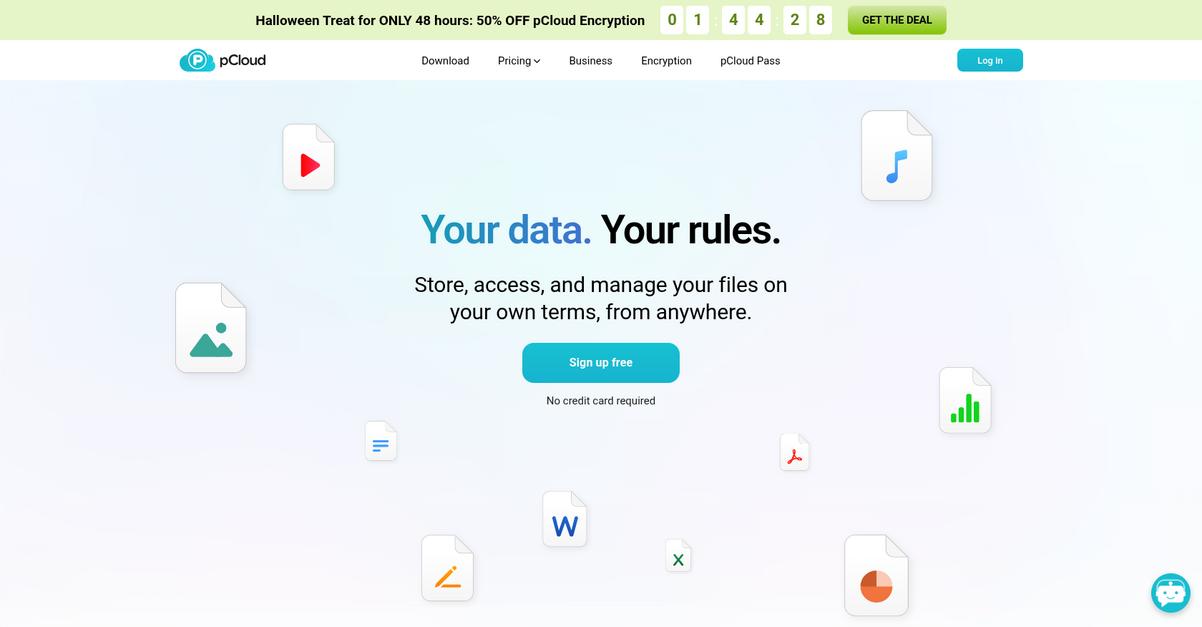
pCloud gives you privacy-first file storage, thanks to its client-side, zero-knowledge encryption and strong file sharing controls.
In today’s environment, it’s so easy to accidentally share sensitive contracts, HR documents, or internal memos with the wrong people. One wrong link can expose confidential data to outsiders.
But you don’t have to settle for second-best security.
pCloud solves that concern by putting data privacy first.
With pCloud, you get peace of mind from pCloud Crypto—client-side encryption that ensures only you can access your files, no matter where you’re working from. Here’s how it helps: no one else, not even pCloud’s own team, can see your stored content. That’s huge if you handle any confidential or regulated information.
You’re also covered against accidental loss or edits with file versioning for up to 365 days. You can instantly roll back to a previous version if there’s a mistake or malicious change, saving your team time and stress.
Plus, secure file sharing controls let you set passwords and expiration dates on shared links, so you have full control over who sees what—and for how long. That keeps your documents protected even when sharing outside your company.
pCloud turns security into your biggest asset.
Key features:
- Unmatched privacy through client-side encryption: With pCloud Crypto, files are encrypted before uploading, so only you hold the decryption keys for truly private storage.
- 365-day file versioning for data recovery: You can track every change and recover previous document versions up to a year back—ideal for avoiding accidental or malicious data loss.
- Granular file sharing access controls: Add passwords and expirations when sharing, so you decide exactly who accesses your documents and for how long.
Verdict: If you want an excellent secure document storage software, pCloud’s client-side encryption, versioning, and granular sharing controls stand out. Data stays private, protected from unauthorized access, and instantly recoverable if mistakes happen—making pCloud a top pick for any privacy-driven team.
3. Proton Drive
Worried about who can actually see your files?
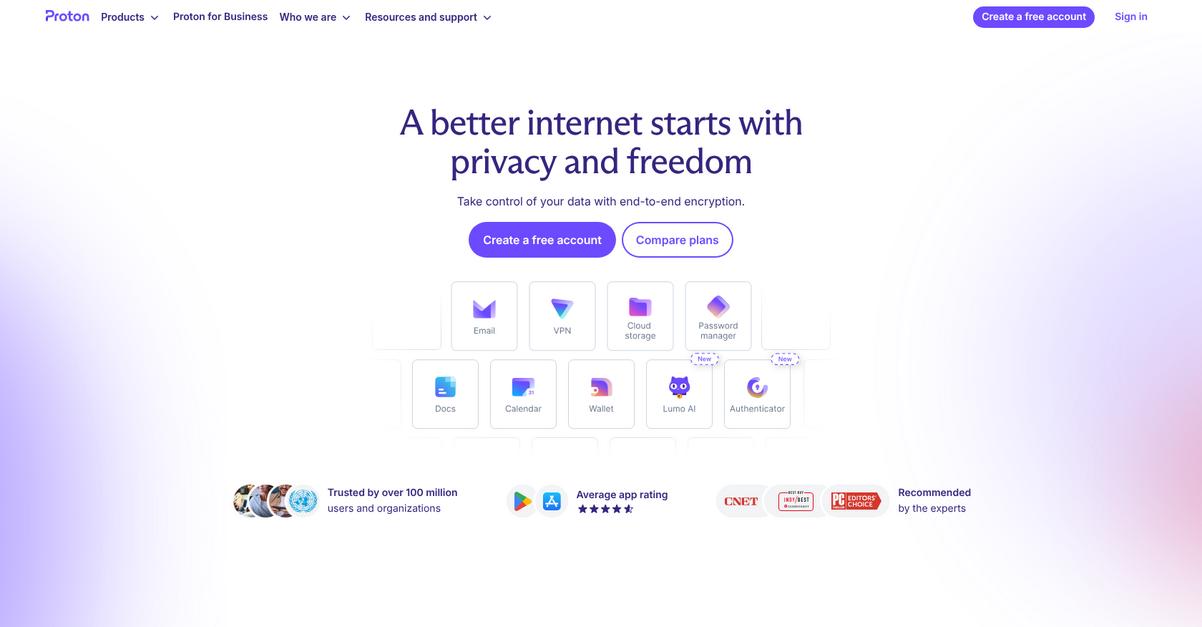
Proton Drive keeps every document safe with zero-access encryption, so only you—not even Proton—can access your sensitive data.
This means you have complete control over your confidential files while lowering any risk of unauthorized exposure or leaks that might impact your workflow or your clients.
Keeping privacy front and center is now possible.
Proton Drive solves your privacy worries with secure, encrypted storage built specifically for you.
Here’s how Proton Drive makes document storage worry-free. Every file you upload gets protected by zero-access encryption, meaning it’s encrypted on your device before leaving it. So, even if your files are ever intercepted, they’re unreadable to anyone but you. No one—not even Proton—can decrypt your documents which gives you peace of mind for sensitive contracts, HR records, and creative assets.
Plus, sharing is safer, too. Proton Drive lets you securely share files and folders using end-to-end encrypted links. Anyone you collaborate with receives full content protection, which means you never have to sacrifice security for convenience.
Version history adds valuable backup protection by automatically tracking file changes and letting you restore earlier versions if something goes wrong. The result: you keep your workflow smooth and your data safe, no matter what.
Everything you need for secure document storage.
Key features:
- Zero-access encryption ensures absolute privacy by encrypting all documents and metadata directly on your device before uploading, so only you ever hold the keys to your data.
- End-to-end encrypted file sharing enables secure collaboration without exposing confidential information, giving you the freedom to share documents safely with clients, partners, or team members.
- Automatic version history protects against data loss by letting you roll back to previous file versions, so accidental edits or deletions don’t have to be a disaster.
Verdict:
If you want an excellent secure document storage software, Proton Drive’s zero-access encryption, end-to-end encrypted sharing, and simple version recovery give you maximum privacy and control—ideal for anyone who needs airtight security with minimal hassle.
4. NordLocker
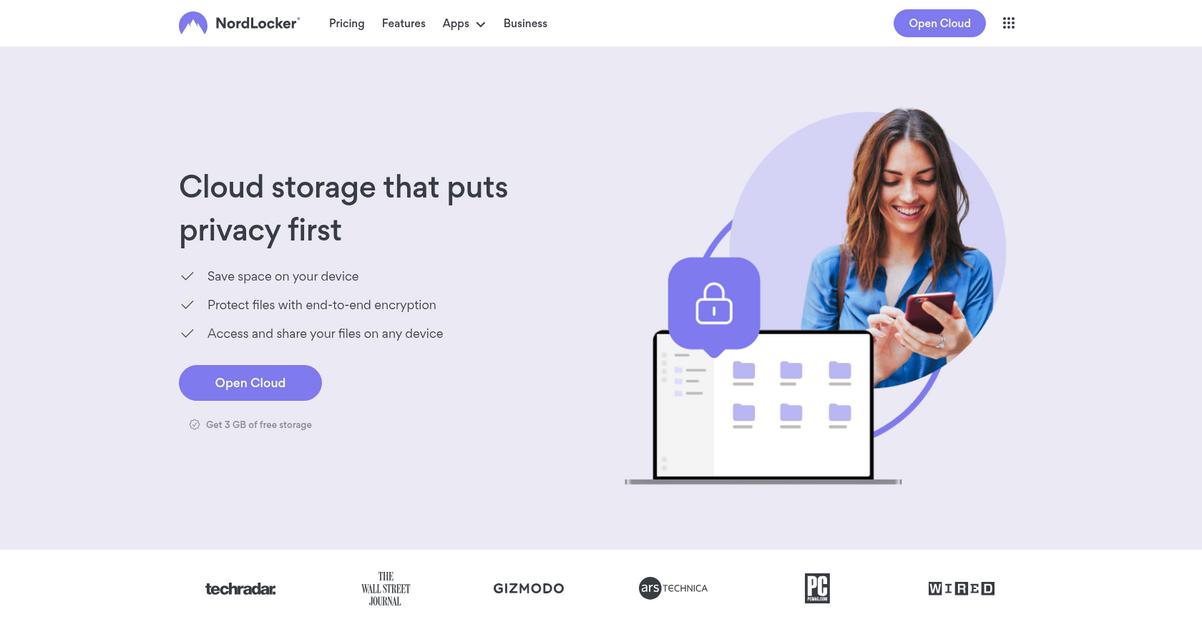
Worried about who can access your files?
NordLocker tackles this head-on with its end-to-end encryption and zero-knowledge architecture, so only you can access your documents.
These features mean your files are locked down from prying eyes. You can finally have complete confidence in the privacy of your business documents, knowing your sensitive information is fully protected—both when it’s being uploaded and when it’s stored.
Simple, secure storage is now within reach.
If you want easy, reliable protection for everything you store, NordLocker offers what you need right out of the box.
Here’s how: your files get encrypted directly on your device before they’re ever uploaded, thanks to robust end-to-end encryption. Only you hold the keys to decrypt and access your data, so not even NordLocker’s own staff can see your content—giving you a serious privacy advantage when sharing confidential information online.
Plus, secure file sharing is fully built in. You can share locked files with partners or clients, maintaining the same high level of protection, which makes collaboration worry-free. Pair this with the zero-knowledge setup, and you get airtight control over who can view your documents—no IT degree required.
It’s privacy and peace of mind for you.
Key features:
- End-to-end encryption for all files and folders: Every document is encrypted on your device before uploading, guaranteeing your sensitive information never leaves your control.
- Zero-knowledge privacy architecture keeps data confidential: Only you hold the decryption key, so even NordLocker cannot read your files—supporting absolute confidentiality for critical business content.
- Encrypted file sharing for safe collaboration: Easily and securely share encrypted files with your team or clients, with privacy preserved throughout the entire transfer process.
Verdict:
NordLocker is an excellent secure document storage software for anyone needing airtight privacy and absolute user control. With its end-to-end encryption, zero-knowledge design and easy-to-use encrypted sharing, you can protect 100% of your sensitive files—perfect if your work involves confidential client records or strategic documents.
5. Sync.com
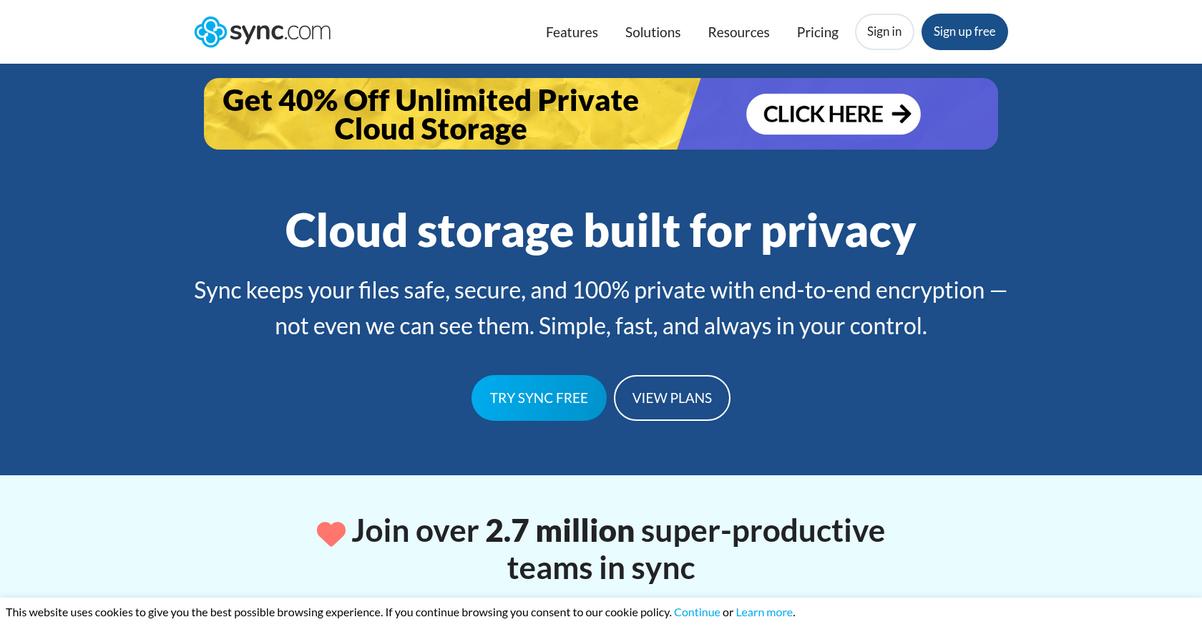
Worried about who can see your sensitive files?
Sync.com’s end-to-end encryption makes sure only you and your team have access, acting as a digital vault for your most crucial documents.
That means if you’re handling confidential contracts, client records, or health information, nobody else—not even Sync.com—can peek at your data. You get airtight control, and accident-proof storage lets you roll back any file versions if mistakes happen.
Here’s how you get even more control.
Sync.com gives you a real solution to your secure document storage headaches.
From the moment you upload a file, your data is protected with zero-knowledge encryption—so even accidental leaks or outside threats can’t expose your docs. If you need to restore a previous version or undo a change, document versioning is baked right in for easy recovery, which is a game-changer for anyone working on shared files and projects.
Additionally, you can set granular permissions, letting you decide exactly who can view, edit, or share each file or folder in your account. This means you’re not just storing documents—you’re controlling access down to the smallest detail, which helps keep your team compliant with strict requirements like GDPR and HIPAA.
Plus, you have safeguards in place every step of the way.
Your files stay private and protected.
Key features:
- End-to-end encryption keeps your files truly private from everyone—including Sync.com staff—allowing only your approved users to ever decrypt confidential documents shared in the cloud.
- Document versioning lets you undo accidental changes or deletions and maintain an audit-ready history, so you never lose the information you—and your team—depend on most.
- Granular permission controls mean you decide access with per-user, per-folder settings, so sensitive info is only ever accessible for the right people, at the right time.
Verdict:
Sync.com is a top choice if you want the best secure document storage software for privacy-first teams. With end-to-end encryption, versioning, and granular controls, you can check compliance boxes and cut your company’s risk by up to 100%.
6. Dropbox

Worried about keeping your documents truly secure?
Dropbox gives you powerful admin controls, reliable file version history, and advanced encryption to protect business documents in the cloud.
The result is peace of mind knowing only authorized users access sensitive files, plus the ability to recover past versions when things go wrong. These protections make a huge difference if you’ve dealt with file loss or exposure before.
Let’s look at how Dropbox steps up.
With Dropbox, your files aren’t just conveniently stored—they’re truly protected and easy to manage. I like that Dropbox encrypts your documents both while stored and in transit using AES 256-bit and SSL/TLS, so your sensitive information stays shielded from threats.
Here’s how the admin dashboard stands out: you can quickly set sharing permissions for team members, centralize who accesses what, and instantly revoke access to files when needed. For industries needing strict oversight, this helps lock down who can work with confidential documents.
Another gamechanger is the file version history feature. Imagine you overwrite something crucial—Dropbox lets you restore a previous version, even months later. Combine that with collaborative workflows and you cut down email chaos, so your team works smarter and safer.
You get robust security and effortless access.
Key features:
- Enterprise-grade file encryption—in transit and at rest: Dropbox uses strong AES 256-bit encryption plus SSL/TLS, ensuring your files are always secure against cyber threats or accidental leaks.
- Admin controls for granular document access management: You’re able to create, modify, and revoke document permissions instantly, keeping sensitive business files safe from unauthorized users and regulatory risk.
- Comprehensive file version history for backup and recovery: Restore lost or overwritten files up to a year back, reducing downtime and preserving critical audit trails for compliance or investigations.
Verdict: If you want an excellent secure document storage software, Dropbox brings you advanced encryption, powerful admin controls, and year-long version history. More than 500,000 teams trust Dropbox for collaboration and compliance. It’s an option I’d recommend if security and easy access matter to you.
7. NetDocuments
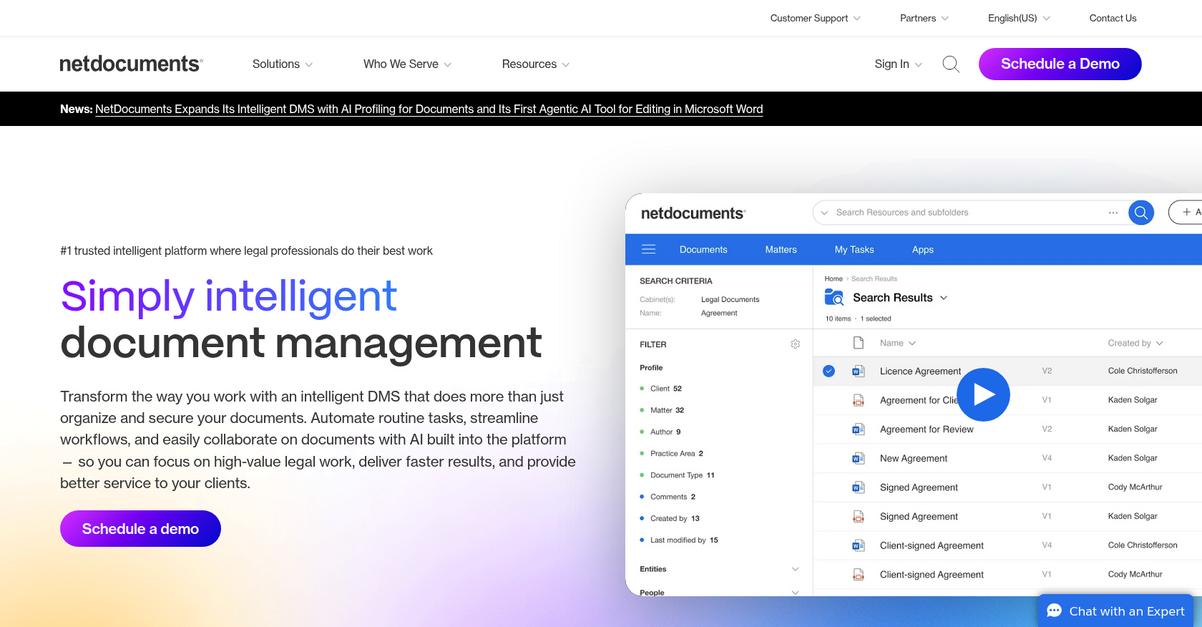
How can you guarantee client data stays truly secure?
NetDocuments answers this with immutable document storage, multi-layered encryption, and robust access controls—all built to protect your most sensitive files.
If you’re worried about maintaining strict compliance and client confidentiality, NetDocuments delivers a tamper-proof audit trail that puts you in control. You don’t have to sacrifice productivity for security—you can have both.
Here’s how that actually works in practice.
NetDocuments gives you the compliance-first document management that legal and regulated teams need. With advanced security, encrypted document storage, and ethical walls between practice areas, you get fine-grained control over who can see your documents—every time.
Additionally, you can respond to compliance demands with immutable records that protect file authenticity and simplify audits. Optional data residency controls keep your content where it legally needs to stay. Everything is built to help your firm protect client trust and meet regulatory standards.
Plus, ethical walls and user-based security mean client information is only accessible to those authorized. This setup not only minimizes risk but boosts confidence in your ability to protect data—a win for both your clients and compliance officers.
It’s the security backbone your firm needs.
Key features:
- Immutable documents with full audit trail: Every document version is locked and tracked, so your firm proves chain-of-custody and authenticity for sensitive files—meeting legal and regulatory standards every time.
- Multi-layered encryption and governance controls: From file-at-rest encryption to precise access permissions, you’ll meet client confidentiality duties and comply with requirements like SOC 2, HIPAA, and GDPR.
- Ethical walls for access segmentation: Place iron-clad access barriers between practice groups or matters, so no one sees information they shouldn’t—crucial for legal and regulated businesses.
Verdict: NetDocuments is a great secure document storage software for legal or compliance-driven teams. Its tamper-proof audit trails, strict ethical walls, and enterprise-grade encryption deliver exactly the security and compliance results your firm needs—proven by thousands of law firms and regulated businesses worldwide.
8. ownCloud
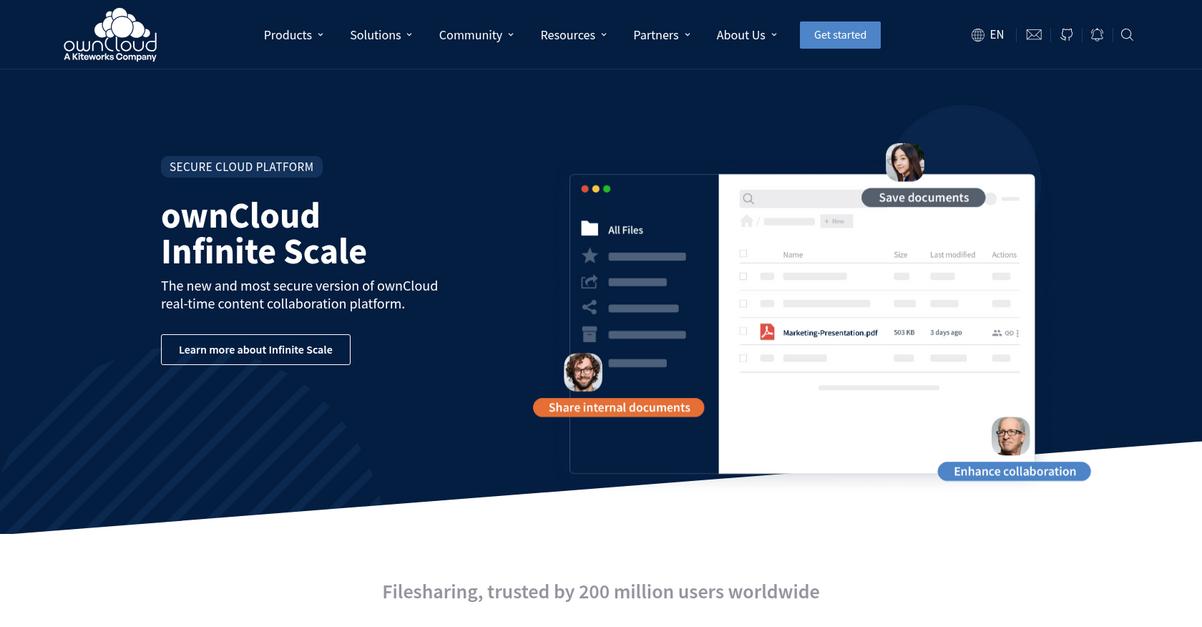
How do you keep documents truly private?
ownCloud gives you total control by letting you host everything on your own servers, with no third-party access—something most providers simply can’t offer.
That’s exactly what you need if you’re dealing with tight compliance, privacy mandates, or want to avoid giving up control of your sensitive files to outside vendors.
You shouldn’t have to compromise on privacy.
ownCloud tackles this issue head-on by prioritizing secure, private document storage without sacrificing ease of use or control.
With self-hosted deployment, you decide where your documents live, retaining full control over data infrastructure and access. Plus, all files benefit from end-to-end encryption—so even if someone tries to intercept your files during upload or storage, they can’t read a thing. ownCloud protects your documents before they even leave your device, which is huge for compliance-heavy environments.
Additionally, you get granular permission controls that make secure collaboration simple. You’re able to assign specific access levels to individuals or groups, and share documents securely with custom, expiring links—so only the right people can view or edit each file.
The result is peace of mind for your IT and compliance team.
Key features:
- Host everything yourself, on your own infrastructure so your documents never leave your controlled environment, enabling extreme privacy and regulatory compliance for sensitive data and files.
- End-to-end encryption for file transfers and storage safeguards your team’s files from unauthorized access, hackers, or third parties—even if someone attempts interception.
- Granular permissions and secure share links ensure that only your chosen users, groups, or partners have access, supporting strict access management and easy audit trails.
Verdict: For any team or department with strict privacy regulations, ownCloud stands out as a best secure document storage software choice. Its self-hosted model with proven encryption and granular sharing has helped hundreds keep confidential data safe and compliant.
9. Tresorit
Is your confidential data as secure as it should be?
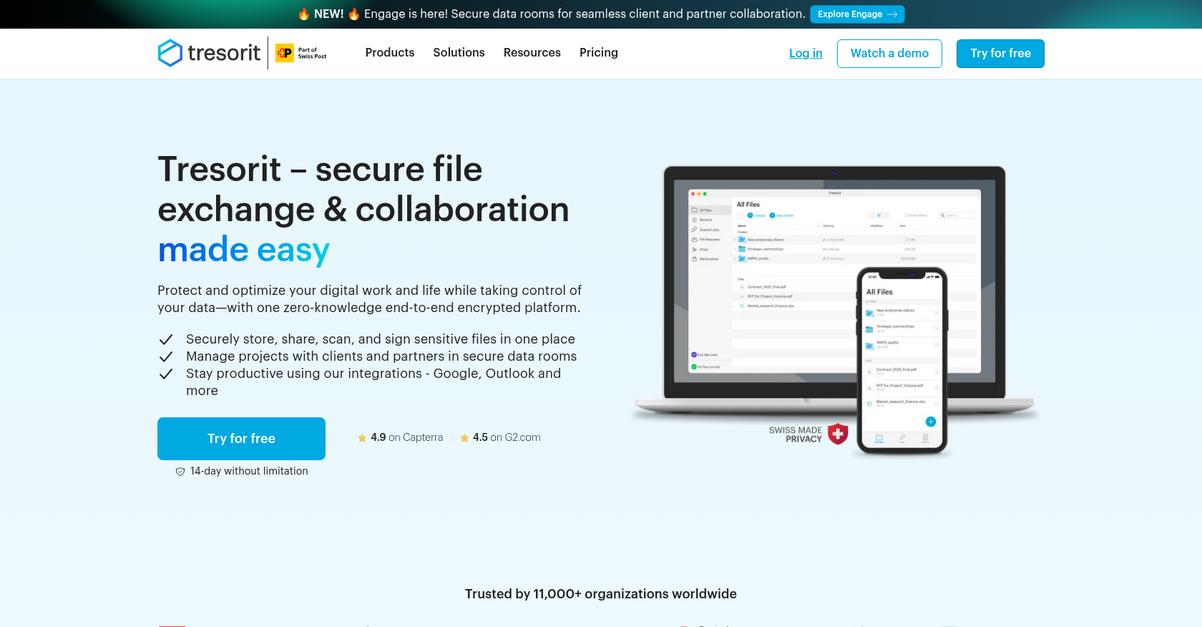
Tresorit gives you end-to-end encrypted cloud storage designed specifically for ultimate data privacy and robust security, right from your own device.
This means you can trust no one except you ever has access to your sensitive business files, not even Tresorit. Zero-knowledge encryption removes worries about prying eyes or data leaks.
That’s a big deal for any business managing client information.
Let’s see how Tresorit actually makes this possible.
Tresorit solves the secure storage headache by encrypting your files and all associated metadata on your device before anything is uploaded.
Here’s how you get true peace of mind: Zero-Knowledge Encryption is always applied by default to every document stored or shared, so there is simply no path for an outsider or even Tresorit to see your confidential files.
Additionally, Tresorit’s “Tresors” feature makes secure project collaboration easy for your team. You can set up dedicated encrypted folders for specific projects, assign exactly who can view, edit, or share documents, and tweak access at any time with granular permissions. The result is both flexibility and airtight document control.
If protecting sensitive data is your goal, Tresorit helps you actually achieve it.
Key features:
- Zero-knowledge end-to-end encryption secures every file before it leaves your devices, so only you and authorized users ever access your business documents, providing unparalleled privacy protection for sensitive material.
- Granular access controls give you total permission management to decide specifically who can view, edit, or share every document and folder, minimizing insider risk and improving compliance.
- Secure real-time collaboration with Tresors lets your team work jointly on confidential projects without compromising data privacy, thanks to encrypted shared folders and full activity tracking.
Verdict: If you want the best secure document storage software, Tresorit’s zero-knowledge encryption, strong collaboration tools, and detailed access controls make it a top pick. It’s trusted worldwide for highly sensitive data and could be the safest move for your business.
10. FileCloud

Is your data protection keeping up with your needs?
FileCloud’s Data Leak Prevention and endpoint backup make secure document storage simple for your team.
The result is confidential files stay protected and readily accessible, regardless of device or deployment choice.
Let’s look at what that means for you.
FileCloud tackles secure document storage by giving you complete control over where documents reside and who can access them.
With options for on-prem, hybrid, or cloud, you can tailor deployment to match your security and compliance requirements and not worry about outgrowing your file management system.
Additionally, features like smart document classification and advanced security policies ensure your sensitive data is always governed by the rules you set. Data leak prevention works quietly in the background, flagging risky activity before files leave your environment. Paired with robust device backup, your documents are always recoverable, reducing worries about accidental loss.
Plus, when everything is consolidated in one platform, you don’t have to juggle multiple apps or pay for overlapping services.
It’s peace of mind for your document storage.
Key features:
- Comprehensive data leak prevention and monitoring tools protect your confidential documents from unauthorized sharing, keeping your data compliant with regulatory standards and giving you total peace of mind.
- Endpoint backup and file sync functionality ensures secure copies of your files exist on every device, making lost or stolen hardware far less risky for your team’s sensitive information.
- Automated smart classification applies security policies based on file content, streamlining compliance while making sure high-value or regulated data never slips through unprotected.
Verdict:
FileCloud is an excellent secure document storage software for your business if protecting sensitive data and controlling file access are priorities. With features like DLP, device backup, and flexible deployment, you get security and control without sacrificing ease of use or compliance goals.
11. Laserfiche

Are you prioritizing security and compliance for your files?
Laserfiche tackles this with advanced records management, detailed audit trails, and granular access controls that ensure your sensitive documents remain shielded from unauthorized access.
With heavily regulated files, you can’t risk accidental exposure or compliance missteps. Tackling these concerns, Laserfiche gives you peace of mind with compliant, secure document controls from upload to destruction.
Here’s how Laserfiche takes things further.
Laserfiche makes secure document storage stress-free by managing the entire document lifecycle, from retention to destruction, all while meeting tough regulatory requirements.
Plus, you can track every interaction with immutable audit trails, giving you transparency and accountability, whether your team is preparing for an audit or you need assurance for an internal investigation.
Additionally, you can set granular access permissions on documents, folders, or even specific data fields. This means only the right people access the right information, minimizing the risk of data leaks or unauthorized edits.
Everything comes together for true document peace of mind.
Key features:
- Lifecycle-based records management for compliance: Manage, classify, and securely dispose of files with built-in controls ensuring you comply with legal retention and destruction standards.
- Immutable audit trails for accountability and transparency: Capture and review all user actions on documents, supporting security audits or regulatory reviews with precise historical records.
- Granular access controls to protect sensitive data: Set user, folder, or field-level permissions so confidential information is only available to those who need it.
Verdict:
Laserfiche is the great secure document storage software if you want robust compliance, efficient workflows, and advanced security. If you’re in a highly regulated industry or facing complex retention policies, customers have reported cutting document processing time by up to 80% with Laserfiche’s automation.
12. Box

Is document security holding your team back?
Box offers advanced features like granular access controls, encryption, watermarking, and industry-leading compliance to guard your sensitive files and meet complex requirements.
This means you never have to worry about who views, shares, or edits confidential documents, as you control every level of access and document activity for peace of mind.
Finding an easier way to protect your business data starts here.
Box gives you the control and confidence you need by centralizing your content in one highly secure platform.
The platform delivers highly configurable permissions, tough encryption, and a full suite of compliance certifications for data-sensitive industries, making Box perfect if you’re managing client contracts, internal reports, or IP.
Plus, watermarking stops unauthorized sharing or screenshots, while threat detection safeguards files in real time. The result? You lock down every file, and your audit trail always keeps you ready for compliance reviews.
If you want security without sacrificing usability, Box could be your best bet.
Key features:
- Granular Permissions & Access Controls: Precisely control who can view, edit, or share files and folders—ideal if you need to keep confidential documents strictly accessible to the right people.
- Advanced Security & Compliance: Enterprise-grade encryption, threat detection, and regulatory certifications like HIPAA and ISO 27001 help your company meet the strictest privacy and compliance standards.
- Document Watermarking for Extra Protection: Automatically apply watermarks to sensitive files, protecting intellectual property and deterring unauthorized downloads or screenshots.
Verdict: Box is an excellent secure document storage software if your business needs advanced permissions, real-time threat detection, and up to 100 percent regulatory compliance. Your distributed workforce can manage and protect confidential content effortlessly, just like global enterprises highlighted on Box’s homepage.
Conclusion
Struggling to keep your sensitive documents truly safe?
The hardest part is cutting through the noise—every option promises security, but few deliver real peace of mind or integrate smoothly with your workflow.
The impact is real: IBM found that organizations with extensive use of security AI and automation contained breaches 80 days faster and saved nearly $1.9 million. That’s a massive edge in today’s threat landscape, making your software choice more critical than ever.
Here’s what I’d do next.
FileCenter is my top recommendation for secure document storage.
I’ve found that FileCenter checks every box: strong local encryption, audit tracking, and effortless version control—so you and your team protect sensitive files without the headaches. That’s why it’s #1 on my list of best secure document storage software.
See the difference for yourself—start a free trial of FileCenter right now.
You’ll get unmatched security and total control, instantly.