
Struggling with Tresorit’s clunky collaboration tools?
Many users feel boxed in by Tresorit’s confusing interface and limited sharing options, making secure document flow more difficult than it should be.
This can slow down your team’s ability to work efficiently with clients or colleagues, turning daily tasks into ongoing headaches.
Sticking with Tresorit means more wasted time, higher costs, and frustrated employees who lose motivation every time a simple document process becomes a technical hassle. When your document management system causes friction, it holds your business back and impacts your bottom line.

The good news? There are reliable alternatives that address your key pain points and offer a much smoother experience.
In this article, I’ll show you the best Tresorit alternatives for secure document storage, including tools like FileCenter, SmartVault, Dropbox, Egnyte, Internxt, Box, PandaDoc, and more.
Pick the right fit and you’ll enjoy faster collaboration, better pricing, and an easier time keeping your documents secure.
Let’s find your solution.
Quick Summary:
| # | Alternative | Rating | Best For |
|---|---|---|---|
| 1 | FileCenter → | Users wanting modern interfaces | |
| 2 | SmartVault → | Companies requiring better support | |
| 3 | Dropbox → | Teams needing better collaboration | |
| 4 | Google Drive → | Small teams seeking simplicity | |
| 5 | Egnyte → | Budget-conscious growing businesses |
1. FileCenter

Tired of complicated interfaces slowing down your workflow?
FileCenter fixes that with a Windows-native interface using cabinets, drawers, and folders you already know—no more adjusting to Tresorit’s unfamiliar “Tresor” structure or digging through a web dashboard.
If you’re worried about high ongoing costs or mandatory subscriptions, FileCenter gives you a one-time purchase option alongside monthly plans. That means you can control your spending with flexible license models that simply aren’t possible with Tresorit.
Moving to a new platform doesn’t have to be overwhelming.
Here’s how FileCenter actually makes things smoother as a Tresorit alternative.
You’re able to organize all your files using structures identical to Windows Explorer, making it much easier for your whole team to find, store, or share documents without any confusing menus.
More than just storage, FileCenter lets you scan paper files straight into organized folders using automated OCR, which is a massive step up if you still digitize documents or need searchable PDFs—something Tresorit doesn’t handle natively.
Additionally, you can use the built-in secure client portal to share files with strong encryption, covering all your storage and sharing needs while keeping everything protected.
The result is a flexible, user-friendly switch.
Key features:
- Familiar Windows-style cabinet and folder interface organizes digital documents on top of your existing directories, eliminating the learning curve and keeping storage simple compared to Tresorit’s unique file structure.
- One-time purchase licensing option lets you pay once for perpetual use, giving small businesses a much more budget-friendly alternative to Tresorit’s recurring subscription pricing.
- Integrated scanning and automated OCR instantly digitizes paperwork and stores it with smart naming rules, removing manual entry and reducing document processing time dramatically.
Verdict: FileCenter isn’t just another Tresorit alternative; it’s a game-changer if you care about secure document storage that fits how your team already works. Real users have saved up to $20,000 a year on document routing, thanks to FileCenter’s easy automation, intuitive filing, and flexible pricing.
2. SmartVault

Frustrated with Tresorit’s lack of industry focus?
SmartVault offers direct integration with leading tax and accounting platforms, advanced compliance options, and an unlimited branded portal, going beyond Tresorit’s more generic secure document sharing and storage approach.
If you’ve struggled with clunky workflows and limited collaboration in Tresorit, SmartVault lets you streamline complex accounting document processes with automated integrations and industry-grade compliance, making transitions feel far less daunting.
The result: your team’s productivity soars.
SmartVault bridges the gap for small businesses and accounting firms looking for a secure document storage tool built for high-touch client work and regulatory demands.
Switching to SmartVault means you’ll benefit from a highly specialized platform designed to handle industry-specific needs that Tresorit simply doesn’t address.
For starters, SmartVault integrates tightly with tax and accounting apps like QuickBooks and Lacerte, which means you can automatically import, organize, and distribute sensitive files in ways that fit your real workflows. Its branded, unlimited client portal features eSignatures and form collection—so you can finally modernize client approvals and document exchanges with a professional touch.
But SmartVault’s capabilities don’t stop there. The built-in compliance framework covers SOC 2 Type 2, IRS, FTC Safeguards, HIPAA, and GDPR needs, streamlining regulatory documentation and audits. You gain unlimited external collaborators and cloud storage, creating space for secure growth and external partnerships—without Tresorit’s collaboration roadblocks.
Your secure document flow, finally optimized.
Key features:
- Accounting-specific integrations automate document workflows directly with leading software like QuickBooks and Lacerte, removing manual repetitive steps that Tresorit’s platform doesn’t support for industry-specific requirements.
- Unlimited branded client portal with eSignatures allows you to provide secure document collection, form filling, and approval experiences for every client, all under your own branding and with unlimited client accounts.
- Advanced compliance framework and audit trails help you meet IRS, HIPAA, FTC, and GDPR regulatory requirements—offering security controls beyond Tresorit’s more general compliance standards for document storage.
Verdict: SmartVault is a robust Tresorit alternative for secure document storage, especially if you need accounting/tax integrations, unlimited client access, or advanced regulatory protection. Firms report reduced phone time by 75% and save thousands annually using SmartVault’s unlimited eSignatures and KBA plans, highlighting practical ROI for switching.
3. Dropbox

Tired of Tresorit’s collaboration limits and tricky setup?
Dropbox takes that headache off your plate through user-friendly document management and real-time collaboration tools your team can actually use. You get advanced co-authoring and superior integrations out of the box.
While Tresorit emphasizes security, Dropbox addresses the need for easier editing and streamlined workflows, giving your business the flexibility and efficiency you want. Its simple interface helps users adapt quickly, reducing resistance or steep learning curves during the switch.
Here’s how Dropbox changes your experience.
Unlike Tresorit, Dropbox is designed for active collaboration with familiar tools like Word and Google Docs—so your workflow doesn’t skip a beat.
Dropbox directly targets the pain points you’ve had—especially if you’ve struggled with Tresorit’s limited integrations. It brings real-time editing, a thousand-plus app integrations for smooth automation, and generous storage for large files, making content handling effortless.
You can also rely on file transfer capabilities up to 250 GB per file, so sending proposals, contracts, or media assets doesn’t require jumping through hoops or third-party services. Everything sits in one secure, accessible location for your team.
With Dropbox, efficiency becomes the standard.
Key features:
- Real-time editing and collaboration built-in lets everyone work together live in Microsoft Office and Google Docs—removing friction Tresorit users often feel with secure-only storage.
- Over 1,000 third-party app integrations connect Dropbox to the tools you rely on daily, automating your workflow beyond Tresorit’s smaller ecosystem of integrations.
- Up to 15 TB business storage and 250 GB transfers make Dropbox a fit for handling larger files and more content than Tresorit’s typical storage allowances.
Verdict: Dropbox is a strong Tresorit alternative for secure document storage if you want user-friendly collaboration, hundreds more integrations, and business storage up to 15 TB. Organizations switching report less duplication and fewer manual errors, showing Dropbox truly modernizes how your team stores and shares documents.
4. Google Drive
Tired of Tresorit’s clunky interface slowing your day?
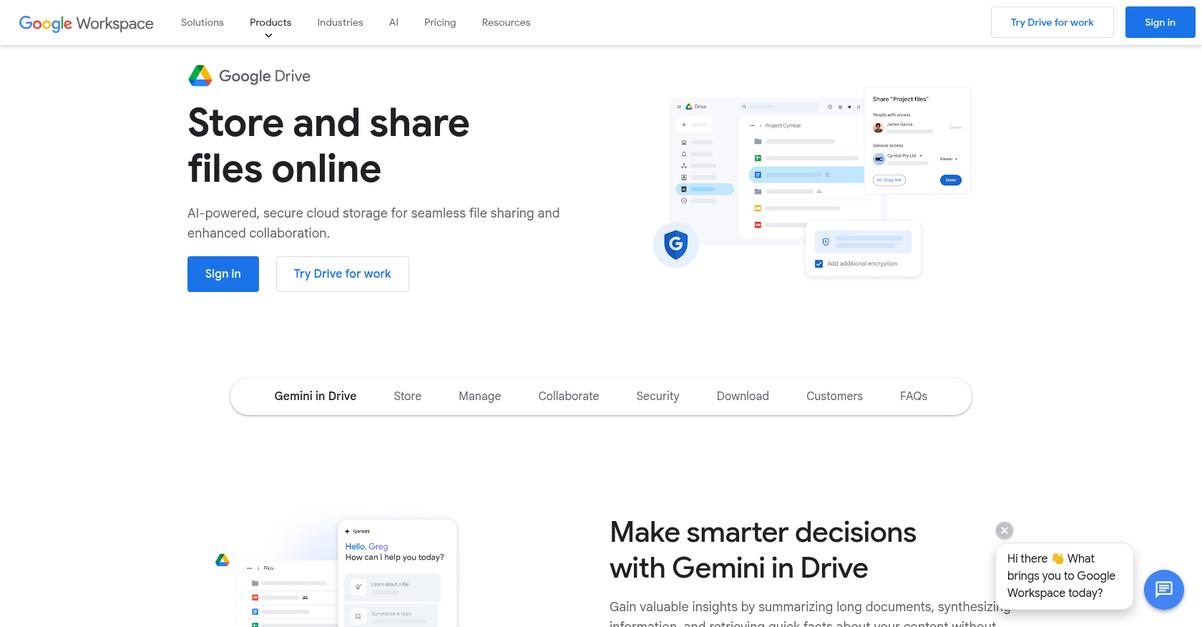
Google Drive steps in with real-time co-editing, letting your team work together on Docs, Sheets, and Slides without the limitations found in Tresorit’s environment.
The difference shows up when you need instant collaboration and next-level integration. With Google Drive, you get native document editing and automatic saving within one workspace, meaning your workflow isn’t disrupted by switching apps or using workarounds.
Now let’s see how you can make document management easier.
Google Drive delivers a simple, collaborative platform that handles the secure document storage you need while addressing the pain points Tresorit users often mention.
It offers more than just a storage locker—you gain automatic version history and Google-level search that finds content inside files, something Tresorit’s simpler search engine can’t match, especially for busy teams handling lots of documents every week.
Additionally, if staying connected to your existing tools is crucial, Google Drive’s seamless integrations with Gmail, Google Photos, and hundreds of third-party apps let you keep everything in one place. This means less time spent jumping between apps and more time on productive work.
The unified experience keeps document flow smooth and secure.
Key features:
- Real-time co-editing with built-in file creation lets your team edit Docs, Sheets, and Slides together right in Google Drive, supporting better collaboration than Tresorit’s file-centric workspace.
- Powerful search that indexes document contents enables you to instantly find content inside PDFs, images, and text files—not just filenames—dramatically speeding up retrieval compared to Tresorit.
- Tight Google ecosystem and third-party integrations allow automation with Gmail, Google Photos, and other business-critical apps, eliminating manual workarounds and giving you a true productivity hub.
Verdict: Google Drive is an ideal alternative if you need secure document storage with integrated collaboration and better workflow connectivity than Tresorit. You get real-time co-editing, comprehensive search, and deep app integration—all helping your team automate repetitive tasks and reclaim hours each week.
5. Egnyte
Stuck with Tresorit’s rigid storage and clunky workflow?
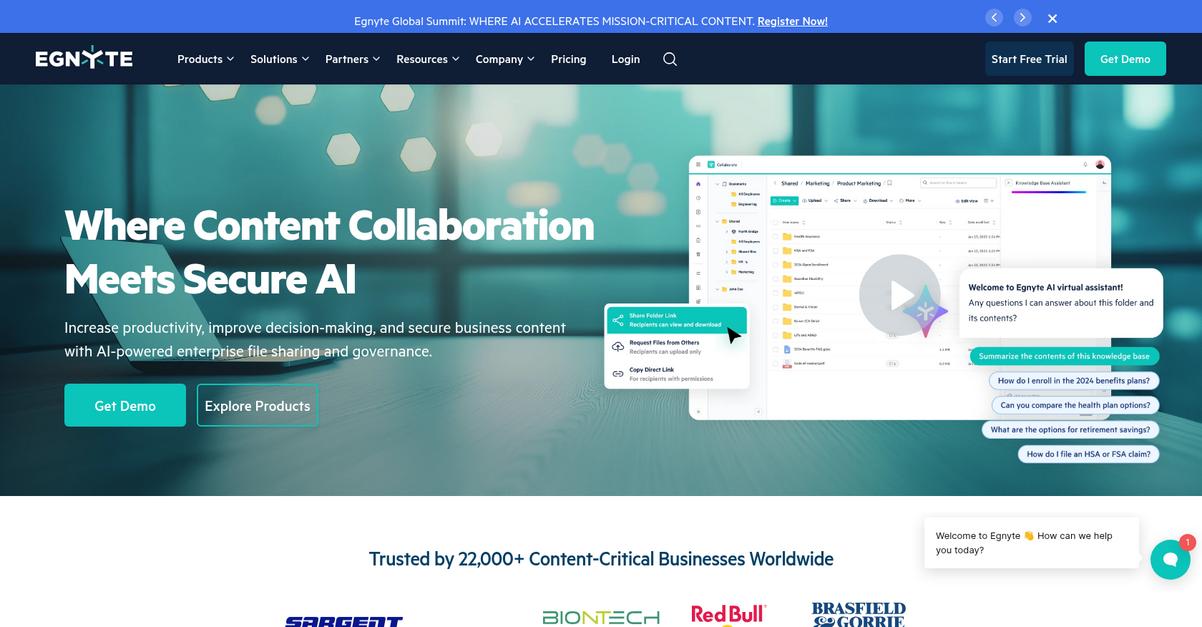
Egnyte stands out by giving you enhanced data governance features, hybrid storage options, and advanced AI-driven collaboration to tackle all the pain points Tresorit leaves unaddressed.
With its powerful classification and monitoring tools, Egnyte helps your business achieve proactive data protection and automated compliance policies—capabilities you just won’t find in Tresorit’s general security toolkit.
Here’s where Egnyte starts to shine.
The solution eliminates the complexity you face with Tresorit
If you’re seeking rock-solid secure document storage, Egnyte steps up with AI-powered data governance plus hybrid deployment flexibility, designed specifically for your regulatory needs.
You can store your files wherever you need—cloud, on-premises, or both. Egnyte also connects easily to dozens of apps, with AI-driven file insights for real-time decision-making that simplify collaboration on even massive documents. That means your team can work securely, without re-training or giving up control over where information lives.
Additionally, you’ll benefit from smart content collaboration and content lifecycle management that tightly integrate with your existing workflows. These features address migration fears and user resistance head-on while bringing powerful compliance automation and better visibility, so you don’t sacrifice either usability or control in your switch from Tresorit.
That’s why Egnyte is such a tempting option.
Key features:
- Proactive data governance and classification tools monitor document access and automate compliance policies, surpassing Tresorit’s standardized security with regulatory controls fitting industries like finance or construction.
- Hybrid cloud, on-premises, and mixed deployment empower you to choose data residency and maintain full oversight, whereas Tresorit’s storage is limited to the cloud alone.
- AI-powered content collaboration and integrations deliver actionable insights, smarter workflows, and seamless connections to dozens of business-critical apps—speeding up processes for your team switching from Tresorit.
Verdict: Egnyte is a high-value alternative to Tresorit if your priority is security, flexibility, and powerful collaboration for document storage. As reported by PCL Construction, Egnyte users have cut both labor and capital cost provisioning new storage, delivering measurable time and budget savings—especially in regulated environments.
6. Internxt
Worried Tresorit’s complexity is holding your team back?
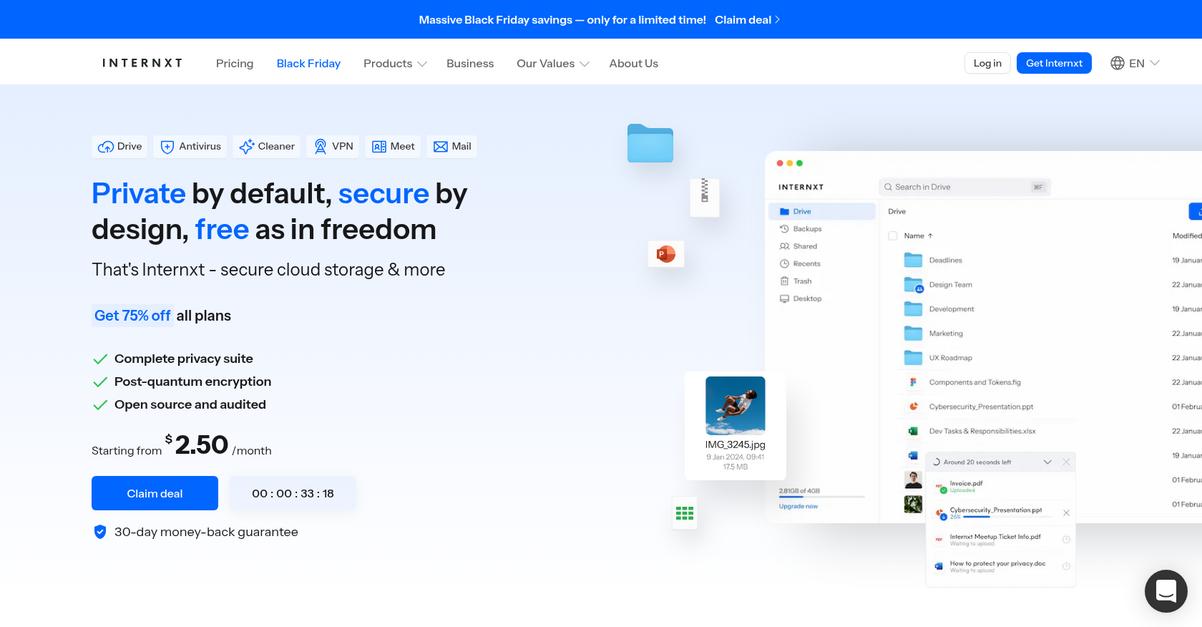
Internxt focuses on making secure document storage simpler, delivering open-source transparency and decentralized safeguards that go further than Tresorit’s traditional centralized model.
This means Internxt directly addresses your concerns about trusting a “black box” system. You get open-source code to review and audit yourself, along with robust privacy tools that relieve many integration and migration worries.
You don’t have to compromise your workflow anymore.
Internxt steps up as a compelling alternative for anyone craving modern security without getting bogged down in clunky interfaces or rigid workflows.
Internxt tackles security on two powerful fronts. First, it uses Kyber-512 post-quantum encryption—giving your sensitive files a shield even beyond what Tresorit’s AES-256 offers. Then, Internxt shreds and distributes file shards across globally decentralized servers, so no single location ever holds your whole document. This makes targeting your data noticeably harder for bad actors and strengthens your privacy stance.
Additionally, Internxt’s open-source model means you (or your IT lead) can verify its encryption on GitHub, boosting audit confidence. Lifetime pricing options add cost flexibility, letting you invest once rather than sticking to strict monthly user plans. The result is a secure system that helps your team collaborate and share without friction.
You get safety, transparency, and financial flexibility—all in one.
Key features:
- Post-quantum encryption with Kyber-512 brings a new layer of security by protecting your documents from both present and future quantum computing threats—stepping above Tresorit’s standard AES-256.
- Decentralized file sharding infrastructure splits and stores your encrypted files across global nodes, preventing any single server from holding your complete data and seriously boosting resilience.
- Full open-source code transparency gives your IT team the power to inspect and verify every security protocol, so you’re not locked into a proprietary “trust us” approach like with Tresorit.
Verdict: Internxt is a forward-thinking alternative to Tresorit if secure document storage with real transparency matters to you. Its decentralized architecture and quantum-resistant encryption put your files beyond ordinary risks, while open-source code lets you confirm exactly how your data is protected every step of the way.
7. Proton Drive
Tired of Tresorit’s complex interface and rigid structure?
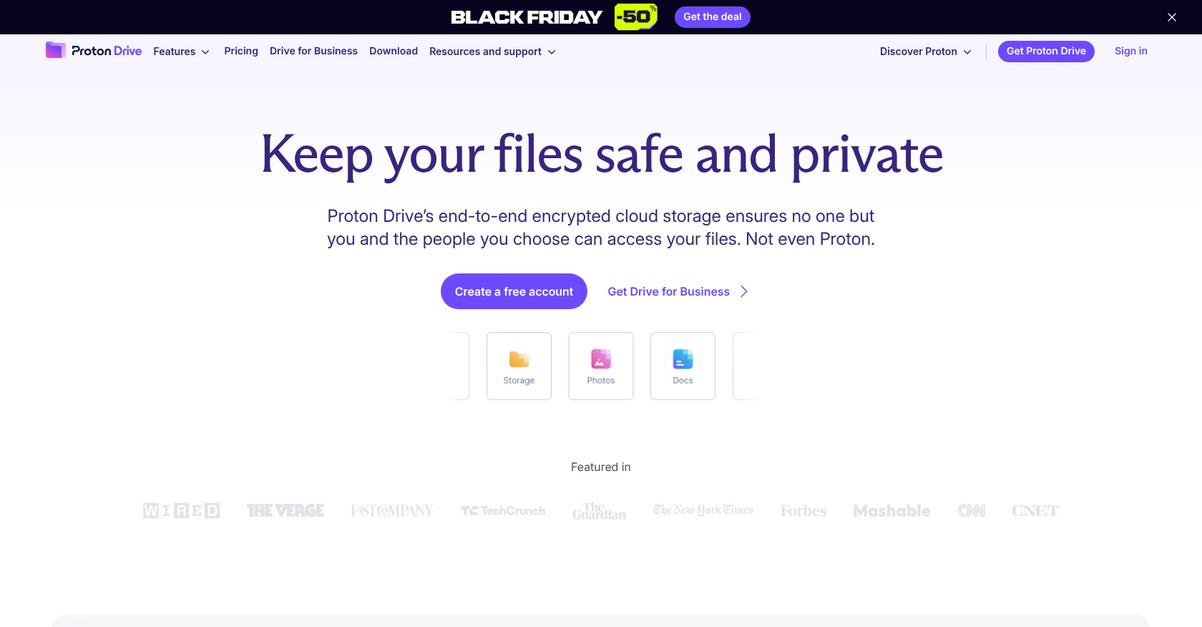
Proton Drive goes beyond document storage by offering a seamless, privacy-focused experience that eliminates many of Tresorit’s pain points for small business owners and IT managers.
Key highlights include an integrated ecosystem with Mail, Calendar, VPN, and Pass, plus zero-access encryption that even hides metadata—making it far more private than Tresorit in practical terms.
You’re getting privacy consolidation and greater document flexibility in one platform, so you don’t have to juggle multiple tools just to stay secure or struggle with tricky permissions.
Here’s how Proton Drive changes the secure storage game.
Proton Drive makes secure file storage straightforward by putting your privacy first and ensuring migration from Tresorit won’t disrupt your day-to-day workflow.
By providing zero-access encryption, Proton Drive ensures even your file names and folder structures are invisible to anyone but you. You can confidently upload any file size (with no artificial limits) and access up to 10 years of version history—something Tresorit simply can’t deliver. If you have massive files or want true confidentiality, this level of control stands out.
Additionally, Proton’s entire privacy suite consolidates document storage, email, calendar, and password management. This lets you simplify your tech stack, streamline operations, and reduce integration headaches—all while benefiting from Proton’s swift average upload speeds of 2350 Mbps.
Privacy and control, finally working in your favor.
Key features:
- Integrated privacy-first ecosystem with Mail, Calendar, VPN allows you to manage files and communications in one secure platform, eliminating the need for multiple privacy tools Tresorit doesn’t offer natively.
- True zero-access encryption of ALL data and metadata means not even Proton can see your document names or folder structures, offering more privacy protection than Tresorit’s standard encryption approach.
- No file size limits and up to 10 years of versioning enable effortless storage and retrieval of large files or project archives, so you’re not bound by the restrictions that hinder productivity elsewhere.
Verdict: Proton Drive is the clear next step if you’re seeking an alternative to Tresorit for secure document storage software. Its zero-access encryption, broader privacy suite, unrestricted file sizes, and industry-leading upload speeds (2350 Mbps tested) solve real problems facing privacy-conscious businesses and IT leaders every day.
8. Digify
Looking for a secure document flow without the headaches?
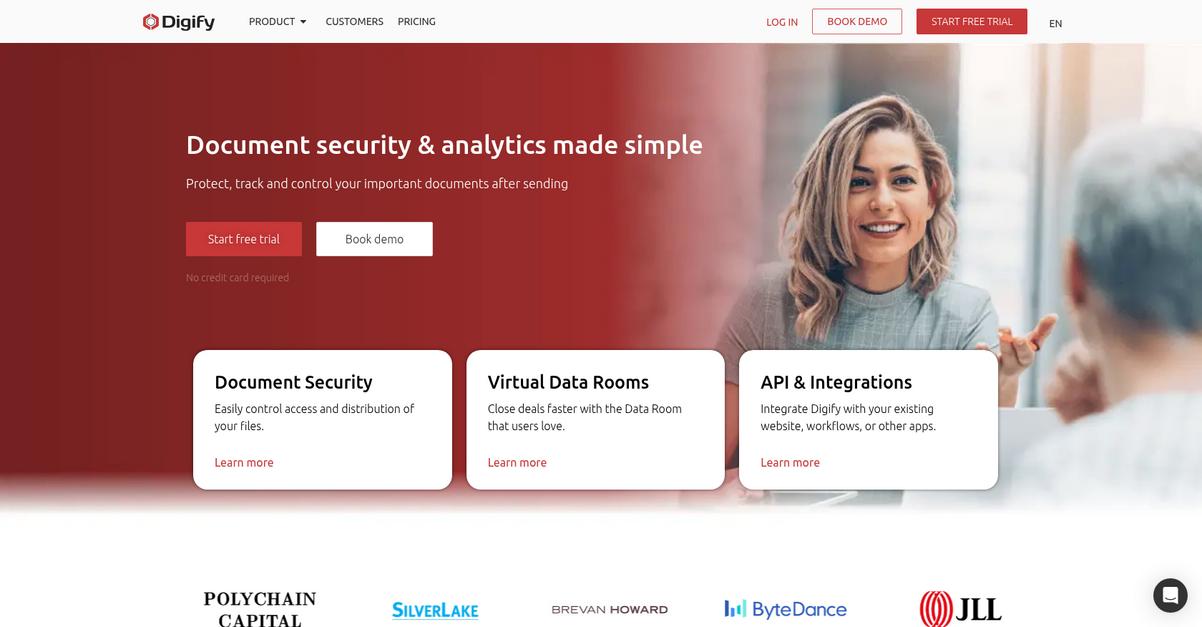
Digify tackles frustrations you might have with Tresorit’s complex sharing by adding persistent file protection, dynamic watermarking, and advanced engagement analytics in one platform.
Unlike Tresorit’s read-only links, Digify offers document protection that remains after download so you keep control no matter where your files go.
Here’s how Digify turns this into a real advantage.
For business owners and IT managers anxious about losing control of sensitive documents, Digify’s DRM means peace of mind even after files leave your platform.
The solution is more straightforward than you think.
Digify is built for moments when you need granular security and real-time audit trails—such as due diligence, M&A, or fundraising—with strong post-sharing controls Tresorit just doesn’t provide.
You’ll benefit from persistent protection powered by patent-pending DRM: files stay locked down after download, not just shared or viewed, so you don’t lose oversight once you hit “send.” Plus, movable dynamic watermarks adapt to block screenshots, not just discourage copying, which helps you identify leaks instantly if you’re dealing with sensitive financials.
Digify’s advanced analytics let you see exactly who viewed which page, when, and for how long, adding a layer of insight not available with Tresorit’s general activity logs. Combine that with exportable logs and you’re set for compliance or investor reporting.
The result is complete control with fewer usability headaches.
Key features:
- Persistent file protection after download means your documents stay protected even when shared or downloaded—unlike Tresorit, which only secures access through view-only links or apps.
- Detailed engagement analytics for document and page level allow your team to monitor every click, scroll, and download, offering unmatched insight for compliance, audit, or investor relations.
- Dynamic and patent-protected movable watermarks automatically include viewer information and adapt on each page, actively deterring screenshots and unauthorized sharing on every document you distribute.
Verdict: Digify is the top Tresorit alternative if you need robust secure document storage and post-distribution control. Customers have built due diligence data rooms in one day, inviting investors next day—proving you get agility, granular analytics, and stronger DRM than Tresorit’s sharing model can offer.
9. PandaDoc

Ready to ditch tedious document workflows?
PandaDoc takes the headache out of document management security with powerful automation tools Tresorit just can’t match.
With everything built around a drag-and-drop editor, PandaDoc empowers your team to create, edit, and customize contracts and proposals—something Tresorit doesn’t offer inside its interface.
If your business needs a full toolkit for document workflow automation, PandaDoc goes far beyond just secure storage. Integrations with Salesforce, HubSpot, Stripe, and more let you move data automatically, so you avoid manual work and reduce errors.
Here’s where things really improve.
PandaDoc brings everything together right inside one unified platform.
You get an all-in-one solution for document creation, collaboration, and security that shortens your deal cycles and removes workflow friction.
PandaDoc doesn’t just let you store files securely. Its drag-and-drop document builder and template library speed up everything from proposals to e-signatures, plus legal-grade authentication features like passcode, SMS, and audit trails add a new layer of protection that Tresorit lacks for signing agreements.
Additionally, business-centric integrations unlock the data flow and process automation Tresorit can’t provide. Automated CRM and payment connections save you hours each week, while advanced reporting and approval rules make oversight a breeze.
The result is streamlined document flow and productivity gains your team can actually feel.
Key features:
- Native document creation and editing toolkit with drag-and-drop builder and extensive templates, allowing contract and proposal workflows Tresorit doesn’t support in-platform.
- Advanced e-signature authentication options and audit trails provide better compliance for signing than Tresorit’s limited e-signature toolset, including ID checks and verification flexibility.
- Deep integrations with CRMs and payment providers automate data flows and sync documents instantly, replacing the manual download-upload routine required in Tresorit.
Verdict: PandaDoc is a standout Tresorit alternative if you’re ready for workflow-driven secure document storage. With customers reporting a 63% productivity boost and 37% fewer errors after adopting PandaDoc, the impact extends to every approval, signature, and deal your business manages.
10. Box

Looking for easier document management than Tresorit?
Box brings powerful AI-driven content insights, 1,500+ integrations, and flexible workflow automation to the table—addressing those clunky collaboration and migration headaches Tresorit users face.
With Box, you avoid the limited collaboration and rigid interface found in Tresorit, as Box provides enterprise-grade security plus extensive workflow automation via Box Relay. Security is never compromised, and adopting Box means data migration worries become a thing of the past thanks to Box’s vast integration ecosystem.
Plus, you can take back control with confidence.
Box steps up by giving you intelligent content management that actually makes your documents easier to find and manage. This means your search experience is enhanced beyond what Tresorit offers, while metadata-driven automation makes onboarding and transition smoother for your entire team.
Here’s how you benefit as you switch: Box’s intelligent AI features—like content summaries, smart search, and metadata extraction—clear away manual searching and layering. If you’re coming from Tresorit, you’ll appreciate how automation works right alongside secure storage, without confusion.
Additionally, Box’s enterprise-grade governance and compliance mean you’re getting more than just basic encryption. Threat detection from Box Shield and retention controls let you meet strict regulations without the learning curve that frustrates so many Tresorit users.
You get powerful features with genuine ease.
Key features:
- AI-powered content management and search enhances document discoverability using metadata extraction and smart summaries, helping your team find critical files much quicker than Tresorit’s basic storage.
- Extensive workflow automation with Box Relay goes beyond standard file sharing by allowing you to create document generation and review flows directly within Box.
- Enterprise-grade security and compliance tools bring threat detection and advanced retention policies through Box Shield and Governance, supporting strict regulatory requirements well beyond Tresorit’s scope.
Verdict: Box is a top-tier Tresorit alternative for secure document storage and workflow automation. With over 1,500 integrations and an impressive 332% ROI reported by real Box users, switching means you’re set up to enhance security, collaboration, and automation—all without complex adoption pains.
Conclusion
Frustrated by Tresorit’s confusing user experience?
The complex interface and limited collaboration options in Tresorit slow down your team’s productivity and make secure document management feel like a chore.
Switching tools can feel daunting, but finding a solution that finally fits your workflow is well worth the temporary effort. I know your business needs easy document control, faster collaboration, and less hassle—especially if you’re done with clunky tools that drain your team’s day.
Here’s my top suggestion.
FileCenter comes out on top as the best Tresorit alternative thanks to its Windows-first design, truly simple interface, and secure file sharing options that put you back in control.
One of my favorite things about FileCenter is how easily it handles both local and cloud files, so you get all the flexibility Tresorit users miss—without sacrificing security or ease of use.
Start your free FileCenter trial and experience stress-free document management today.
You’ll get simpler workflows and happier users.