
Struggling with unFORM’s outdated experience?
When you’re stuck with unFORM’s clunky interface, minimal integrations, and lack of true cloud features, it’s easy to feel frustrated about managing your nonprofit’s important documents.
These limitations can slow down your team’s daily workflows and leave your files frustratingly hard to access or share.
The impact? Your staff wastes valuable time navigating confusing menus and patching together disconnected tools, while compliance and collaboration suffer. All the while, you’re watching productivity drop, team morale wane, and costs creep higher—a reality nonprofits can’t afford to ignore.

But you don’t have to stay stuck—there are multiple alternatives that offer intuitive interfaces, cloud access, and real scalability for nonprofits like yours.
In this article, I’ll walk you through the best unFORM alternatives built for nonprofits needing smarter document management, highlighting how FileCenter, PairSoft, Docubee, and others compare for ease-of-use, integrations, and value.
You’ll find modern tools that unlock efficiency and boost your nonprofit’s impact.
Let’s find your solution.
Quick Summary:
| # | Alternative | Rating | Best For |
|---|---|---|---|
| 1 | FileCenter → | Simplicity and cost savings | |
| 2 | PairSoft → | Finance automation and compliance | |
| 3 | Docubee → | Modern AI-powered workflows | |
| 4 | Proton → | Privacy-focused collaboration | |
| 5 | ONLYOFFICE → | Real-time team collaboration |
1. FileCenter

Looking for less complexity than unFORM offers?
FileCenter’s familiar Windows-style folder setup cuts through the confusion with virtual cabinets and simple filing—perfect if unFORM’s steep learning curve has slowed you down.
Here’s what sets FileCenter apart if you’re tired of database-heavy interfaces: your team can start right away with a layout they already recognize. This means no overwhelming training sessions or long implementation periods, especially if you’re anxious about switching systems.
You don’t have to compromise on usability to gain control.
FileCenter gives you a smarter way forward by letting you organize and digitize documents with the Windows folder structure your staff already knows.
With virtual cabinets and drawers, you don’t need to wrestle with databases or coding just to organize files. Plus, you can scan paper documents right into searchable folders, thanks to built-in OCR and scanning tools that streamline everything for your nonprofit.
You also gain huge cost control with FileCenter’s one-time licensing. This way, you avoid hefty $500/month unFORM subscriptions and keep new tools within your budget. With cloud service integrations like Google Drive and OneDrive, your team stays efficient and compliant without the workflow headaches you may have faced before.
You’ll see better results, less disruption, and faster team adoption.
Key features:
- Virtual cabinets and drawers with Windows layout organize files in a familiar structure, so staff can start filing without extensive training, unlike unFORM’s more complex, database-oriented taxonomy.
- Integrated scanning and OCR for quick digitization convert incoming paperwork straight to searchable PDFs inside organized folders, letting you reduce manual filing and eliminate lost documents in record time.
- One-time licensing for predictable nonprofit budgets allows you to skip recurring enterprise subscriptions, keeping long-term costs much lower and making adoption affordable for small to medium nonprofits.
Verdict: FileCenter is a strong alternative to unFORM for nonprofits focused on simplicity, cost savings, and staff adoption. Nonprofits switching have reported scanning and organizing their backlogs 60% faster, citing immediate usability and major storage cost reductions by moving away from unFORM’s complexity.
2. PairSoft

Wish unFORM made your finance workflows easier?
PairSoft’s AI-powered automation fixes limitations you’ve likely hit with unFORM’s generic document management, especially when it comes to manual invoice data entry or limited ERP connections.
This means you get streamlined AP automation powered by smart OCR, deep integration with nonprofit-specific ERPs like Blackbaud and NetSuite, and custom approval workflows that fit your compliance needs—not just basic document routing. In fact, having specialized automation tools for finance operations gives you a real advantage if your old software left you doing too much by hand.
Here’s how PairSoft delivers more where unFORM falls short.
PairSoft stands out by solving those key frustrations from the start, especially around manual finance tasks that eat up your team’s time and drag down efficiency.
You’ll see immediate impact through AI-driven invoice capture and deep ERP connections, so your financial data moves automatically from incoming bills to your accounting system. This means you spend less time keying in amounts, tracking down approvals, or worrying about data errors. Plus, flexible, audit-ready workflows adapt to your nonprofit’s policies, helping you enforce compliance and breeze through audits—without the headaches of retraining your entire staff.
And on top of all this, you have easy migration support and intuitive controls, letting you focus on real nonprofit work instead of wrangling software limits.
Your finance and admin team will notice the difference fast.
Key features:
- AI-powered AP automation cuts manual entry by using OCR to capture and process invoices, matching against POs, and automatically applying GL codes—reducing human error and speeding up approvals.
- Native ERP integrations with Blackbaud and NetSuite centralize your document and finance processes, offering much deeper connections than unFORM’s generic integrations with nonprofit accounting platforms.
- Customizable multi-level workflow automation enforces compliance using audit-ready approval routing for purchases and invoices—so you get control tailored to your nonprofit’s rules and grant demands.
Verdict: PairSoft is a smart alternative to unFORM if your nonprofit wants next-level finance and document automation. Nonprofit users saw approvals go 70% faster and saved $62,000 in staff time yearly with PairSoft’s AI-driven workflows and direct ERP integrations, making it perfect if you want real results.
3. Docubee
Looking for a less outdated experience than unFORM?
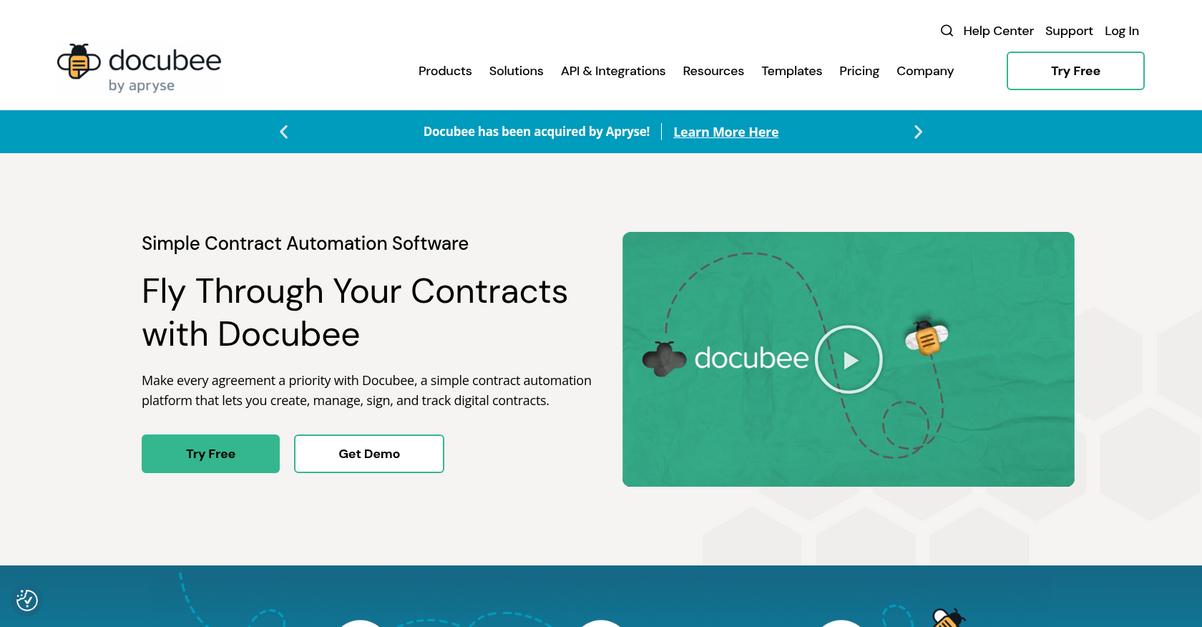
Docubee brings AI-powered document creation, contract automation, and built-in eSignatures to nonprofits needing a modern upgrade from unFORM’s template-based and clunky workflows.
You get contract automation workflows, real-time document collaboration, and secure, legally binding eSignatures with audit trails—all directly integrated. That’s something unFORM just doesn’t provide as natively or fluidly.
Here’s what happens when you use Docubee instead.
Docubee turns those nonprofit document hassles into streamlined digital flows.
Docubee solves major headaches for nonprofits wanting to move away from unFORM by making documents, contracts, and signatures easy and precise with its all-in-one platform.
With generative AI document creation, you simply enter a prompt to spin up contracts and forms instead of wrestling with static templates or manual setups. This means less time wasted and far fewer errors during process changes.
It’s more than just smart creation—Docubee’s contract automation handles routing, review, and approval with flexible conditional workflows. Secure, compliant eSignatures (legally binding with full audit trails) keep you on track with nonprofit compliance and grant requirements, something unFORM lacks out of the box.
You get cost-effective, scalable document management without extra training overhead.
Key features:
- Generative AI document builder: Instantly generates nonprofit contracts or forms from a prompt, eliminating manual template work and saving valuable staff time compared to unFORM’s approach.
- Contract automation workflows: Specialized logic streamlines nonprofit contract creation, routing, approval, and signing—far deeper contract lifecycle management than what unFORM’s generic automation enables.
- Integrated, compliant eSignatures with audit trails: Secure, legally binding eSignatures built in—plus detailed tracking—help meet strict HIPAA, FERPA, and CCPA nonprofit requirements far beyond unFORM’s capabilities.
Verdict: Docubee is one of the strongest unFORM alternatives for nonprofit document management. Users report transforming multi-day processes into minutes with its AI-powered generator, automated contract workflows, and secure eSignatures—all while maintaining HIPAA, FERPA, and SOC 2 compliance for your sensitive documents.
4. Proton
Worried your data isn’t truly private with unFORM?
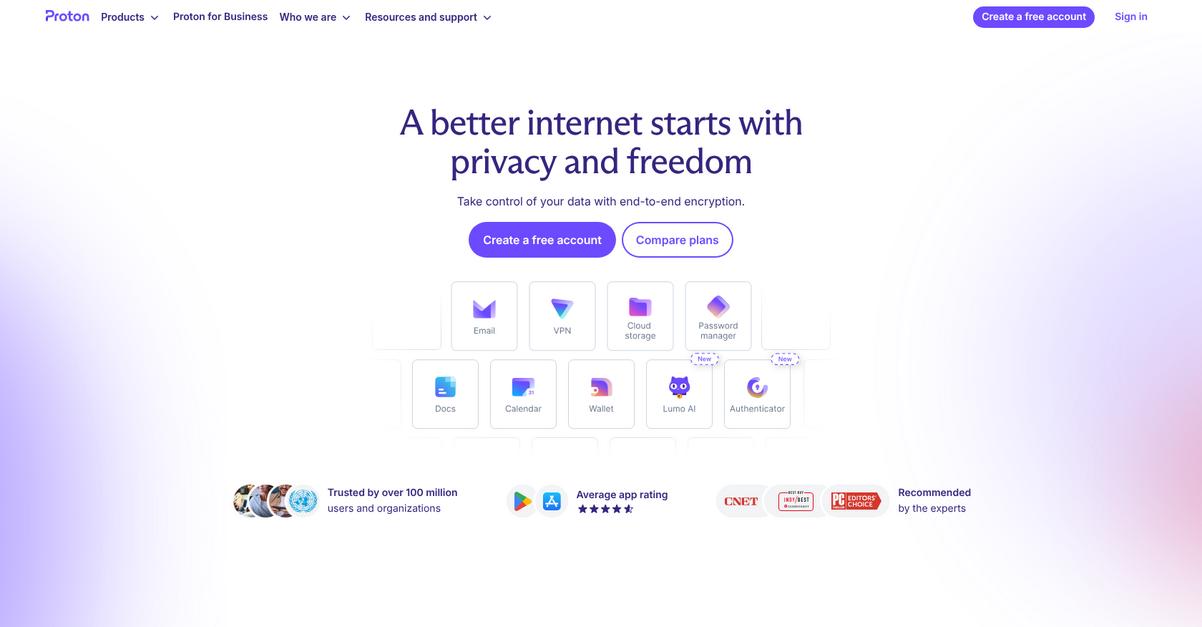
Proton puts privacy at the core by offering end-to-end encrypted cloud storage and truly secure, collaborative document editing—something unFORM lacks for nonprofit teams.
With Proton, you get stronger data control and privacy protections for sensitive information, instead of relying on generic secure storage. This unique approach is especially useful if your nonprofit needs to meet strict confidentiality or compliance requirements.
This all makes the difference for your workflow.
Proton’s ecosystem delivers privacy-first document management that goes far beyond what you’ll find with unFORM.
Here’s how Proton addresses your concerns as you look to switch. Every file you upload is protected with zero-access encryption, so no one but you can decrypt or access your nonprofit’s sensitive records. You also get the new Proton Docs editor, which combines real-time multi-user collaboration and end-to-end encryption—even your team’s keystrokes and comments stay private, unlike the limited privacy found with unFORM.
Proton takes this further by offering nonprofit discounts and Swiss jurisdiction, letting your organization leverage Switzerland’s strong privacy laws and open-source transparency while staying within a tight budget. This trio of affordability, uncompromising privacy, and compliance drastically reduces risk during migration.
You’re never forced to sacrifice privacy or usability.
Plus, with end-to-end encryption baked into both storage and editing, your team can work collaboratively without anxiety over leaks or data exposure risks. The compliance-friendly architecture, paired with jurisdictional advantages, makes workflows safer and more cost-effective as your needs grow.
You’ll find Proton matches true nonprofit values.
Key features:
- Zero-access end-to-end encrypted cloud storage restricts all file access to only your team, providing a much deeper level of privacy than general secure storage offered by unFORM.
- Privacy-focused real-time collaboration with Proton Docs enables multiple users to work together on documents securely, providing end-to-end encryption even for comments, editing, and document history.
- Nonprofit discounts and Swiss data jurisdiction deliver strong legal data protections and open-source transparency, ensuring affordable and compliant document management without the complexity you’d face elsewhere.
Verdict: Proton stands out as a modern alternative to unFORM for nonprofit document management needs, combining uncompromising end-to-end encryption, private collaborative editing, and Swiss legal protections. With over 100,000 businesses and nonprofits protected and 100 million total users, you can confidently protect donor data and scale securely while saving on costs.
5. ONLYOFFICE
Outgrowing unFORM’s clunky interface and limited collaboration tools?
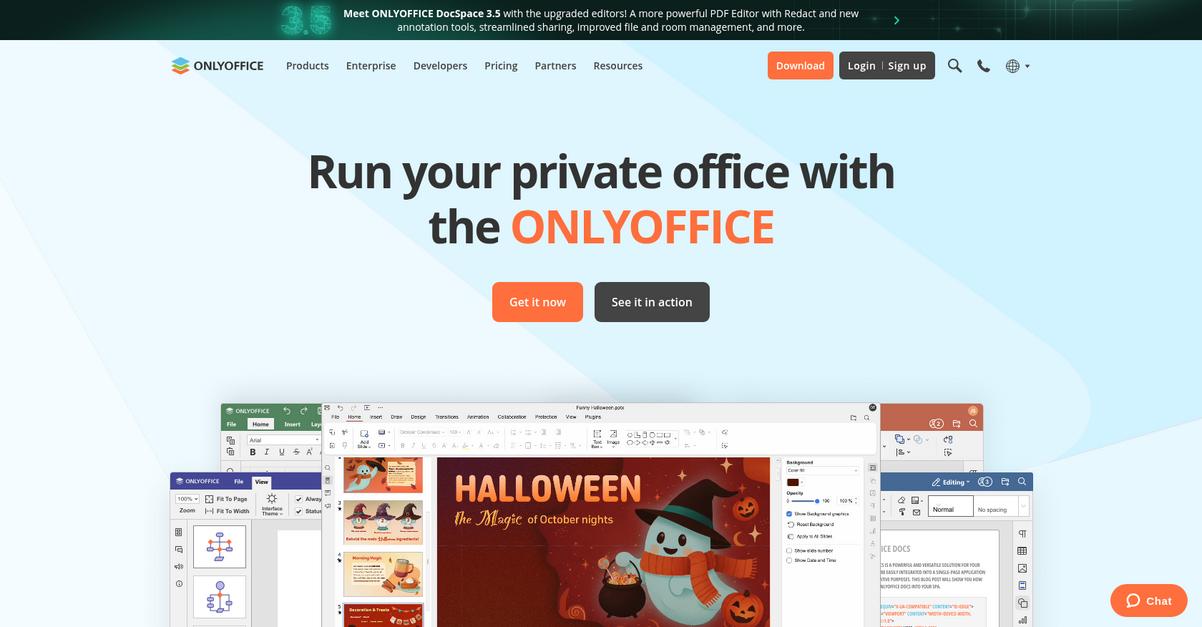
ONLYOFFICE gives you real-time co-authoring, customizable document “Rooms,” and MS Office compatibility—solving the challenges of unFORM’s sequential workflows and lack of seamless integrations for your nonprofit team.
What sets ONLYOFFICE apart is its ability to combine online editing, robust permissions, and external sharing in a single, cloud-native suite. This means you get better collaboration and peace of mind compared to unFORM’s restrictive, legacy document system.
Switching to an alternative doesn’t have to be difficult.
Here’s how ONLYOFFICE delivers what you’re missing.
You get user-friendly online editors compatible with Microsoft Office formats, so importing and editing your nonprofit’s files is painless compared to unFORM’s ERP-centric limitations.
With real-time co-authoring, you and your team can work together in secure collaboration Rooms instantly—enabling live feedback, version history, comment threads, and chat, which builds a more agile document workflow than unFORM’s fixed process.
Plus, the free cloud offer for nonprofits means your group gets 2GB of storage and 20 admin accounts without the $500/month price tag, making scaling up and managing access affordable as your needs grow.
Everyday work just gets easier.
Key features:
- MS Office format compatibility and online editors ensure easy adoption and data migration from existing files, eliminating file conversion hassles common with unFORM’s document output focus.
- Real-time document co-authoring with collaboration Rooms enables teams to edit, comment, and track changes together securely—far beyond unFORM’s linear editing and review steps.
- Free nonprofit cloud accounts with robust user controls deliver dedicated storage, up to 20 admins, and advanced privacy, making comprehensive document management affordable for growing nonprofits.
Verdict: ONLYOFFICE is one of the best unFORM alternatives for nonprofit document management. Its advanced co-authoring, Microsoft Office compatibility, and free nonprofit accounts make migration less stressful. Organizations report meaningful cost savings and smoother teamwork compared to running costly proprietary suites or relying on unFORM’s outdated workflow model.
6. Document360

Looking for a simpler way to manage nonprofit knowledge?
Document360’s AI-powered knowledge base platform tackles the core struggles you may have faced with unFORM, like limited integrations, a clunky interface, and missing cloud-native features.
With Document360, you can leverage AI-driven search, specialized version control, and audit logging. These capabilities help in overcoming unFORM’s operational document focus and outdated interface without overwhelming your users.
Plus, you get faster information retrieval and precise content governance for every knowledge article that directly reduces your overhead and staff frustration.
Here’s how Document360 smooths your document transition.
Document360 delivers a self-service knowledge base that helps your nonprofit share internal policies, FAQs, and manuals while reducing support tickets—no complicated migration roadmap needed.
You’ll appreciate how the AI-powered “Ask Eddy” search lets your staff and volunteers find answers instantly in plain language, which means you spend up to 30% less time fielding repetitive support requests.
Additionally, Document360 includes built-in audit trails and version restore for knowledge articles. This transparency not only supports compliance but also makes onboarding new staff much easier, addressing the retraining worries you might have switching from unFORM.
Offering robust multi-language support further helps your nonprofit serve diverse communities with clarity.
Document360 bridges knowledge gaps for your team.
Key features:
- AI-driven knowledge base with instant search answers helps your team resolve questions themselves, reducing unnecessary support tickets and enhancing staff efficiency compared to unFORM’s limited content retrieval.
- Audit logs and version control for every change allow you to track content history and roll back updates instantly, improving compliance and document integrity beyond basic versioning.
- Deep multi-language support with AI translation tools lets you create and maintain localized knowledge bases, so your nonprofit can communicate across more than 50 languages—covering needs unFORM overlooks.
Verdict: Document360 is a strong alternative to unFORM for nonprofits needing a modern, AI-powered knowledge base. Reports show nonprofits have cut support costs by up to 40% and reduced inbound tickets by 20-30% using Document360’s unique search and content governance tools, making day-to-day document management both easier and more cost-effective.
7. Bitrix24
Ready to finally modernize your document workflow?
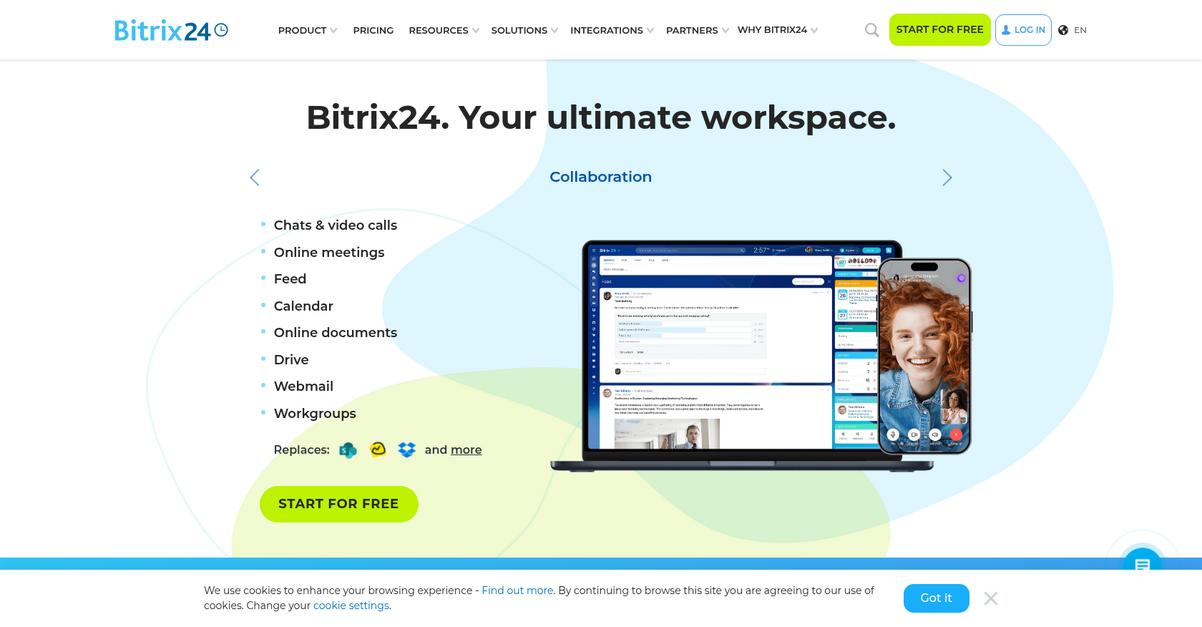
Bitrix24 brings together donor management, document collaboration and project tracking in one place, unlike unFORM’s rigid automation-focused platform.
With built-in CRM tools, real-time co-editing, and unlimited user support on the free plan, Bitrix24 addresses your biggest pain points head-on. You skip costly subscriptions and get features tuned for nonprofits.
Unlike unFORM, Bitrix24 gives you a centralized workspace to manage donors, files, and team projects—not just archives and automations. This means your staff can handle collaboration, communication, and donor engagement from a single dashboard without juggling apps.
Here’s how Bitrix24 bridges the gap for nonprofits.
If you want an alternative to unFORM that does more than just store documents, Bitrix24’s all-in-one approach has you covered.
You get an integrated CRM tailored for nonprofits, letting you manage donor profiles, track contributions, and automate follow-ups all inside one platform. Its document collaboration tools let your team co-edit, share, and organize files in real time, boosting efficiency and reducing email chaos when switching away from static workflows.
Additionally, Bitrix24’s free unlimited user plan is a game-changer for budget-conscious nonprofits. You can onboard your whole team and volunteers without worrying about per-user fees—plus, project tracking and group drives are included, so migration stress is minimal.
Everything works together for your growing nonprofit.
Key features:
- Integrated CRM for donor management and engagement tracks donations, automates communication, and generates fundraising reports, going far beyond document archiving and process automation offered by unFORM.
- Real-time online document collaboration and drive options facilitate co-editing, storage, and sharing, making teamwork easier and more interactive than unFORM’s output-based file handling.
- Free plan with unlimited users and essential features provides cost-effective access to CRM, document management, and project tools, ideal for nonprofits scaling up without huge budget concerns.
Verdict: Bitrix24 stands out as a compelling unFORM alternative for nonprofits needing more than just document storage. Over 15 million organizations use Bitrix24 for its all-in-one CRM, collaborative editing, and cost-saving free plan—making migration smooth and supporting real nonprofit efficiency gains.
8. LogicalDOC

Tired of unFORM’s messy document searches and rigid workflows?
LogicalDOC makes finding what you need much quicker, thanks to its advanced full-text search across both document content and detailed metadata—all inside an easy-to-use web interface.
This means you can skip hunting endlessly for PDFs or spreadsheets in huge archives, even as your nonprofit’s files keep growing. LogicalDOC’s search is simply more advanced and accurate than unFORM’s default tools, which immediately saves your team headaches and time.
It’s a smarter way to stay organized.
LogicalDOC stands out as a real alternative because it directly tackles the pain points unFORM users face with modern, flexible solutions.
Instead of fighting with unFORM’s narrow workflow automation, LogicalDOC lets you customize every approval or routing step using a visual workflow designer that matches your nonprofit’s real-world processes.
This flexibility goes a step further when you factor in a free open-source Community Edition for core document needs. You’ll have total control over your data and won’t be locked into a single vendor, which is especially important if you’re scaling or watching your budget.
Additionally, LogicalDOC integrates with MS Office, automates document imports, and is available as both cloud and on-premise—giving your team power to choose the setup that fits best.
You improve operations without the typical migration nightmares.
Key features:
- Advanced full-text search and metadata tagging enables lightning-fast, comprehensive document retrieval, helping your team cut down file search time compared to unFORM’s default tools.
- Customizable workflow automation with visual designer gives you granular control over document approval, routing, and lifecycle steps—delivering flexibility unFORM’s scripting-based automation can’t match.
- Free open-source community edition for nonprofits provides a cost-effective, vendor-neutral foundation for managing critical documents, so you avoid high licensing fees or restrictive lock-in.
Verdict: LogicalDOC is a top unFORM alternative for managing nonprofit documents if you want customizable workflows, advanced search, and cost-conscious options. Nonprofits have reported smoother transitions and a 40% boost in user adoption, all while maintaining control with cloud or open-source setups.
9. PandaDoc

Not getting the cloud features your nonprofit needs?
PandaDoc brings a user-friendly drag-and-drop editor, legally binding eSignatures, and real-time tracking, directly addressing frustrations you might have with unFORM’s limited integrations and less-intuitive design.
Unlike unFORM, your team will benefit from an intuitive visual builder that eliminates technical setup, making document creation and signing accessible for everyone, no matter their technical background.
Let’s look at how PandaDoc is different.
With PandaDoc, you can automate nonprofit document workflows—like grant applications and donor agreements—using interactive templates, eSignatures compliant with ESIGN, UETA, and GDPR, plus integrations that fit right into your nonprofit’s daily tools.
The visual editor means you can create polished, media-rich forms in minutes instead of relying on output-based reports. Real-time analytics let you see who has opened, signed, or engaged with your documents, so you always have clear insights that unFORM simply can’t provide.
You’ll also get detailed audit trails and secure recipient authentication, which support compliance and transparency—two things nonprofit boards and auditors demand. Working from the cloud, your team can collaborate or collect signatures from anywhere, ensuring funding proposals or volunteer waivers go out without delays.
This can truly transform your document processes.
Key features:
- Intuitive drag-and-drop document editing empowers your nonprofit to quickly build professional proposals and agreements, even if your staff aren’t tech experts—no more technical barriers like with unFORM.
- Integrated, compliant eSignatures and automated workflows combine secure signing, document delivery, and follow-ups in one unified solution, eliminating fragmented processes or manual tracking.
- Real-time tracking and analytics dashboard delivers instant insights into recipient engagement and document completion, helping you optimize communications and report back results more effectively.
Verdict: PandaDoc steps up as a compelling unFORM alternative, especially for nonprofits needing scalability, compliance, and ease of use. Nonprofits report up to 50% faster document creation and a 36% higher close rate. Its robust integrations and visual interface make PandaDoc perfect for grant management, fundraising, and volunteer onboarding.
10. FileHold
Tired of clunky nonprofit document management holding you back?
FileHold targets the core frustrations users face with unFORM—like limited integrations and lack of cloud-native features—by offering advanced records management and fully customizable workflow automation.
Where unFORM can feel restrictive, FileHold gives you granular workflow control for every document you manage. This means you can automate complex approval chains, meet compliance requirements, and ensure audit trails without worrying about one-size-fits-all automation tripping you up.
Here’s where FileHold starts standing out.
With FileHold, your team finally gets a document management alternative that brings you beyond basic operations.
Unlike unFORM, FileHold’s solution directly addresses your need for a flexible yet compliant platform, thanks to its robust records management tools. These automate document storage, retention, and secure disposal, letting you handle sensitive nonprofit files without hassle and with confidence. Plus, you have the flexibility to deploy either in the cloud or on-premise, something you’d never get from unFORM’s fixed deployment choices—which means FileHold can scale as your needs evolve.
Additionally, FileHold’s configurable document workflow uses automated routing based on document type and metadata. You get searchable archives and audit trails built for tight compliance controls, which is perfect for nonprofit requirements.
The peace of mind comes standard.
Key features:
- Automated records management for nonprofit compliance covers secure storage, retention, and compliant disposal, offering protection and legal risk reduction surpassing unFORM’s general archiving and retention practices.
- Highly configurable document workflow automation enables routing and approval tailored to specific document types and custom metadata, offering finer control than unFORM’s fixed automation options.
- Flexible cloud and on-premise deployment allows you to start small and confidently scale to thousands of users and millions of documents as your nonprofit grows.
Verdict: FileHold is a smart alternative to unFORM if your nonprofit depends on tight compliance, scalability, and modern workflow automation. For example, Foursquare Church now rapidly searches their FileHold archive up to 200 times daily—showing just how much better access and traceability can get when you swap unFORM for FileHold.
Conclusion
Frustrated by unFORM’s outdated workflows?
If you’re tired of wrestling with unFORM’s clunky interface, limited integrations, and the lack of cloud flexibility, it’s no wonder you’re searching for a better fit for your nonprofit’s document management.
Making a switch can feel daunting, but the right tool brings instant relief and productivity—plus, your team finally gets the intuitive experience you deserve.
Here’s a smarter way forward.
Out of all the alternatives I’ve reviewed, FileCenter stands out as the best choice for nonprofits ready to leave unFORM’s limitations behind.
FileCenter streamlines document storage, is incredibly easy for your staff to learn, and works seamlessly with both local and cloud drives—solving the very pains that make unFORM so frustrating for nonprofits.
I’ve seen nonprofits move from unFORM to FileCenter and immediately notice smoother workflows, less training time, and far fewer headaches.
Try FileCenter’s free trial today to see the difference.
You’ll enjoy document management without frustration.