
Tired of clunky document versioning headaches?
With Virtual Cabinet, it’s easy to feel stuck managing jumbled versions and struggling to collaborate efficiently across your team.
The result? Compliance risks and missed deadlines pile up while your team wrestles with frustrating workarounds.
Every extra minute spent hunting for the right version or chasing audit trails eats into productivity, costs you valuable time, and slowly chips away at team morale.

These challenges can seriously stall growth and leave your team feeling defeated; not to mention how all this wasted effort gets in the way of real efficiency and better teamwork. Making a switch isn’t just about new features—it’s about reclaiming your team’s workflow.
The good news? There are plenty of robust solutions on the market that solve these headaches and upgrade your process.
In this article, I’ll show you the best Virtual Cabinet alternatives for document versioning software like FileCenter, Document360, M-Files, LogicalDOC, and more.
You’ll unlock smoother collaboration, stronger audit trails, and a platform that actually supports your team’s needs.
Let’s upgrade your workflow.
Quick Summary:
| # | Alternative | Rating | Best For |
|---|---|---|---|
| 1 | FileCenter → | Users wanting modern interfaces | |
| 2 | Document360 → | Teams needing better collaboration | |
| 3 | M-Files → | Users seeking smarter workflows | |
| 4 | LogicalDOC → | Companies requiring better support | |
| 5 | isoTracker → | Regulated industries needing compliance |
1. FileCenter

Constantly battling document chaos in Virtual Cabinet?
FileCenter steps in with cabinet-drawer filing that mirrors Windows folders and streamlines document versioning, instead of relying on complicated databases and rigid DMS taxonomies.
With features like integrated scanning and OCR, FileCenter ensures your version control process actually speeds up and remains intuitive for your whole team. This means you get clear audit trails without suffering through clunky or confusing workflows.
Want a more straightforward solution for document management?
FileCenter replaces Virtual Cabinet’s enterprise complexity with a desktop-first system designed for ease of use and practical needs. You get a familiar folder structure, so your staff can file documents just like they would in Windows, no steep learning curve required.
If you’re looking for a cost structure that fits real-world budgets, FileCenter offers a one-time perpetual license option alongside subscriptions, letting your business skip the never-ending fees Virtual Cabinet can impose. That puts more power back into your hands and delivers predictability—especially important if you’re worried about ongoing costs.
Additionally, integrated scanning and smart OCR mean you can digitize inbound paperwork directly into organized folders with rules that fit how you already work. Your team will spend less time correcting errors and more time getting things done.
Enjoy headache-free file management starting today.
Key features:
- Cabinet-drawer document filing with Windows folder structure provides your team a faster, more intuitive way to organize files than complex enterprise taxonomy systems found in Virtual Cabinet.
- One-time purchase license option for desktop use means you can avoid the endless cloud subscription costs that Virtual Cabinet often requires, especially if you need local control.
- Integrated scanning plus OCR with smart routing lets you scan, recognize, and file documents automatically, eliminating the need for separate scanning add-ons or manual sorting.
Verdict: FileCenter is a smart Virtual Cabinet alternative for small business document versioning. You get easy filing, built-in scanning, and audit trails while users have reported saving $18,000–$20,000 per year through automated document routing—ideal if you want local control and faster results without recurring enterprise fees.
2. Document360

Looking for more control over document versioning?
Document360 tackles Virtual Cabinet’s biggest pain points by giving you granular article-level versioning, visual change comparison, and project-based documentation iterations your current system likely can’t handle.
Unlike Virtual Cabinet, Document360 brings article-level versioning for fine-grained change tracking while combining a difference viewer that actually highlights edits between versions. This means your documentation process is easier to audit, and mistakes are less likely to slip through the cracks.
If you’re battling lost edits or unclear version histories, Document360 makes it simple to see exactly what changed and when.
Here’s how Document360 steps up as a solution.
You get robust version control designed for technical knowledge base management, so you can document every update and rollback with precision that surpasses what Virtual Cabinet offers.
Additionally, your team can use the side-by-side rich difference viewer for instant comparison, letting you catch every edit across document versions instantly. If you’ve ever scrolled through endless logs in Virtual Cabinet, this shift alone will feel liberating.
Project-level versioning lets you keep separate documentation for different releases or client projects, eliminating confusion over which guide is current and letting your team focus on accuracy and compliance.
All these tools put your documentation back in your hands.
Key features:
- Granular article-level versioning protects change integrity down to the page or section, tracking every edit unlike broader whole-document versioning found in Virtual Cabinet.
- Rich difference viewer visualizes document changes clearly by highlighting edits across versions, making it simple to audit or revert to precise previous states when needed.
- Project-level iteration management supports complex documentation needs by handling multiple product releases, feature updates, or parallel projects all within a single organized workspace.
Verdict: Document360 is your dedicated Virtual Cabinet alternative if document versioning accuracy is non-negotiable. With both article and project-level versioning, a powerful visual difference tool, and a technical documentation focus, you’ll outpace Virtual Cabinet on compliance and control without sacrificing usability or causing workflow breakdowns.
3. M-Files

Tired of Virtual Cabinet’s rigid document structure?
M-Files brings content-centric organization, leveraging metadata-driven tools to eliminate the inflexible hierarchies holding your team back in Virtual Cabinet. You’ll also benefit from AI-powered automation, delivering enhanced searchability and reduced manual work.
Unlike folder-based approaches, M-Files helps solve the common version confusion and audit trail headaches Virtual Cabinet users face by letting you categorize documents by content, not fixed locations. Your team can find what they need by “what it is,” not where it’s filed.
This creates a more adaptable document management style.
Here’s how M-Files offers a smarter alternative.
M-Files turns document chaos into clarity by organizing files using metadata, so your workflows adapt as your business changes. You’re no longer stuck with slow, manual searching or the fear of lost versions.
With multi-repository access, you gain a unified dashboard for every file—whether it’s on network drives, SharePoint, or other sources—without the pain of migrating everything first. This unified access means real collaboration upgrades without workflow disruption, a big win for anyone hesitating to switch from Virtual Cabinet.
Plus, intelligent AI helps automate document tagging and content extraction, boosting search speed and reducing user error. The result is efficiency: teams report up to 50% productivity gains and 30% faster approvals running M-Files workflows.
These benefits make switching worth it.
Key features:
- Metadata-based organization for flexible document retrieval lets your team search and categorize by document attributes instead of rigid folders, streamlining audits and versioning beyond what Virtual Cabinet can offer.
- Multi-repository access with zero data migration required gives your team a single source of truth for documents across SharePoint, network drives, and legacy systems, eliminating transfer headaches.
- AI-driven automation for metadata enrichment and search leverages built-in artificial intelligence to auto-tag, categorize, and improve document discovery, removing manual indexing frustrations from Virtual Cabinet.
Verdict: M-Files is a compelling Virtual Cabinet alternative if you want smarter document versioning and automated workflows. After implementation, you could see up to 50% faster document handling and smoother, audit-friendly collaboration. It’s ideal if you’re ready for document management that adapts to you—not the other way around.
4. LogicalDOC

Tired of Virtual Cabinet’s clunky version management?
LogicalDOC takes document versioning a step further, tackling frustration points with features like automatic version tracking, detailed content comparison, and true real-time editing.
If you’re struggling with Virtual Cabinet’s limited audit trails or slow collaborative updates, LogicalDOC provides automatic historical tracking for every document change so you always have a complete audit trail at your fingertips. Plus, it lets your team compare not just file content but all related metadata between versions, giving you insights Virtual Cabinet can’t match.
Here’s why that matters for your team.
Switching to LogicalDOC transforms document workflows.
LogicalDOC’s advanced version control captures every change, tagging both major and minor edits while logging them securely for reference. Your team can finally work together in real time on important documents with online editing, ensuring everyone’s updates and comments are instantly visible—no more emailing files back and forth or losing input in the shuffle.
Additionally, LogicalDOC’s open-source core empowers your IT team to tailor the software to fit your exact requirements, which is especially handy if you want to move beyond one-size-fits-all proprietary tools. Its content and metadata comparison tool further streamlines compliance, helping your team catch even subtle document changes that might slip by with Virtual Cabinet’s standard difference tracking.
LogicalDOC gives you full control and peace of mind.
Key features:
- Automatic and detailed version tracking for all changes keeps a historical record of every file revision, offering superior audit trails compared to standard versioning from Virtual Cabinet.
- Content and metadata comparison between versions pinpoints every modification in both text and data, letting your team analyze changes more deeply than with typical difference viewers.
- Real-time online collaboration and document editing enables multiple users to update, comment, and approve files instantly within the platform, boosting teamwork and cutting down workflow bottlenecks.
Verdict: LogicalDOC stands out as a top Virtual Cabinet alternative if you need robust document versioning with advanced audit controls. Its customizable open-source platform, automated version tracking, and real-time collaboration combine to help your team streamline document workflows and boost compliance—even in highly regulated sectors.
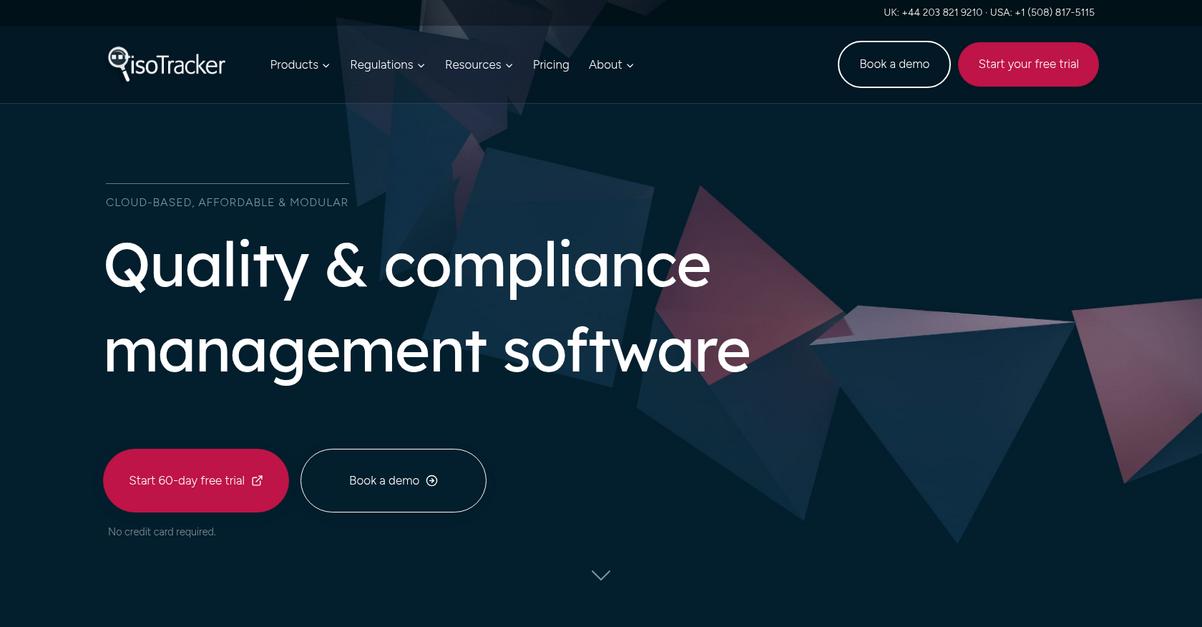
5. isoTracker
Feeling boxed in by Virtual Cabinet’s compliance constraints?
isoTracker brings sophisticated document approval workflows to the foreground, specifically targeting rigid compliance challenges where Virtual Cabinet often falls short.
If you want peace of mind that every document is both controlled and audit-ready, isoTracker’s approach gives you automated version control with restrictive access and structured workflows. This means you skip the risky manual steps that typically lead to audit issues or broken processes.
The real advantage comes from its focus on regulatory environments.
Here’s how isoTracker steps up as an alternative.
isoTracker is built for users managing sensitive, compliance-bound documents who need reliable audit trails and approval processes. Its main difference is automating document approval with task notifications and electronic signatures, moving documents efficiently through every necessary review.
Unlike Virtual Cabinet’s more general workflows, isoTracker’s approach lets you set predefined approval paths for strict regulatory compliance. This ensures only authorized users can access approved versions, which is critical for regulated businesses switching systems.
Additionally, robust support for ISO 9001 and FDA requirements means you can confidently meet quality standards, even if your business evolves. All your workflows, approval logs and revisions are tracked for easy audits, giving you the traceability Virtual Cabinet can’t match.
It’s document control designed with your real-world risks in mind.
Key features:
- Automated approval workflows with e-signature compliance move your documents through every review and sign-off step automatically, reducing manual errors and supporting precise regulatory recording at each stage.
- Controlled versioning and strict revision access ensure that only the most recent, approved documents are accessible to the right users, protecting document integrity beyond basic version tracking.
- Regulatory compliance for ISO and FDA standards provides out-of-the-box adherence to ISO 9001, ISO 13485, and FDA 21 CFR Part 11, taking the headache out of audits or quality reviews.
Verdict: isoTracker is a top-tier Virtual Cabinet alternative for regulated industries demanding serious document versioning. If you’re stuck with clunky version control or fear failed audits, isoTracker’s automated approvals, controlled access, and ISO/FDA compliance put risk-free quality management directly in your hands from day one.
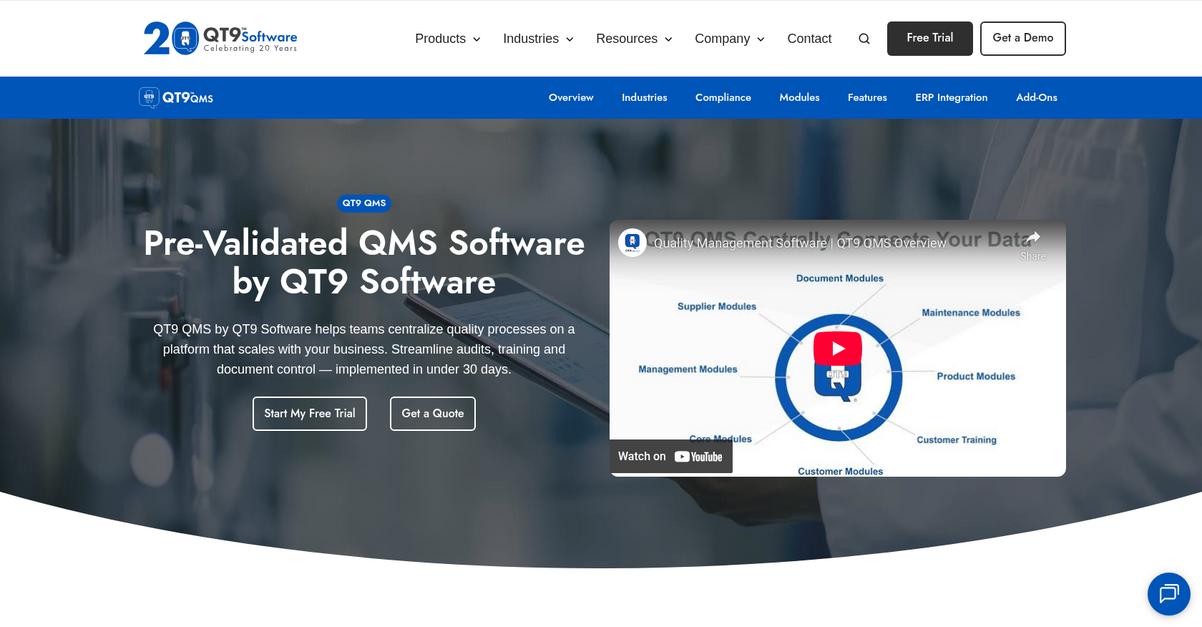
6. QT9 QMS
Tired of juggling clunky version control again?
QT9 QMS fixes this with automated version tracking, full audit logs, and integrated electronic signature approvals, helping you address Virtual Cabinet’s workflow bottlenecks for regulated documentation.
Unlike your old tool, QT9 QMS gives you centralized revision history and compliant e-signatures in one place. This means you’re not piecing together audit trails during every inspection or approval cycle, letting you focus on quality rather than chasing document versions.
Switching to QT9 QMS unlocks better version control.
Here’s how QT9 QMS really steps up as a Virtual Cabinet alternative: you get intelligent automated document management, full revision history, and secure approval workflows designed specifically for compliance-driven teams.
Going deeper, QT9 QMS’s automated version control module makes sure you always work from the latest approved document, while logging every change for audits. This is a game-changer if your current versioning gets muddled and puts you at compliance risk.
Additionally, with integrated electronic signature approvals, your approval process becomes audit-ready out of the box. Pair that with built-in compliance modules tailored for ISO, FDA, and more, and you no longer worry about missing any regulatory step or making do with general workarounds.
The result is a smoother, safer switch.
Key features:
- Automated version control with audit-ready tracking gives you full revision history and access control, preventing version chaos and streamlining compliance unlike Virtual Cabinet’s more basic setup.
- Integrated electronic signatures for approvals and audit trails help you achieve compliance (like FDA 21 CFR Part 11) natively—no bolt-on tools or extra steps needed.
- Built-in compliance modules for regulated environments bundle ISO, FDA, and other industry standards into your document process so you stay audit-ready without relying on generic document tools.
Verdict: QT9 QMS is a smart Virtual Cabinet alternative for regulated teams fed up with scattered version control and compliance gaps. By combining automated versioning, audit-ready e-signatures, and compliance modules, you get a unified solution for document control—perfect if you need true audit integrity in your versioning software.
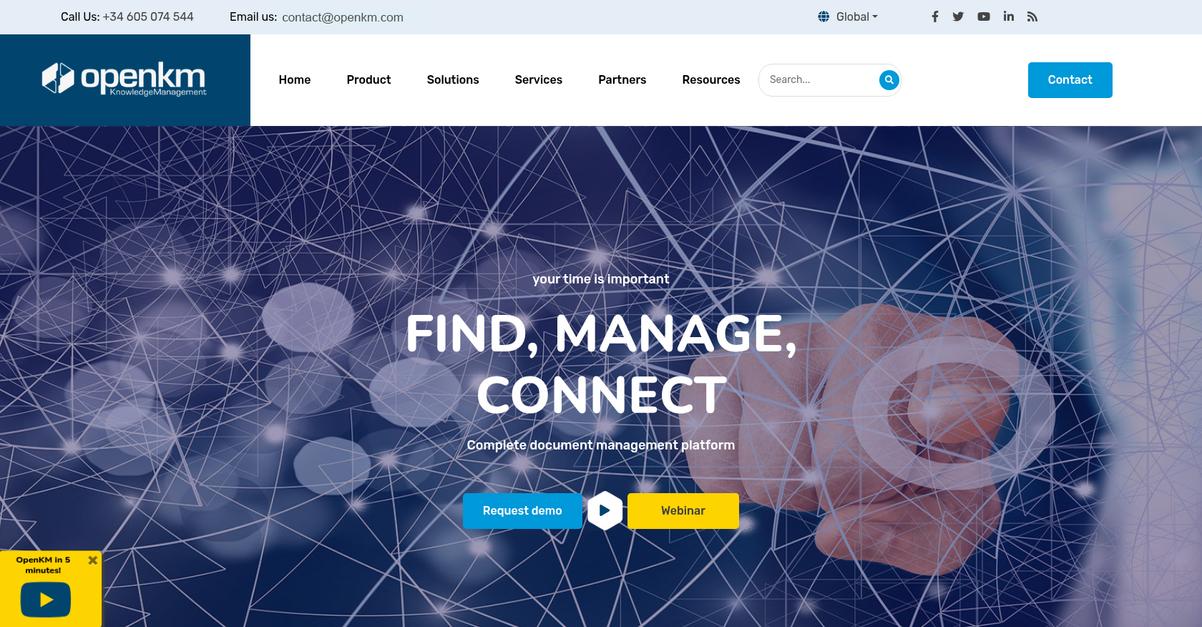
7. OpenKM
Still feeling boxed in by Virtual Cabinet?
OpenKM gives you hands-on control over document versioning, with customizable rules and advanced audit trails that solve Virtual Cabinet’s limitations with true flexibility and oversight.
You get to define exactly how version numbers work, who accesses what, and manage conflicts through customizable controls that go far beyond defaults. This level of detailed configuration helps you actually match your workflow—the opposite of one-size-fits-all restrictions.
You’ll quickly notice how tailored controls make a difference.
If you’re after a document versioning system with more flexibility and security, OpenKM steps in as a compelling alternative.
Unlike Virtual Cabinet, OpenKM’s open-source platform lets you shape version management to your precise standards. You can automate detailed version rules to decide how documents are updated and by whom, while extending oversight with full audit history.
Even paper documentation gets a boost, since you can embed QR codes directly onto your PDFs for instant authenticity checks. This unique feature ensures your team always verifies and works from the correct, most current document, something Virtual Cabinet simply doesn’t offer.
Additionally, you get comprehensive audits that track every document change. This boosts accountability for compliance and provides complete traceability—two critical areas where Virtual Cabinet users often feel stuck.
All of this delivers true peace of mind.
Key features:
- Customizable versioning rules for true flexibility let you define numbering, permissions, and conflict handling, overcoming the preset limitations you might have found frustrating in Virtual Cabinet.
- QR code version verification embedded in PDFs facilitates instant authenticity checks with any smartphone, enhancing physical document trust beyond standard digital tools.
- Comprehensive document audit trails for total oversight track every action—what changed, who did it, and when—enabling strict compliance and pinpoint accountability for your sensitive documents.
Verdict: OpenKM stands out as a top alternative to Virtual Cabinet for document versioning software, thanks to its advanced versioning controls and QR code verification tools. Its web and mobile platform helps your team achieve customizable compliance, especially if you’re looking for security and audit precision beyond default settings.
8. Filestage
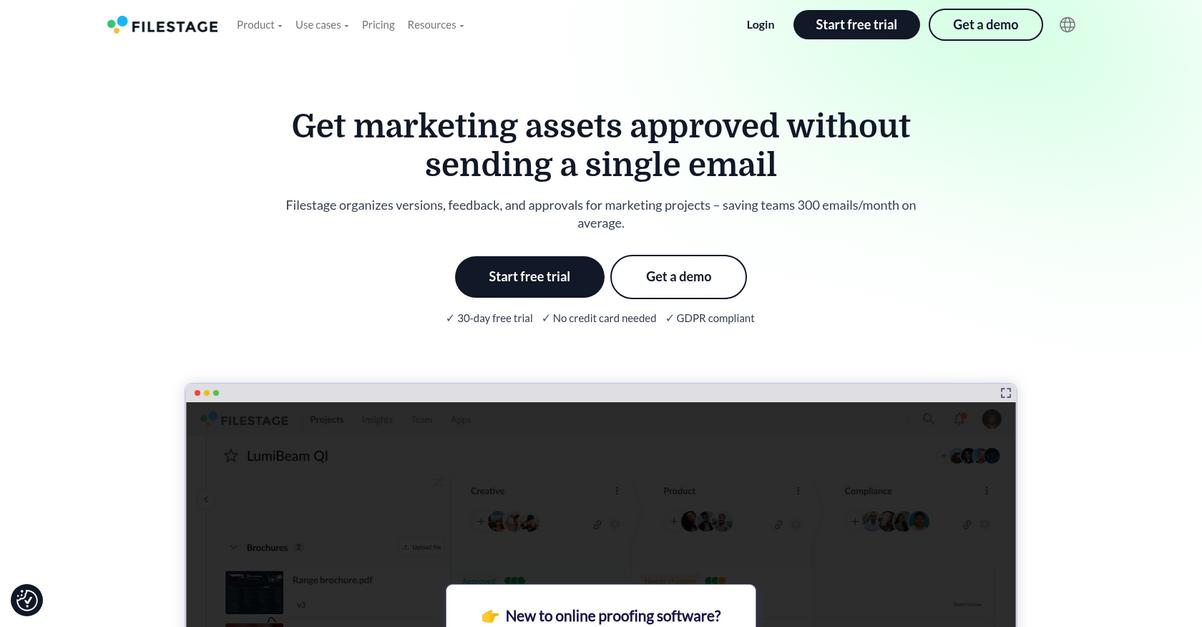
Wish version control in Virtual Cabinet actually worked?
Filestage lets your team visually annotate files, compare creative versions side-by-side, and automate review workflows—fixing the gaps that often slow you down with Virtual Cabinet.
Here’s where Filestage pulls ahead: you’ll get file-based markups, clear version context, and automatic approval steps. This means more productive reviews and less time wasted on email threads or digging up old files.
Unlike generic tools, Filestage gives you visual feedback and version clarity in one workflow, so your team never loses track of the latest comments or sign-offs during high-stakes projects.
You’ll see results right away.
Filestage introduces a creative review platform that streamlines asset approvals when Virtual Cabinet’s document-centric workflow becomes a bottleneck.
You and your team can leave targeted comments directly on marketing materials or designs, making change requests crystal clear without hunting through emails. Plus, the visual side-by-side version comparison instantly shows you what’s changed, so you never miss key edits or feedback history as projects evolve.
Another big win: Filestage’s automated approval workflow keeps everyone in the loop with custom steps and notifications. That way, files move forward automatically and fewer bottlenecks stall your reviews—helping your team cut review time by up to 30 percent.
That’s why creative teams rave about easier compliance and audit trails.
Key features:
- On-file visual annotations and markups allow you to give feedback directly on creative asset files, creating precise, contextual collaboration that simply isn’t possible in Virtual Cabinet’s general commenting system.
- Side-by-side document version comparison tool visually highlights content differences between file iterations, making it easier to track changes compared to Virtual Cabinet’s traditional version histories.
- Automated, customizable approval workflows replace disjointed email chains, ensuring every reviewer signs off in order while streamlining compliance documentation and saving review cycles.
Verdict: Filestage stands out as a compelling Virtual Cabinet alternative if you need streamlined document versioning for creative work. Users report cutting review cycles by up to 30% and reducing approval versions by 20%—making it ideal for marketing and creative teams needing clarity and audit-ready workflows.
Conclusion
Struggling with Virtual Cabinet’s version control headaches?
If you’re tired of tracking down the latest edits or patching together audit trails, you’re not alone—Virtual Cabinet’s rigid workflows and clunky collaboration slow everyone down.
Making a switch isn’t always simple, but every day spent wrestling with the wrong tool is costing your team time, productivity, and morale. You’re absolutely right to look for something that helps your business work smarter, not harder.
Let’s cut to the best choice.
From all the Virtual Cabinet alternatives I’ve reviewed, FileCenter stands out as the easiest, most intuitive upgrade—especially if your team wants stress-free document management without enterprise bloat.
FileCenter gives you seamless versioning, clear audit trails, and one-click sharing, making it an ideal Virtual Cabinet alternative for small businesses needing real control and local file access.
I’d encourage you to start a free trial of FileCenter today and see the difference.
Get better organization and collaboration—right from day one.