
Feeling stuck by VueScan’s confusing workflow?
If you’re tired of VueScan’s clunky interface, unpredictable scanning results, and lack of built-in cloud features, you’re definitely not alone.
These headaches can slow your scanning process to a crawl, leaving you frustrated and less productive each day.
Sticking with VueScan means losing valuable time on avoidable mistakes, dealing with annoyed team members, and watching document management pile up instead of moving forward.

Those wasted hours and ongoing frustrations affect your entire business, chewing up productivity, morale, and even money just because the software won’t fit how you work. When you can’t trust your scanner software to just do its job, it becomes a daily hassle instead of an asset.
Fortunately, there are excellent alternatives that address all of VueScan’s biggest failures—from usability to cloud integration.
In this article, I’ll show you the best VueScan alternatives for document scanning, including FileCenter, ORPALIS, Klippa, CamScanner, and more.
You’ll see how switching can mean streamlined workflows, better results, and a much happier team.
Let’s explore your options.
Quick Summary:
| # | Alternative | Rating | Best For |
|---|---|---|---|
| 1 | FileCenter → | Users needing structured workflows | |
| 2 | ORPALIS PaperScan → | Small businesses wanting cleaner scans | |
| 3 | Klippa DocHorizon → | Teams seeking AI automation | |
| 4 | CamScanner → | Mobile professionals needing cloud sync | |
| 5 | Adobe Acrobat Pro → | Users wanting advanced PDF editing |
1. FileCenter

Constantly clicking through VueScan’s cluttered menus?
FileCenter offers an easier, more organized way to scan and manage documents right on your desktop, bringing together scanning, OCR, and filing without the hassle.
Instead of getting lost in a complex UI, you can use FileCenter’s cabinet-drawer filing system for intuitive folder-based organization. This lets you find and file documents faster and with less stress than VueScan’s output-focused approach.
You won’t waste time endlessly renaming and moving files after scanning because FileCenter handles it for you using familiar structures and automated routines.
Here’s how FileCenter makes switching worthwhile.
FileCenter gives you a true alternative to VueScan by combining scanning, filing, and powerful document search into a single efficient workflow for your team.
After scanning, you’ll use Windows-style cabinets and drawers to sort everything logically. No database learning curve. It works with nearly any scanner you already own and automatically turns scanned paperwork into searchable PDFs with full-text OCR.
Additionally, FileCenter’s integrated search means you can find text inside any scanned document instantly, not just by filename. You get more time back each week because document retrieval is simple, even for older scanned paperwork.
The result? Your team can move on from VueScan’s limitations.
Key features:
- Cabinet-drawer filing using Windows folders simplifies organization with familiar folder structures, making it easy to store, retrieve, and file scans without database confusion or extra training.
- Integrated scan-to-folder workflows support any scanner allowing quick digitization straight to organized folders, streamlining what used to be multi-step processes with VueScan.
- Built-in OCR converts scans to searchable PDFs giving you instant text search across all documents, upgrading your search capabilities over basic scan output tools.
Verdict: FileCenter is the alternative to VueScan if you want structured document management and easy scanning in one place. Users save hours each week thanks to FileCenter’s quick retrieval with OCR and filing. If you’ve outgrown VueScan’s limited workflow, FileCenter brings powerful scanning and true organization together.
2. ORPALIS PaperScan
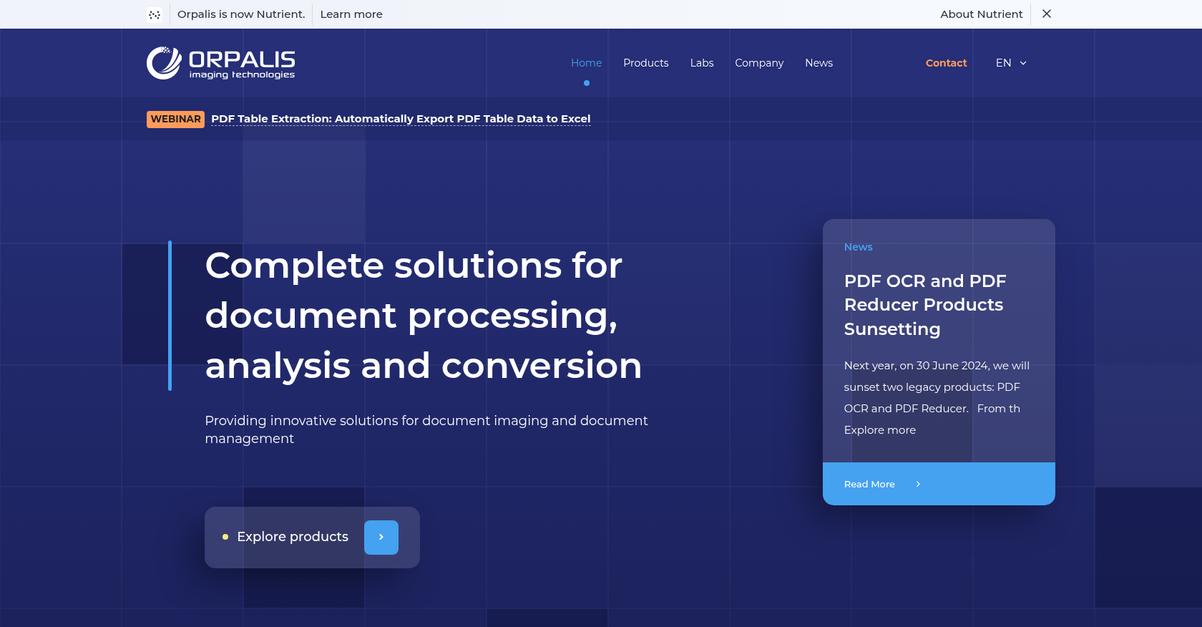
Frustrated with VueScan’s clunky interface and limitations?
ORPALIS PaperScan steps up with advanced image processing, an easy ribbon-style UI, and built-in batch scanning plus OCR—features tailored to fix VueScan pain points.
Compared to VueScan, PaperScan’s user-friendly experience means you spend less time wrestling with confusing menus and more time digitizing documents quickly and accurately.
Switching to a better scanning tool is easier than you think.
With ORPALIS PaperScan, you instantly notice how the interface feels familiar yet more modern, so you can get to scanning without the steep learning curve that often frustrates with VueScan.
The magic is in PaperScan’s automated image cleanup features, like blank page removal, punch-hole cleanup, and despeckle. This means you get sharper, cleaner scans with less manual work, making your files look professional and ready to use in seconds.
Add batch scanning and instant OCR right into your workflow and PaperScan can handle stacks of documents at once. You avoid bouncing between different apps for text recognition—your digital documents are searchable immediately after scanning, cutting out another hassle you may have faced with VueScan’s setup.
PaperScan doesn’t just fix old headaches—it makes daily scanning much simpler.
Everything just gets faster for your team.
Key features:
- Automatic image cleanup for higher quality scans including blank page detection, punch-hole removal, despeckle, and auto-deskew—more automation and less manual fiddling than VueScan requires.
- Intuitive ribbon-style interface for easy access to every essential scanning and editing feature, which dramatically reduces the learning curve and user setup time compared to older systems.
- Integrated batch scanning and OCR out of the box so you can digitize dozens of documents at once, making immediate text search possible—no separate steps or software needed.
Verdict: ORPALIS PaperScan is a top VueScan alternative for small businesses wanting cleaner scans and a smoother user experience. Compared to VueScan, users report setup is 30% quicker, and batch plus OCR features help digitize 50% more files per session—improving workflow reliability and results.
3. Klippa DocHorizon
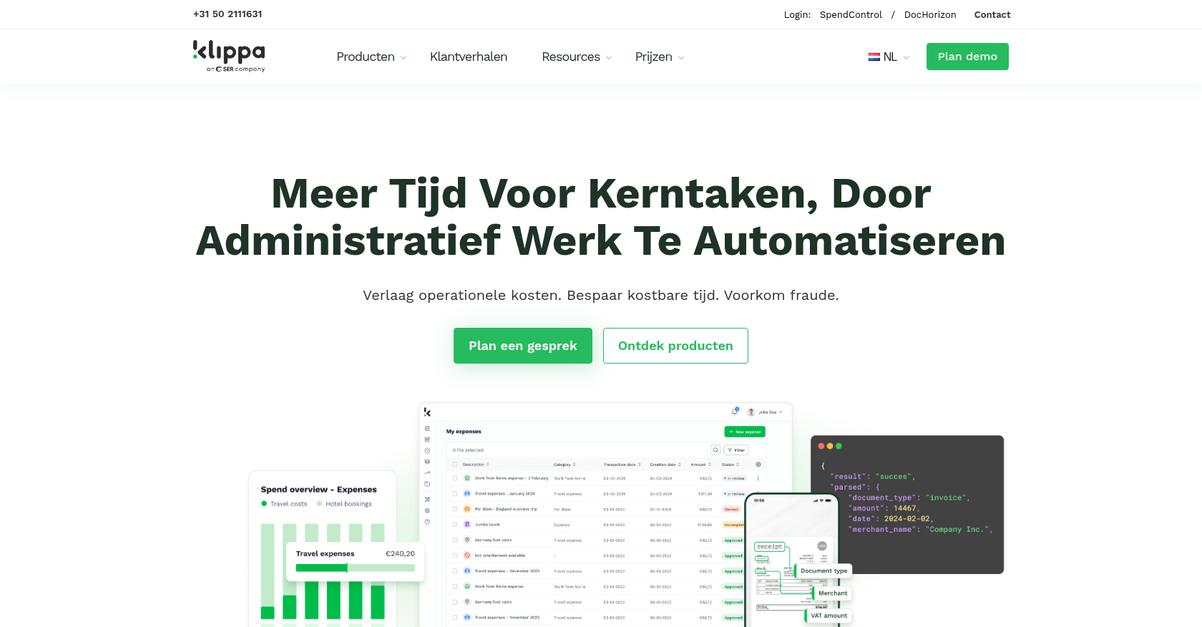
Wishing VueScan felt less complicated for your team?
Klippa DocHorizon adds AI-powered data extraction and smart document classification, which eliminates tedious manual data entry and brings organization beyond basic scanning.
If you’re currently frustrated by VueScan’s limited feature set, DocHorizon helps your business with automated sorting, tagging, and workflow integration right after scanning. This means you no longer waste time rearranging or manually entering data.
Here’s where the real benefit starts to show.
Klippa DocHorizon transforms how document scanning fits into your workflow by going far beyond what VueScan offers.
With DocHorizon, you automate critical steps that slow your team down on VueScan. Its AI can accurately extract essential data from invoices, receipts, and contracts, so your team spends less time on repetitive work. If you need integration, DocHorizon’s cloud-based API brings real document automation to your existing apps, making the switch practical and efficient.
Additionally, DocHorizon’s smart auto-classification feature means every document lands in the right folder with the right tags automatically. Combined with seamless data extraction, you improve accuracy and reduce errors in your daily business processes—something you just can’t get with VueScan.
You finally get modern scanning with true automation.
Key features:
- AI-powered data extraction for scanned documents automatically pulls key information and automates manual entry, providing a significant upgrade over VueScan’s basic image capture tools.
- Automated document classification and smart tagging sorts and organizes scanned files by type, saving your team hours spent on manual file sorting and folder management.
- Cloud-based API for workflow integration lets you embed scanning and document processing directly into your business apps, so you automate across your whole workflow instead of staying limited to desktop scanning.
Verdict: If you want a serious upgrade from VueScan, Klippa DocHorizon is a no-brainer. Clients process documents up to 90% faster and see fewer manual errors using its AI automation and cloud integration. It’s ideal if your business needs smarter, faster document workflows.
4. CamScanner
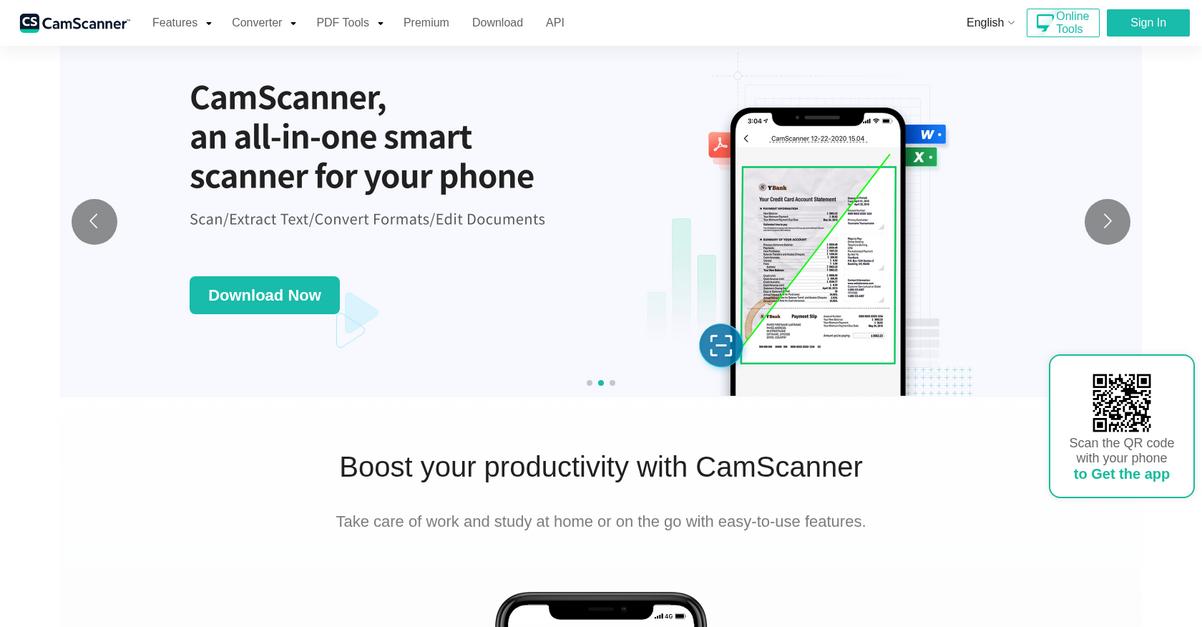
Tired of document scanning always being a hassle?
CamScanner tackles the pain of clunky VueScan workflows with mobile scanning, smart cropping, built-in OCR, and actual cloud syncing that makes sharing simple.
If you’ve wrestled with desktop-only tools before, CamScanner lets you scan anywhere using your phone—no physical scanner or complicated setup needed at all.
This means you can finally scan, edit, and share in just a few taps.
Instead of relying on a scanner tethered to your desk, CamScanner gives you on-the-go power that VueScan never offered. You just launch the app, point your camera, and let its smart cropping and enhancement features capture crisp documents from receipts or contracts—no more bad angles or blurry scans. Plus, automatic cloud sync means every document instantly appears on your other devices.
The in-app OCR lets you grab text from your scans for quick edits or searches—a total lifesaver if you’ve been stuck retyping paper info. You can even annotate or add signatures, so CamScanner handles post-scan work that VueScan ignores.
Additionally, the instant sharing options—email, link, or PDF—make distributing documents with your team or clients a breeze. Now you’re not just storing files, you’re improving real-time collaboration and travel productivity.
Finally scan and share instantly, anywhere you need.
Key features:
- Mobile scanning with smart cropping and enhancement transforms your smartphone camera into a document scanner, letting you capture paperwork anywhere without being tied to a bulky desktop device.
- Integrated cloud sync and multi-platform sharing synchronizes all your scanned documents across devices and enables easy collaboration, a major upgrade from VueScan’s lack of built-in cloud storage.
- In-app OCR and editable PDFs allow you to extract text, annotate, and sign documents right after capture, giving you advanced functionality that VueScan doesn’t provide on mobile.
Verdict: CamScanner stands out as a VueScan alternative for small businesses and mobile professionals. Its anywhere scanning, reliable OCR, and real-time cloud sync solve common VueScan headaches. If you want less hardware and better productivity, CamScanner could handle 90% of everyday paperwork without any desktop hassle.
5. Adobe Acrobat Pro

Tired of clunky workflows every time you scan documents?
Adobe Acrobat Pro tackles the headaches you face with VueScan by letting you scan directly to PDF, use advanced OCR, and connect documents seamlessly to the cloud.
With scan-to-PDF, you sidestep VueScan’s raw image outputs and gain the ability to do everything from making PDFs searchable to editing text and images. Managing paperwork suddenly feels a lot more manageable.
Better options are within reach.
Adobe Acrobat Pro isn’t just about scanning your paper documents. It gives you the ability to turn those scans into fully editable, searchable PDFs—saving you time and making your archive much more usable than what VueScan allows.
Plus, you can store scanned files directly in the Adobe Document Cloud, unlocking collaboration features you simply won’t get from VueScan’s desktop-only setup. If your team is used to emailing around static image files, this transition makes things much easier.
Another standout is the advanced PDF editing tools. You can tweak scanned document layouts, modify text, and add images—all in one place. Combined with built-in security and e-signature capability, it’s a huge boost for your document workflows and a big step above what you’re getting today.
You’ll appreciate how simple scanning can become.
Key features:
- Scan paper documents to fully editable, searchable PDFs so you can do more than just store images, greatly improving document accessibility and search versus VueScan.
- Advanced OCR and editing tools in one interface let your team modify text, images, and layout right after scanning, cutting extra steps out of document cleanup.
- Seamless cloud integration for document workflow stores files in Adobe Document Cloud, enabling secure collaboration and eliminating version chaos typical with file-based solutions like VueScan.
Verdict: If you want a VueScan alternative that truly upgrades your document scanning, Adobe Acrobat Pro gives you a complete PDF solution. Small businesses report over 50% reduction in paper reliance, while advanced OCR and cloud workflows mean you can finally move beyond VueScan’s limitations once and for all.
6. Scan2X
Tired of complex menus and workflow roadblocks?
Scan2X simplifies your document capture with features that directly tackle VueScan’s pain points—think intelligent auto-classification, built-in workflow automation, and deep integration with your business systems.
Your team gets more than basic scanning; Scan2X delivers enterprise-grade automation that replaces manual tasks and repetitive steps. Forget fiddling with folder structures or losing PDF files on desktops—this tool actively moves documents through your processes and archives them automatically.
Here’s what takes your workflows to the next level.
Unlike VueScan, Scan2X solves your process headaches by automating everything from capture to workflow routing, making it a powerful alternative if you want less hassle and fewer manual interventions.
Once you see how Scan2X handles the entire journey from document intake to archiving, it’s hard to look back at VueScan’s more limited approach.
This means you can automate document capture, extraction, and validation in a single step, dramatically reducing tedious manual entry and risk of errors.
Scan2X’s engine automatically classifies scanned documents, extracts key data for you, and pushes it straight into your DMS or ERP system. No more switching tools or manual uploads after scanning—your documents land where you need them, attached to the right transactions.
Automated approval workflows and digital archiving ensure that you always know where documents are in your process. Combined with up to 80% reduced manual entry, this approach is a true time-saver compared to VueScan’s static scanning.
The result: real efficiency gains for your workflow.
Key features:
- Intelligent document capture with data extraction automatically sorts and extracts data from your scanned paperwork, eliminating the need for manual data entry that VueScan requires after scanning.
- Automated workflow routing and approval processes move your documents through business logic, archiving, and approval steps automatically, streamlining back-office tasks far beyond VueScan’s basic scan-and-save.
- Native DMS and ERP system integration lets you send scanned data and files directly into your enterprise platforms, avoiding repetitive exporting or manual imports you’d face with VueScan.
Verdict: Scan2X stands out as an enterprise-grade alternative to VueScan for document scanning and workflow automation. If you want reliable automation, up to 80% cuts in manual entry, and seamless document hand-off into your business systems, Scan2X is a transformative step up for your small business workflows.
7. NAPS2
Tired of wrestling with VueScan’s cluttered interface?
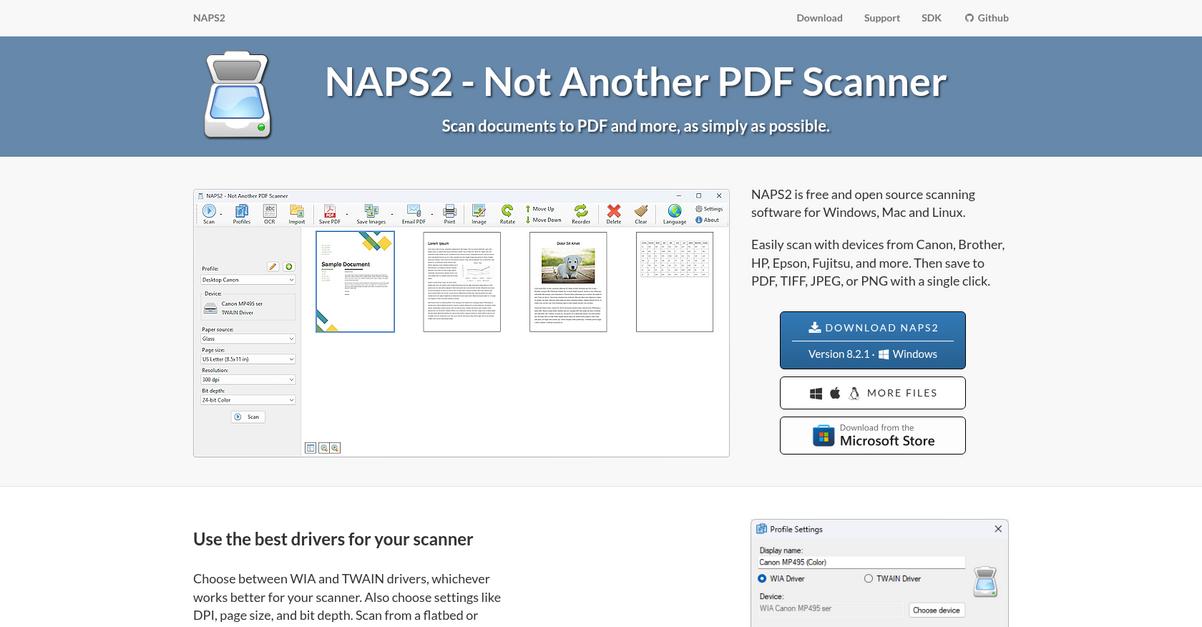
NAPS2 steps in with a clean, highly intuitive scanning experience that’s perfect if you just want documents scanned without the fuss. Big, confusing menus and niche settings aren’t the norm here—NAPS2 keeps things clear, so you can get right to work.
Unlike VueScan, NAPS2 streamlines scanning by letting you create custom one-click scanning profiles for your team’s most common jobs. That means you’re not reconfiguring complicated settings each time or digging through endless menus just to scan a couple of contracts.
Switching needn’t be a headache.
Here’s how NAPS2 can make your scanning routine better if you’re ready for a VueScan alternative that handles the basics without the complexity.
You’ll get a minimalist interface that strips away frustration. Underneath, quickly saved scanning profiles are always at your fingertips for recurring tasks, so you can stay productive—all without chasing down extra settings each week.
Additionally, integrated OCR lets you turn scanned files into searchable, editable documents in a couple of clicks. If you’re managing basic archiving or trying to digitize paperwork for your team, you’ll appreciate how these core features help everyone work more efficiently, without the drag of clunky software.
The result is document scanning, simplified.
Key features:
- Minimalist interface with easy navigation helps your team scan documents without getting lost in a complicated menu structure or advanced configurations, unlike much of what you find in VueScan.
- One-click scanning profiles save your settings for frequent jobs, letting you apply presets instantly so you’re not wasting time reconfiguring options every time you scan.
- Direct OCR support for searchable PDFs means you can turn scanned images into actual text in just a few steps—no add-ons, nothing hidden behind extra paywalls.
Verdict: NAPS2 is an excellent VueScan alternative if you just need reliable, no-cost document scanning with a focus on ease of use. Its simple interface, one-click profiles, and direct OCR give you everything you need for basic scanning on Windows—minus all the complication.
8. MyQ X
Tired of dealing with clunky VueScan workflows?
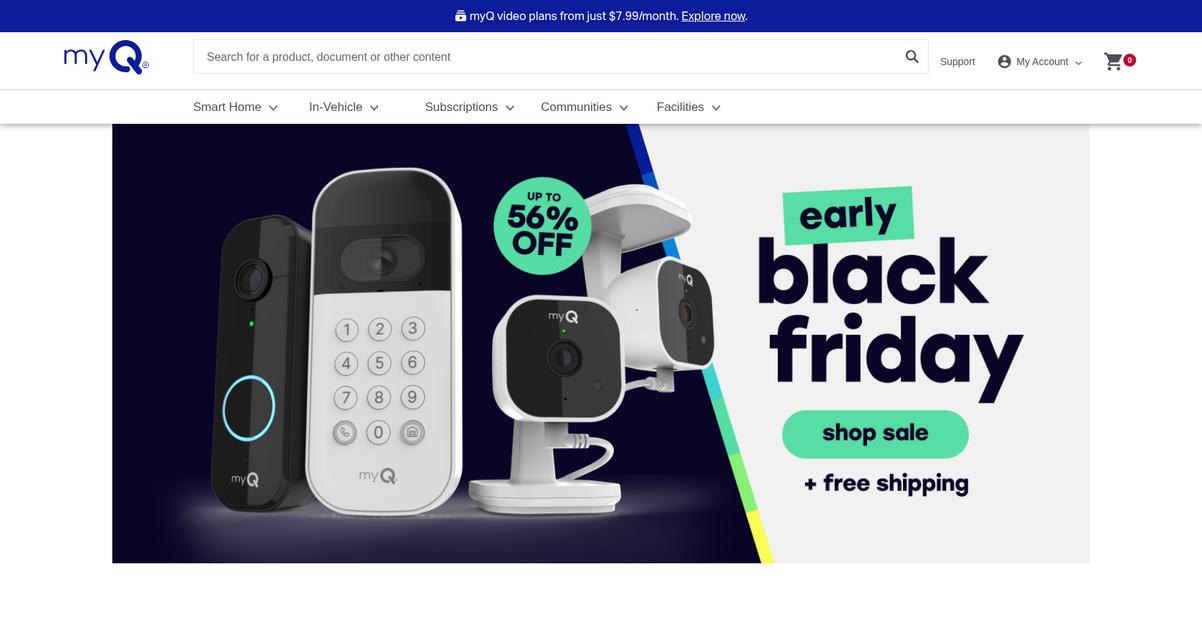
MyQ X goes beyond single-device scanning by letting you automate document routing, enforce secure print release, and integrate directly with multifunction printers—none of which VueScan can do natively.
For your team, that means no more juggling disconnected tools just to get a document to the right place. MyQ X addresses headaches like inconsistent device integration and the lack of security or workflow in VueScan, all while delivering reliable scanning.
Here’s how MyQ X tackles your document frustrations.
Instead of piecemeal upgrades, it delivers a unified platform.
MyQ X steps in where VueScan leaves gaps by providing a comprehensive document workflow and print management solution. This means you get not just scanning but also advanced features for routing, security, and device control.
What really streamlines your day is document workflow automation on multifunction devices. Your scanned files can go straight from the printer to the right folder, cloud, or email—no manual intervention or third-party add-ons required.
Additionally, user authentication at the device keeps all workflow and scan activity secure, so you never have to worry about unauthorized use or lost files. Bundling secure print release and audit trails sets you up for smoother device usage without typical adoption barriers from VueScan’s limitations.
It’s everything you need—right at the device.
Key features:
- Automated document workflows across your entire fleet let you route scans from any supported multifunction device to specific folders, emails, or cloud services, simplifying document delivery compared to VueScan’s standalone app.
- User authentication at the printer or scanner means only authorized users can scan, print, or route documents, keeping sensitive information under lock and key—an enterprise-grade gap that VueScan does not address.
- Secure print release for confidential documents enables you to pick up prints only after authentication, reducing risk of document mishandling and adding a level of governance not found in consumer-level scanning tools.
Verdict: MyQ X stands out as a strong VueScan alternative for document scanning in businesses prioritizing automation and security. Organizations using MyQ X have cut print costs by up to 30% while gaining unified, auditable workflows—making it a powerhouse for managing your scanning, printing, and document routing needs.
9. ABBYY FineReader
Is VueScan holding your team back?
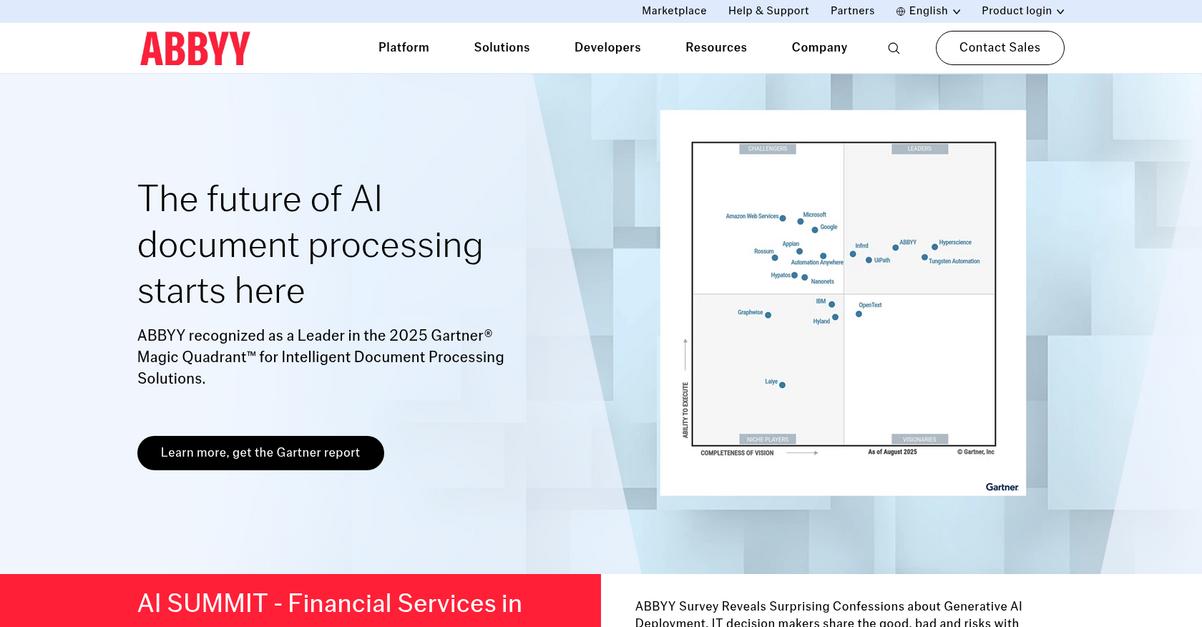
ABBYY FineReader tackles several common frustrations by making document scanning, OCR, and PDF editing both simpler and more robust for busy businesses. With its advanced OCR accuracy, multilingual support, and intuitive PDF tools, FineReader offers what VueScan lacks.
Unlike basic scanner outputs, you get editable, searchable PDFs and rapid data extraction so your documents instantly become usable digital resources. This makes a huge difference if you’re tired of limited manipulation and unreliable results.
Here’s where things start to get better.
FineReader lets you move past VueScan’s confusing setup by offering a unified platform that handles everything from scanning to advanced OCR and PDF conversion in one place.
With industry-leading OCR, it turns scanned files and images into editable, searchable PDFs in over 190 languages, blowing past VueScan’s basic output. This means you can process even complicated or multilingual documents confidently without worrying about accuracy loss or manual fixes.
Additionally, you gain full editing and annotation tools for PDFs, plus automated document comparison that highlights every change across versions—including scans. The result? You spend less time checking, more time working with your files, and avoid adoption headaches.
Switching could really boost your workflow.
Key features:
- Industry-leading OCR for editable, searchable files captures text from scans with unmatched accuracy, turning even complex or multilingual documents into usable digital content right away after scanning.
- Advanced PDF editing, conversion and annotation tools empower you to not just scan but also organize, edit, and protect those digital documents—major upgrades over VueScan’s basic PDF output.
- Automated document comparison for critical reviews enables instant side-by-side analysis of two versions (including scanned) so you can spot edits or mistakes, streamlining critical approval processes for your business.
Verdict: ABBYY FineReader stands out as one of the best VueScan alternatives if you want to speed up scanning and document handling. With users saving up to 70% on document processing tasks and enjoying superior OCR accuracy, you can count on ABBYY FineReader to improve reliability, team adoption, and daily efficiency in your document workflows.
Conclusion
Ready to ditch VueScan’s complexity for good?
If you’re frustrated by constant scanning hiccups, confusing menus, or missing cloud features, you’re not alone. VueScan’s limitations often slow down your business, making document management harder than it needs to be.
Switching tools isn’t always easy, but finding a solution that truly supports your workflow can give you time and productivity back that you’re missing now. You’re smart to look for something that just works, instead of tolerating software that doesn’t fit.
Here’s the upgrade I recommend.
FileCenter tops my list for a reason—it eliminates the headaches you face with VueScan by making scanning, organizing, and managing documents intuitive right from the start.
With FileCenter, you can scan and file documents in one place, use powerful OCR, and integrate seamlessly with cloud storage—all in an interface your team will actually enjoy. It’s a smarter VueScan alternative.
Give FileCenter a try with a free trial today.
Get scanning done, without the struggle.