
Feeling stuck in Zoom Docs limitations?
You want to collaborate with your team anytime, not just during meetings, but Zoom Docs keeps holding you back with rigid sharing and missed integration needs.
This means you lose momentum between meetings and projects when your team can’t access or edit documents freely.
The costs add up quickly—lost hours chasing down the right file, frustrated teammates struggling with restrictive permissions, and projects slowing to a crawl. Every day you keep dealing with these roadblocks is another day paying for tools that aren’t helping your team get work done.

Luckily, there are better document management options that offer true collaboration without those Zoom Docs headaches.
In this article, I’ll show you the best best Zoom Docs alternatives that actually fit the document collaboration software needs you wish Zoom Docs could solve, including Google Workspace, Microsoft 365, Notion, FileCenter, Dropbox and more.
You’ll gain improved sharing, more integrations, and time back for real teamwork.
Let’s explore your options.
Quick Summary:
| # | Alternative | Rating | Best For |
|---|---|---|---|
| 1 | FileCenter → | Users needing local control | |
| 2 | Google Workspace → | Teams wanting integrated editing | |
| 3 | Microsoft 365 → | Users needing enterprise workflows | |
| 4 | Slack → | Teams seeking flexible chat workspaces | |
| 5 | Notion → | Users wanting flexible knowledge bases |
1. FileCenter

Wishing Zoom Docs offered more document control?
FileCenter brings desktop-first management with its cabinet-and-drawer filing system, helping your team organize files faster than Zoom Docs’ flat cloud folders allow.
Unlike Zoom Docs, FileCenter focuses on a structured local filing system that’s intuitive and efficient for your team. This means you can organize documents the way you already think about them, keep more control over sensitive files, and tackle real workflow bottlenecks.
FileCenter could be the better fit you need.
With FileCenter, you get an immediate boost in productivity thanks to its desktop cabinet-and-drawer design. Your documents become easy to navigate, and you avoid the hassle of migrating everything into a new cloud-only ecosystem that might disrupt your usual work.
You might also appreciate how FileCenter integrates scanning and OCR right out of the box, streamlining the conversion from paper to searchable digital files—something Zoom Docs just doesn’t natively handle. This helps your team go digital much quicker, especially if you still process a lot of incoming paperwork.
Additionally, the robust built-in PDF editor lets you create, annotate, convert, and manage complex PDF documents in one place. When you add FileCenter into your workflow, you’re tackling more than just basic document editing—you’re solving real file management headaches.
It’s a real game-changer for local document work.
Key features:
- Familiar cabinet-drawer filing structure with Windows folders brings instant clarity and order to your files, avoiding the limitations of Zoom Docs’ flatter cloud storage model for easier document retrieval.
- Integrated high-speed scanning plus intelligent OCR converts your incoming paper to searchable, well-organized digital documents, removing the multi-step hassle not natively covered by Zoom Docs.
- Comprehensive PDF editing, creation, and form capabilities give your team advanced document handling tools, making PDF management far beyond Zoom Docs’ more basic collaboration options.
Verdict: FileCenter stands out as a top Zoom Docs alternative if you want advanced local document management and PDF tools without sacrificing speed or control. Users report dramatically less time spent searching files—one office cut retrieval time by 60 percent—making FileCenter a practical pick when document organization really matters.
2. Google Workspace
Tired of Zoom Docs holding back your workflow?
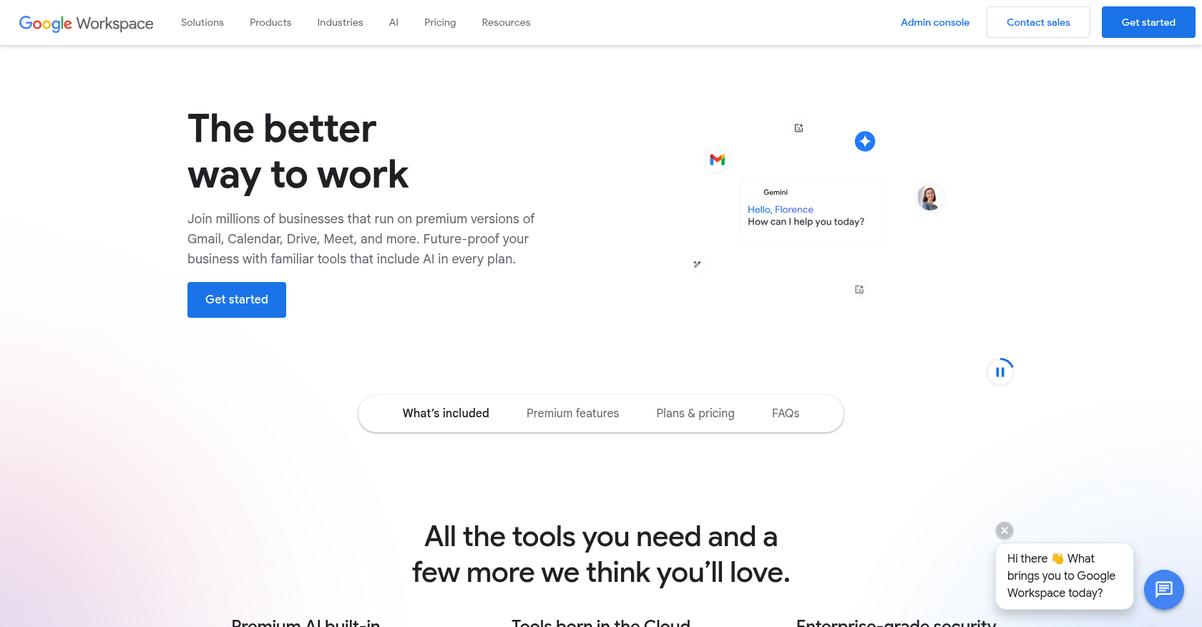
With Google Workspace, you’ll get mature real-time editing tools, centralized file storage, and robust integrations—areas where Zoom Docs often feels too limited or meeting-centric for complex document work.
Google Workspace tackles your struggle for advanced document editing and broader, integrated collaboration tools far better than Zoom Docs. If you’ve felt boxed in by Zoom Docs’ in-app sharing or wish you had rich formatting plus file management all in one spot, you’ll notice the difference right away.
Here’s why this matters for your team.
Google Workspace gives you a secure, dedicated cloud home for every document type, with access controls and storage that’s built for business needs.
Collaborating becomes effortless once you bring your team into Google Workspace.
Unlike Zoom Docs, Google Workspace solves the single biggest pain: keeping all your projects, conversations, and files flowing in one place while maintaining security and version control.
You’ll love using Google Docs for real-time editing, commenting, and tracking changes with a full history log. Plus, you can connect everything to Gmail, Calendar, and even Google Meet, so you’re not bouncing between disconnected apps or worrying that someone missed a revision.
Add in centralized Google Drive storage, letting you share or restrict access instantly, and you never scramble to find the latest file again. That means more focus on completing work instead of managing document chaos.
Everything works together to help your team collaborate.
Key features:
- Advanced real-time Google Docs collaboration offers rich co-editing, commenting, and detailed version history for every doc, outshining Zoom Docs’ in-meeting-only editing limitations.
- Secure, dedicated Google Drive storage centralizes your files with robust access and sharing controls that give you more flexibility than Zoom’s basic document repository.
- Seamless integration with Gmail, Calendar, Meet creates unified workflows, connecting communication, scheduling, and document management, which Zoom Docs cannot match for true all-in-one productivity.
Verdict: Google Workspace stands out as a feature-rich alternative to Zoom Docs, especially if you crave seamless document collaboration and integrated productivity tools. Businesses report greater productivity and faster project turnarounds after switching—streamlining file sharing, editing, and communications all inside Google’s trusted suite.
3. Microsoft 365
Is Zoom Docs limiting your team collaboration efforts?
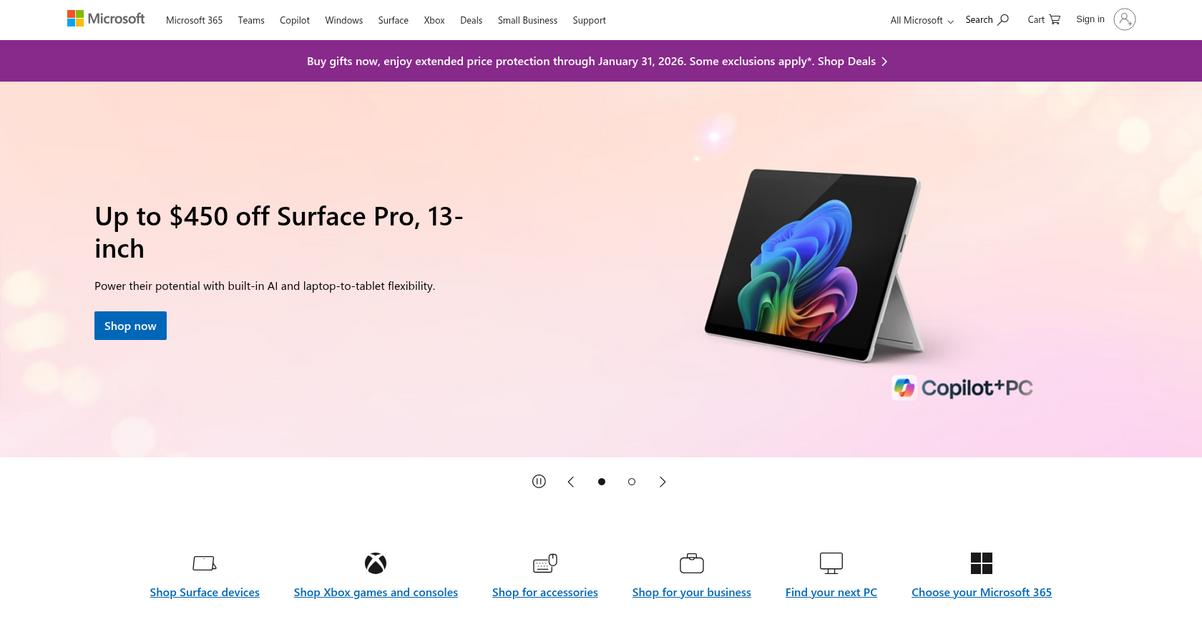
Microsoft 365 steps up with powerful Word co-authoring, version control, and SharePoint libraries, all designed to address Zoom Docs’ most common productivity hurdles.
If your current struggles include limited collaboration or headaches with simple document sharing, Microsoft 365 gives you enterprise-grade control over permissions, metadata, and workflow automation unavailable in Zoom Docs.
Now let’s see how Microsoft 365 actually solves this.
With Microsoft 365, you can enhance real-time document co-editing, create sophisticated documents with tracked changes, and set up rich metadata for compliance and workflow automation.
You’ll also notice how Teams brings together chats, documents, and meetings in dedicated channels, so switching from Zoom Docs grants a more integrated team communication and document hub. This means your communication and content stay in sync, minimizing confusion and wasted time.
Additionally, SharePoint’s powerful document libraries handle extensive file management needs, giving you granular permission control and seamless integration with the rest of the Microsoft ecosystem. If compliance and team adoption are on your mind, Microsoft 365 delivers the structure you were missing before.
Switching really streamlines your team’s collaboration process.
Key features:
- Real-time Word co-authoring and advanced editing lets your team collaborate on rich documents with formatting, tracked changes, and version control for superior project outcomes over Zoom Docs’ basic editing.
- Enterprise SharePoint document libraries and workflow automation deliver content lifecycle management, permission control, and metadata, far beyond simple sharing found in Zoom Docs.
- Teams integration centralizes chat, meetings, and documents bringing all channels into one platform, so your team can work together without frustration and scattered information.
Verdict: Microsoft 365 gives you a major upgrade if you want better document collaboration software than Zoom Docs. You, like others, can streamline document workflows, gain enhanced compliance, and unlock deep integration—often leading to measurable operational efficiency gains across your company.
4. Slack
Tired of only collaborating during scheduled Zoom Docs meetings?
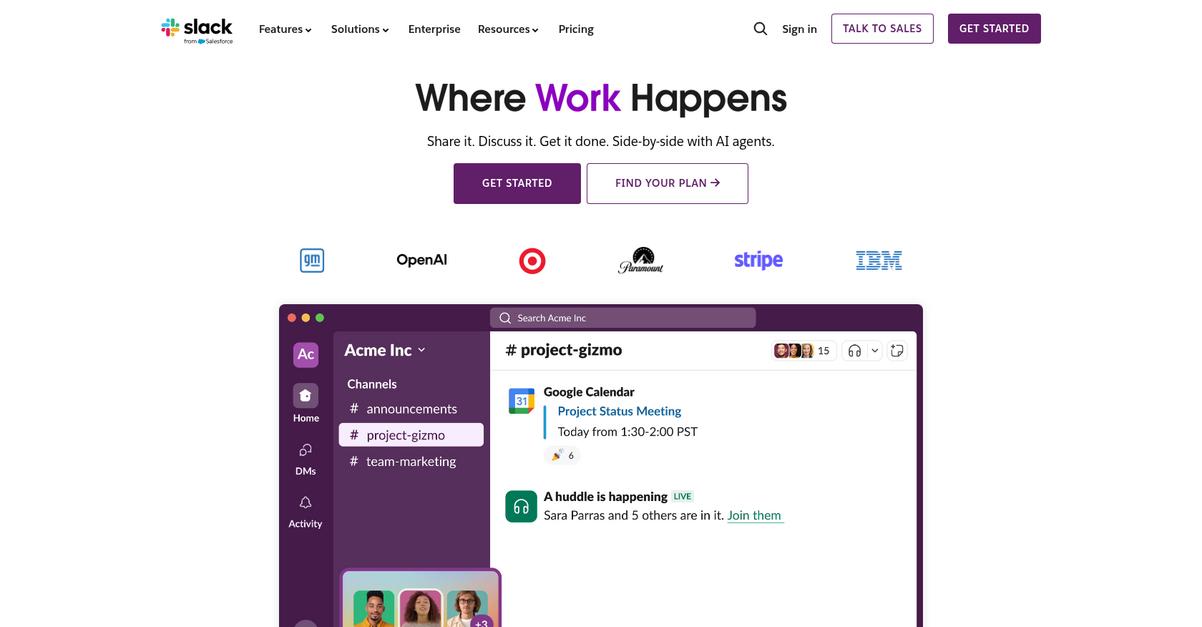
Slack makes working together easier by placing document sharing and discussions directly in persistent topic-based channels rather than confining everything to meeting notes. You get integrated file sharing, real conversation history, and advanced app connections—all in one place.
This means you’ll see more context-rich and flexible document collaboration compared to Zoom Docs. Instead of switching tools or getting stuck in Zoom’s closed ecosystem, your team can connect around projects, updates, and files right where you already chat.
Here’s where Slack starts to shine.
It moves your document workflows out of rigid, meeting-focused silos.
Slack is built to solve that daily struggle. As a Zoom Docs alternative, Slack gives your team dedicated channels for topics and projects, so you can keep files, conversations, and decisions organized together without backtracking. You don’t have to waste time chasing down documents after meetings—instead, everything important lives in your channels.
Additionally, with Slack’s app integrations, you can connect Google Drive, Dropbox, and other document tools that your team already uses every day. This is vital if you want freedom and flexibility instead of the limited sharing found in Zoom Docs.
Plus, Slack’s new AI-powered summaries let you catch up quick on all discussions and files you missed, helping your team digest information much faster. These features combined genuinely reduce email clutter and speed up your entire decision-making process.
Switch to better context and collaboration.
Key features:
- Channel-based chat with document organization lets you share and discuss documents in persistent, searchable channels, giving you clear context and structured collaboration beyond Zoom Docs’ meeting-centric notes.
- Thousands of third-party app integrations including Google Drive and Dropbox, enable you to bring your team’s preferred document editors and storage right into Slack, well beyond Zoom Docs’ closed system.
- AI-generated summaries of chats and shared files quickly recap key updates, decisions, and documents across multiple channels, saving you hours catching up compared to basic meeting recaps.
Verdict: Slack emerges as one of the best Zoom Docs alternatives if your team aims for richer document collaboration and real workflow flexibility. Unlike Zoom Docs, Slack’s channel-centric approach, 2,400+ integrations, and AI-powered info summaries have cut decision time by up to 30% in real use cases. Give your team collaboration that sticks.
5. Notion
Frustrated by Zoom Docs holding your collaboration back?
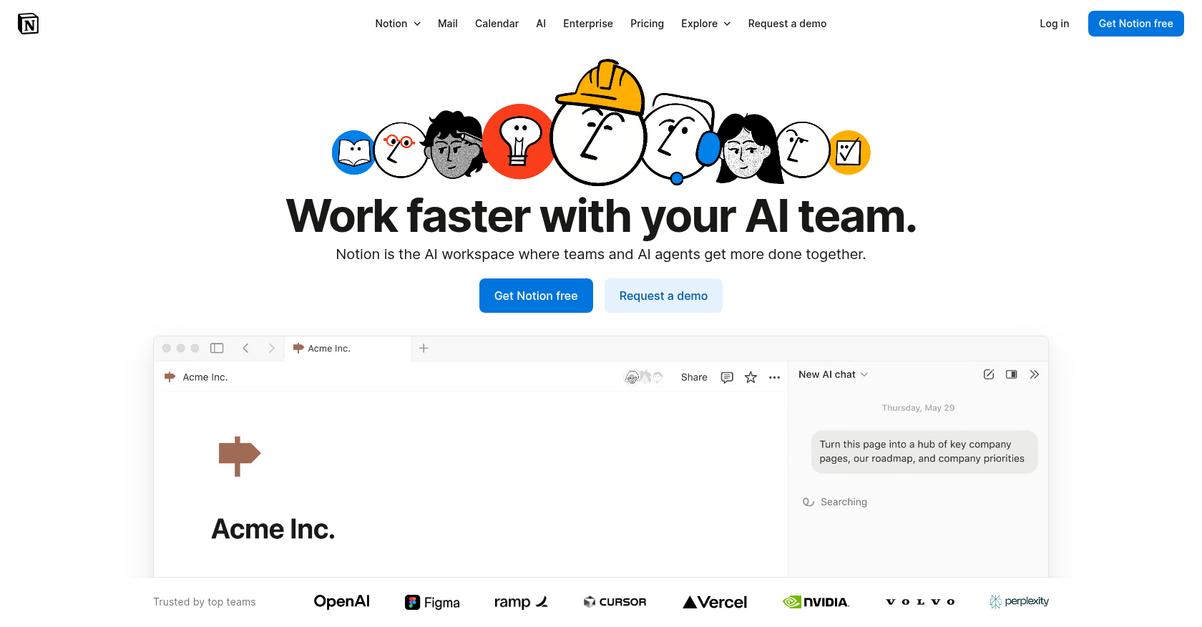
Notion completely reimagines document editing with a block-based editor, embedding dynamic tables, wikis, and external apps for true flexibility—no more being boxed into rigid document formats.
Plus, Notion’s powerful databases give you far more organization and relational data tracking, letting you centralize information and knowledge beyond Zoom Docs’ limitations.
If these resonate, Notion might be what you need.
Here’s how Notion closes those gaps compared to Zoom Docs.
Instead of just standard docs, you get a flexible workspace where documents, wikis, and structured data all live in one place. Notion lets you customize every page, turning your scattered files into a single source of truth for your team.
If you’re struggling with unmanageable document sprawl, you’ll appreciate how Notion’s integrated databases let you track tasks, deadlines, and projects directly inside your docs. Everything updates in real time, so your team always sees the latest information.
And if you need structured knowledge bases or onboarding wikis, Notion’s nested hierarchies and easy linking make your resources searchable and easy to maintain—helping your team adopt new workflows, even after leaving behind Zoom Docs.
You regain control and flexibility over your content.
Key features:
- Flexible block-based document editor lets you create with text, media, embedded apps, and rich content layouts—expanding far beyond Zoom Docs’ standard editing options.
- Integrated, relational databases within documents offer advanced tracking, reporting, and organization in any page, eclipsing Zoom Docs’ simple tables.
- Comprehensive wiki and knowledge management tools provide searchable, interconnected documentation and onboarding for everything your team needs, not just meeting notes.
Verdict: Notion is a compelling Zoom Docs alternative if you want centralized collaboration, powerful knowledge management, and customization. Many users report consolidating three to five separate tools, showcasing measurable efficiency gains and cost savings. You get a flexible platform that grows with your team’s needs.
6. Confluence
Craving stronger real-time collaboration than Zoom Docs offers?
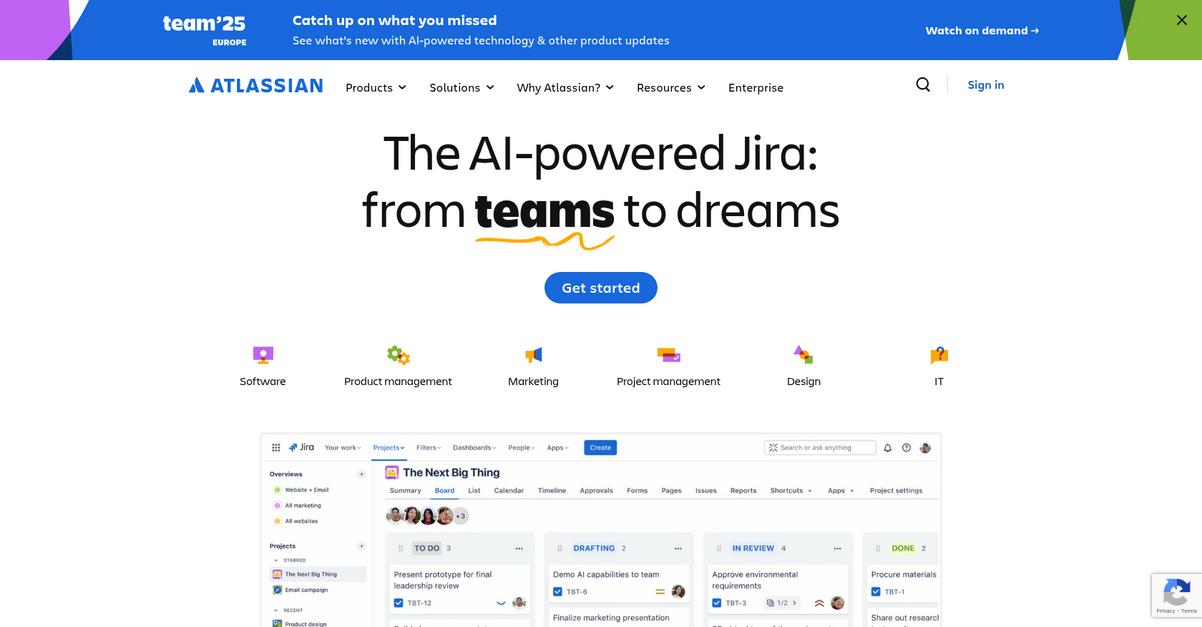
Confluence transforms your document workflows using structured wiki pages, rich project documentation, and native integration with tools like Jira—all areas where Zoom Docs just can’t keep up.
Unlike Zoom Docs, if you need to build a scalable internal knowledge base, Confluence steps up. You get organized, linked pages with robust hierarchies and flexible templates that help your team capture and share information far beyond traditional document editing.
Here’s why this approach is a game-changer.
Confluence puts project plans, meeting notes, and process docs all in one place, connected directly to your Jira issues. This means you’re always working with live project context rather than static, disconnected files.
The real advantage comes with deeper integration.
Confluence solves your collaboration headaches by letting you connect documents to Jira projects, track changes with full version control, and move all your work into a central knowledge hub.
With features like direct Jira integration, you can embed reports and up-to-date status right inside your docs—something you just don’t get with Zoom Docs. This helps you collaborate around work-in-progress and decisions, not just text.
Version control means every change is saved for easy rollbacks or collaborative review, which keeps audits smooth and mistakes reversible. Mix that with structured hierarchies and it’s easier than ever to onboard your team pain-free.
Your entire workspace syncs up, not just your docs.
Key features:
- Structured wiki pages and advanced hierarchies enable you to centralize documentation, organize knowledge, and scale effortlessly—a leap over Zoom Docs’ straightforward file approach.
- Rich Jira integration right inside your workspace keeps project tracking and documentation fully connected, eliminating information silos common with Zoom Docs and similar standalone editors.
- Granular version history and change tracking provide detailed audit trails and rollback capabilities, so you’re always protected against errors and can confidently manage evolving content.
Verdict: Confluence is your best bet when Zoom Docs leaves you wanting structured collaboration, robust project alignment, and true knowledge management. After switching, users report improved information visibility and workflow clarity. If you value integrated workspaces and project context, Confluence stands out as a top Zoom Docs replacement.
7. Dropbox Paper

Feeling hemmed in by Zoom Docs’ collaboration limits?
Dropbox Paper directly tackles those headaches with a minimalist editor for real-time collaboration, rich media embedding, and tight integration with Dropbox storage—features that go far beyond Zoom Docs’ typical meeting-centric approach.
Unlike Zoom Docs, Dropbox Paper gives you space to collaborate intuitively without constant meeting dependencies. This means your team can work together in real-time, assign tasks, and keep projects moving, even when you’re not hopping on a video call.
Here’s why this matters for your workflow.
Dropbox Paper steps in with a clean, distraction-free document editor that’s ideal if you crave smoother teamwork instead of Zoom Docs’ restrictive sharing. Its real-time co-editing and comment threads keep all your collaborators engaged, not just during meetings.
Now let’s look at how it gives you even more control.
Paper’s integrated editor brings instant feedback, action items, and an easy way to embed design files or videos right inside documents, so your content isn’t limited to plain text. This is a game changer if you need more interactive and visually rich docs than Zoom Docs supports.
Additionally, Dropbox Paper connects seamlessly with Dropbox’s robust storage—meaning your team’s files, notes, and project docs stay organized and accessible, no matter how you structure your projects.
The result: a collaboration hub that prioritizes speed and flexibility.
Key features:
- Minimalist editor built for distraction-free teamwork allows you to create, co-edit, and discuss documents in real time, offering a simpler environment than Zoom Docs’ more cluttered interface.
- Rich media embedding for visual context lets you drop in videos, code snippets, and design files, supporting a wider range of collaboration use cases than basic document sharing.
- Seamless Dropbox storage integration organizes all your files and docs in one place, leveraging powerful search and file management well beyond just standalone docs.
Verdict: Dropbox Paper stands out as a top Zoom Docs alternative if you want lightweight, real-time document collaboration and richer content embedding. You get robust Dropbox storage and a streamlined editing experience that beats Zoom Docs’ meeting-first limitations—perfect if you’re looking to boost project workflow without disrupting your team.
8. ClickUp
Tired of hitting walls with limited Zoom Docs features?
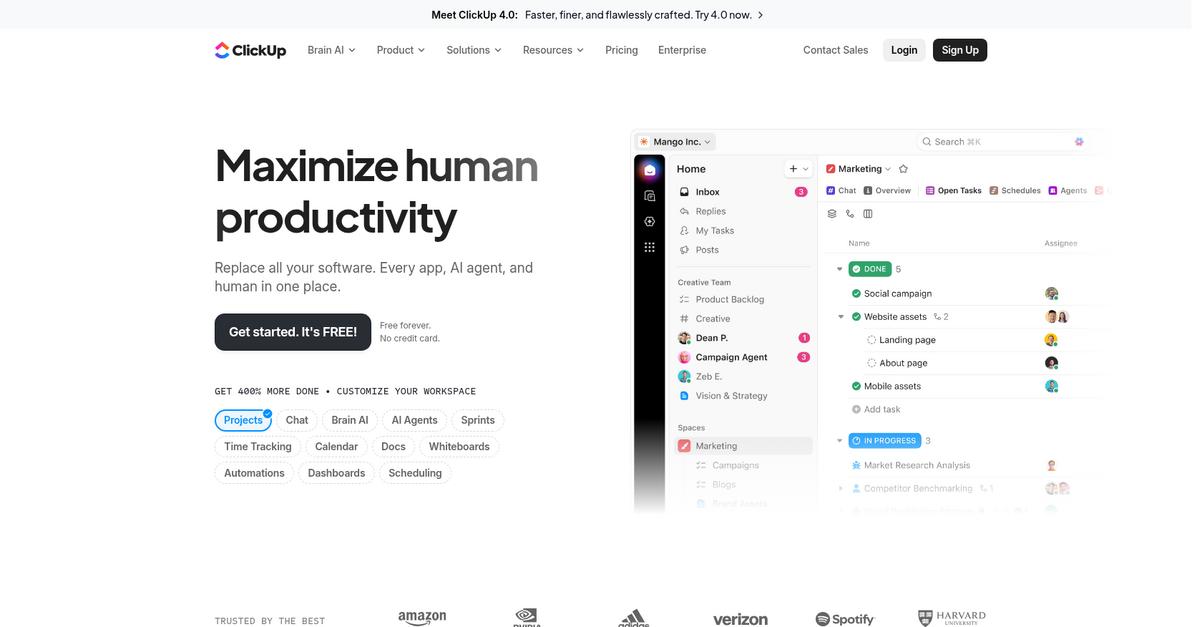
ClickUp brings robust documentation directly inside your projects, linking your docs, tasks, and goals in one intuitive platform for comprehensive team collaboration.
Zoom Docs tends to keep your collaboration fragmented, while ClickUp combines documents, tasks, and project goals all in one place, letting your team work where context and content meet instead of toggling between tools.
With everything connected, you reduce confusion and workarounds.
Here’s how ClickUp can help you move forward.
ClickUp integrates document creation right into your project workflows, so every note, knowledge base or wiki entry is just a click away from actionable tasks and goals.
You no longer have to bounce between apps, thanks to its AI Knowledge Manager that instantly answers team questions, going beyond Zoom Docs’ basic AI meeting notes and making information easy to find even as your workspace grows.
Additionally, powerful workflow automations tailor document reviews, approvals, and information routing—something Zoom Docs just can’t match—giving you control over your processes as your needs change.
Plus, every update you make keeps your team in sync.
Key features:
- Integrated Docs with projects and tasks keep everything your team needs in context, offering project-linked documentation capabilities that go beyond standalone documents found in Zoom Docs.
- AI-powered Knowledge Management across workspace answers questions about tasks, docs, and workflows instantly, providing comprehensive knowledge discovery beyond just simple AI meeting summaries.
- Customizable workflow automations for docs let you automate approvals, handoffs, and requests, giving your team tailored document controls absent in the basic features of Zoom Docs.
Verdict: ClickUp stands out as a top Zoom Docs alternative if you want every document, project, and process centralized with actionable features. Teams report dramatically improved project oversight and reduced tool sprawl after switching, resulting in up to 30 percent better team transparency and significant time savings.
9. Zoho Workplace
Looking for better team collaboration than Zoom Docs?
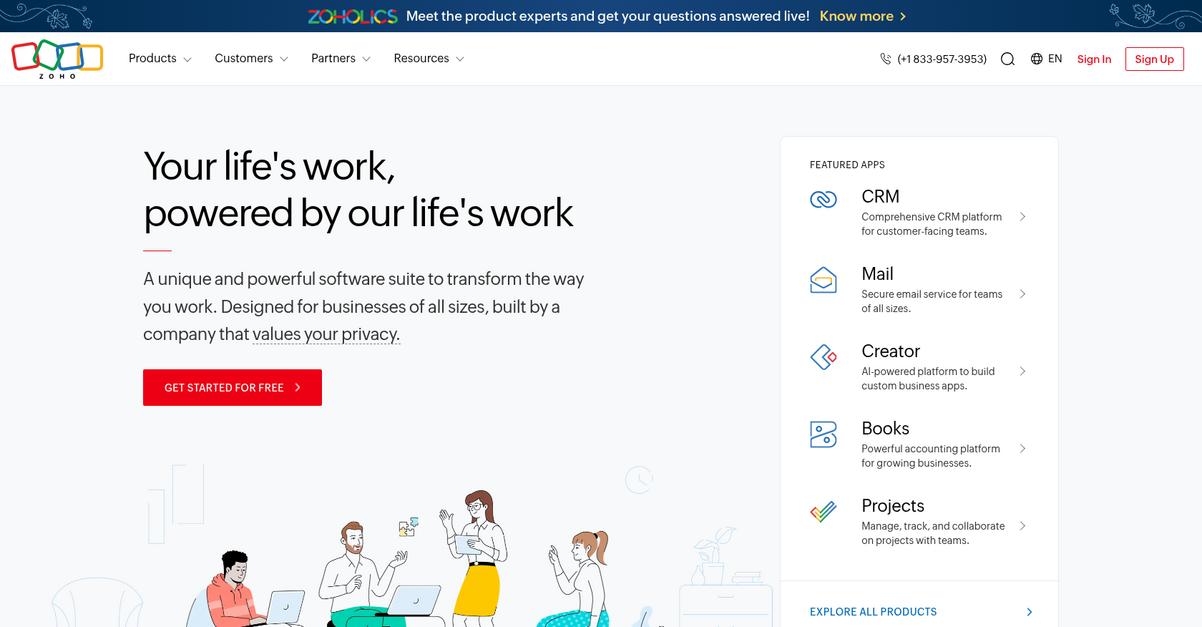
Zoho Workplace counters restrictive sharing and limited external collaboration by offering advanced editing, unified cloud storage, and robust integrations—features that go beyond Zoom Docs’ more basic document tools.
Where Zoom Docs can leave you boxed in by meeting-centric collaboration and limited file management, Zoho Workplace lets you collaborate in real time on documents with powerful editing tools your team actually wants to use. Writer’s advanced formatting and AI-powered assistance mean your content looks polished, while WorkDrive streamlines secure version control and team sharing.
You’ll notice the difference from day one.
Zoho Workplace steps up as your team’s productivity hub, solving more than just simple document editing needs.
Unlike Zoom Docs, Zoho Workplace gives you a powerful set of tools for collaborative document creation through Zoho Writer, advanced file management with WorkDrive, and direct access to a complete set of business applications within the Zoho ecosystem.
With AI-assisted writing and dedicated team cloud storage, you’re set up for smoother content creation and file management. You won’t have to struggle with document versioning or worry about fragmented workflows if you’re moving files around.
Additionally, you can integrate Zoho Mail, Connect, and more—all unified—so your team seamlessly manages tasks, files, and communication in one place rather than toggling between disconnected tools.
This makes every handoff and project simpler.
You’ll actually enjoy your document workflow again.
Key features:
- Advanced document collaboration in Zoho Writer provides robust co-authoring, real-time editing, and AI-powered assistance, elevating your content quality beyond what Zoom Docs’ toolset can deliver for project outputs.
- Secure and scalable cloud file management in Zoho WorkDrive, enabling granular team folder privileges, powerful sharing controls, and comprehensive version history so you never lose track or control of your files.
- Native integration with a full business suite—including Zoho Mail, Connect, and others—so your team can manage emails, chats, files, and projects without the switching friction typical with Zoom Docs’ closed approach.
Verdict: Zoho Workplace is a compelling Zoom Docs alternative if you want a more powerful document collaboration suite. Its unified editing, secure WorkDrive storage, and broad integrations help your team avoid disruption while boosting productivity—even letting you streamline workflows for entire projects in a single, connected workspace.
10. Coda
Wishing you could do more than Zoom Docs allows?
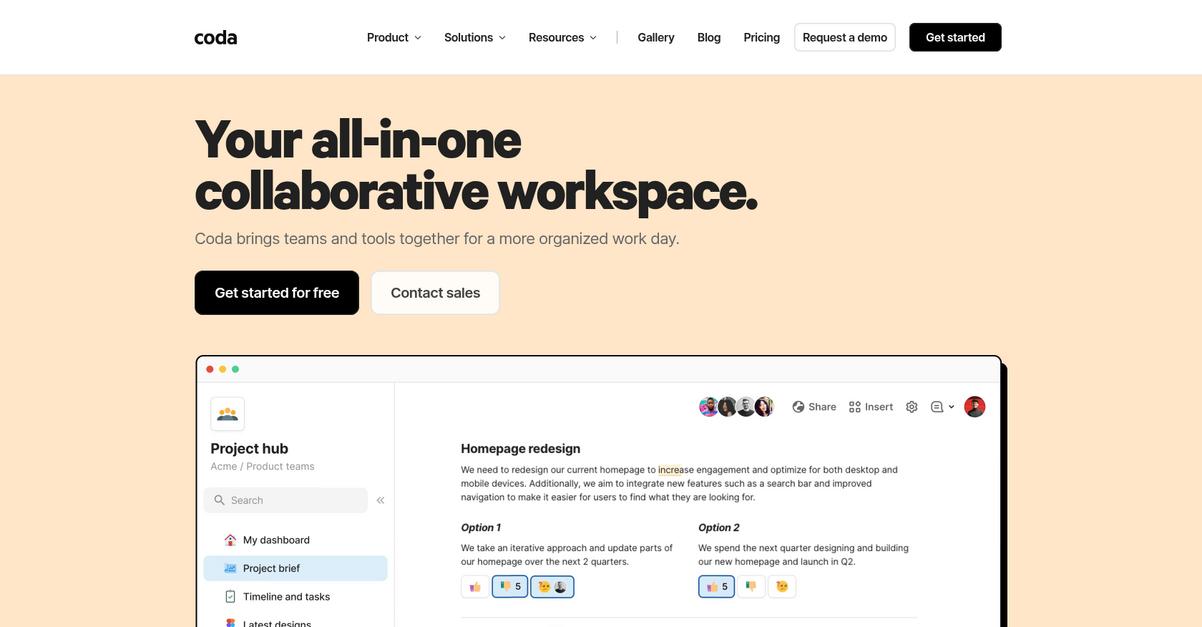
Coda lets you merge documents, tables, and interactive elements into custom, flexible workspaces so you’re never boxed in by generic templates or restrictive features.
Zoom Docs often leaves you with basic documents but little flexibility to build custom workflows or manage project data with real structure. All of this limits your options for process improvement, especially if your tasks go beyond meeting notes or static collaboration.
Here’s why Coda stands out.
This isn’t just another static doc editor.
Coda completely changes what you expect from document collaboration by letting you design docs that function more like powerful applications than plain files.
With its ‘doc as an app’ approach, you can combine structured data, interactive tables, project tracking, and reusable wikis–all in a single place. Unlike Zoom Docs, you get connected databases that turn into Kanban, Gantt, or custom views, letting you manage projects visually and flexibly without separate tools.
If you’re worried about integrations, Coda’s Packs bring in live data from Slack, Jira, Google Drive, and other essential apps. This means no more jumping around tabs to find or update information—every piece of your workflow lives right inside your doc. You can customize how you work, reduce app sprawl, and focus on true collaboration.
Coda brings everything into one workflow.
Key features:
- Doc as an App flexibility that blends tools so you can build custom wikis, trackers, or dashboards, going far beyond the static templates and document types you get in Zoom Docs.
- Relational tables and visual project management features like Kanban, Gantt, and calendar views, which give you far richer ways to organize project data within your documents than Zoom Docs allows.
- Hundreds of integrations through Coda Packs connect you with external platforms and bring real-time, actionable data into your workspace, which means you’re not limited by closed-off document collaboration.
Verdict: Coda is an excellent Zoom Docs alternative if you want more than static docs. Your team can use Coda to build custom project trackers, reduce the number of apps you juggle, and increase workflow efficiency—real users report greater focus and tool consolidation after making the switch.
Conclusion
Frustrated by Zoom Docs’ rigid sharing limits?
If you’re tired of pausing collaboration whenever a meeting ends, Zoom Docs just isn’t giving you the flexibility or integration your team needs for real productivity.
By trying to make do with a tool stuck inside video meetings, you risk losing momentum between projects and slowing your team down far more than any hassle of making a switch.
There’s a better way forward.
Throughout this guide, I found FileCenter stands out as the top choice if you’re ready to leave Zoom Docs behind for a system that prioritizes real document control.
FileCenter lets your team organize, edit, and securely manage documents on your terms—no more chasing permissions or getting blocked by missing integrations. It’s the Zoom Docs alternative that actually works how you wish Zoom would.
Try FileCenter today and see just how much smoother document collaboration can be.
Make every document easy to find and share.