
Losing files is driving you nuts, right?
If you feel like you’re always hunting for documents, only to end up frustrated and behind on your real work, you’re not alone.
Trust me, I’ve seen manual file chaos grind your productivity to a halt faster than almost anything else out there.
The data backs this up: Mordor Intelligence reported the document management system market is exploding from US$7.52 Billion in 2024 to nearly double that by 2029, which just shows how badly teams need smarter ways to handle paperwork. Clearly, many are tired of wasting valuable hours and resources on old-school processes.

But here’s the good news—getting document management sorted can totally change how your workday feels.
In this article, I’ll break down 7 practical ways document management saves time and actually ends those exhausting file search headaches for good.
You’ll see how simple tools and tweaks free you up to focus on what really matters.
Let’s get started.
Key Takeaways:
- ✅ Centralize all files in a searchable hub to instantly find documents using keywords or dates.
- ✅ Automate filing and routing tasks to reduce errors and speed up invoice and contract approvals.
- ✅ Build automated approval chains to streamline workflows and eliminate manual document handoffs.
- ✅ Enable real-time collaboration with a single source of truth for documents and co-authoring.
- ✅ Implement version control features like check-in/check-out to prevent conflicting edits and errors.
1. Eliminate Time-Wasting File Searches
Where did that important file go?
Sifting through disorganized folders and email attachments is a frustrating waste of your valuable time and energy.
That lost time adds up. Every minute spent searching is a minute not spent on actual productive work, slowing down your team and hurting your bottom line.
IDC found employees can spend 20% of their day just looking for files. Even worse, half those searches ultimately fail.
This frustrating cycle is a massive time drain, but you can end it with a better system.
- ???? Related: While we’re discussing the benefits of a better system, understanding audit trail management best practices is equally important for compliance and security.
This is where document management helps.
A good system gives you a centralized, searchable hub for all your files, ending the need to hunt through different locations.
Think of it like a powerful search engine for your company’s knowledge. You can find files instantly using keywords, dates, or even content within the document.
Instead of guessing folder names, you can type “Q4 marketing report” and find it in seconds. This is one of the most effective ways document management saves time.
It truly changes your daily workflow.

By making every document easily retrievable, you empower your team to focus on their core tasks instead of frustrating searches.
2. Automate Tedious Manual Tasks
Manual data entry is a productivity killer.
Filing invoices or routing contracts manually eats up hours of your team’s day, slowing down critical business processes.
This repetitive work adds up, leading to burnout and costly errors. It directly hurts your bottom line and puts a drag on overall team productivity.
In fact, a study shows recovering investment in six months is common for businesses using AI automation. This rapid ROI comes from fewer errors and faster approvals.
If this is your reality, automation is the key to breaking the cycle and saving valuable time.
- ???? Related: While we’re discussing automated processes, understanding document version control techniques is equally important for maintaining accuracy.
Document management systems solve this problem directly.
By automating repetitive tasks, you can instantly reclaim productive hours and let your team focus on more strategic initiatives.
You can set up rules to automatically file and name documents, which eliminates manual organization and prevents human error from happening.
For example, an incoming invoice can be automatically scanned, categorized, and routed to the right person for approval without anyone lifting a finger.
That’s a true efficiency game-changer.
This ensures your workflows are faster, more accurate, and require significantly less hands-on effort from your valuable team.
3. Streamline Document Workflows
Manual approvals create frustrating bottlenecks.
If you’re still chasing signatures or waiting on feedback, your current process is likely holding back progress for your entire team.
This constant back-and-forth means projects stall and deadlines get missed. For your growing business, these delays directly impact your ability to move forward and stay competitive.
Without a clear system, documents get lost in email threads or sit forgotten on someone’s desk, making tracking progress nearly impossible.
This cycle of delays is a major time drain, but there is a much better way to handle your documents.
- ???? Related: If you’re also looking into robust compliance, my article on document retention policy best practices covers what you need.
Automated workflows can solve this for you.
Document management systems let you build approval chains, routing files to the right people in the correct order, every single time.
You can set up custom rules for different document types. This ensures nothing falls through the cracks and everyone knows their specific role.
Imagine an invoice automatically going from sales to finance. This is one of the key ways document management saves time by eliminating manual handoffs.
It’s a truly set-it-and-forget-it approach.
By streamlining these steps, you accelerate operations and free your team to focus on work that actually matters.
4. Enhance Collaboration and Access
Is your team struggling to stay aligned?
Collaboration suffers when everyone has a different version of the same file, leading to confusion and rework.
This disorganization means team members might be overwriting crucial updates. This creates a cycle of rework, severely impacting your team’s productivity.
Chasing down the correct file or asking for the latest version eats up valuable time that could be spent on more important tasks.
These daily hurdles are a significant drain on efficiency, but a centralized system can completely change how your team works together.
- ???? Related: While discussing efficient document handling, understanding strategies for document lifecycle management is crucial for boosting compliance.
A central hub changes the game entirely.
Document management software creates a single source of truth, giving everyone real-time access to the most current files from any location.
This eliminates guesswork and delays. Team members can co-author documents, track changes, and provide feedback within the same platform.
Imagine your marketing team finalizing a proposal. Instead of emailing versions back and forth, everyone edits the same live document, a key way document management saves time.
This makes teamwork seamless and much faster.
By providing instant access and clear visibility, you empower your team to collaborate effectively and keep projects moving forward without friction.
5. Ensure Accurate Version Control
Working on the wrong file is frustrating.
It happens when multiple people edit the same document, creating duplicated work and confusion over the most current version.
This chaos wastes hours reconciling changes. Ultimately, you risk sending outdated information to clients, which damages your credibility and wastes everyone’s time.
Without a central system, your team is left sifting through emails trying to piece together the definitive draft from multiple copies.
This version control nightmare is a major time sink, but thankfully there’s a much simpler way to handle this.
- ???? Related:While we’re discussing ensuring accuracy, understanding how document management improves compliance is equally important.
Document management solves this version control chaos.
It provides a single source of truth for every file, ensuring everyone on your team is always working on the correct document.
With features like check-in/check-out, you can prevent conflicting edits before they even happen, which saves a lot of headaches.
A full version history is automatically logged, letting you revert to previous drafts with a single click. These are key ways document management saves time and prevents major errors.
It’s like an instant undo button.
This ensures your team’s collaboration is seamless and that you always present the most accurate information to clients and partners.
6. Improve Security and Compliance
Worried about security and compliance?
Manual processes and scattered files create significant security vulnerabilities, putting your sensitive company and customer data at constant risk.
This disorganization makes proving compliance a nightmare. In an audit, finding the right documents quickly becomes nearly impossible, leading to potential fines and reputational damage.
The time spent managing this manually is significant. G2 data shows that tools offering a short ROI in just 5 months are invaluable for security compliance, proving how quickly the right system pays off.
This constant worry over security breaches and compliance is a huge time sink. But there’s a much better way to manage this.
- ???? Related: While we’re discussing compliance, understanding how to improve document compliance is equally important for regulatory adherence.
Document management systems centralize your security efforts.
A good DMS helps you implement robust security protocols easily, saving hours you’d otherwise spend on manual checks and stressful audit preparations.
You can control who sees what with role-based access permissions, ensuring only authorized personnel can view or edit sensitive information.
This system creates a full audit trail, tracking every action taken on a document. This is one of the key ways document management saves time during compliance checks.
Everything is tracked, logged, and easily reportable.
This automated oversight not only secures your data but also gives you peace of mind, freeing you to focus on more productive work.
7. Reduce Physical Storage Costs
Physical storage costs are adding up.
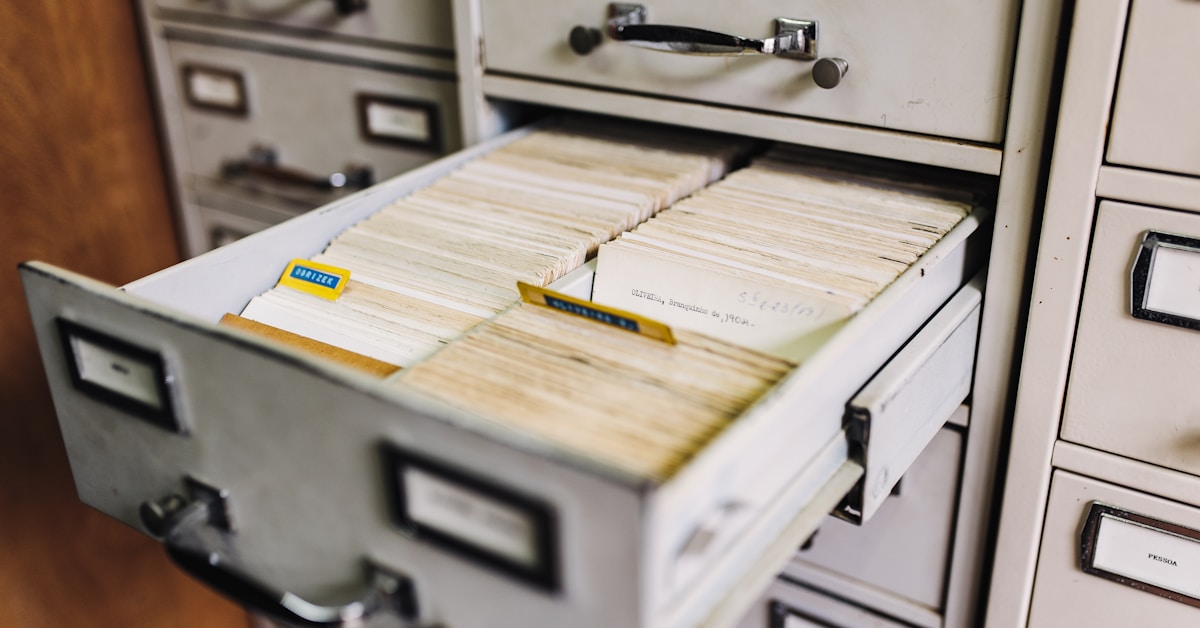
Renting off-site storage and dedicating office space to bulky filing cabinets quickly drains your budget and wastes valuable real estate.
Beyond the rent, you’re paying for supplies and the time your team wastes physically retrieving files, which is a massive productivity drain.
Artificio’s AI shows that the average enterprise spends $20,000-$30,000 annually per terabyte. This shows how quickly data storage costs can spiral out of control.
If these escalating costs sound familiar, there’s a much smarter way to handle your company’s information.
- ???? Related: While considering the right solutions, a detailed guide on choosing document management software can set you on the right path for boosting productivity.
Document management software is the answer.
Going digital with a DMS eliminates the need for most physical storage, directly saving you money on rent and supplies.
This also frees up valuable office space, which you can repurpose for more productive activities that help your business grow.
By digitizing records, you replace costly physical storage with a secure, searchable digital repository. This is one of the key ways document management saves time and slashes your operational overhead significantly.
It is a straightforward financial win.
You can then re-allocate those savings from rent and supplies to other critical areas of your business.
Conclusion
Lost in files again? It happens.
Wasting time hunting for documents and juggling outdated processes slows down everything, making your day a whole lot harder than it should be.
Take a look at this: Hostinger reports that by 2025, an incredible 95% of organizations are expected to use AI-powered SaaS tools to supercharge productivity. Adopting smarter document management isn’t just a trend—it’s become industry standard, opening the door for major time savings.
There’s a fix for this daily grind.
By learning these strategies, you can finally cut pointless searches and automate those tedious workflows that stall your momentum.
Just think back to the ways document management saves time—automating manual tasks, securing sensitive data, and eliminating lost files are real game changers I’ve seen work firsthand.
Try digitizing just one process from today’s list.
You’ll get back time for what matters most.